




- Updated version of:
-
- Original release date: 29 Mar 2007
- Platforms: PlayStation 2

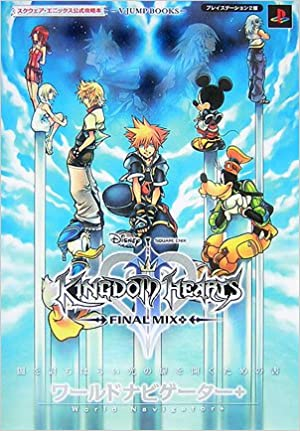
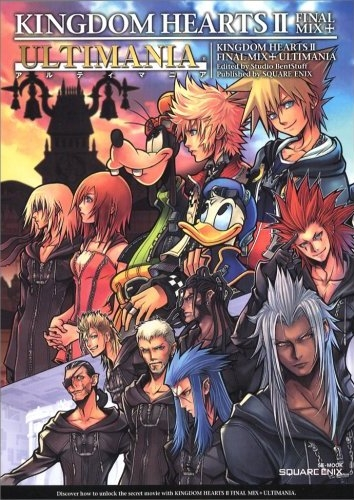
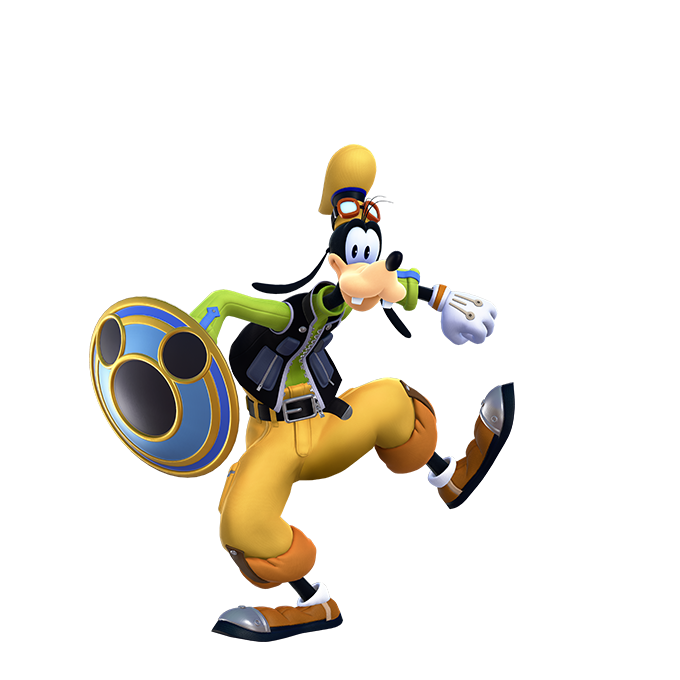
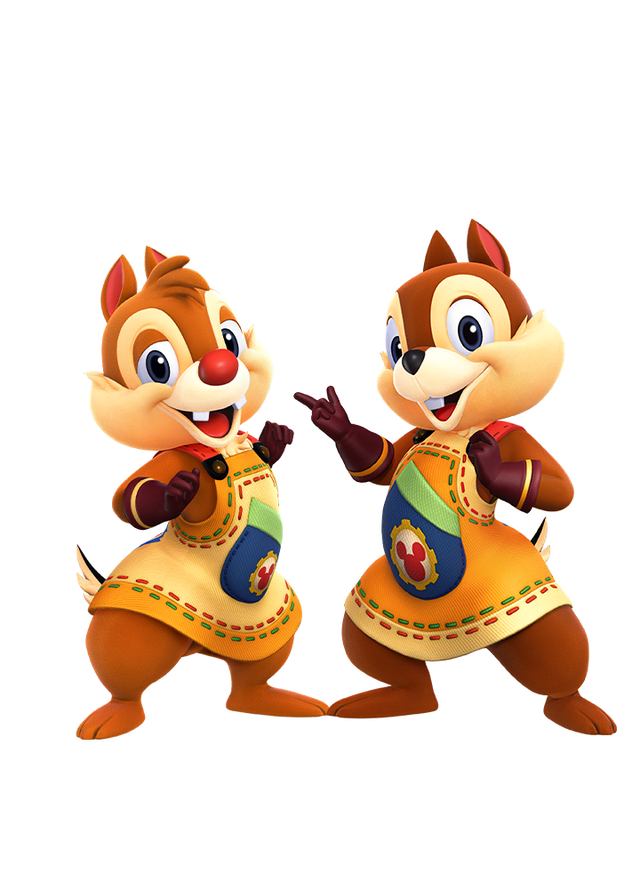
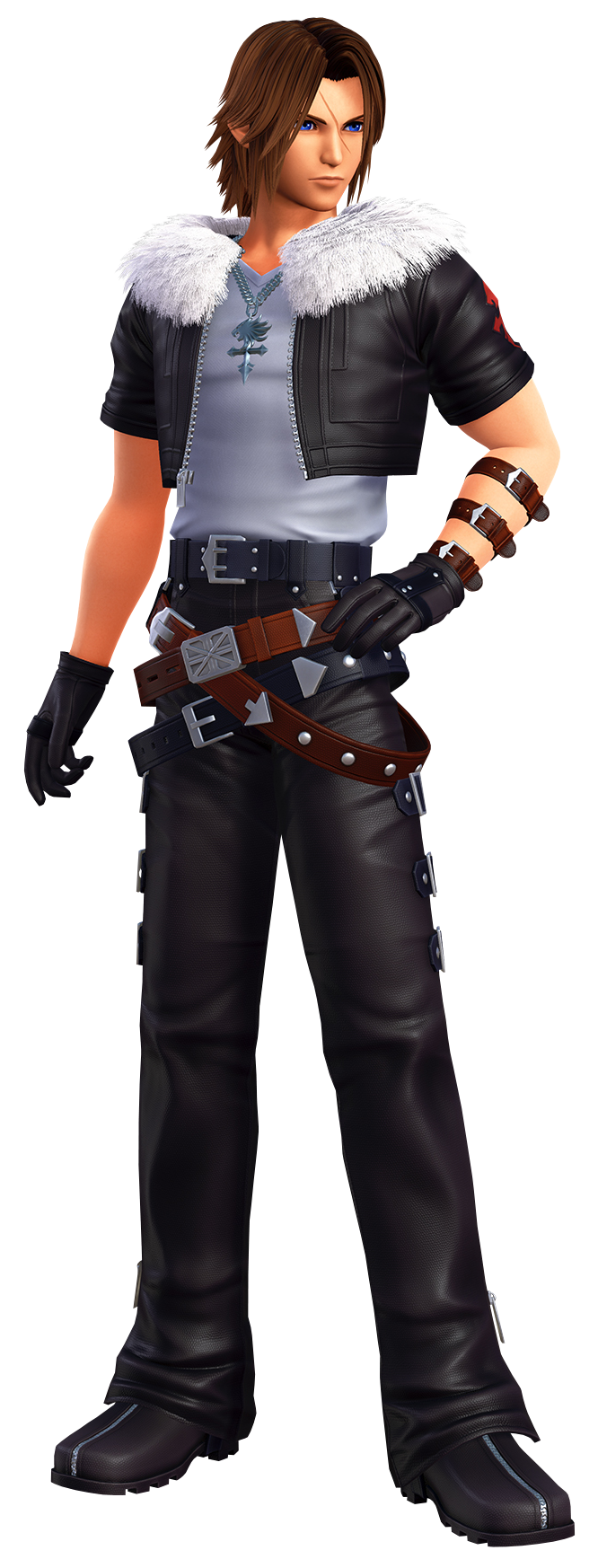
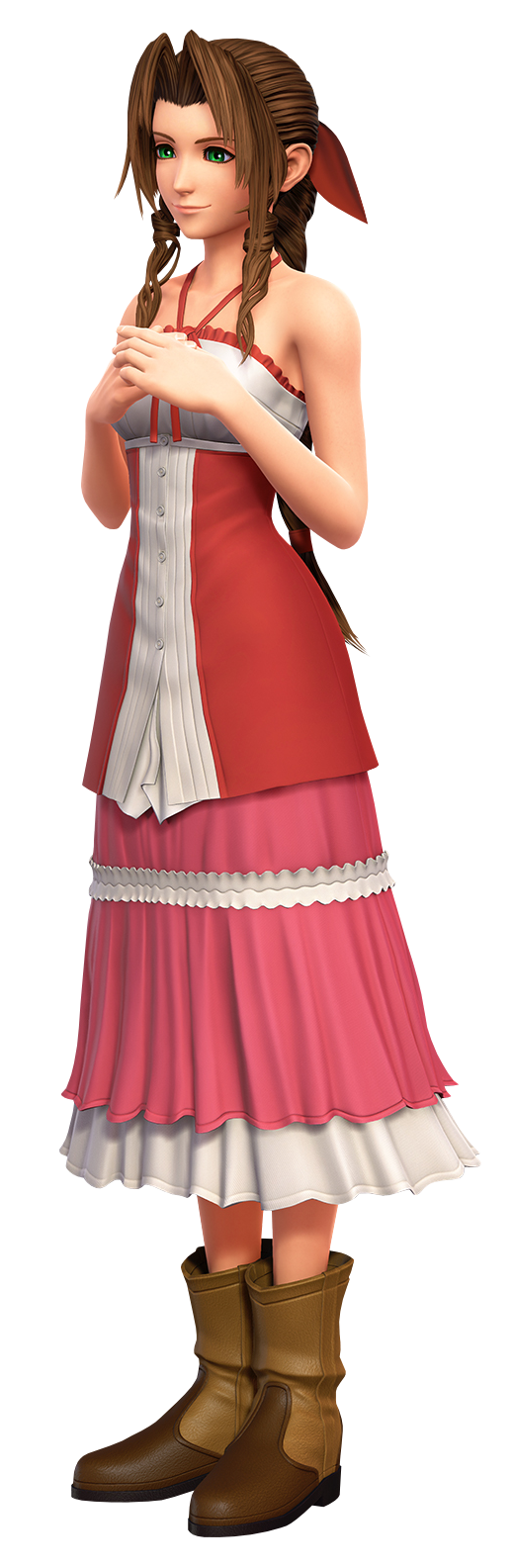
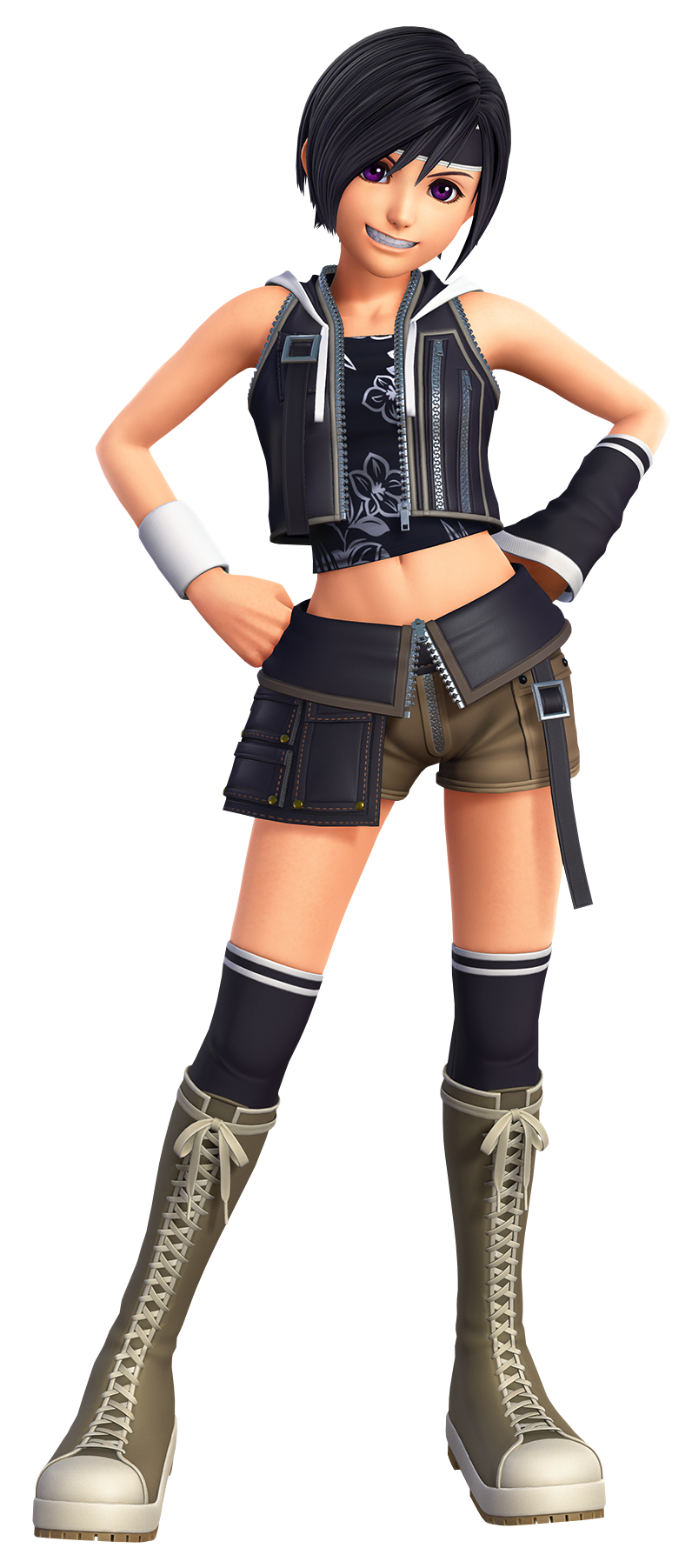
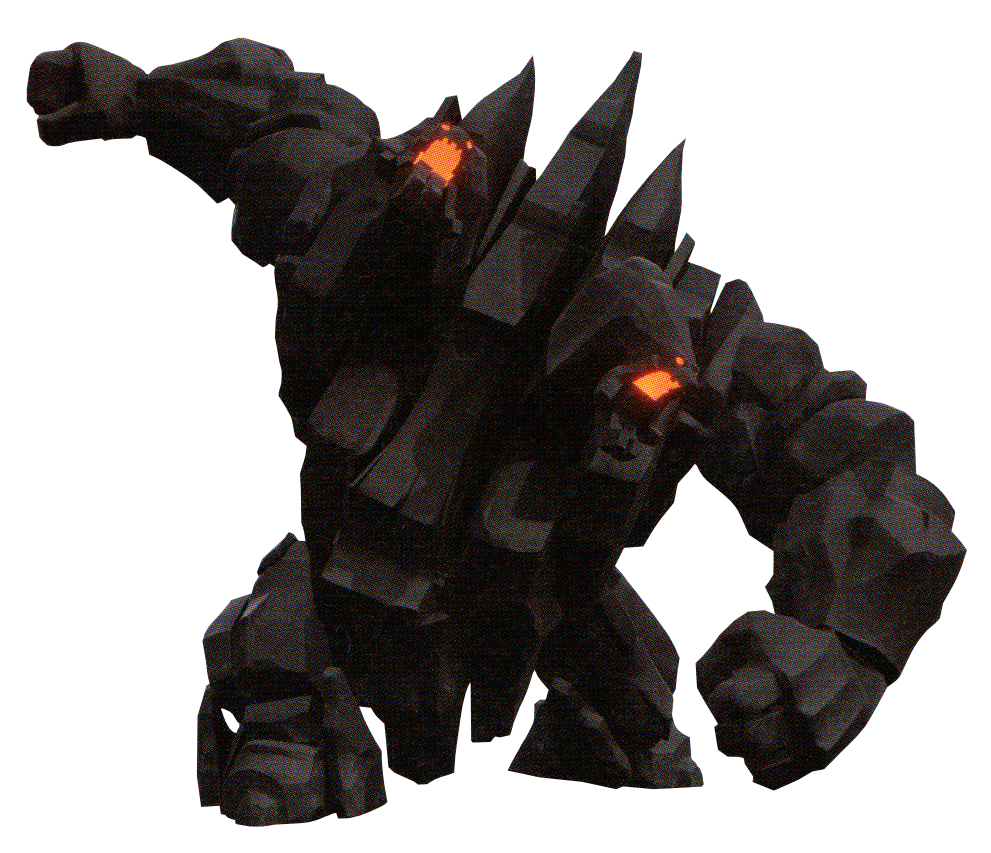
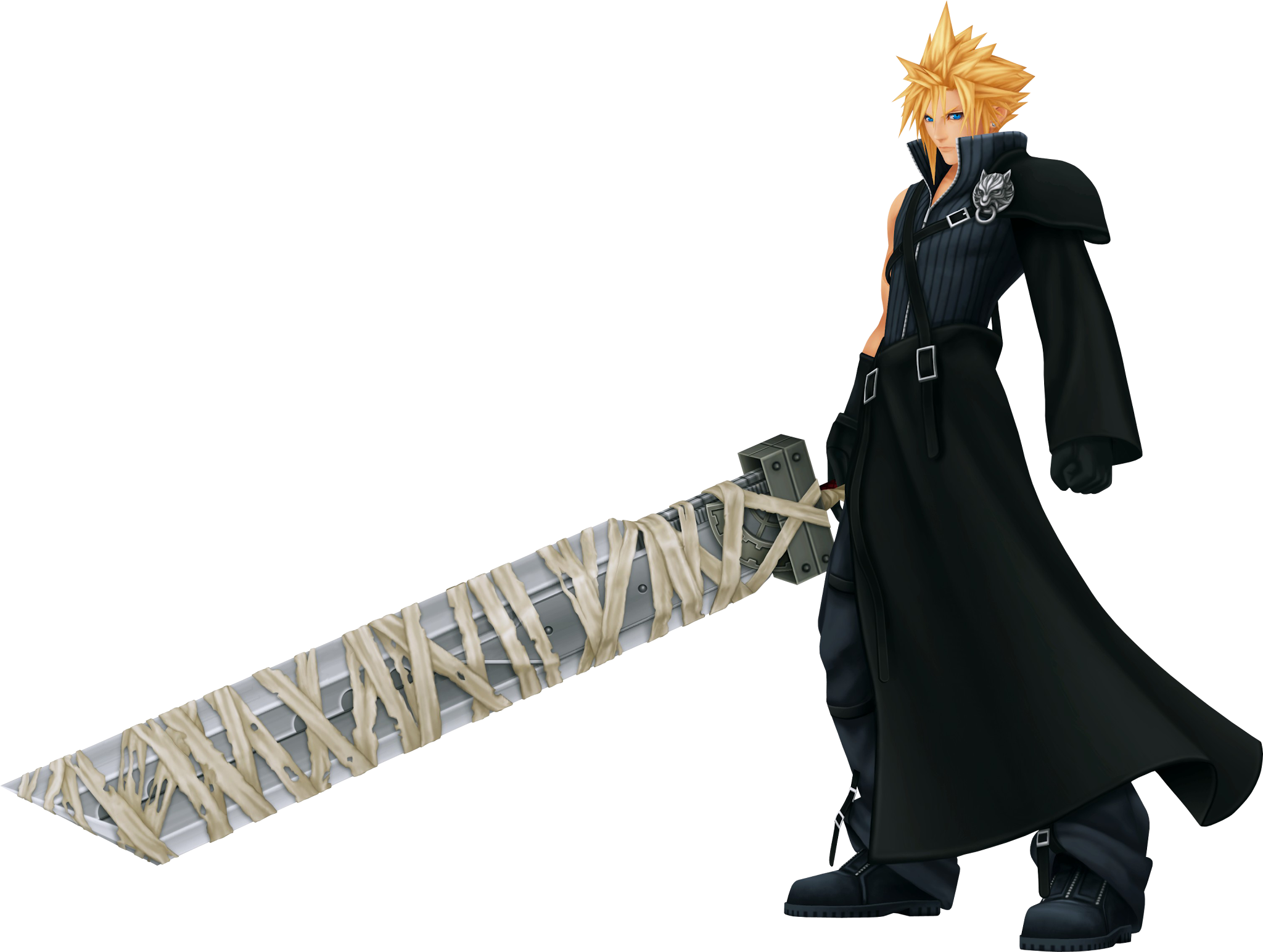
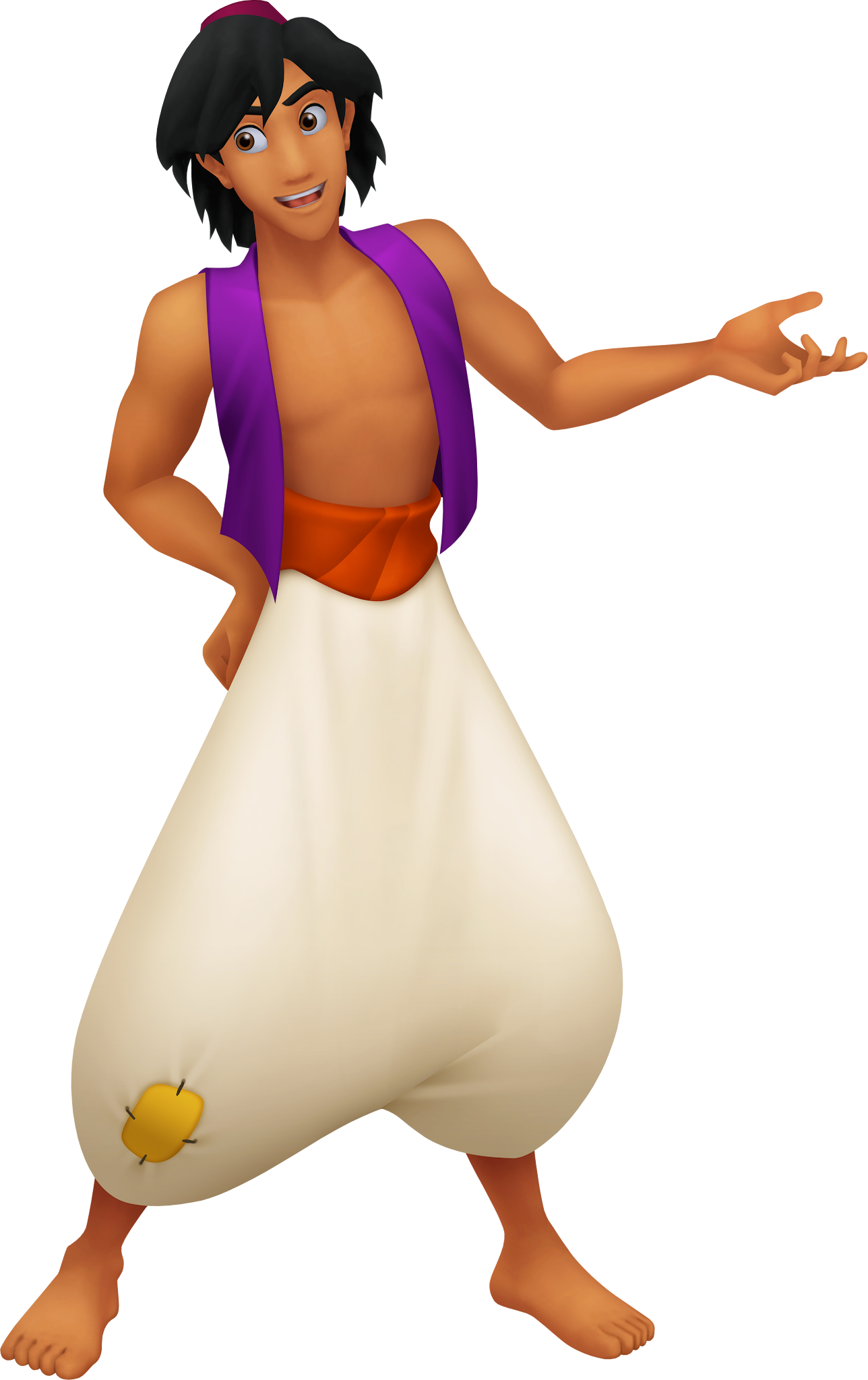
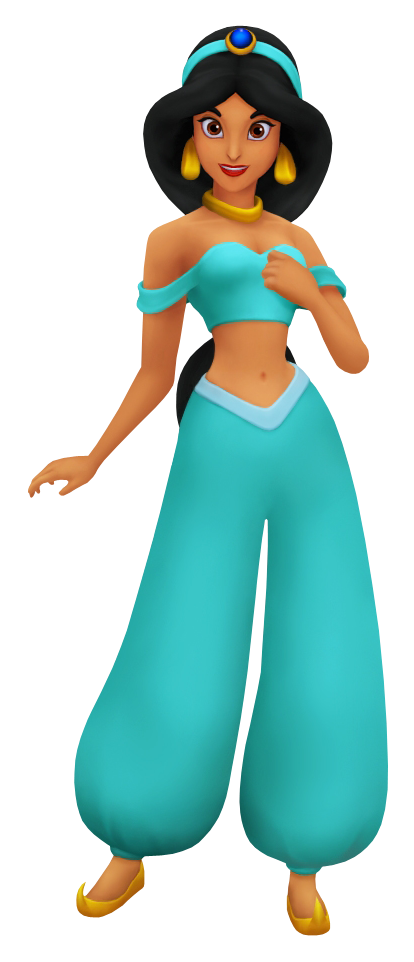
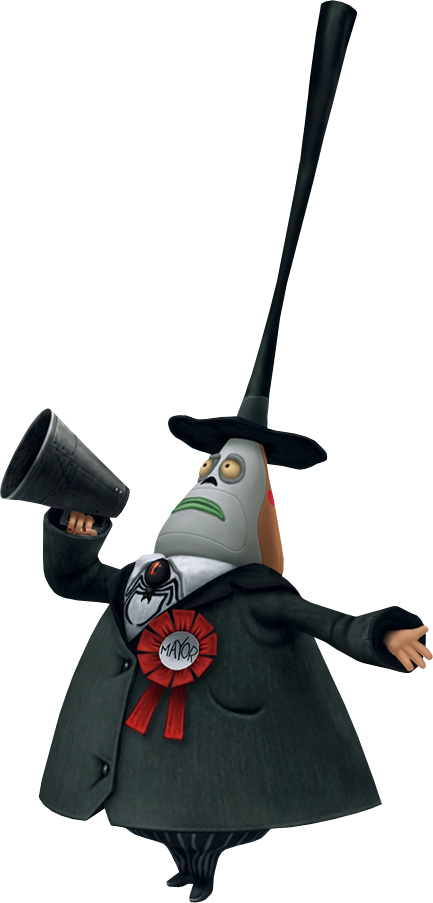
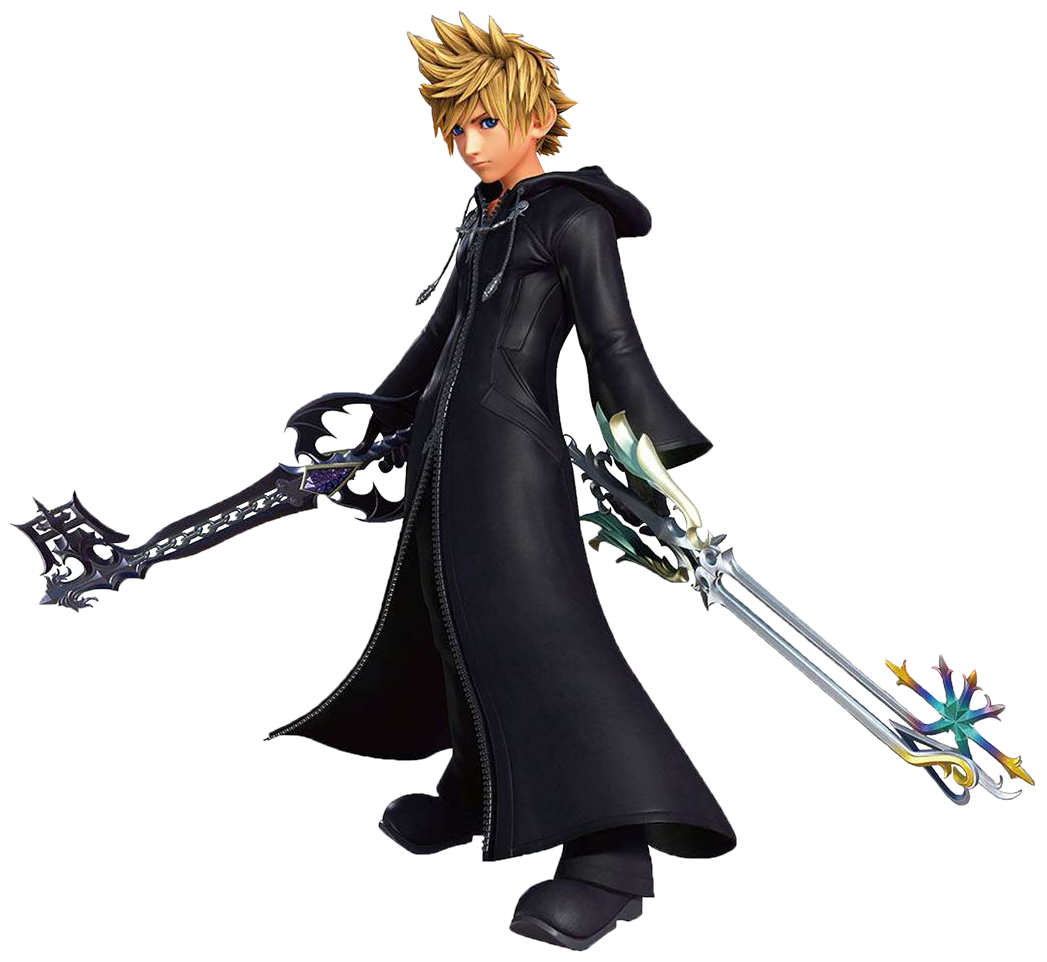
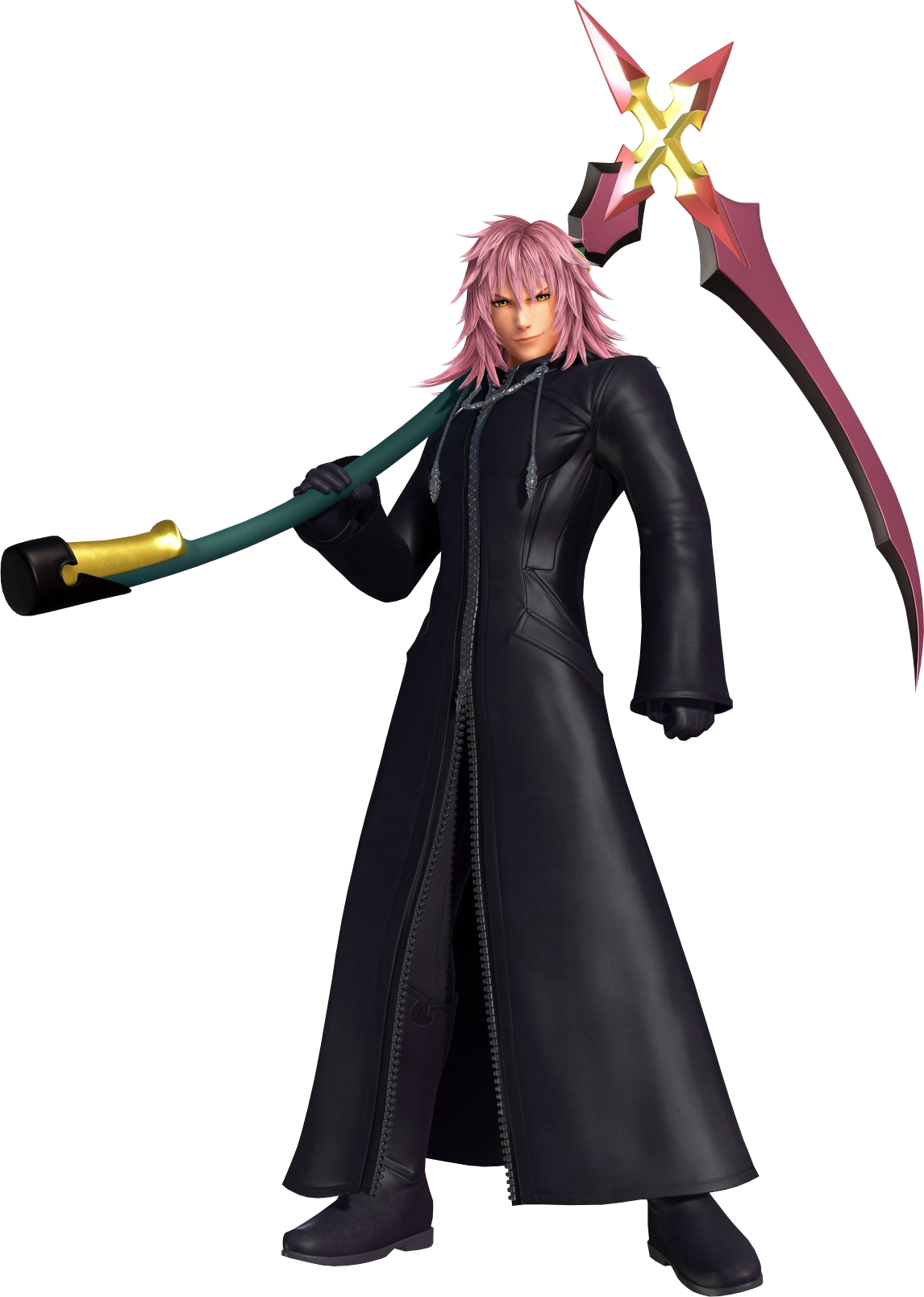
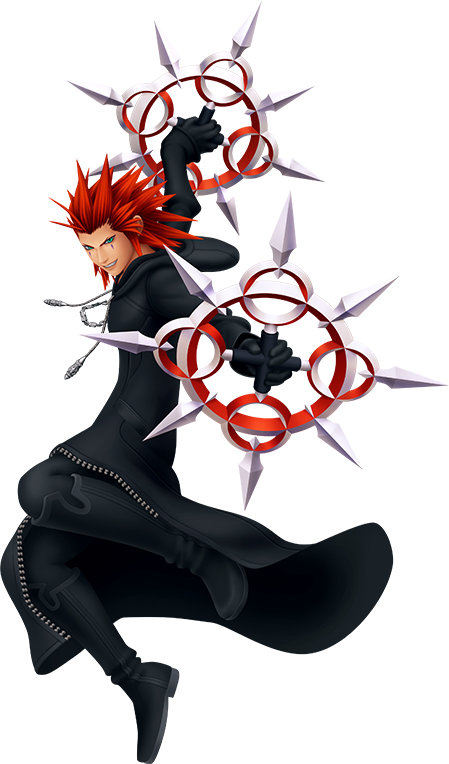
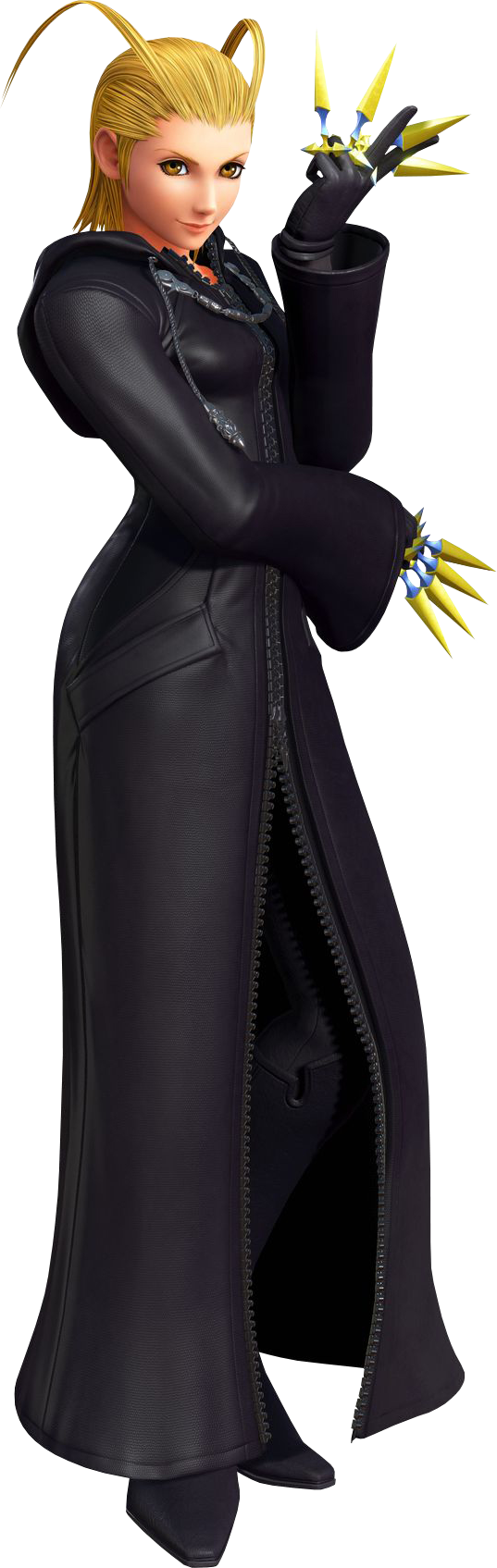
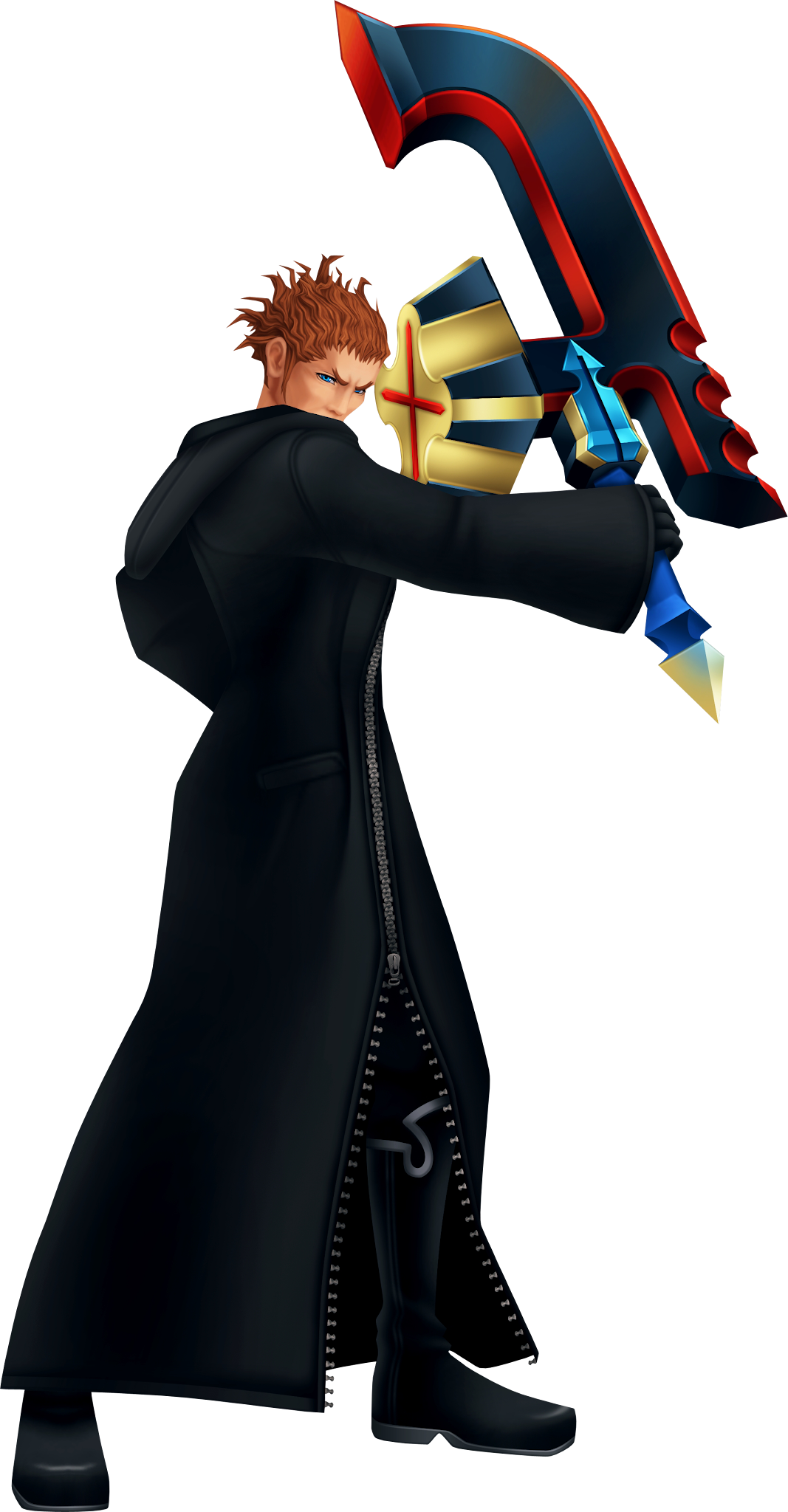
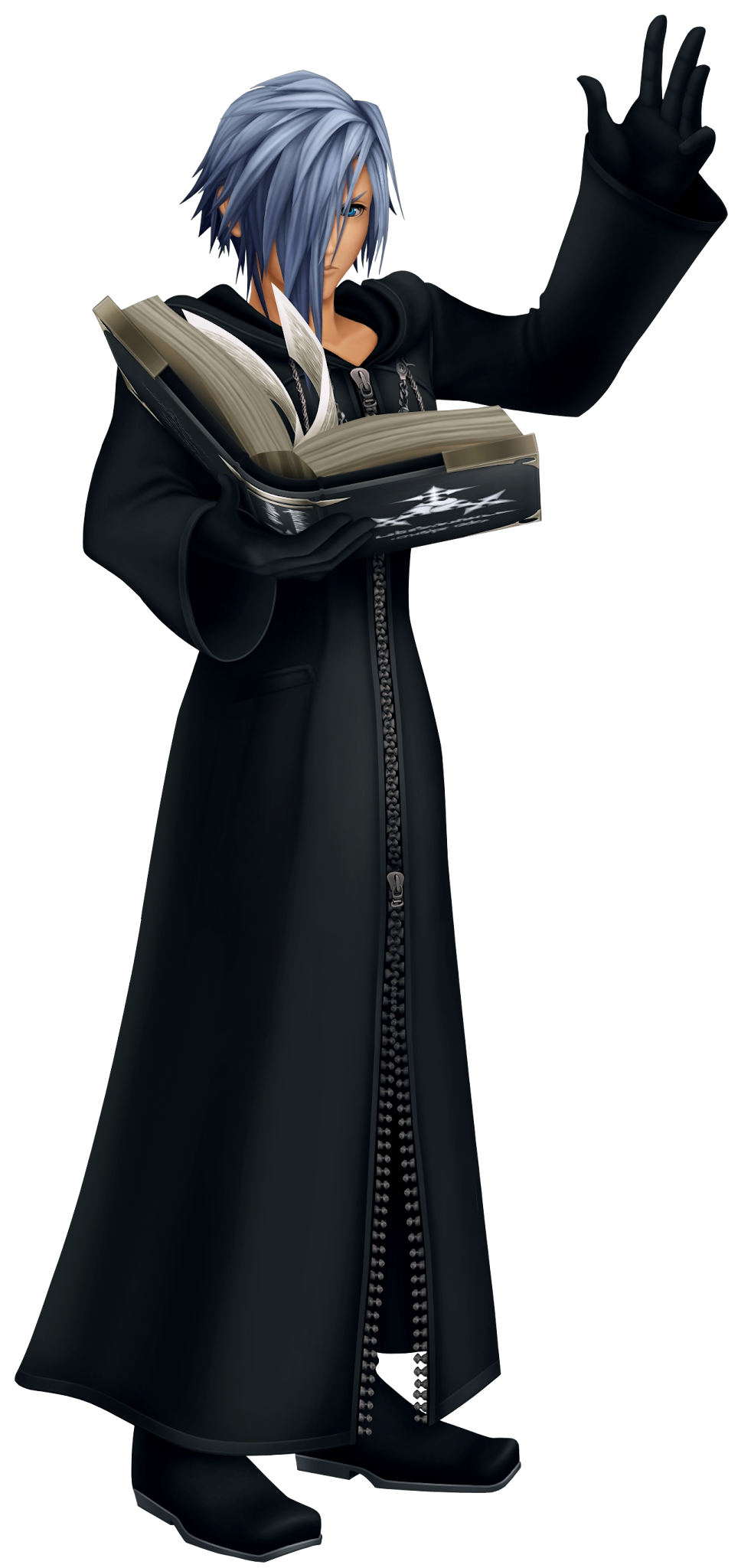
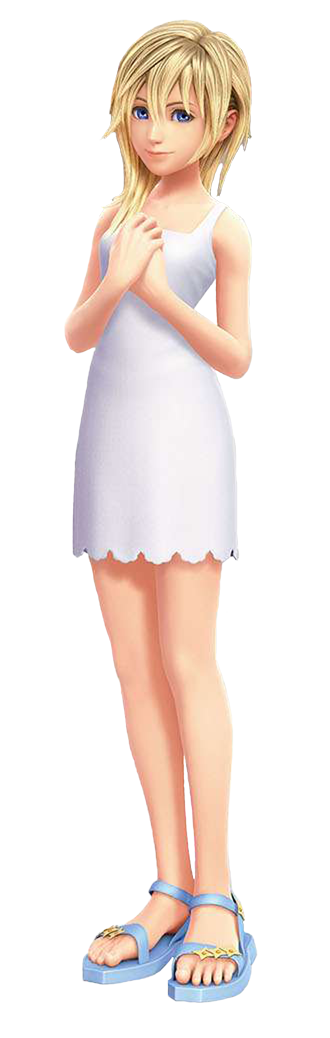
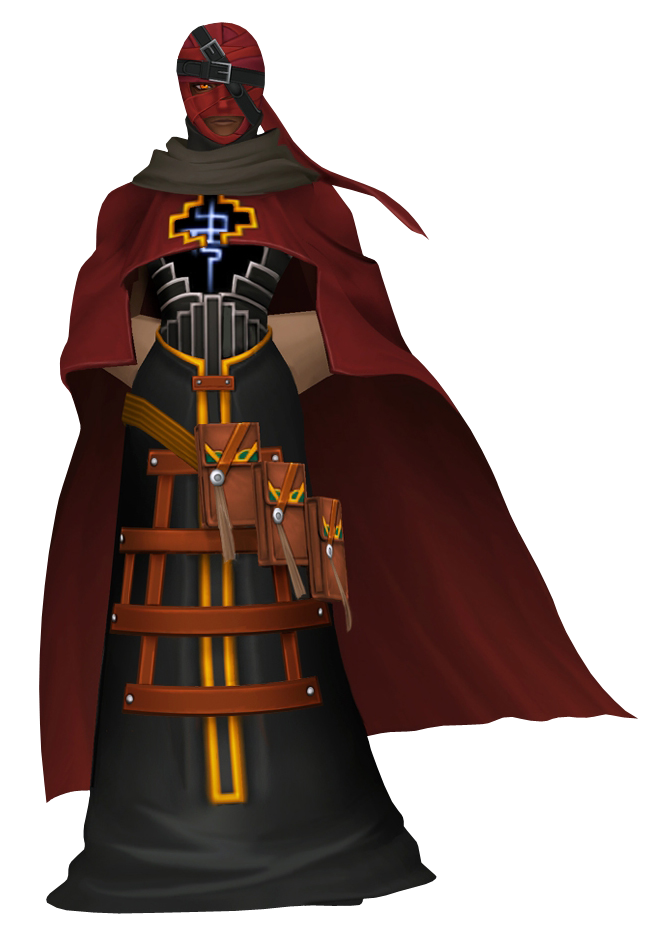
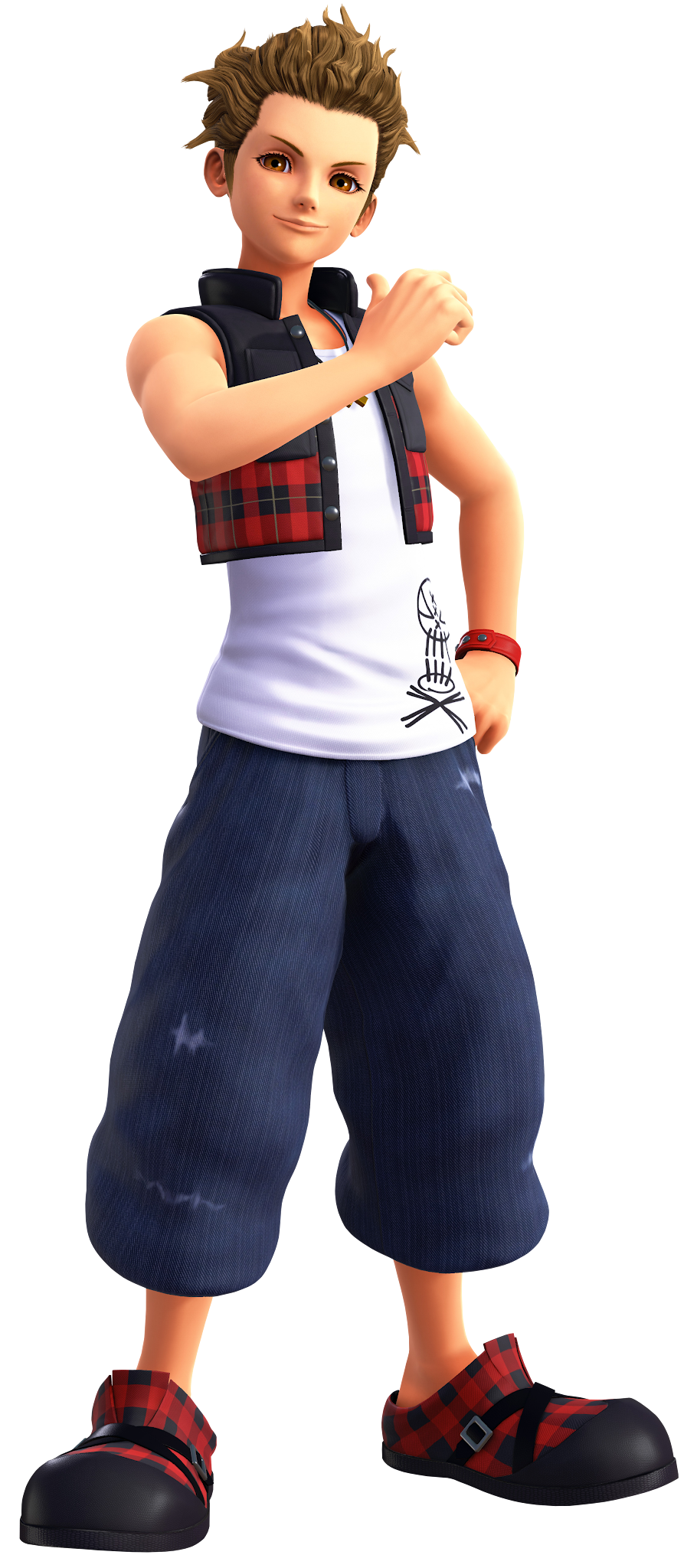
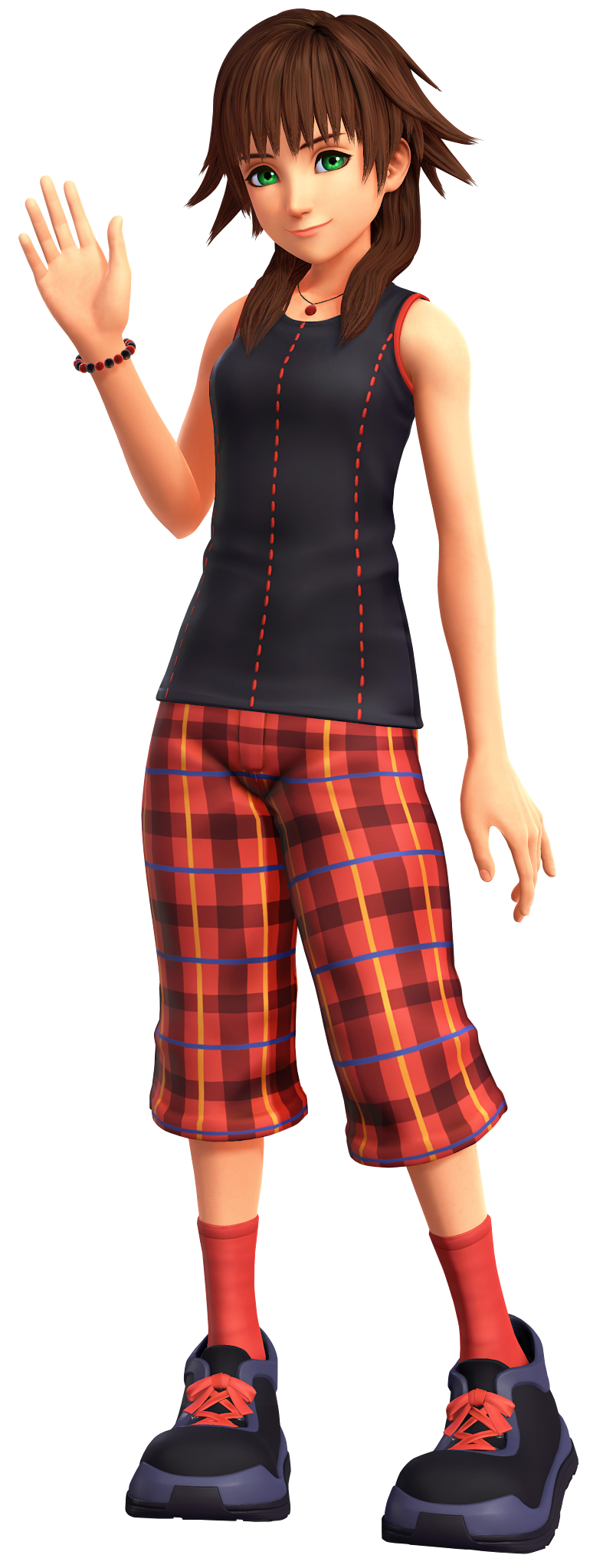
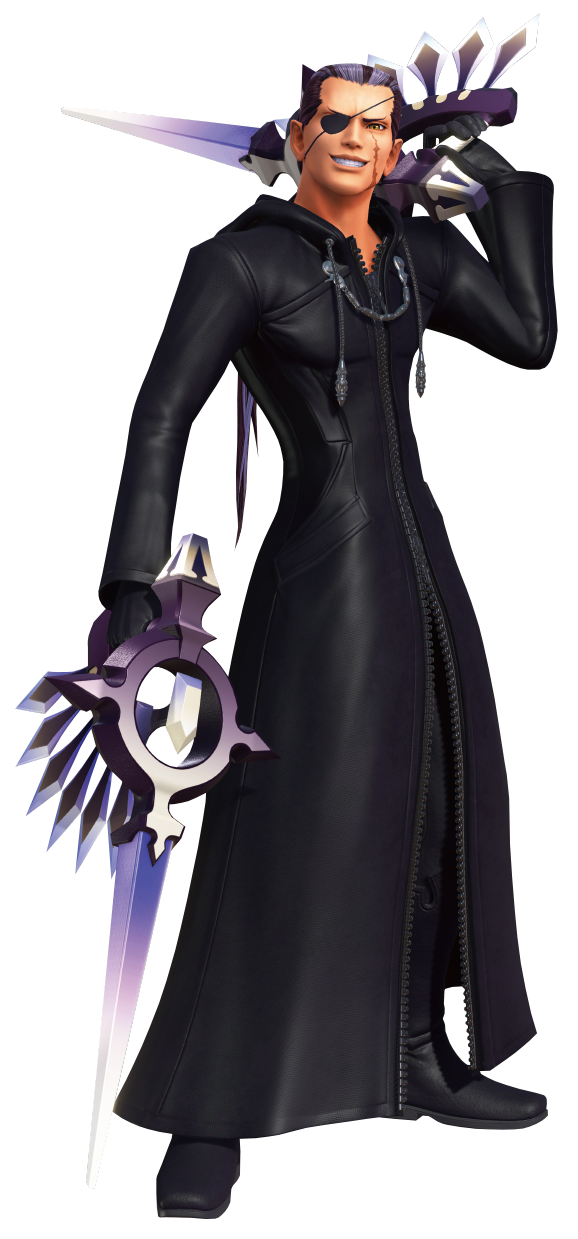
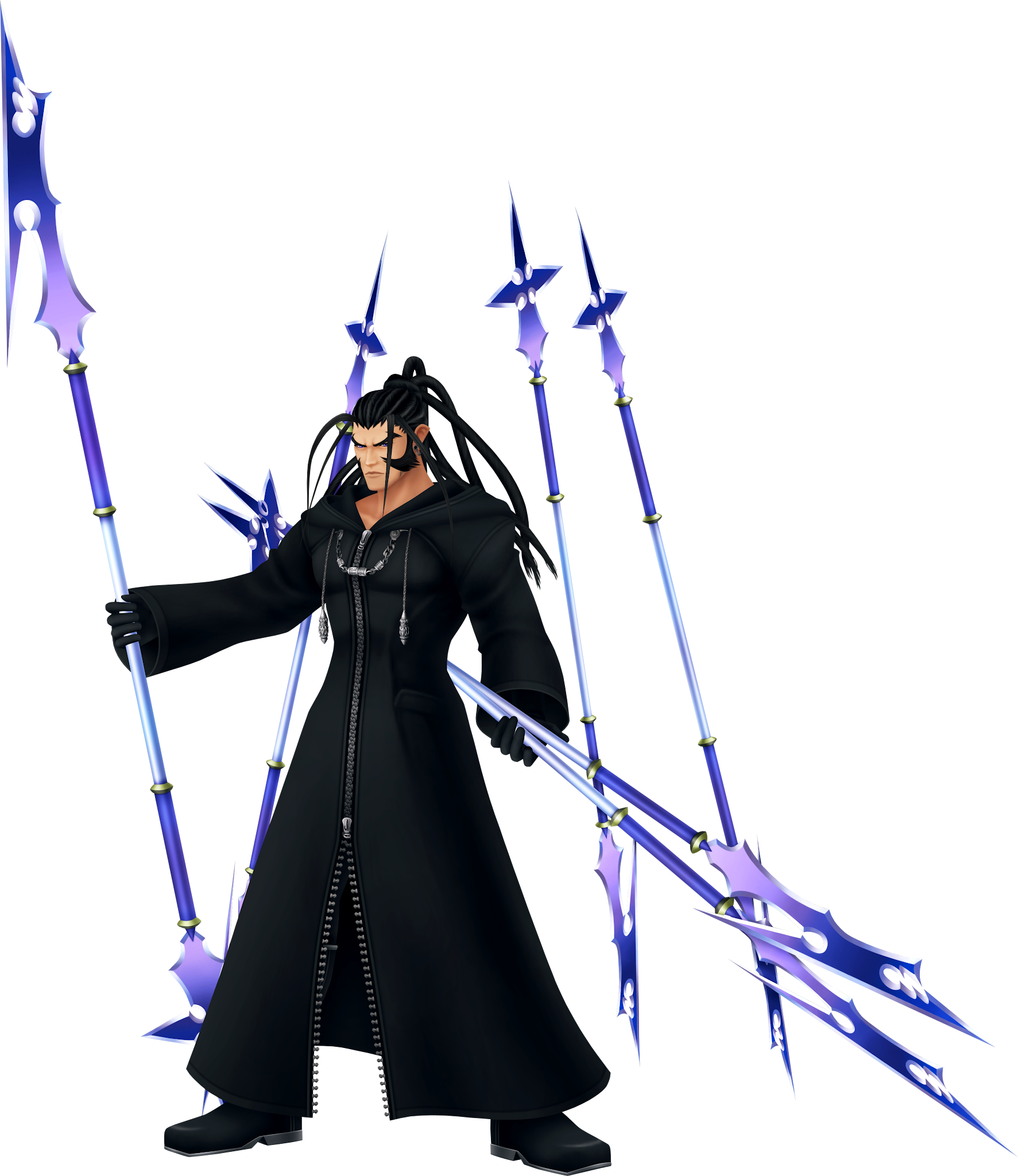
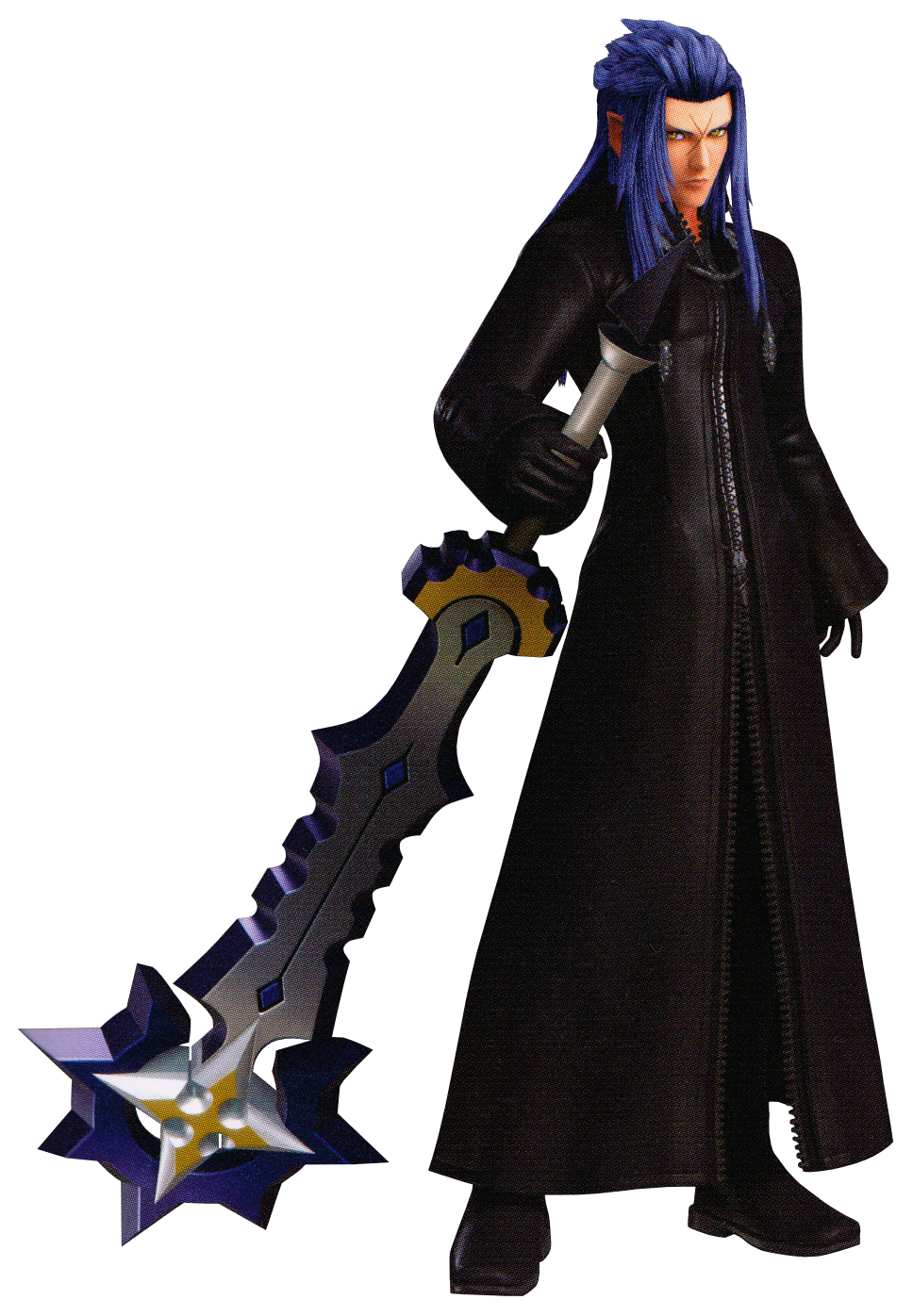
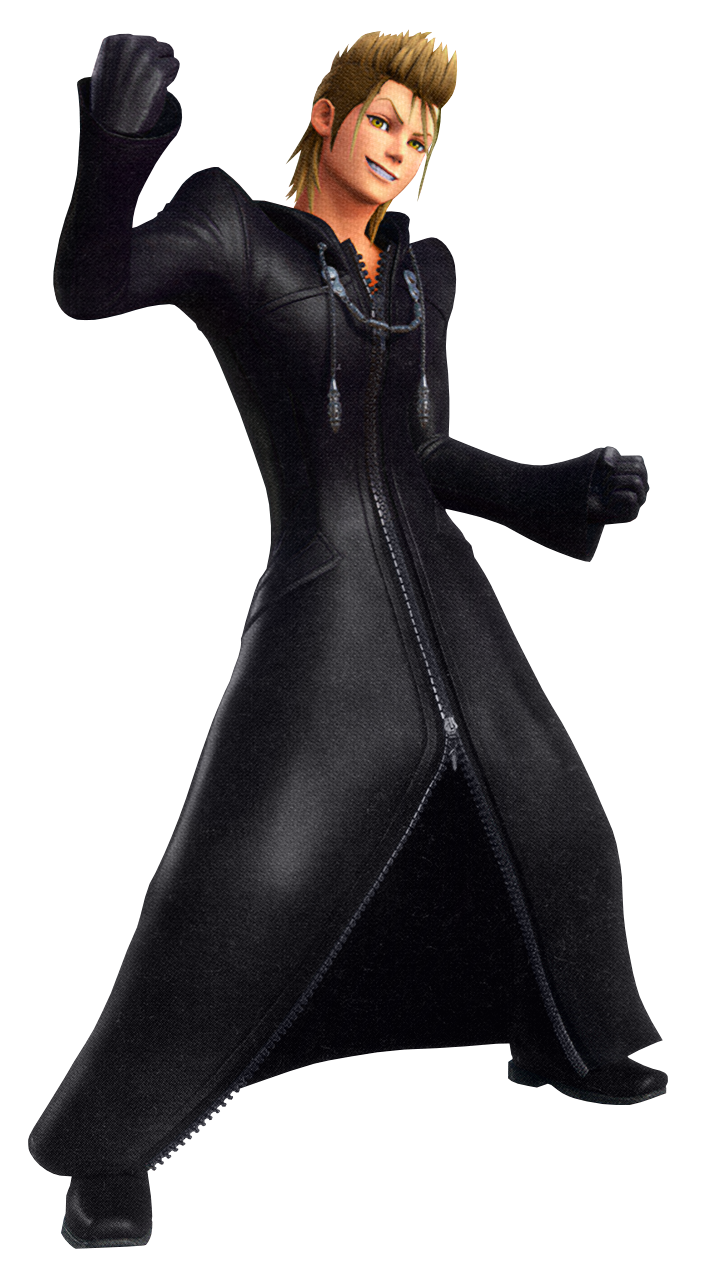
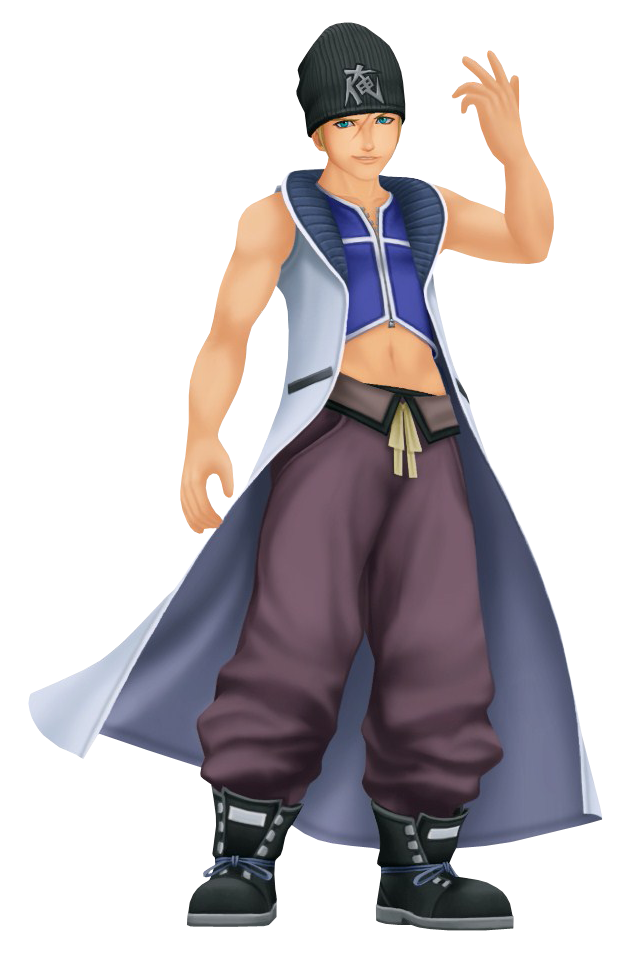
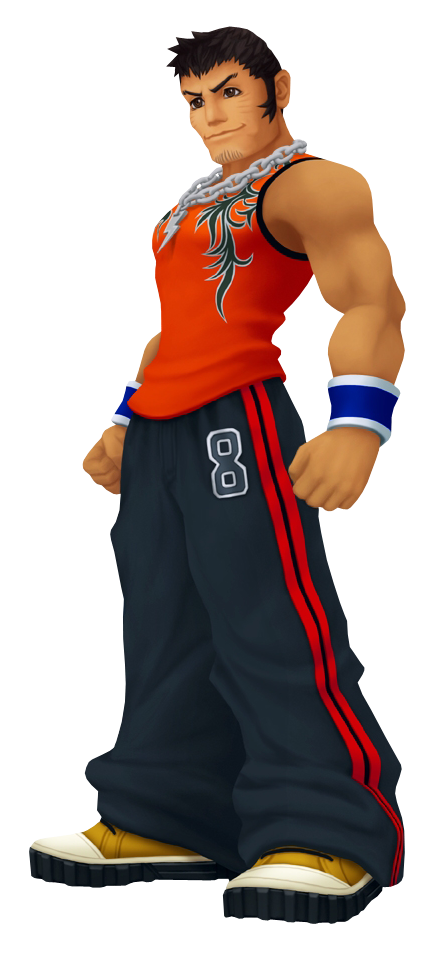
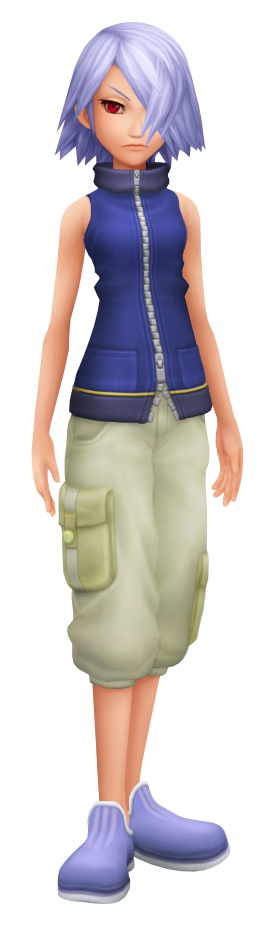
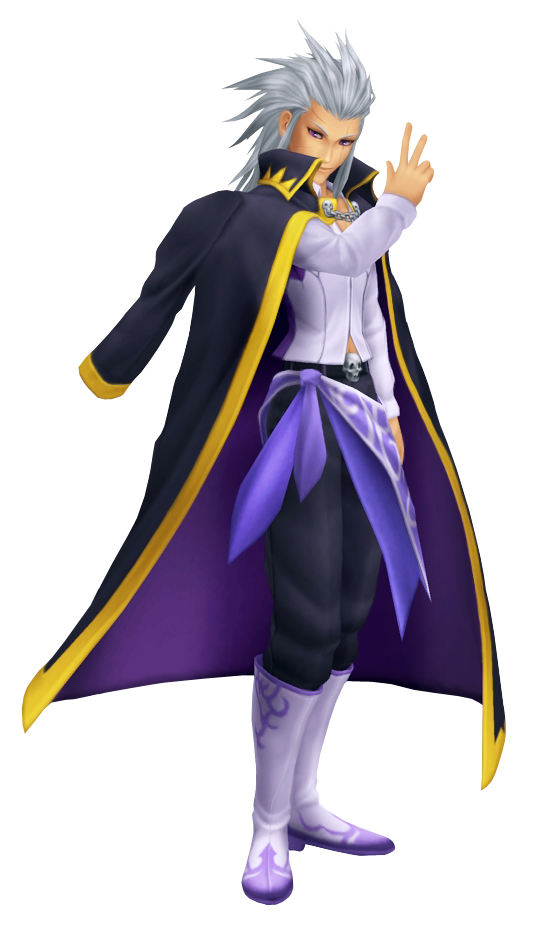
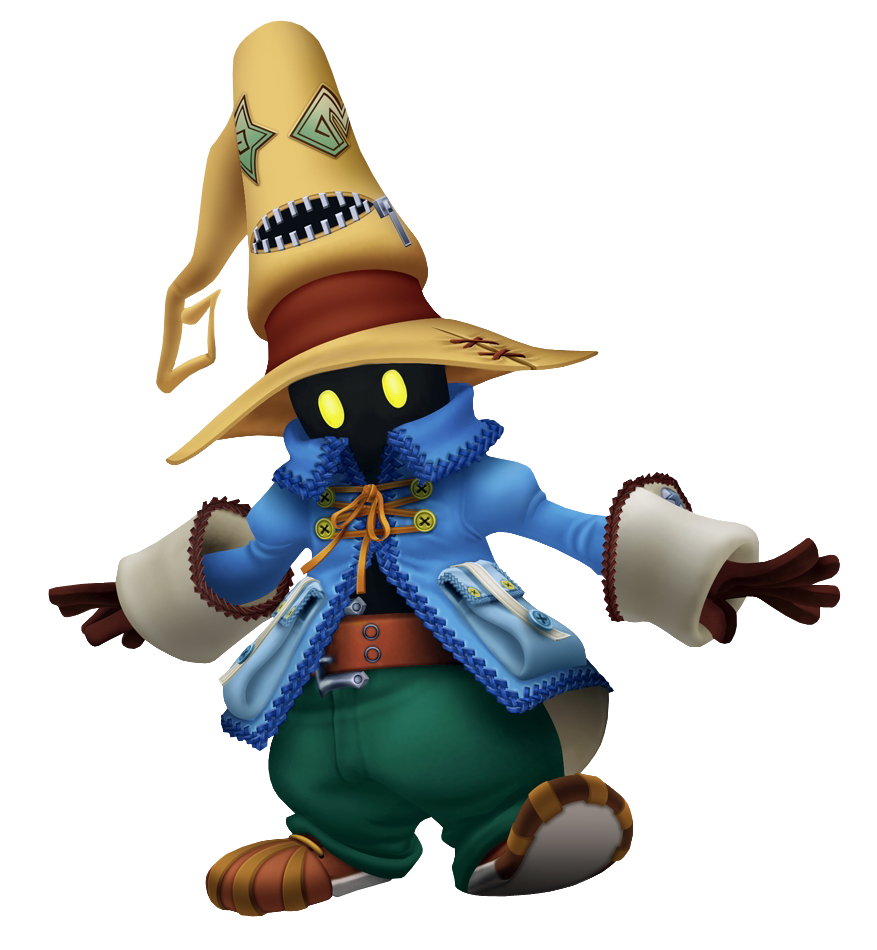
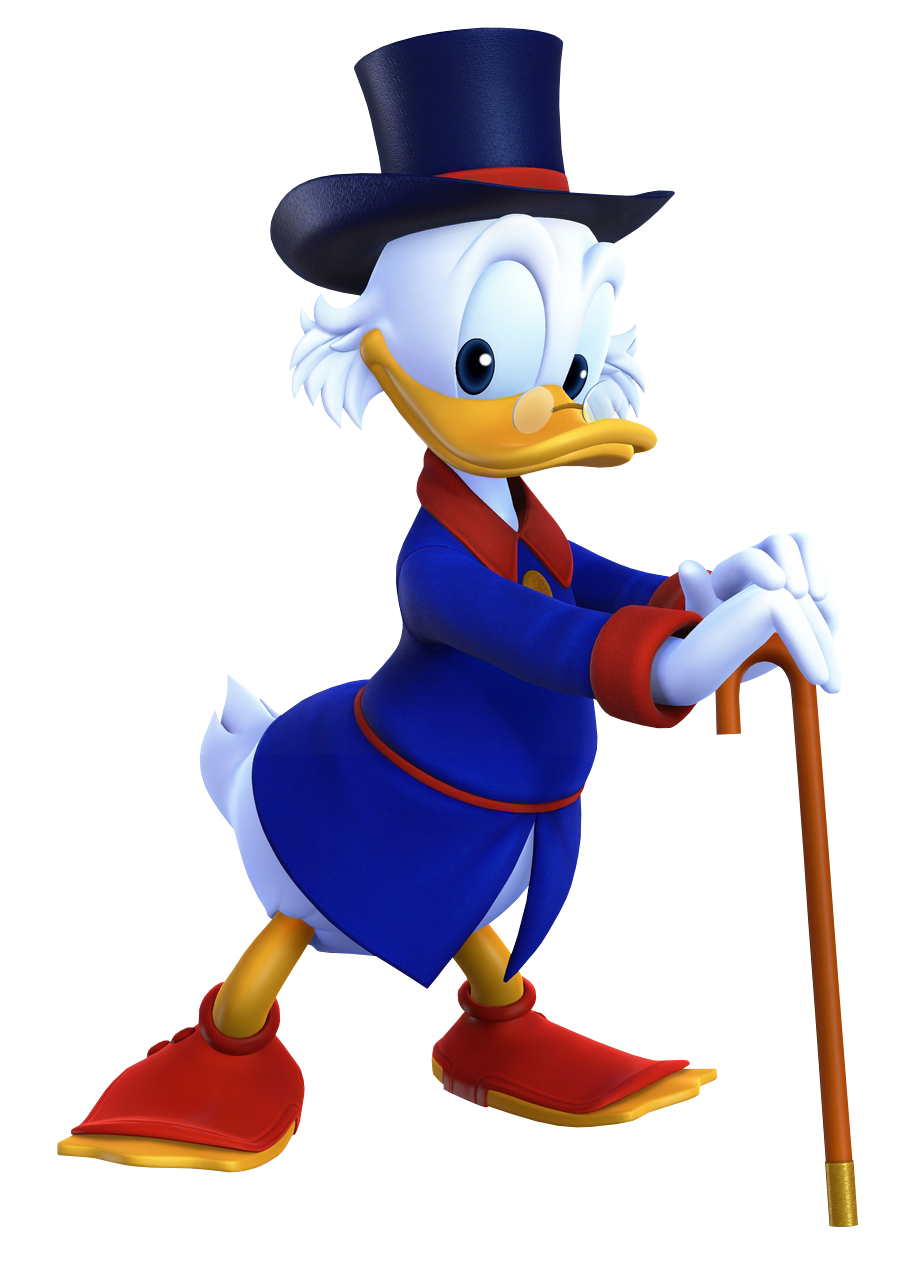
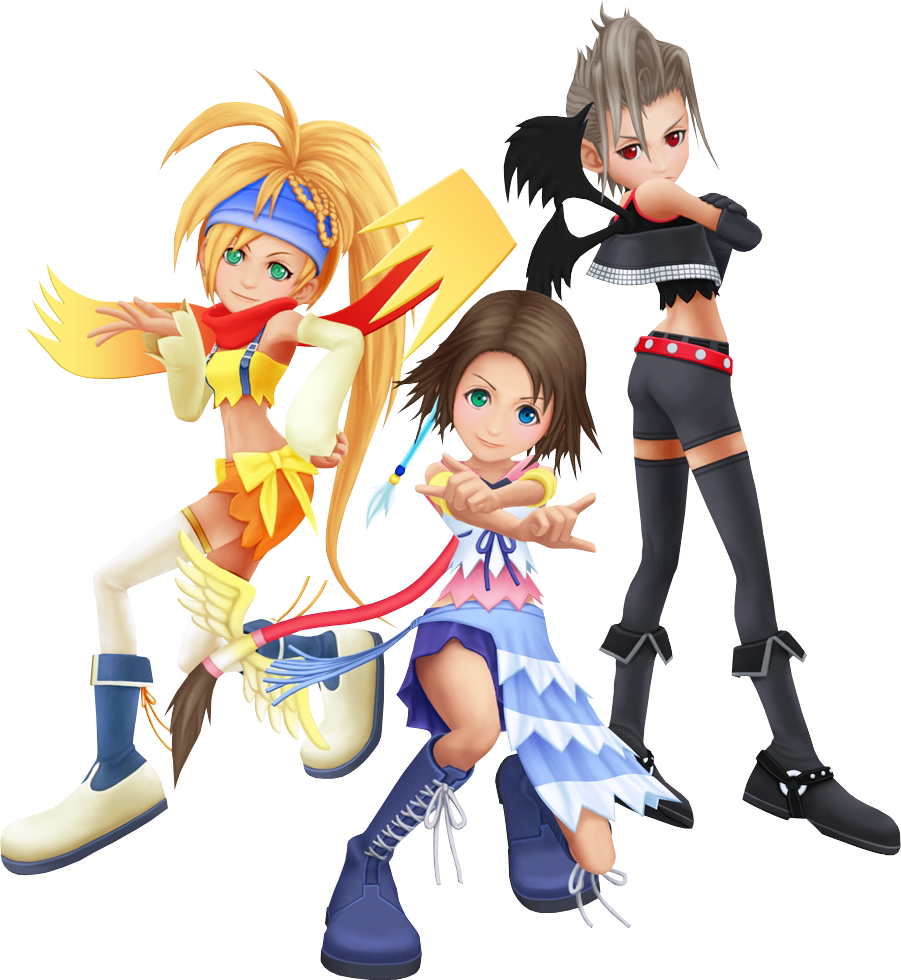
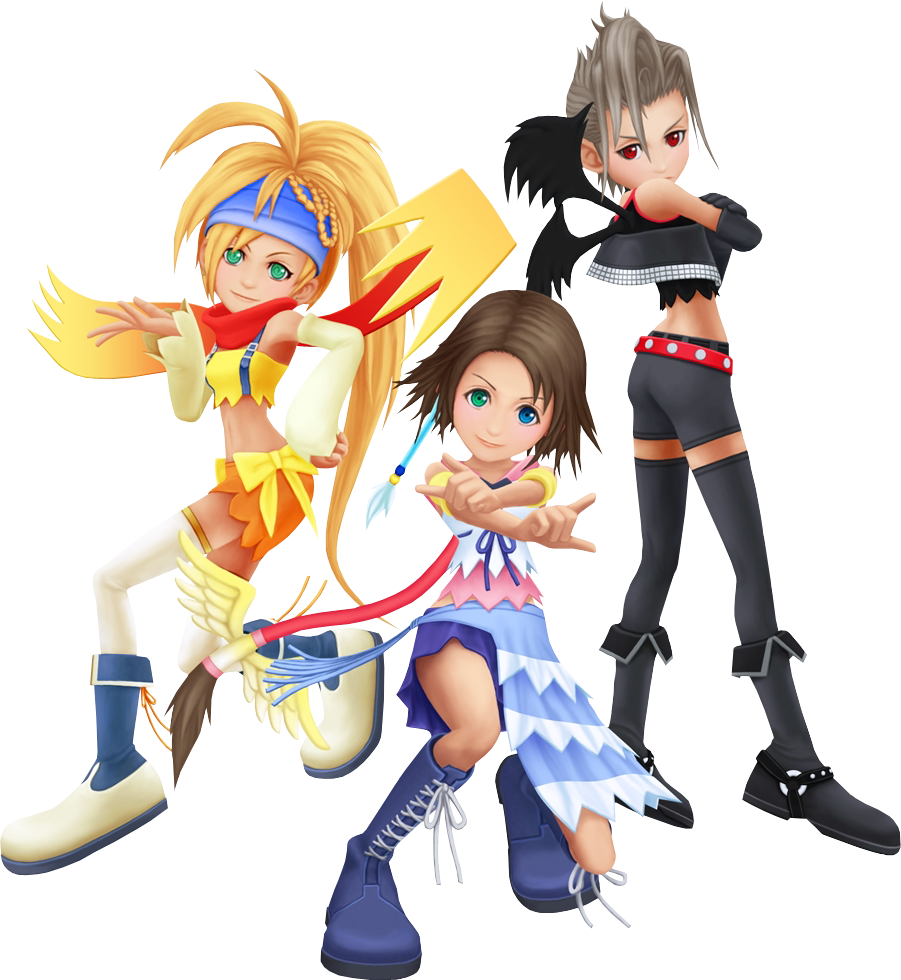
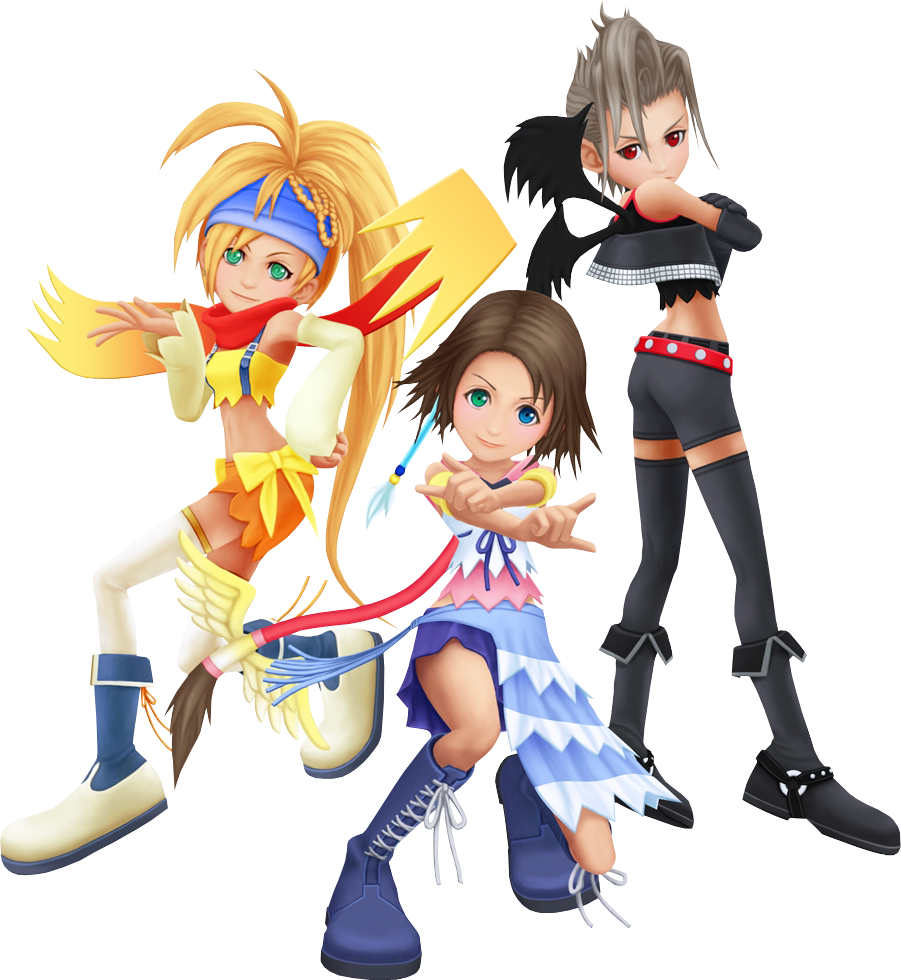
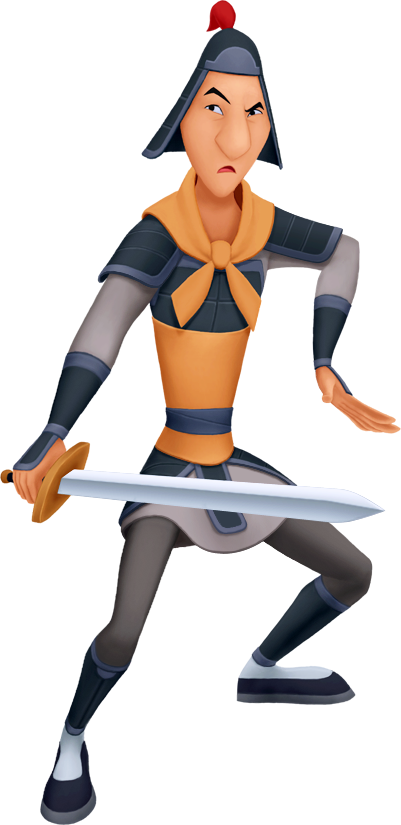
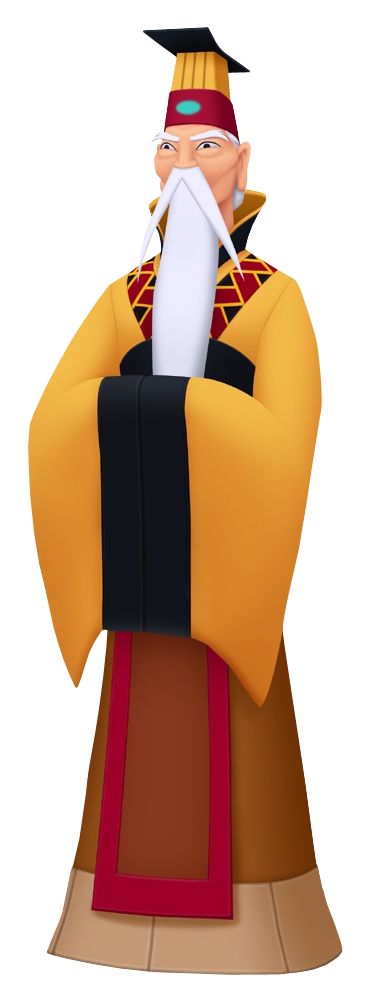
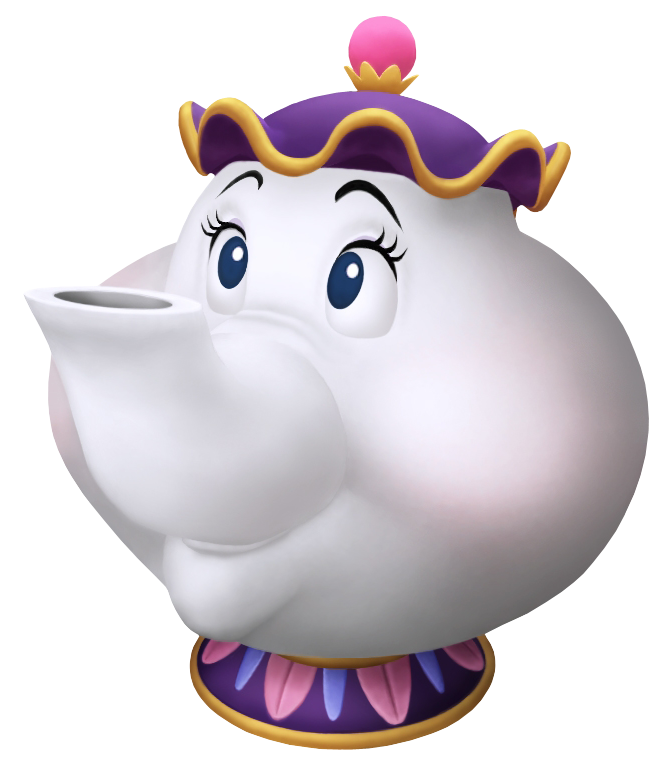
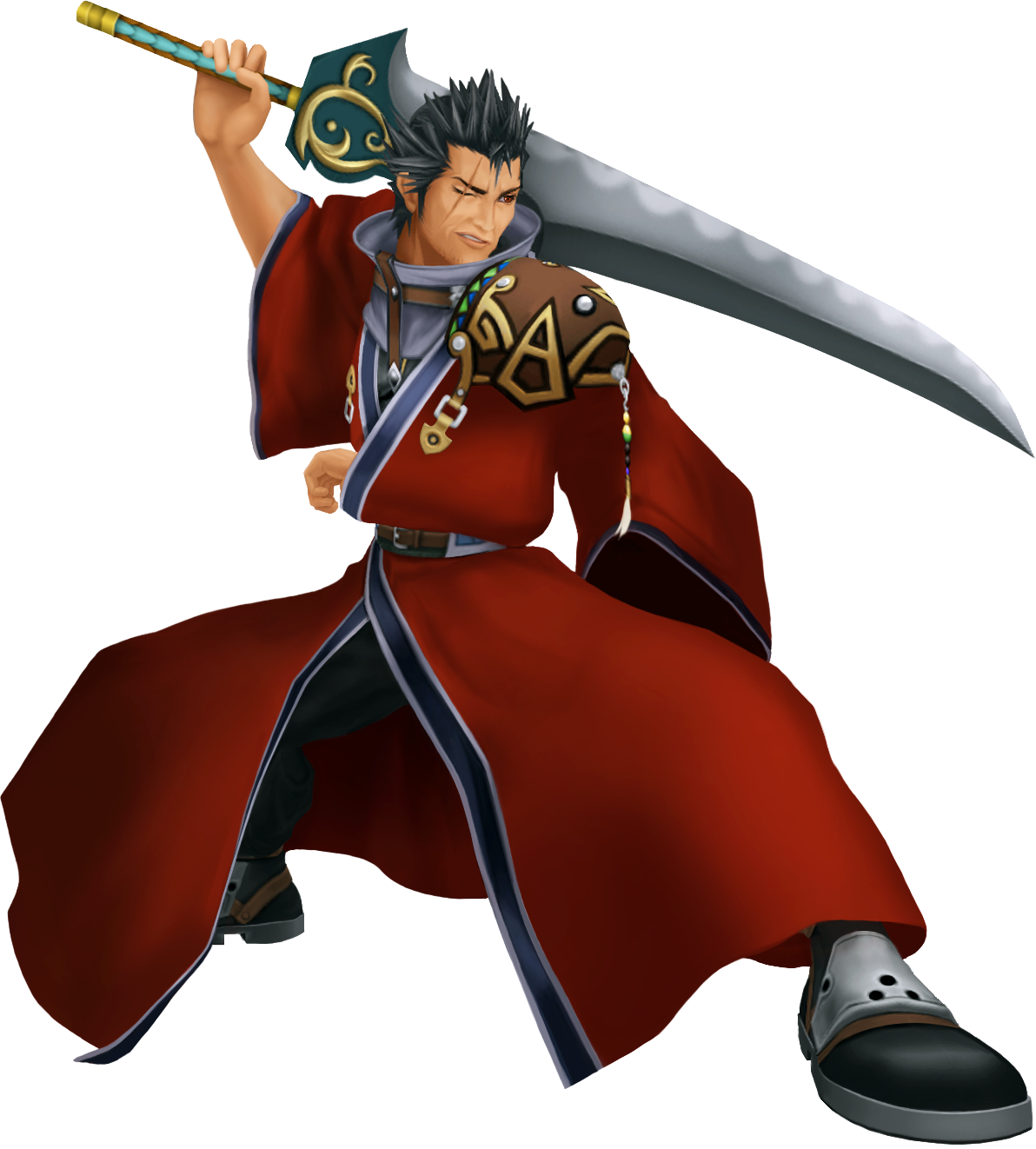
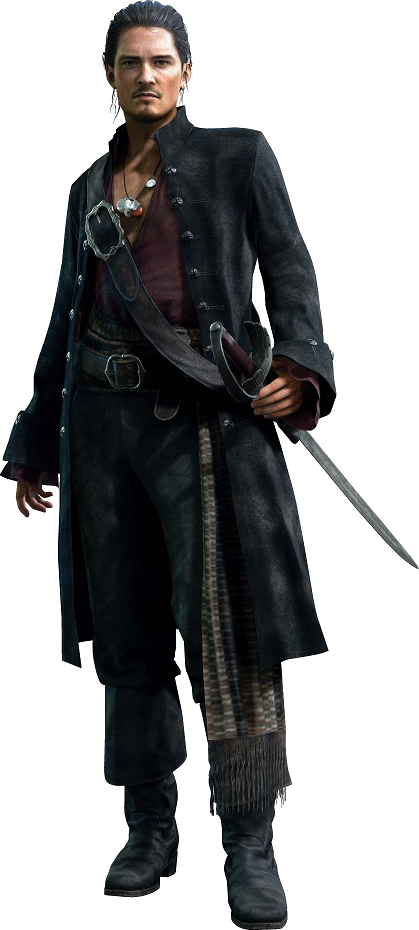
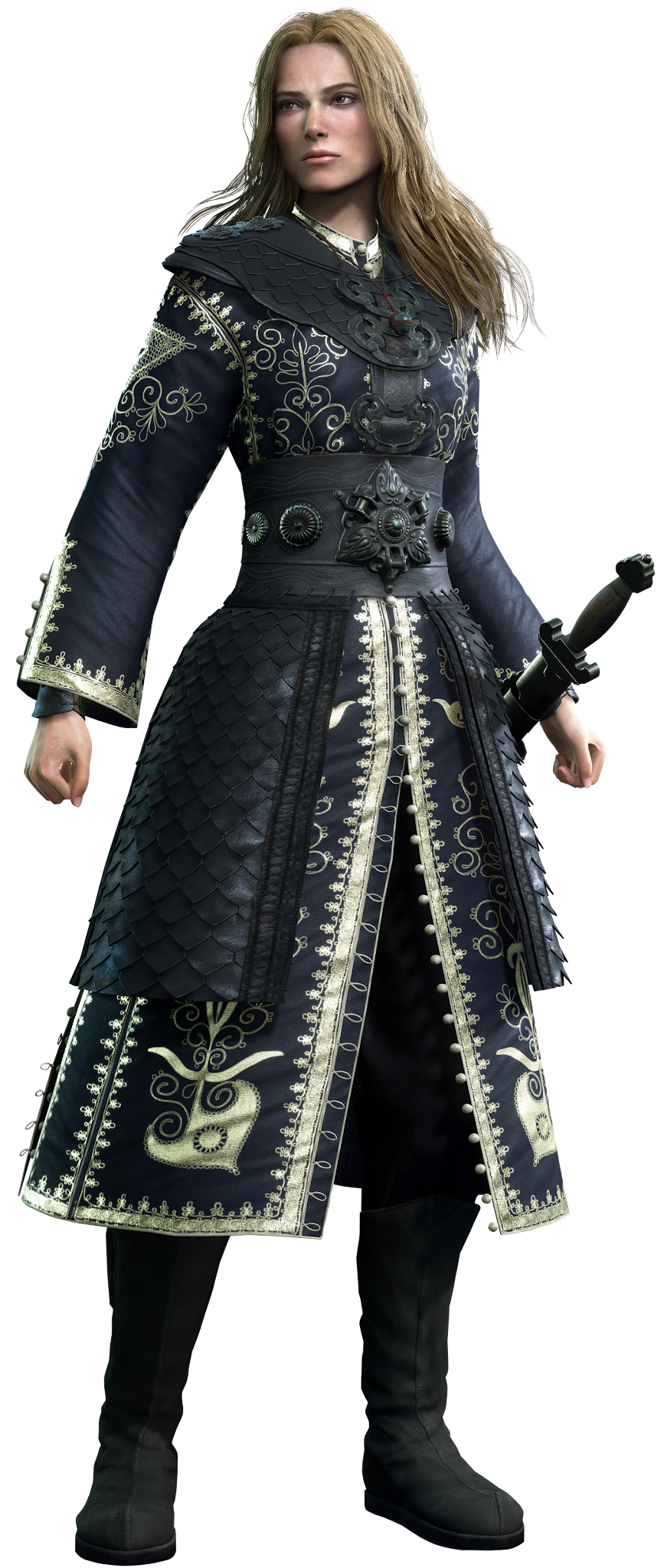
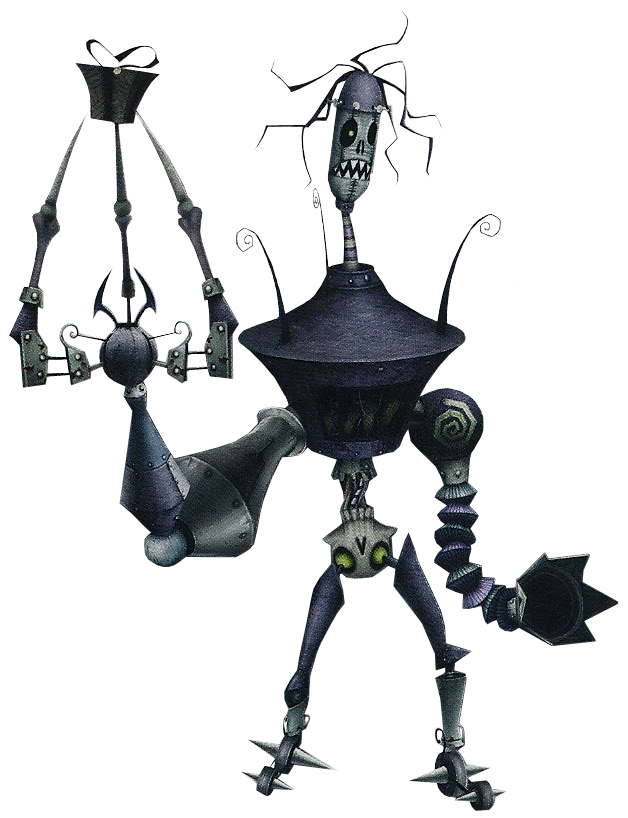
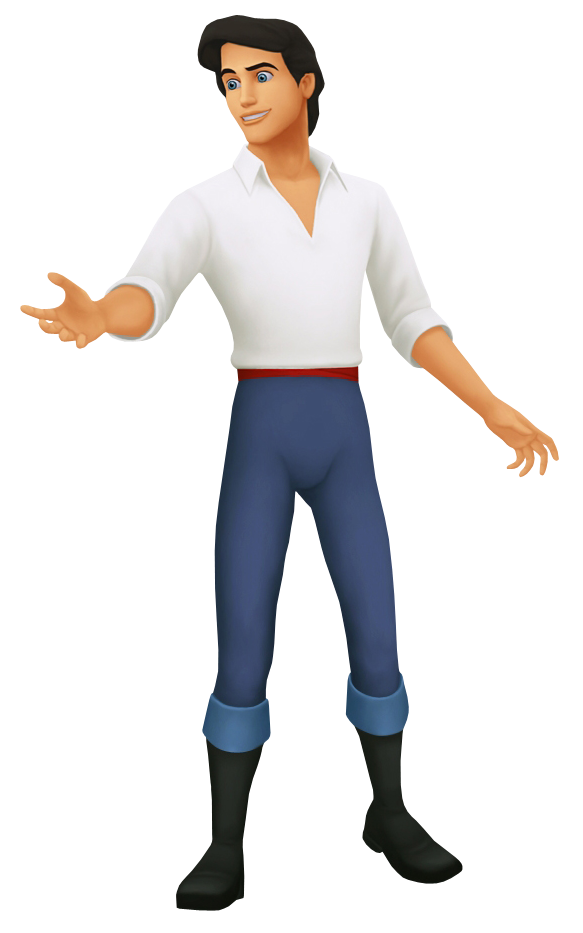
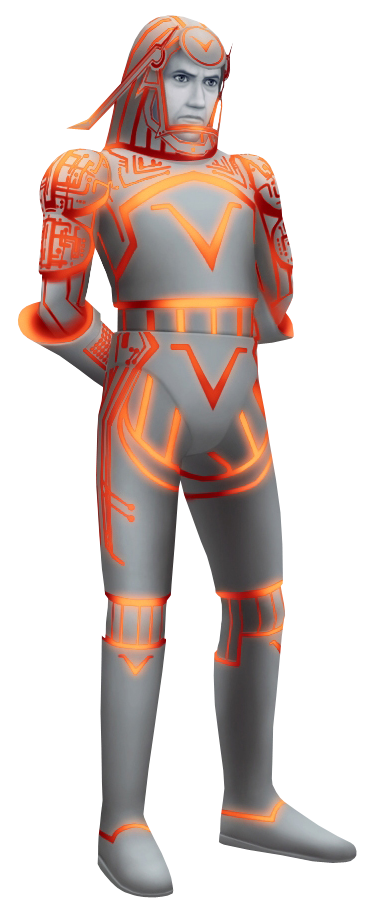
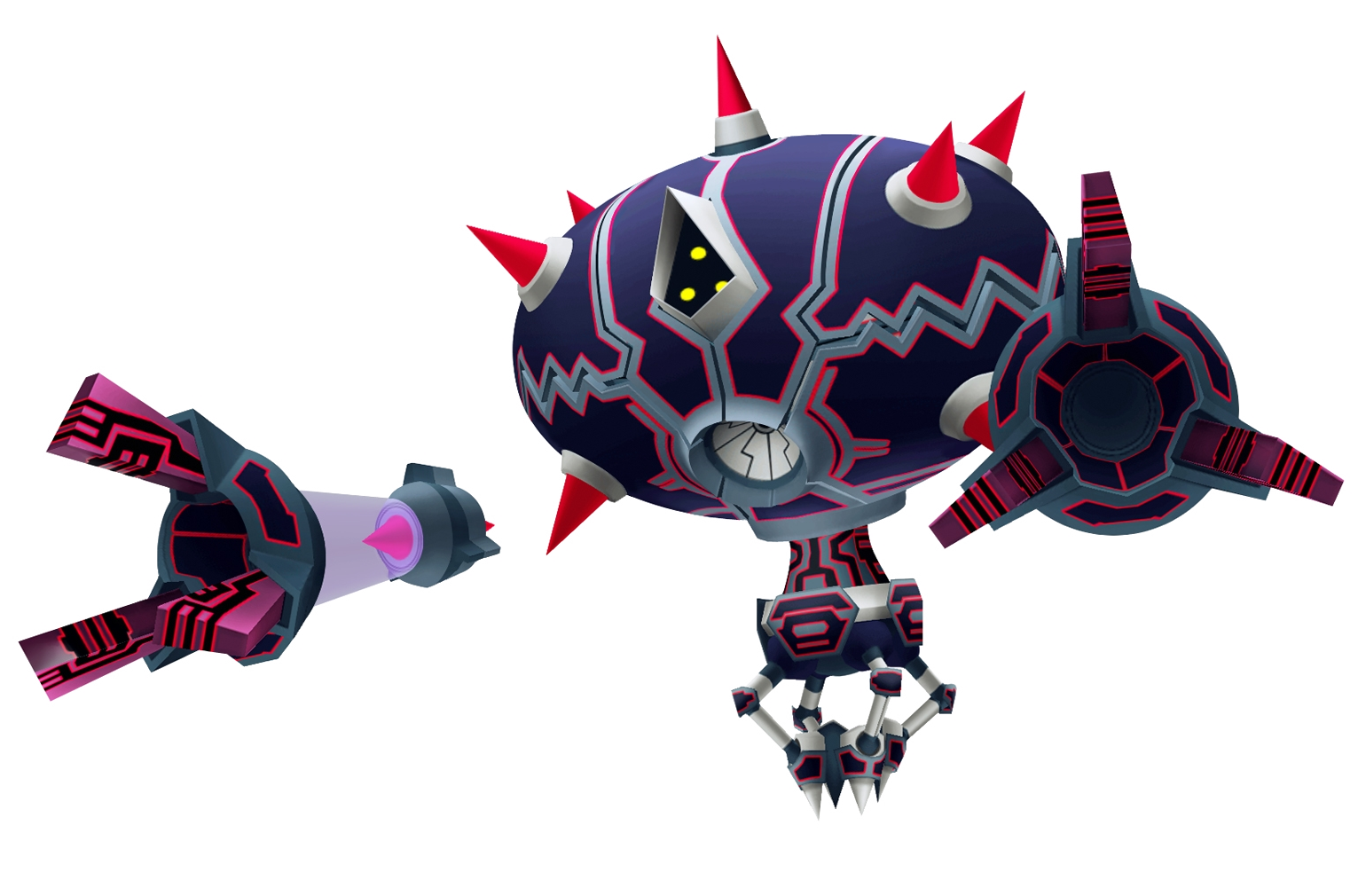
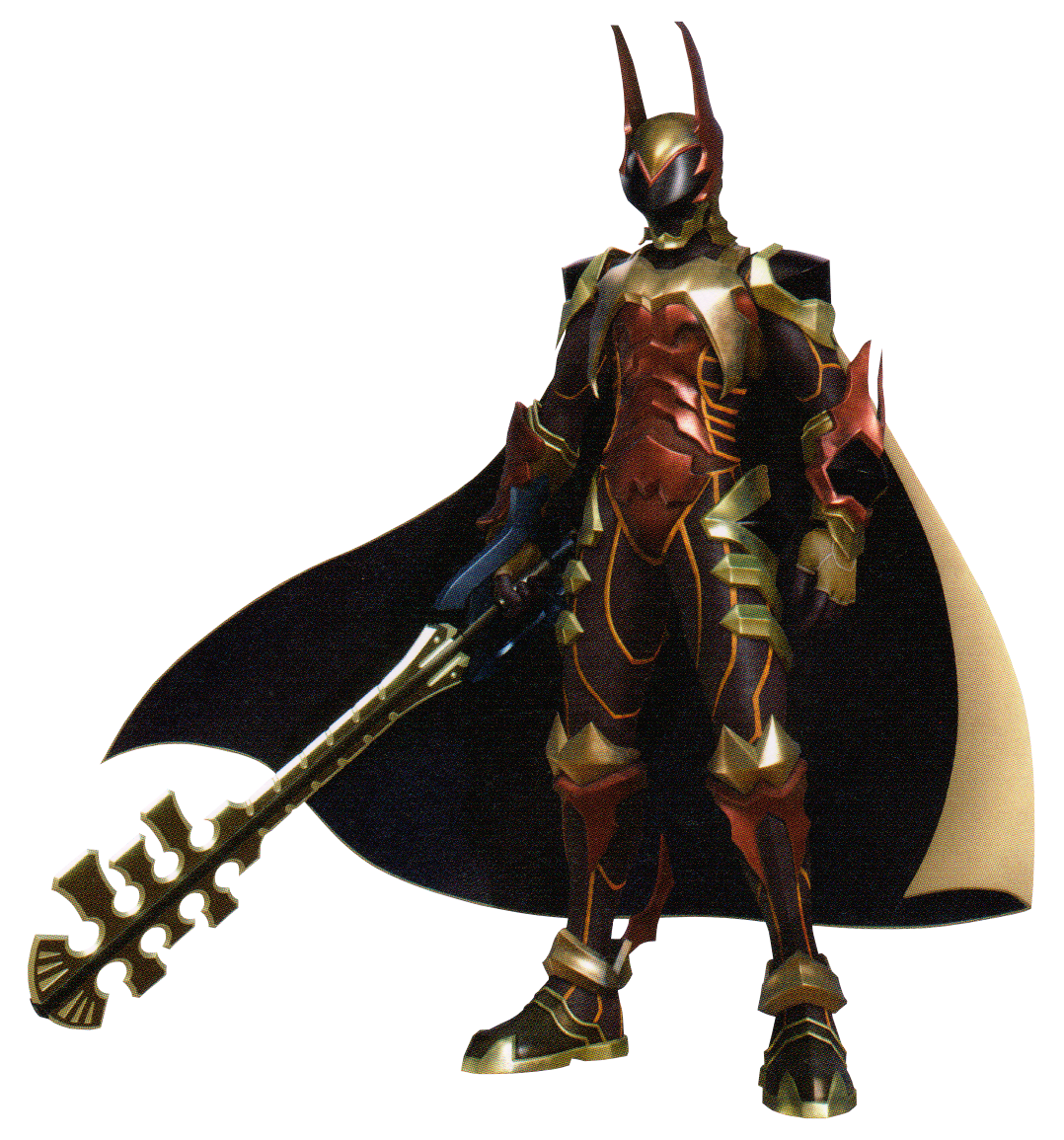
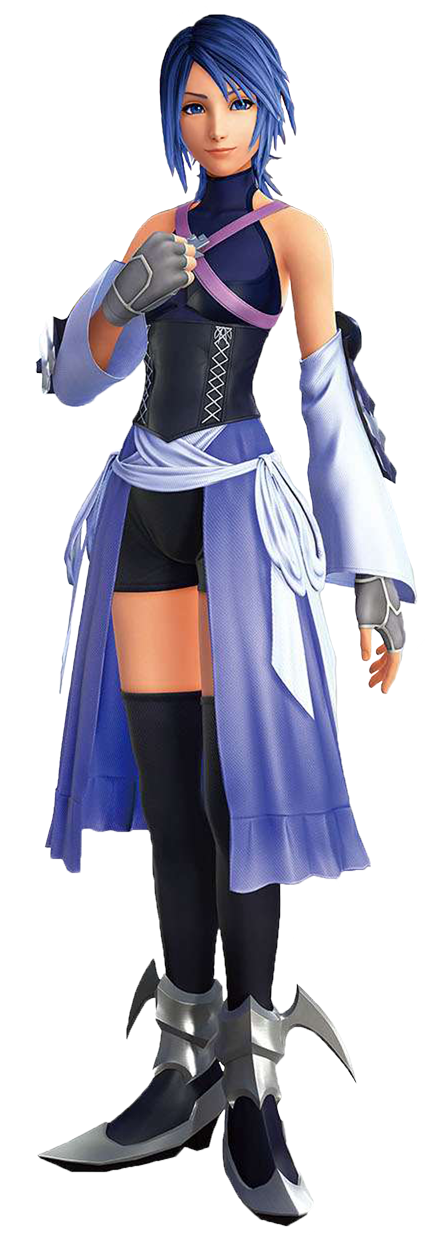
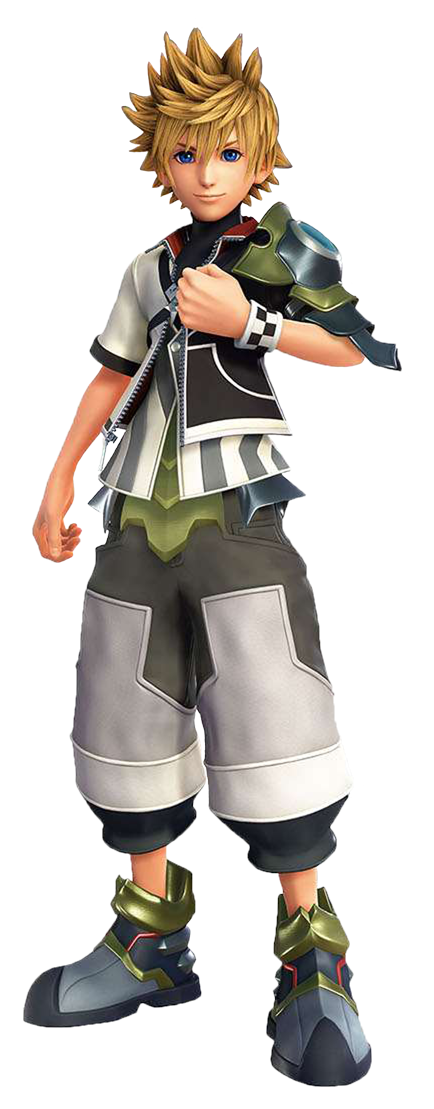
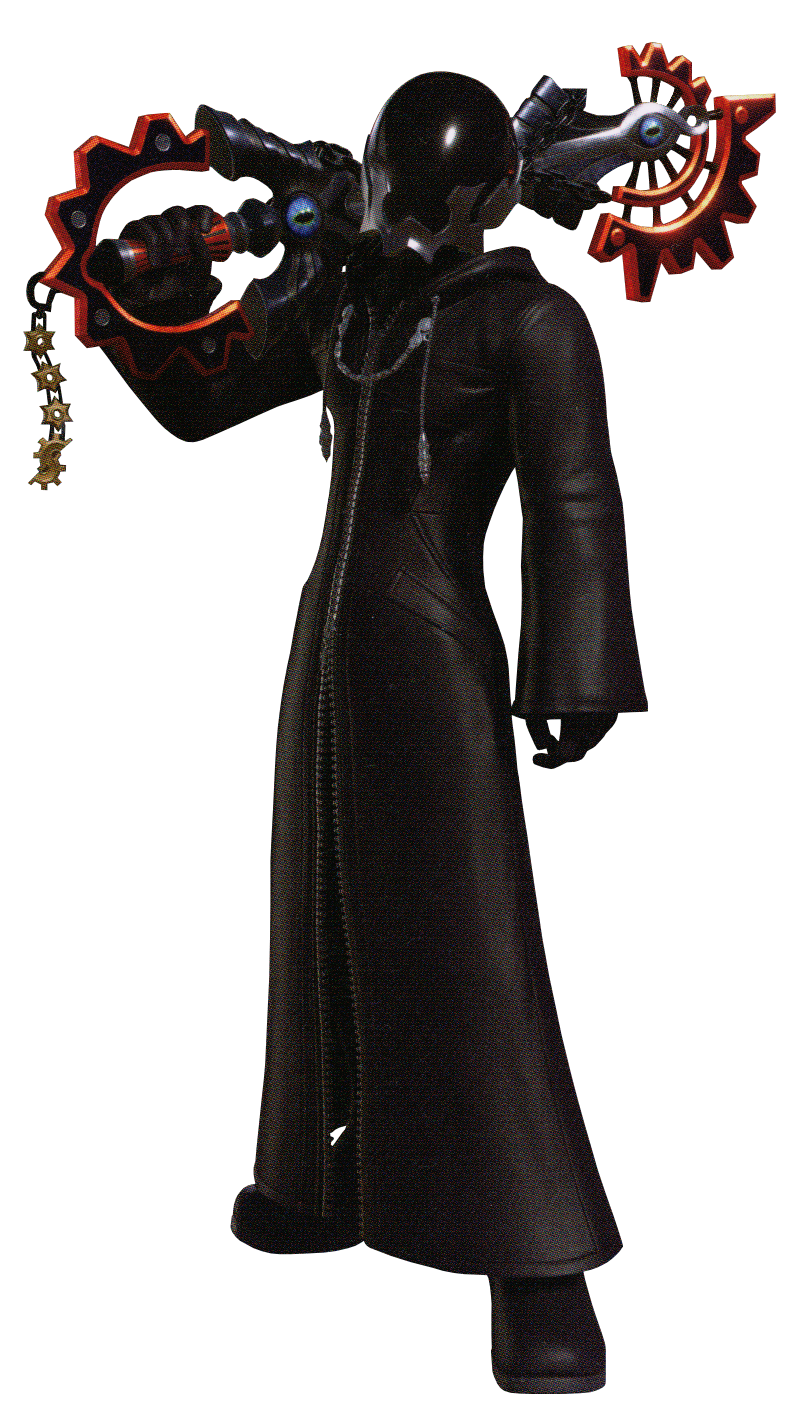
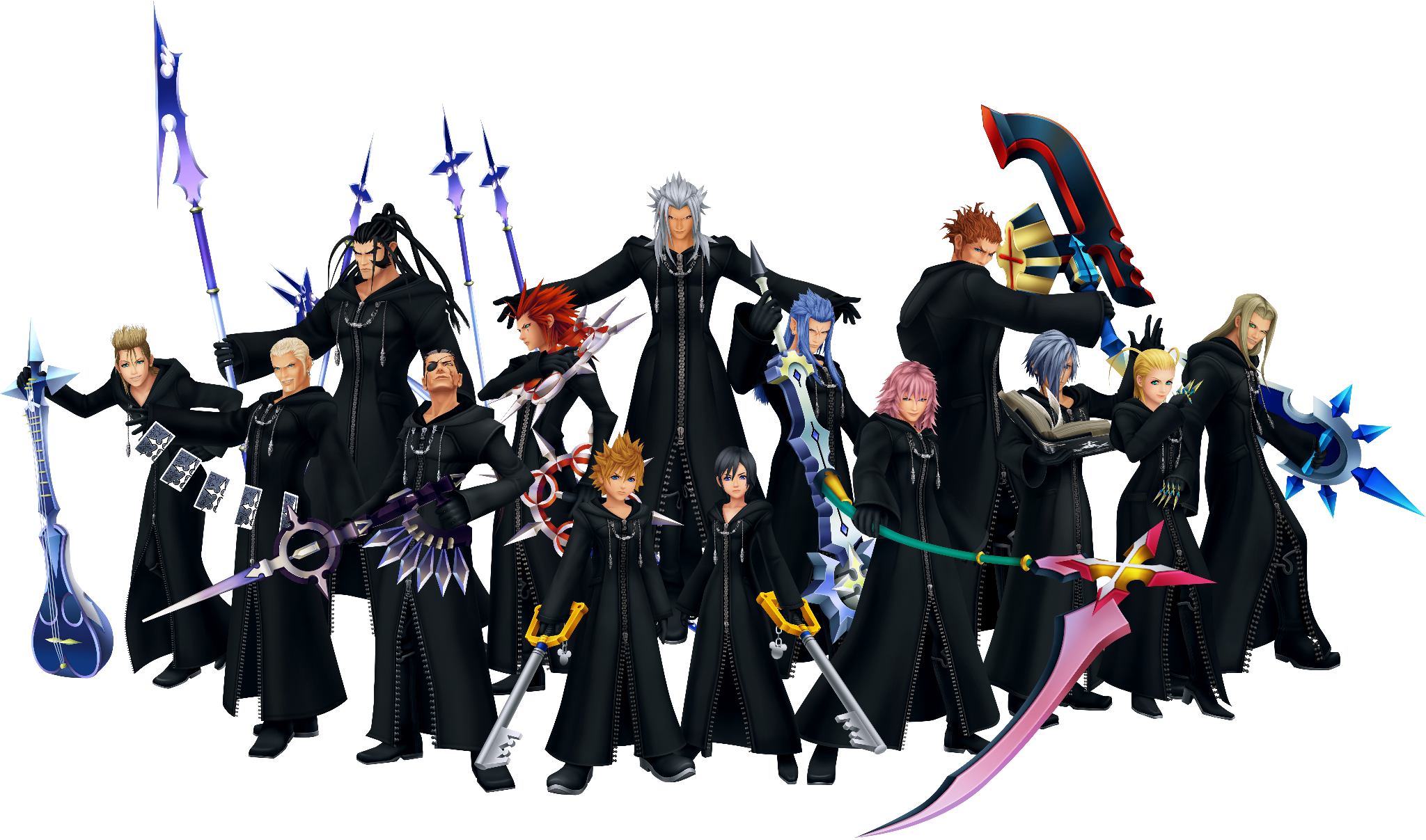
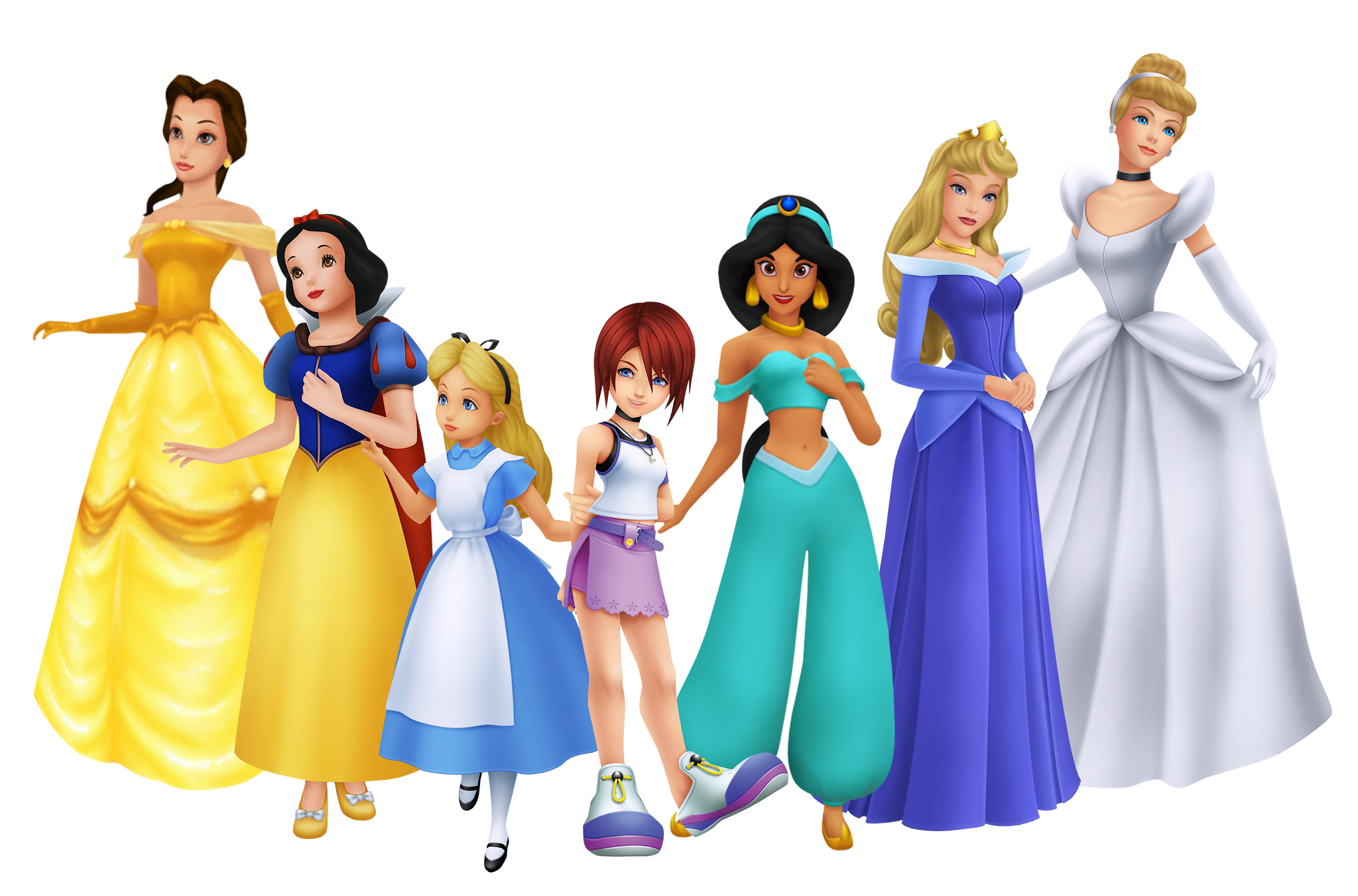
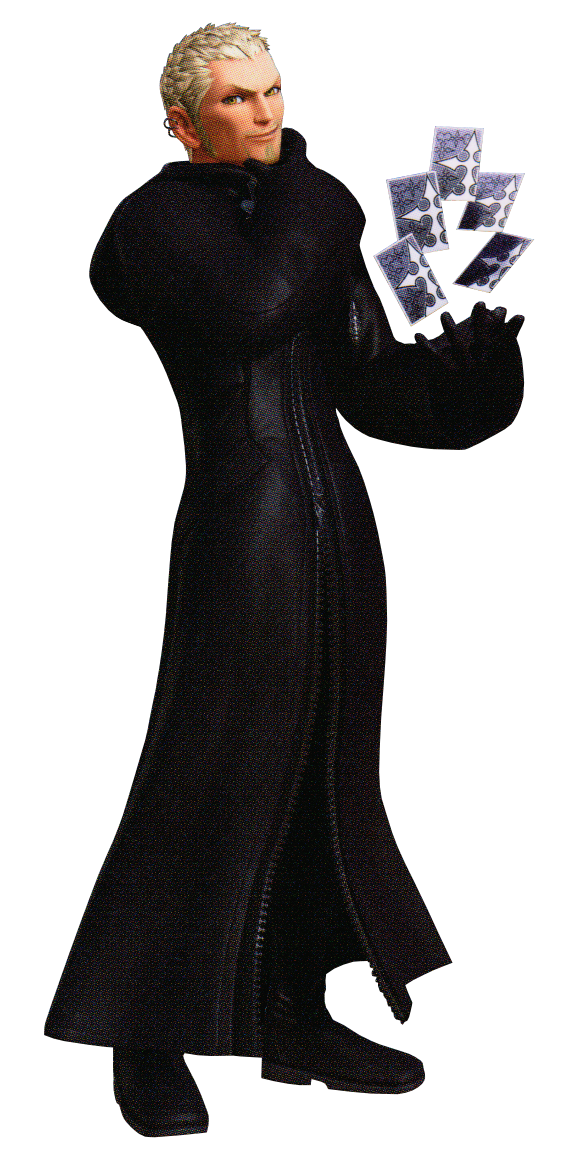
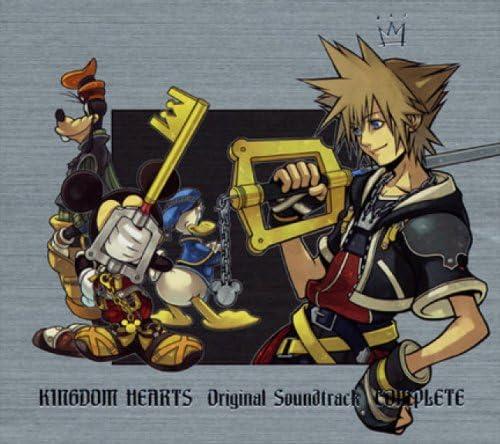
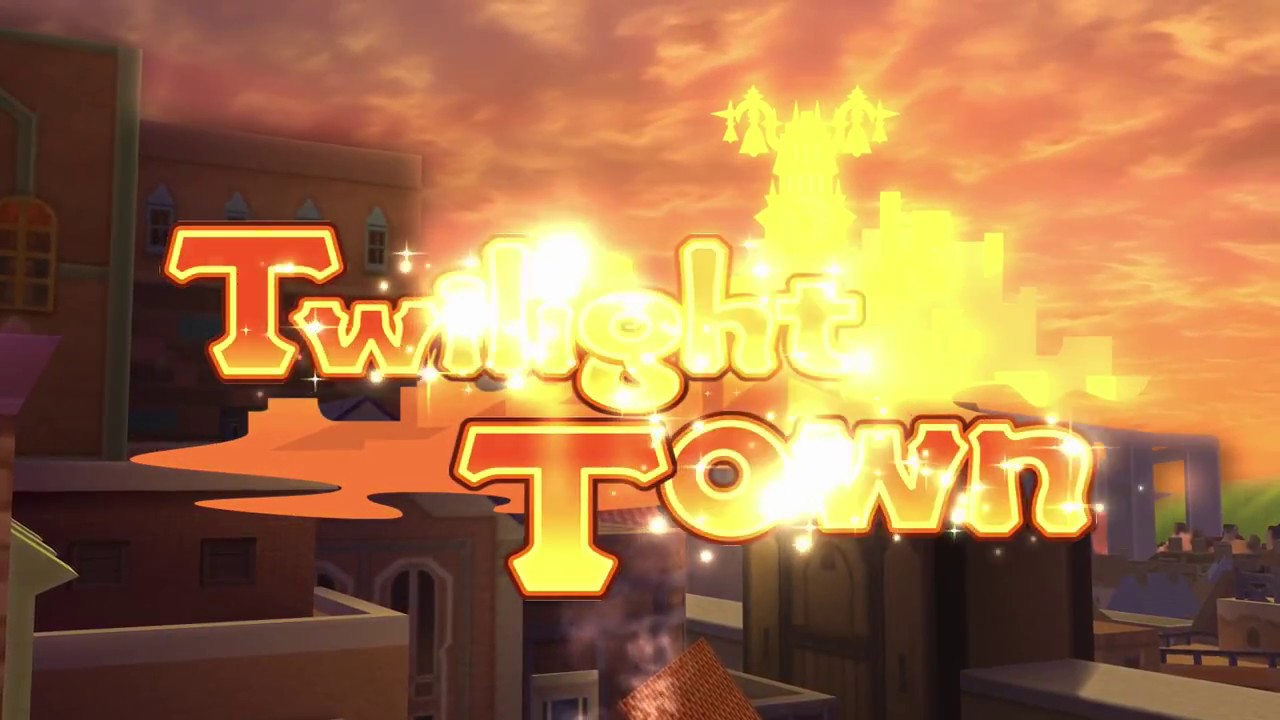
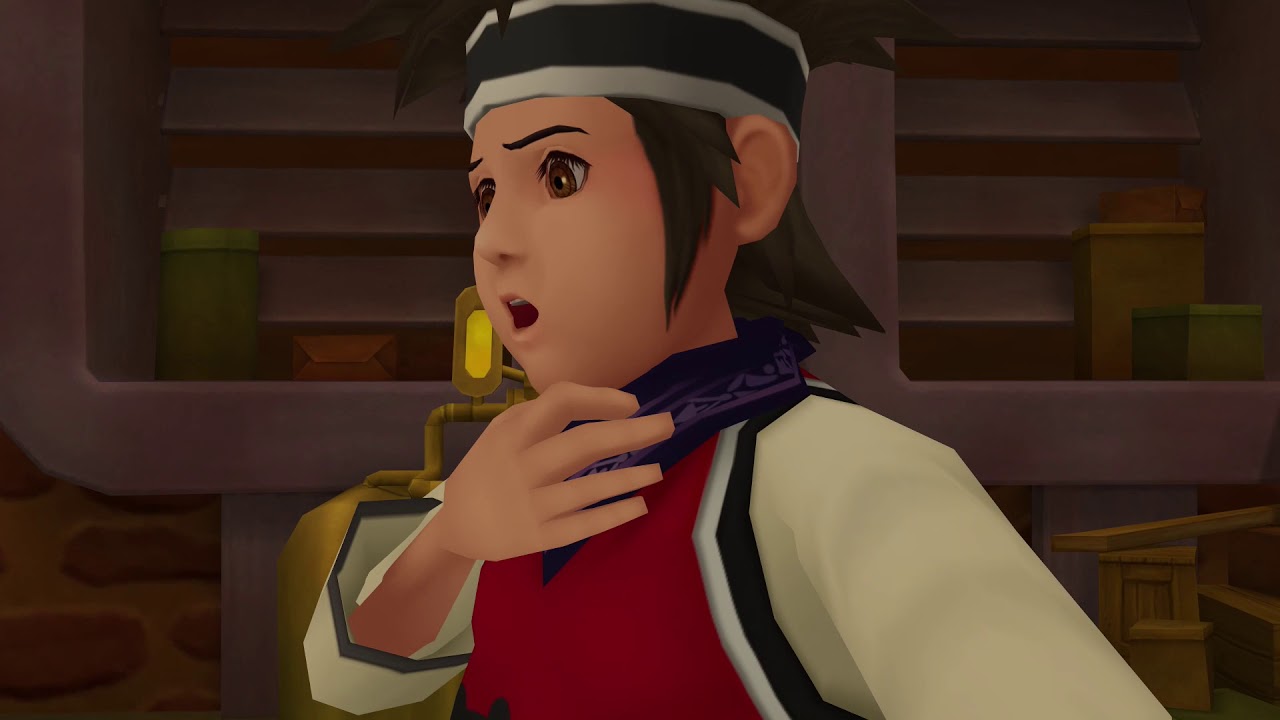
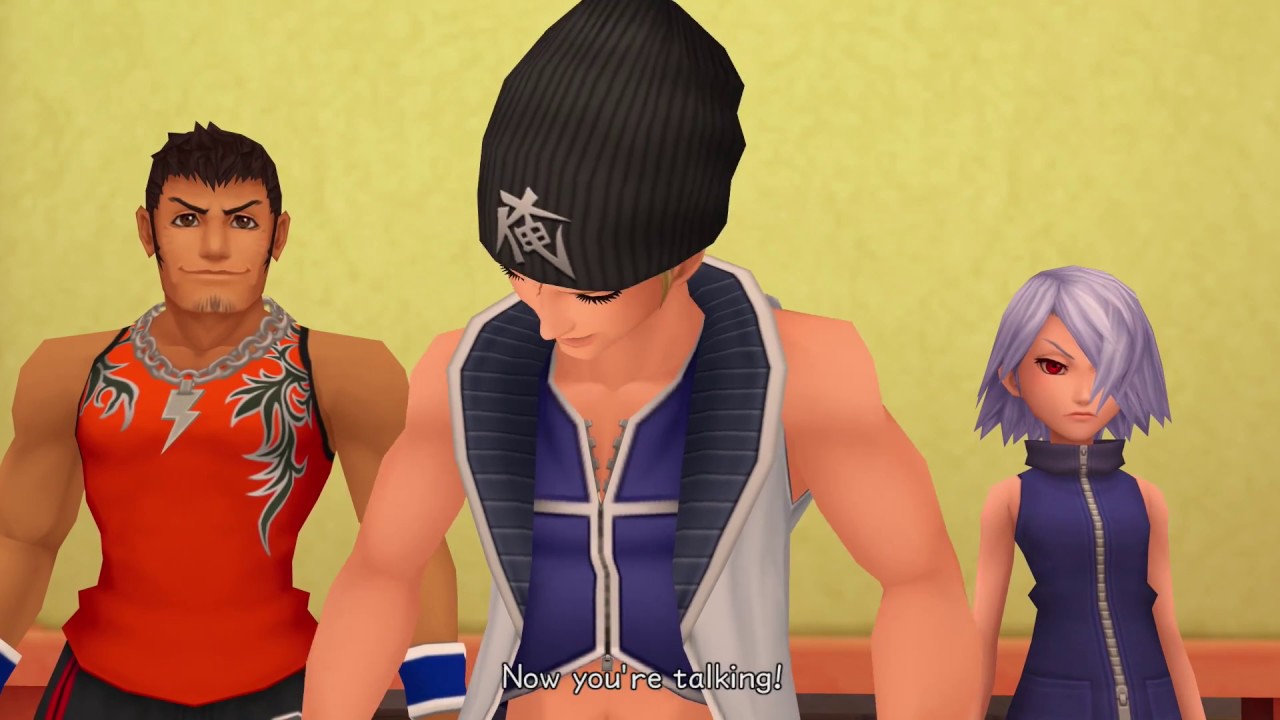
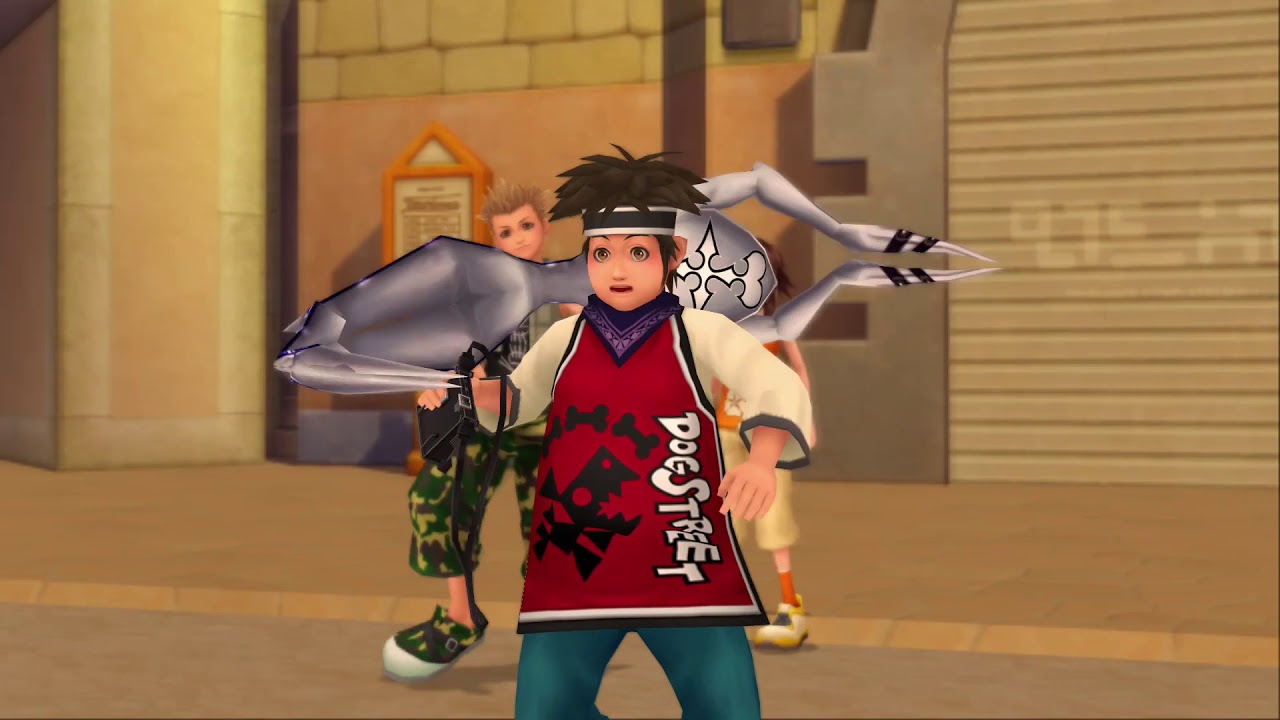
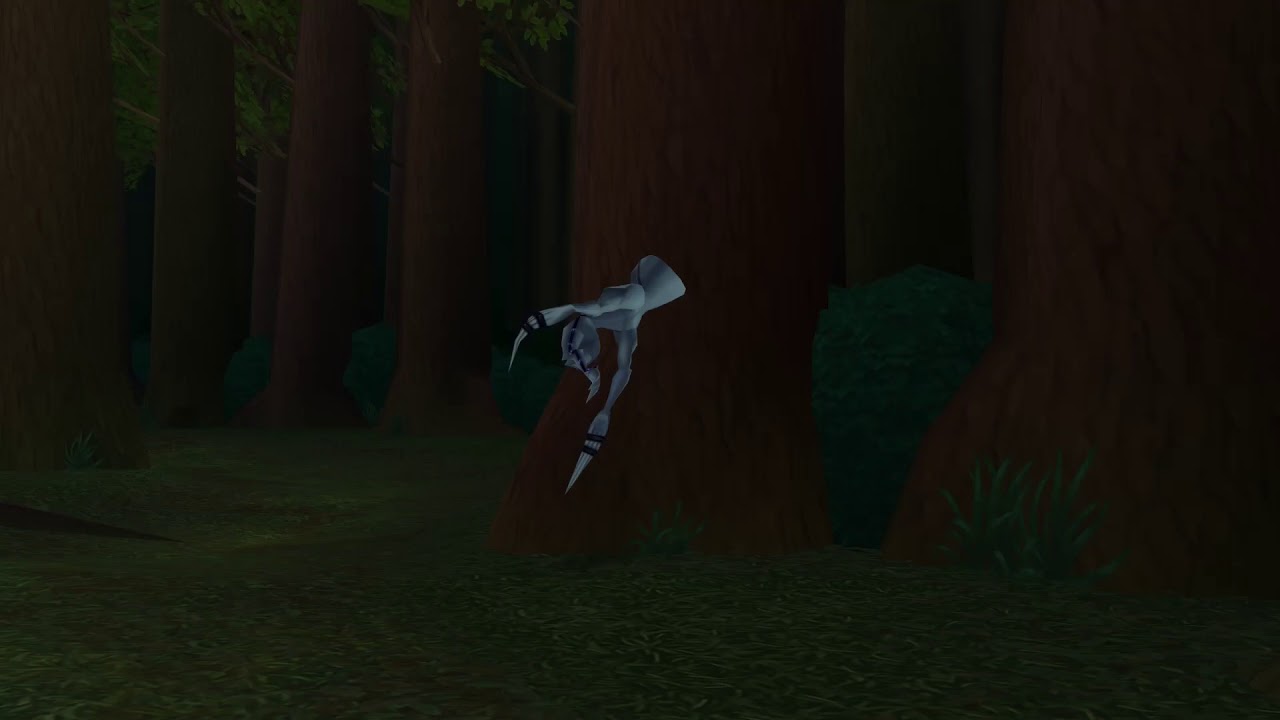
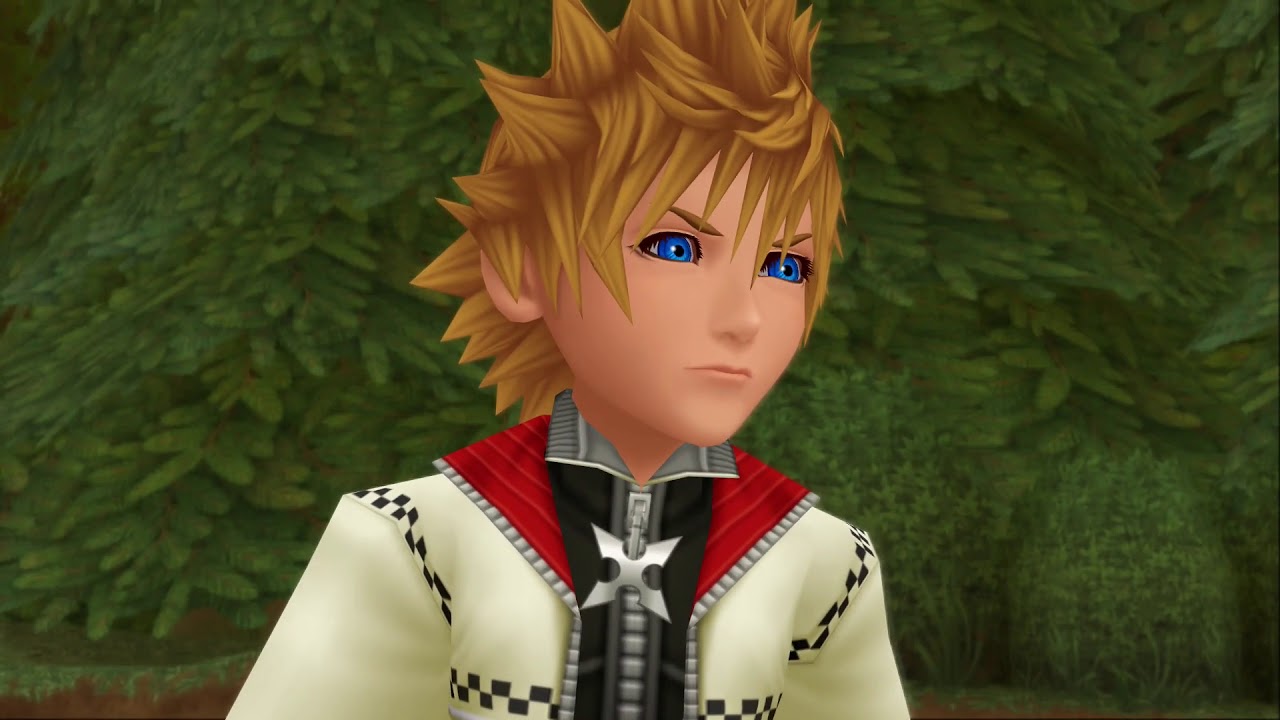
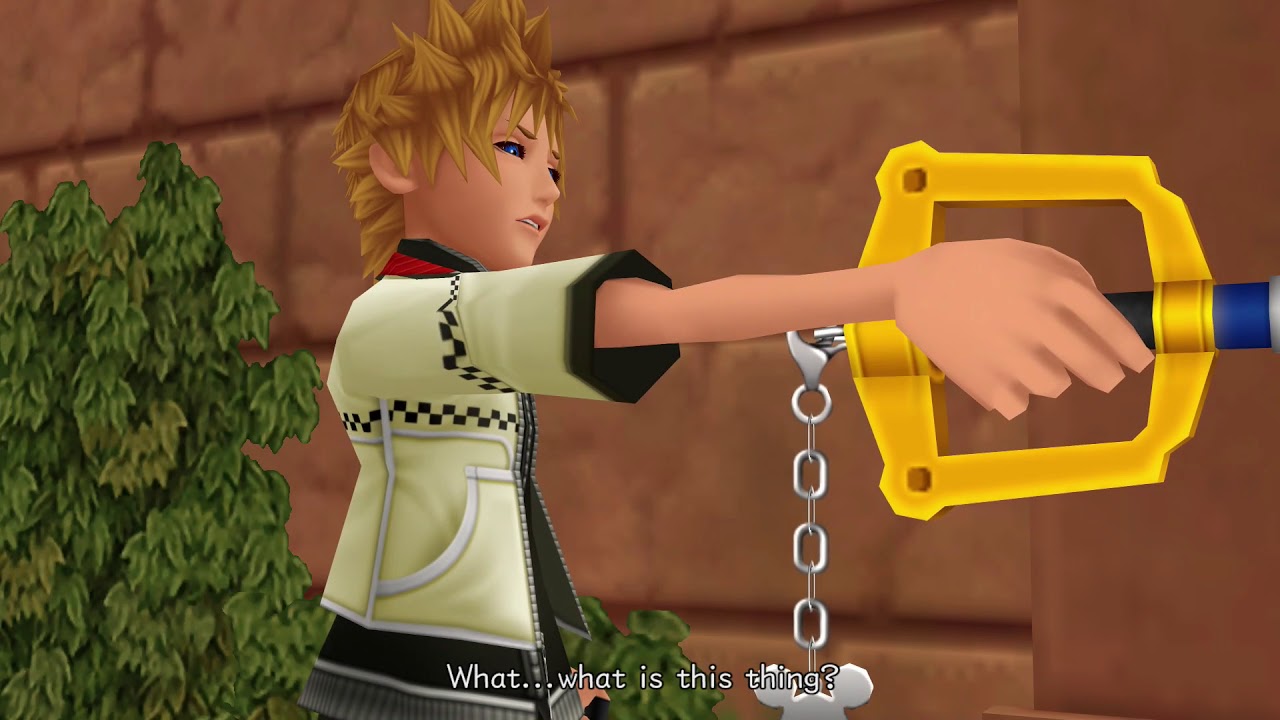
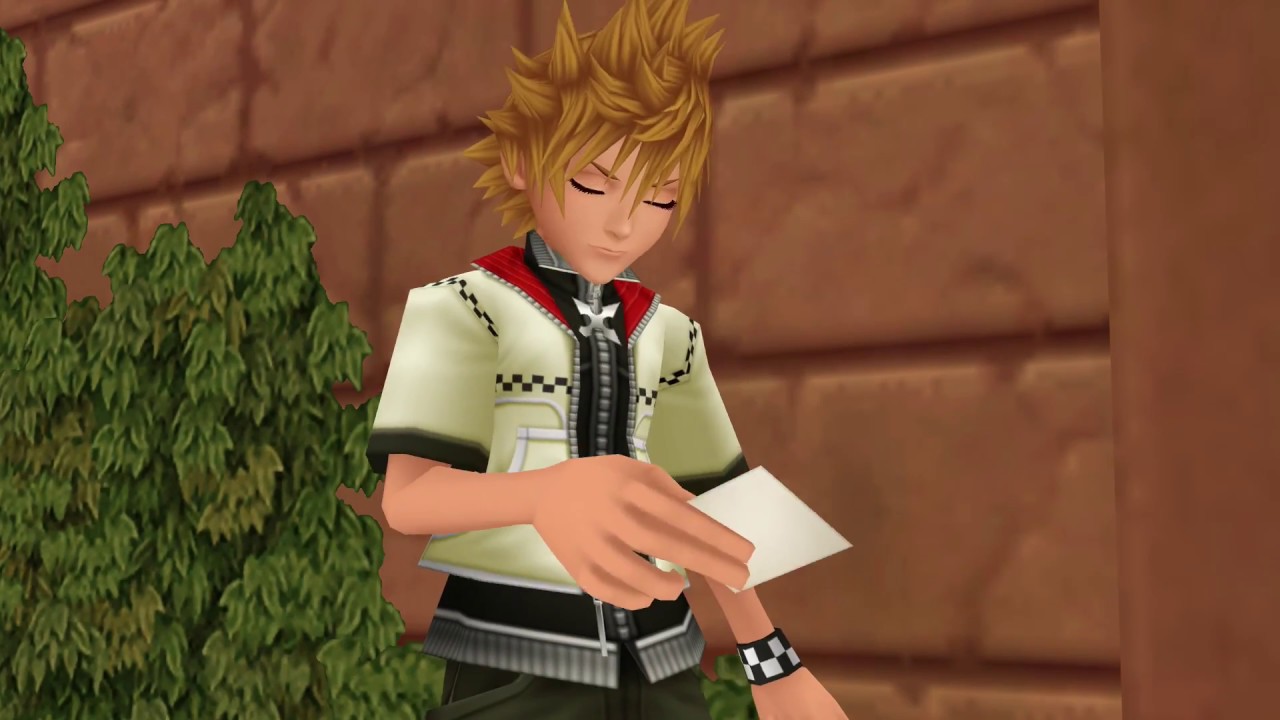
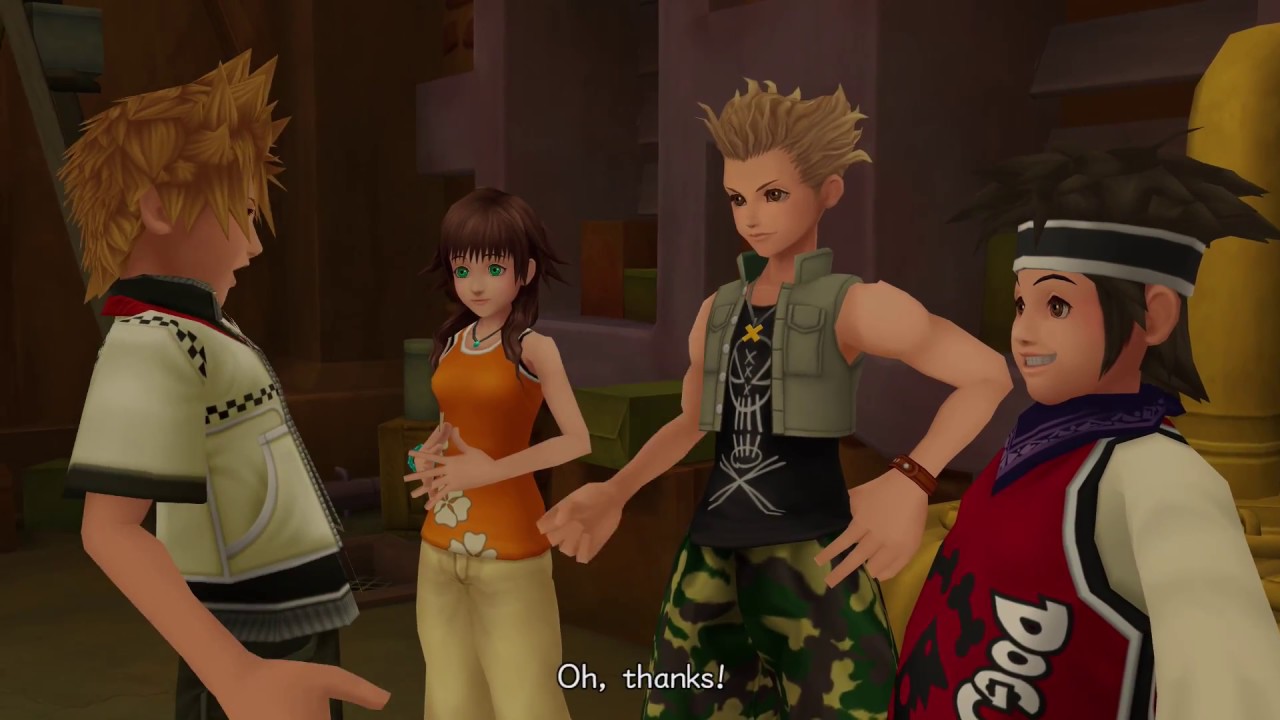
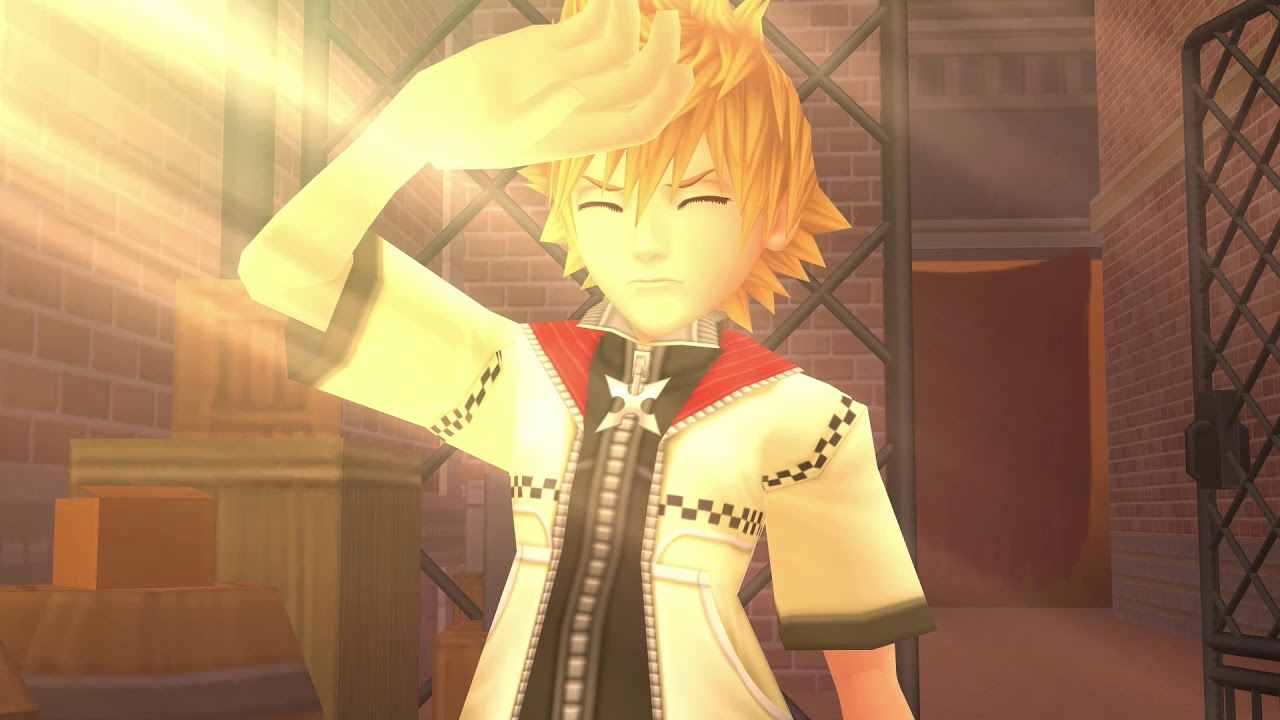
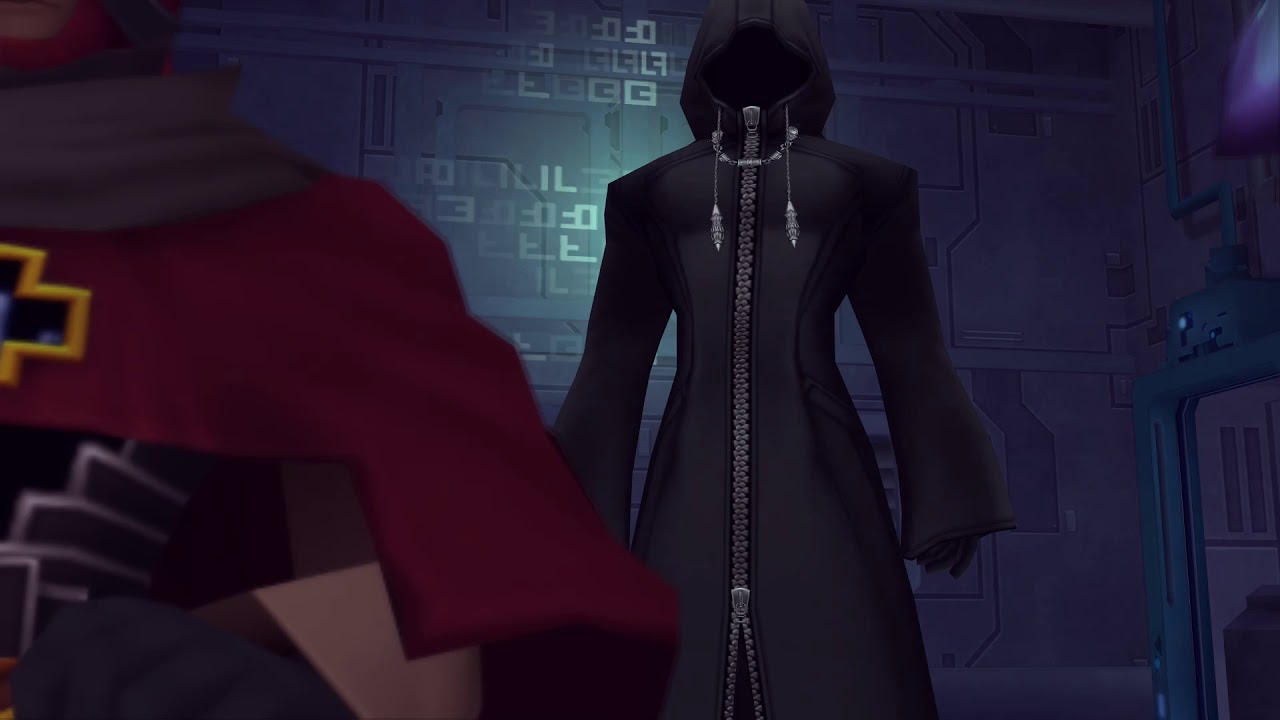
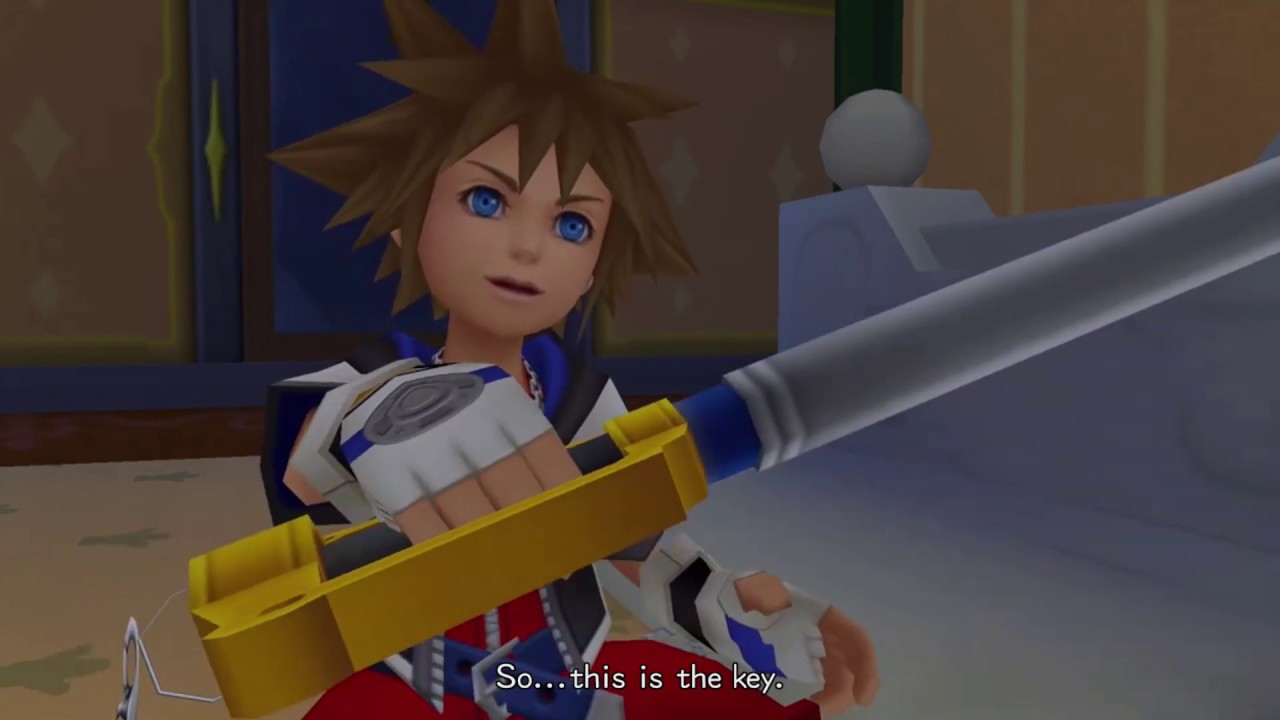
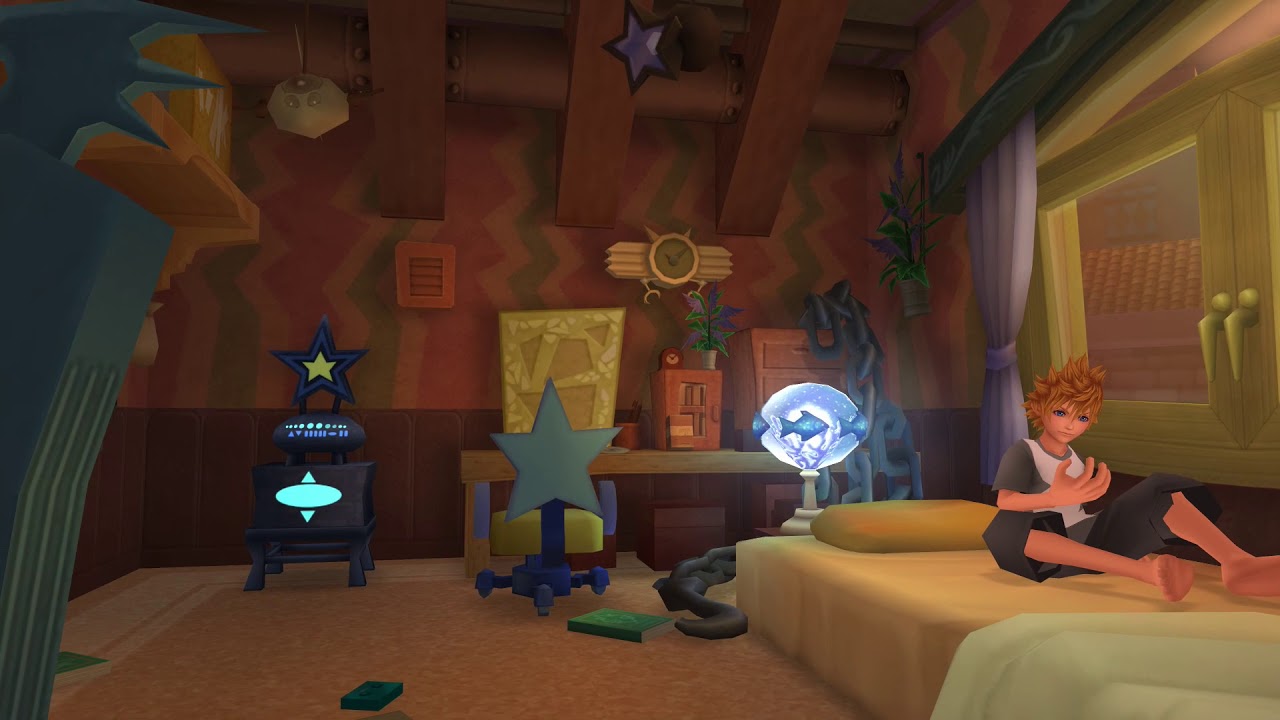
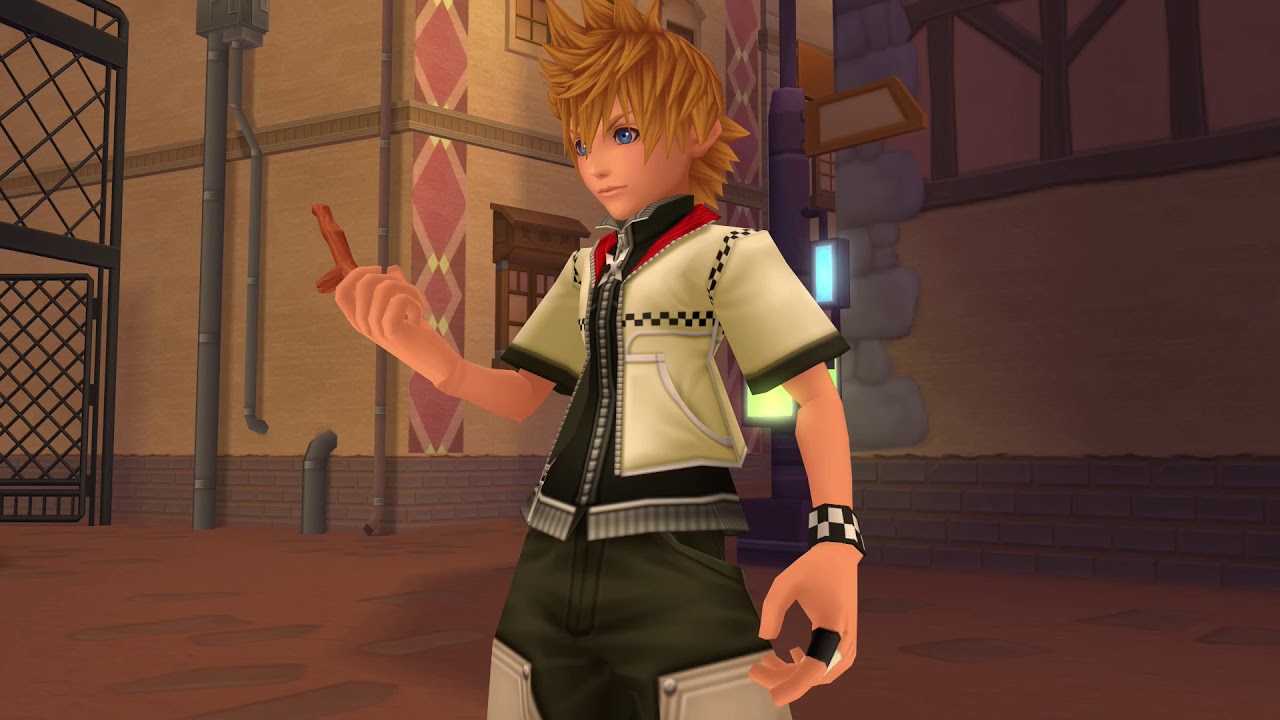
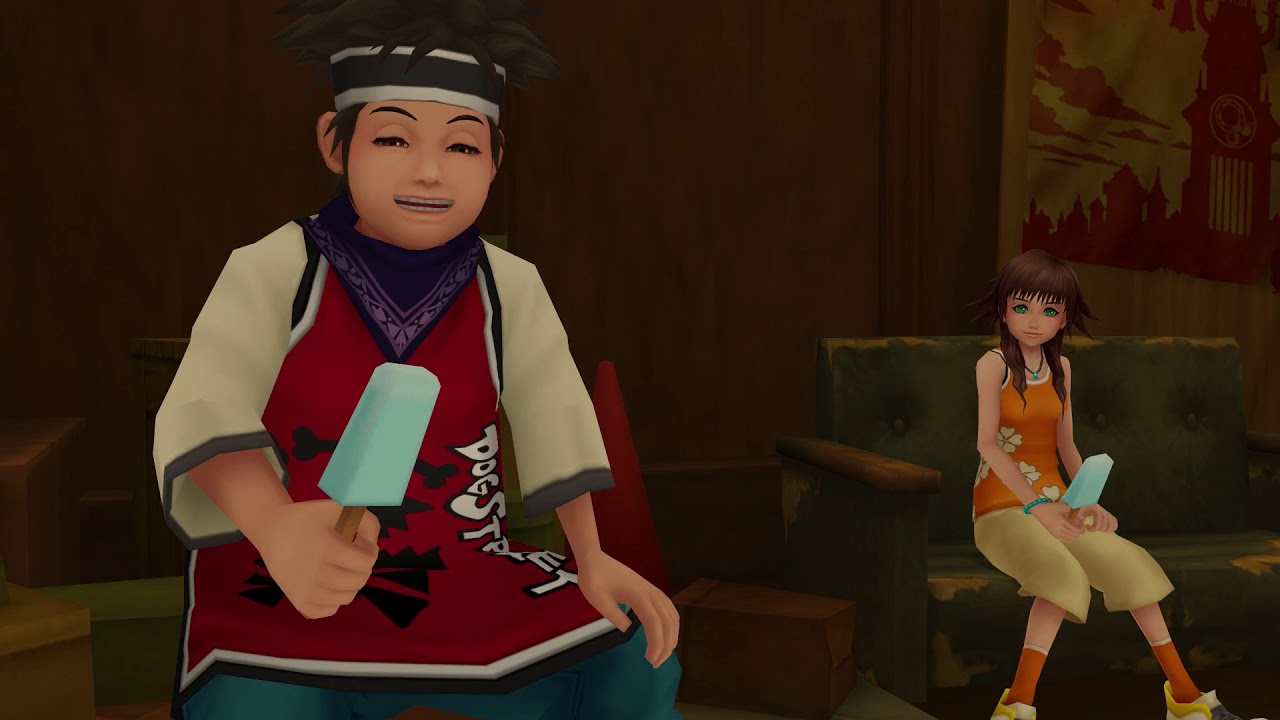
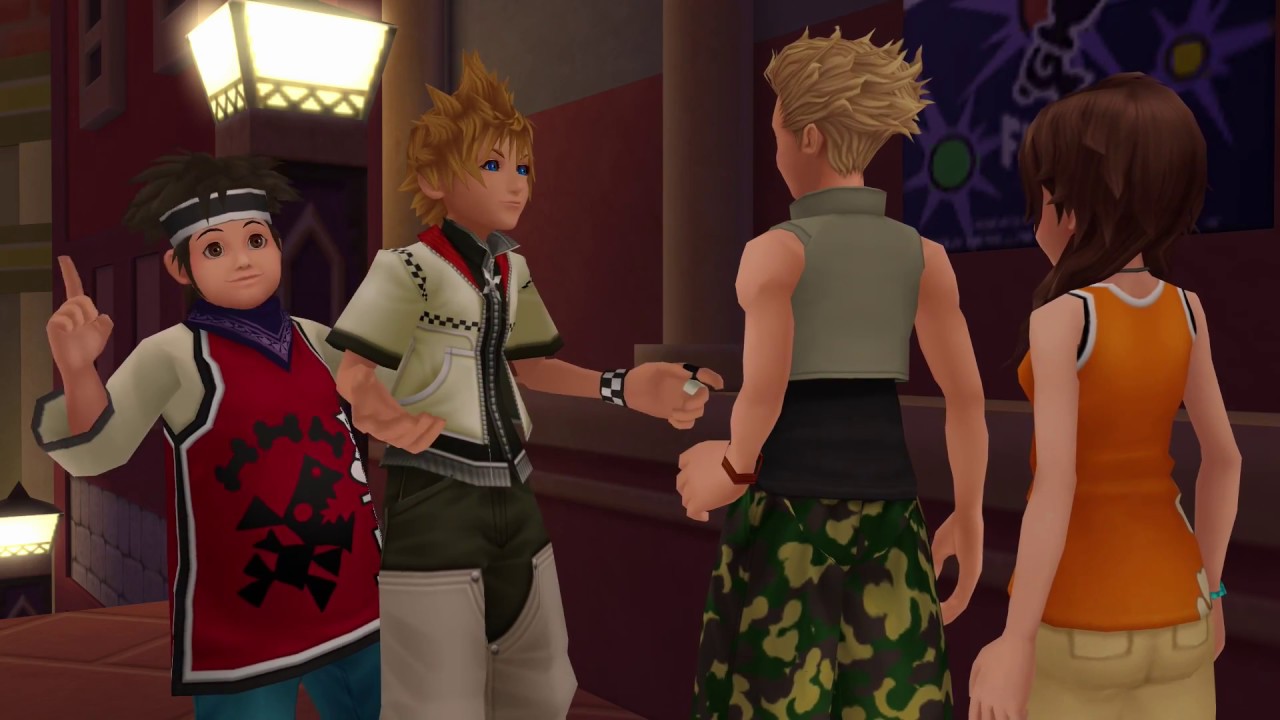
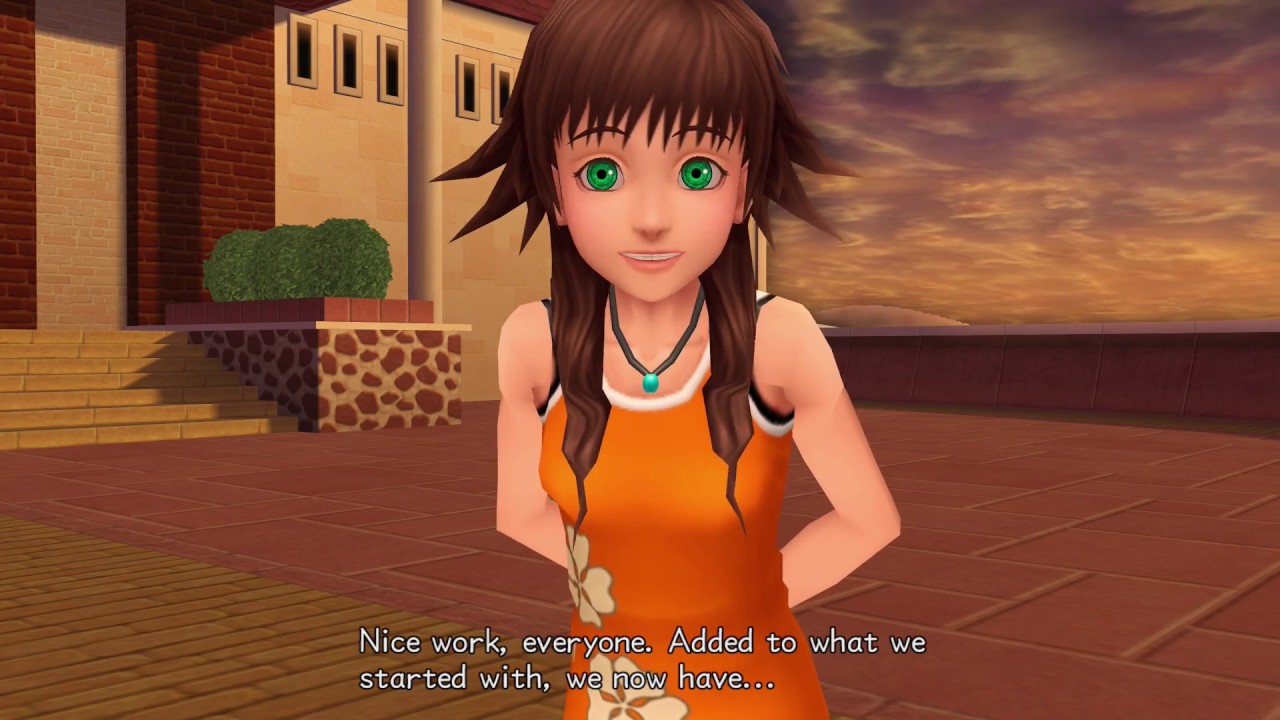
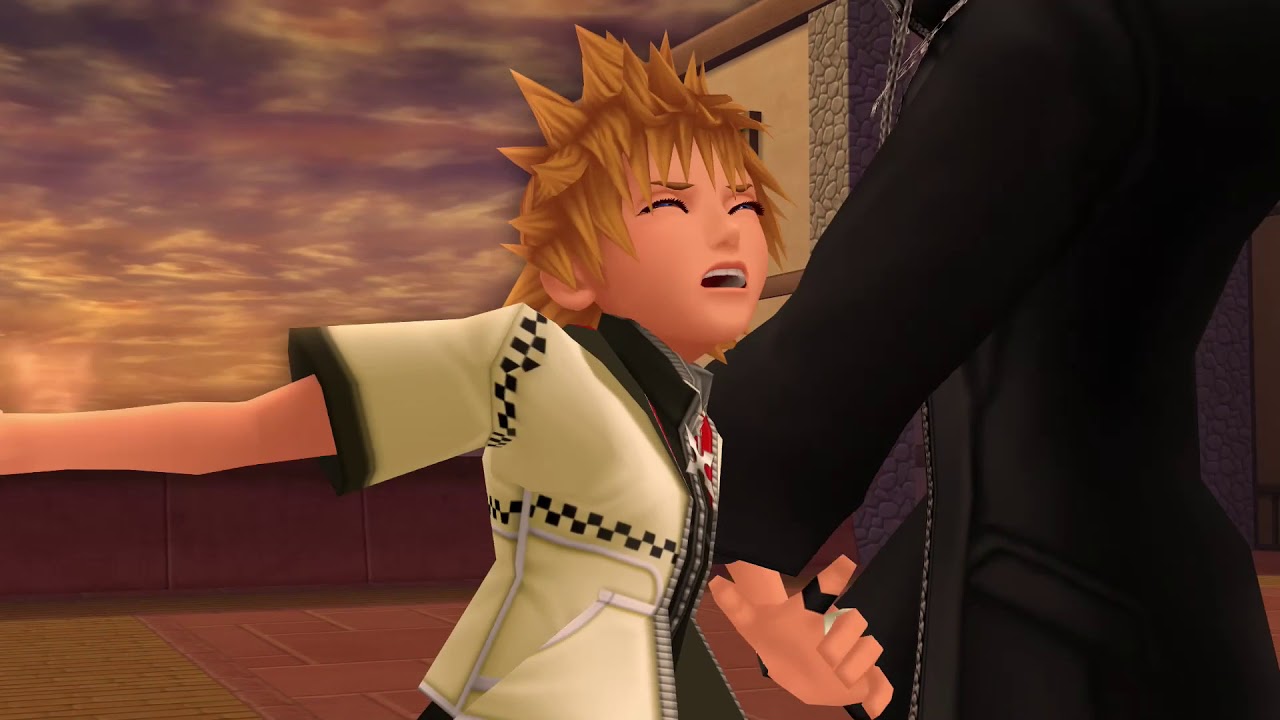
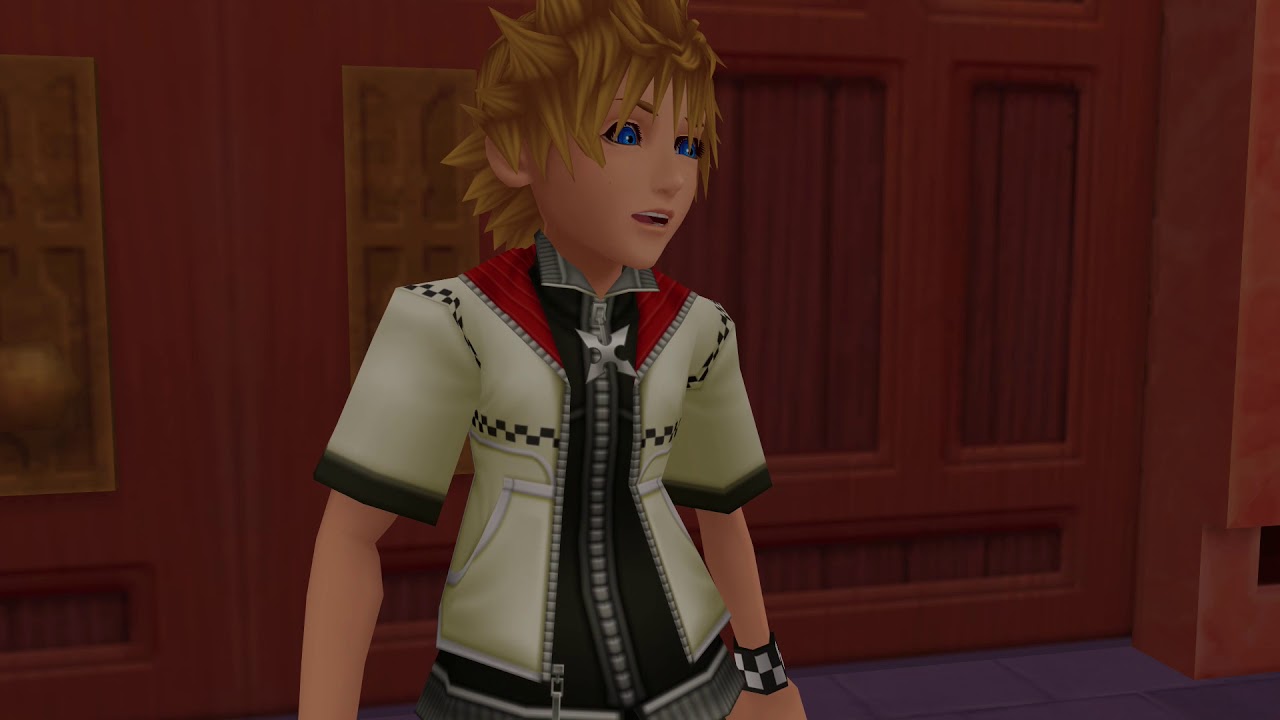
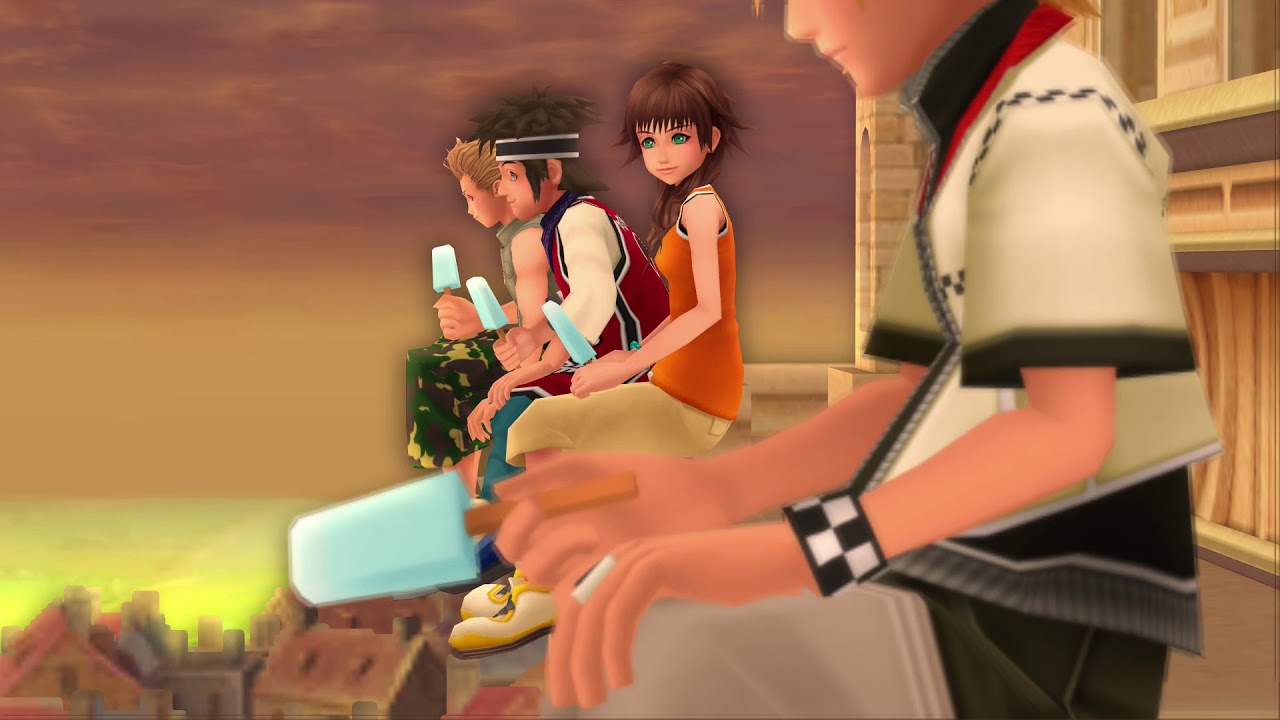
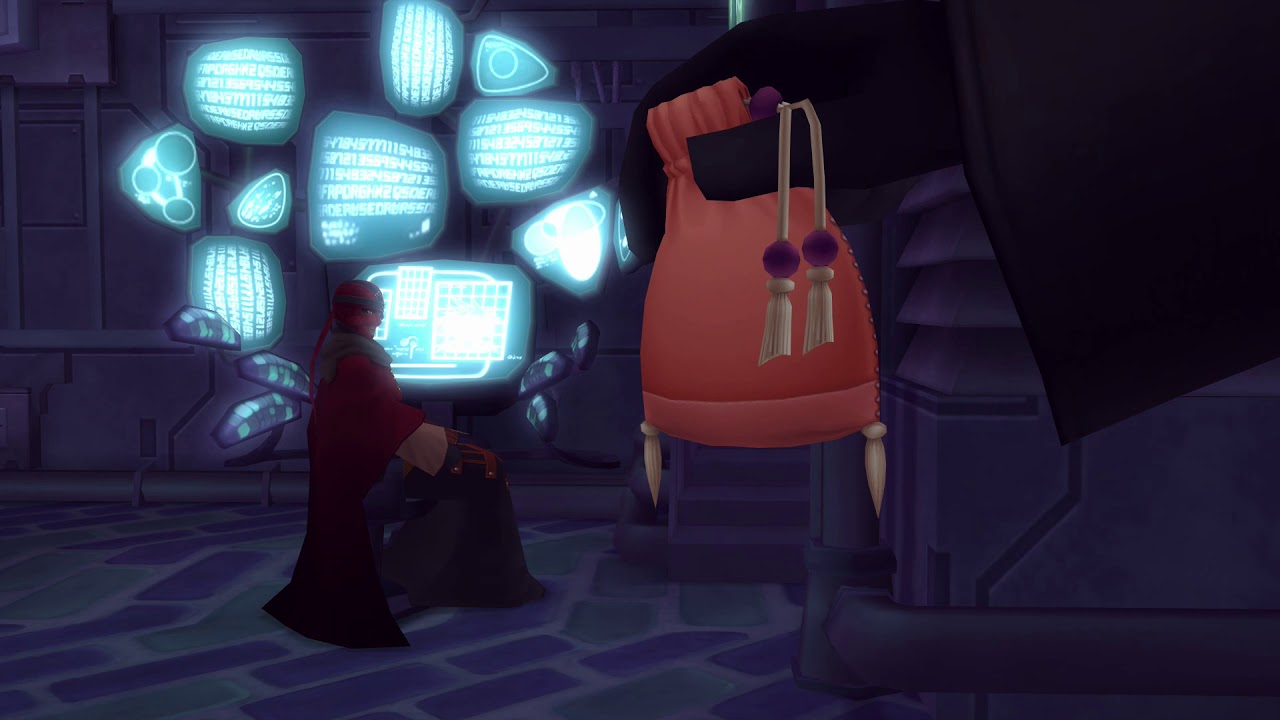
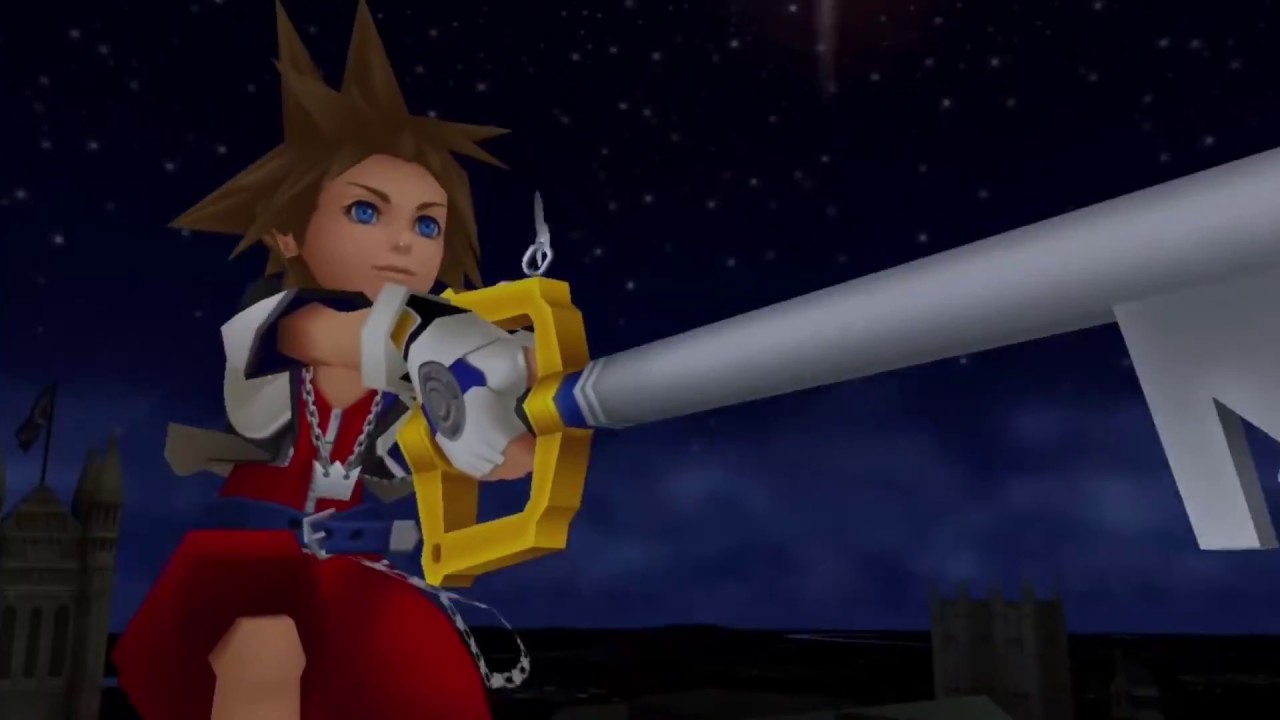
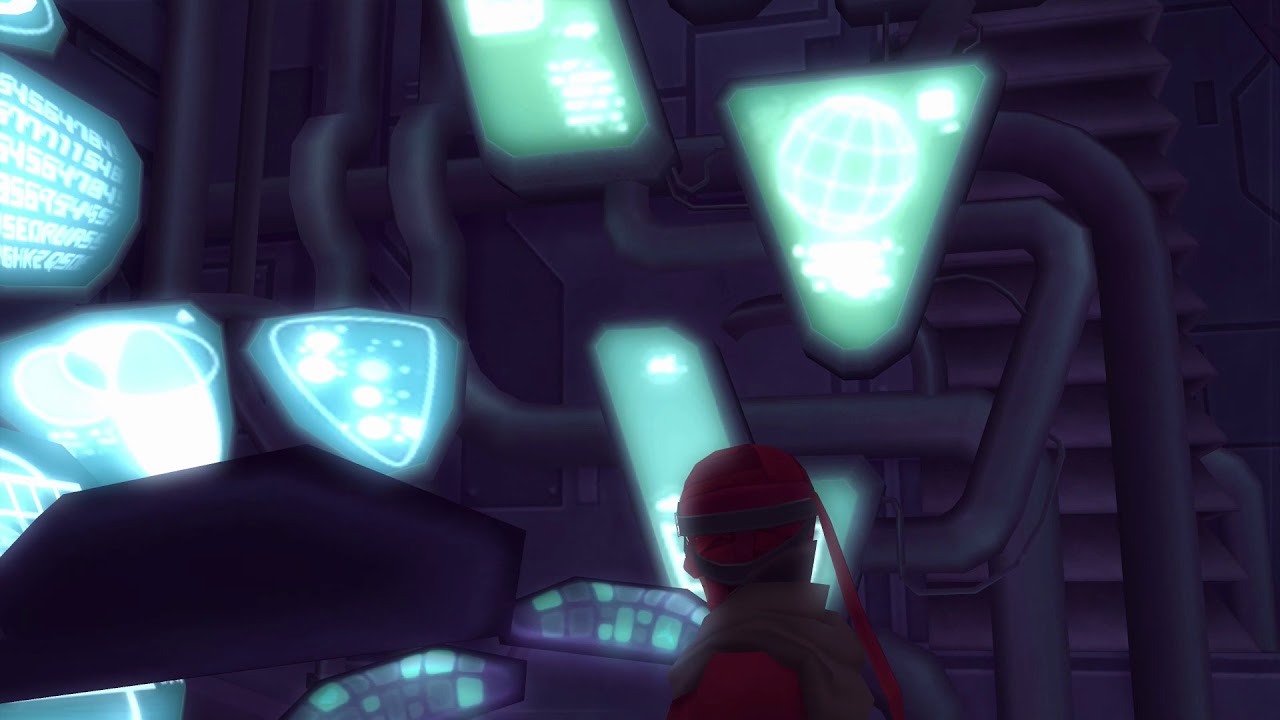
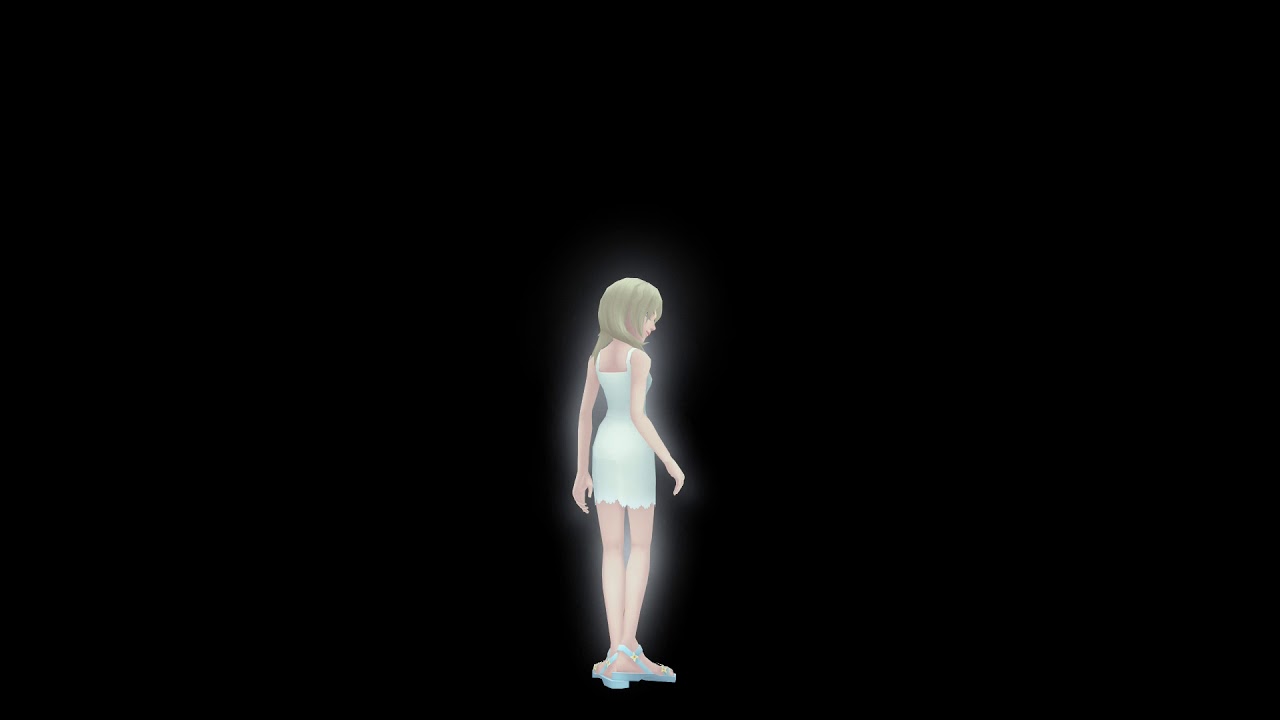
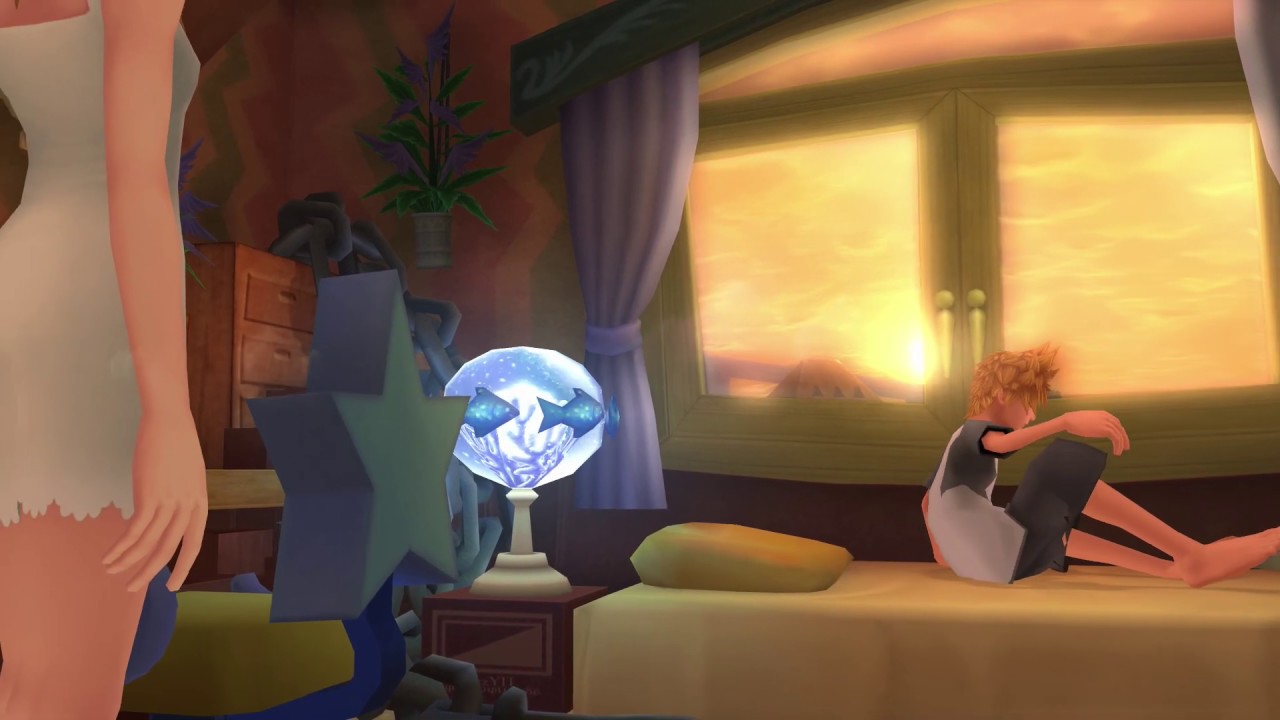
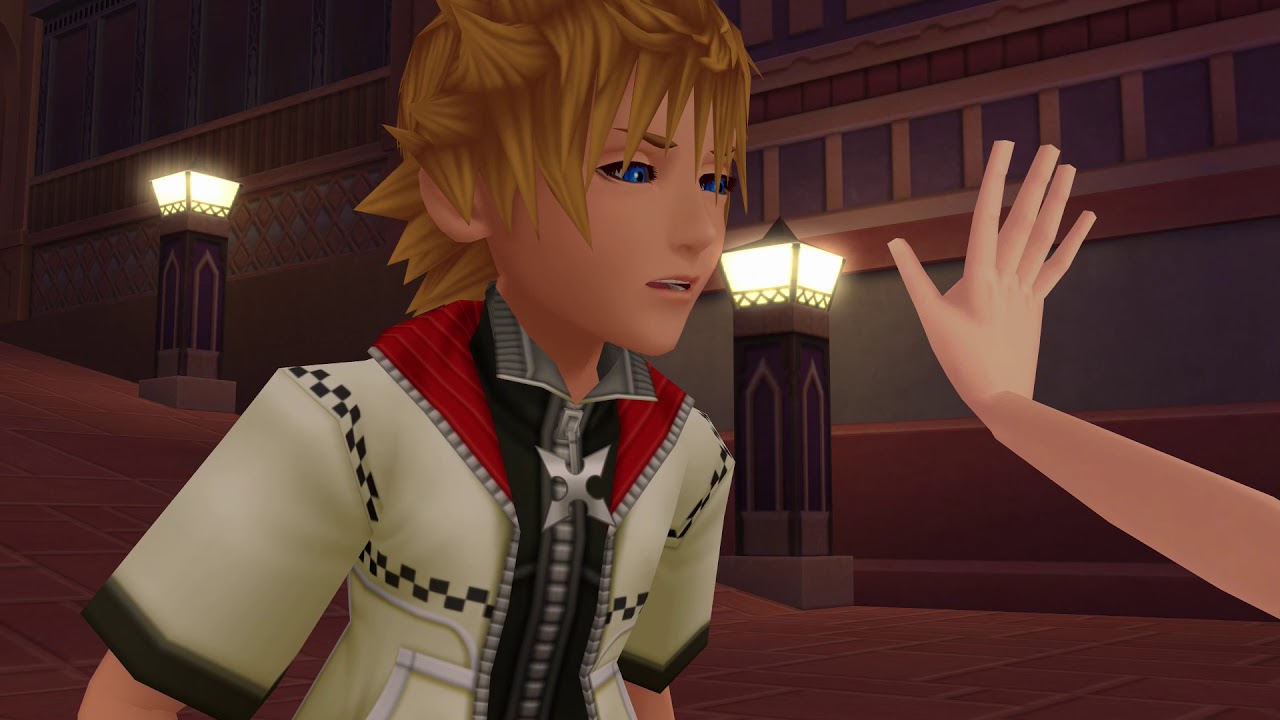
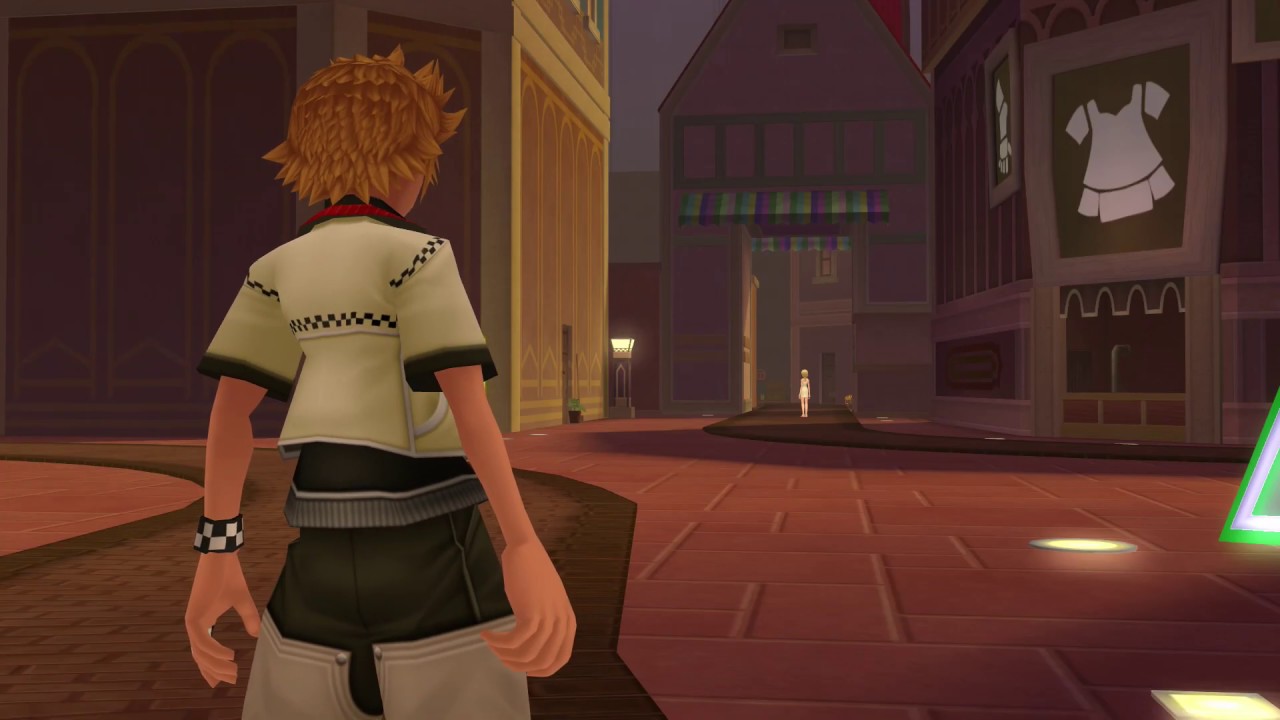
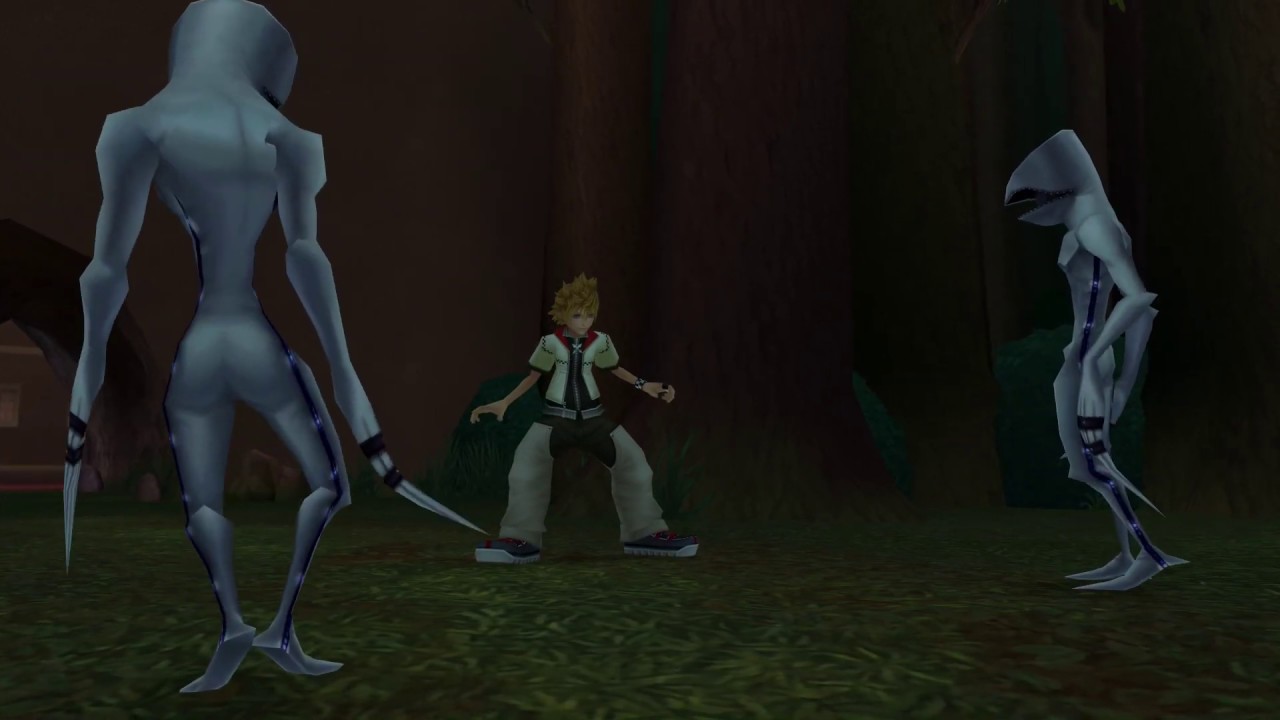
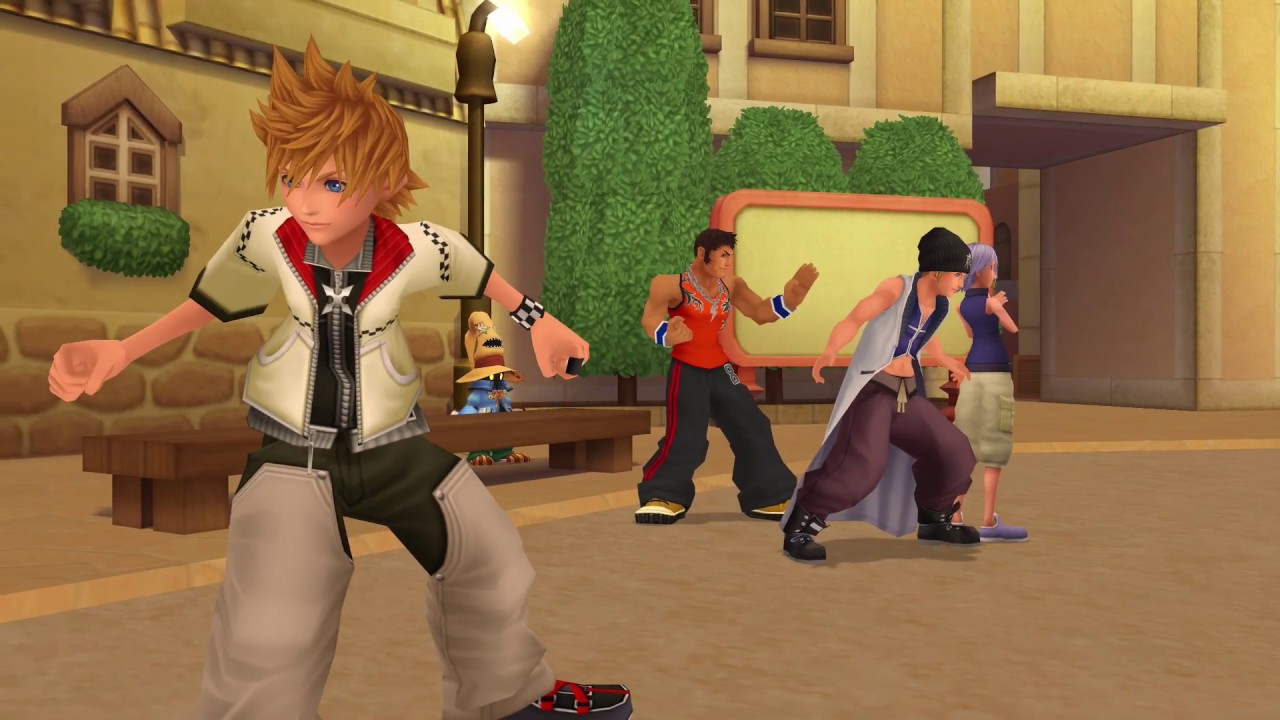
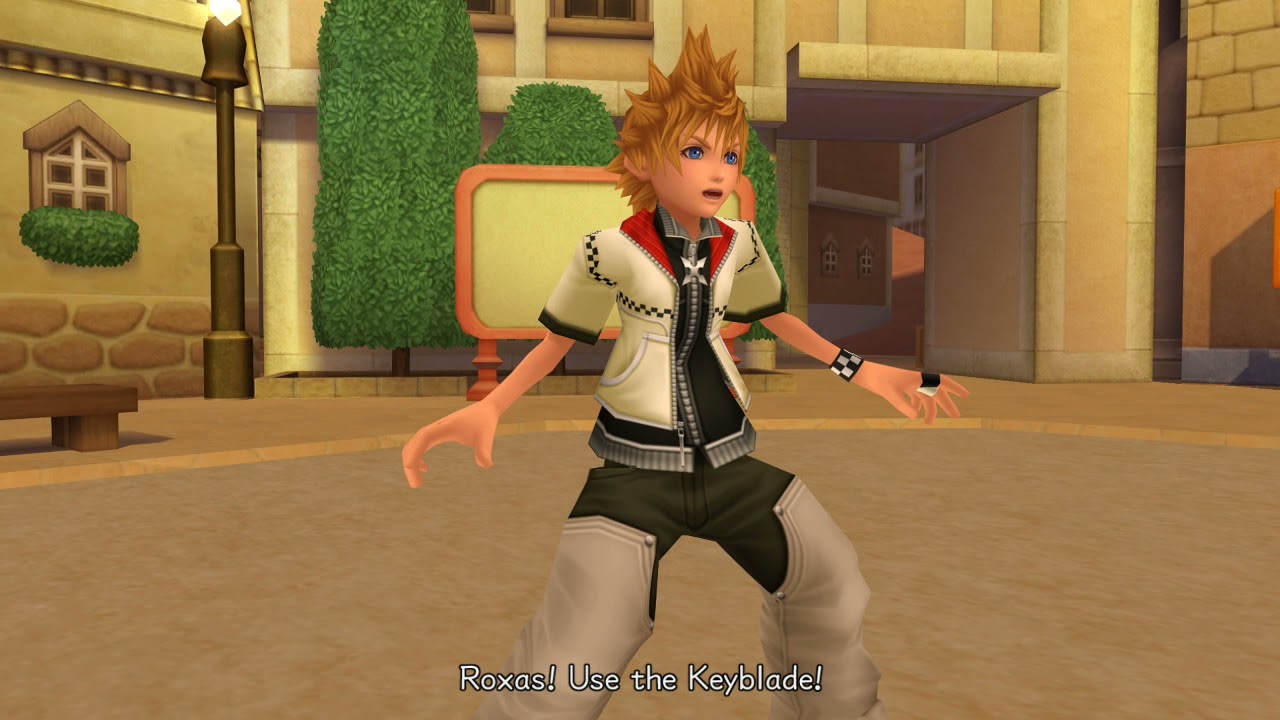
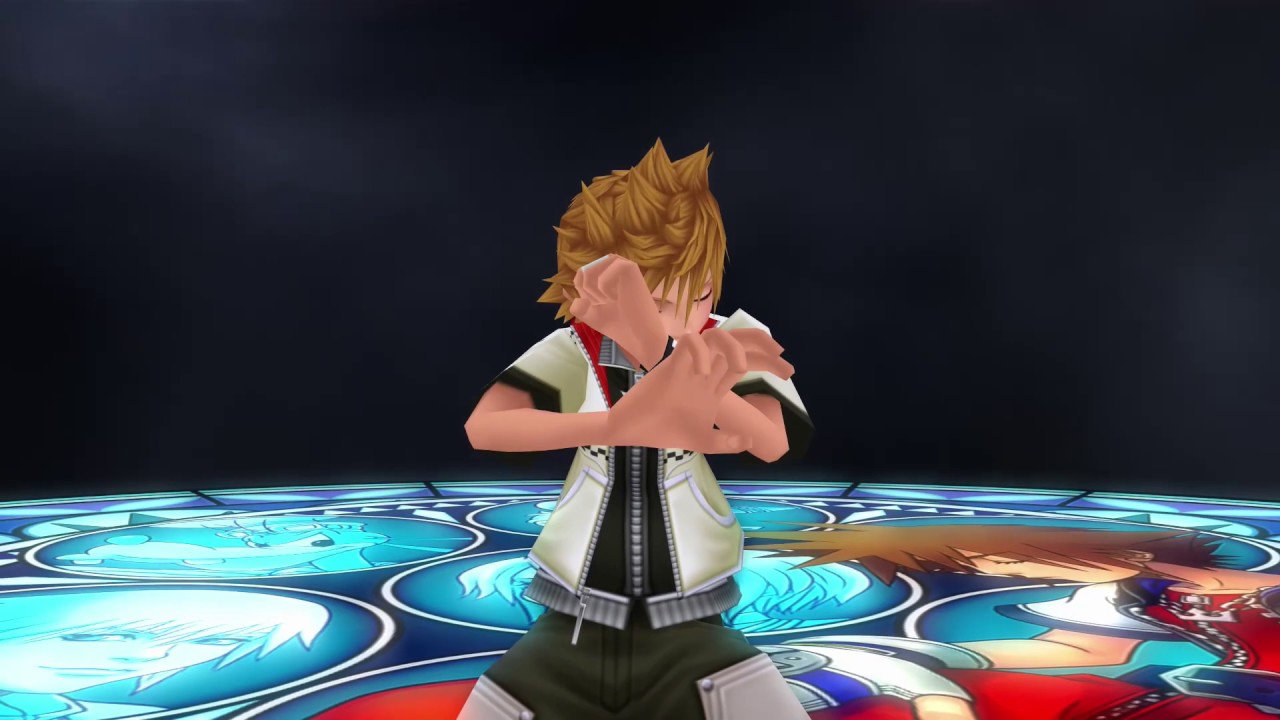
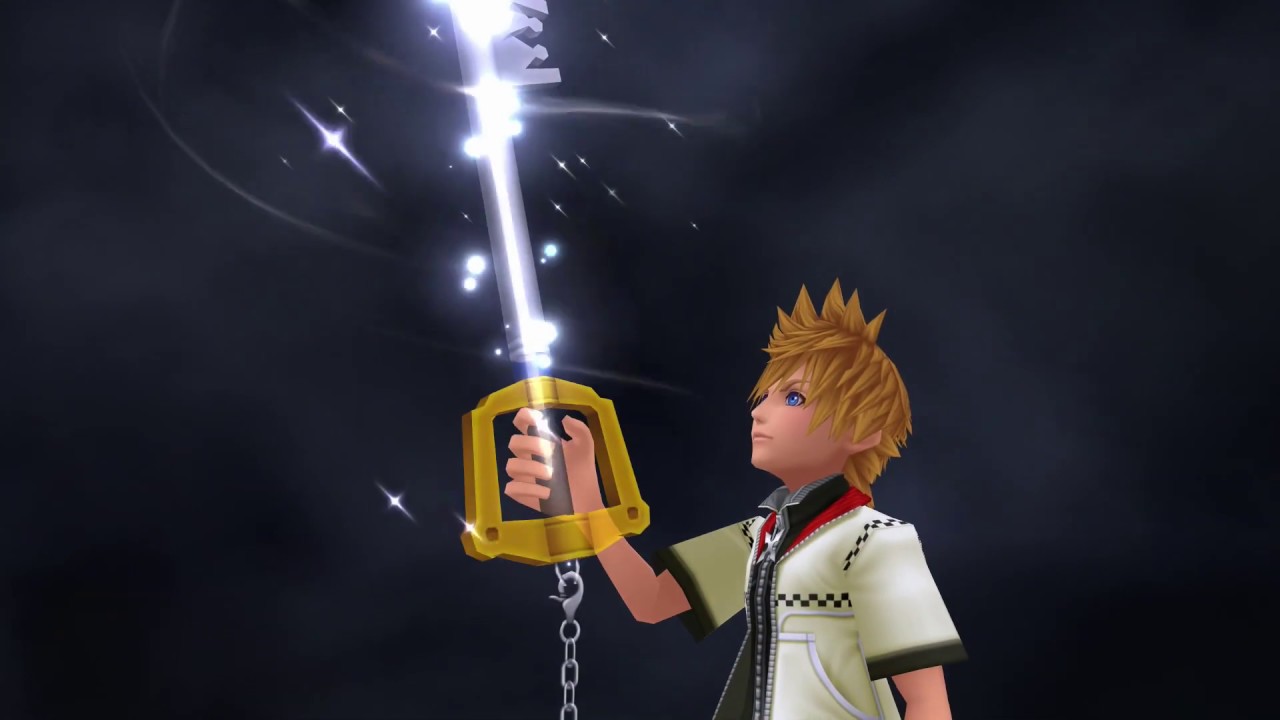
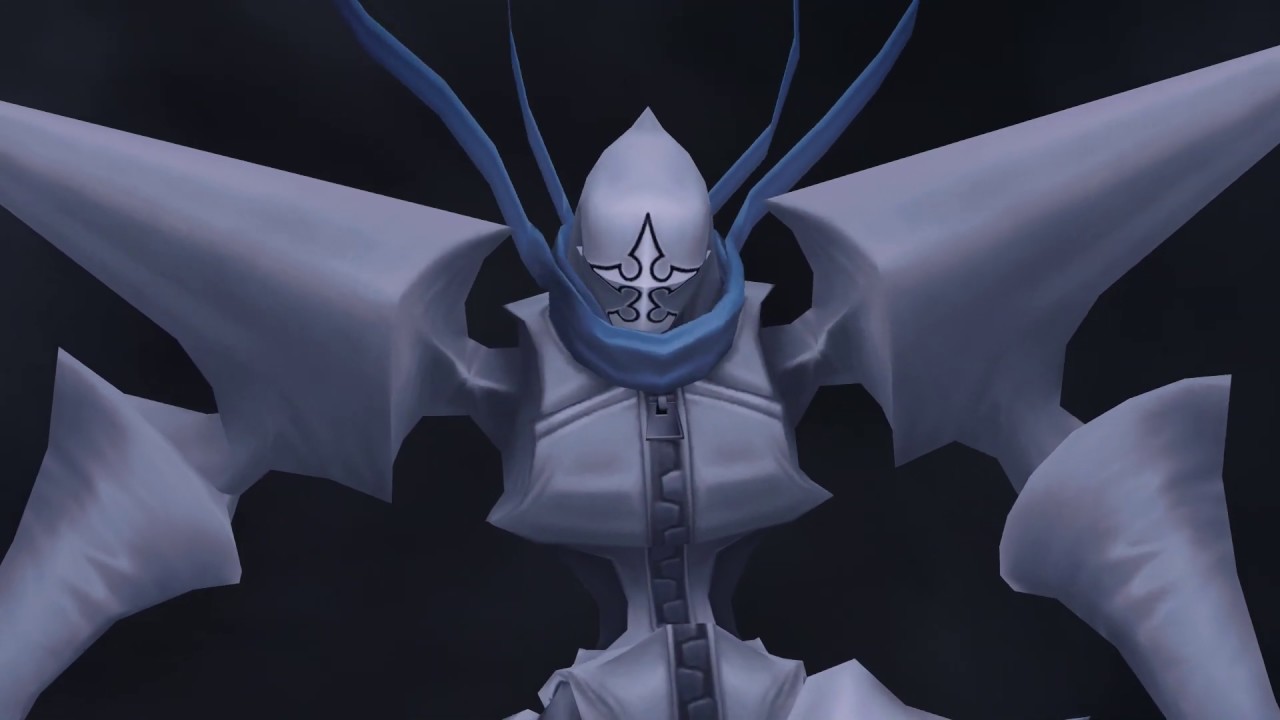
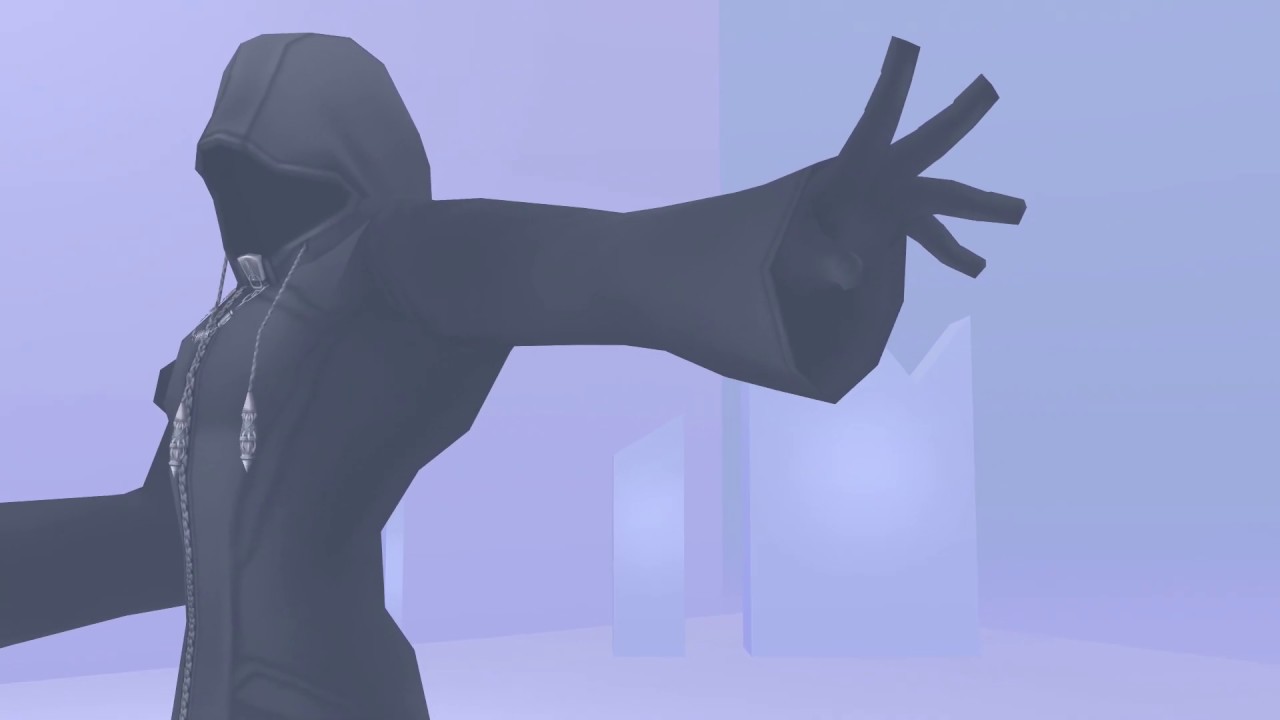
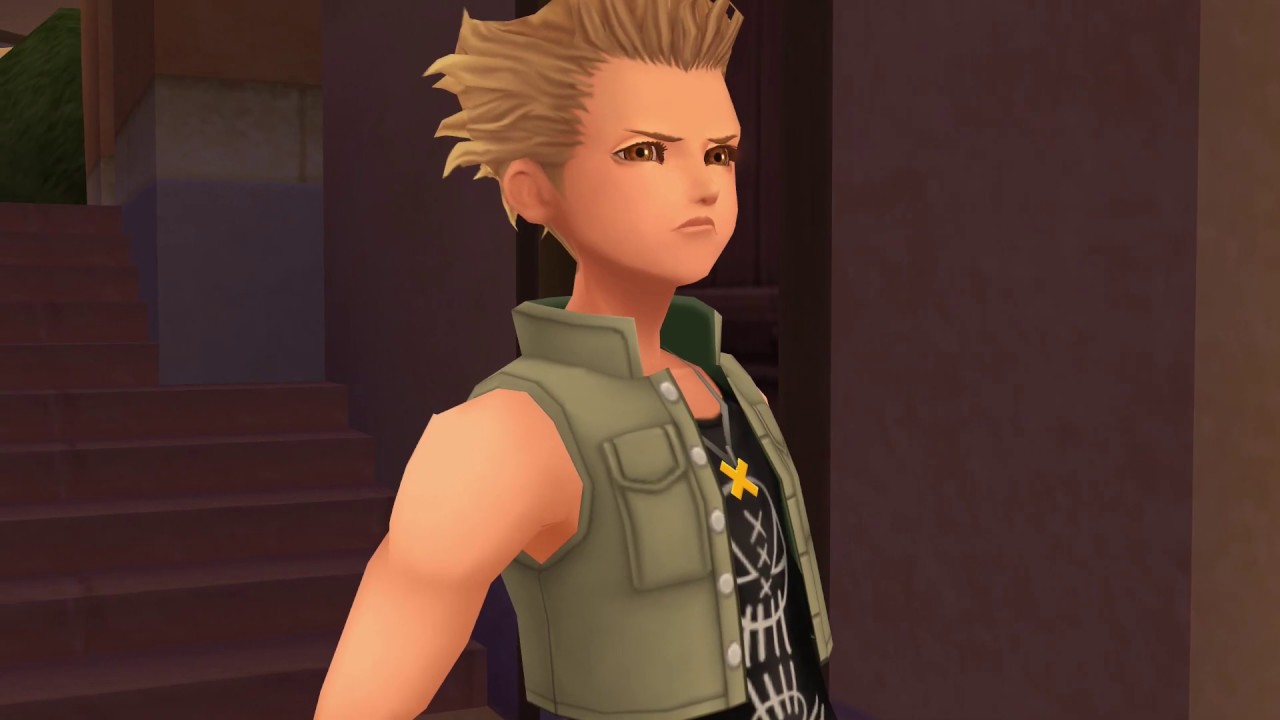
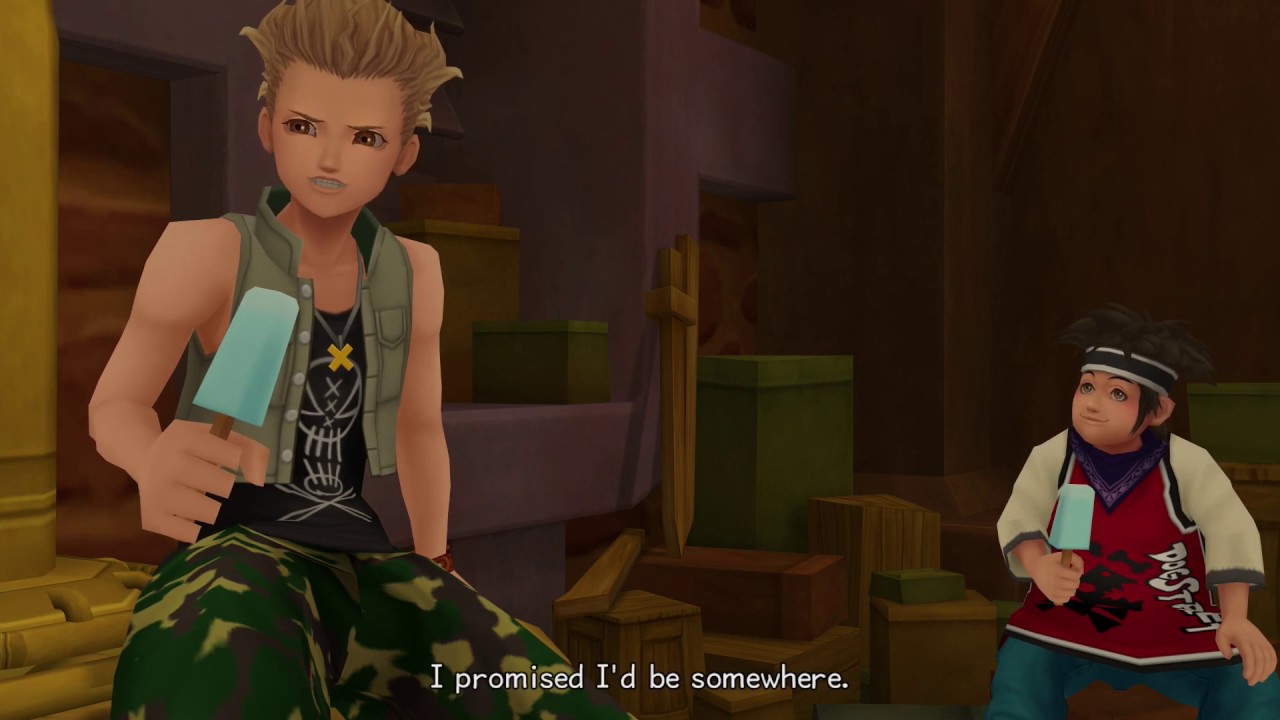
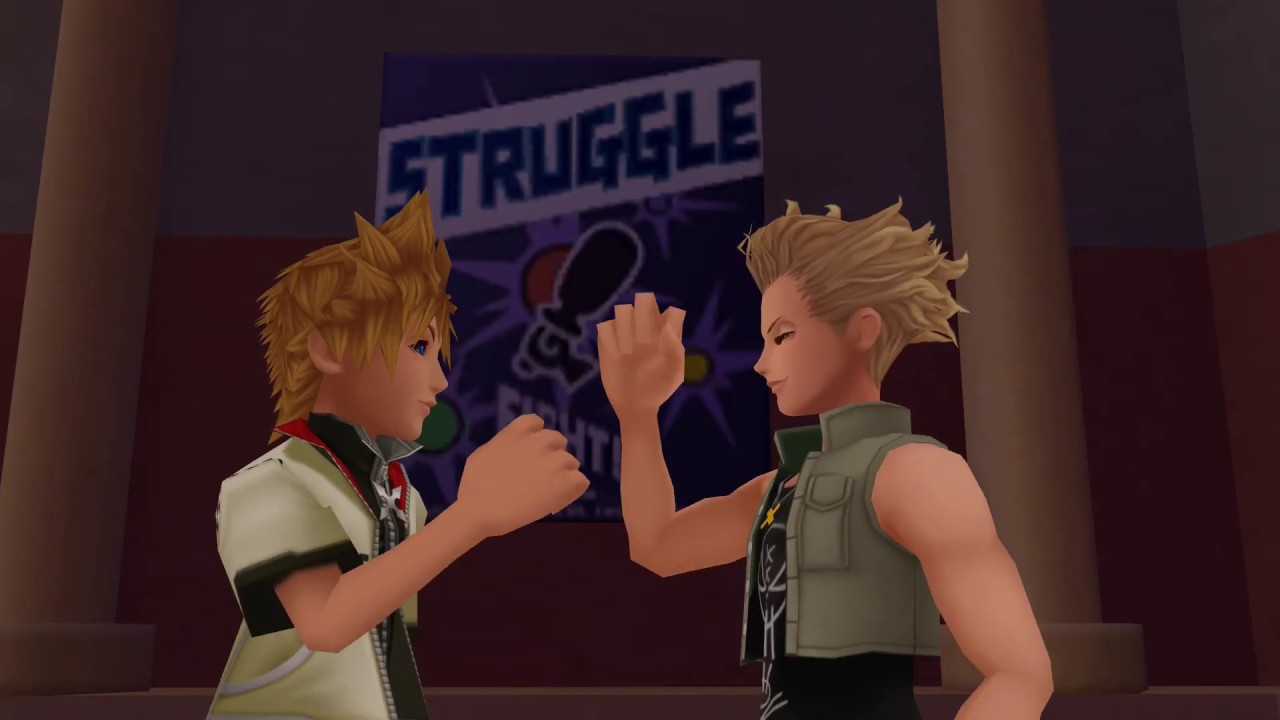
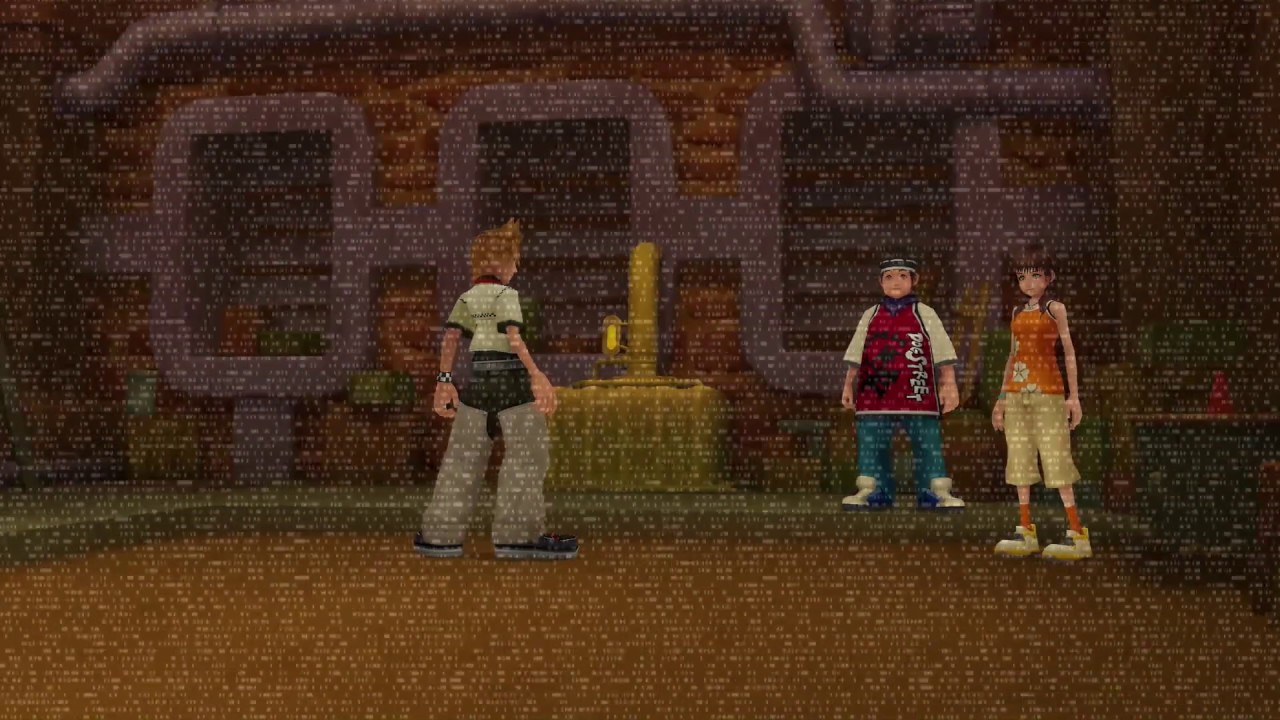
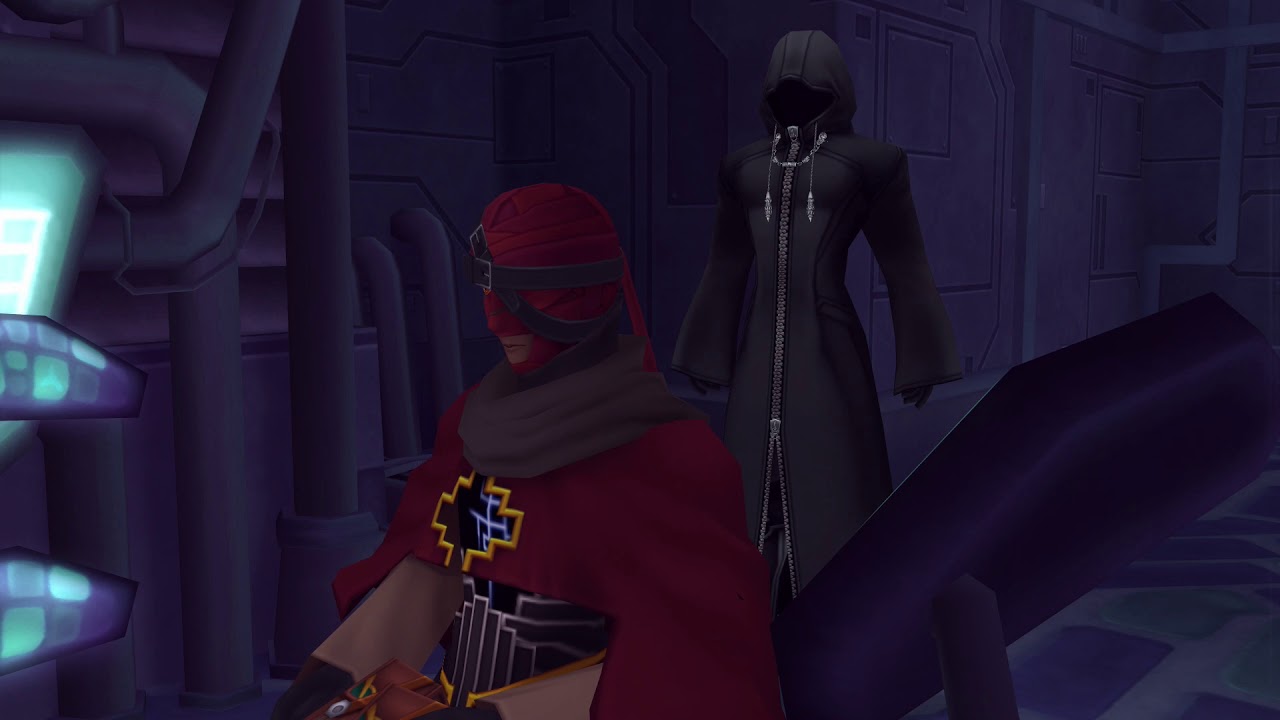
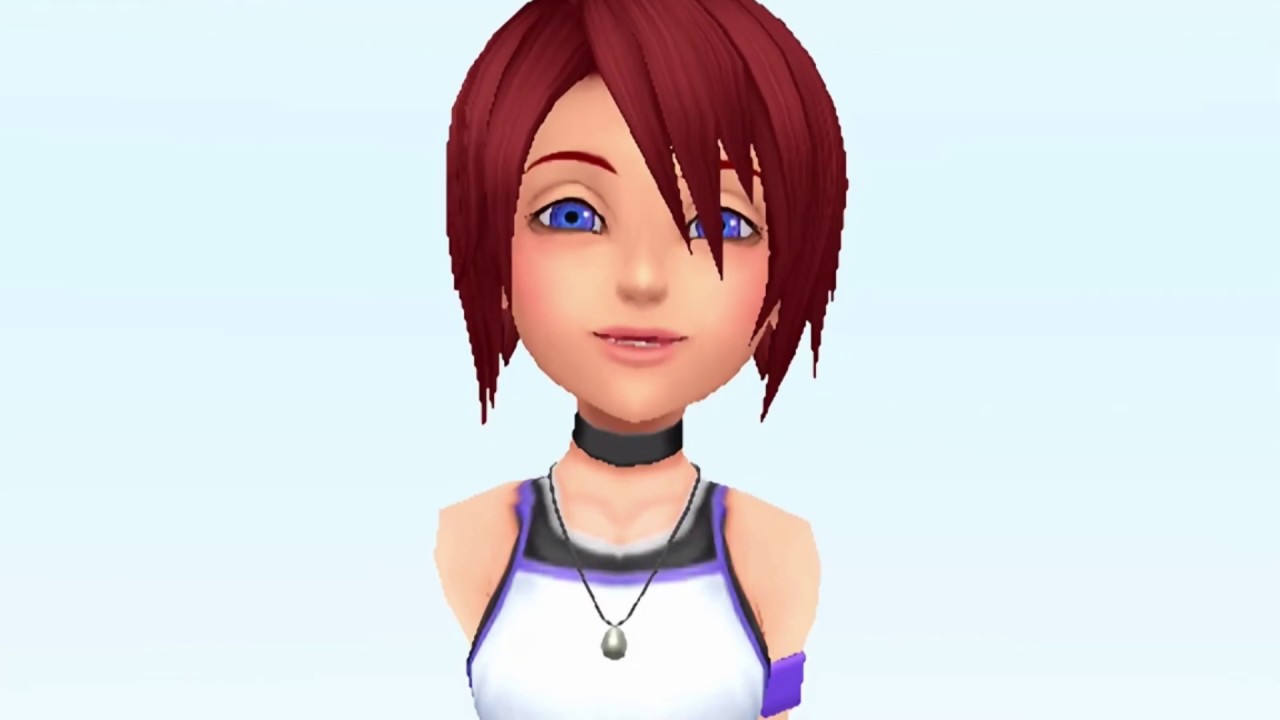
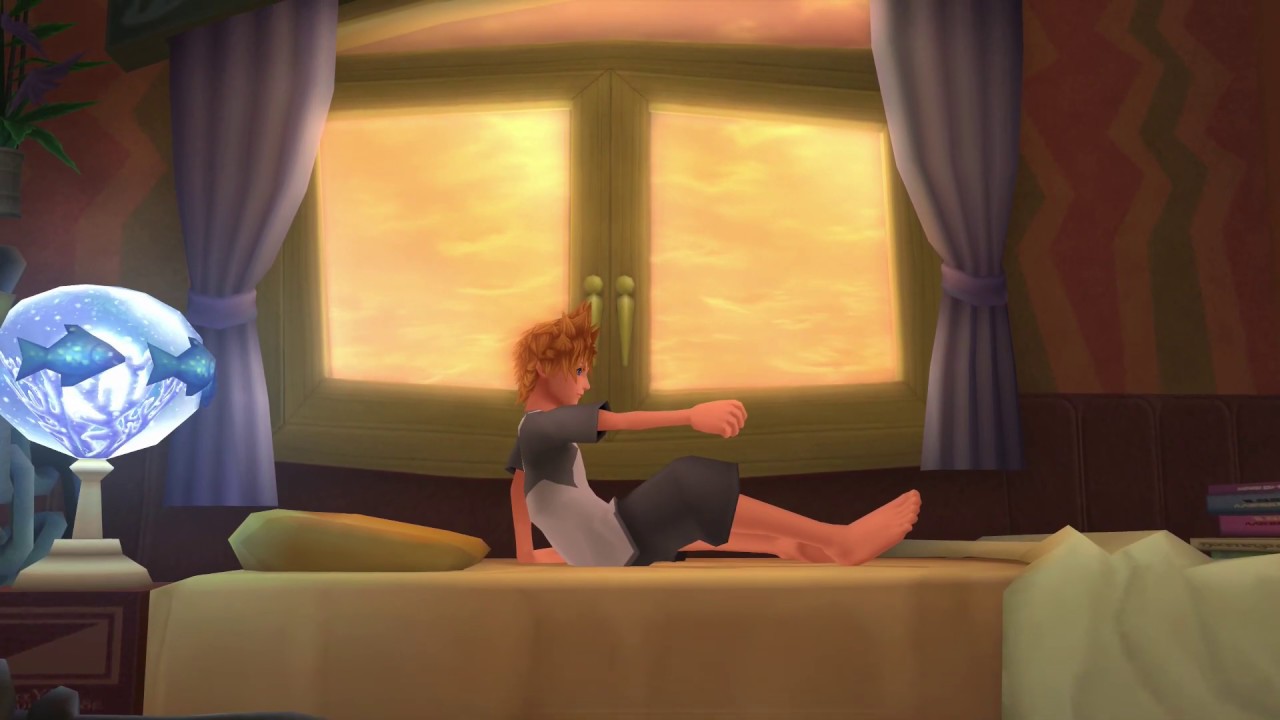
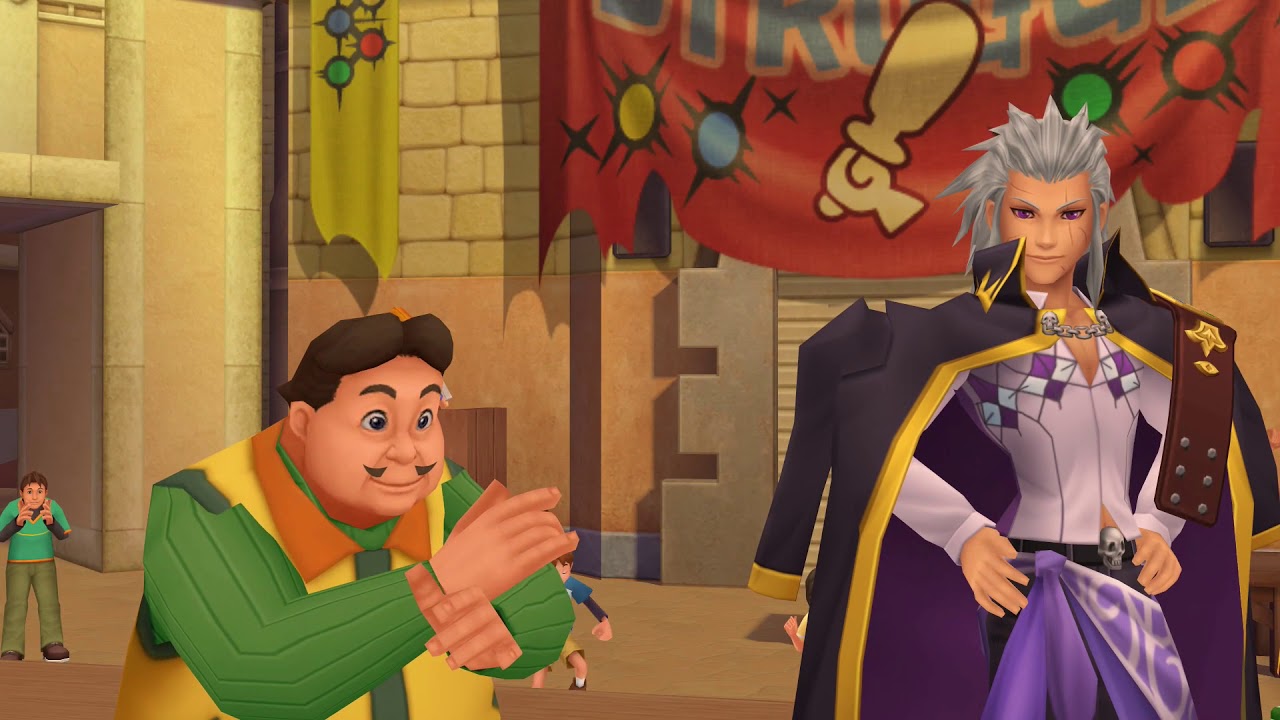
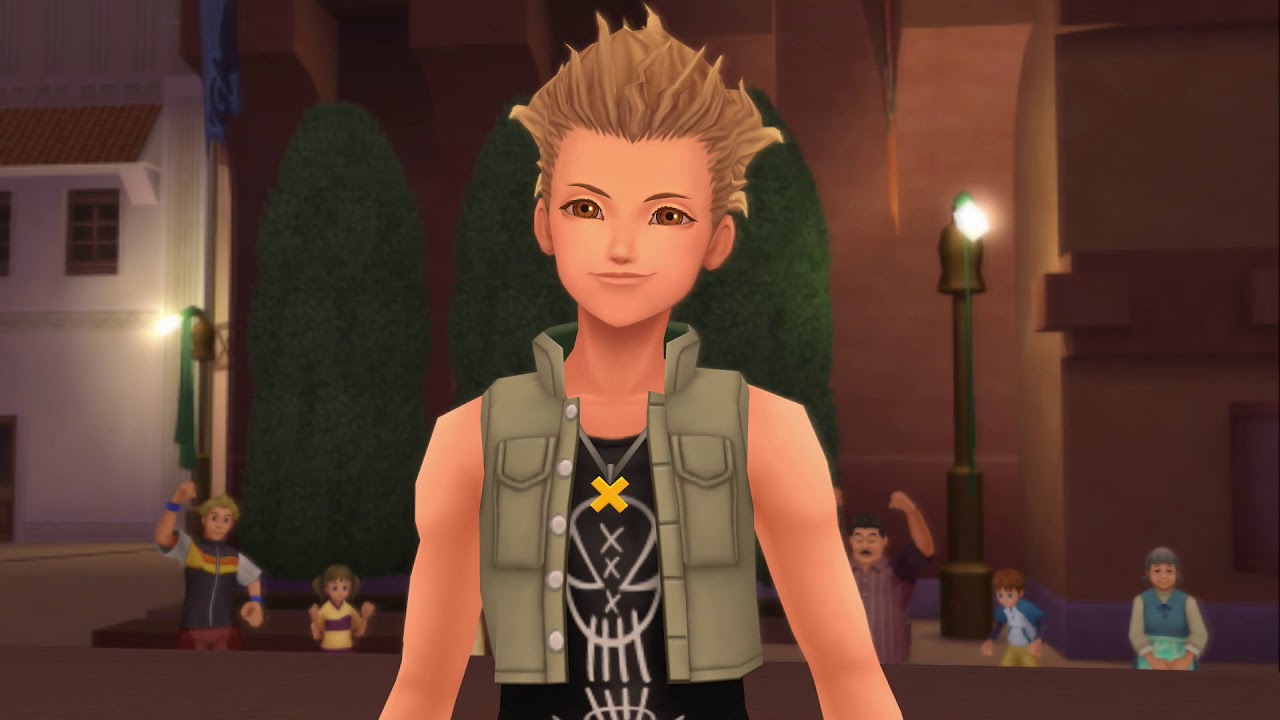
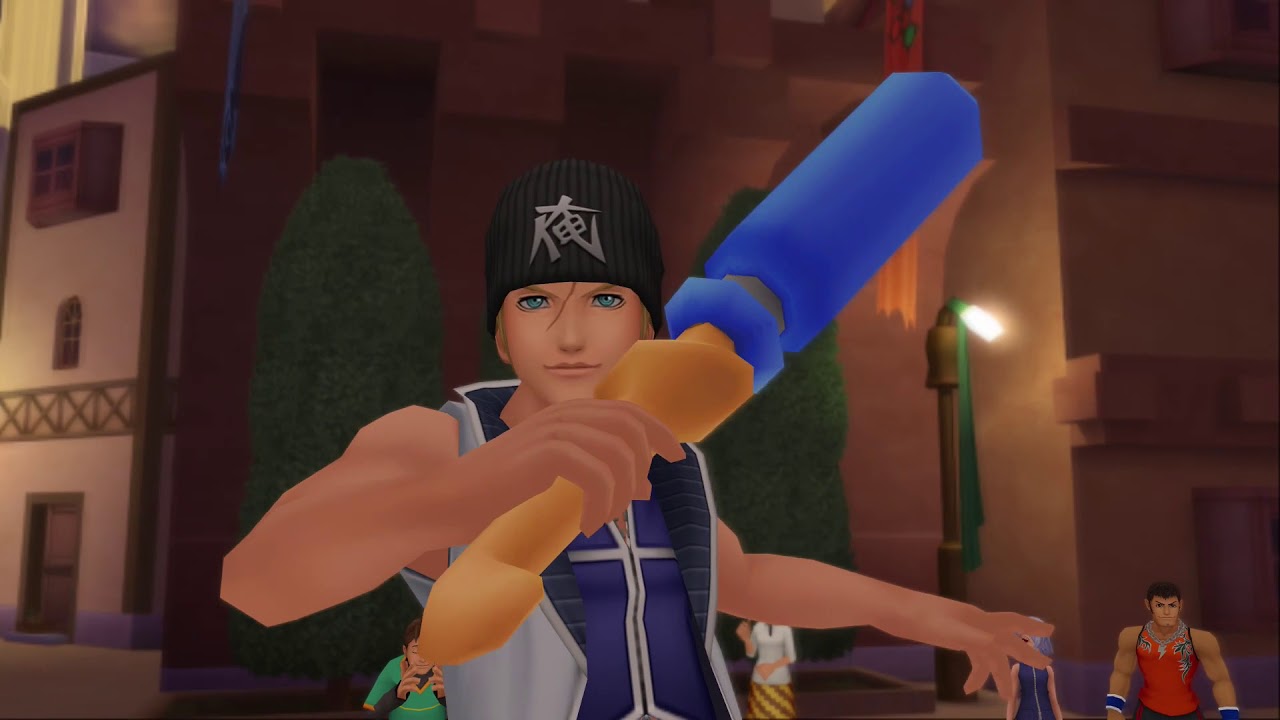
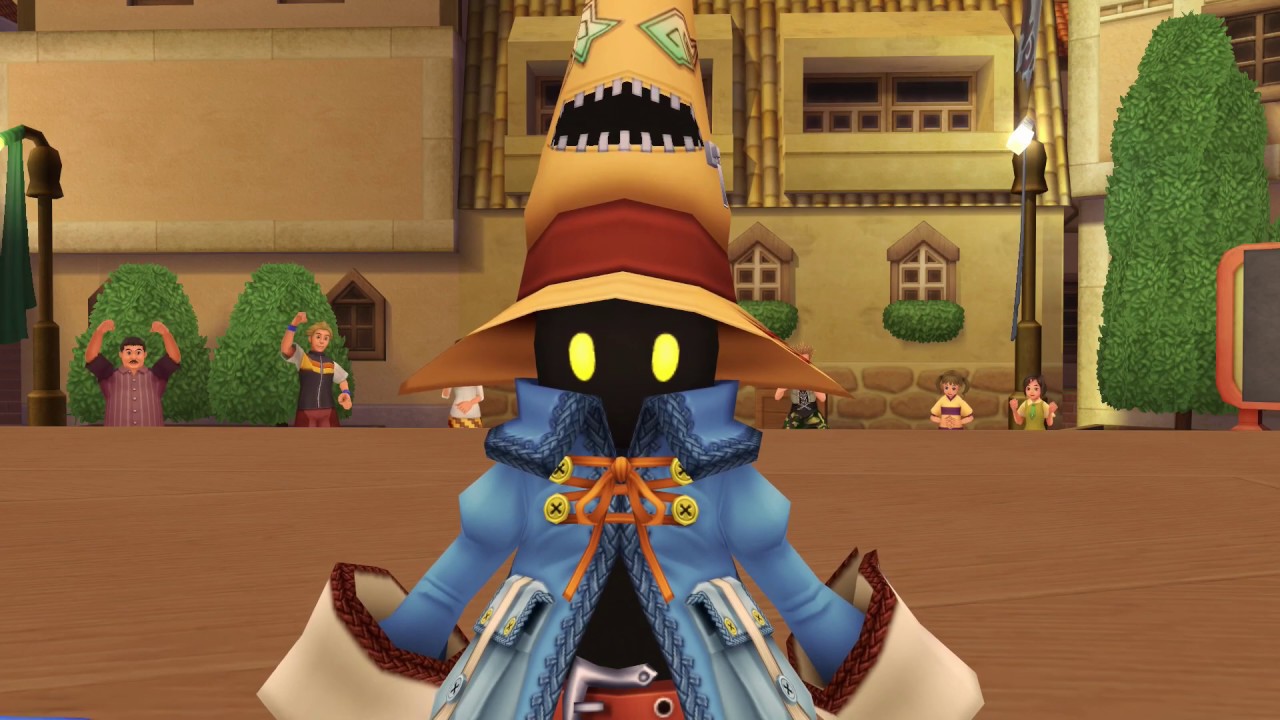
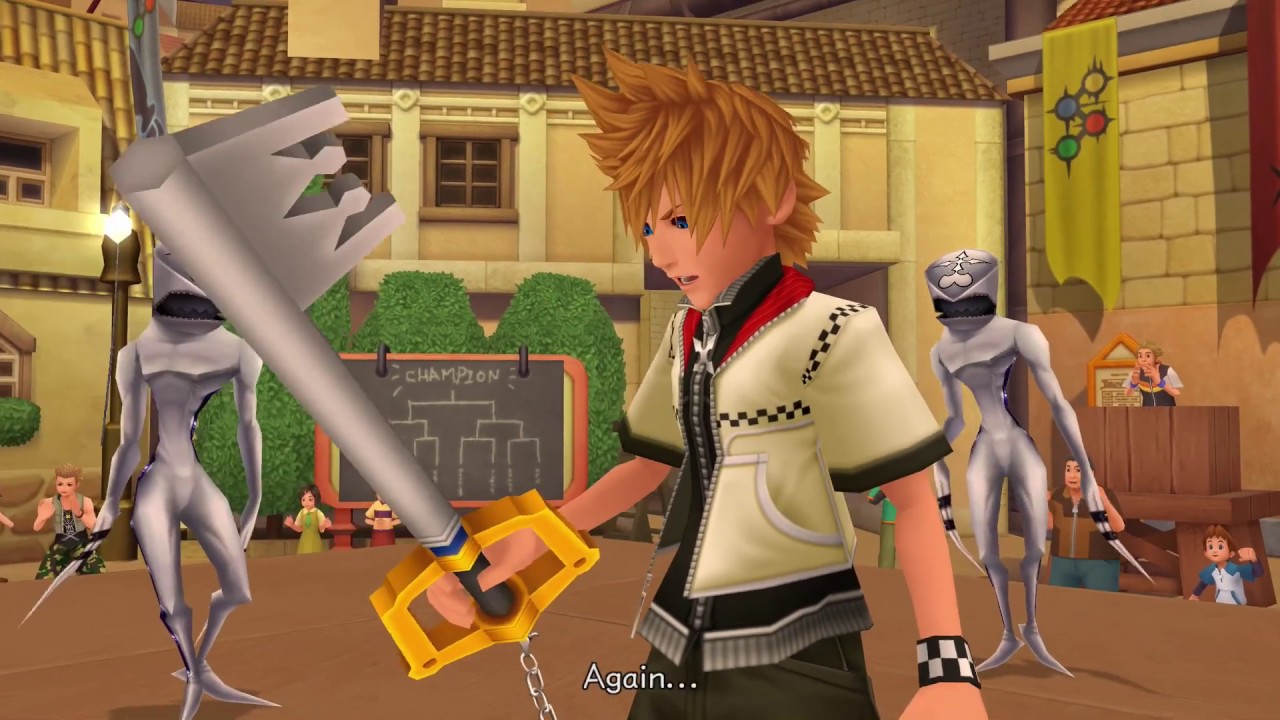
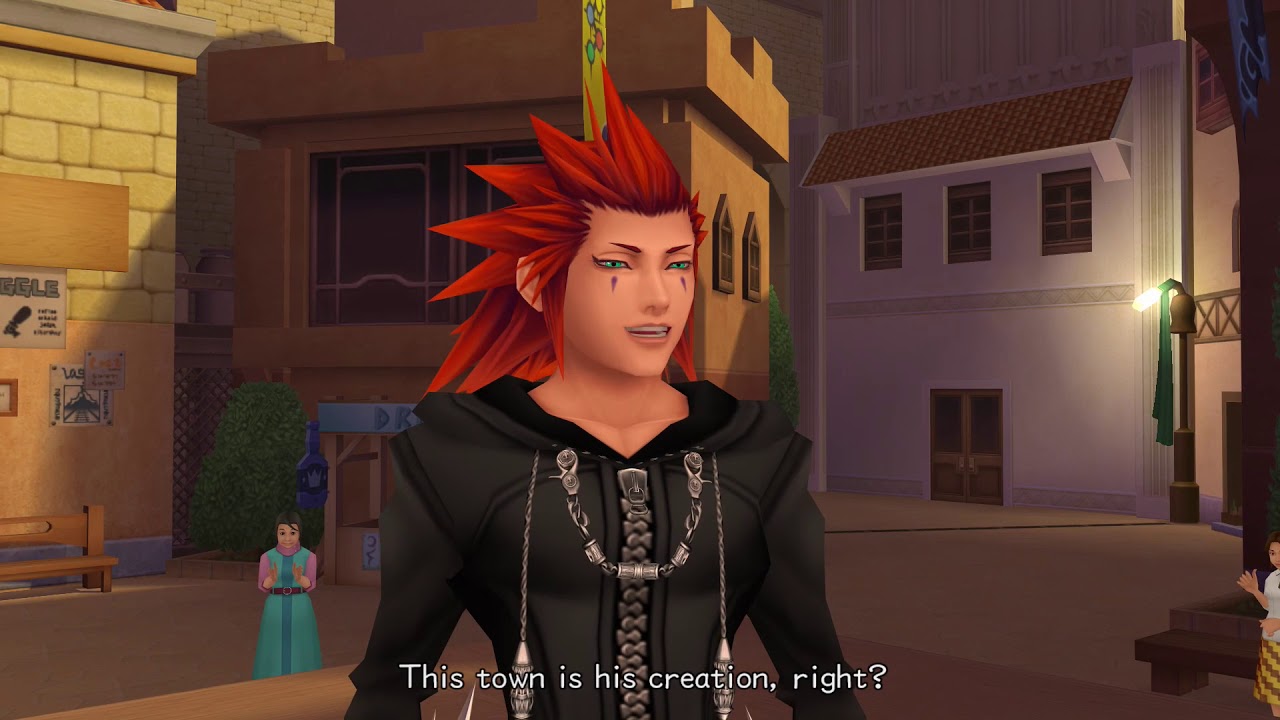
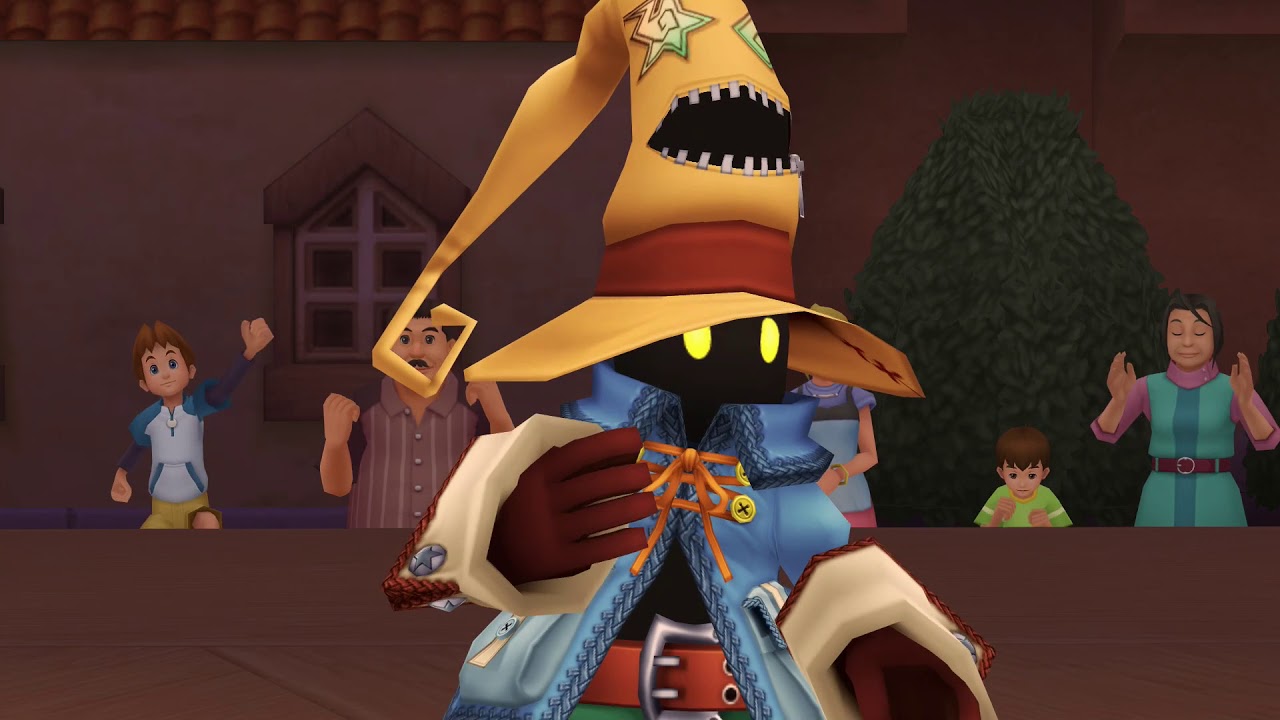
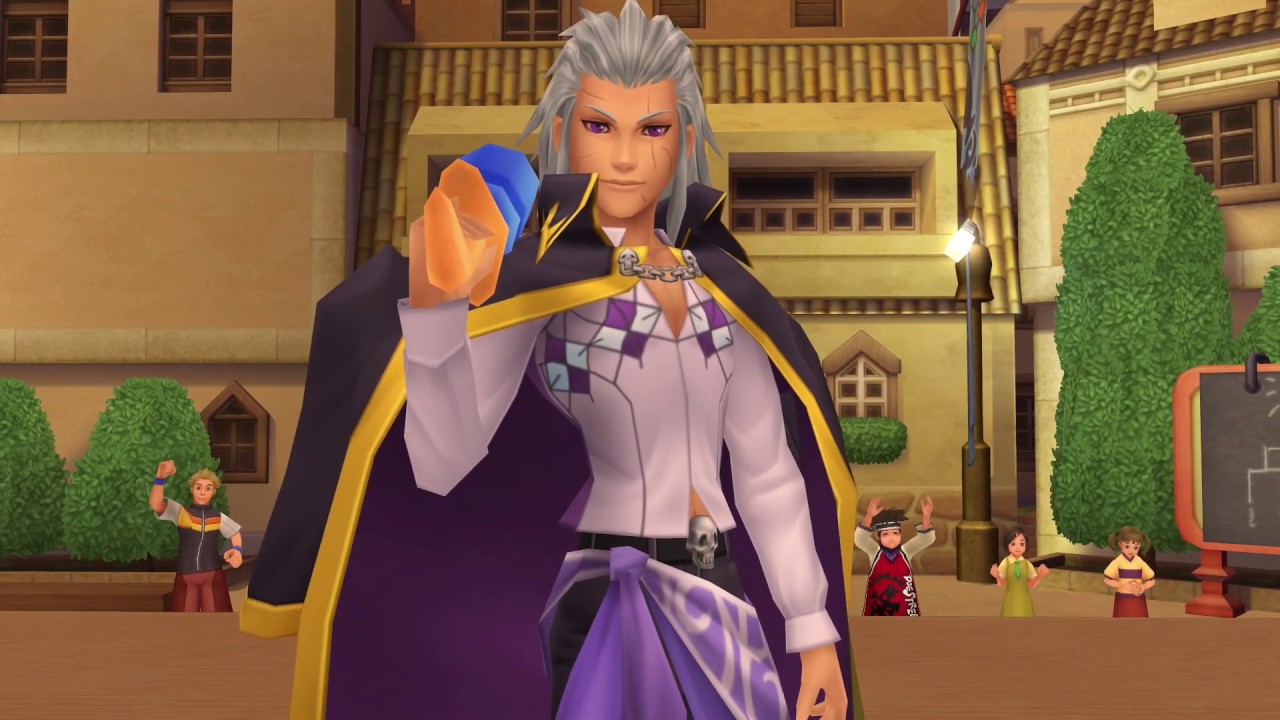
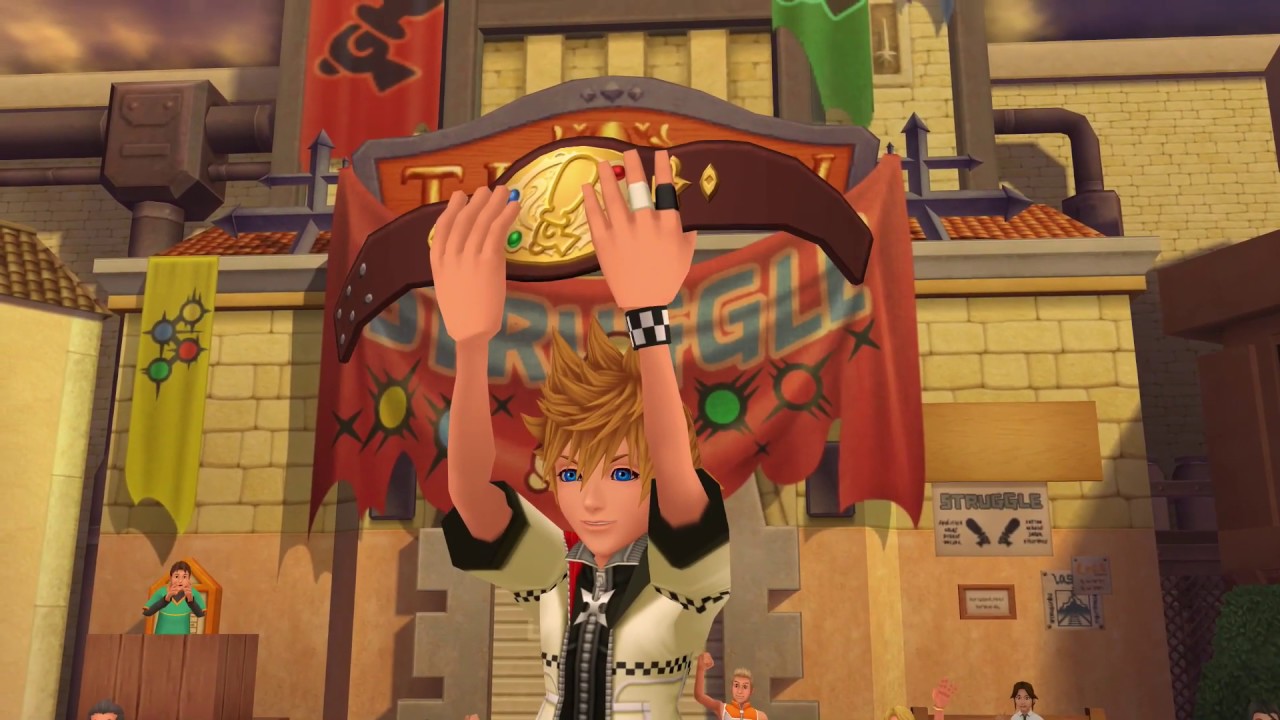
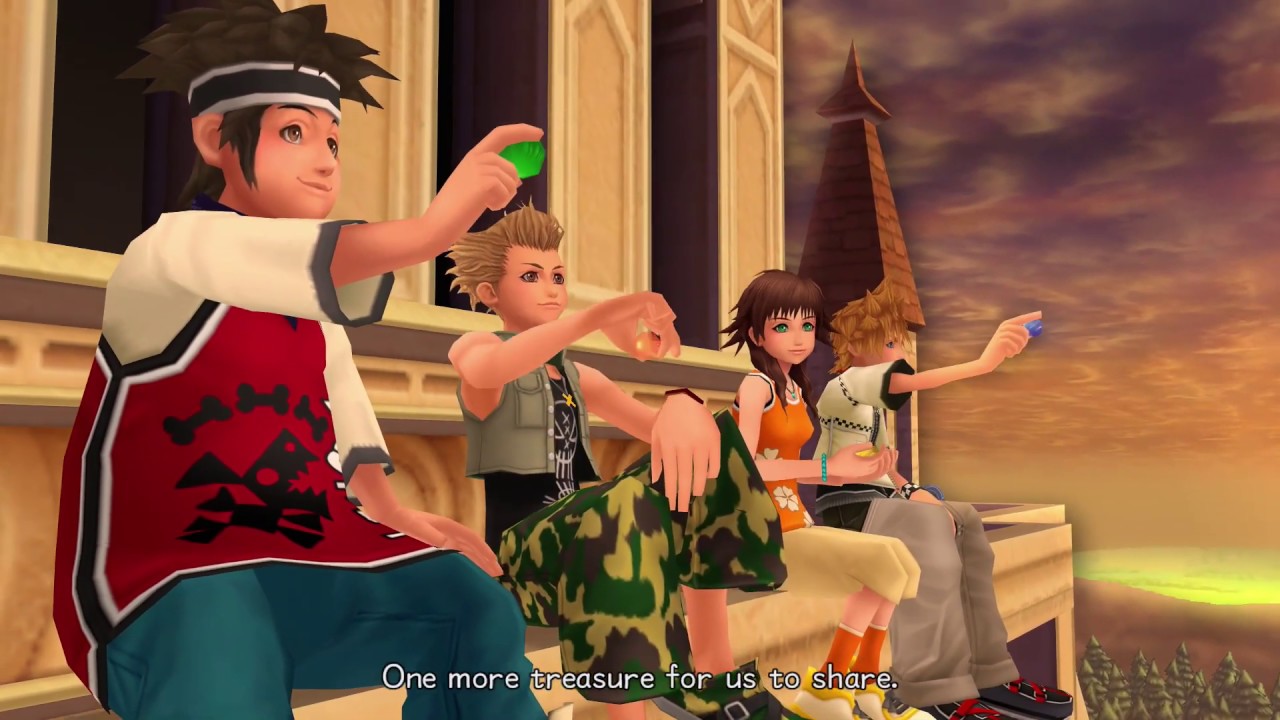
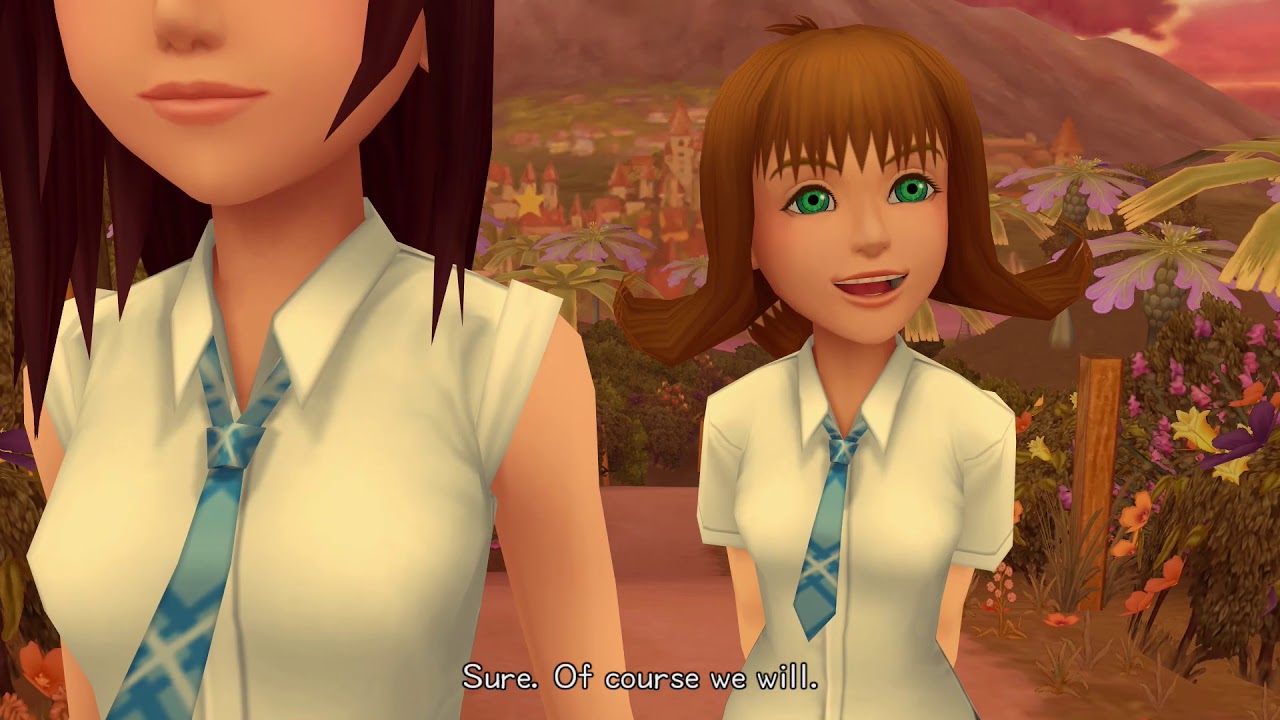
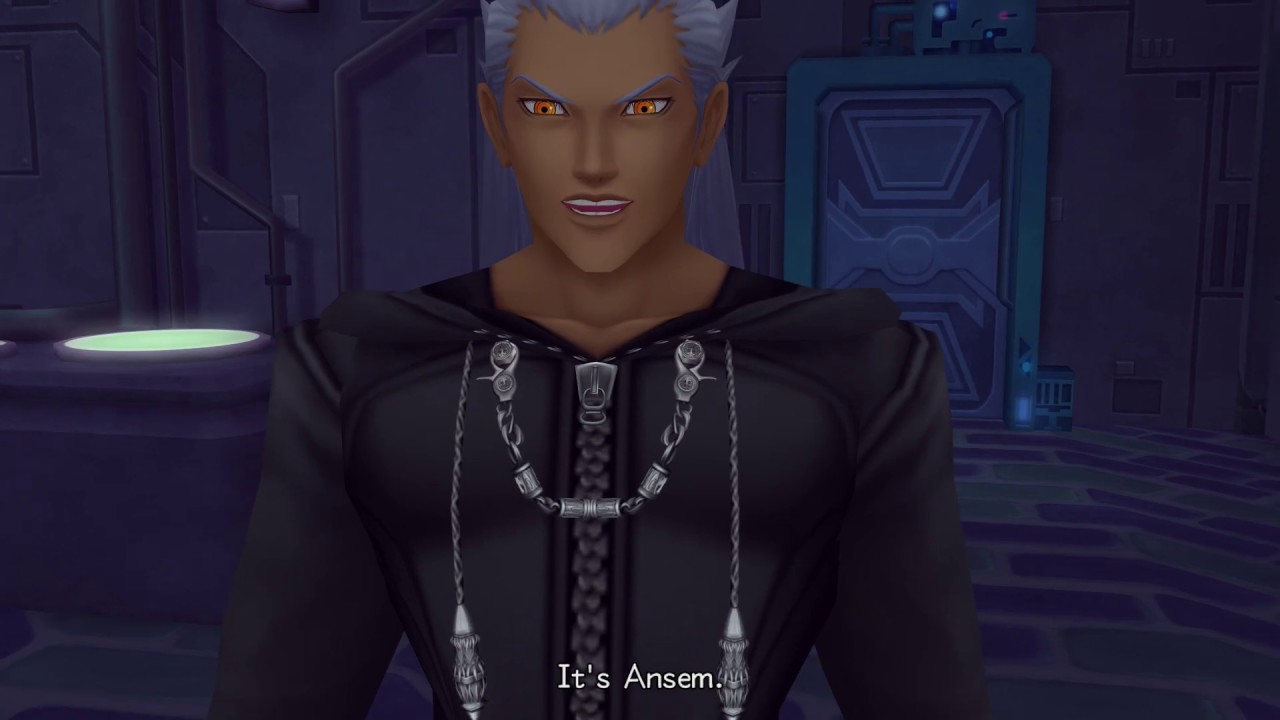
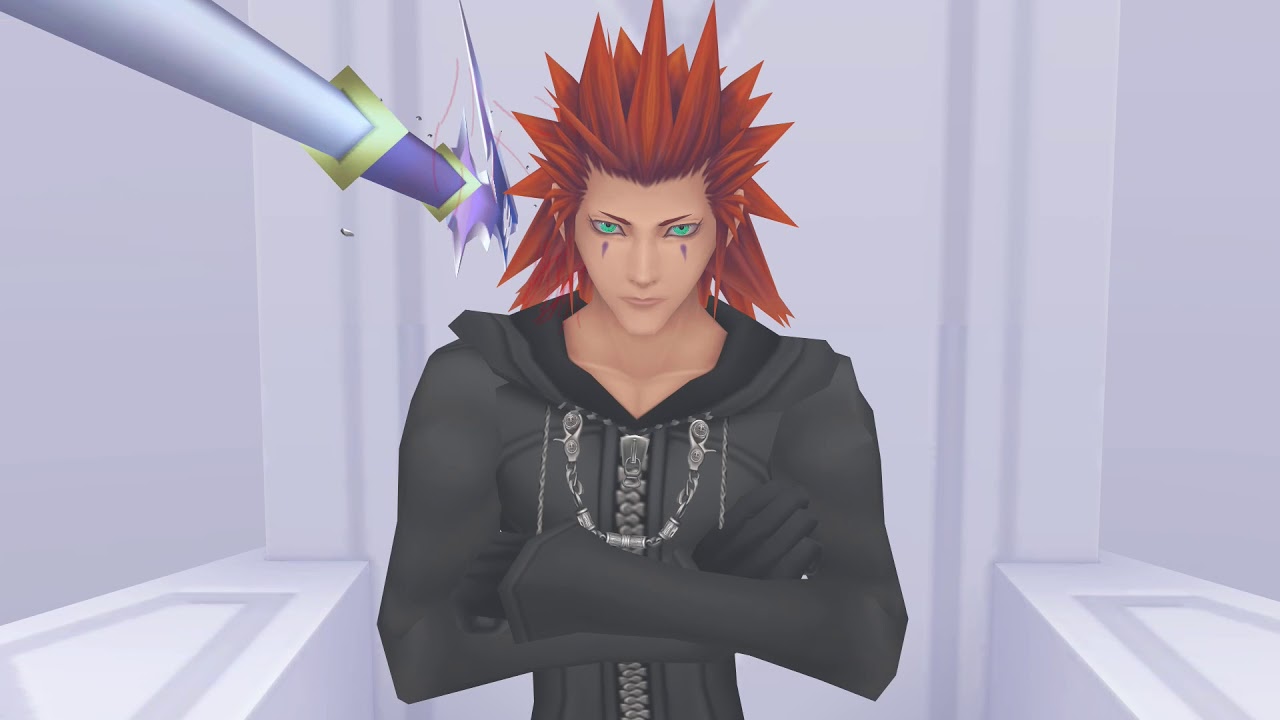
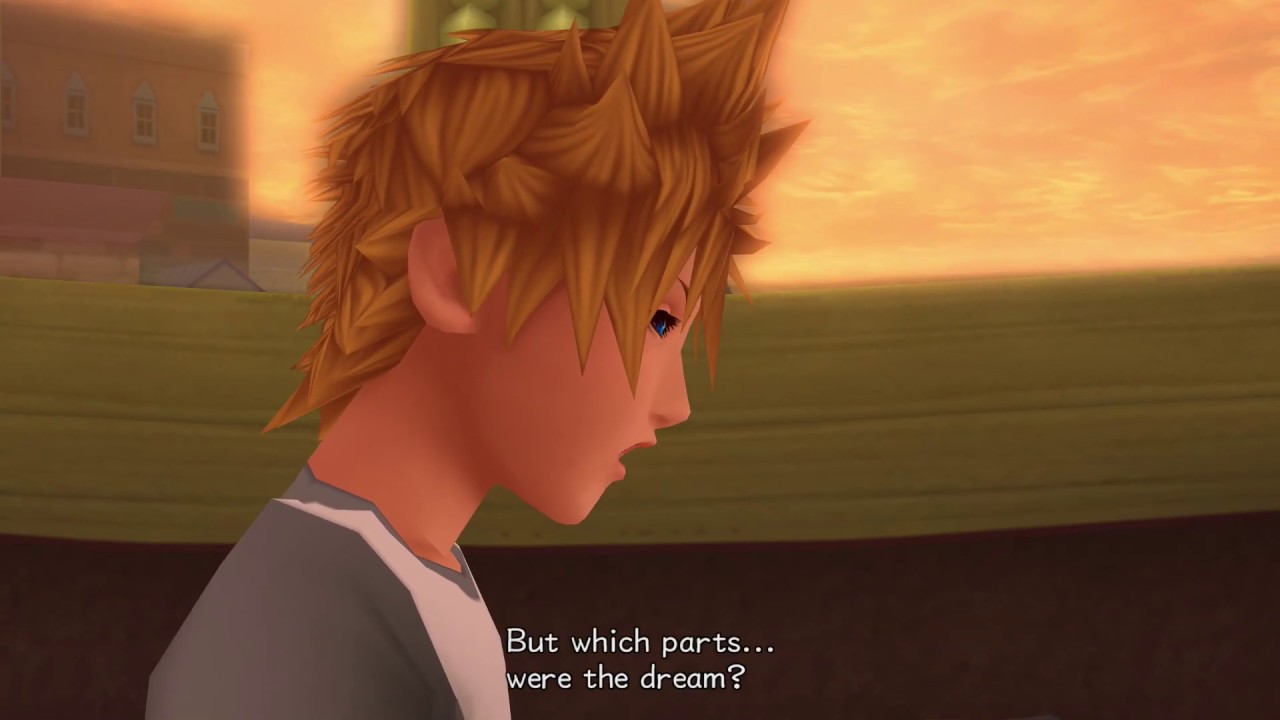
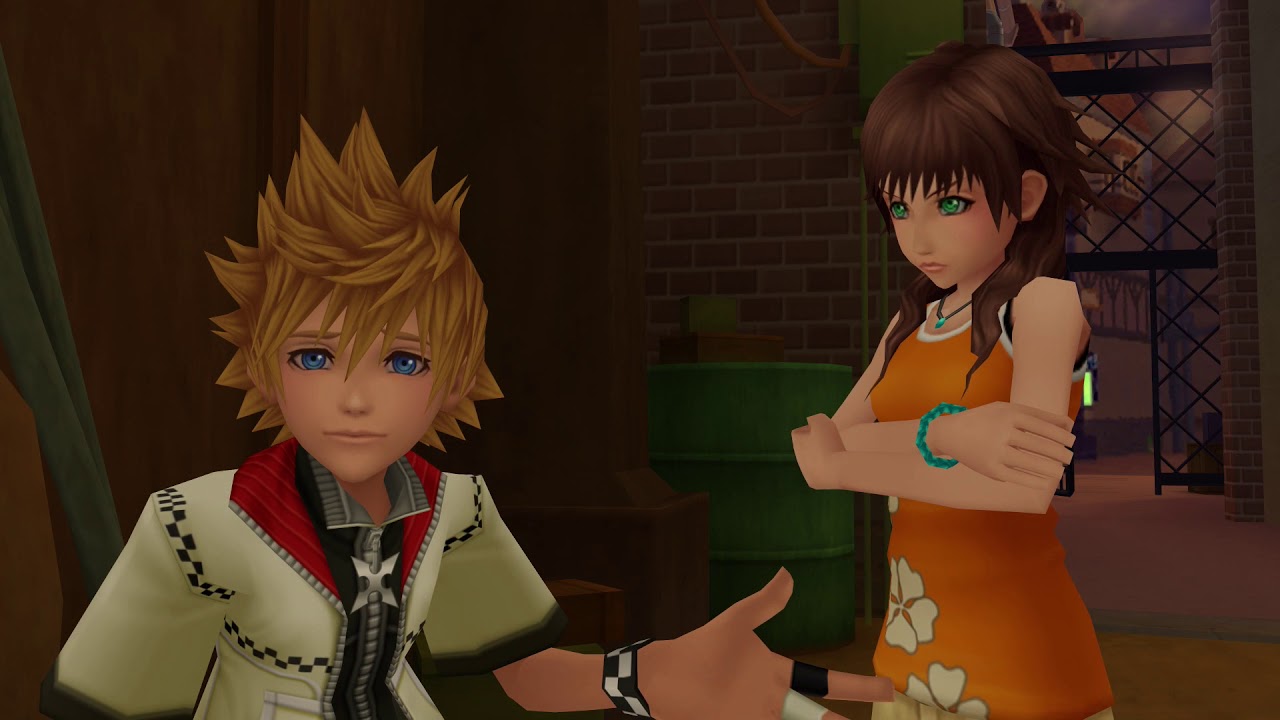
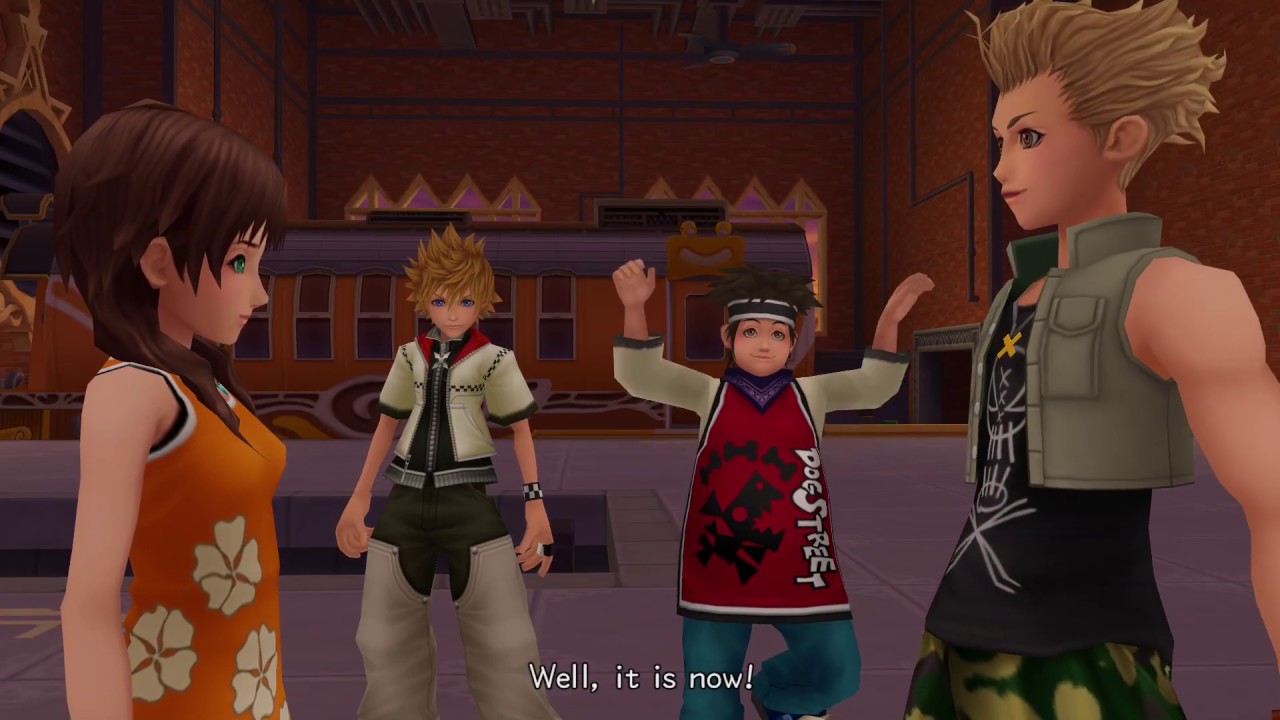
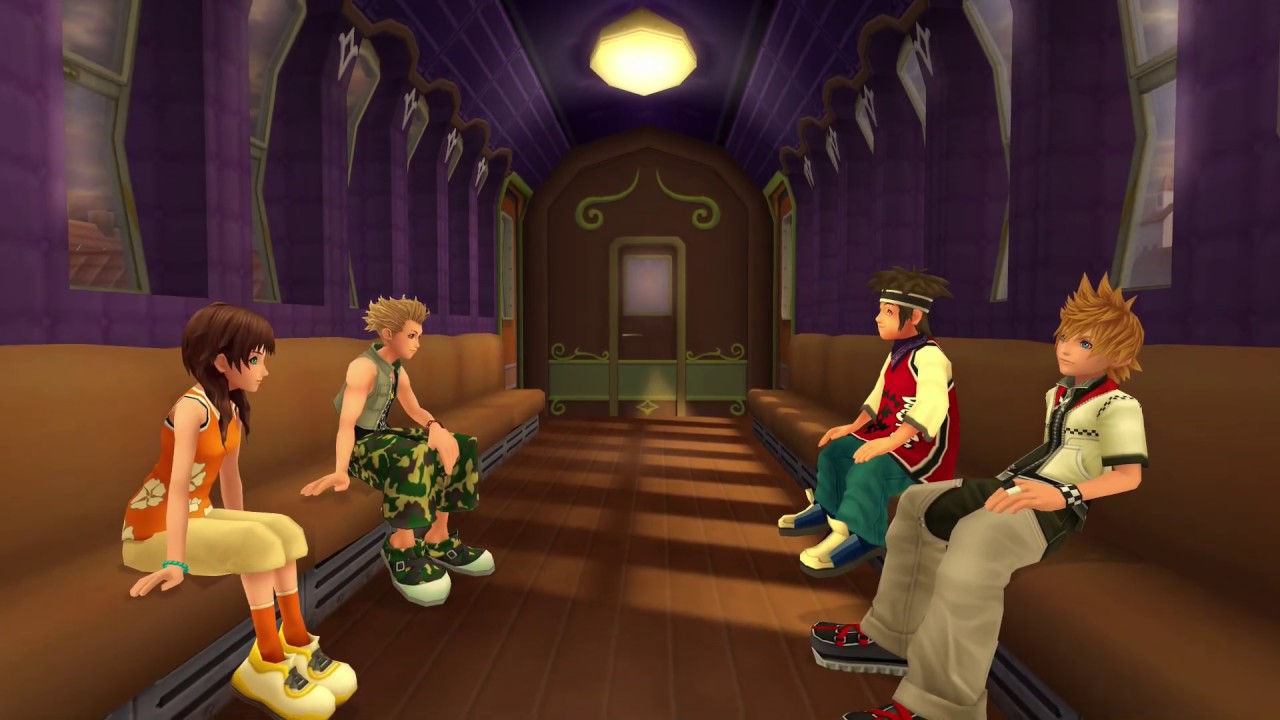
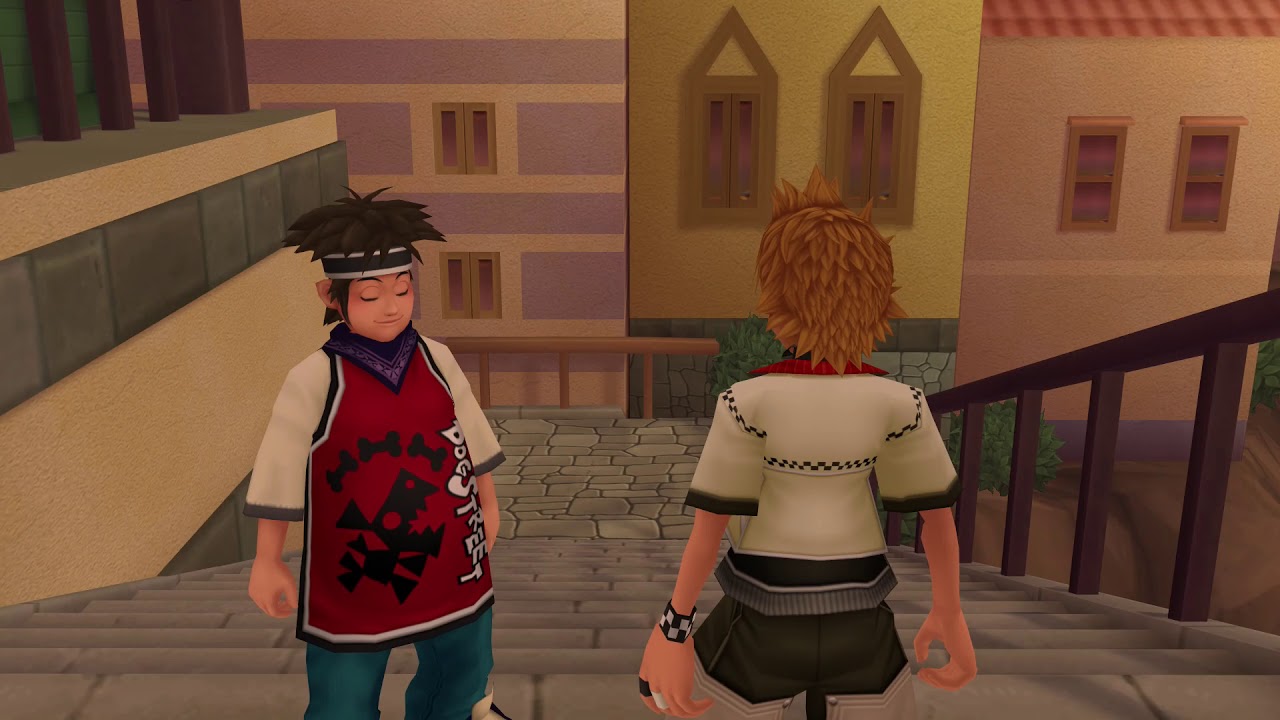
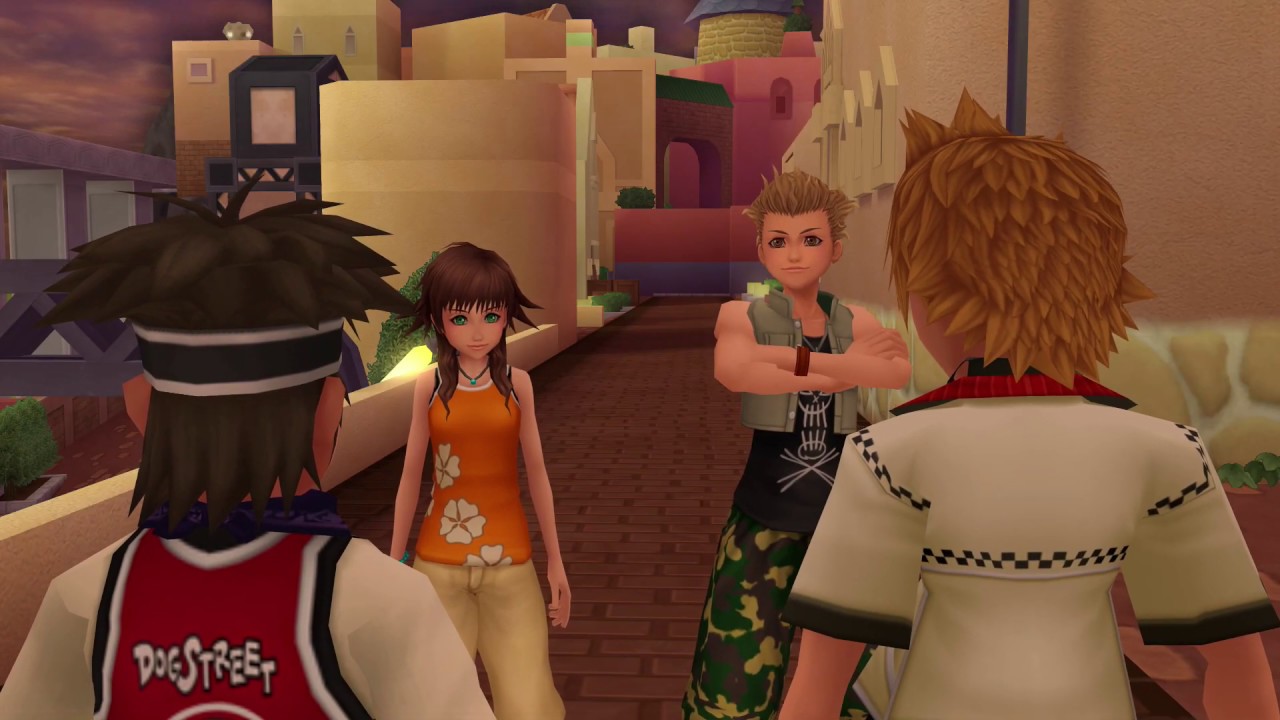
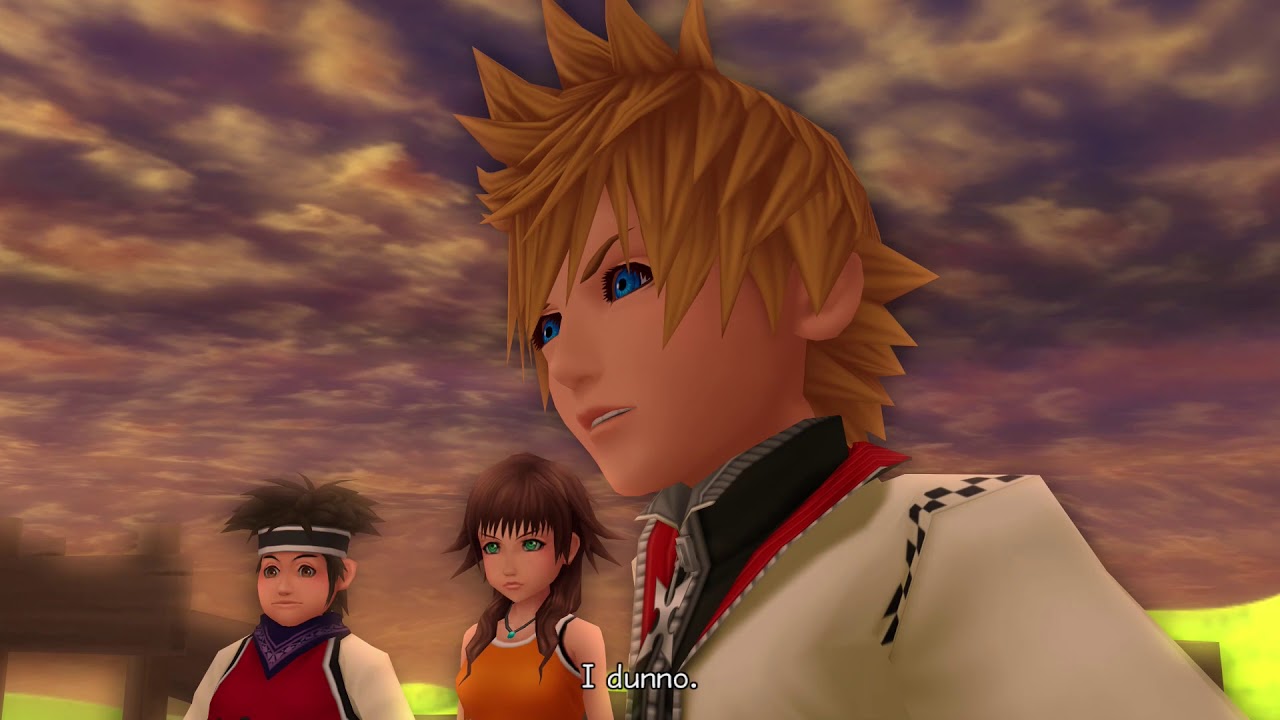
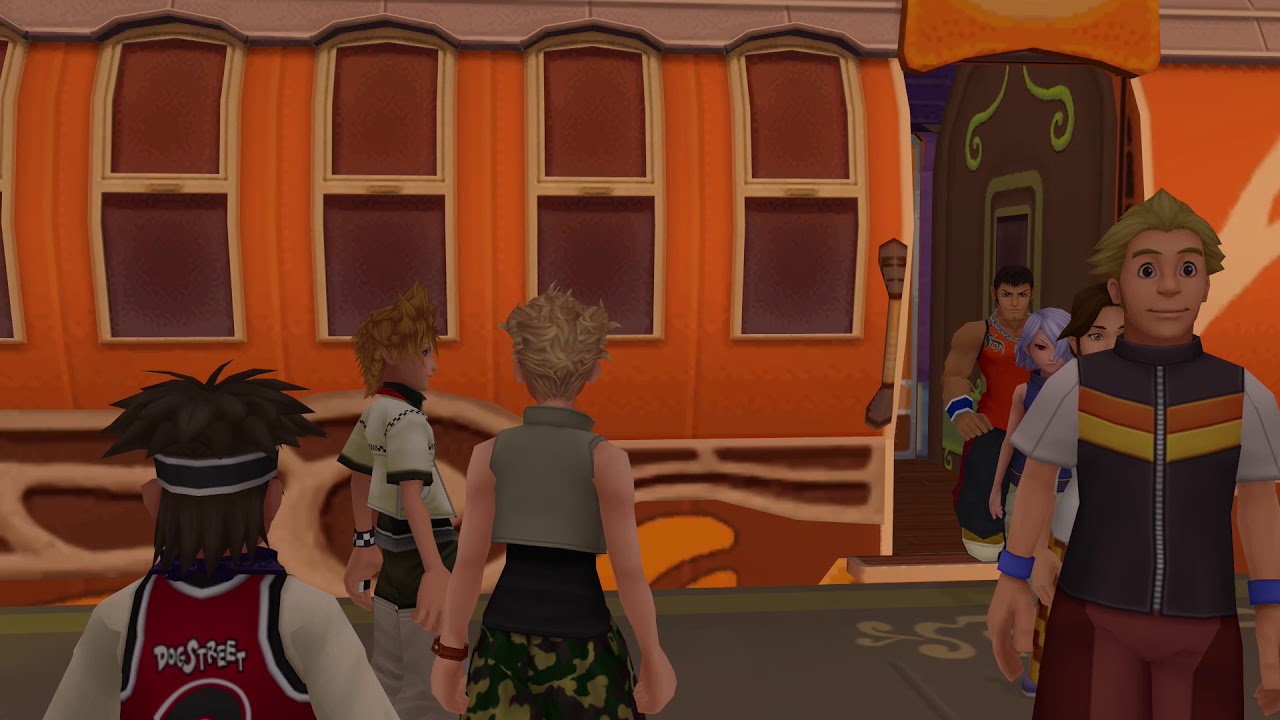
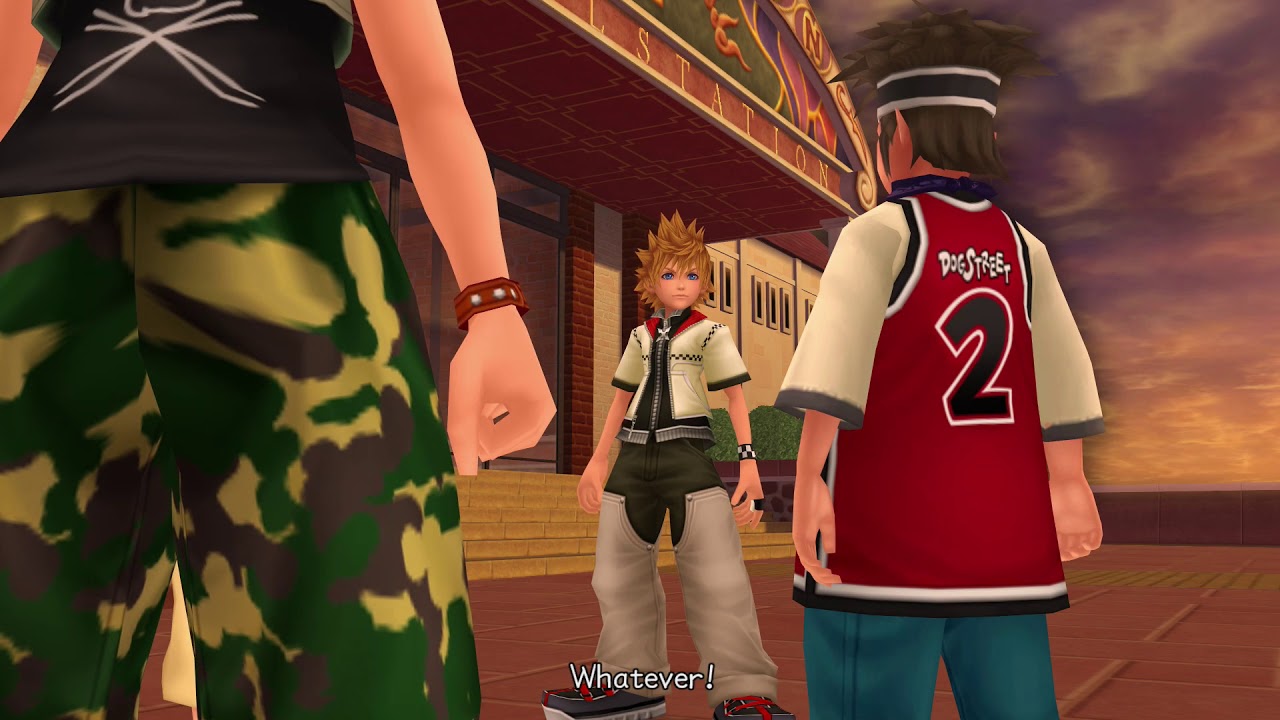
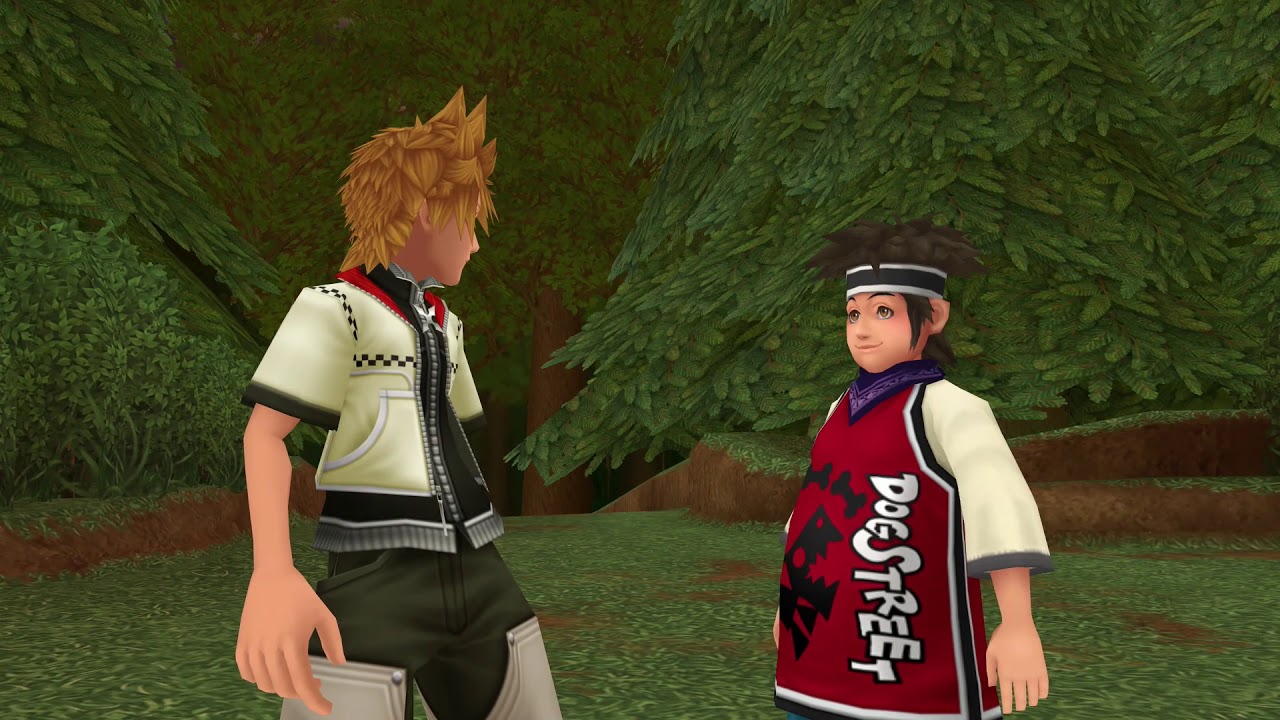
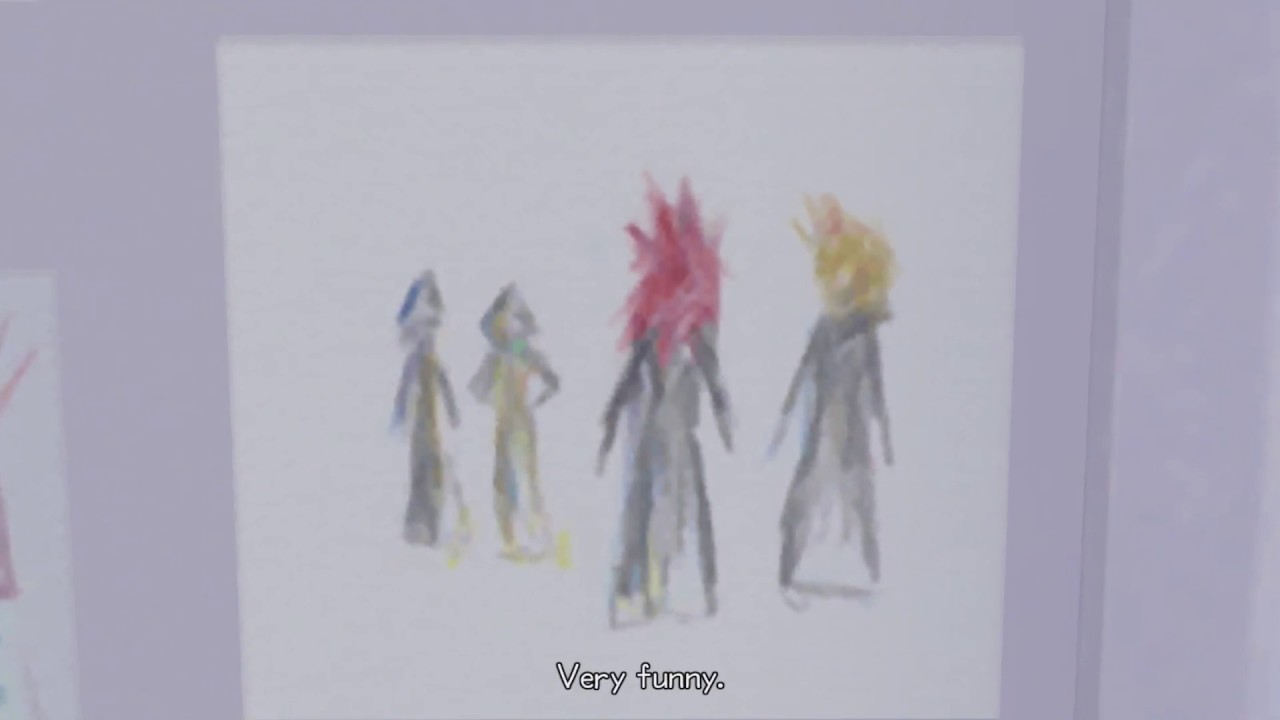
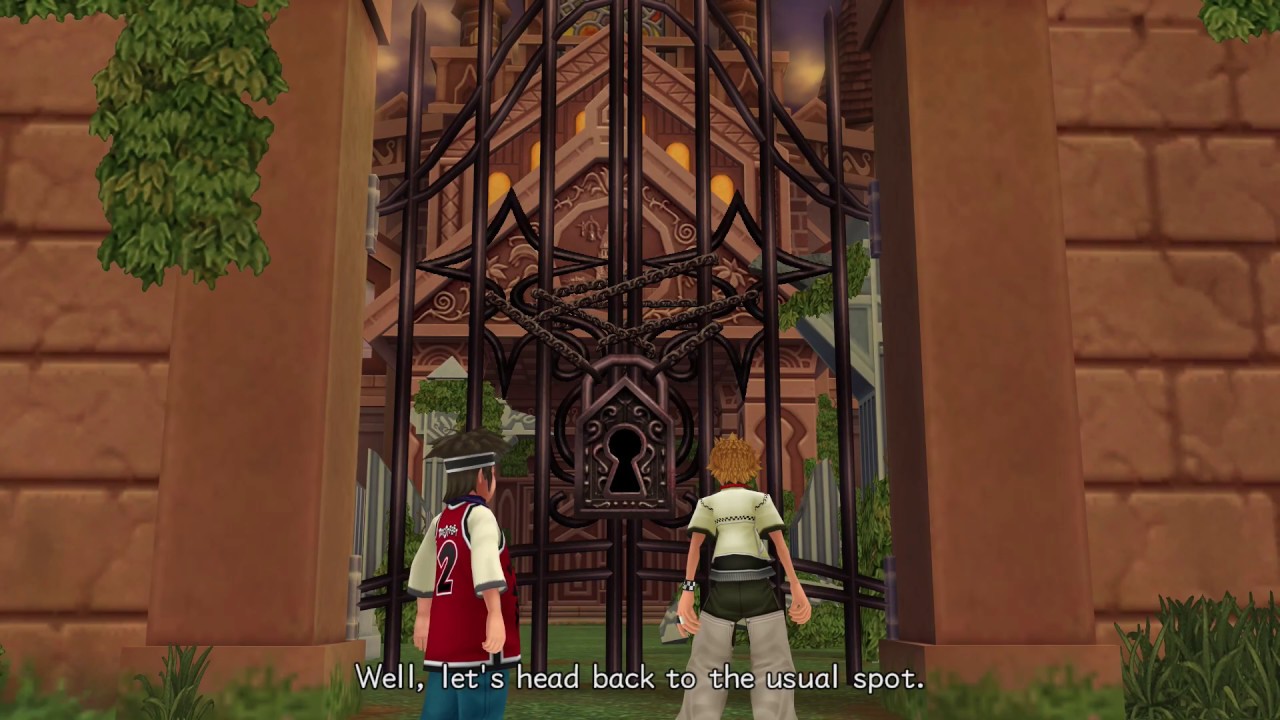
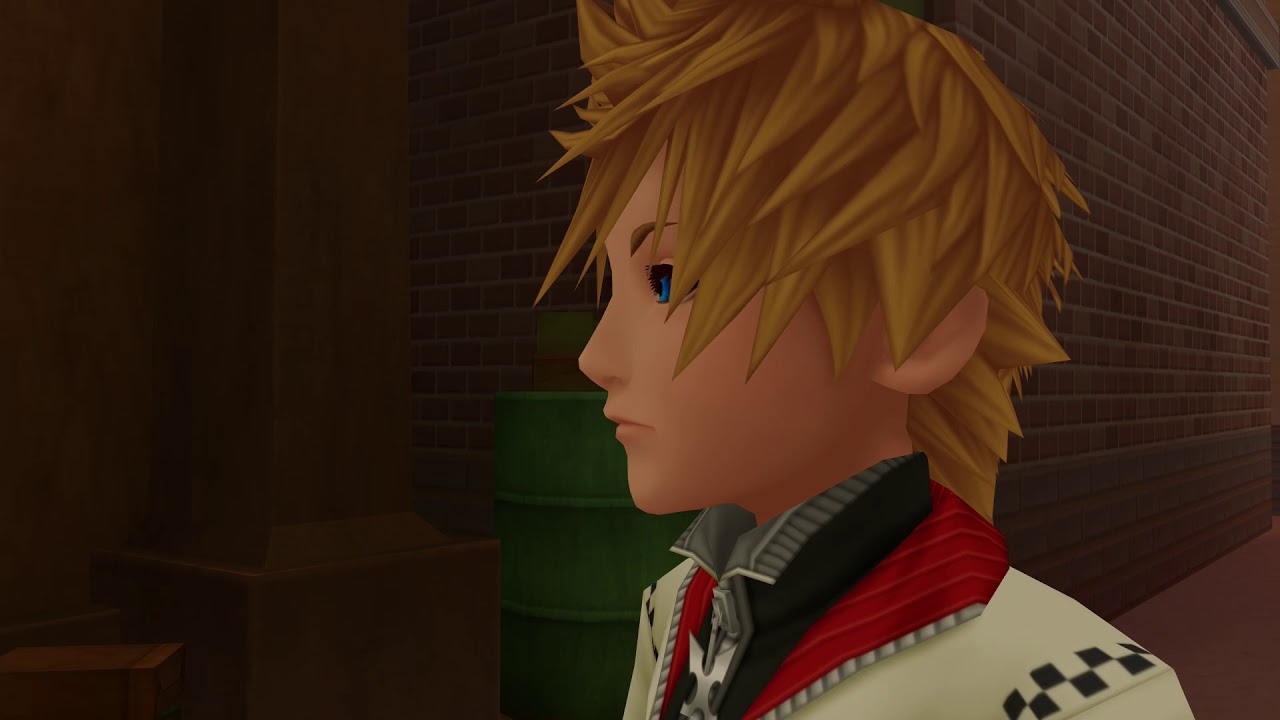
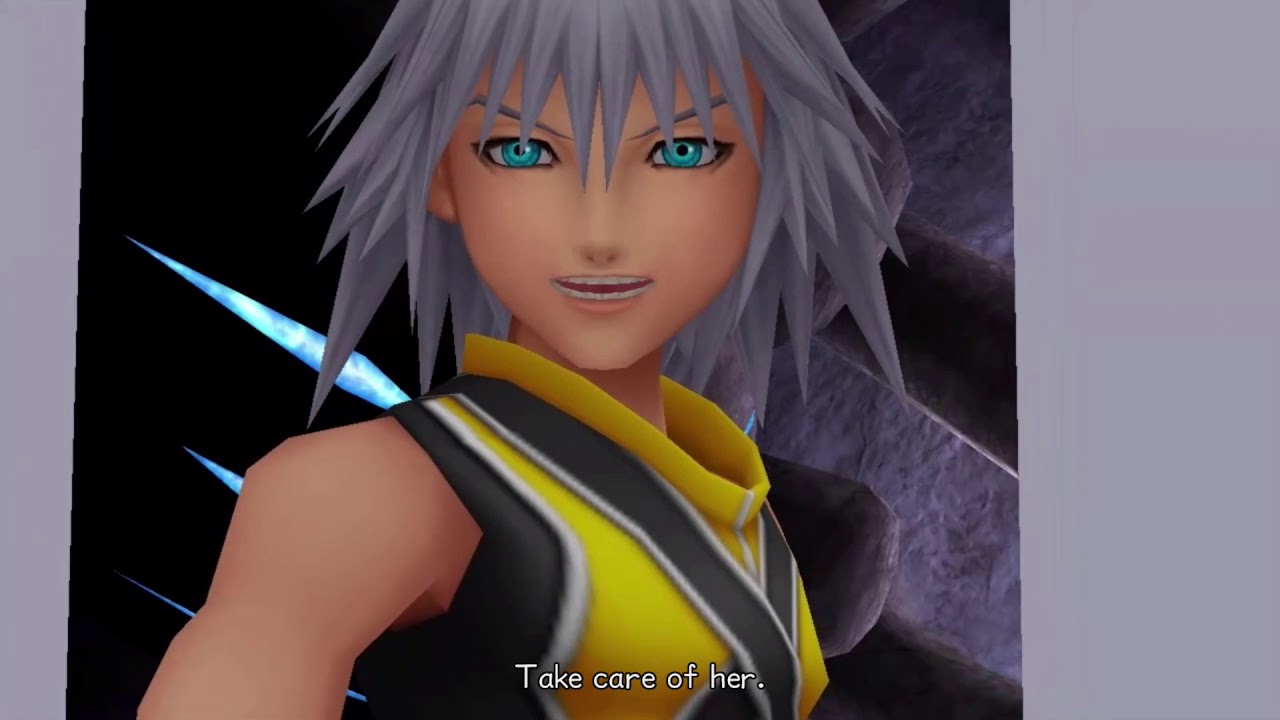
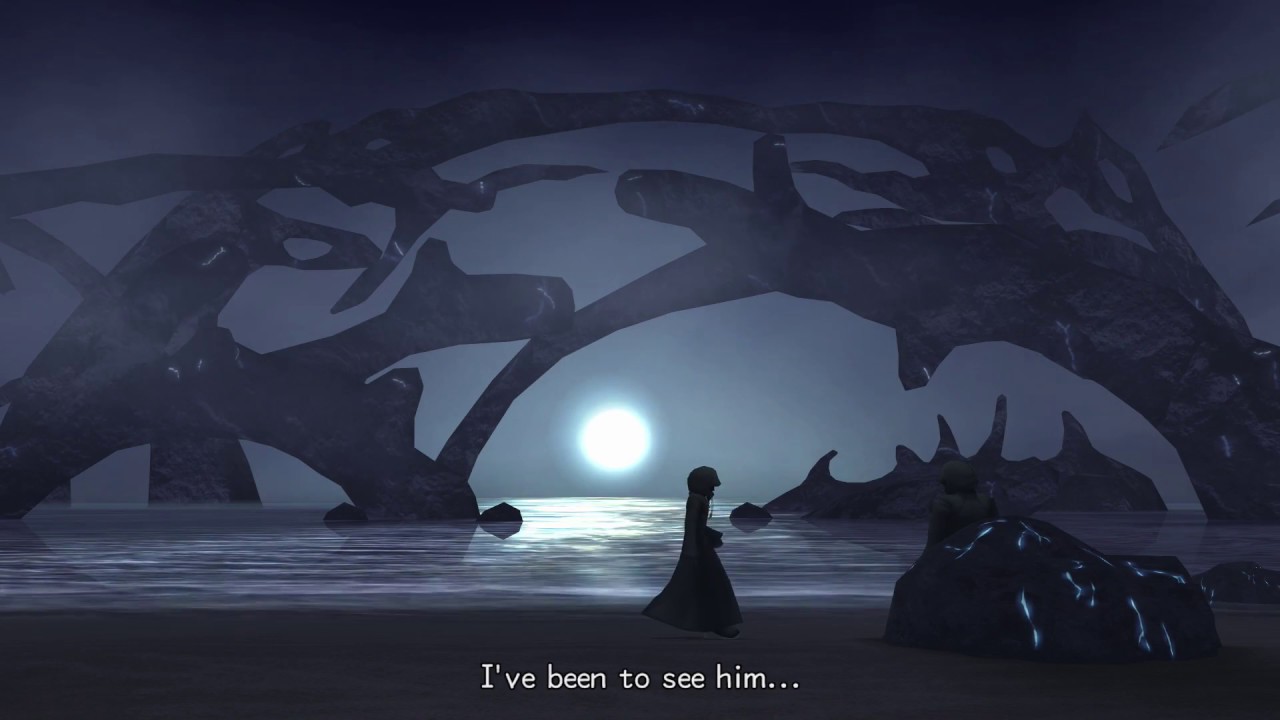
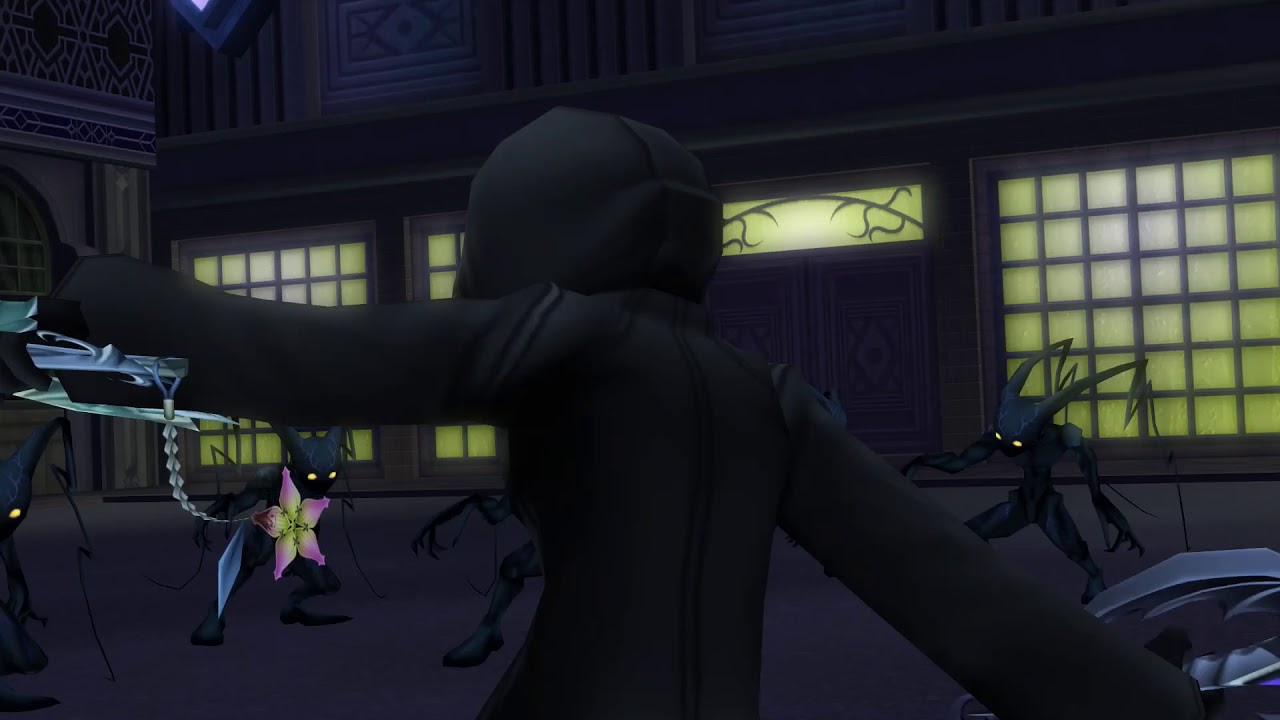
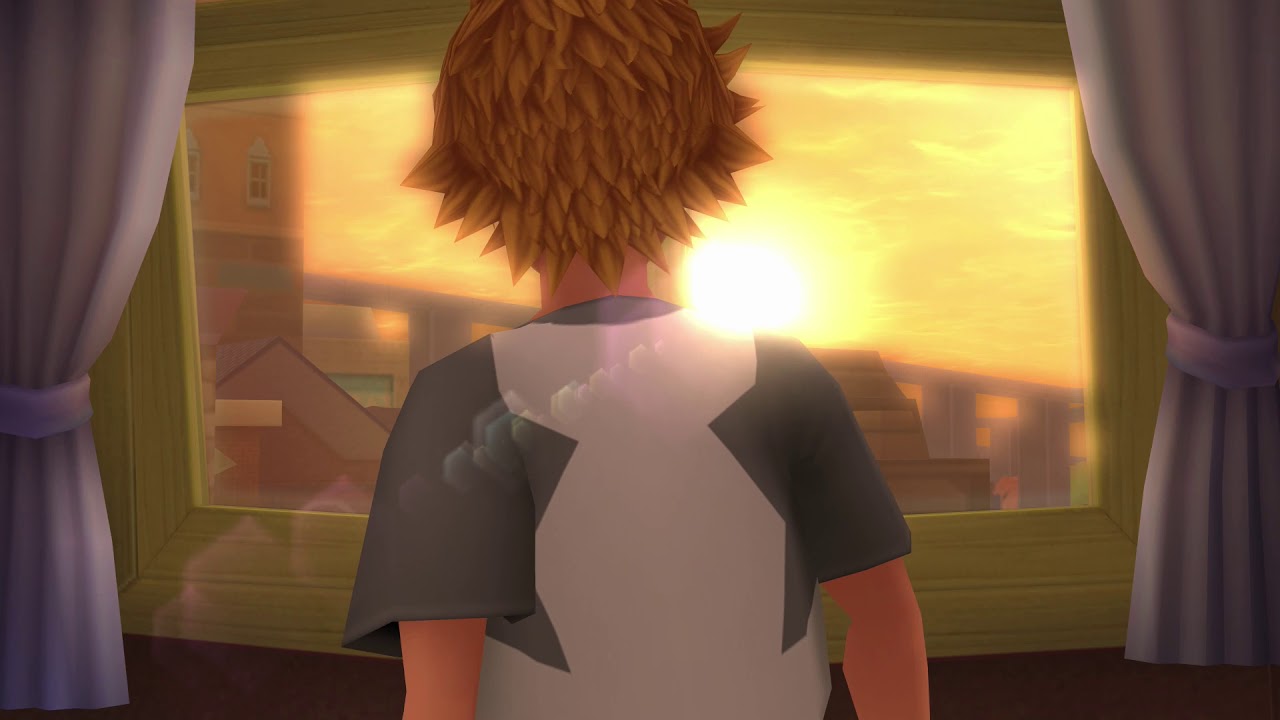
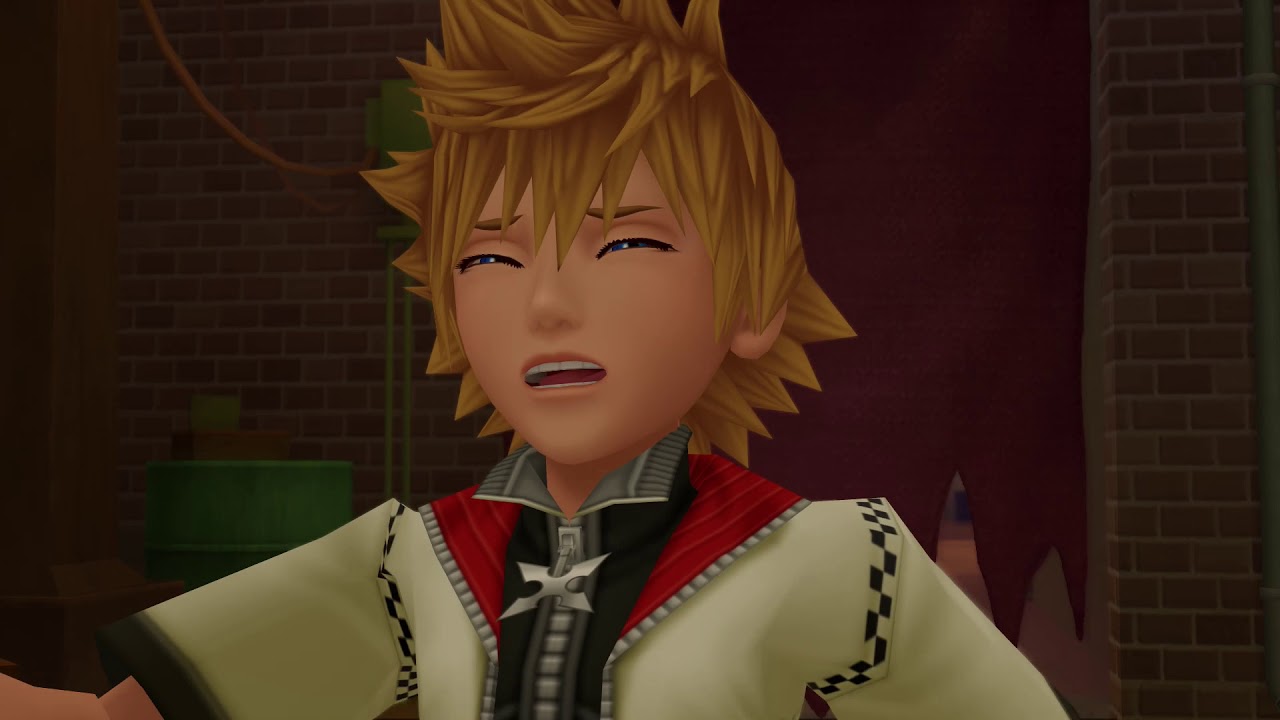
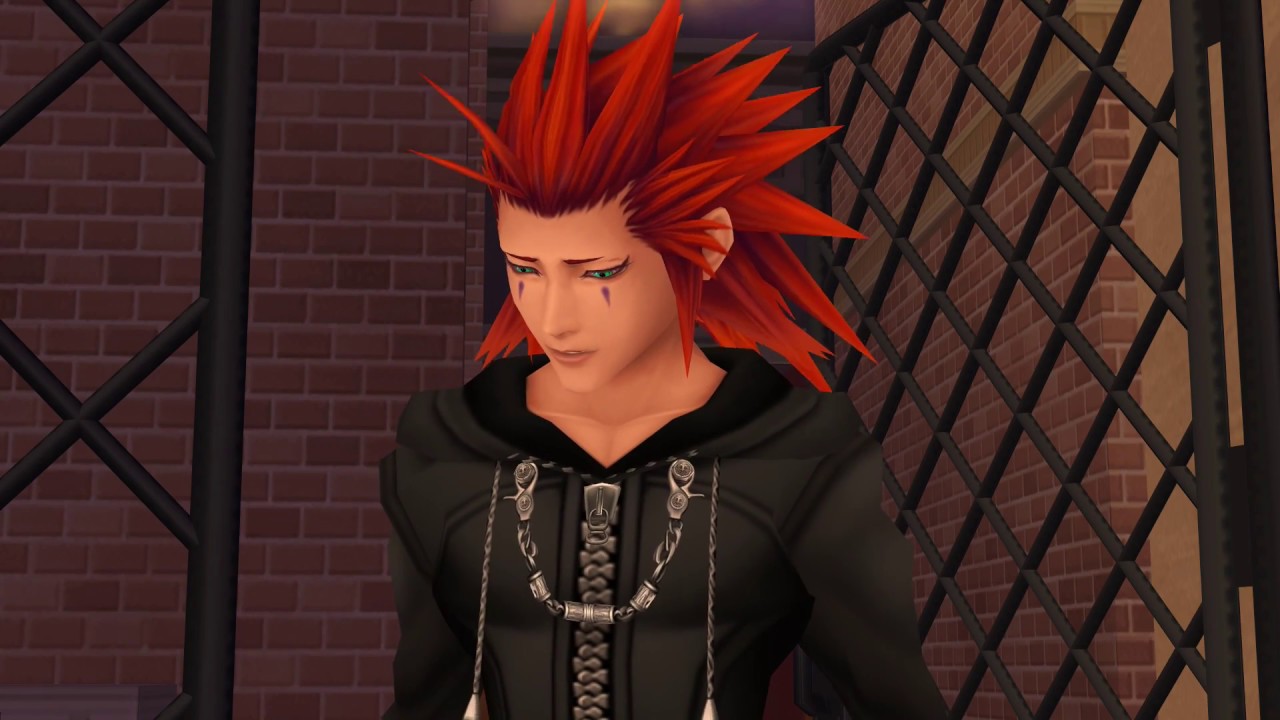
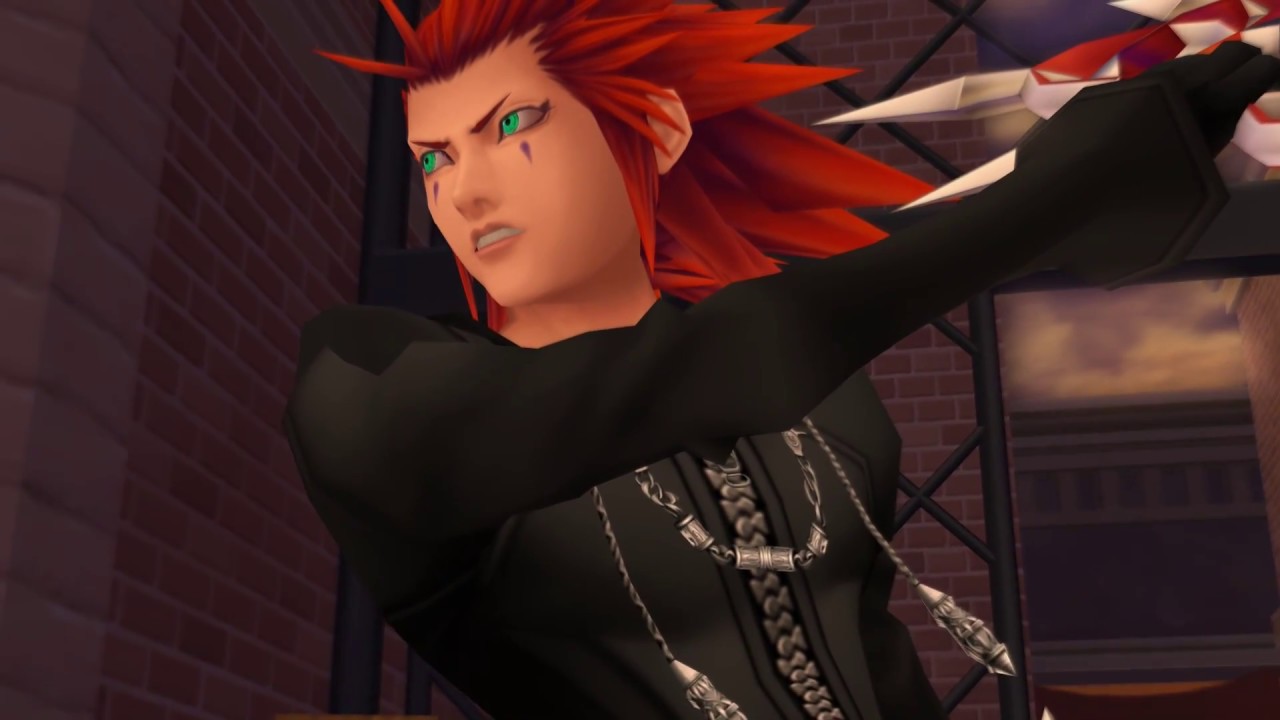
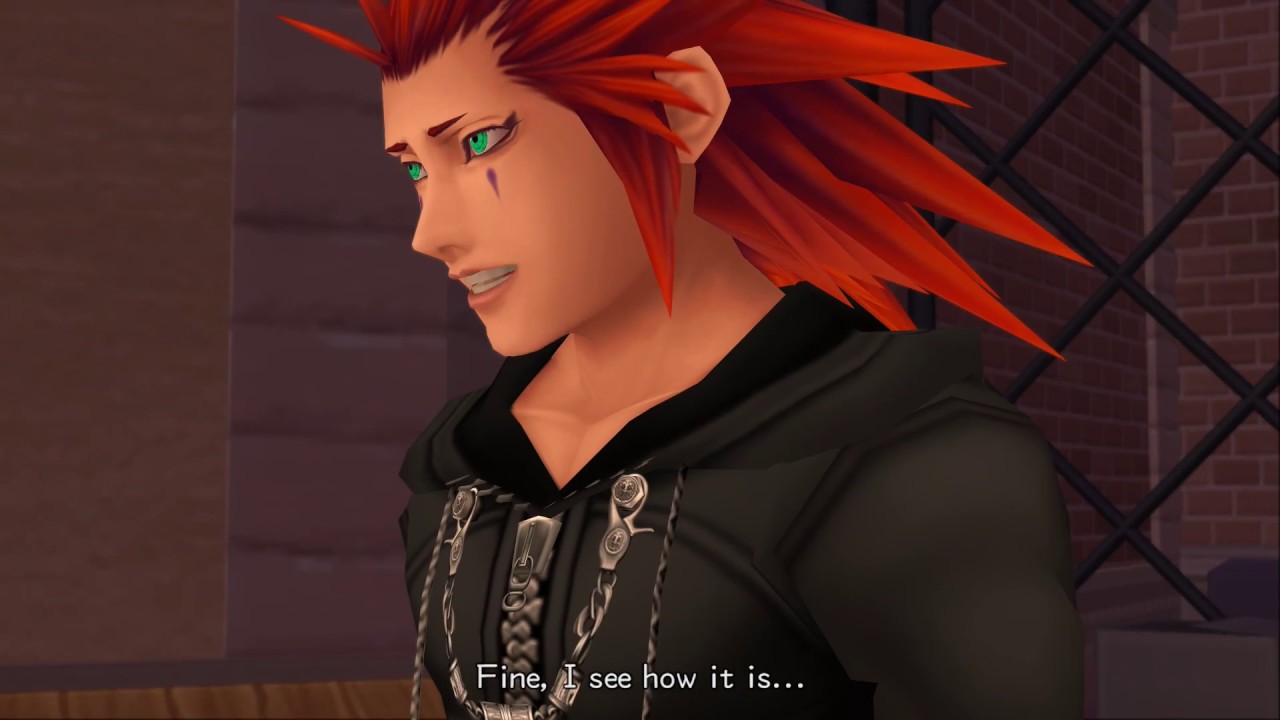
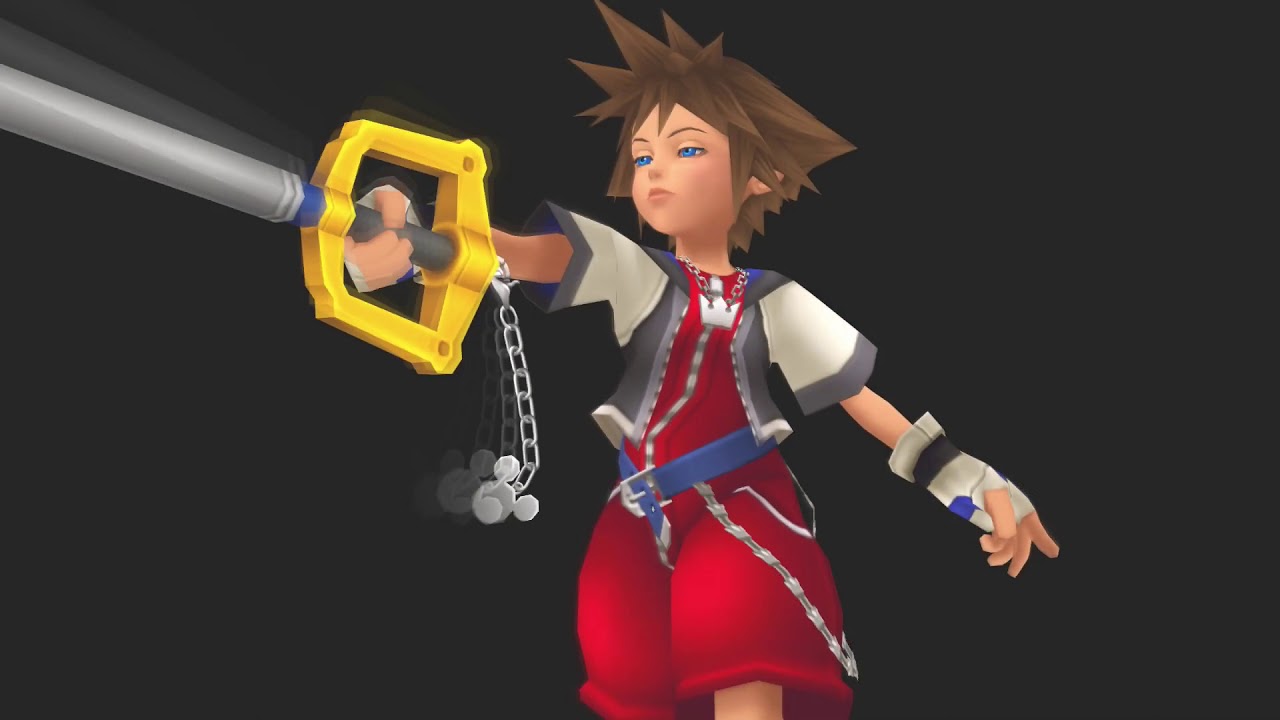
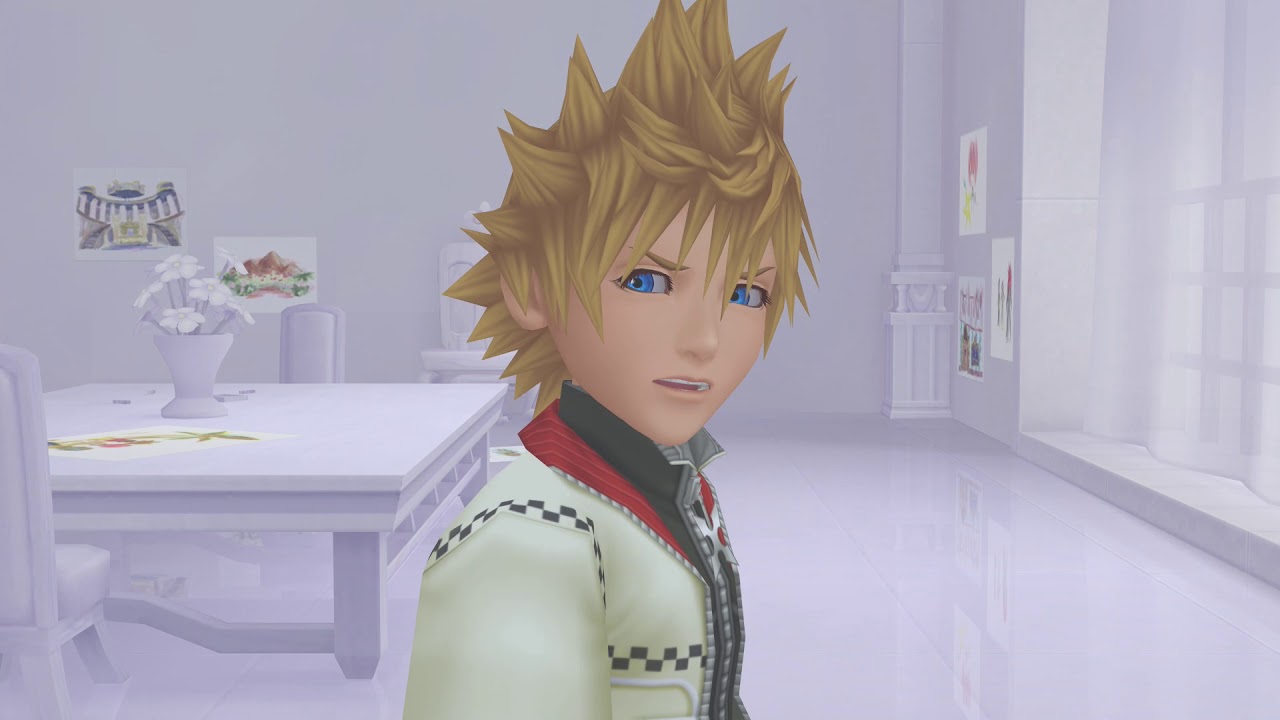
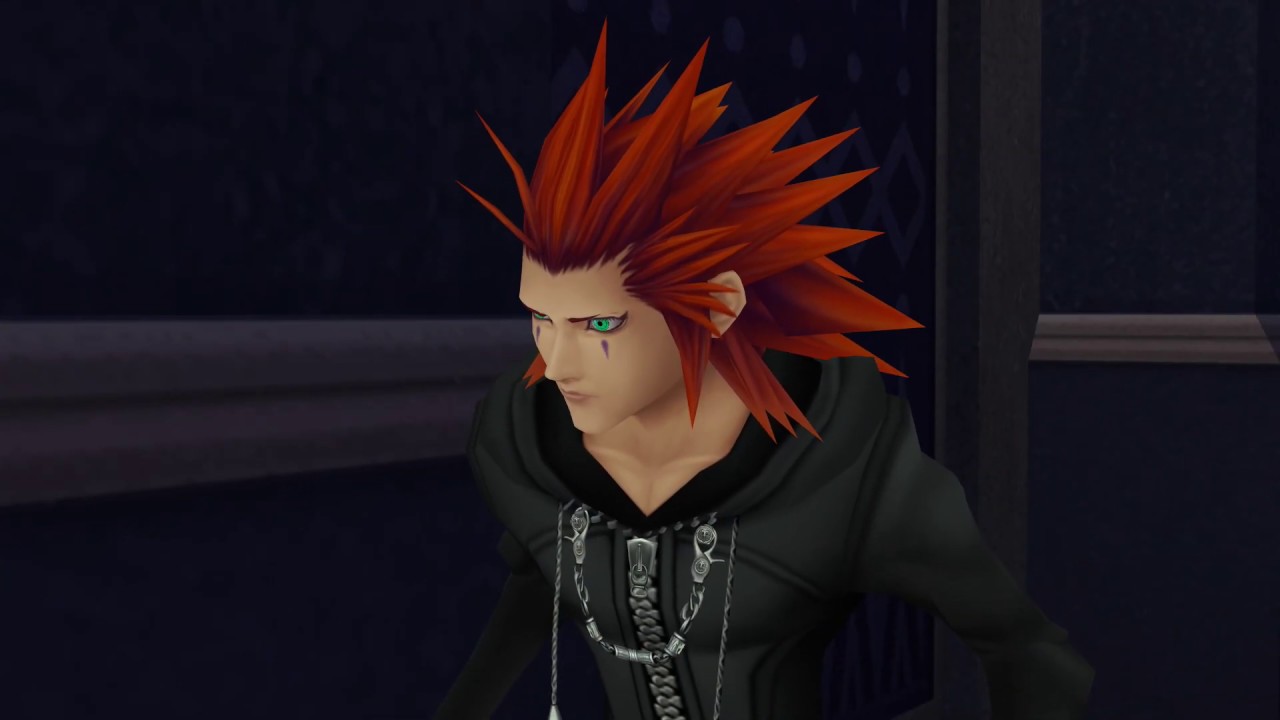
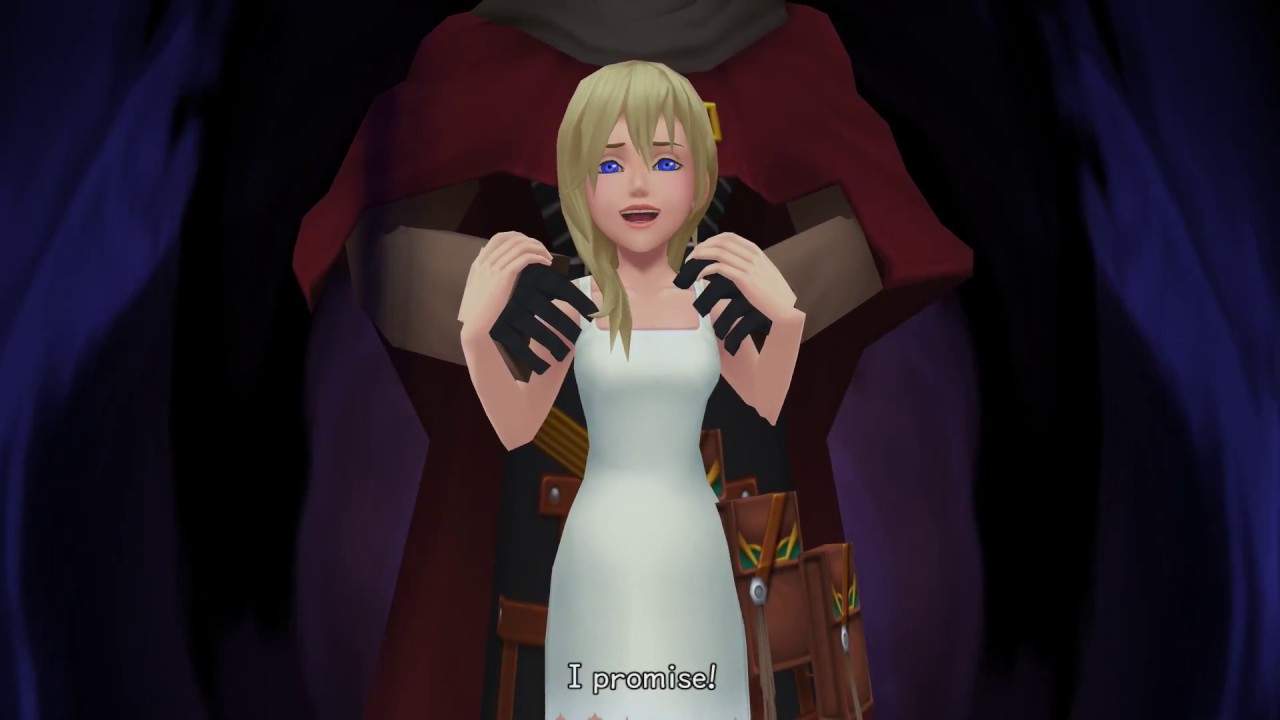
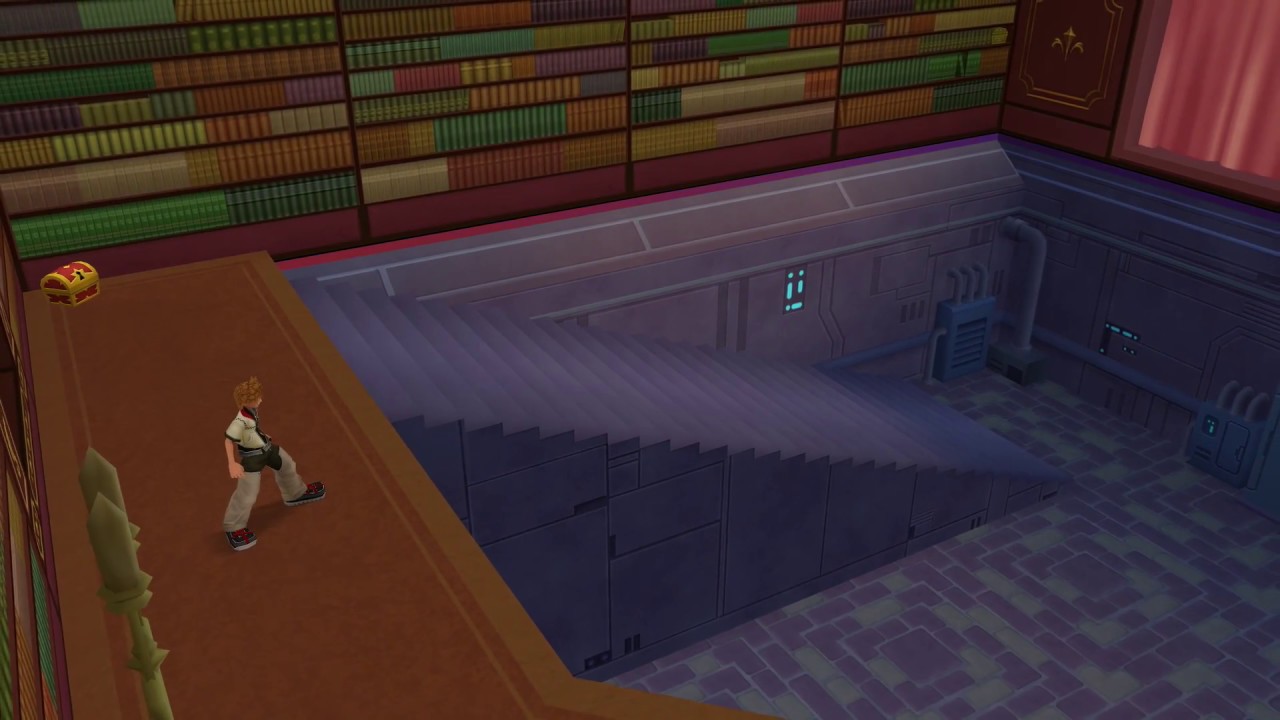
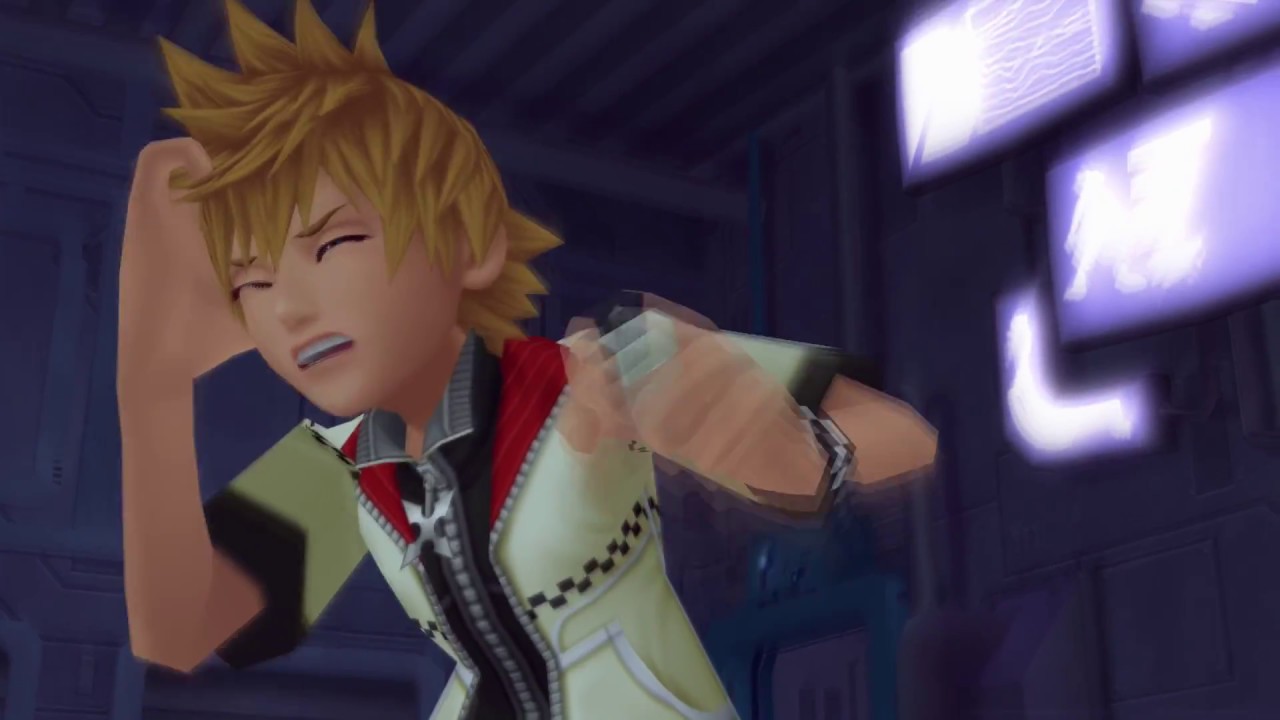
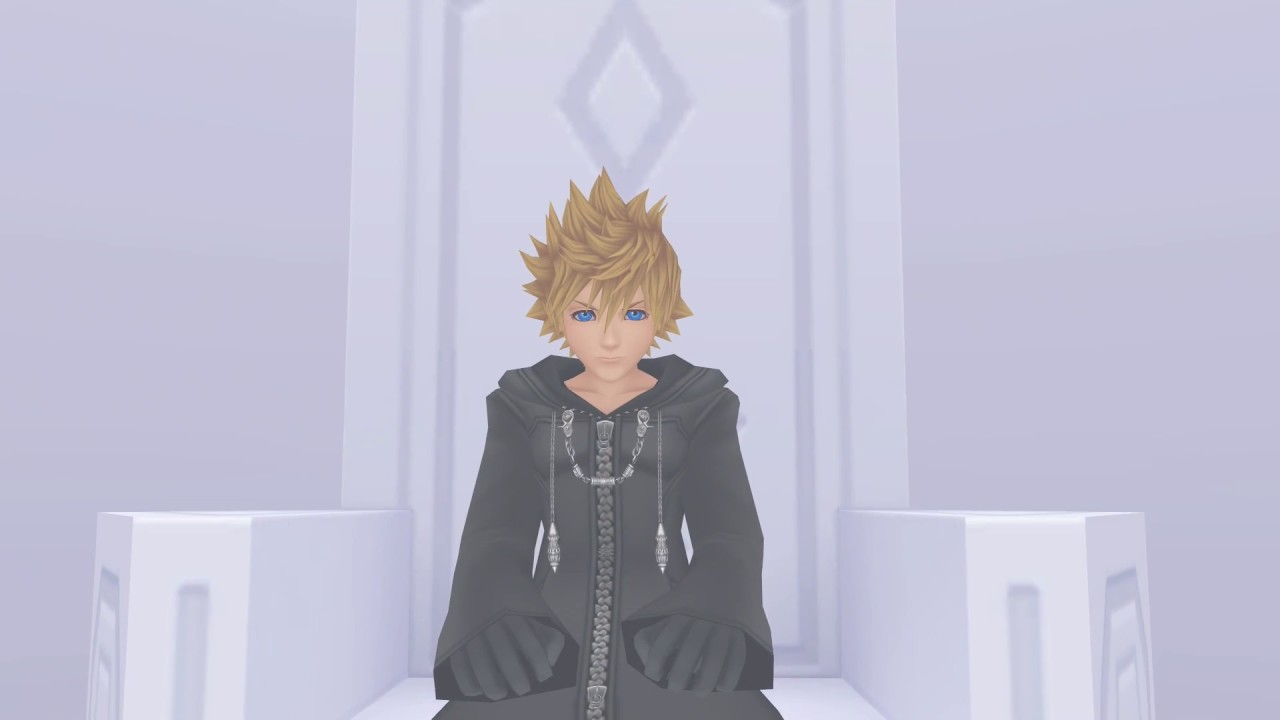
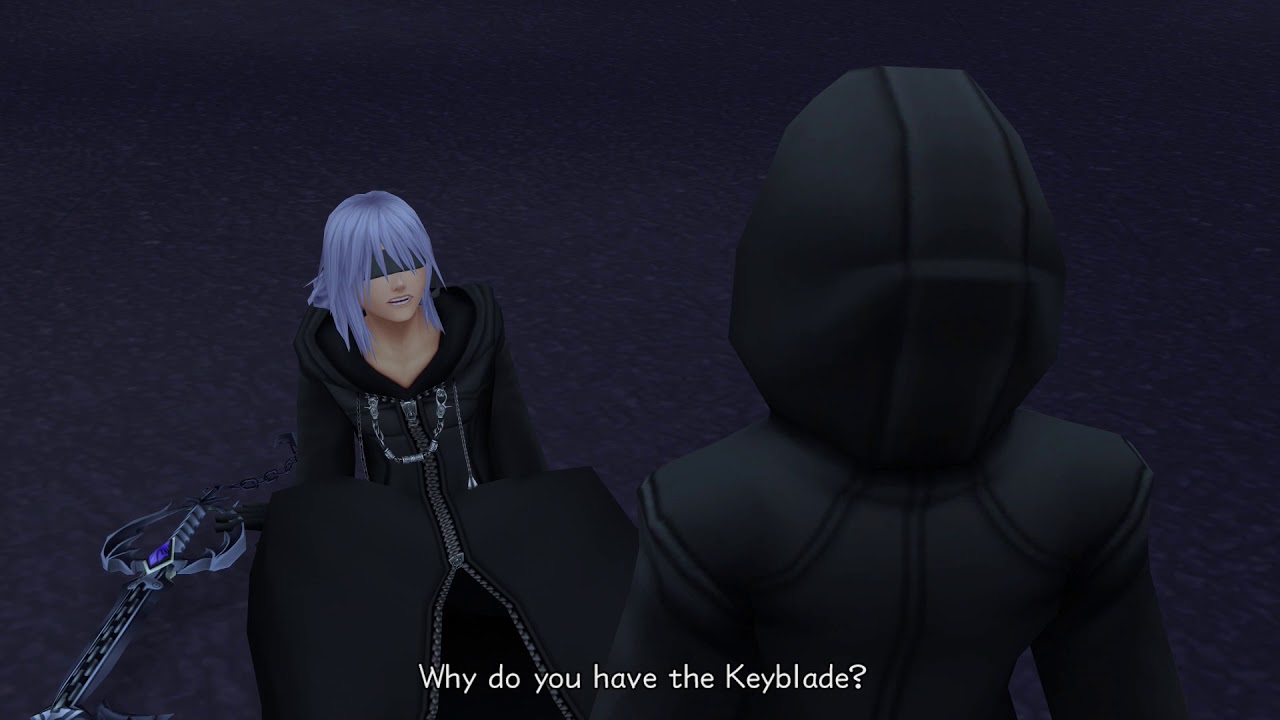
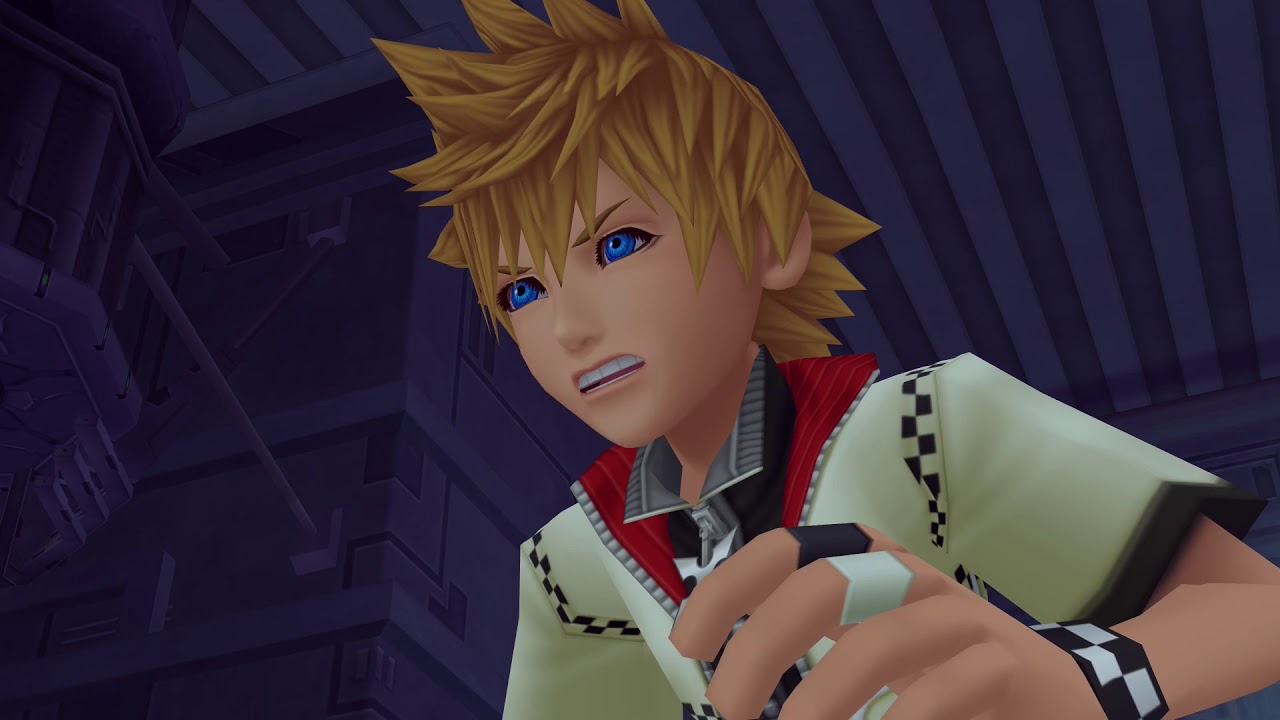
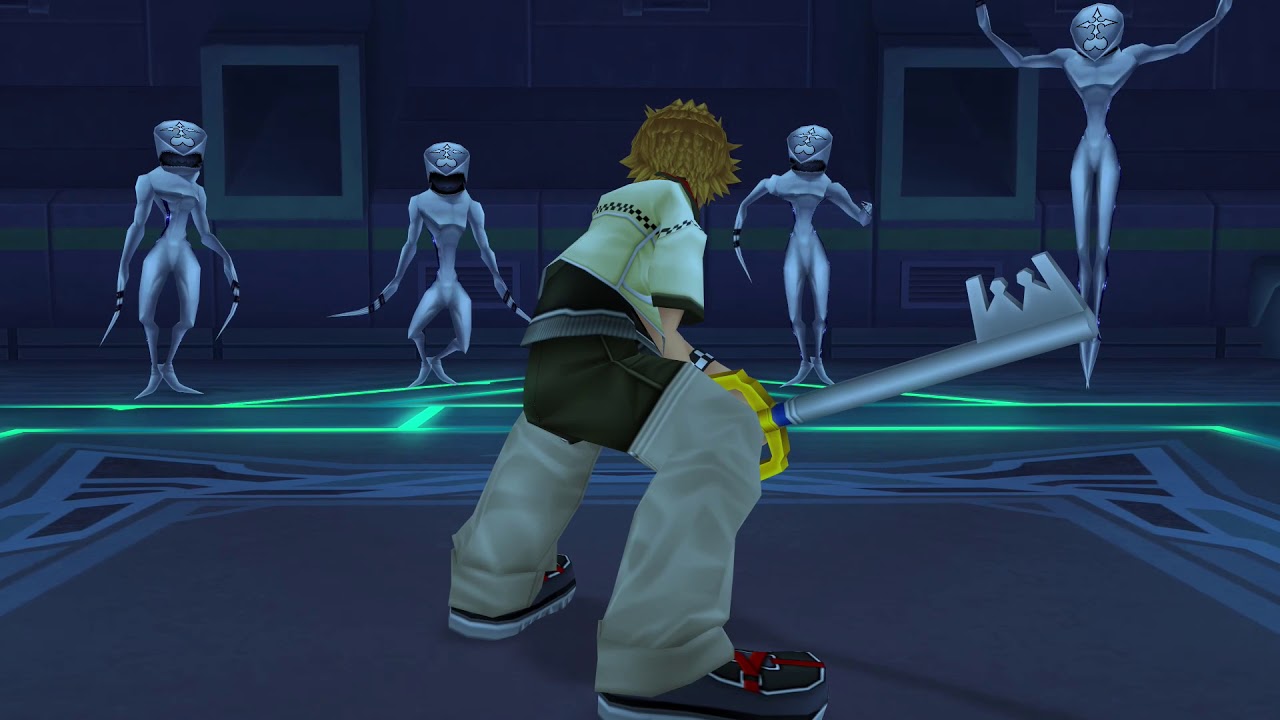
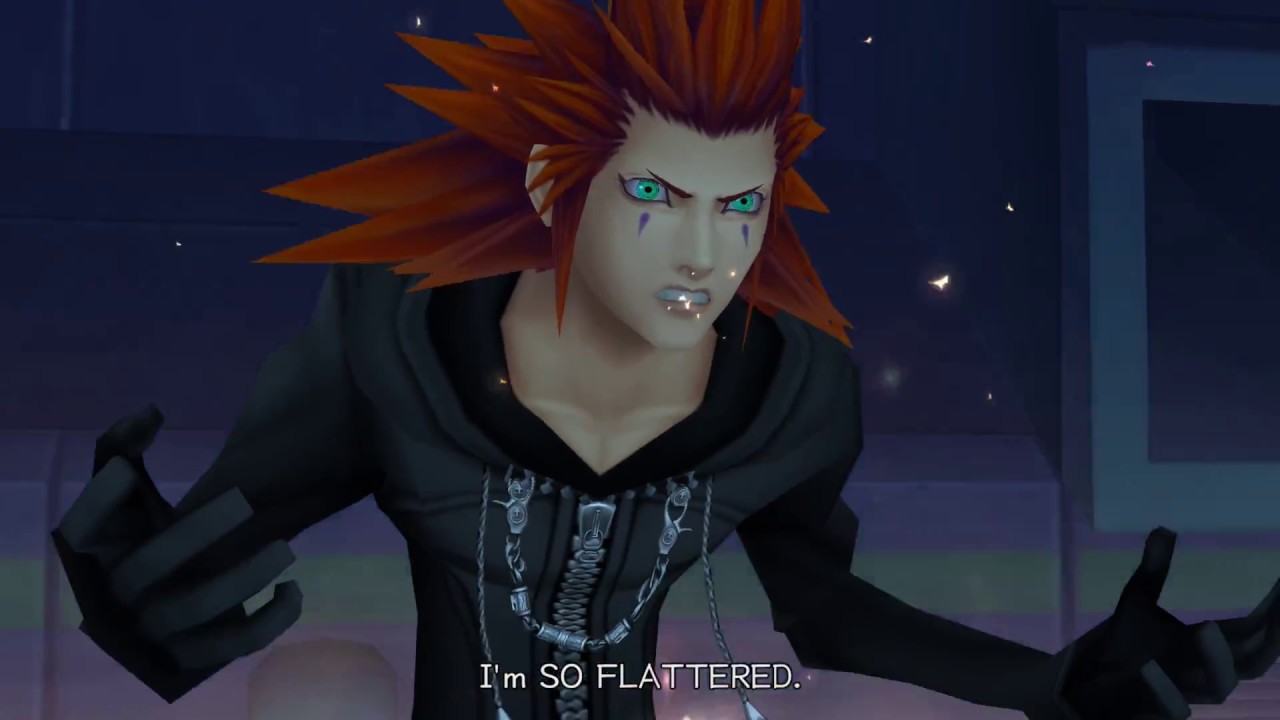
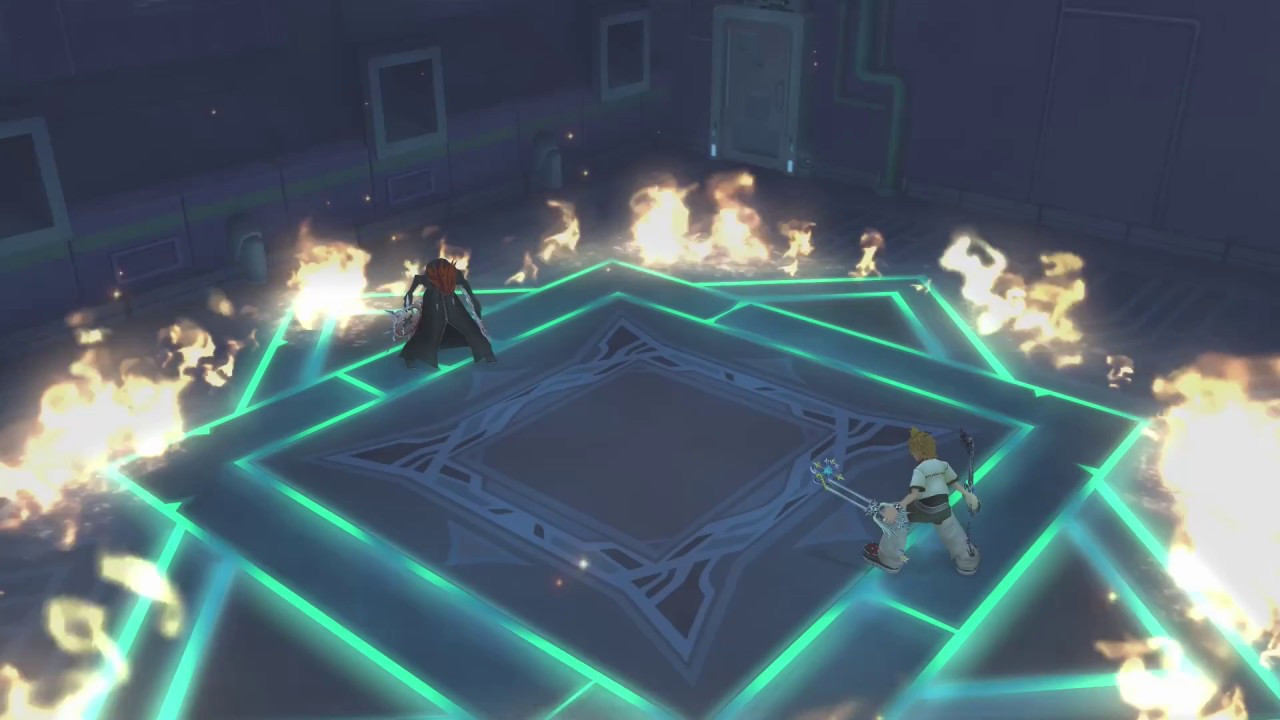
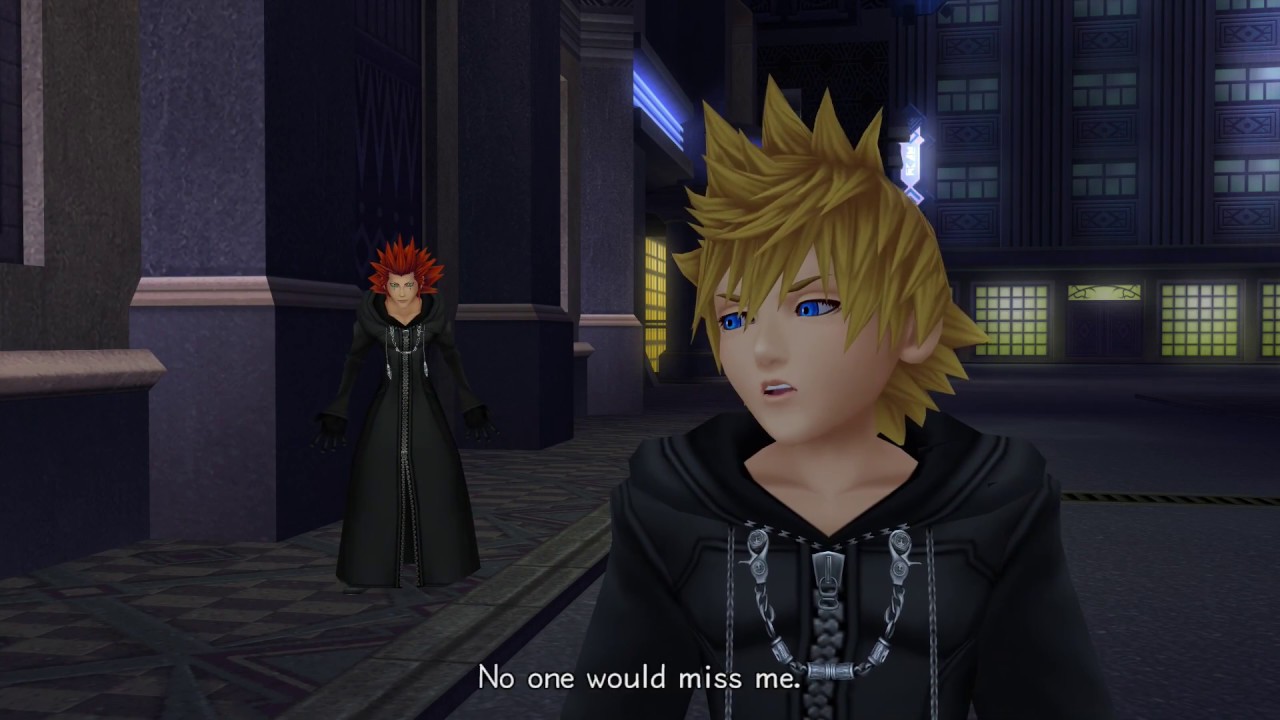
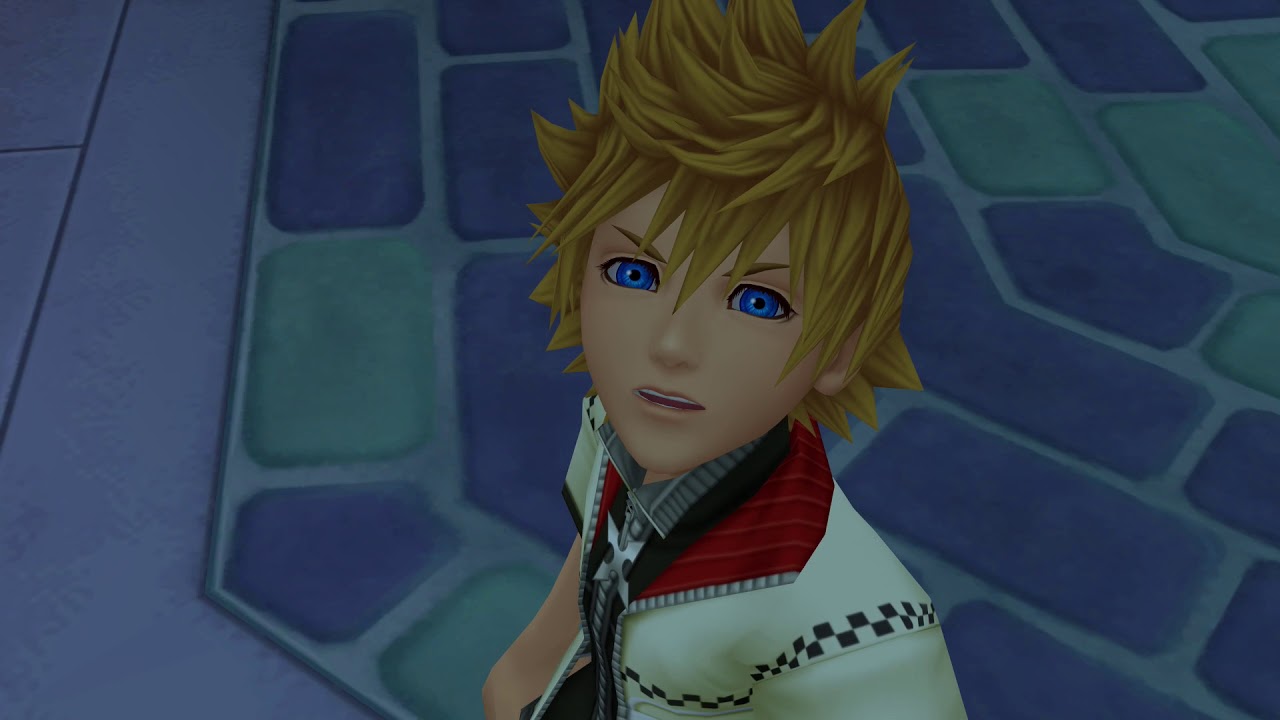
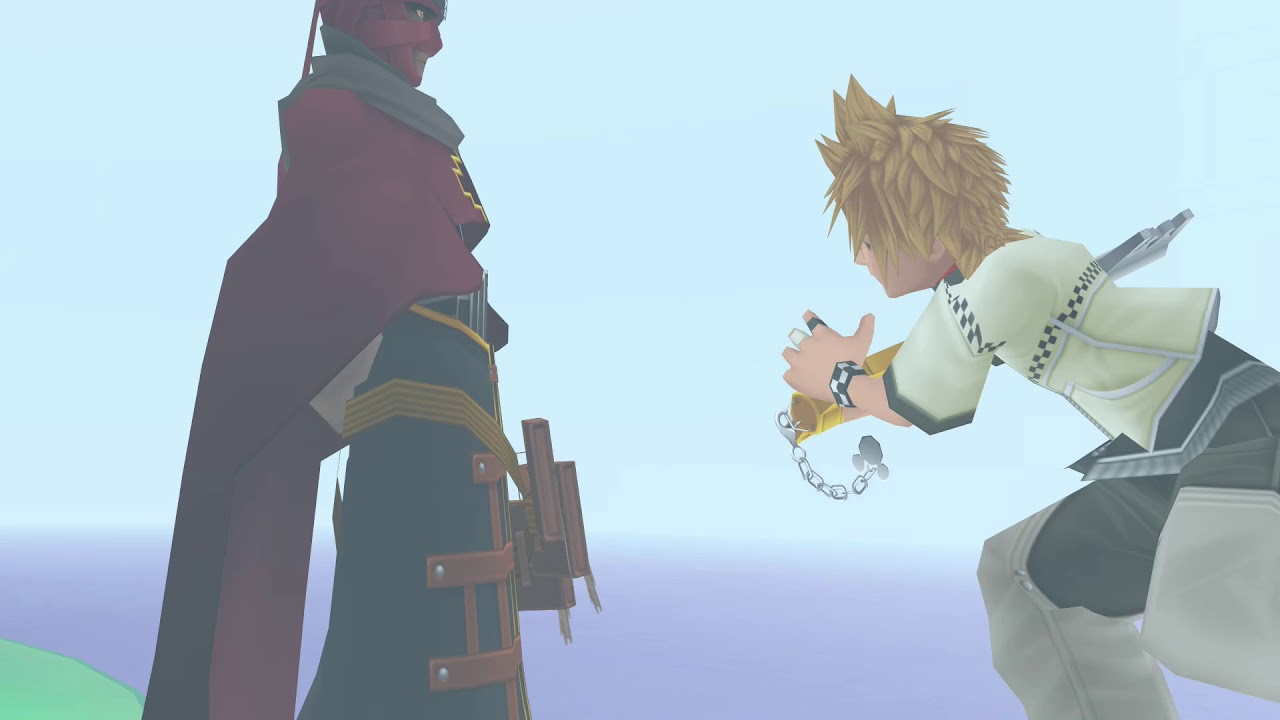
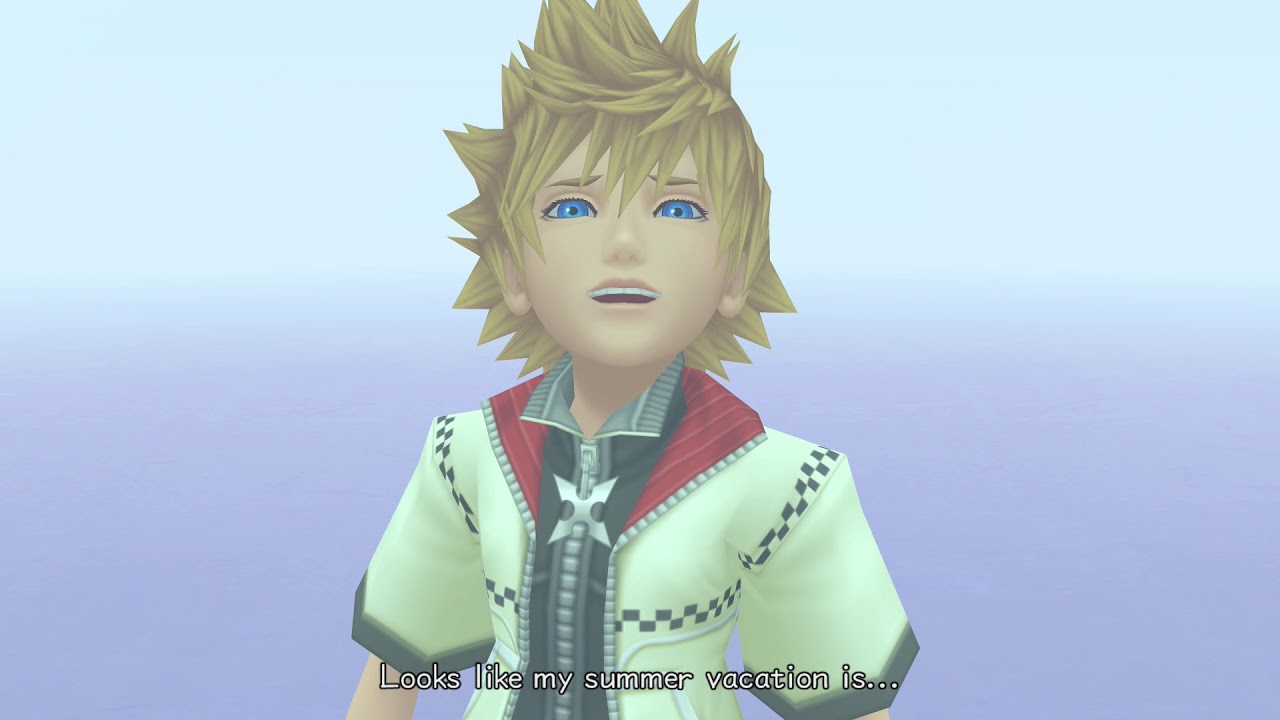
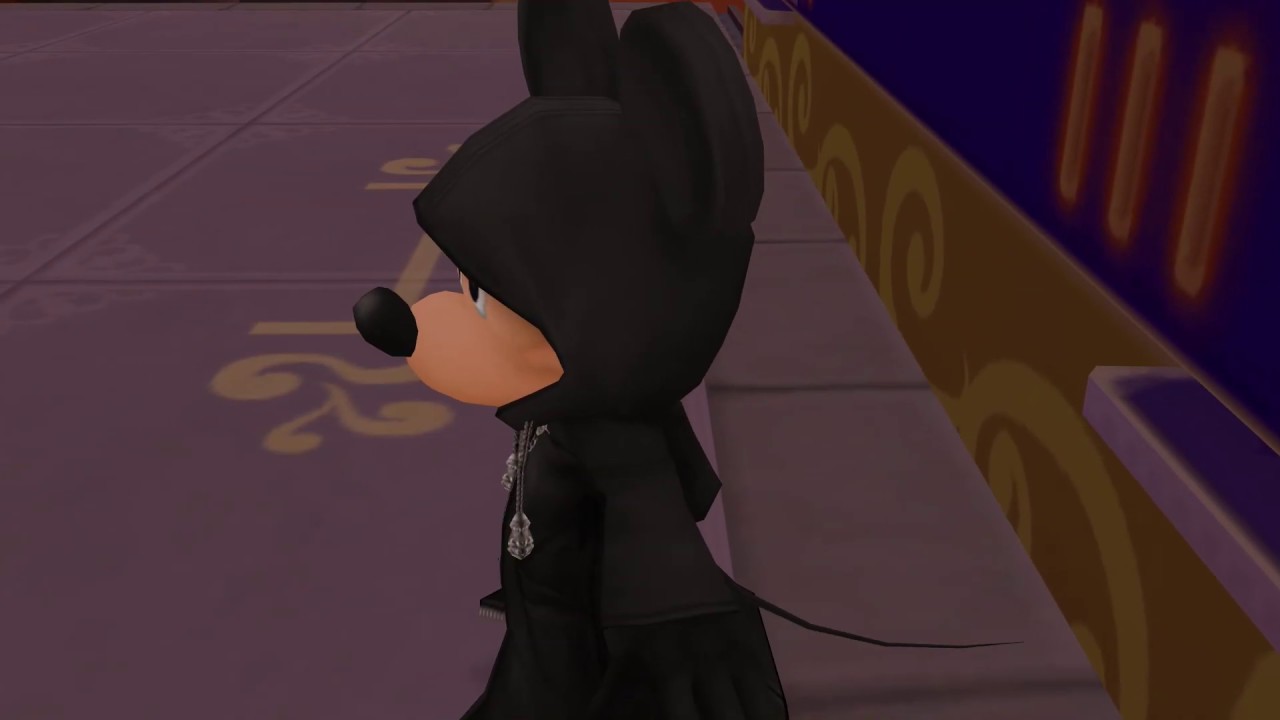
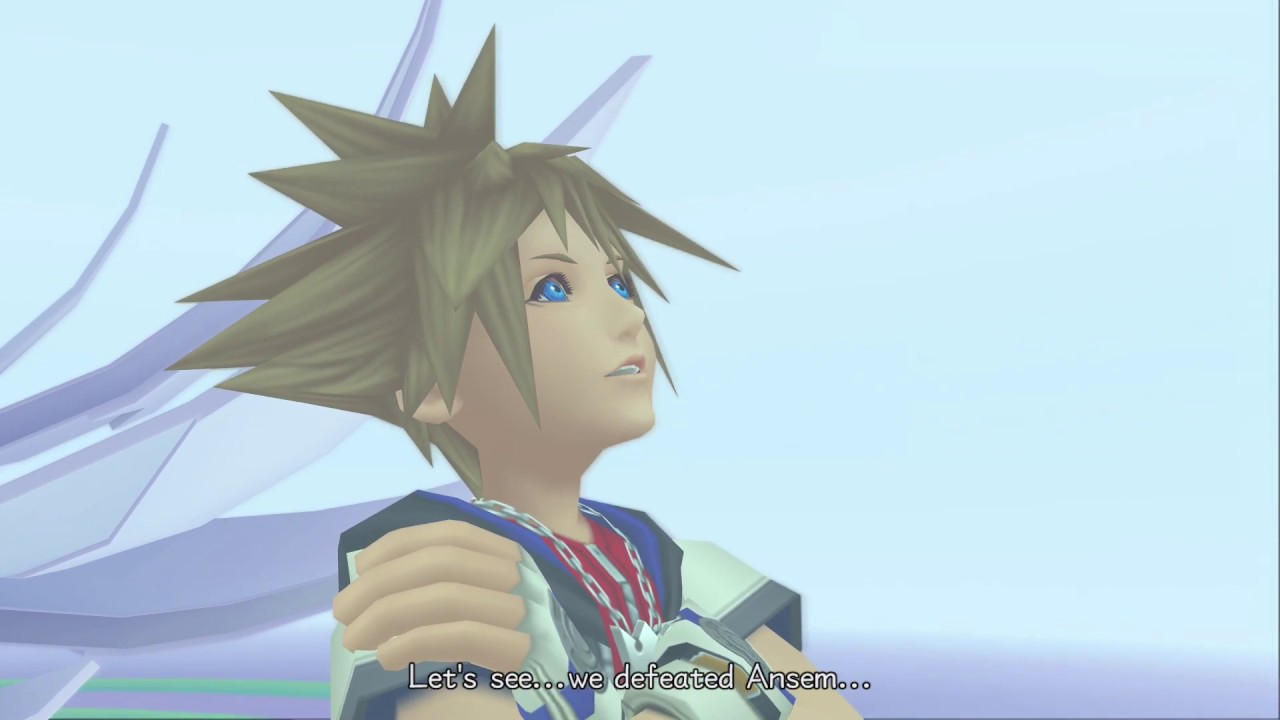
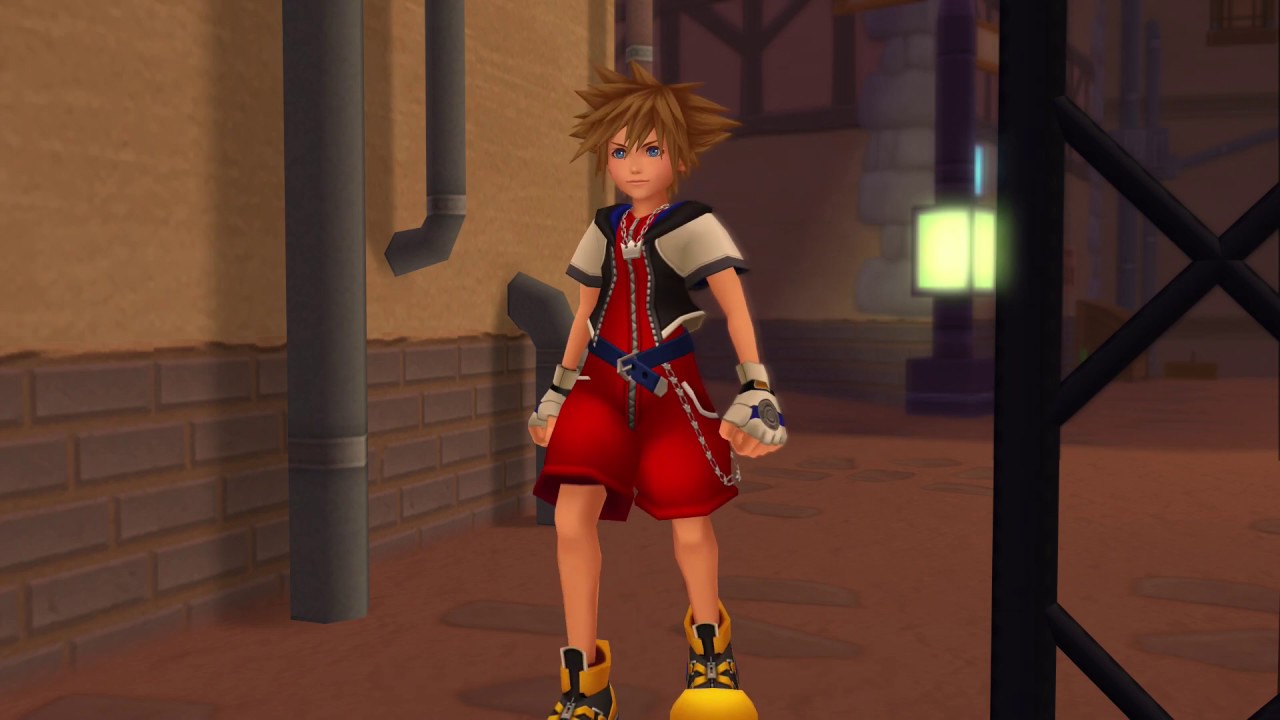
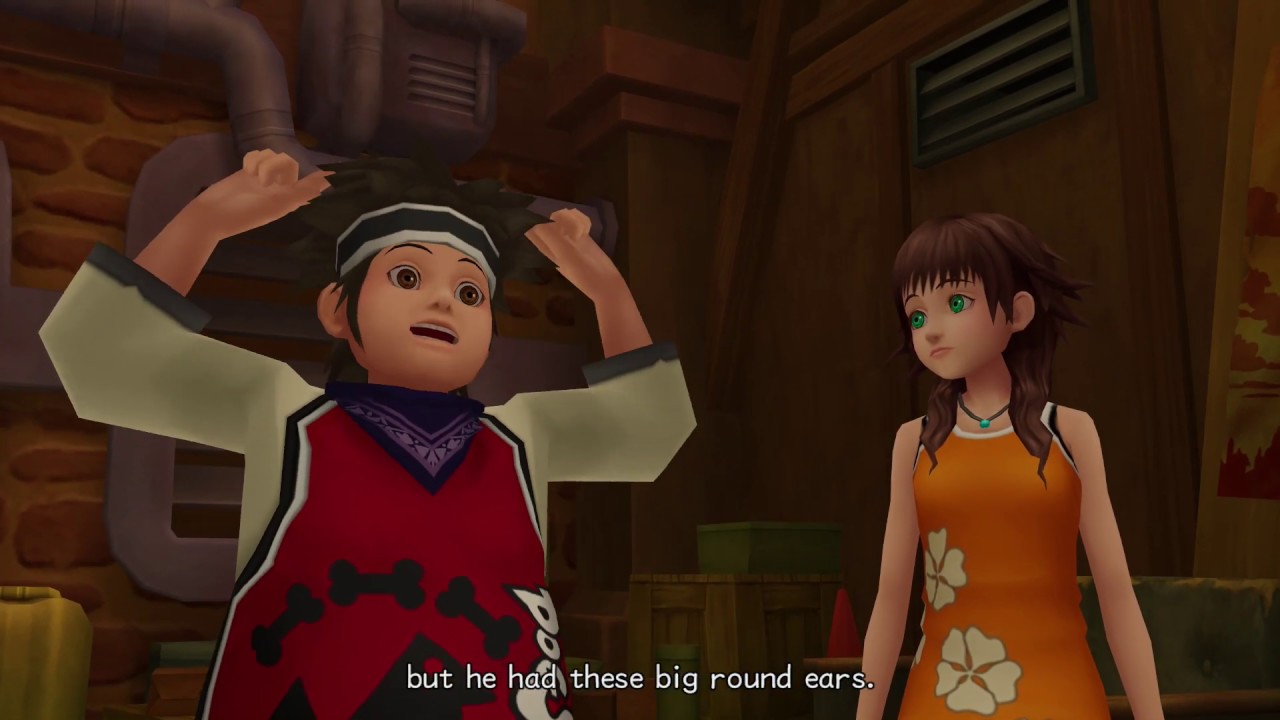
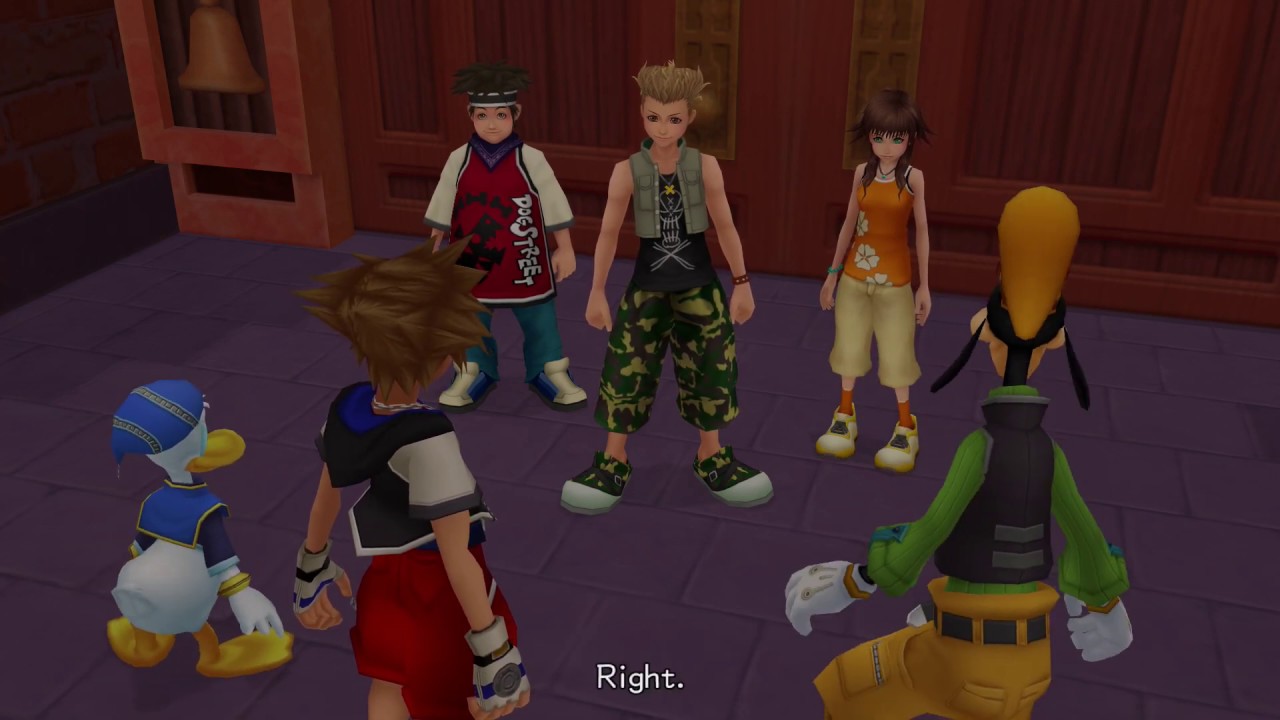
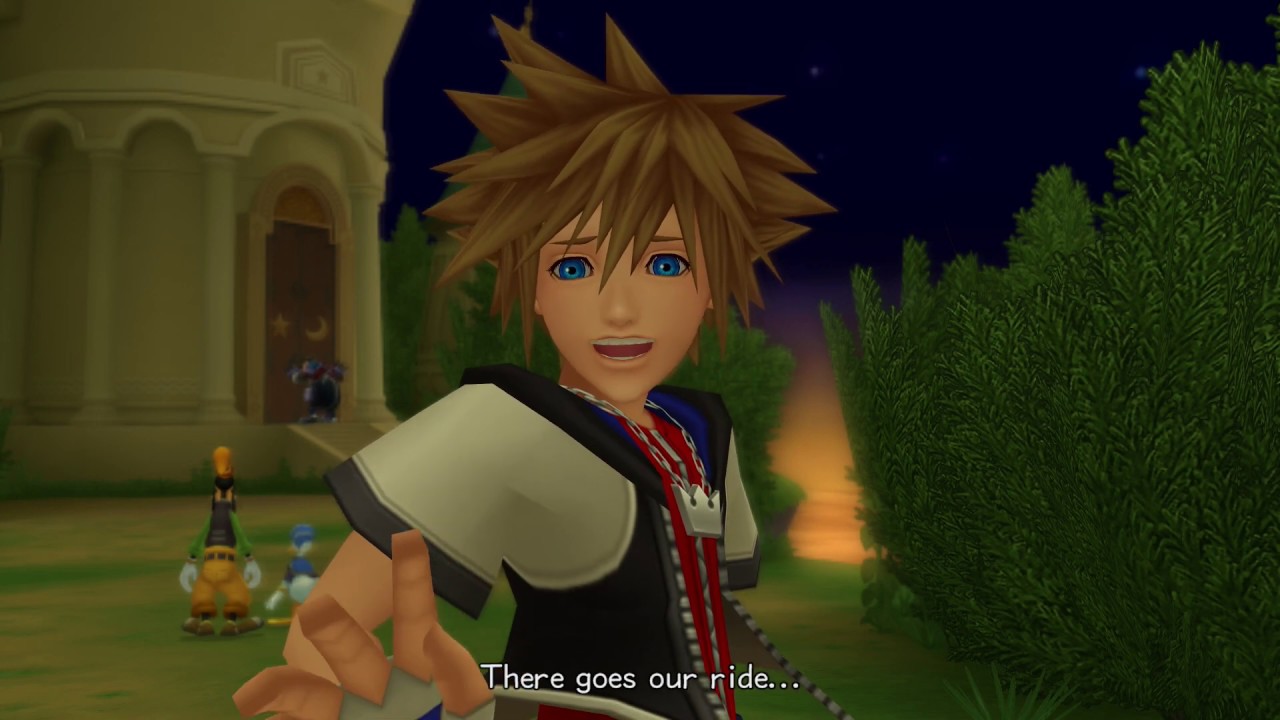
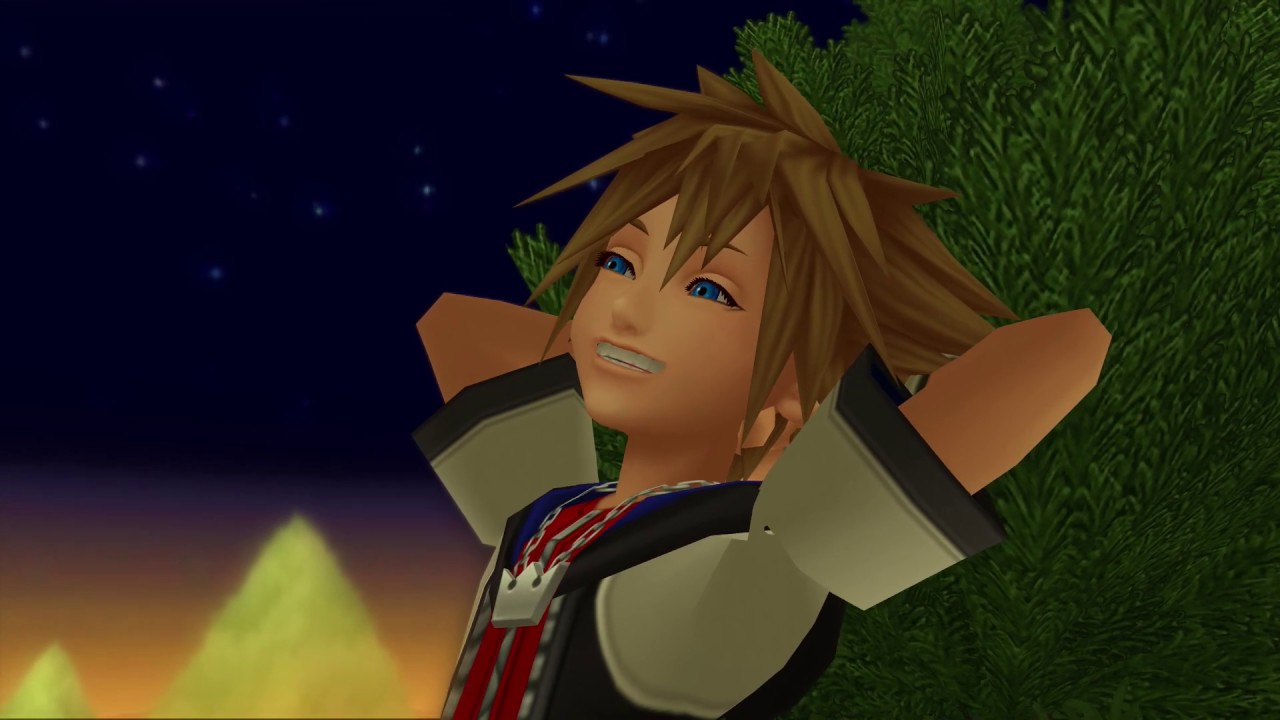
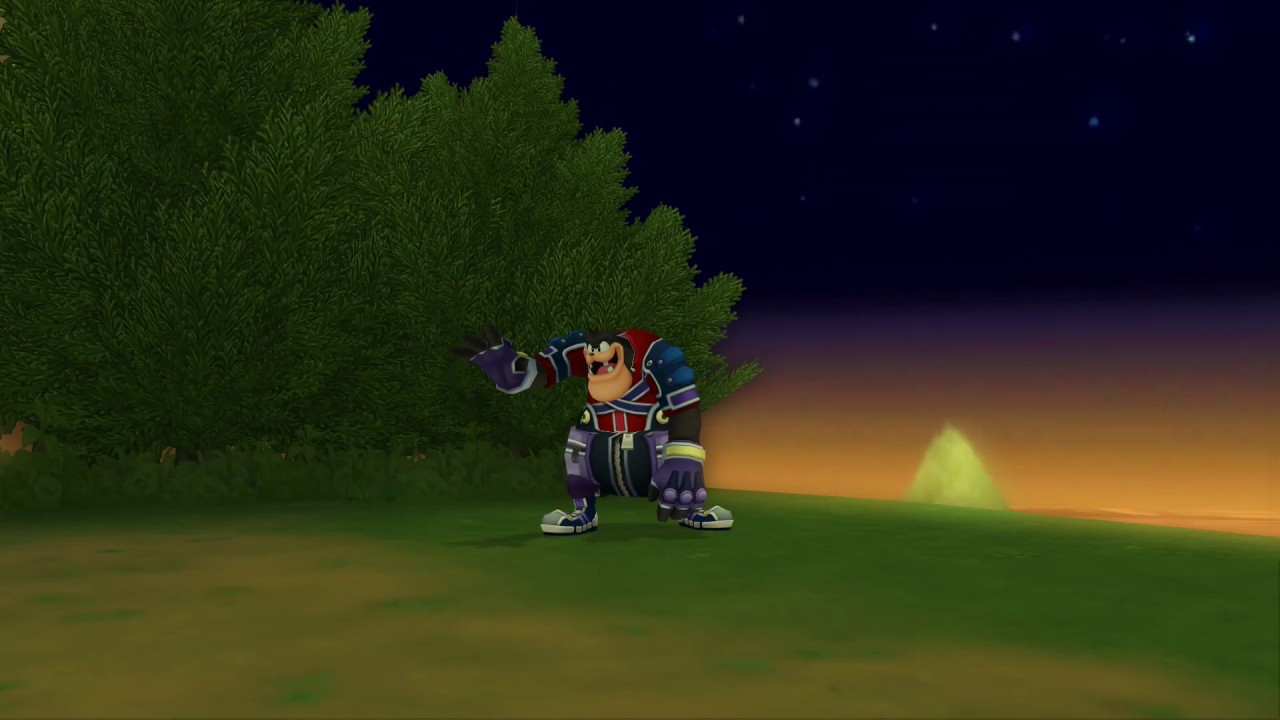
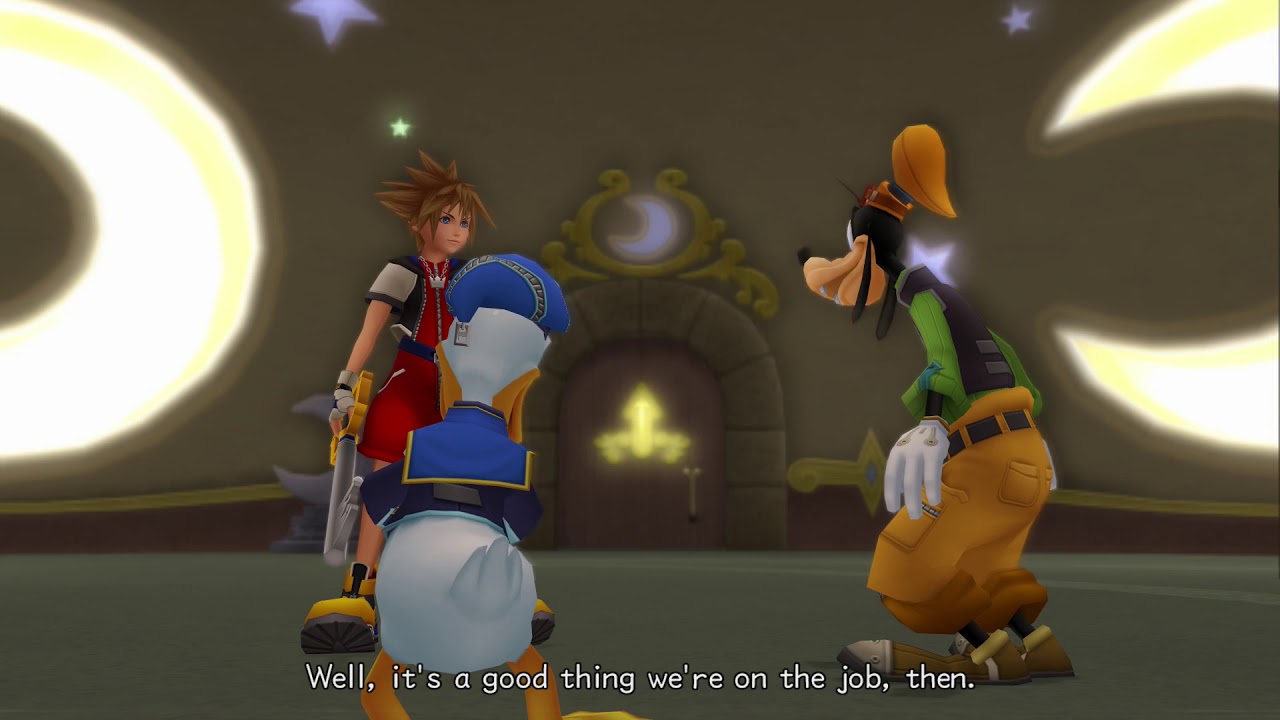
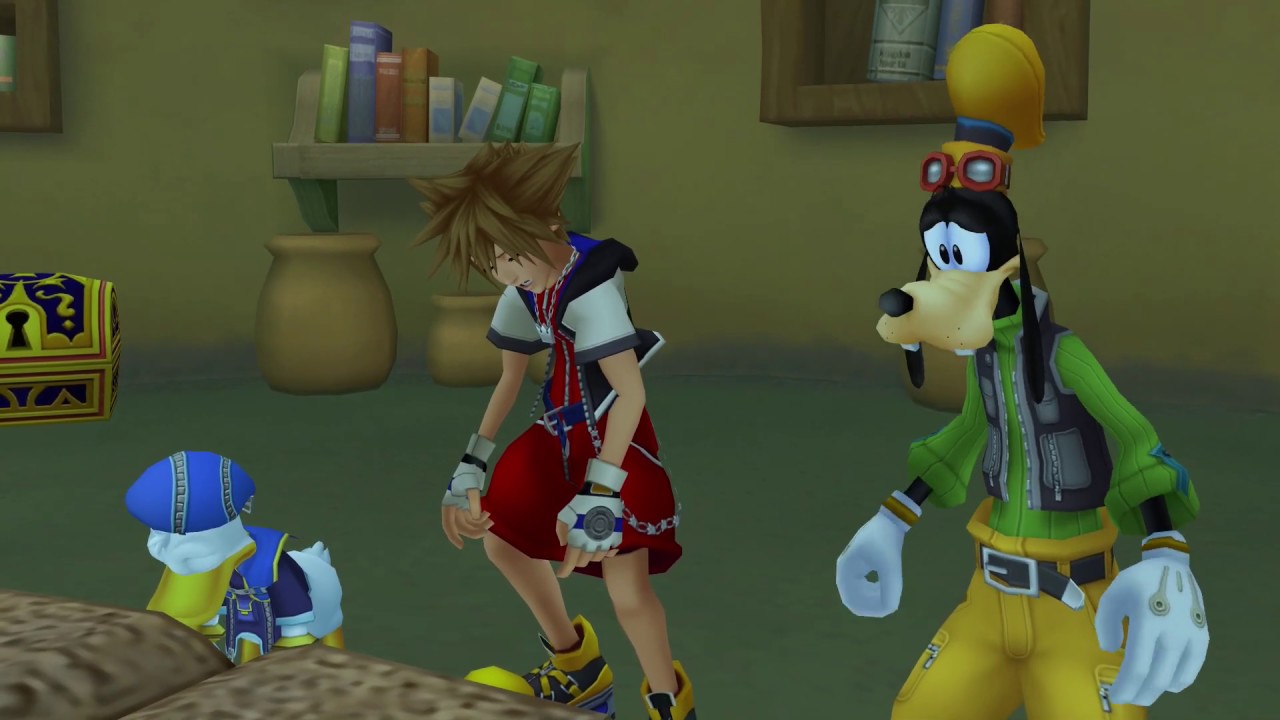
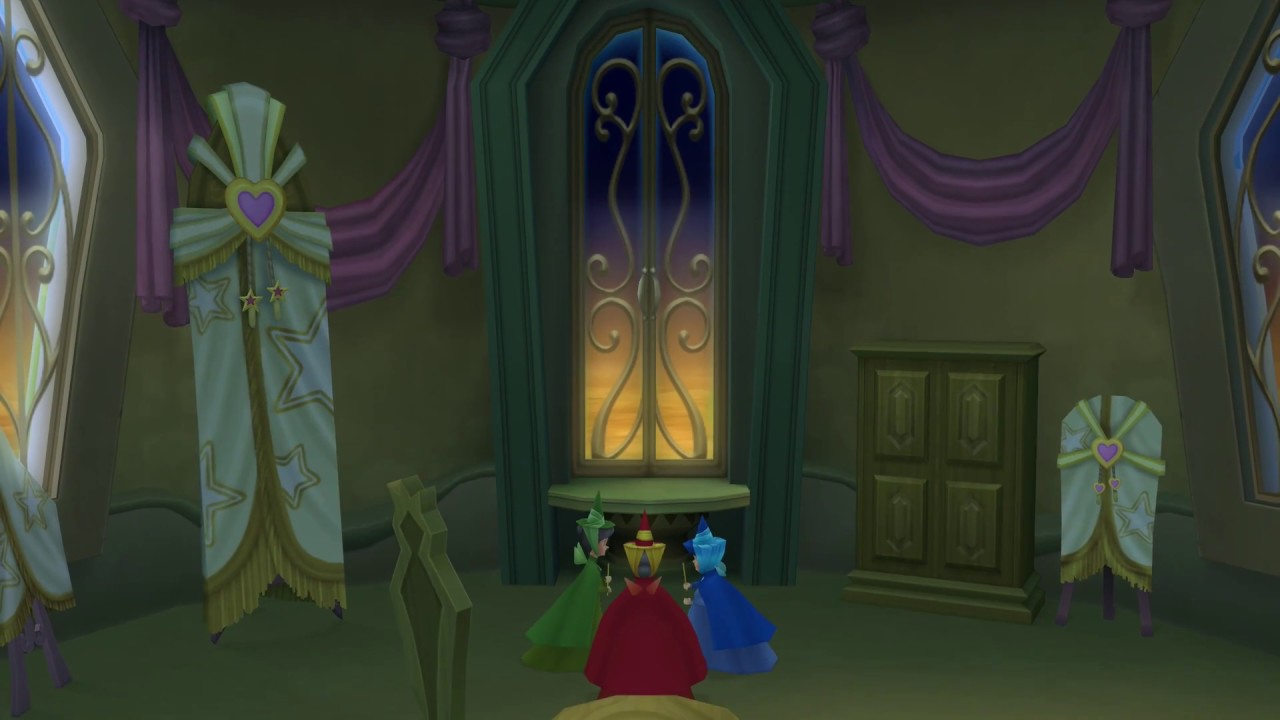
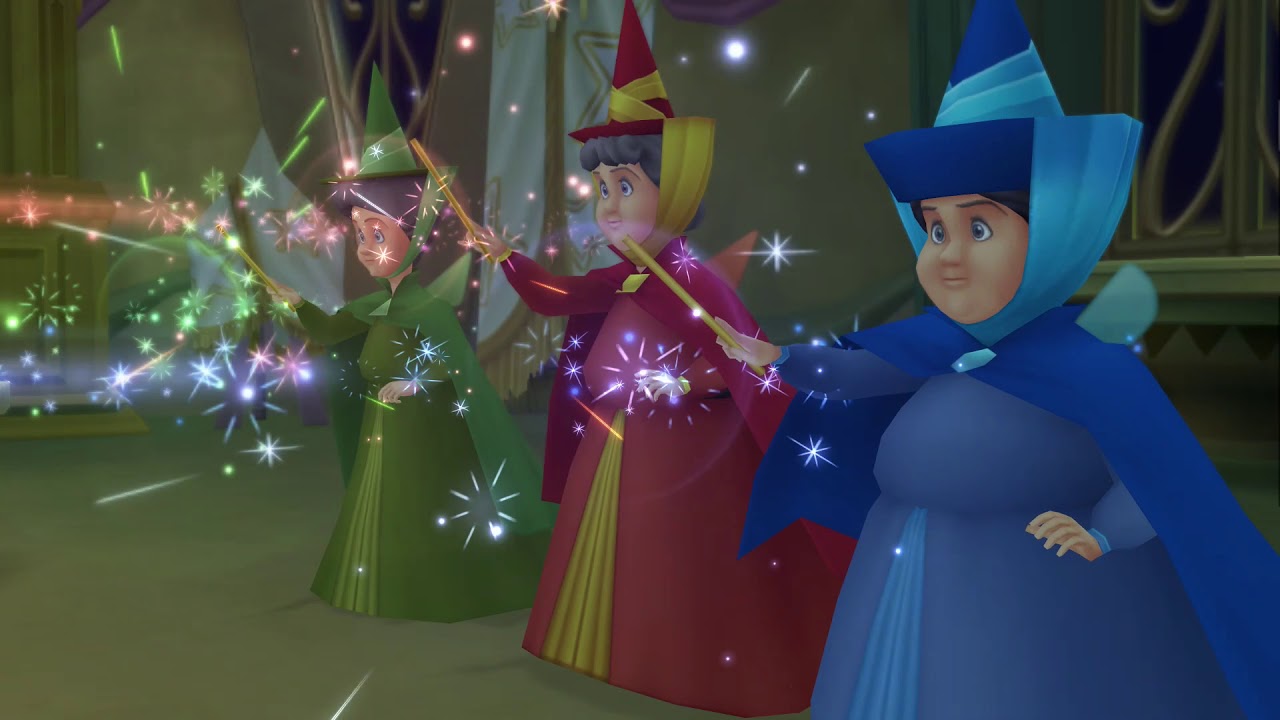
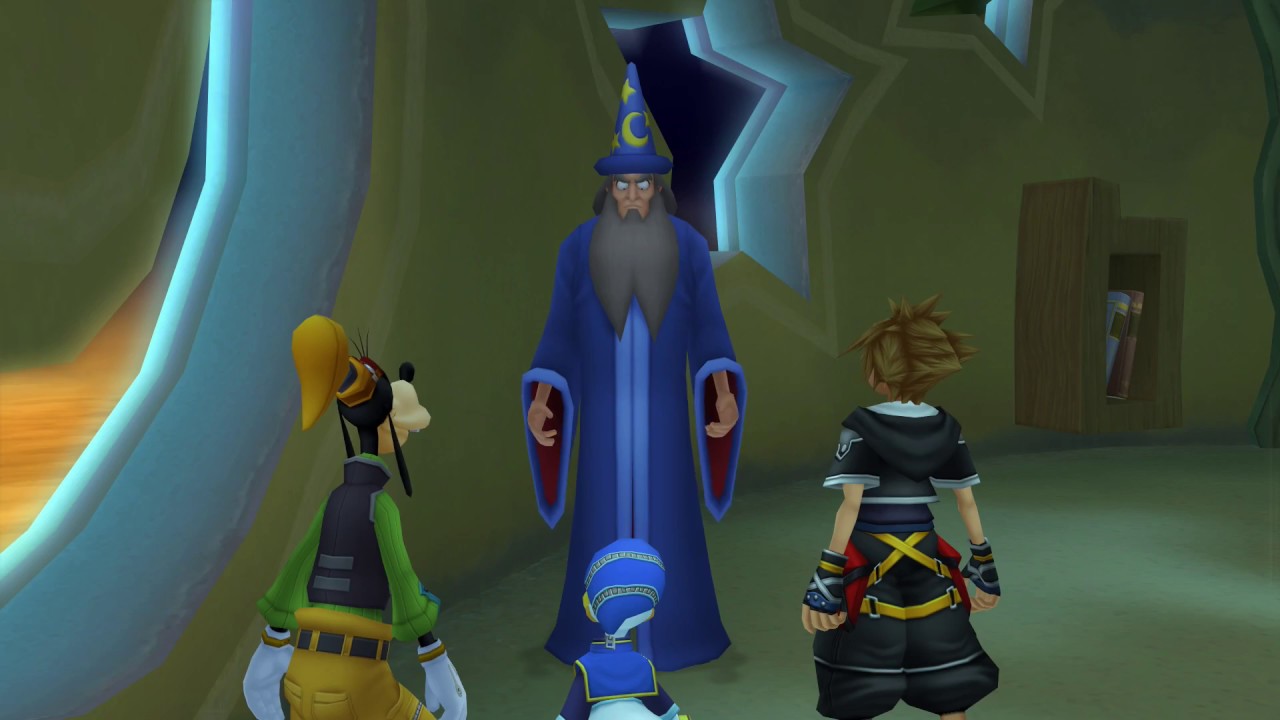
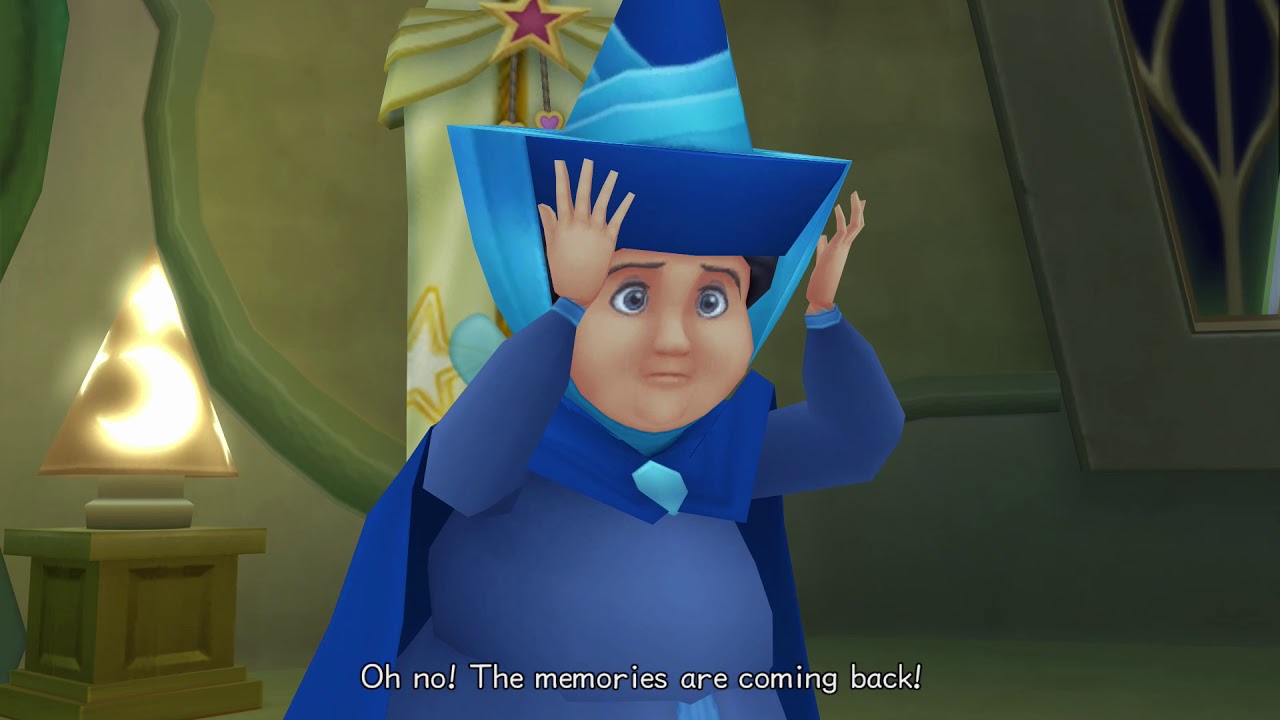
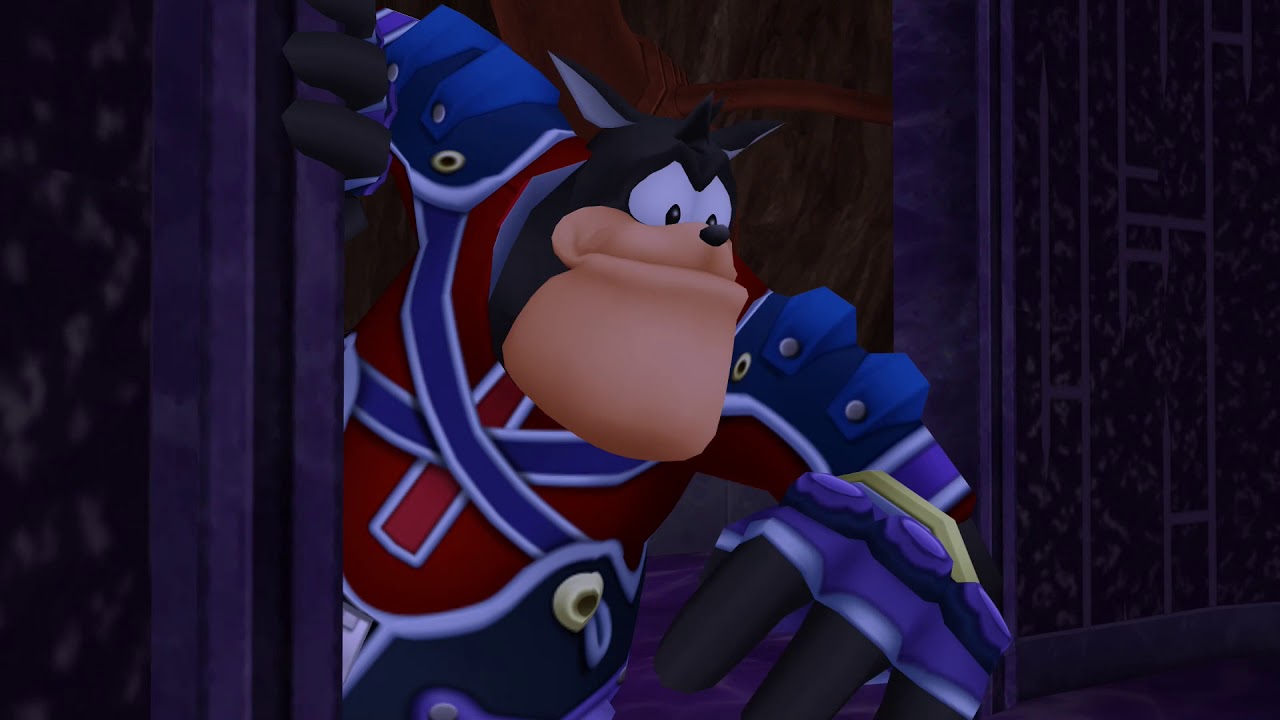
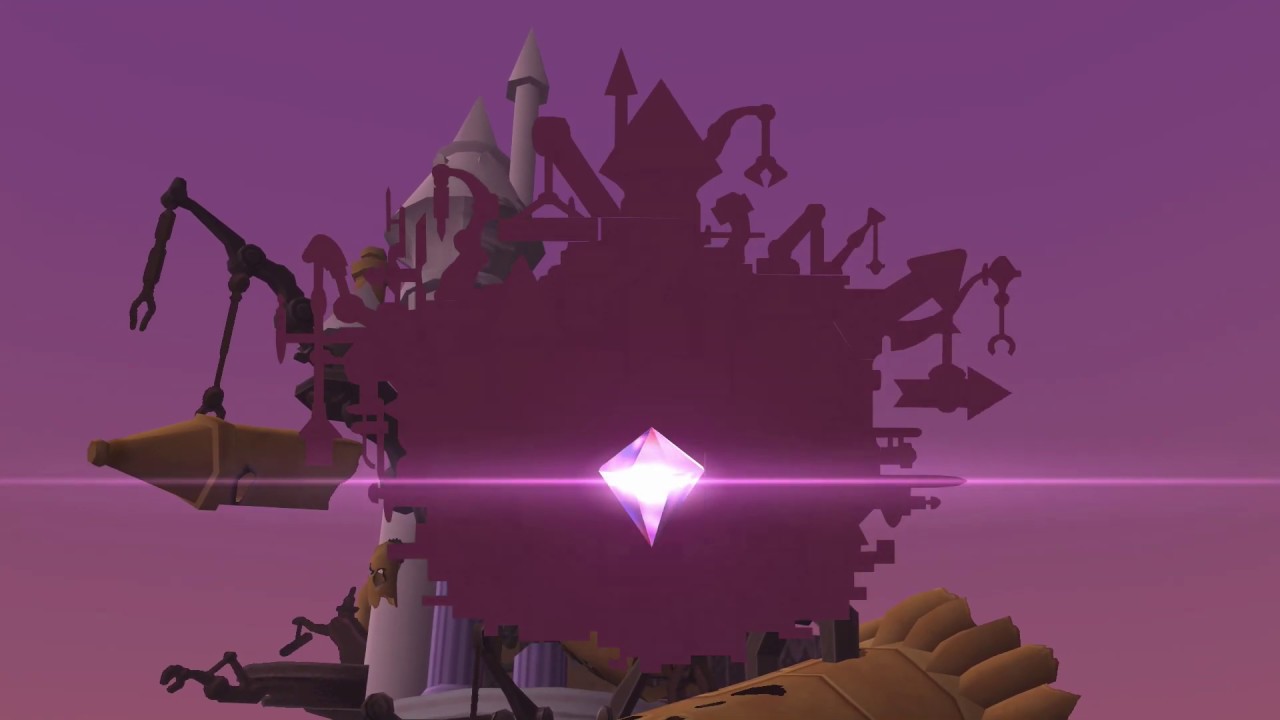
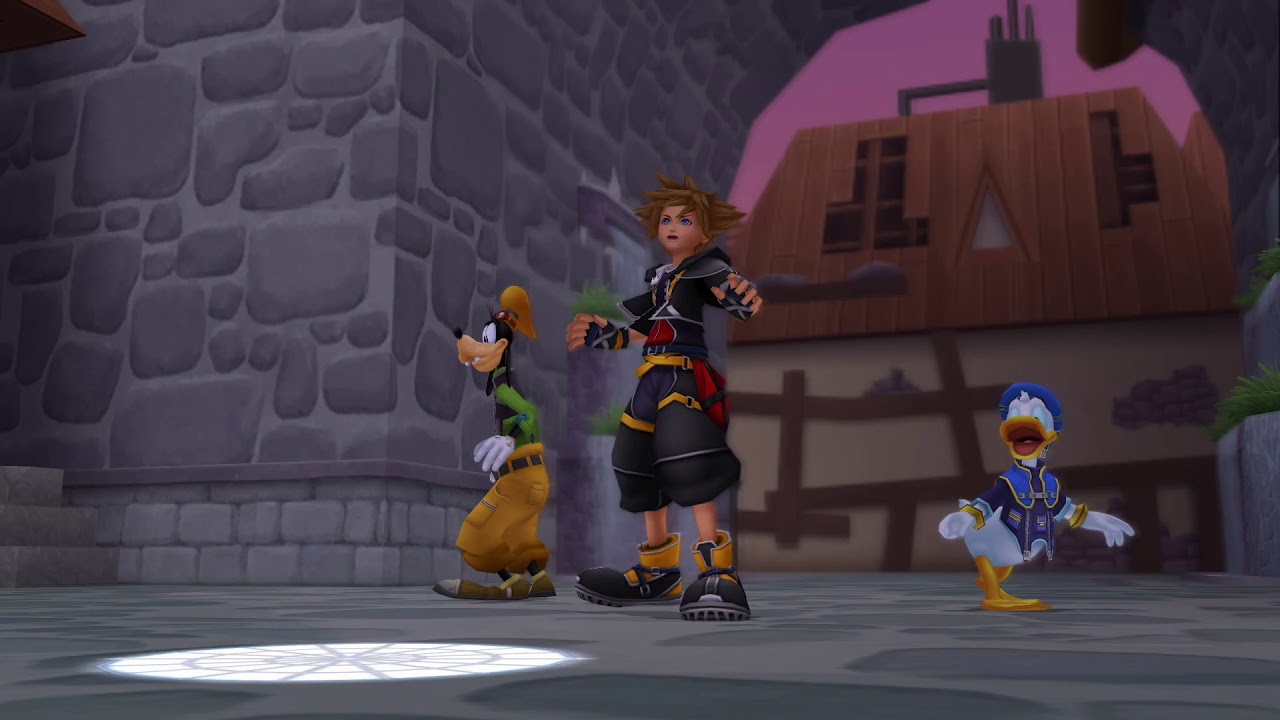
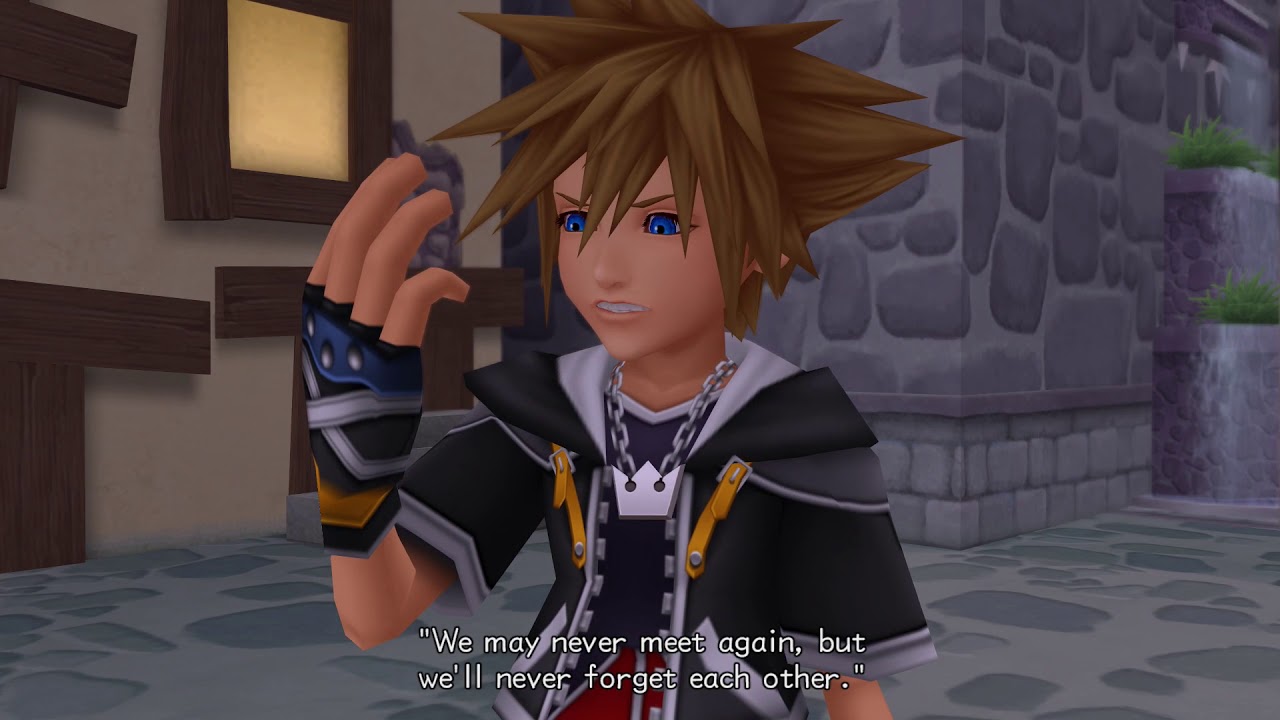
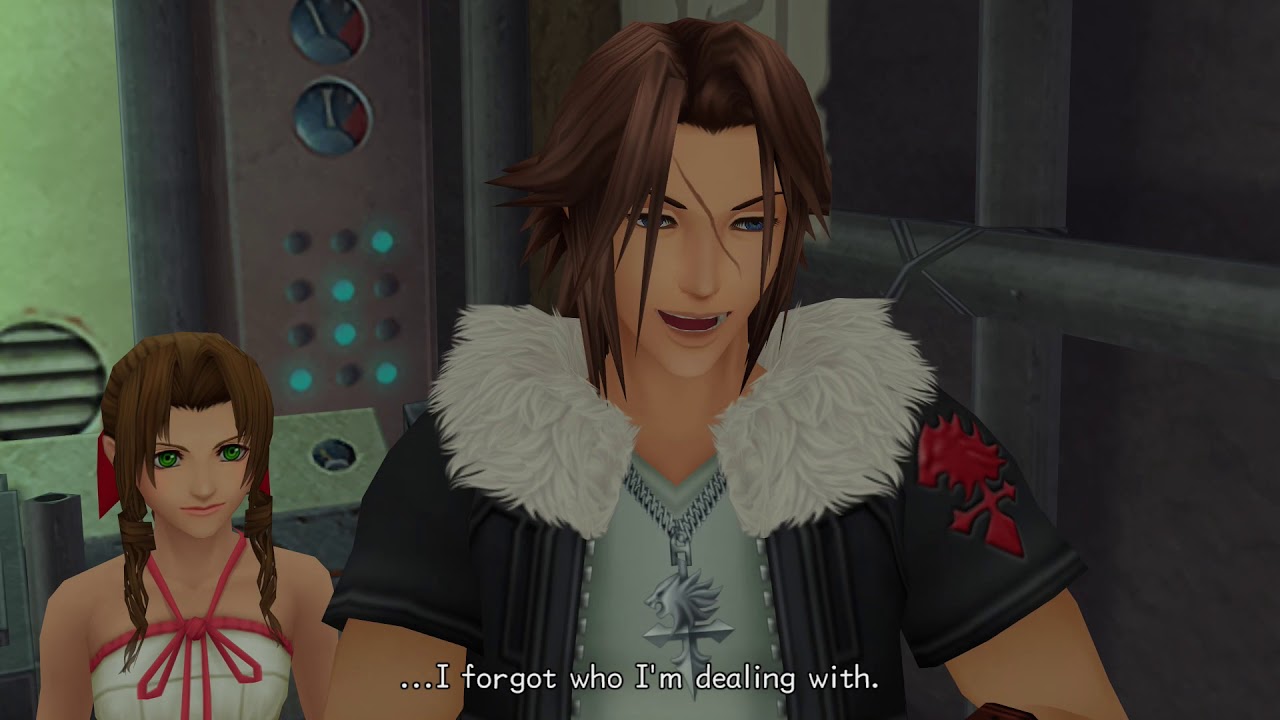
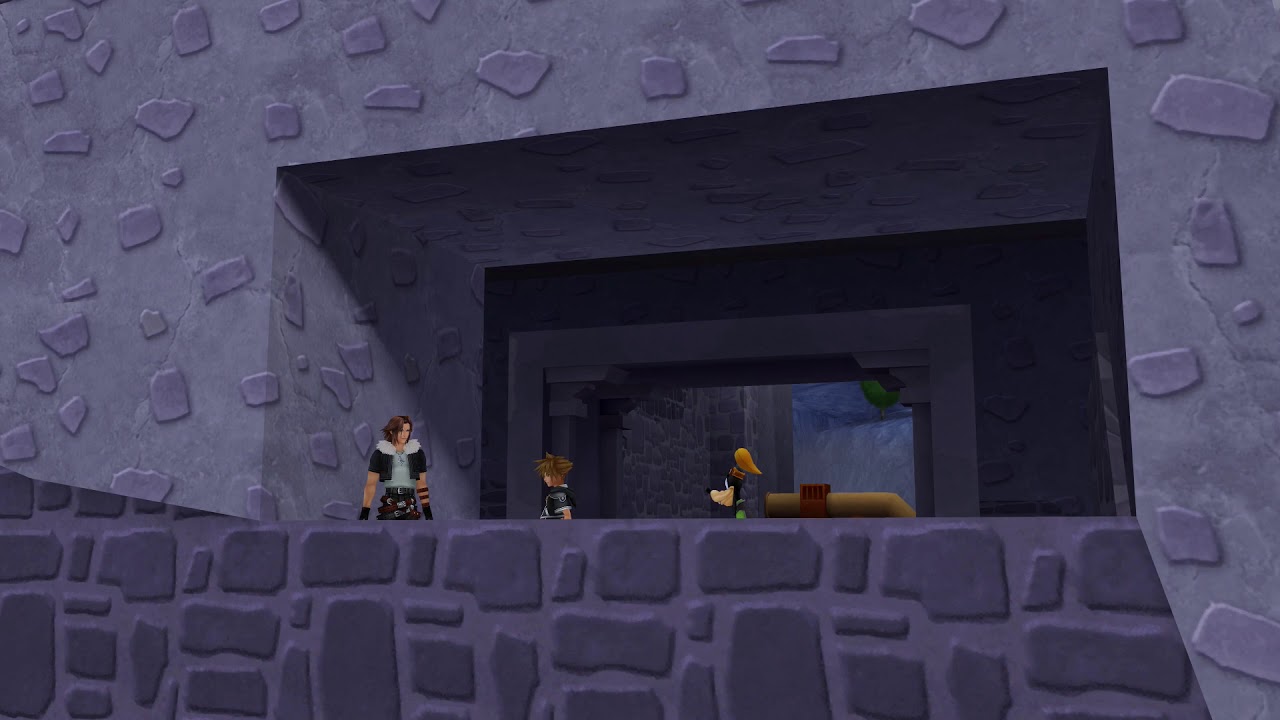
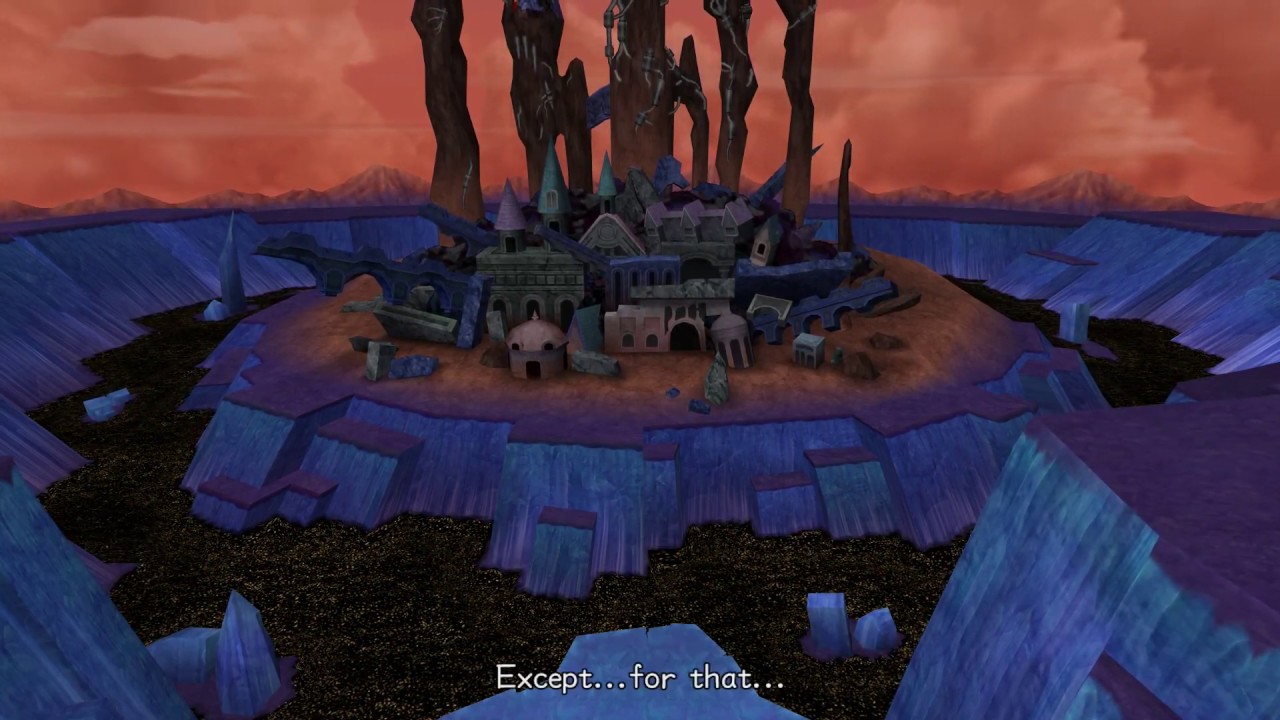
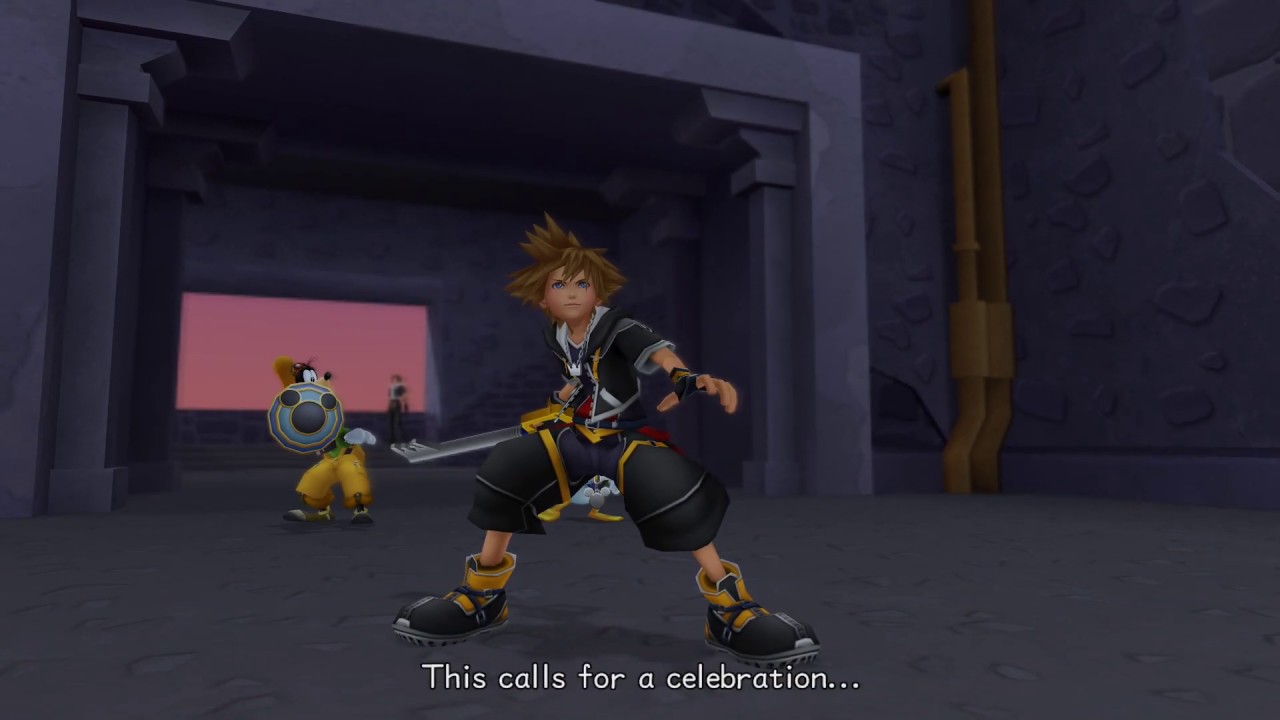
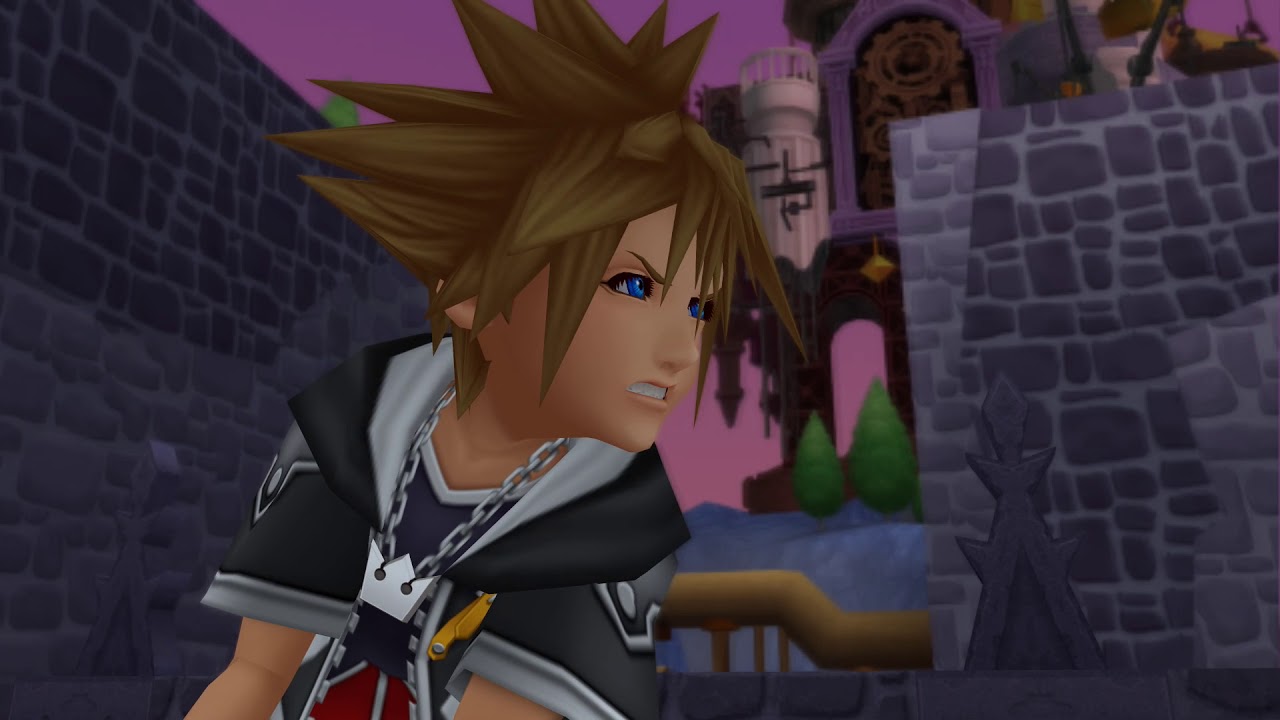
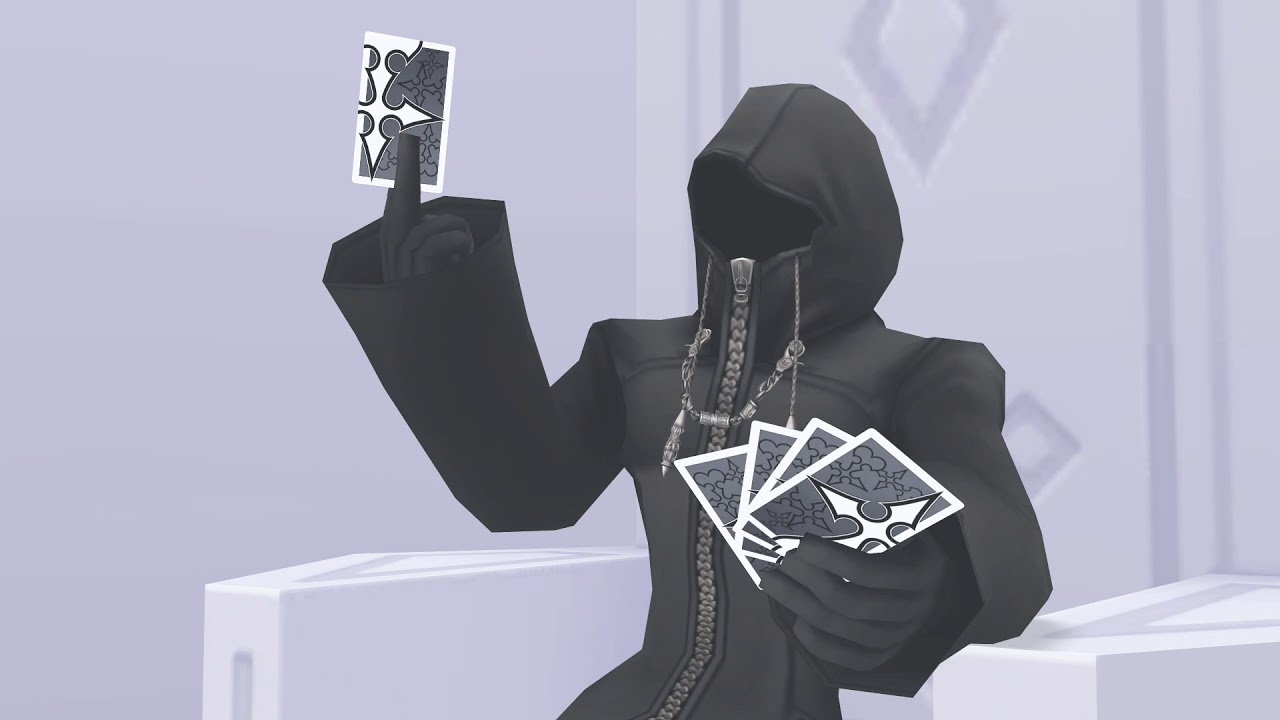
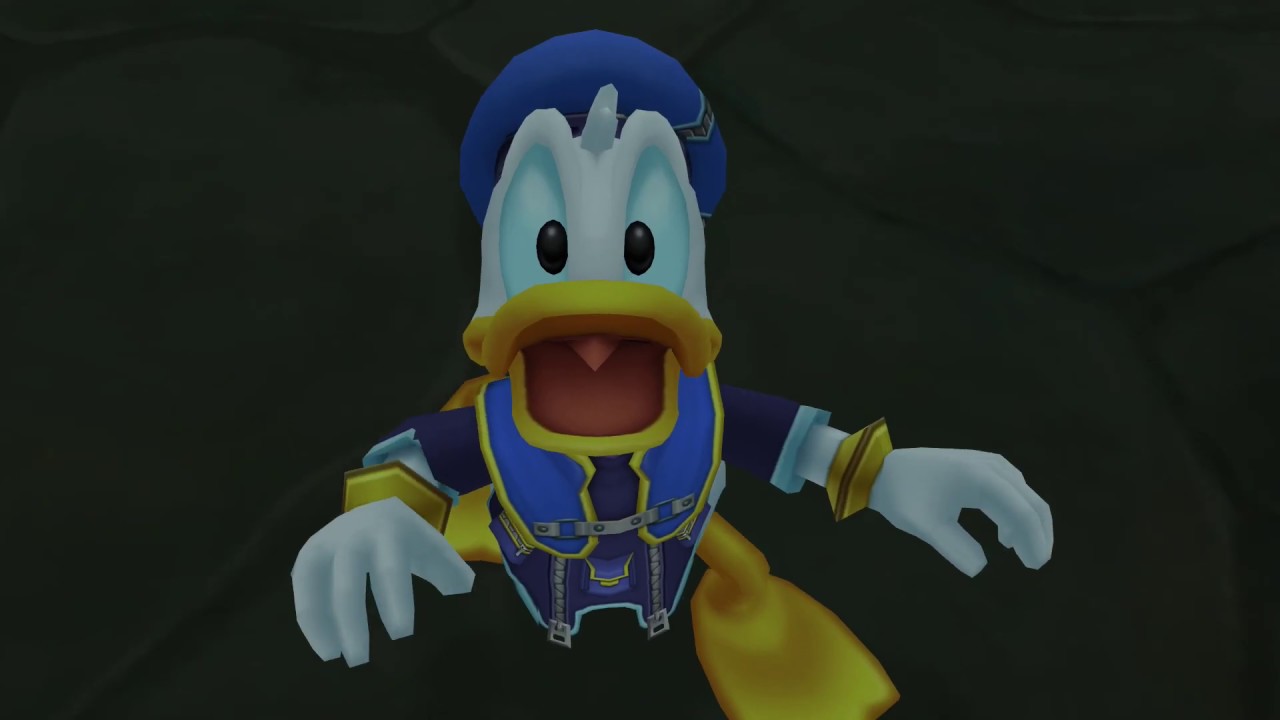
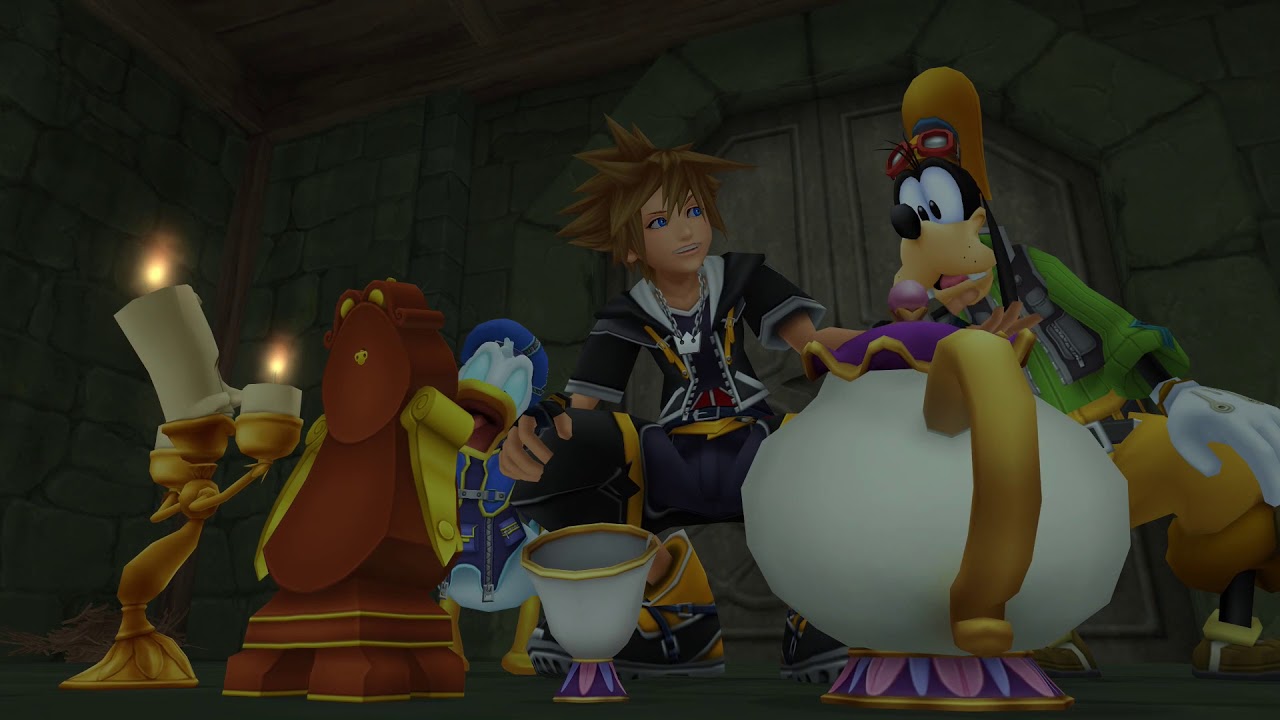
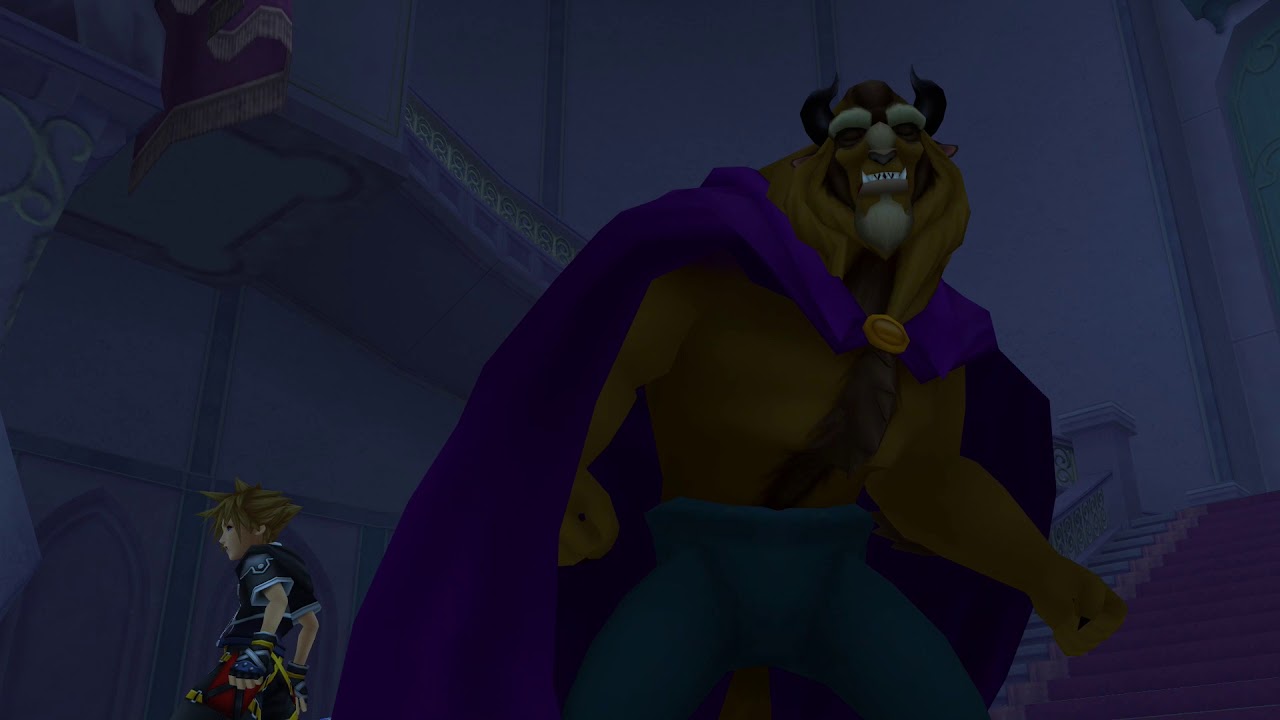
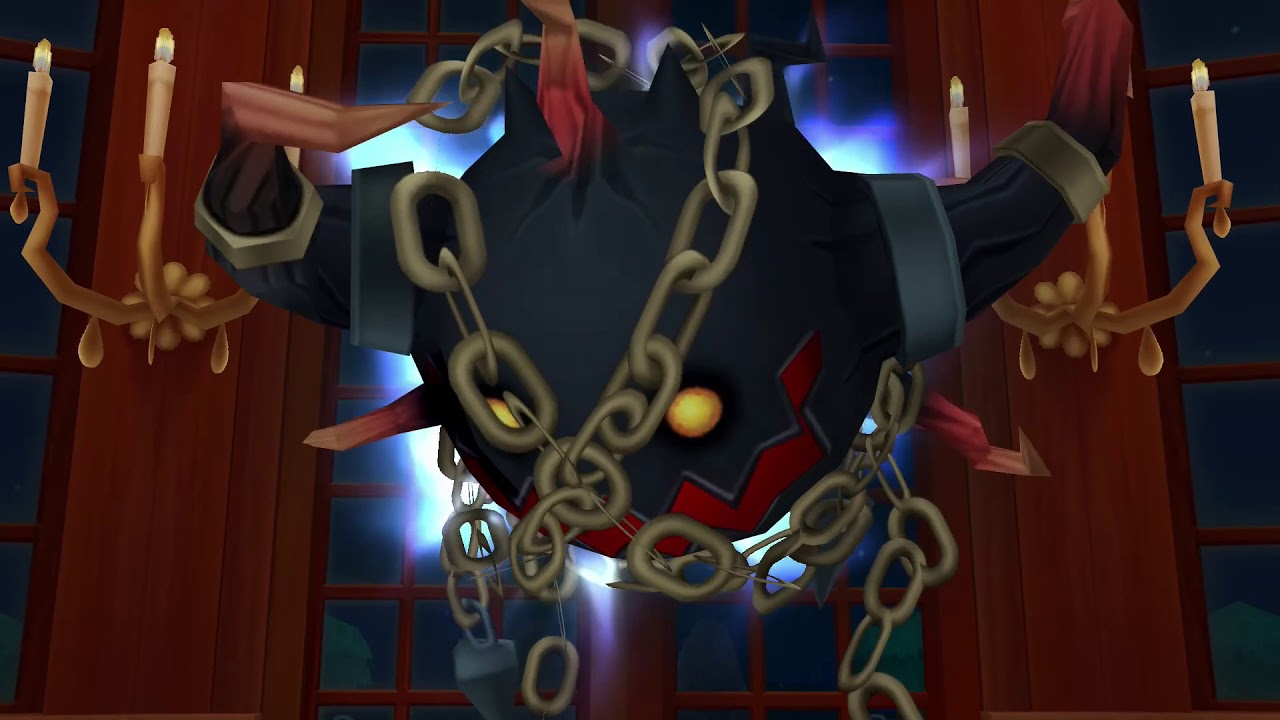
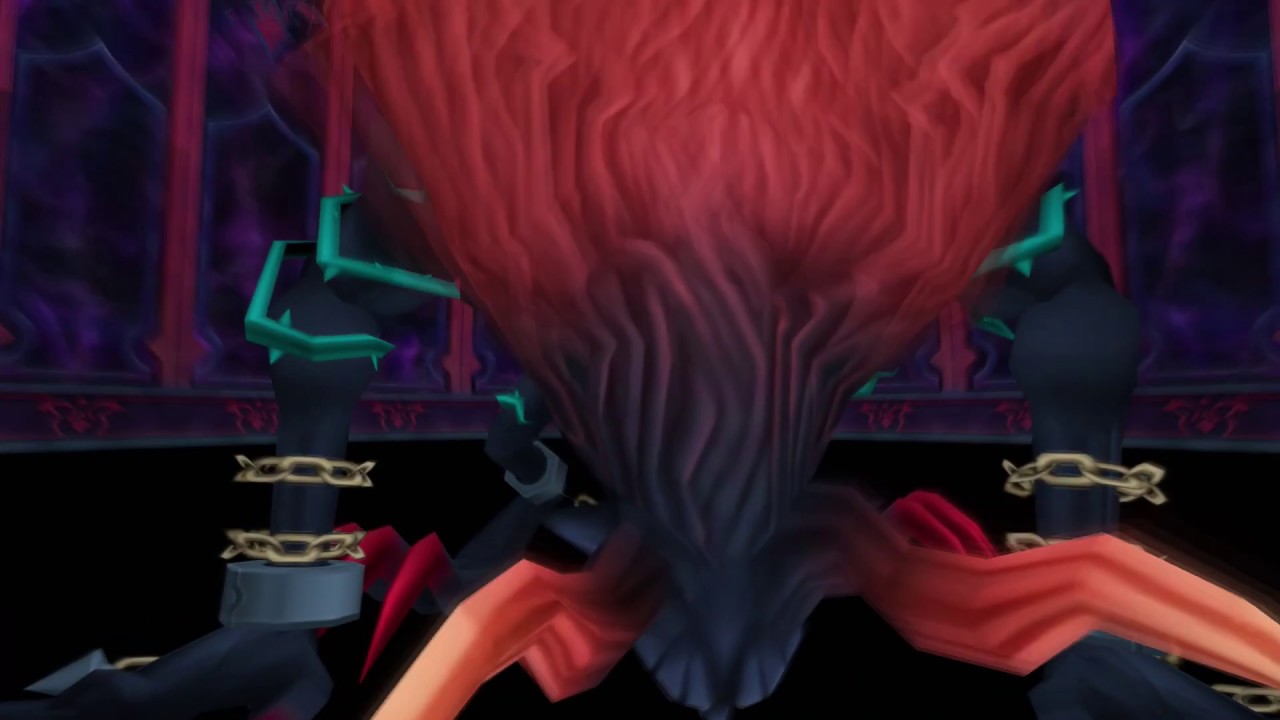
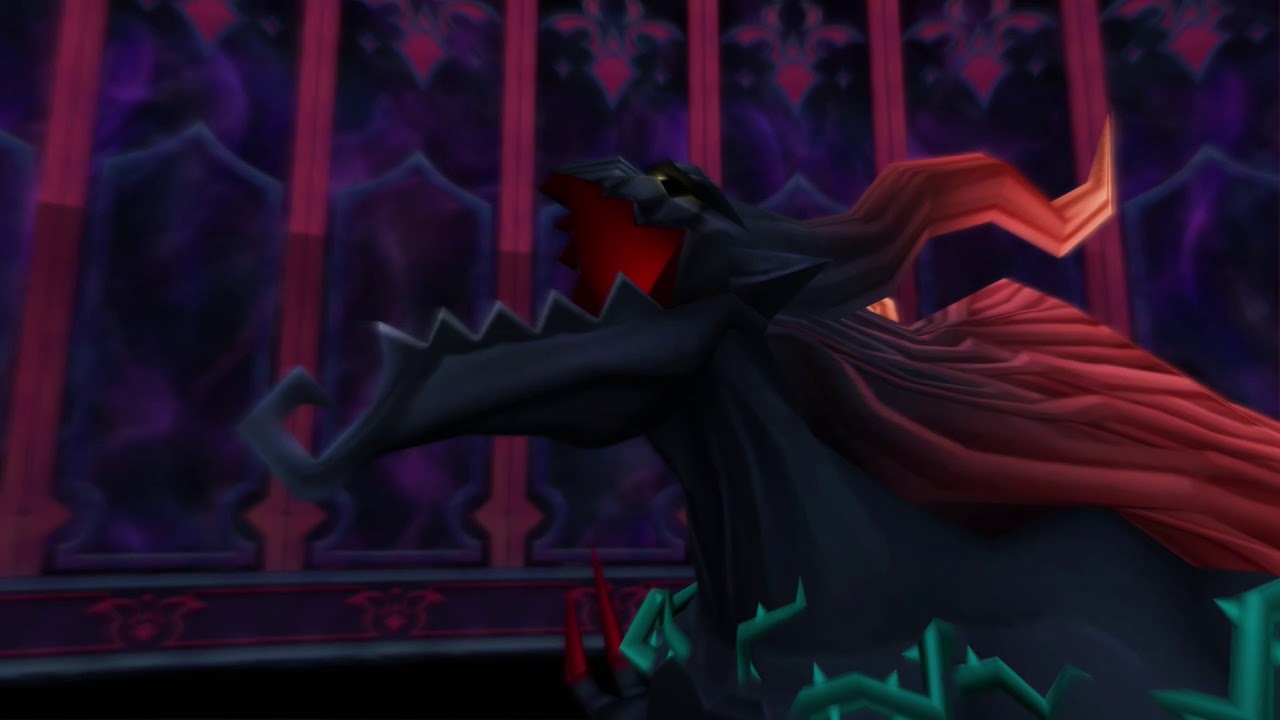
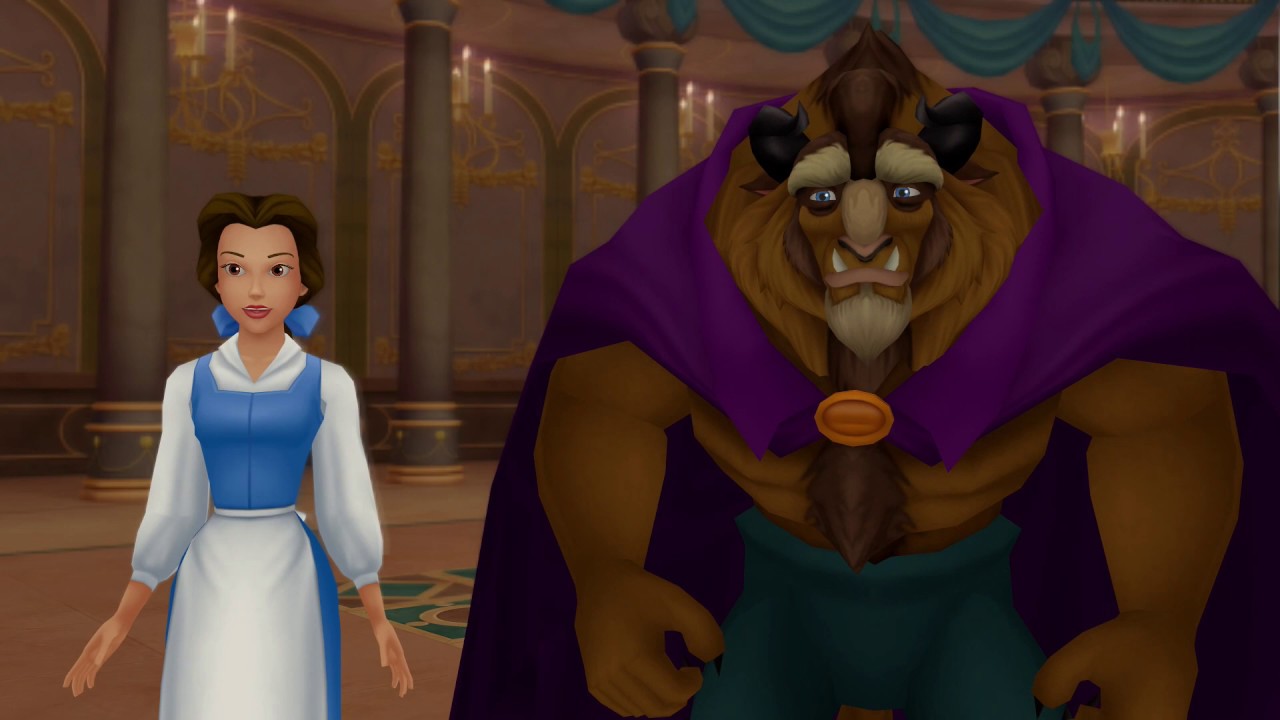
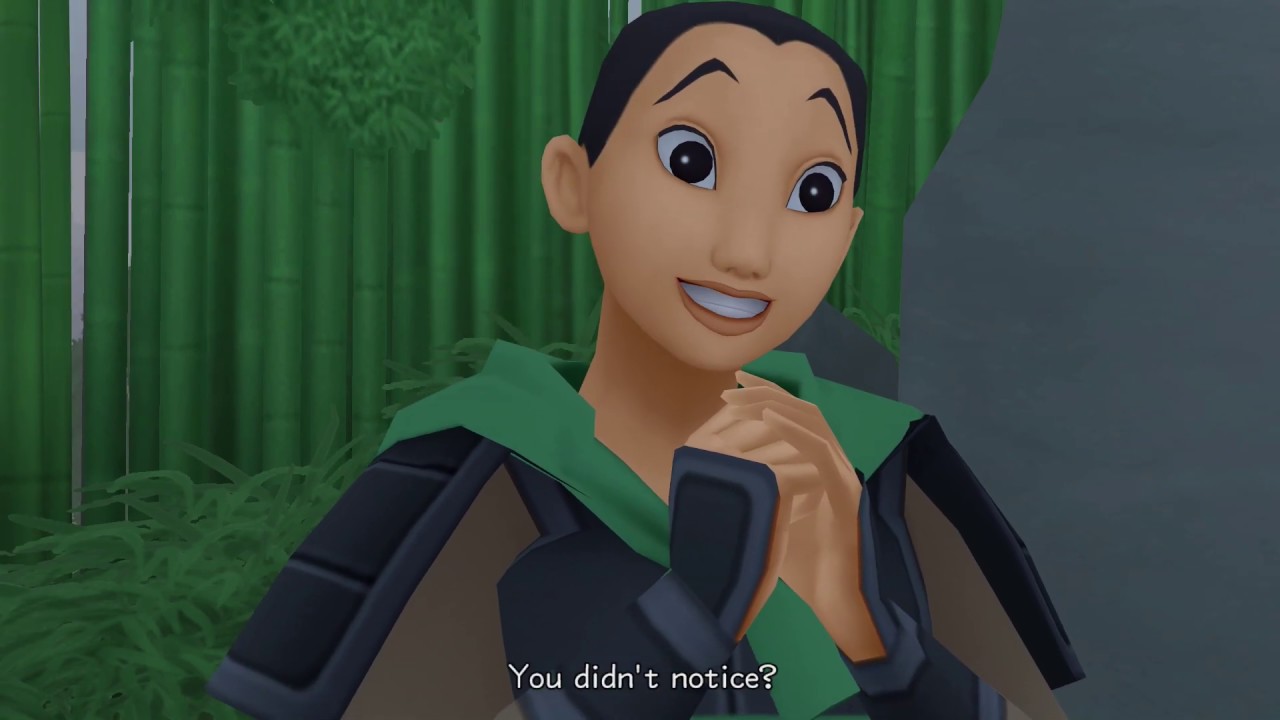
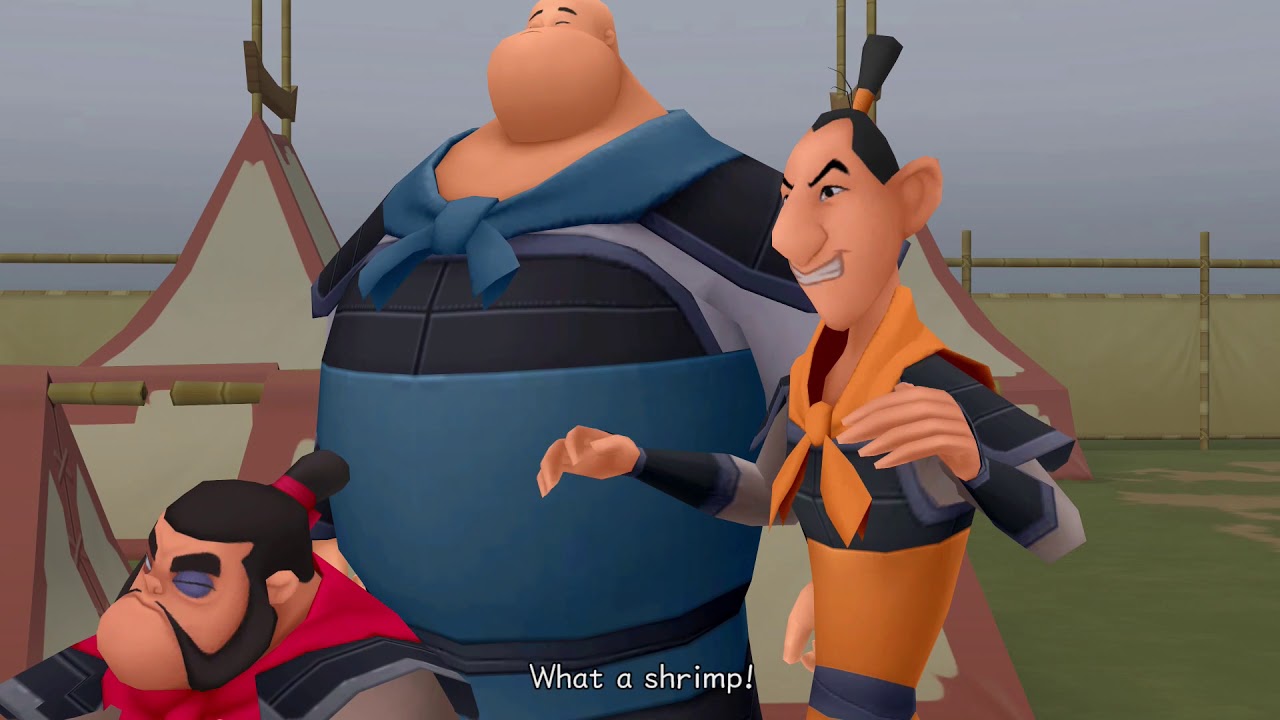
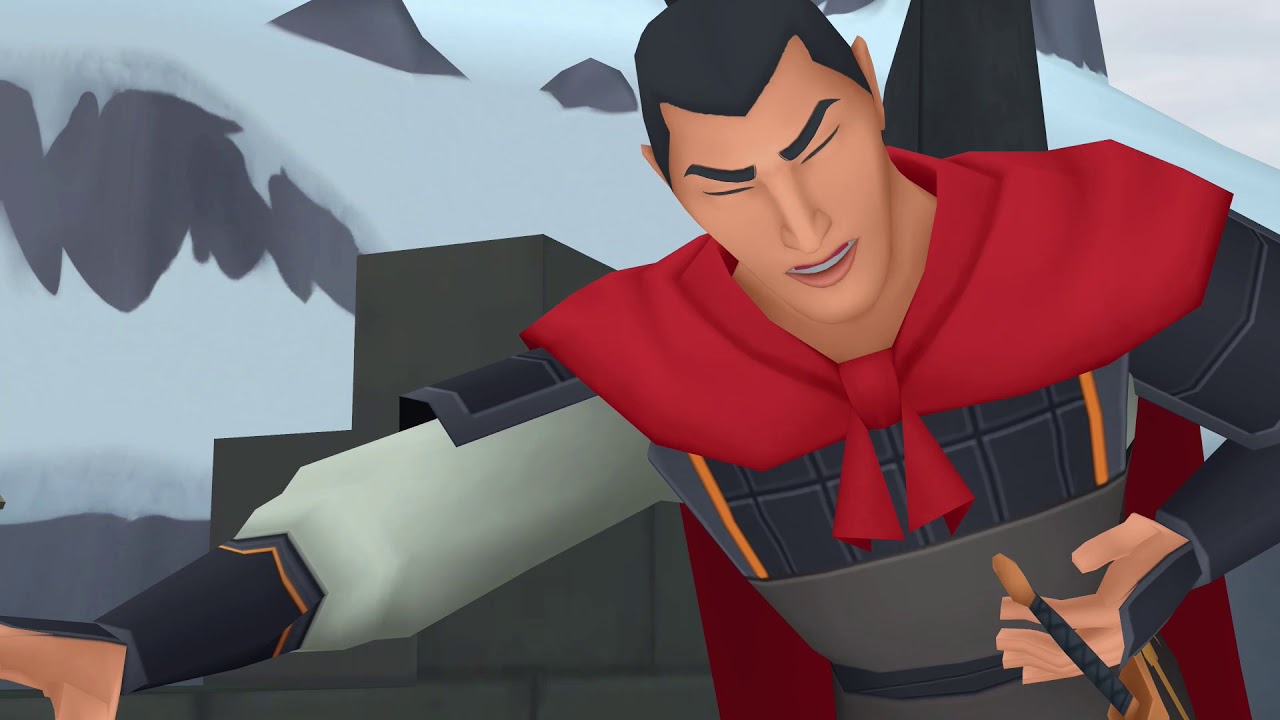
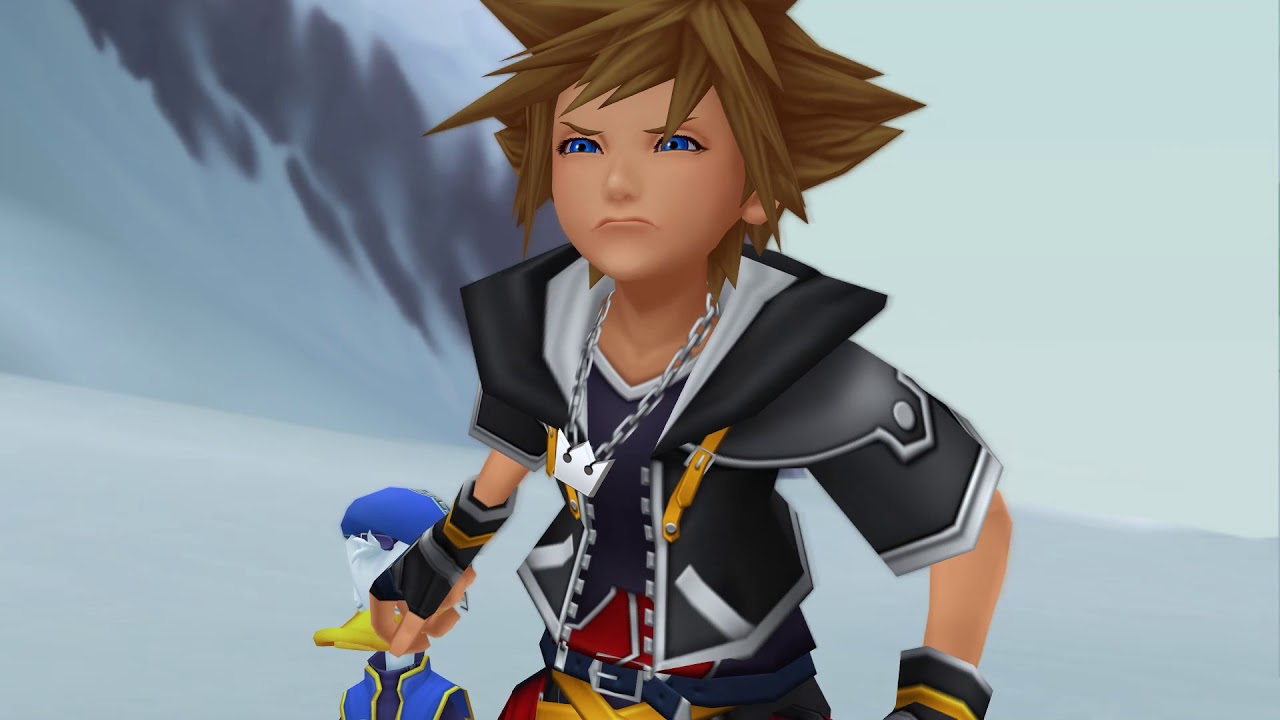
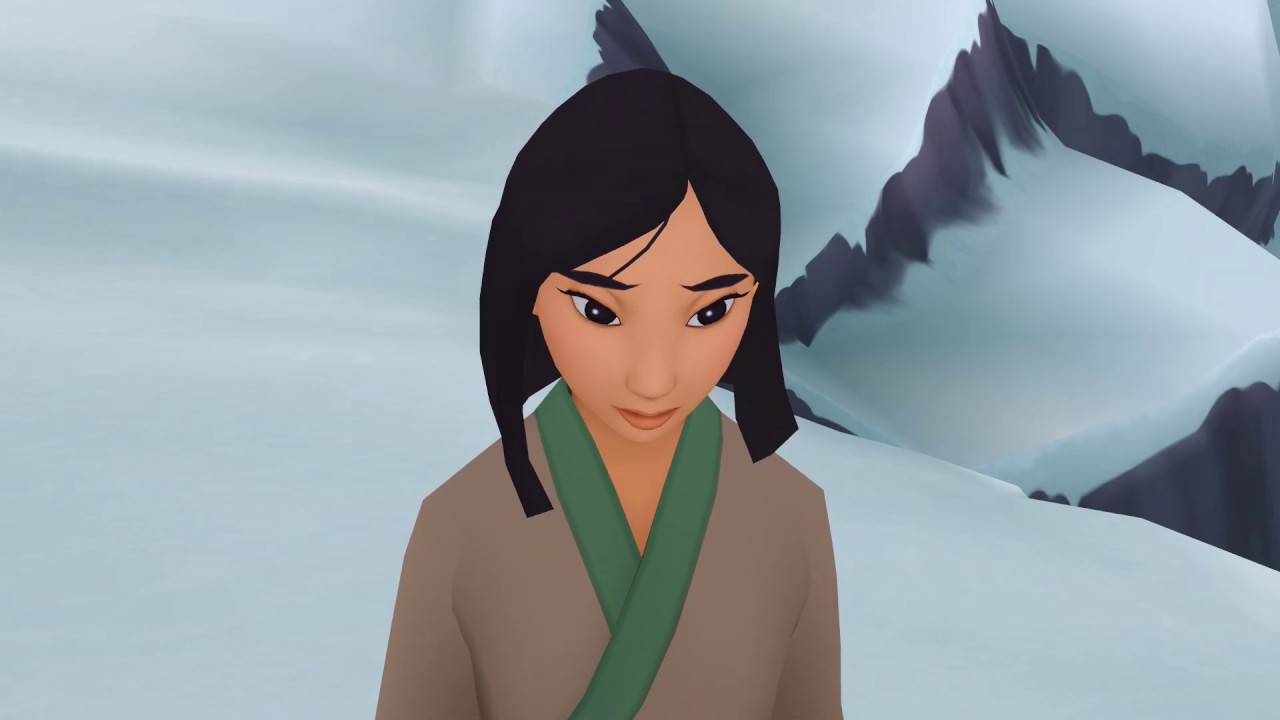
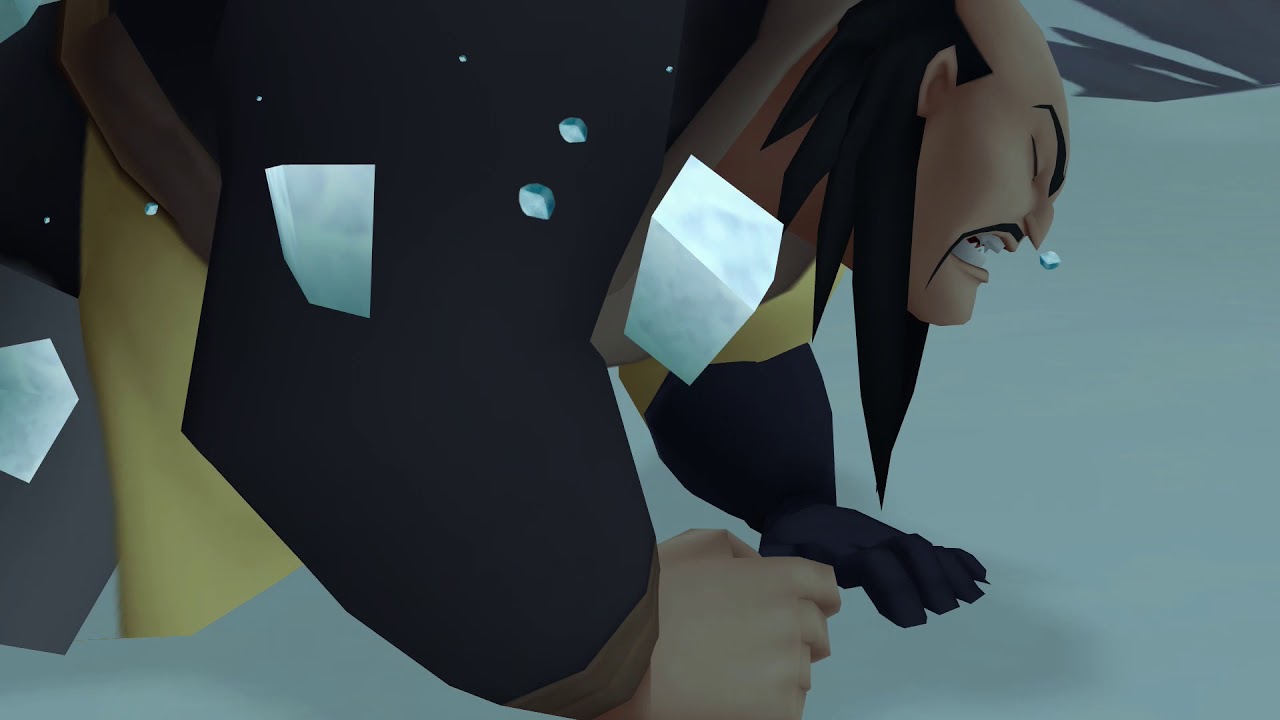
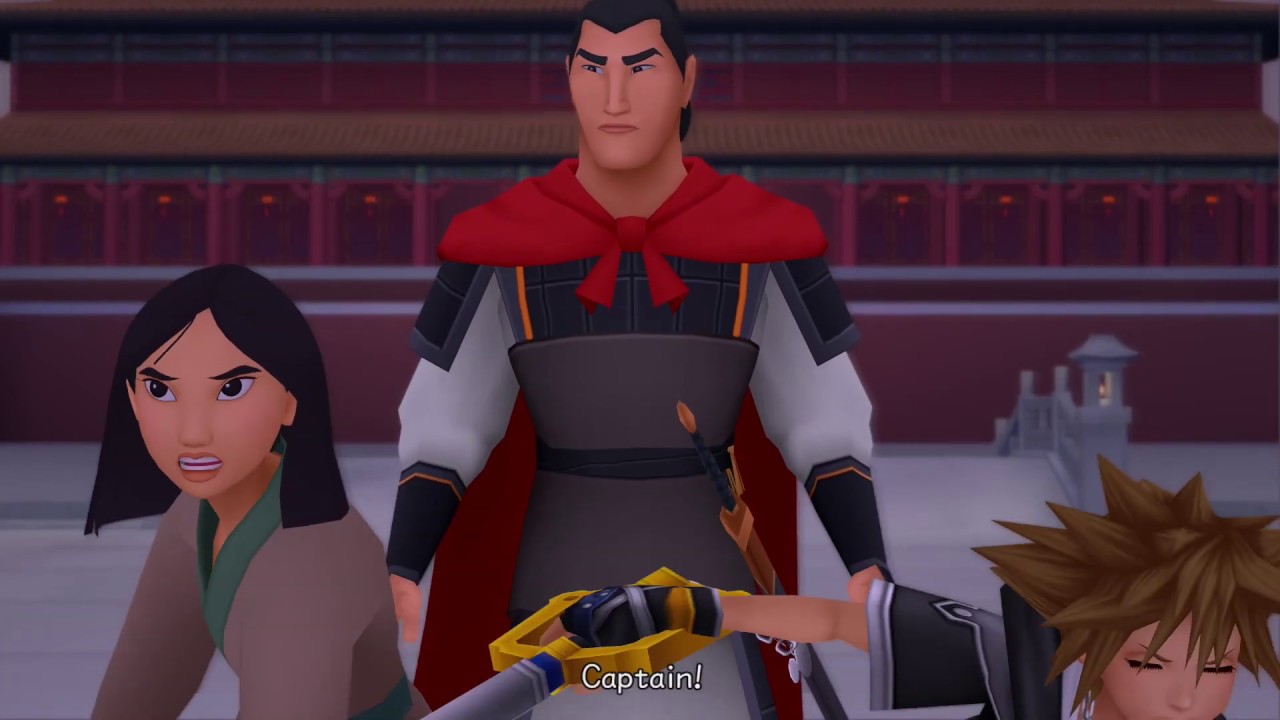
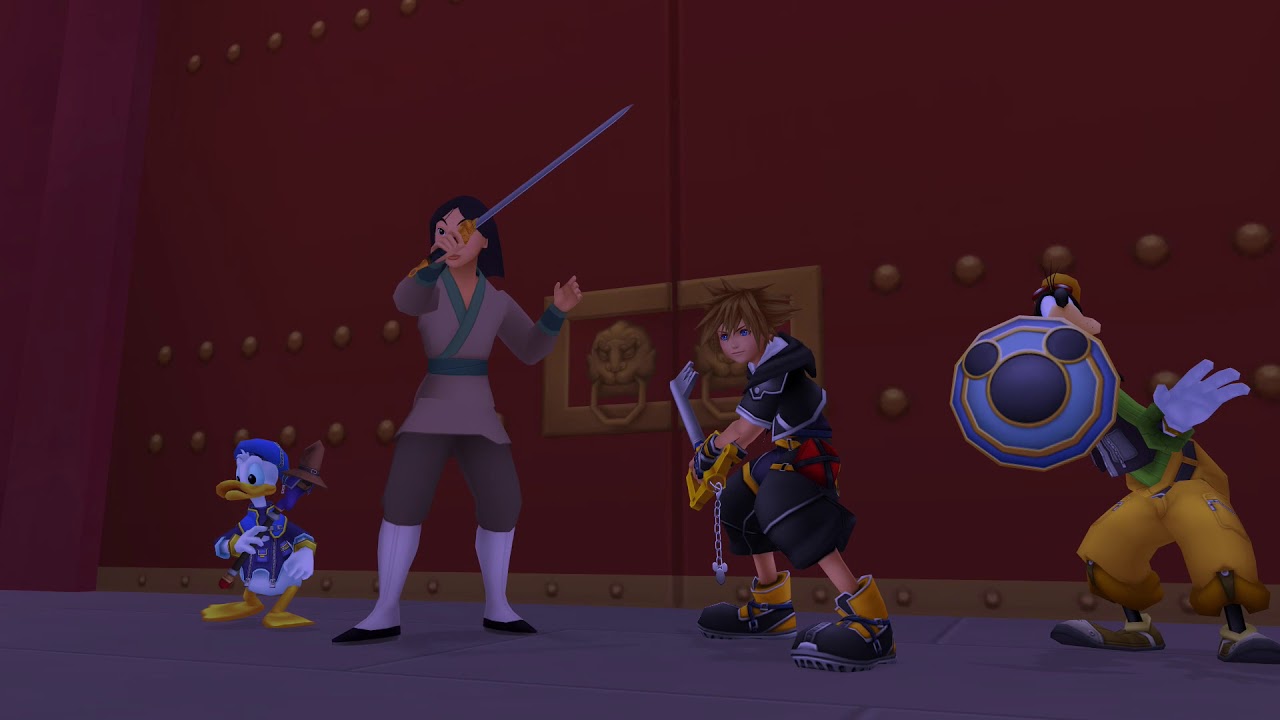
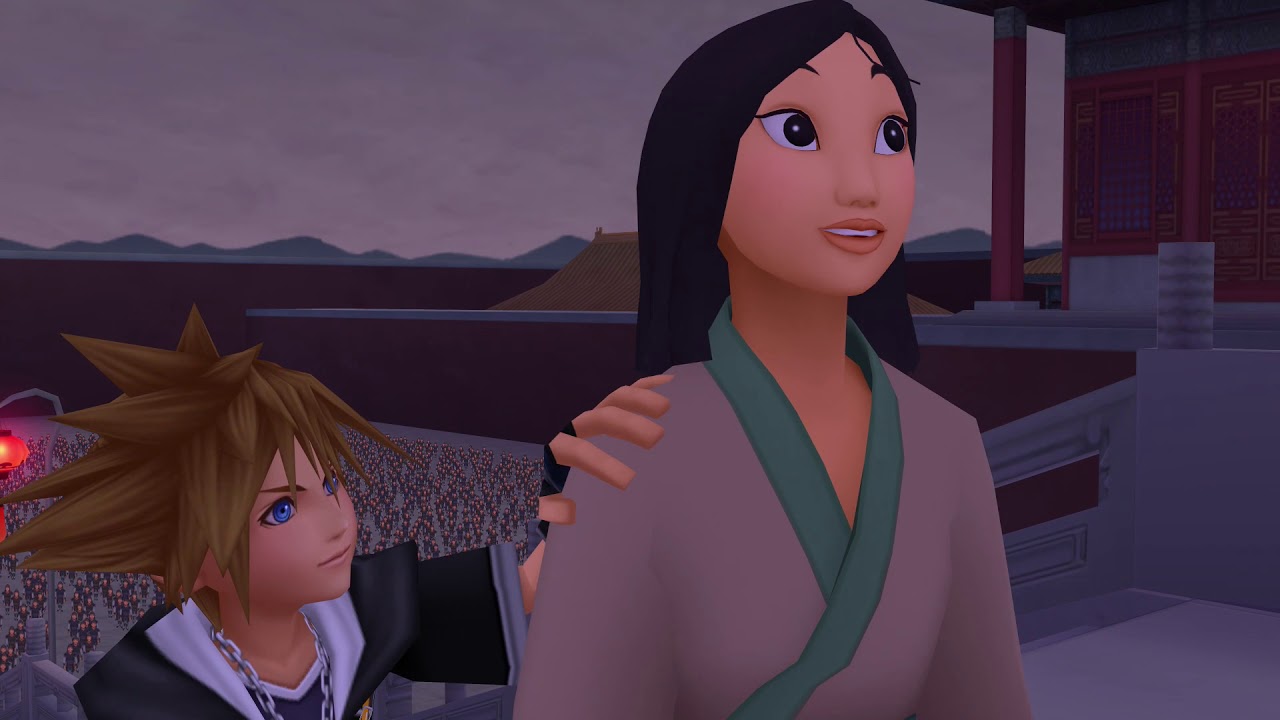
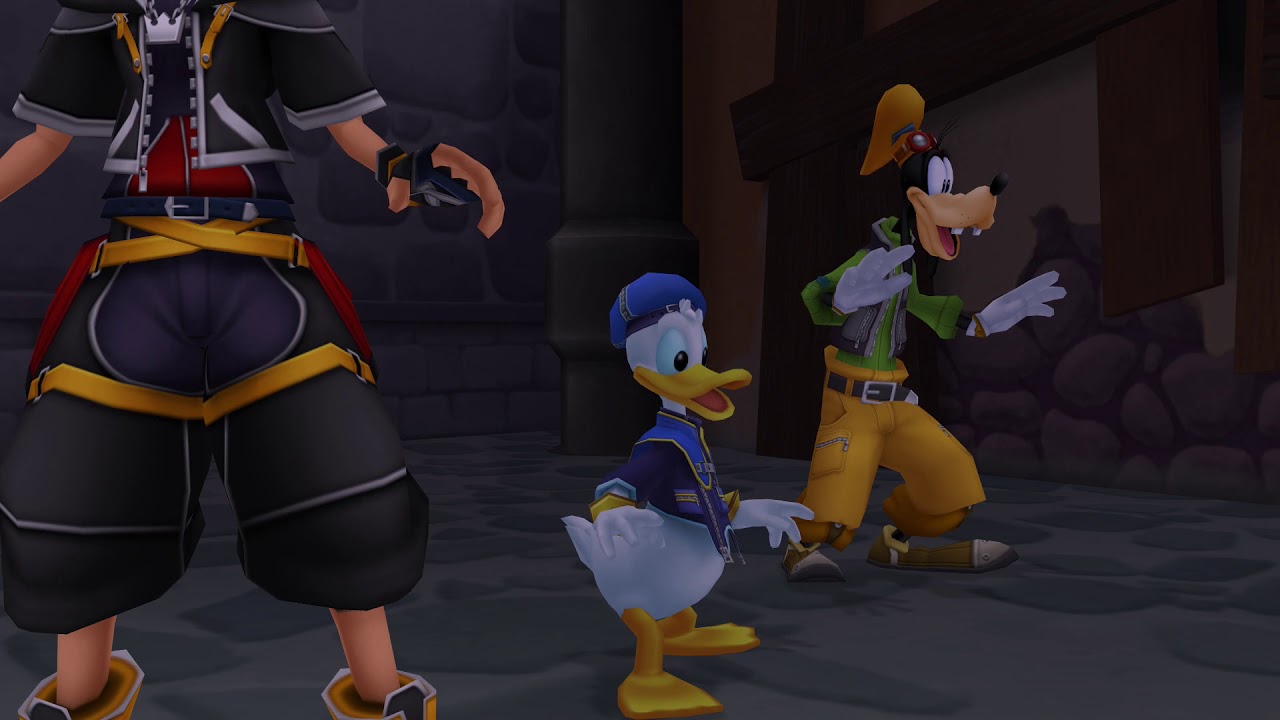
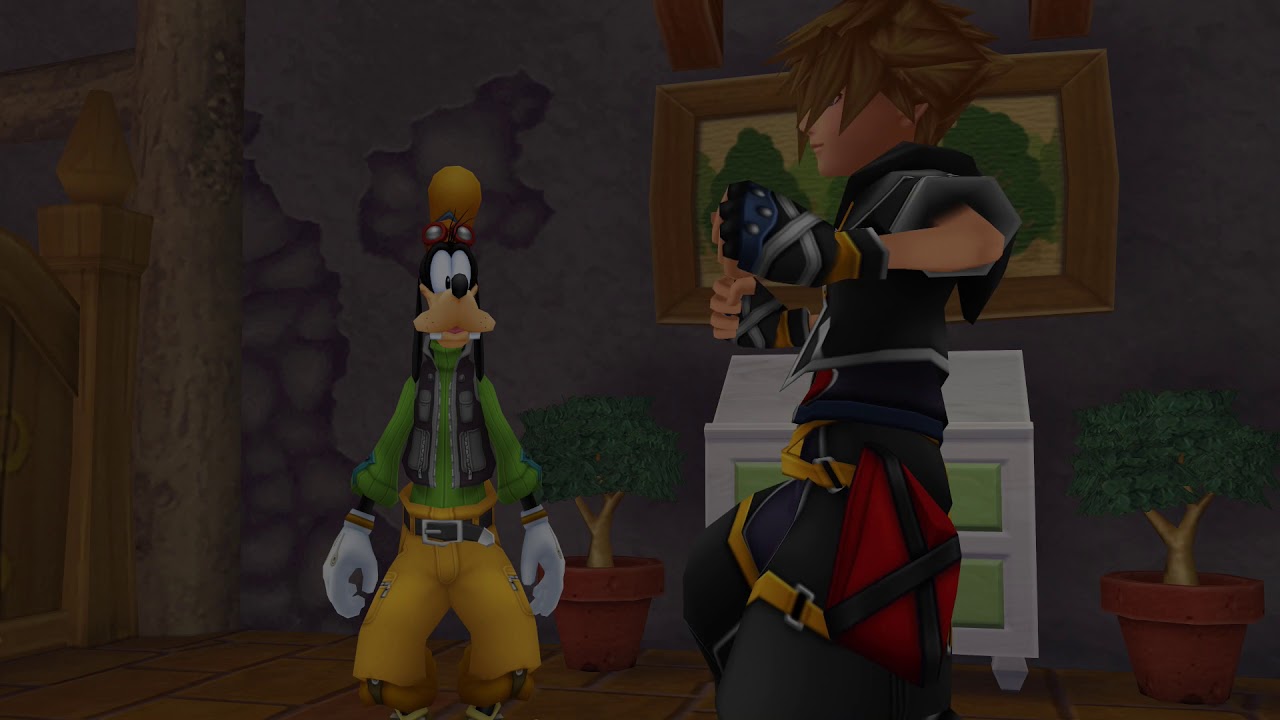
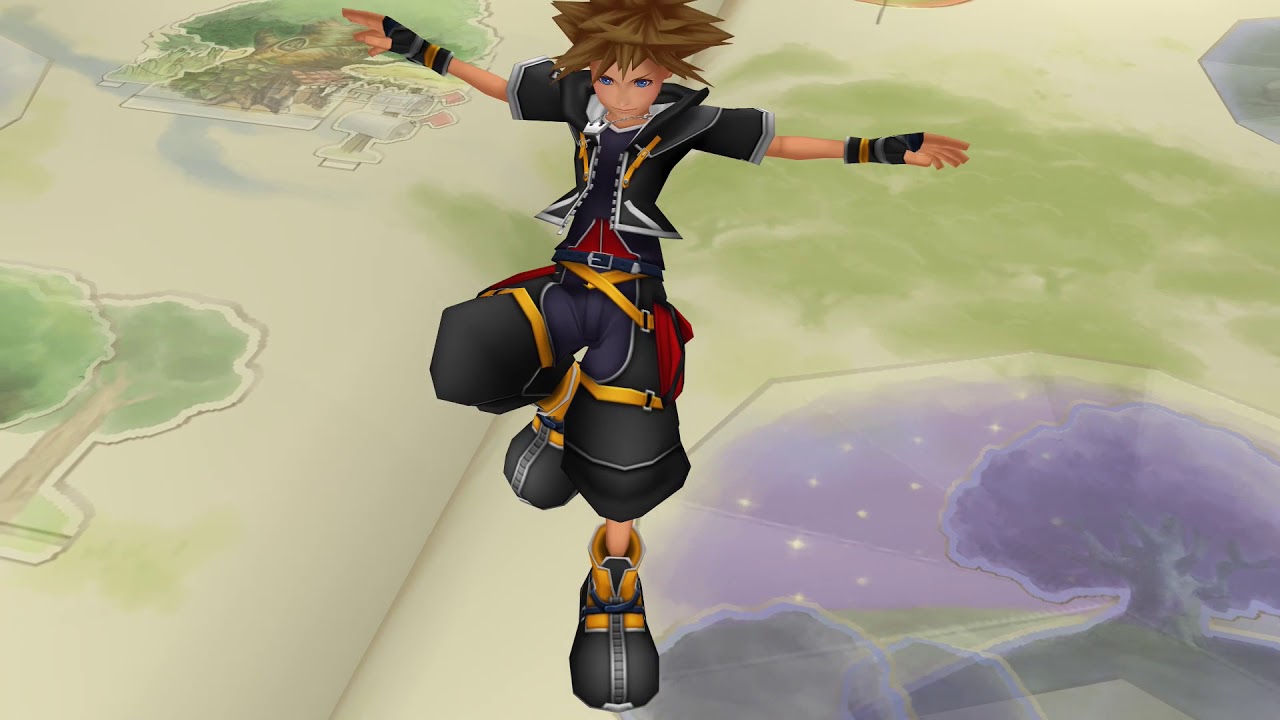
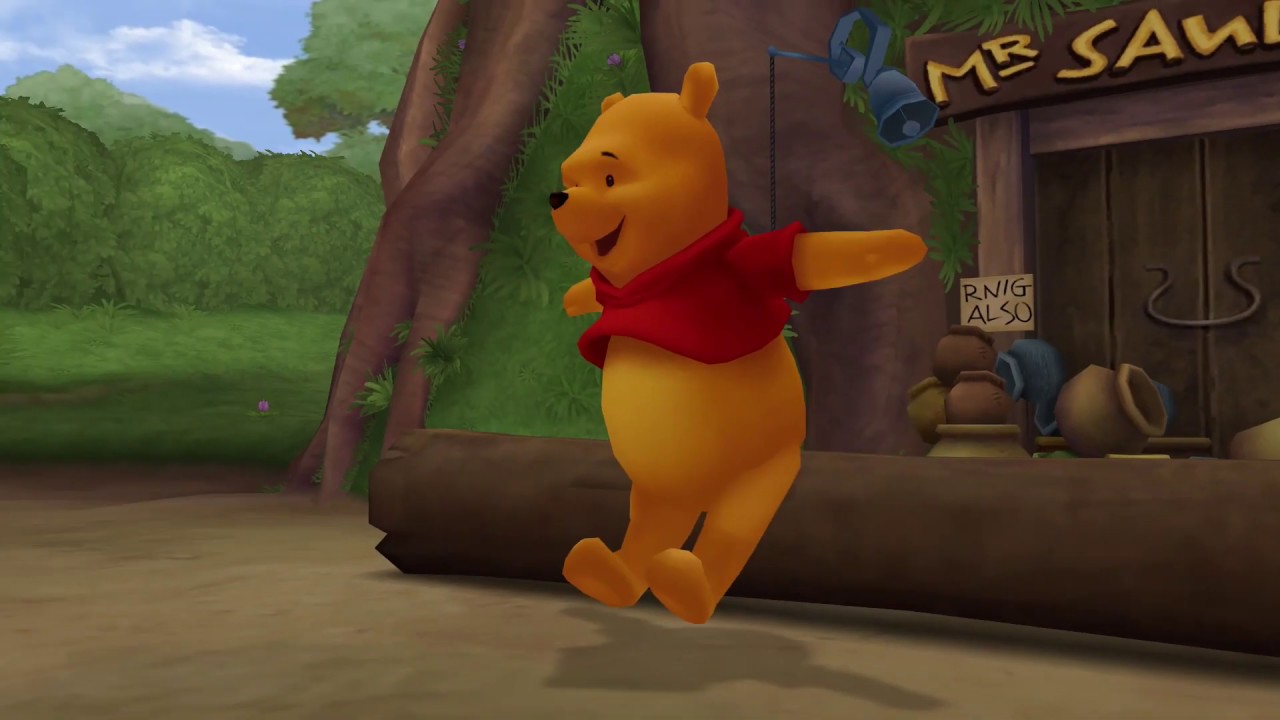
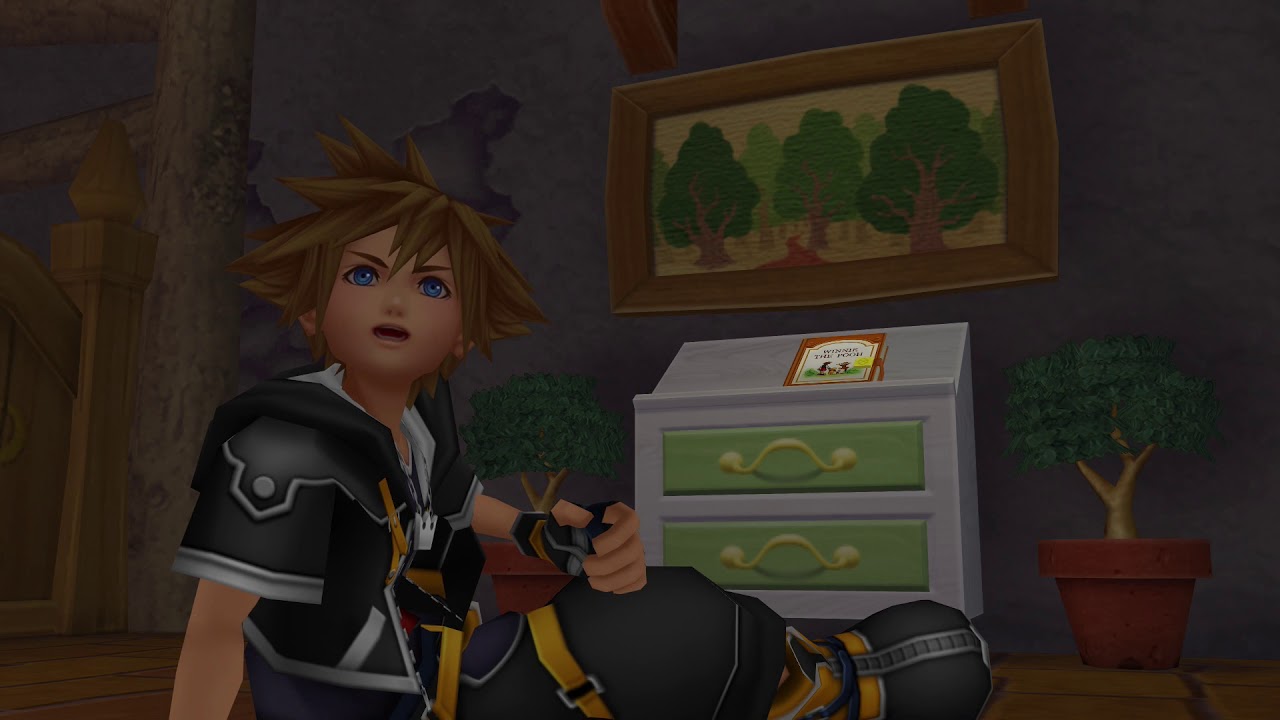
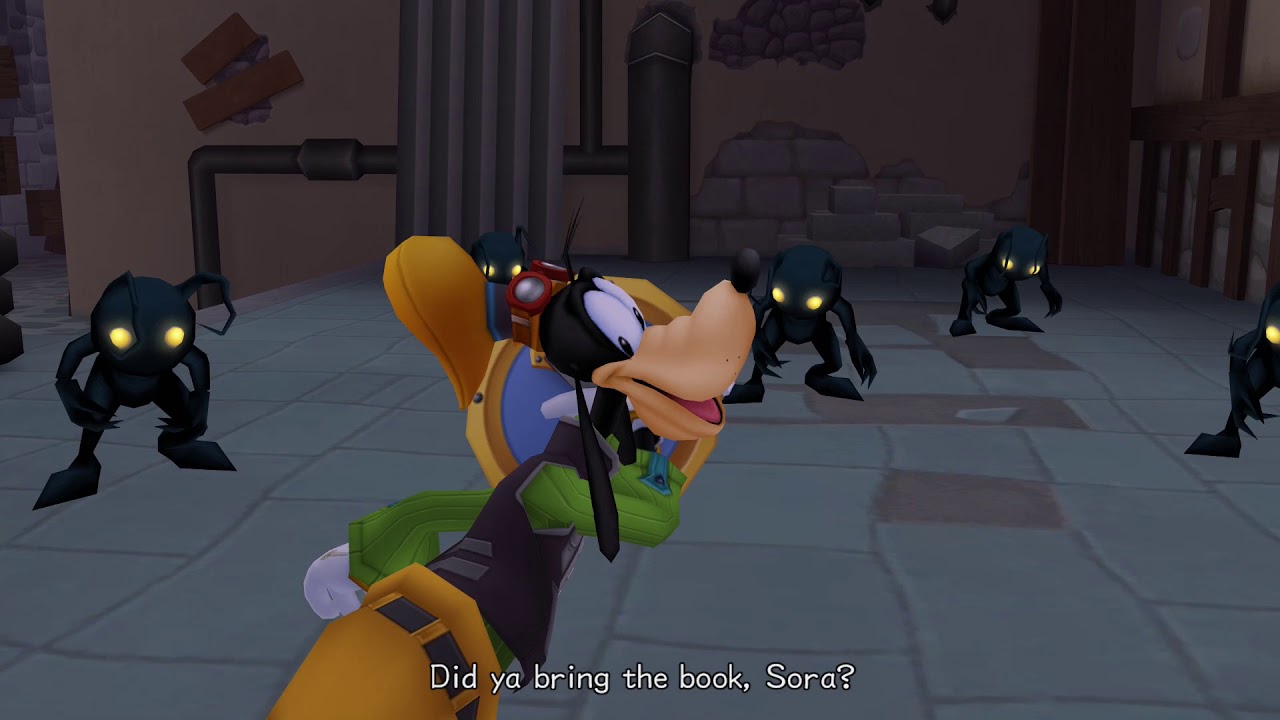
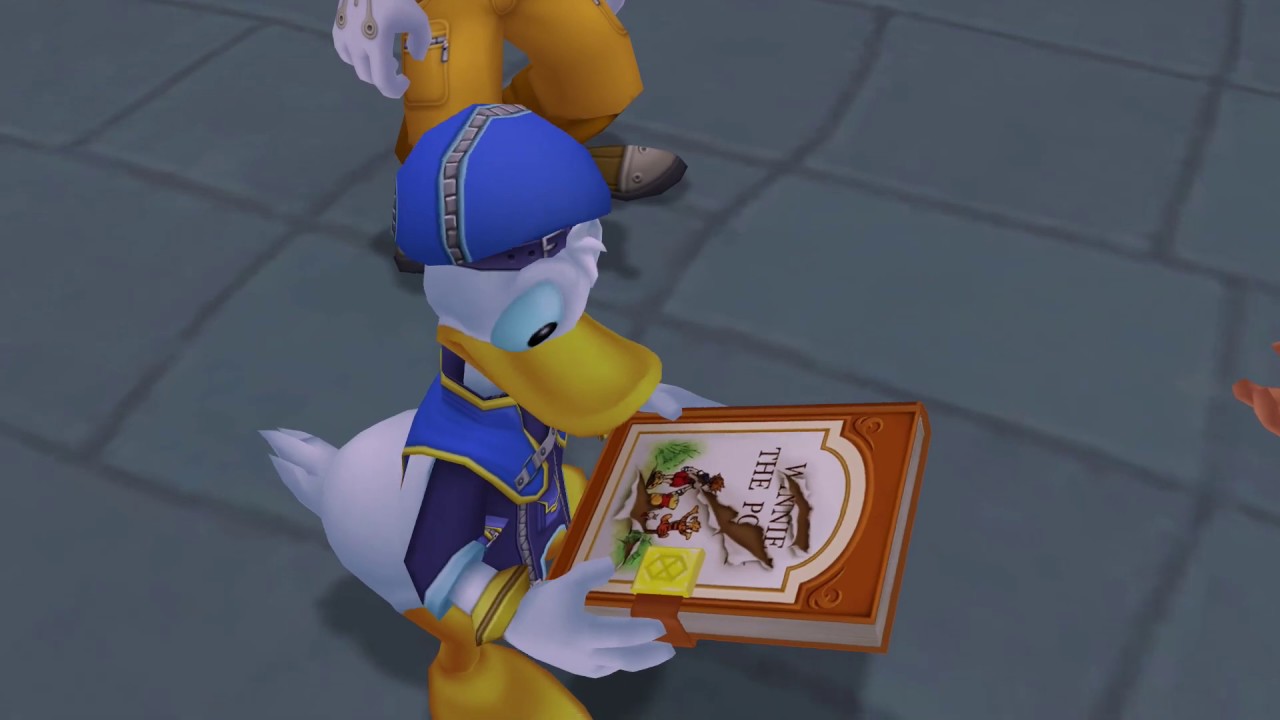
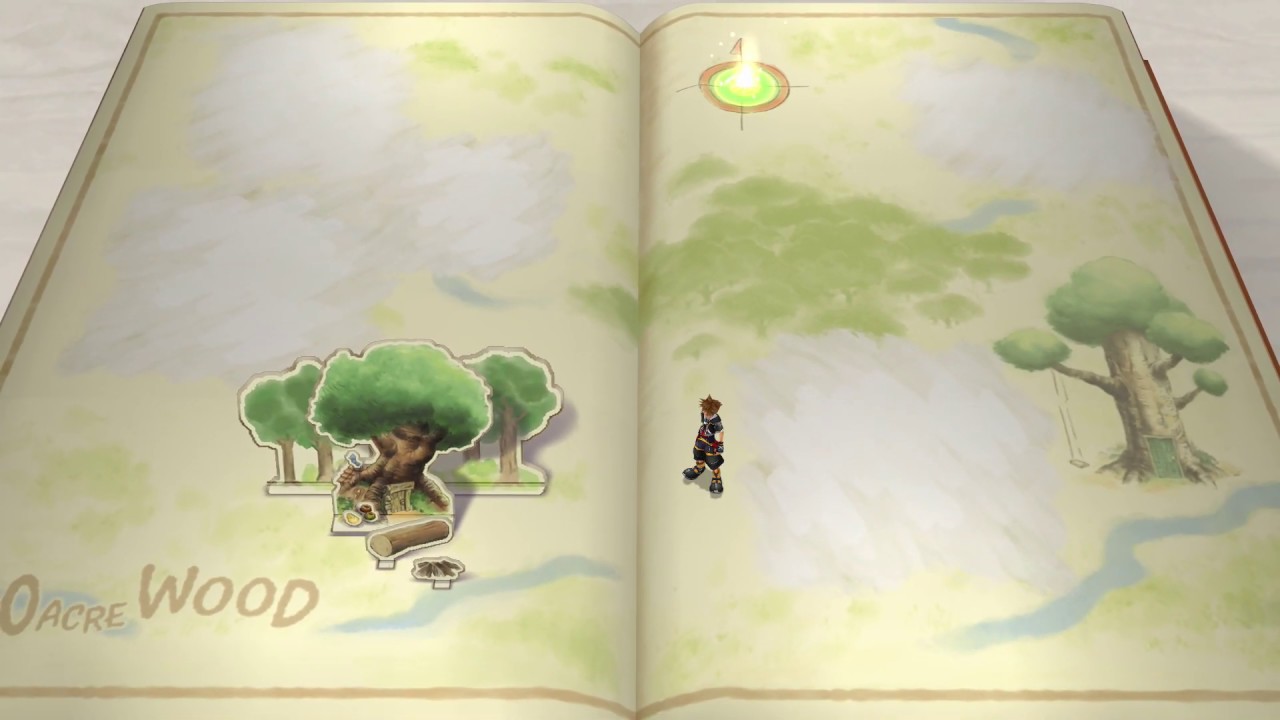
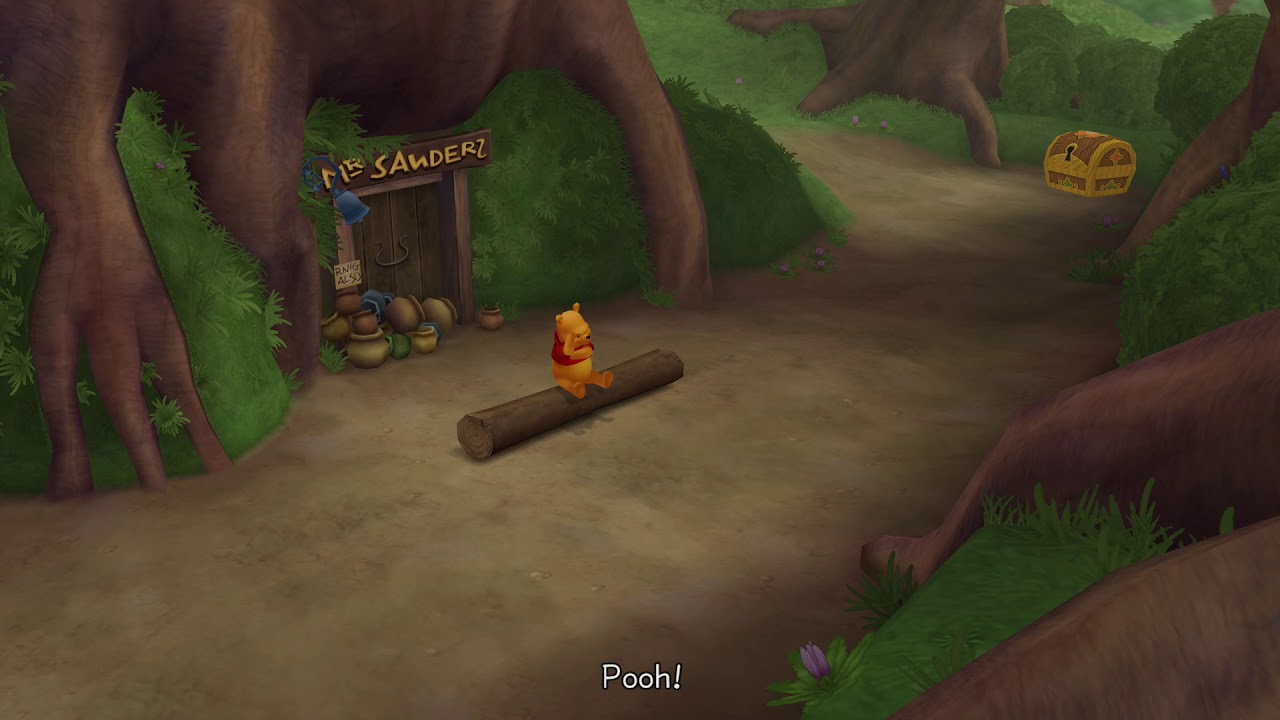
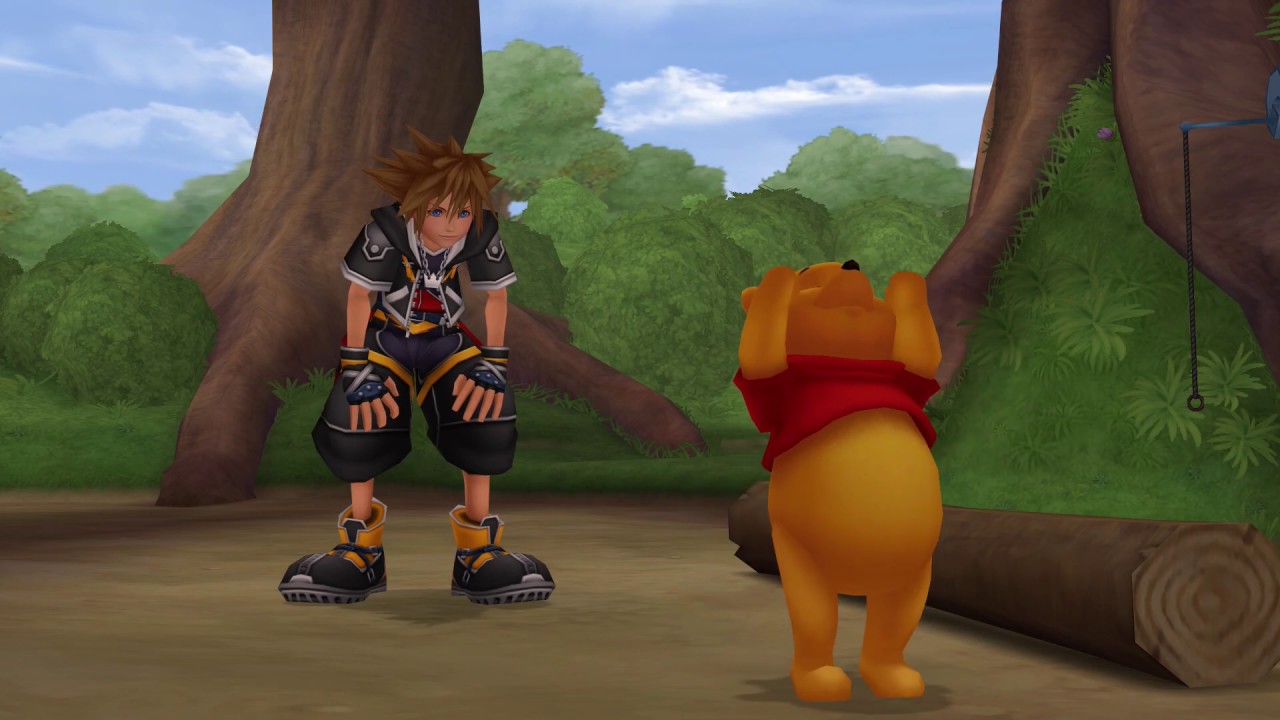
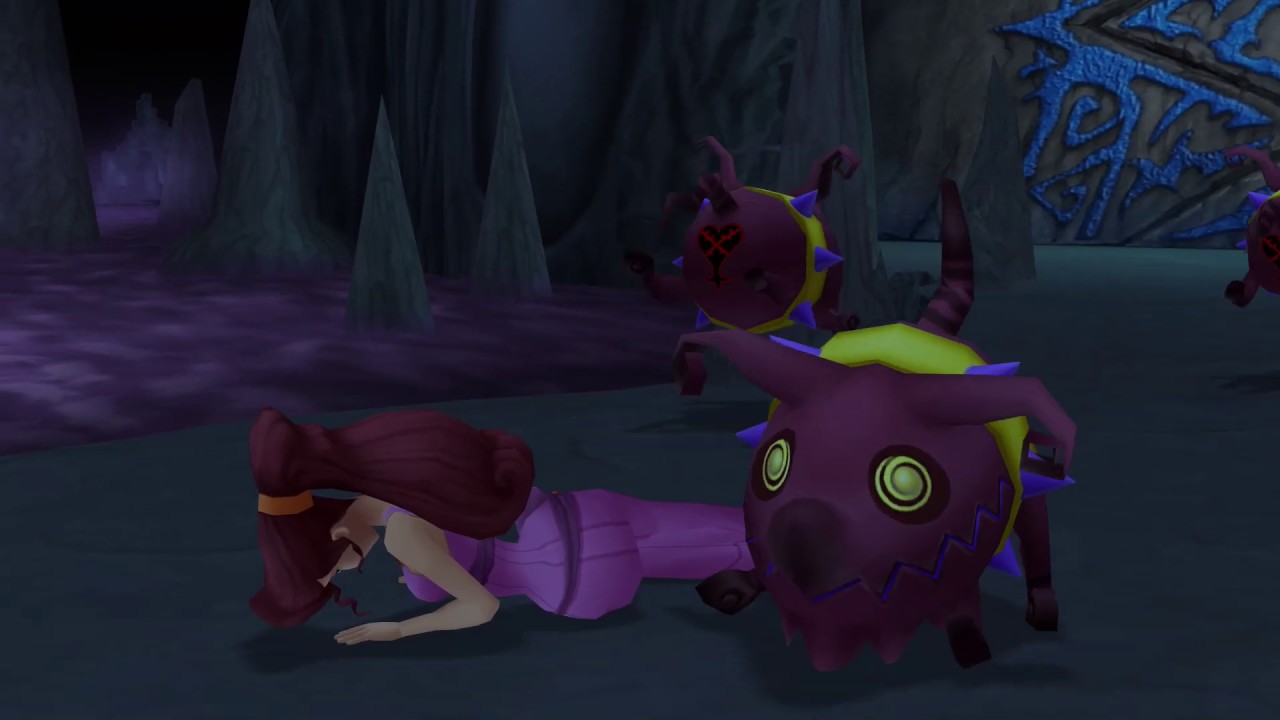
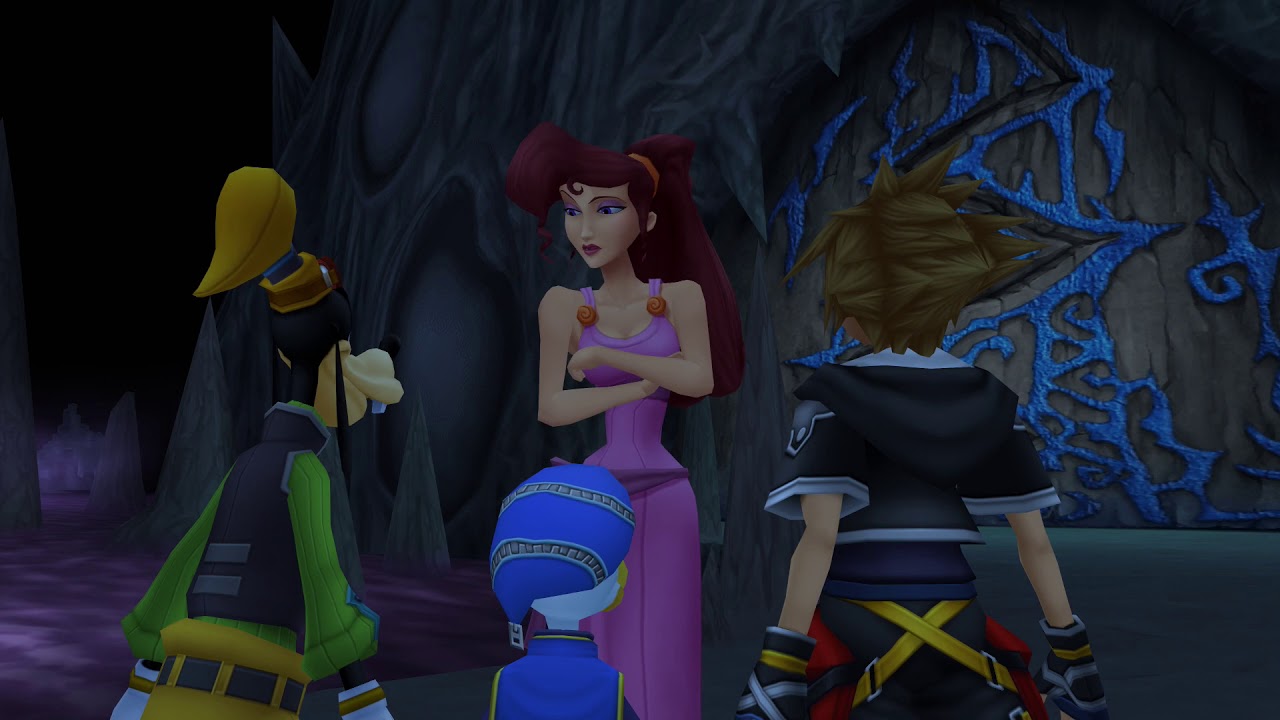
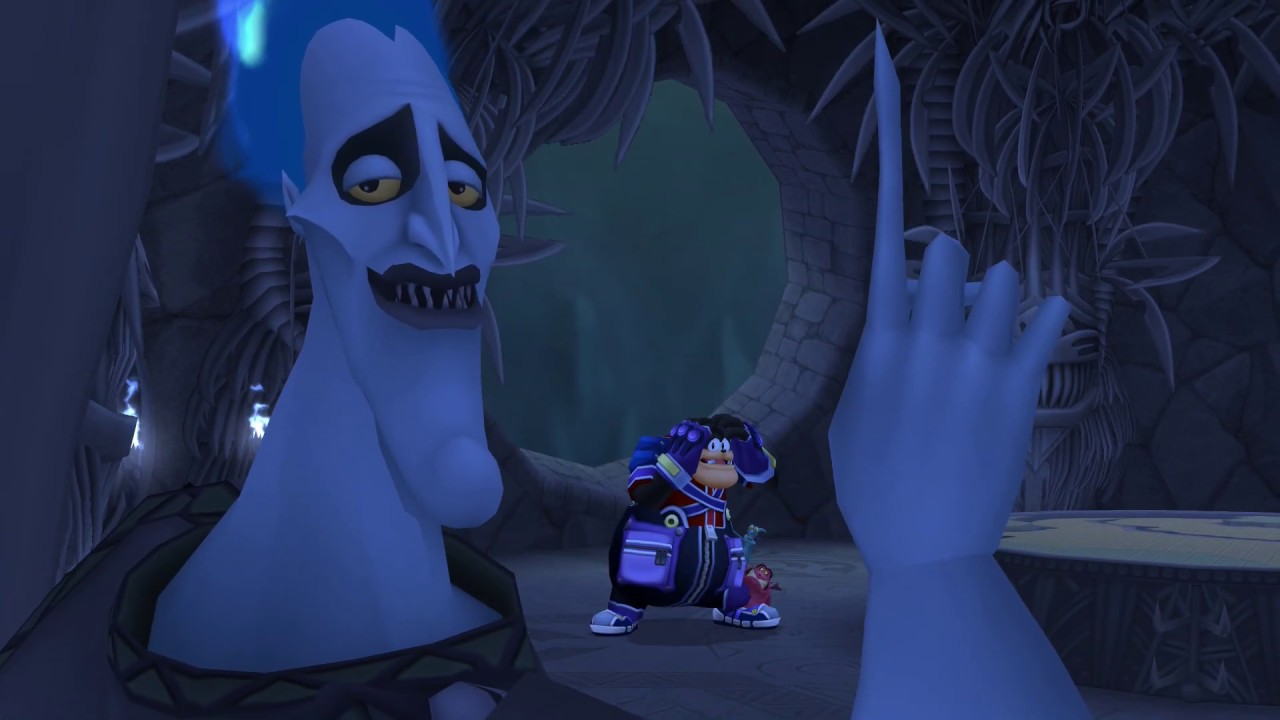
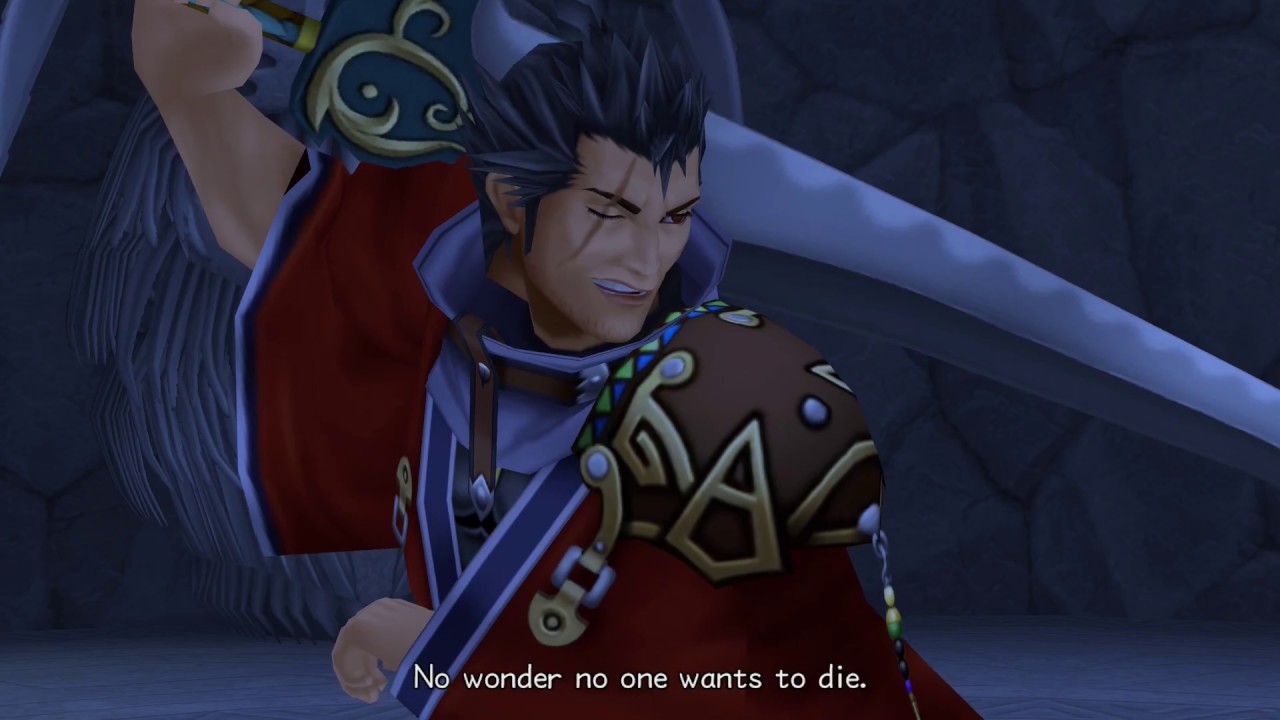
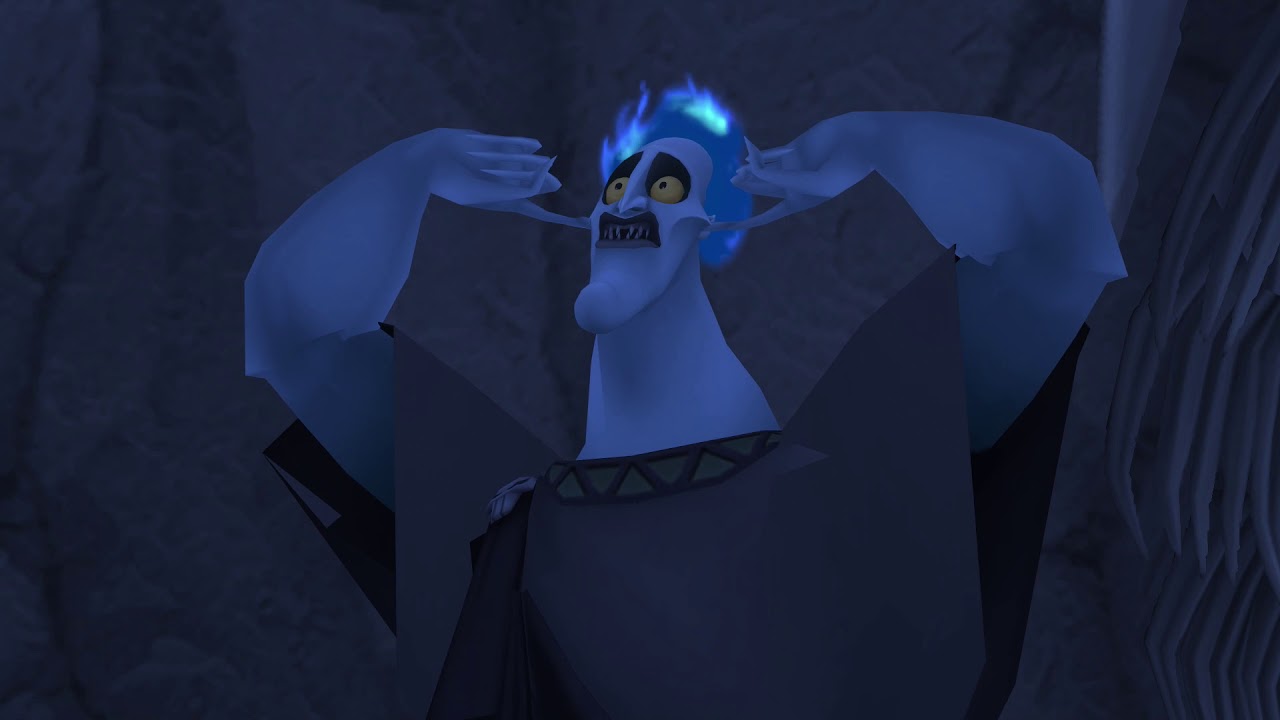
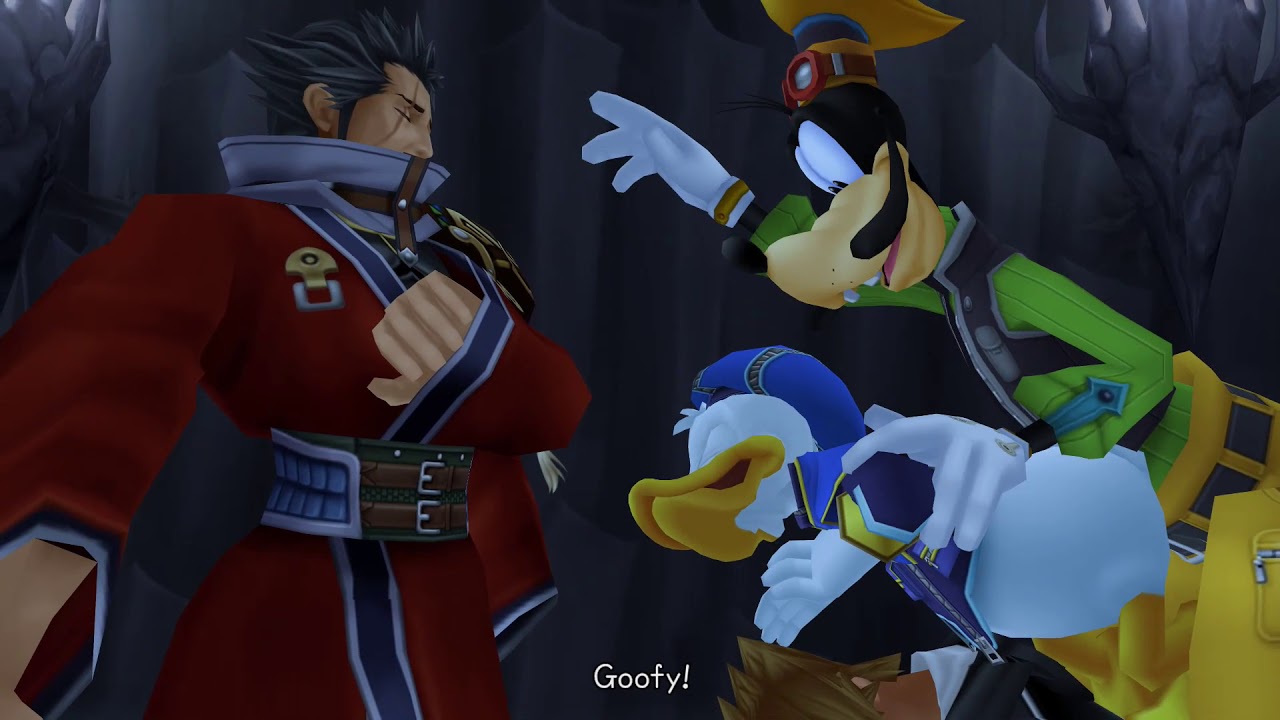
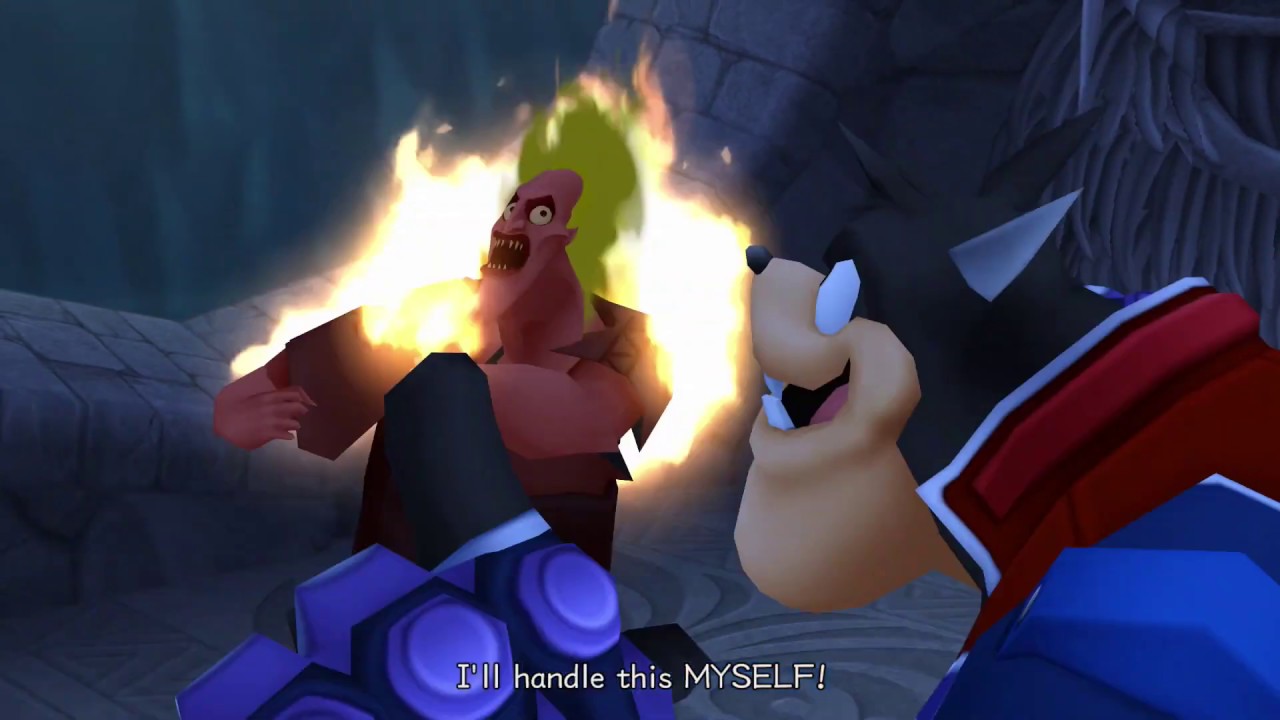
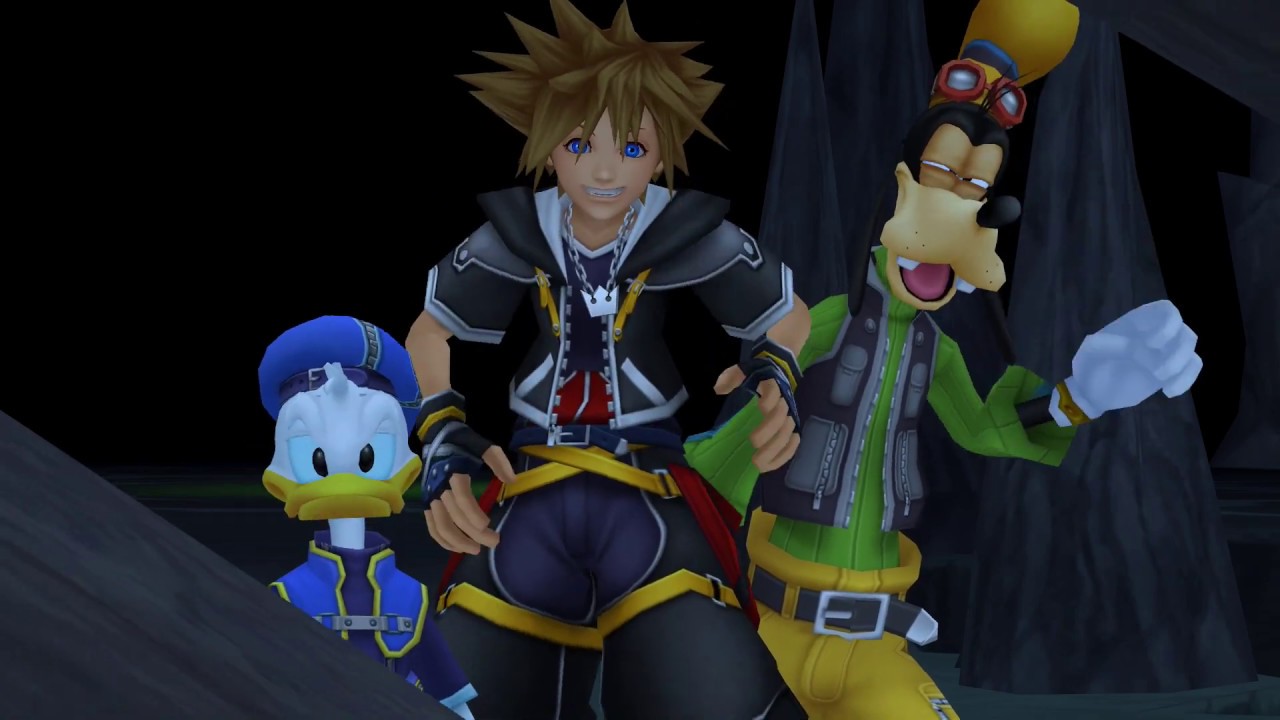
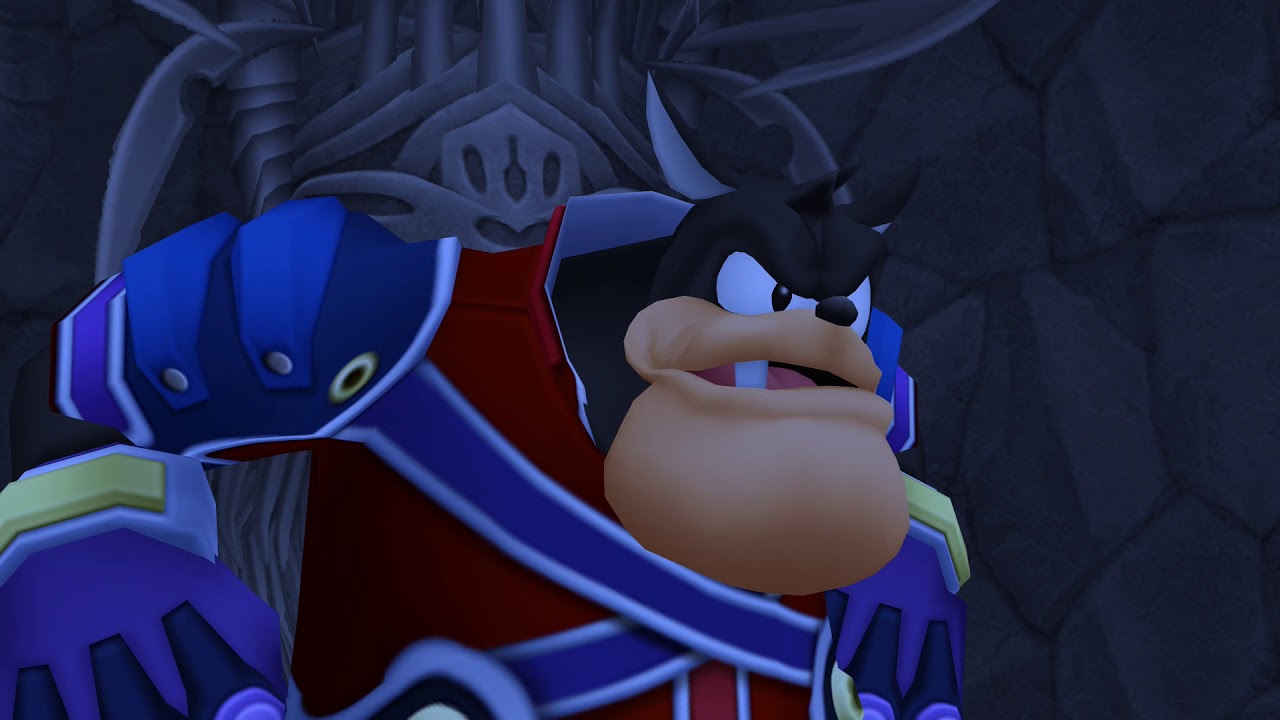
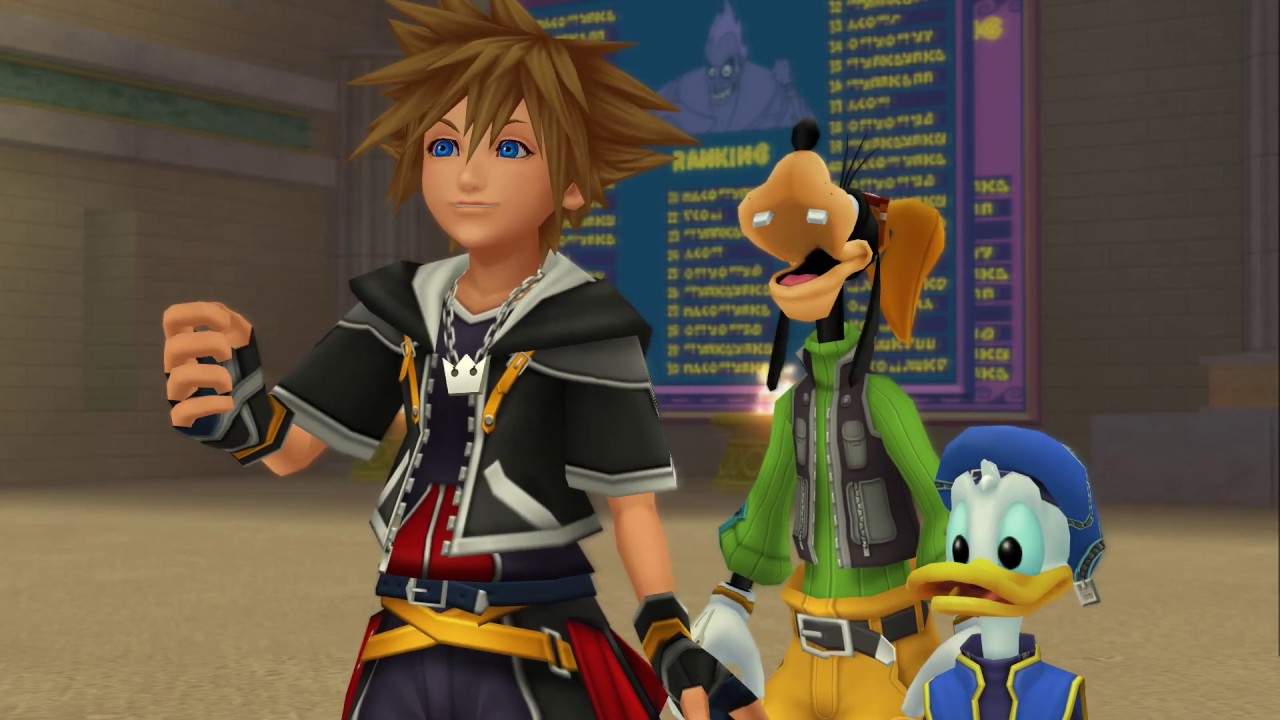
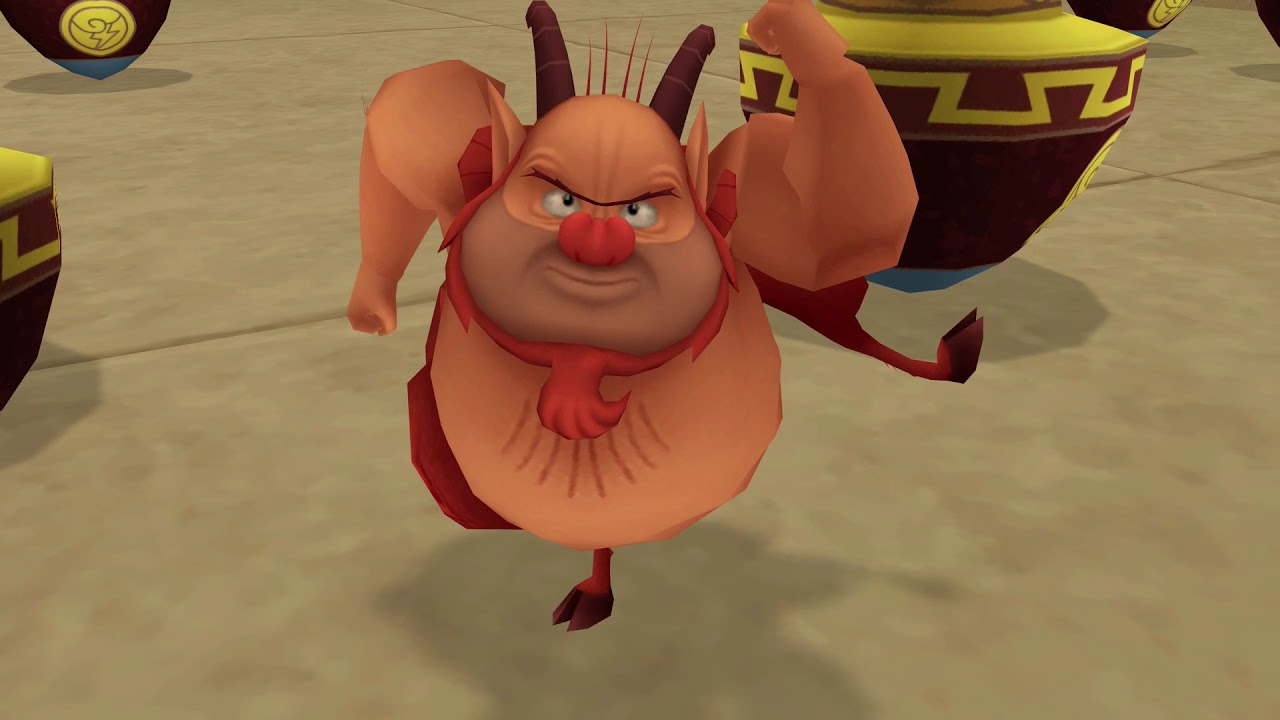
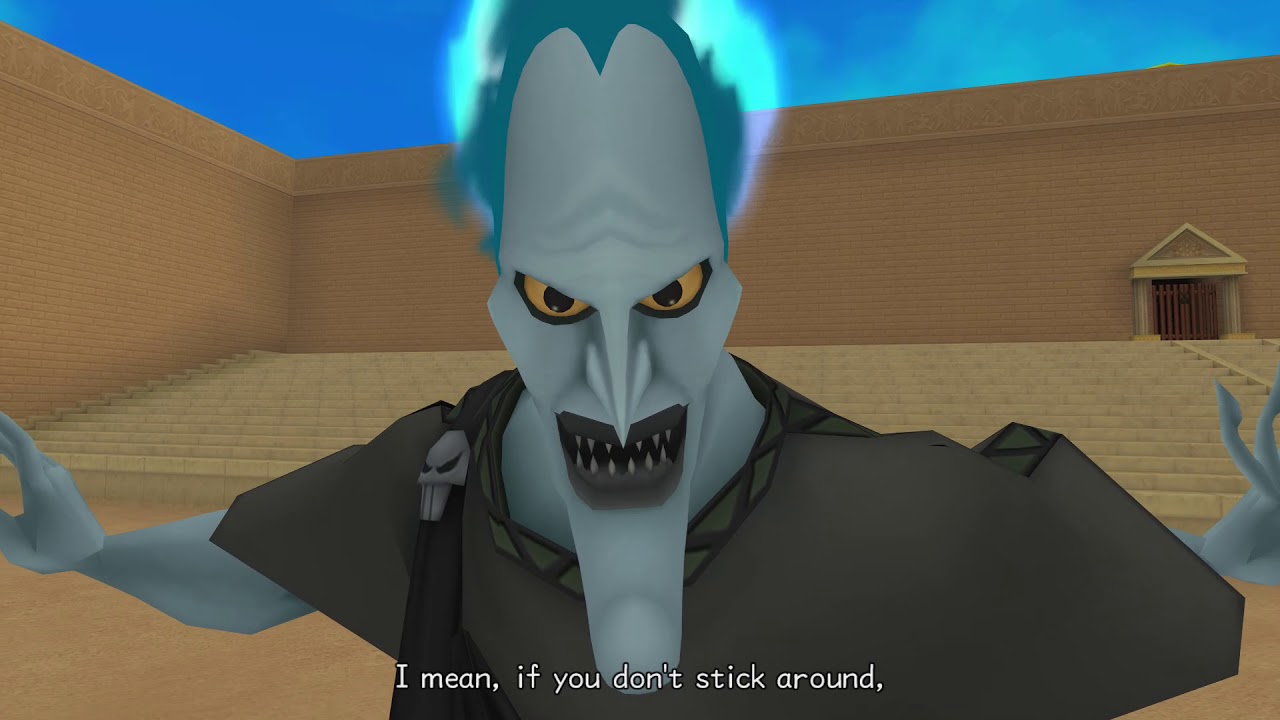
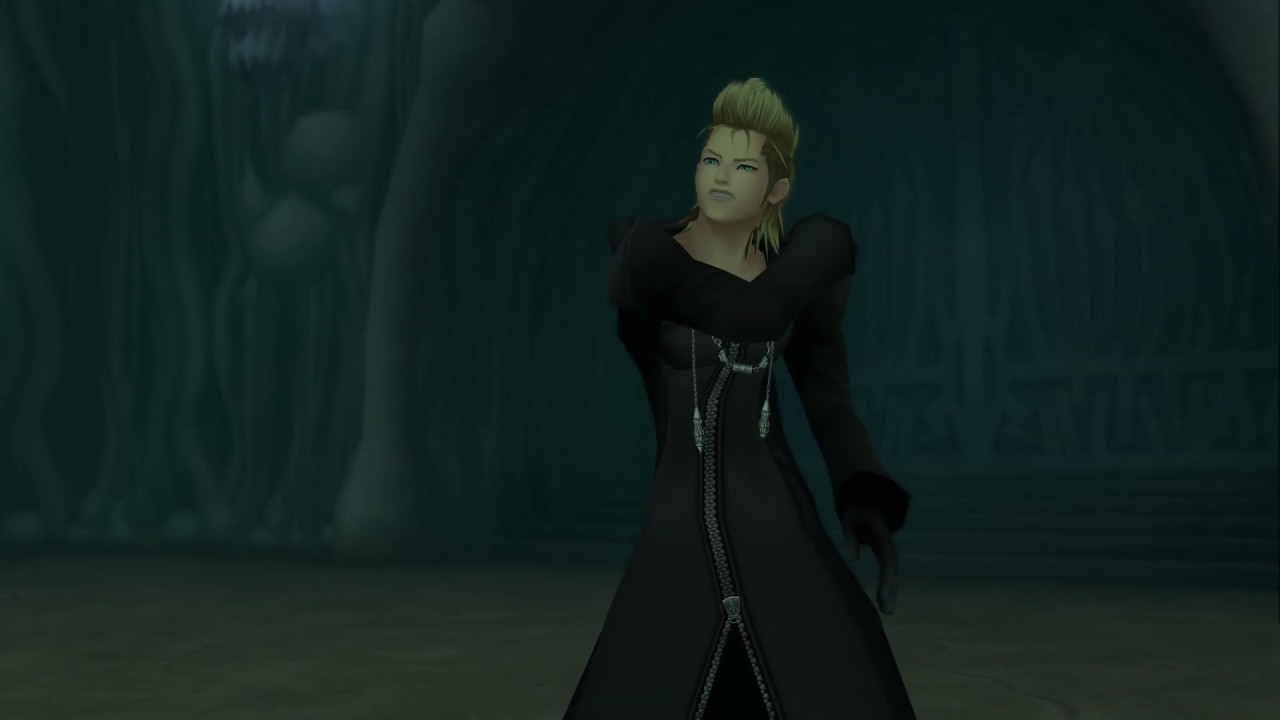
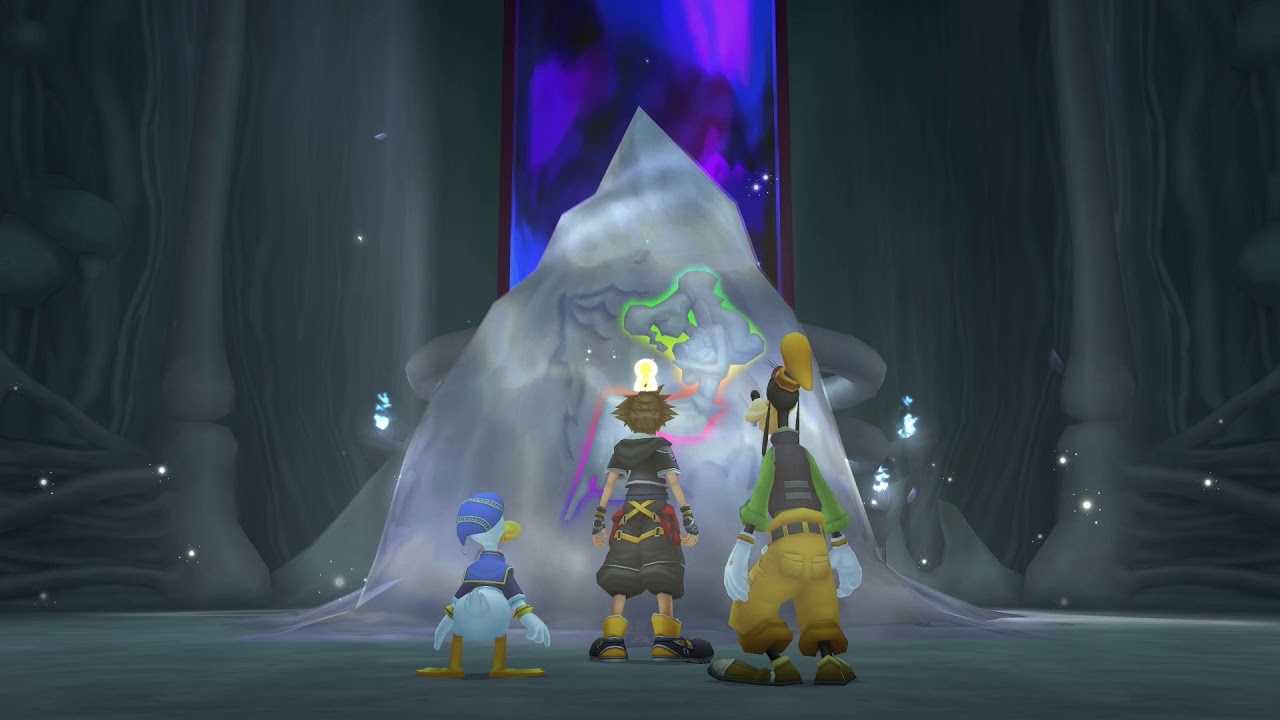
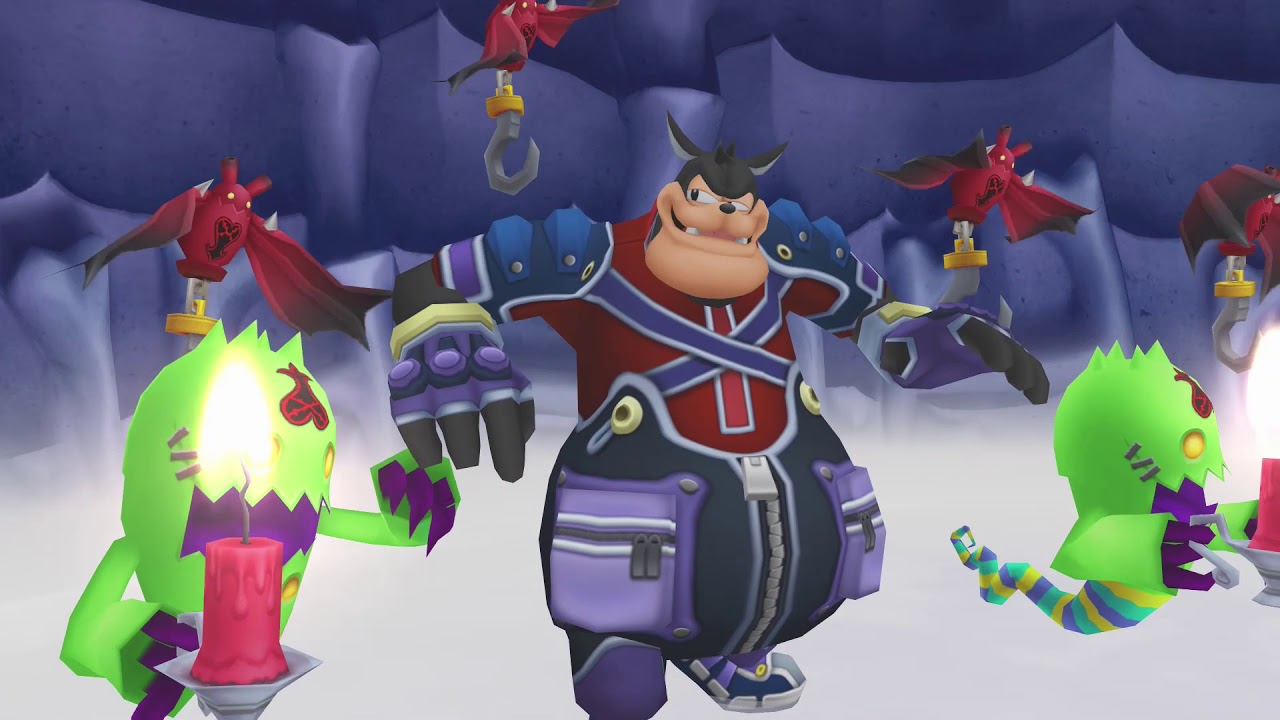
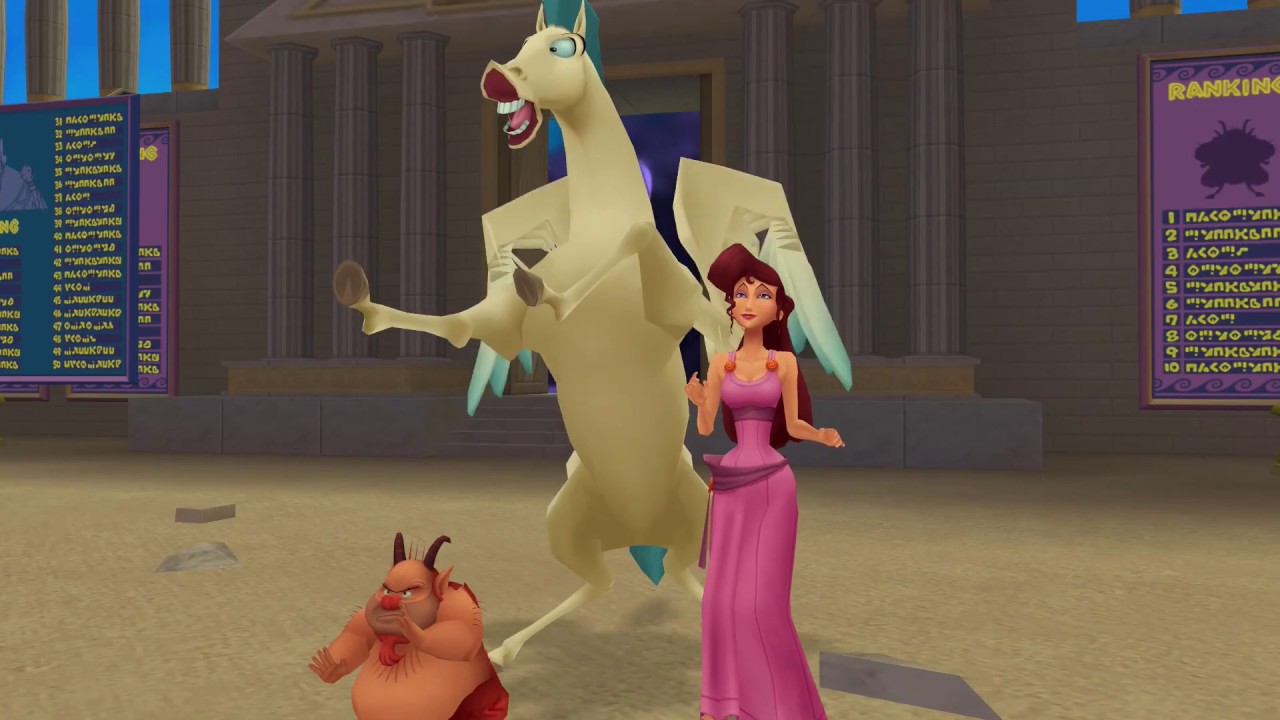
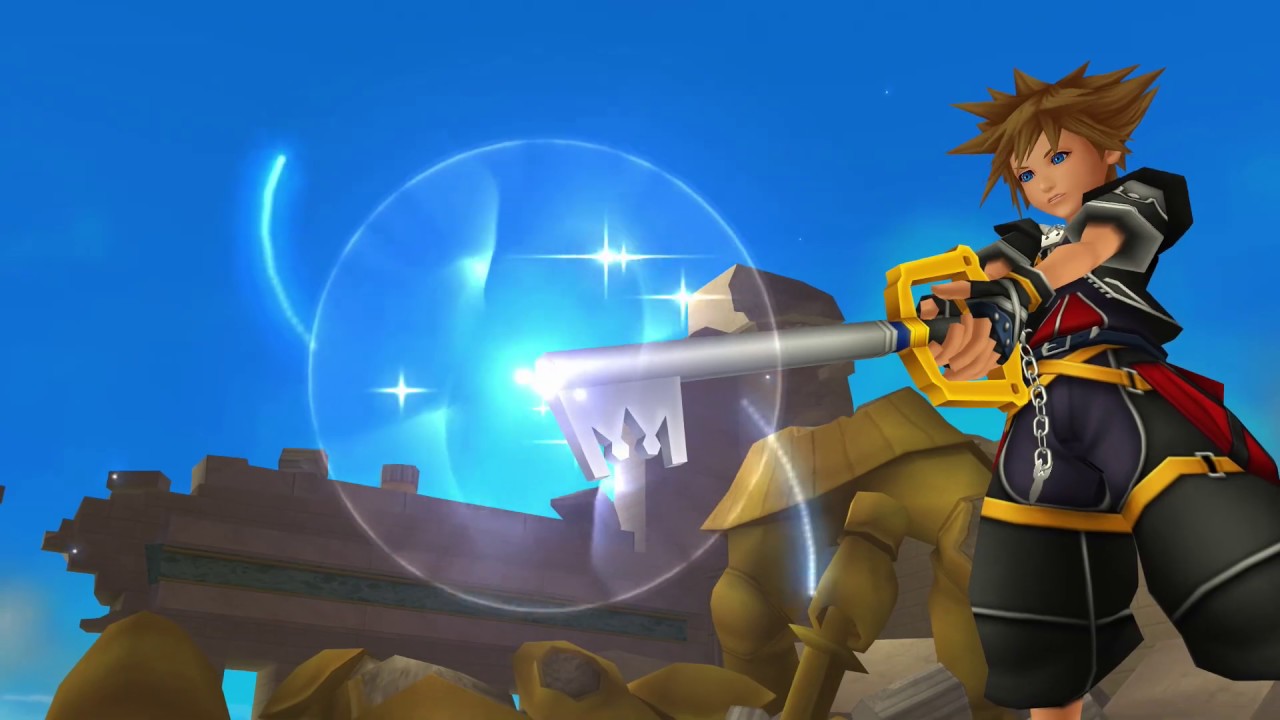
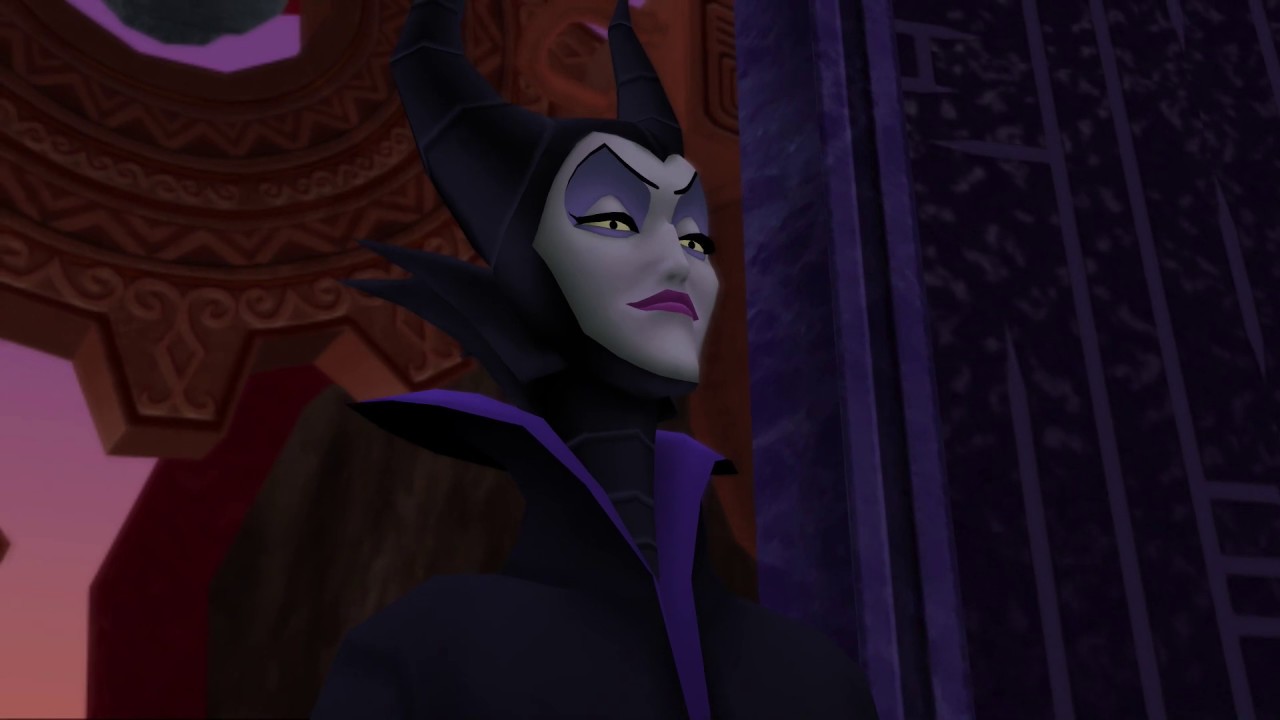
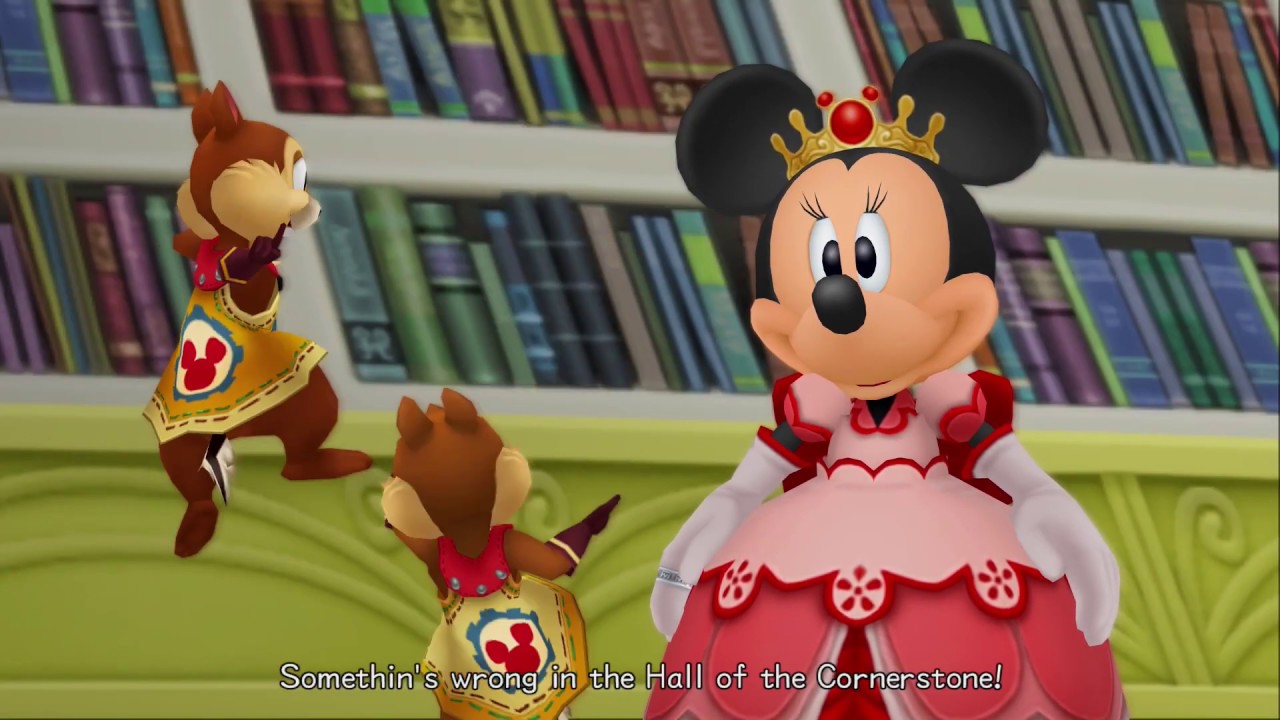
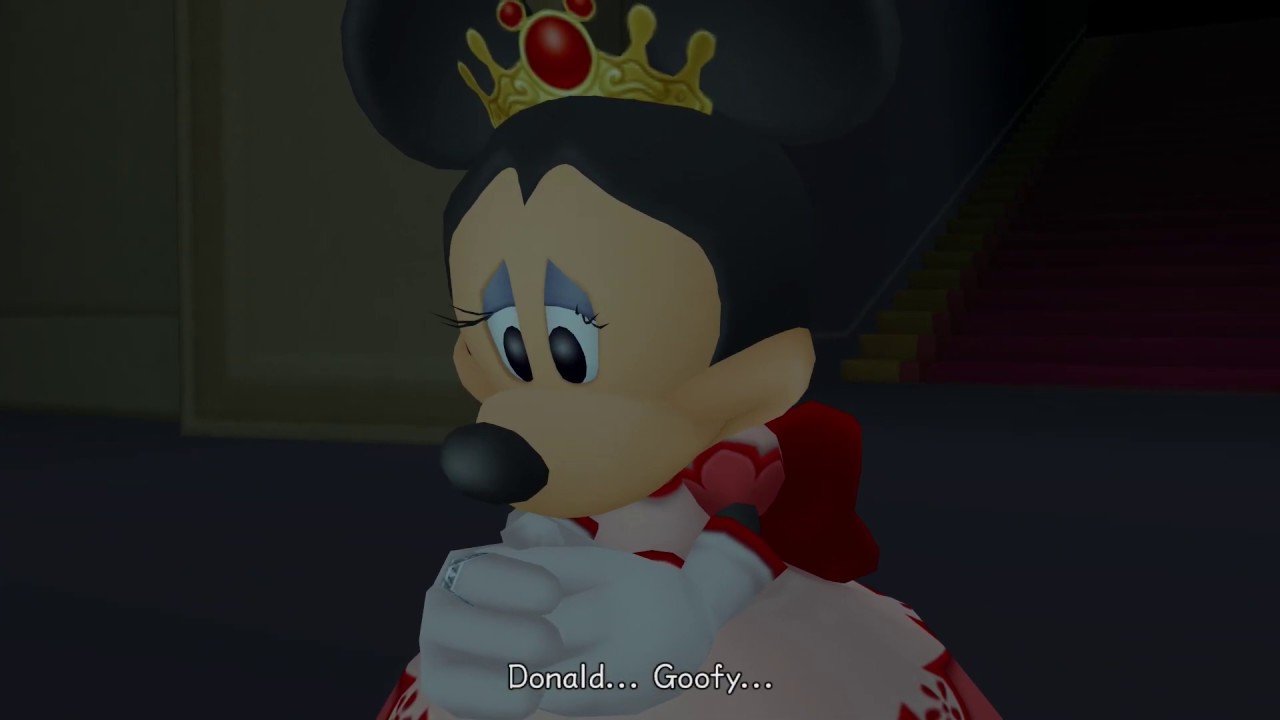
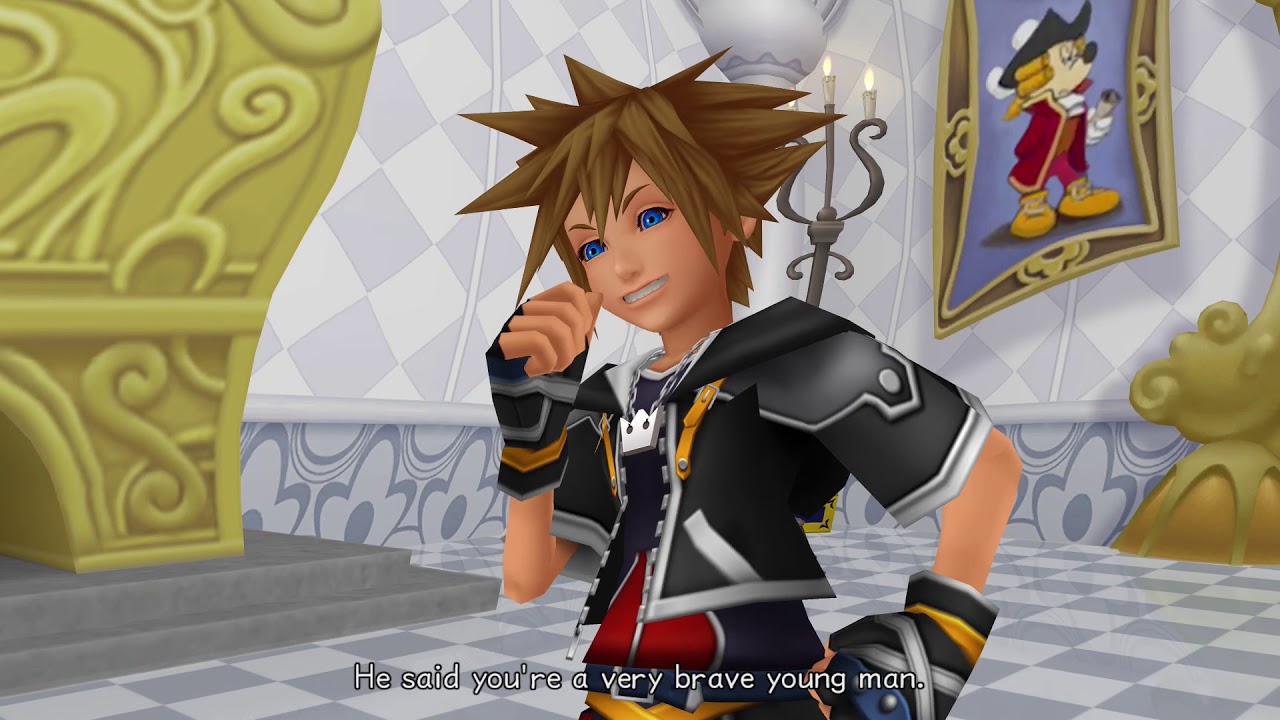
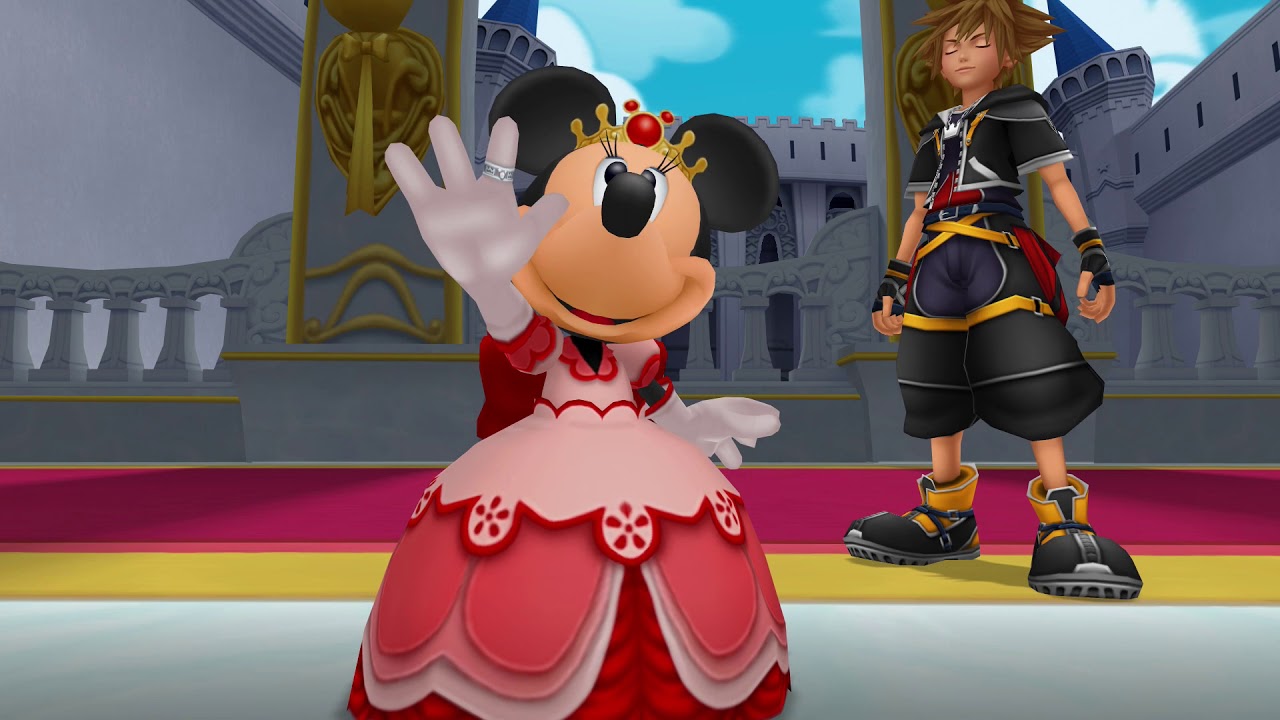
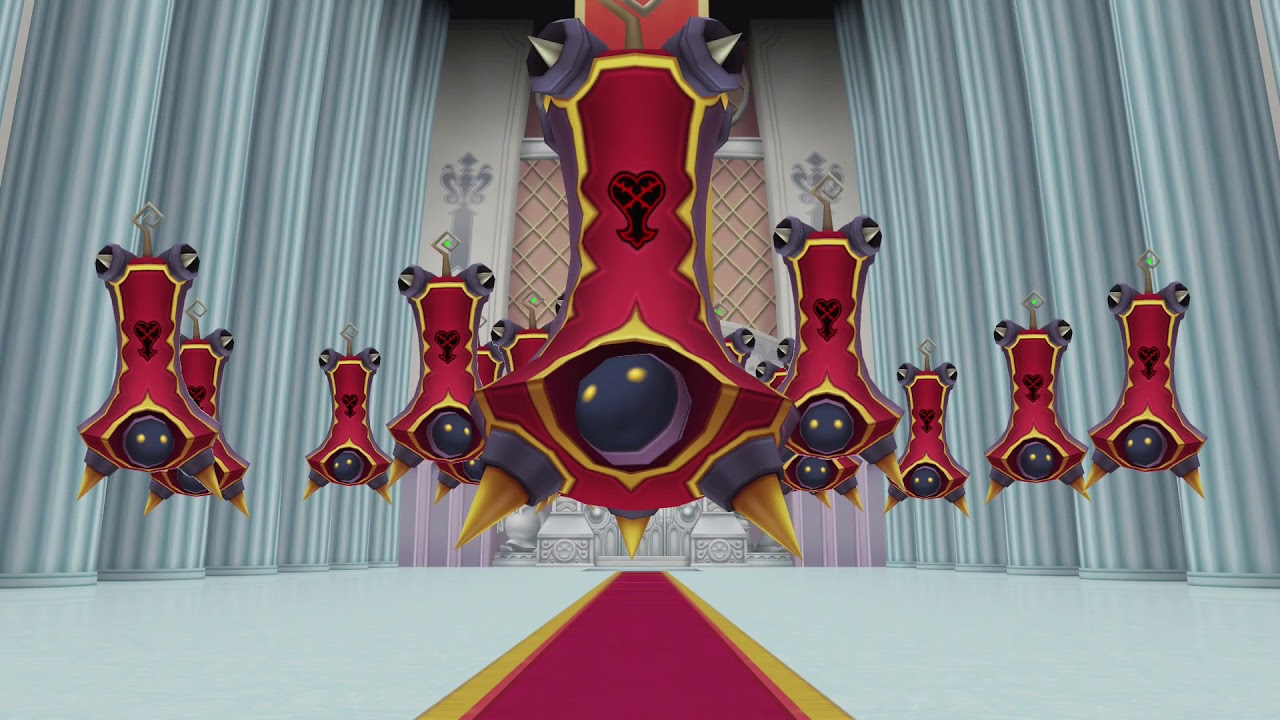
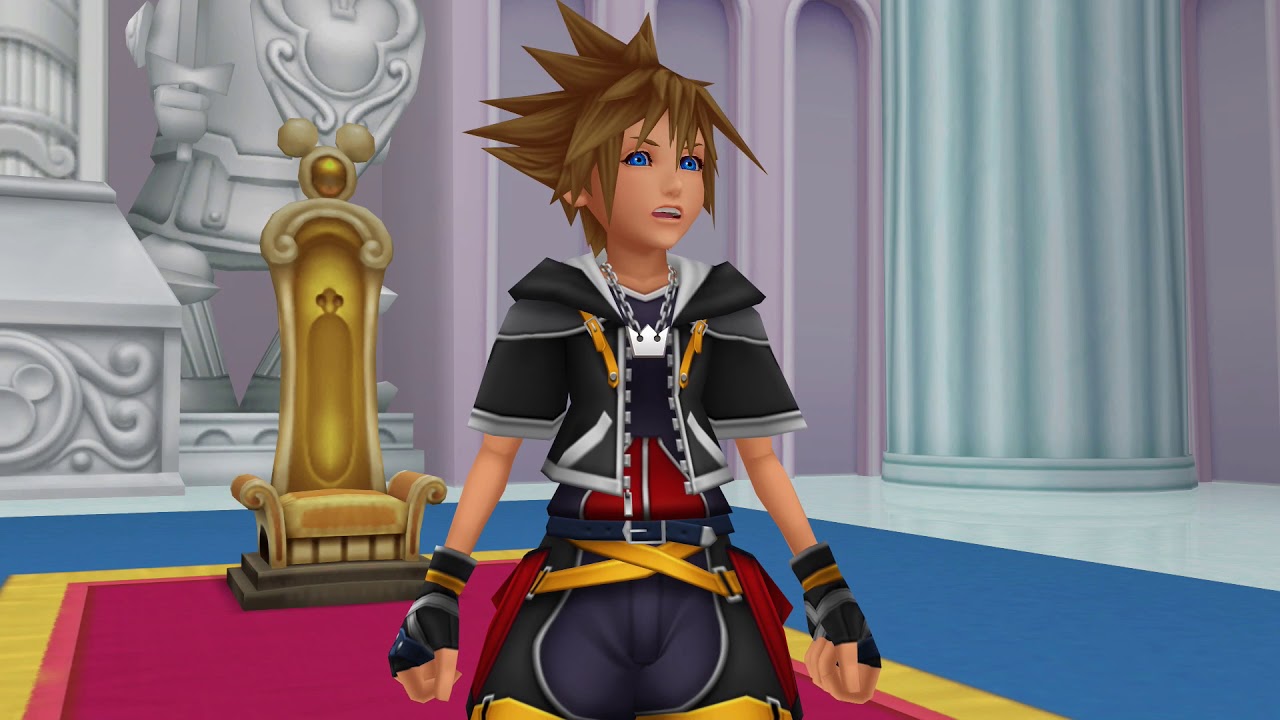
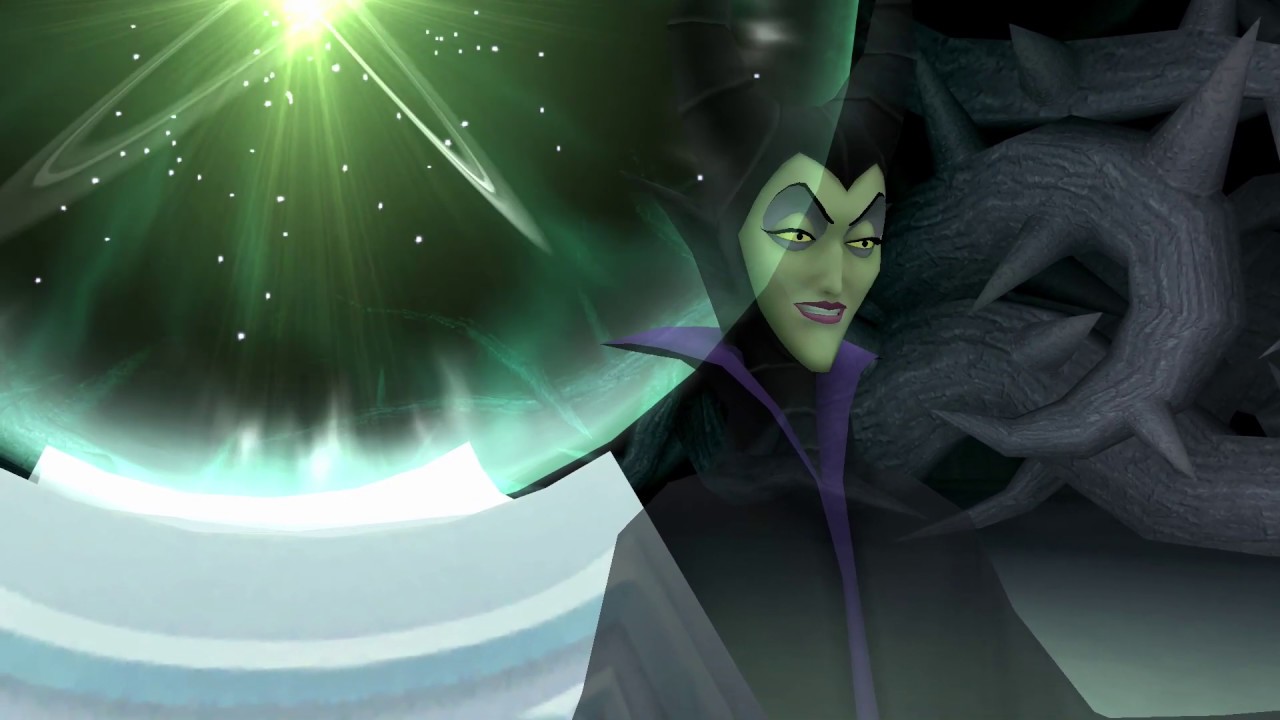
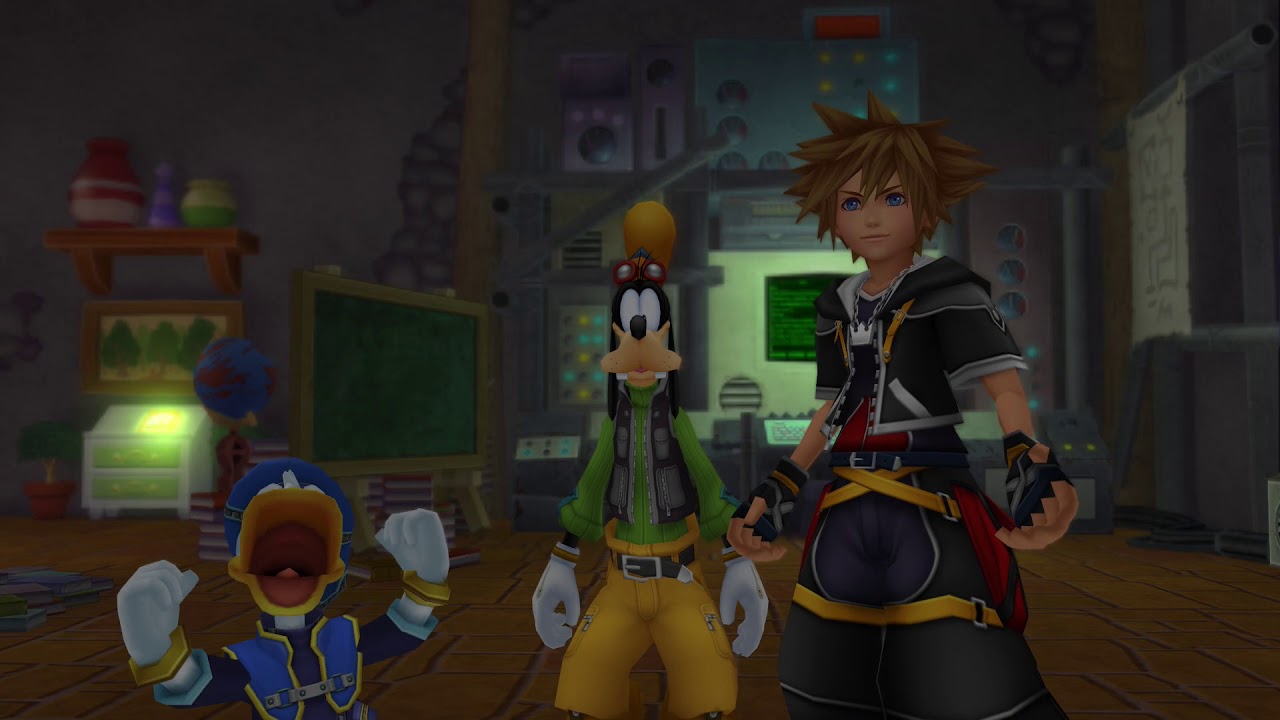
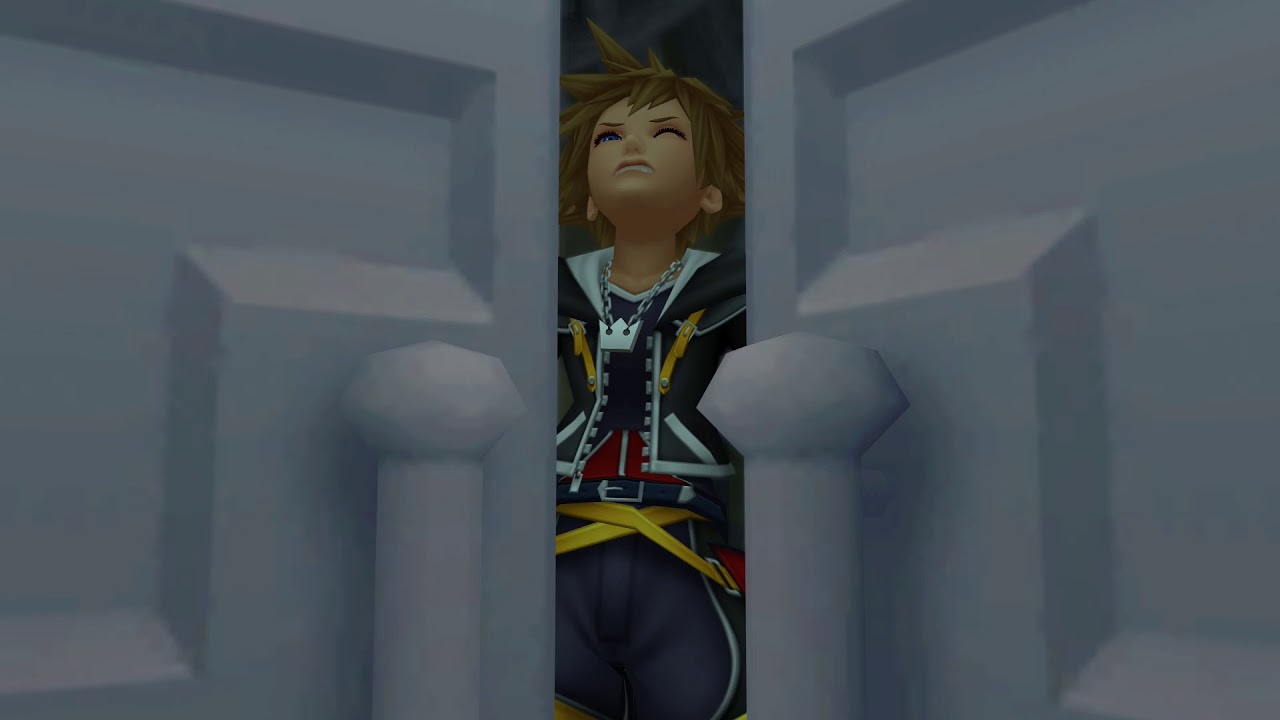
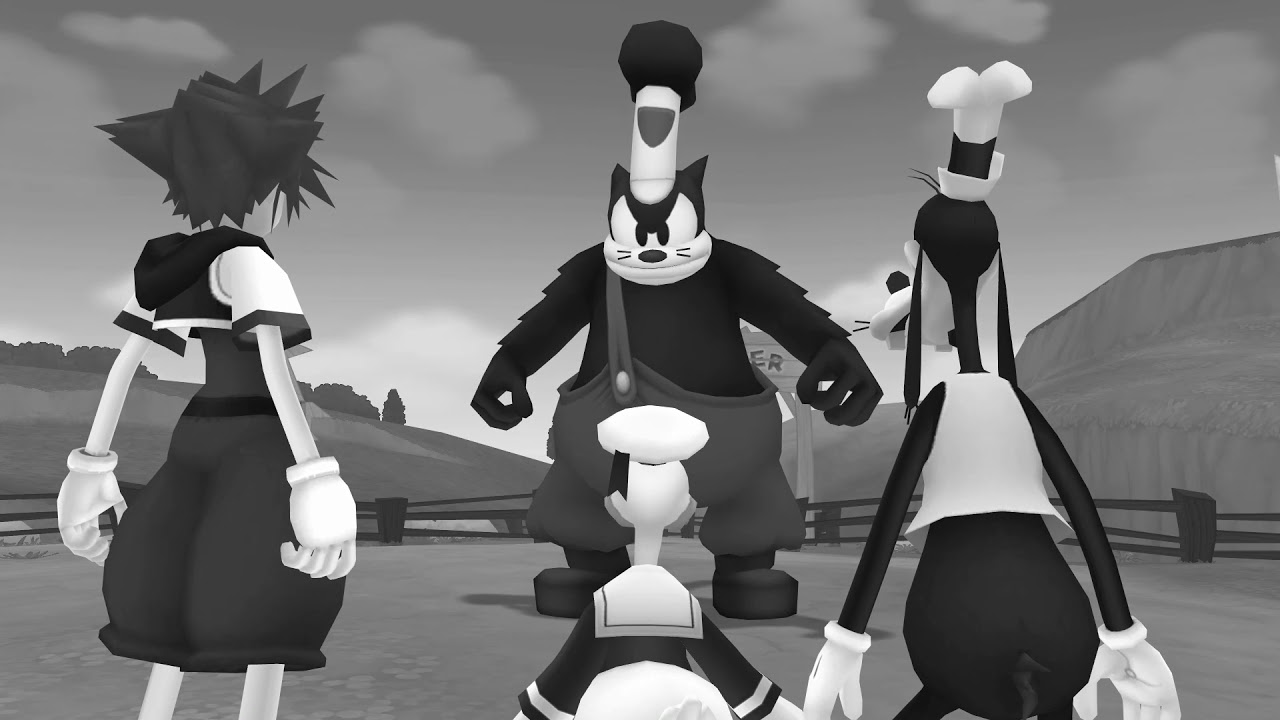
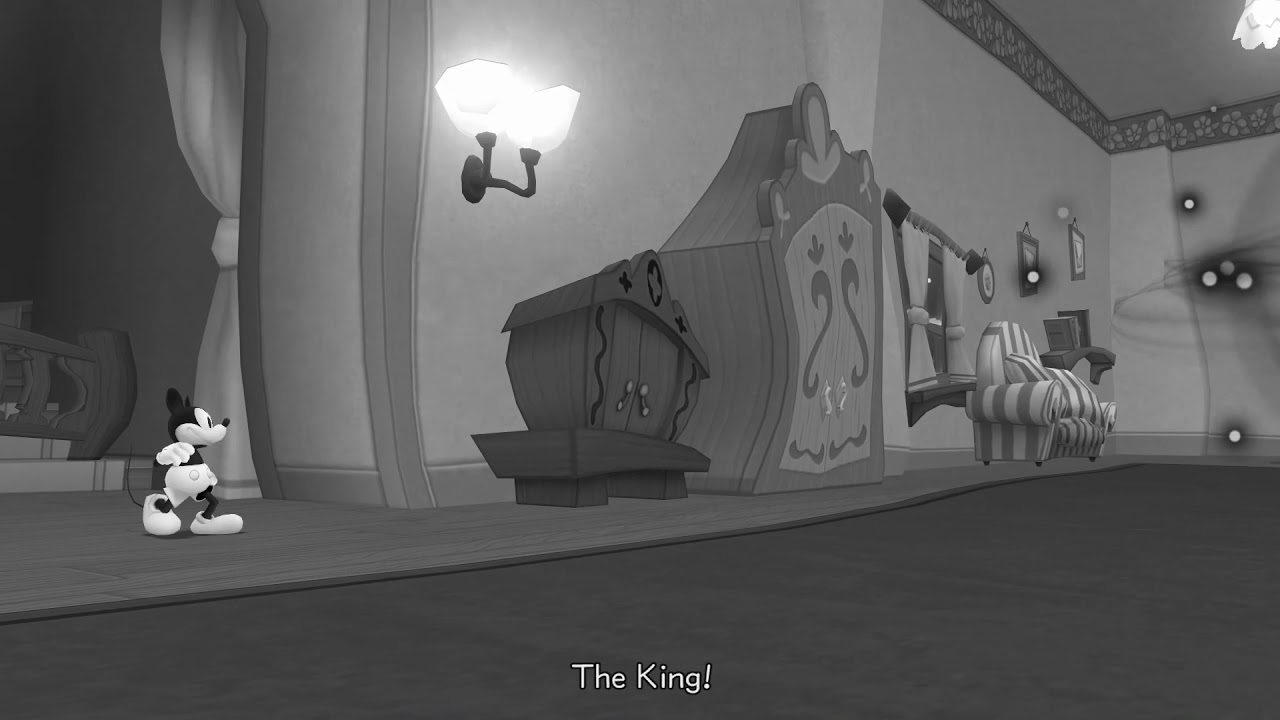
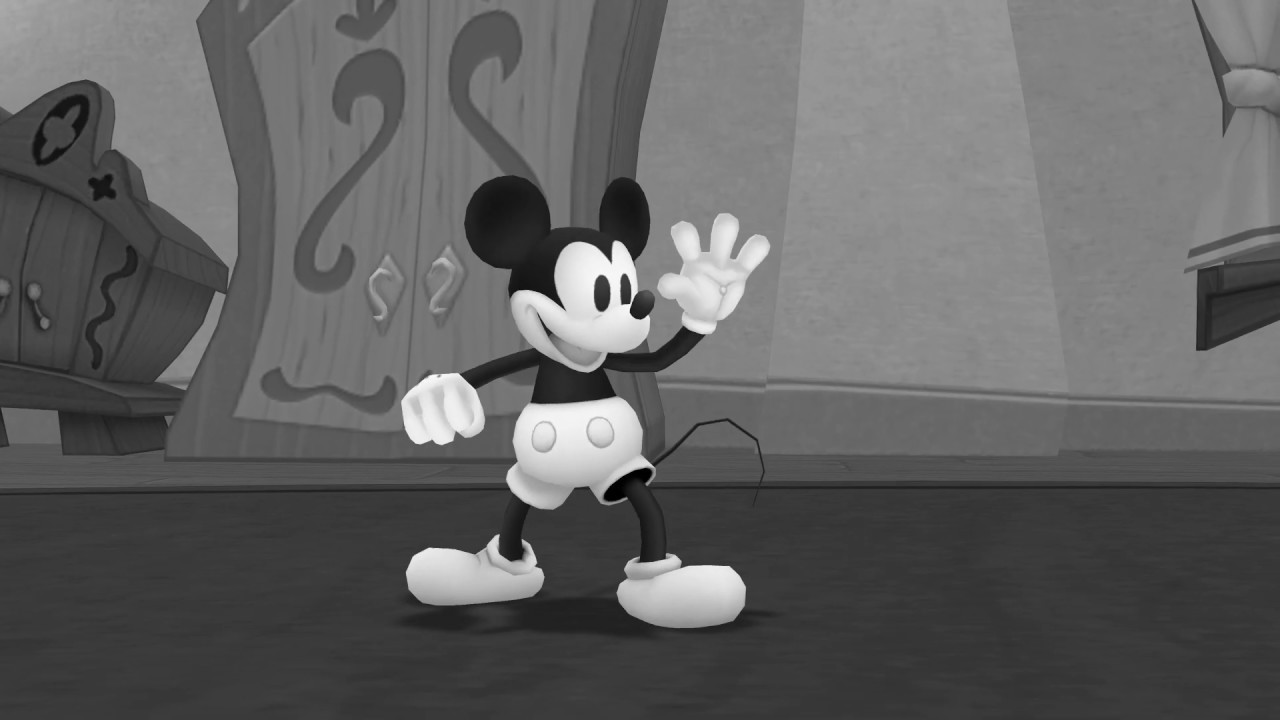
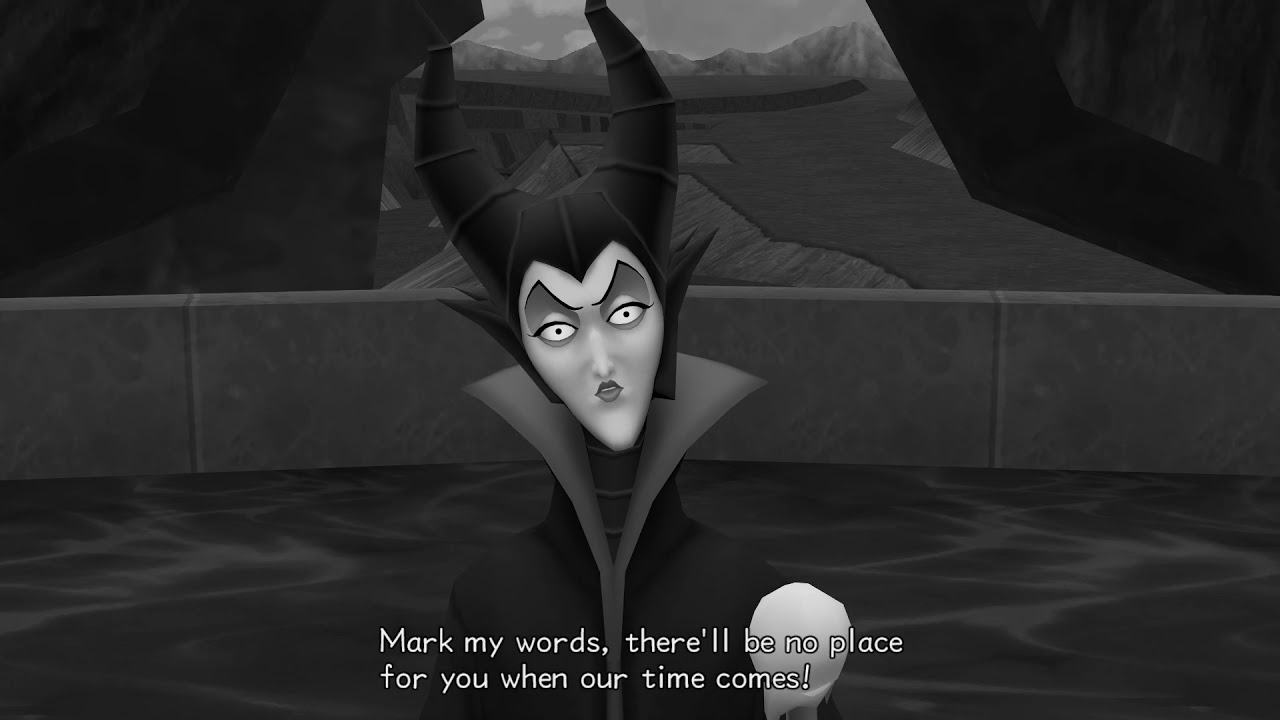
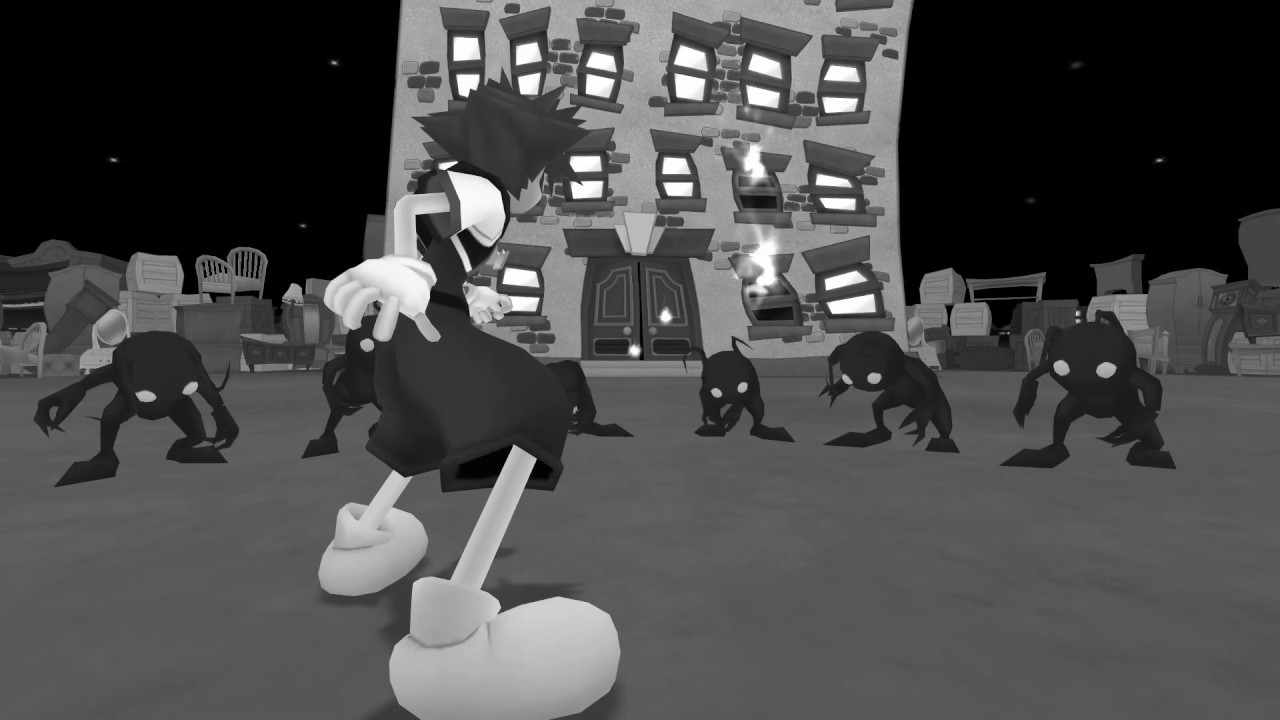
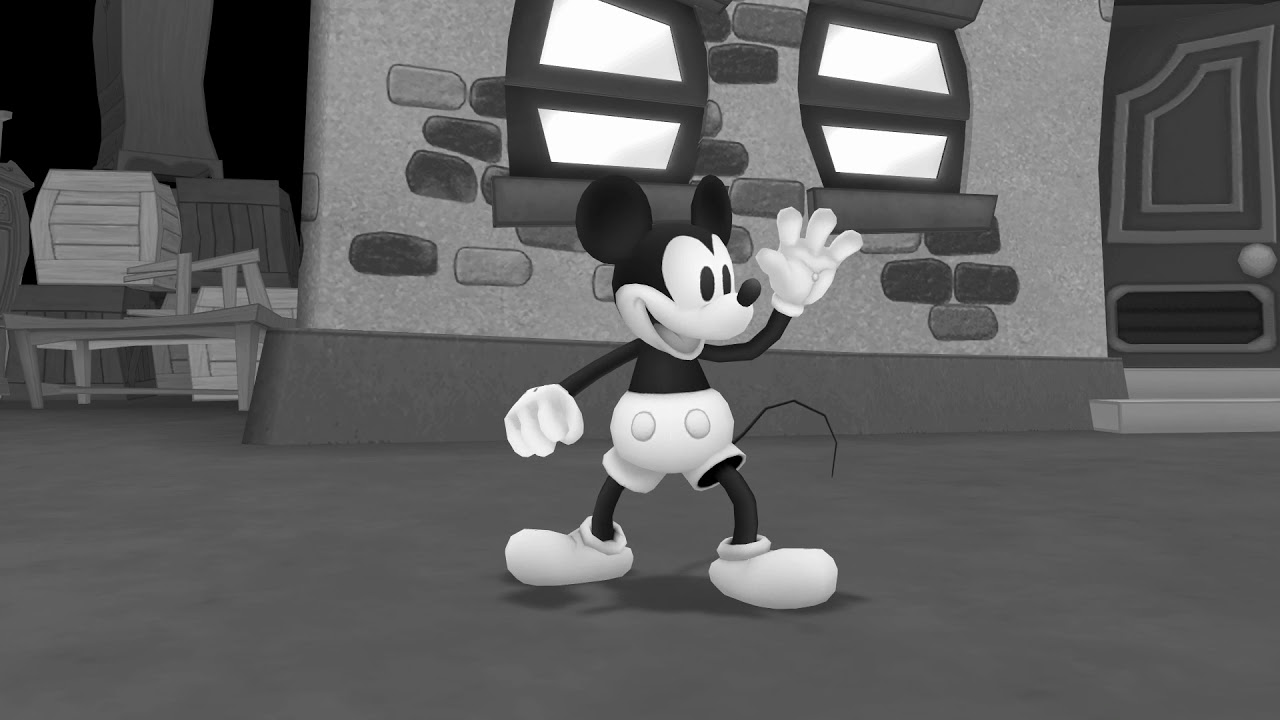
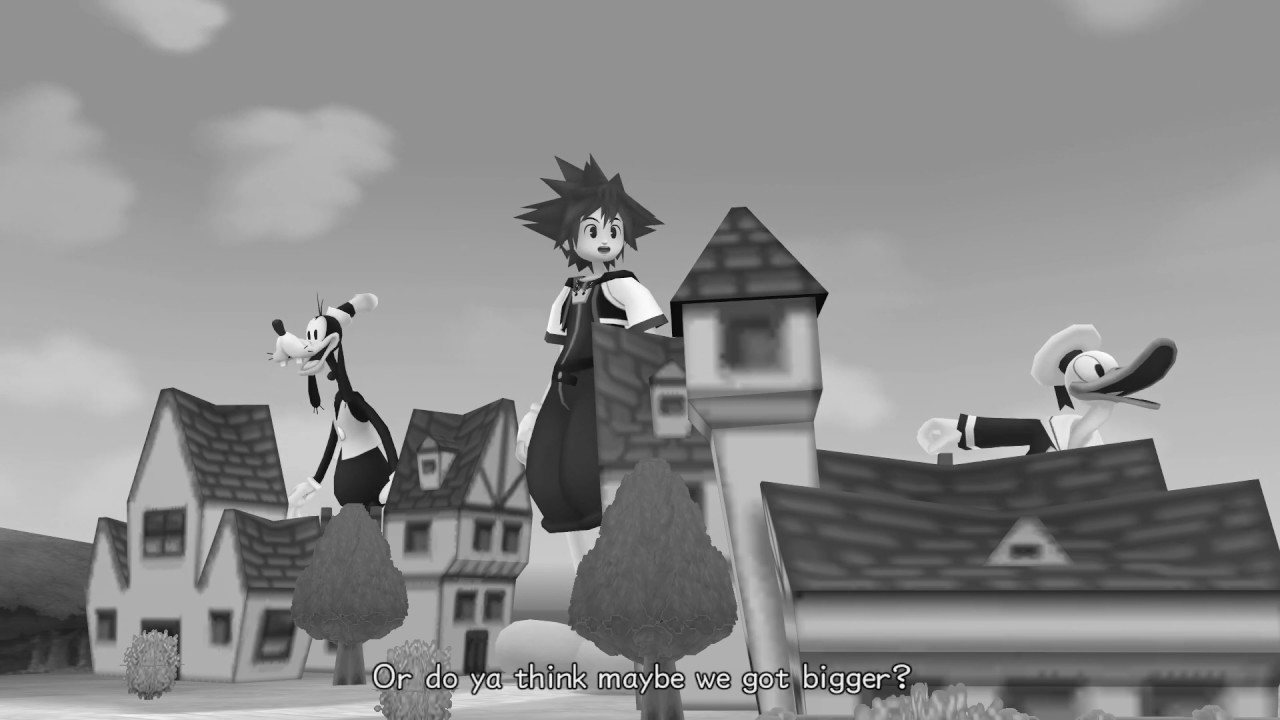
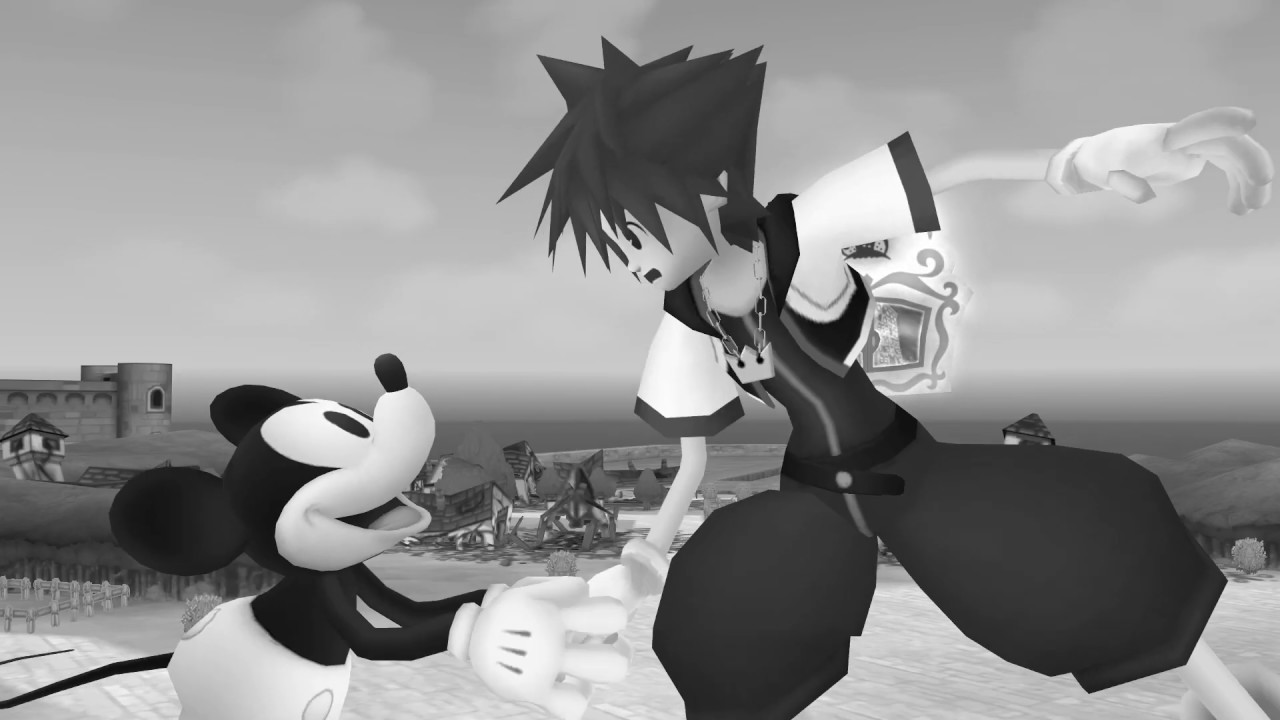
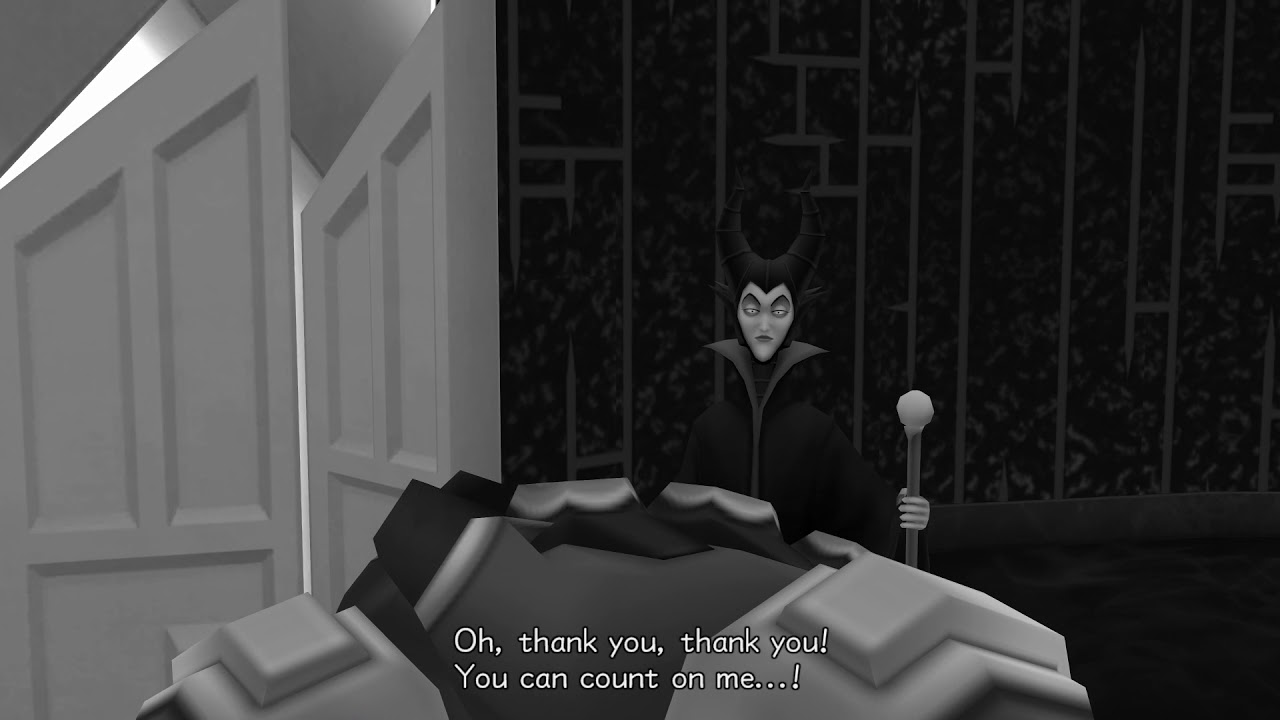
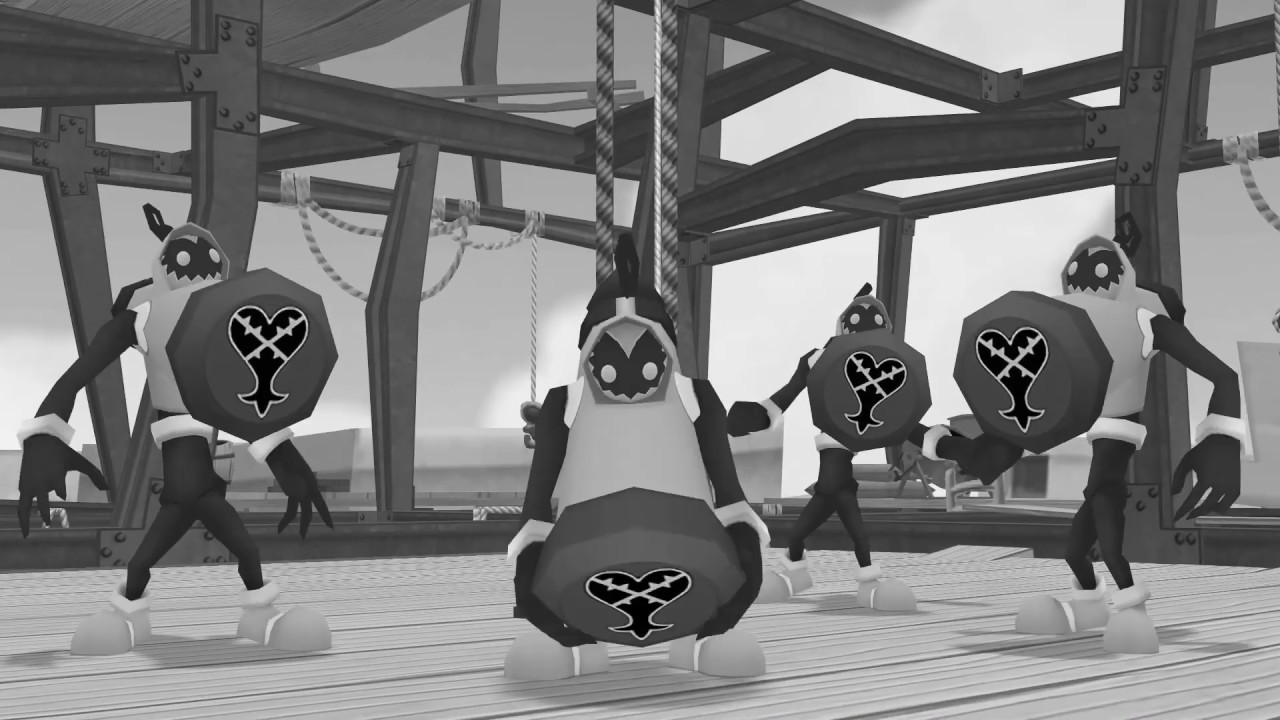
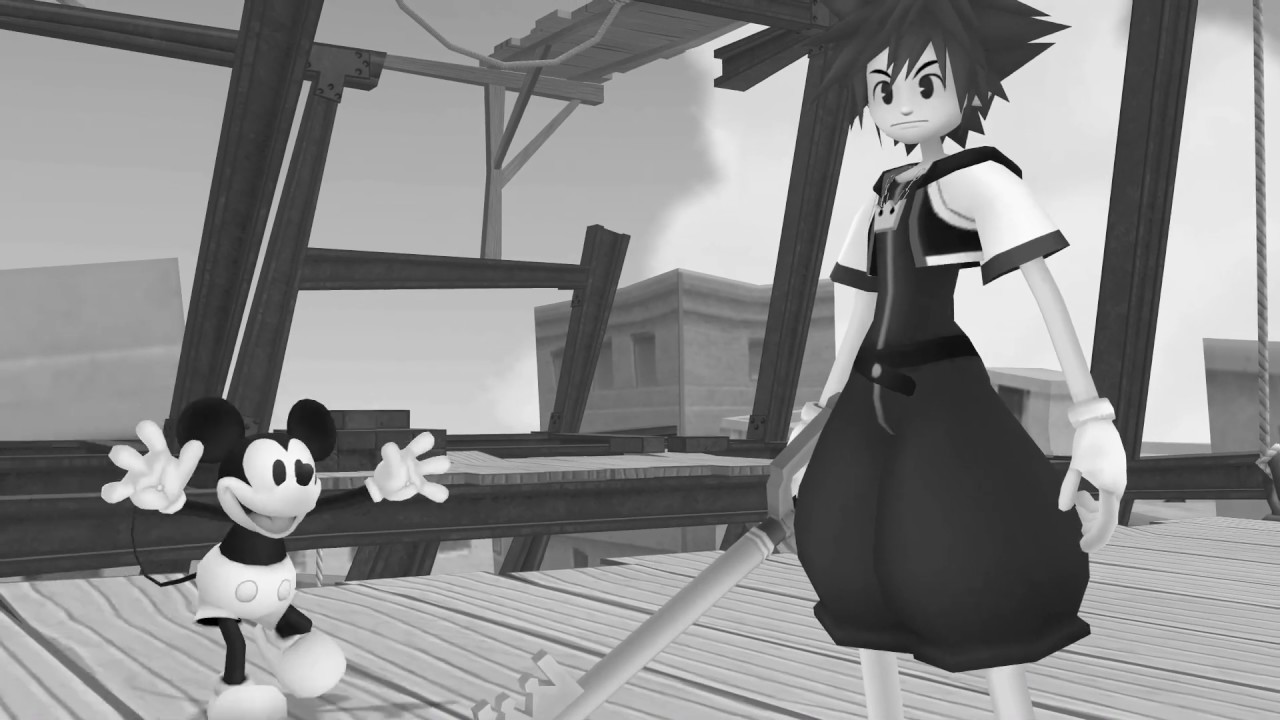
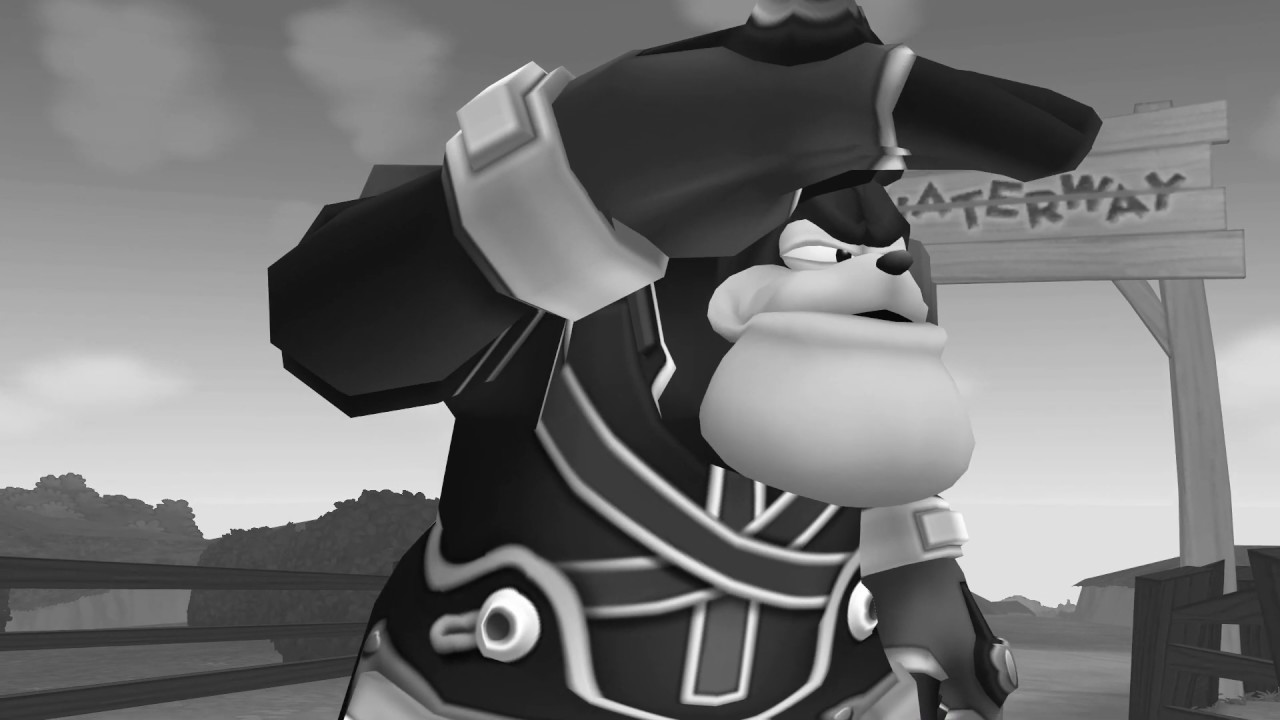
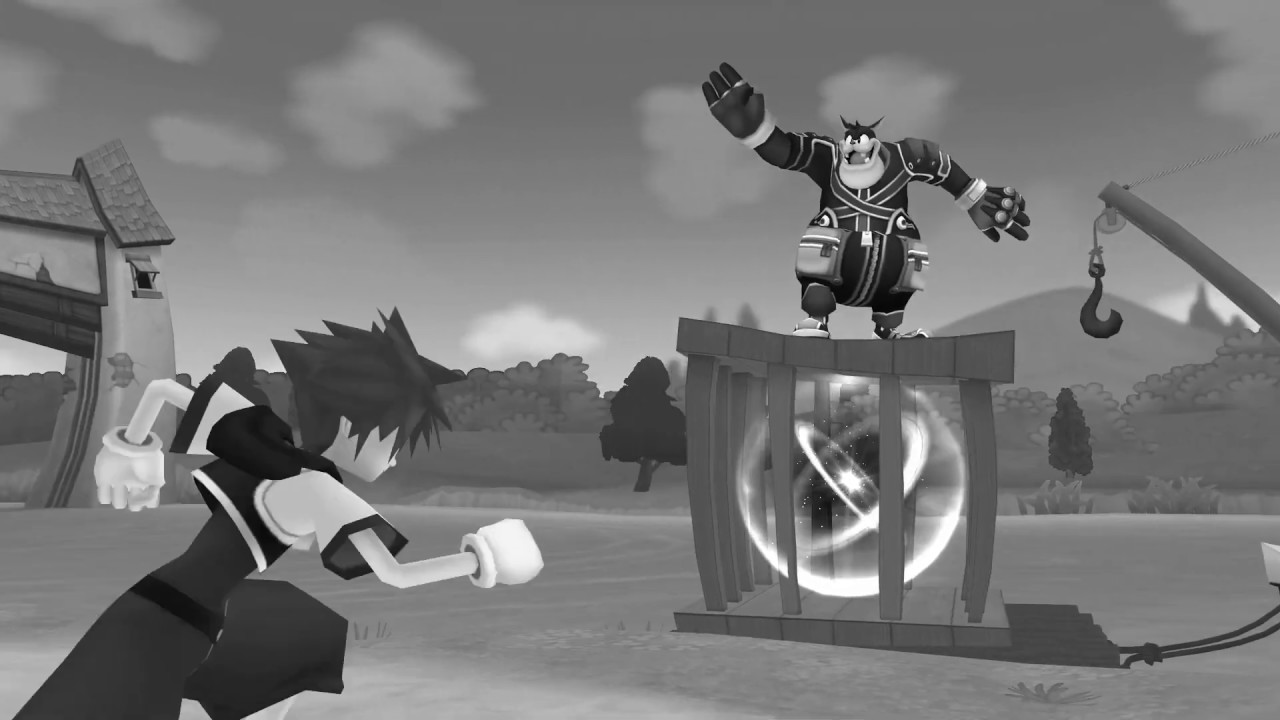
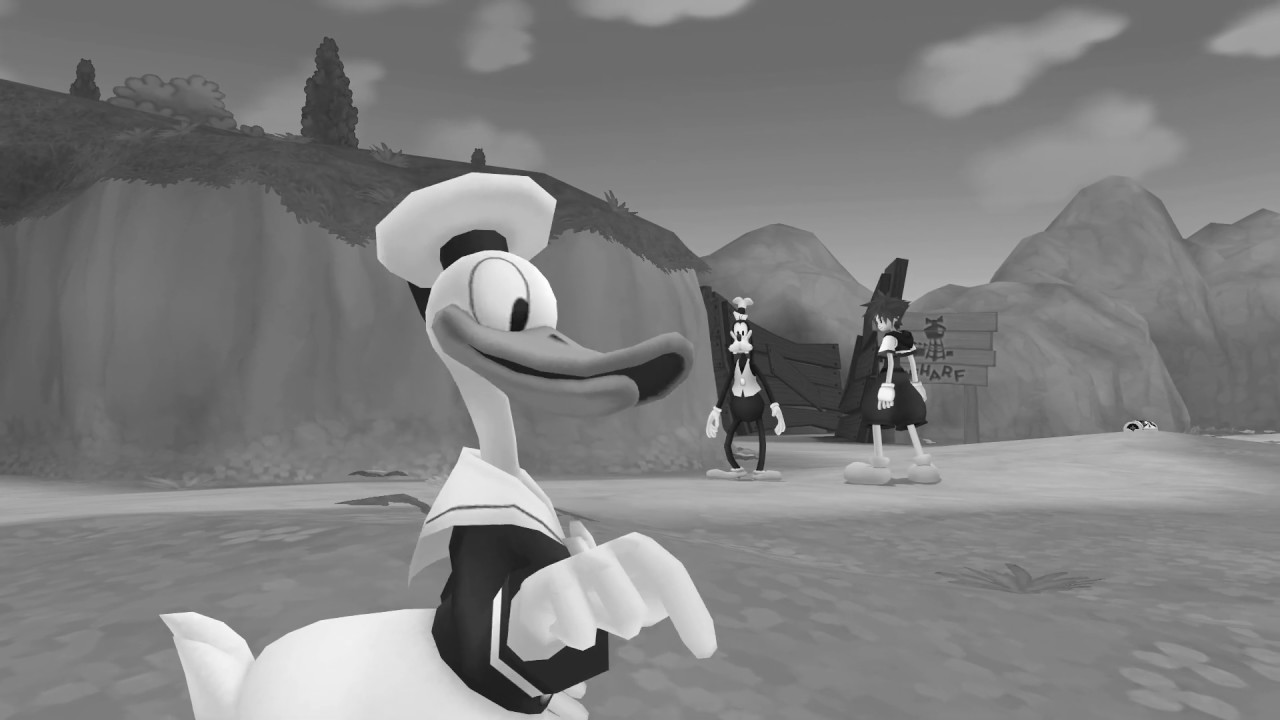
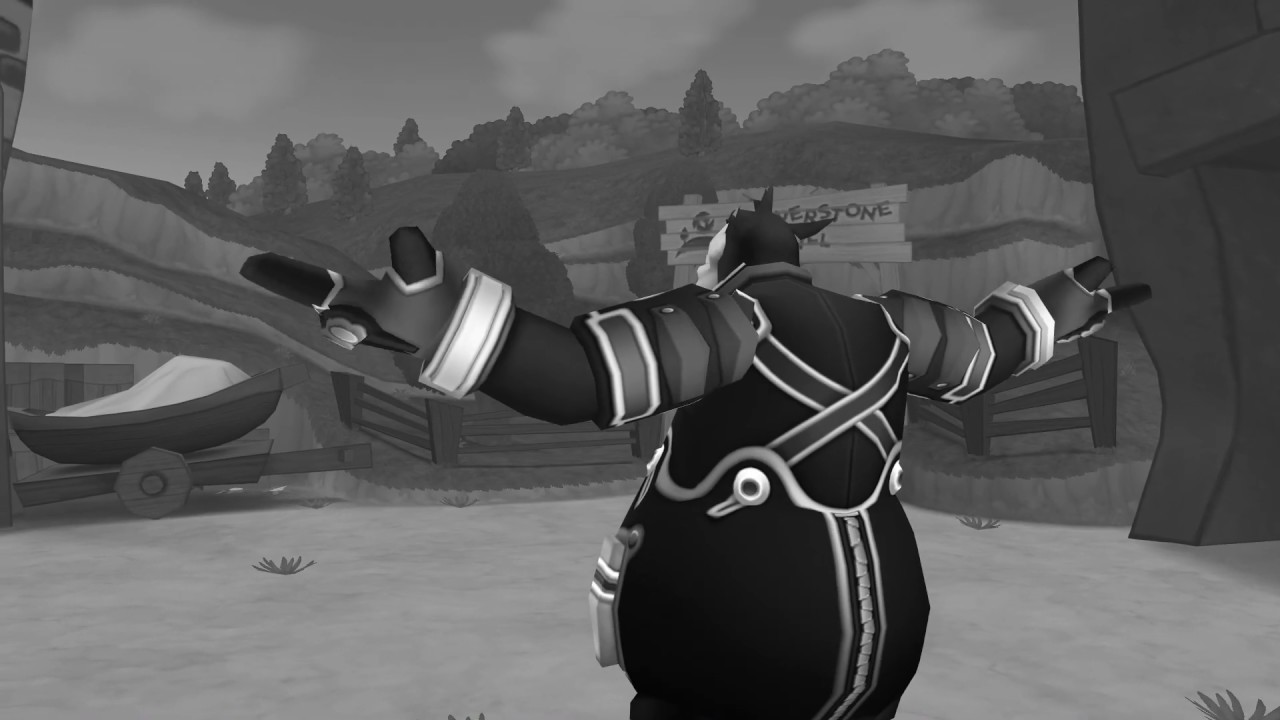
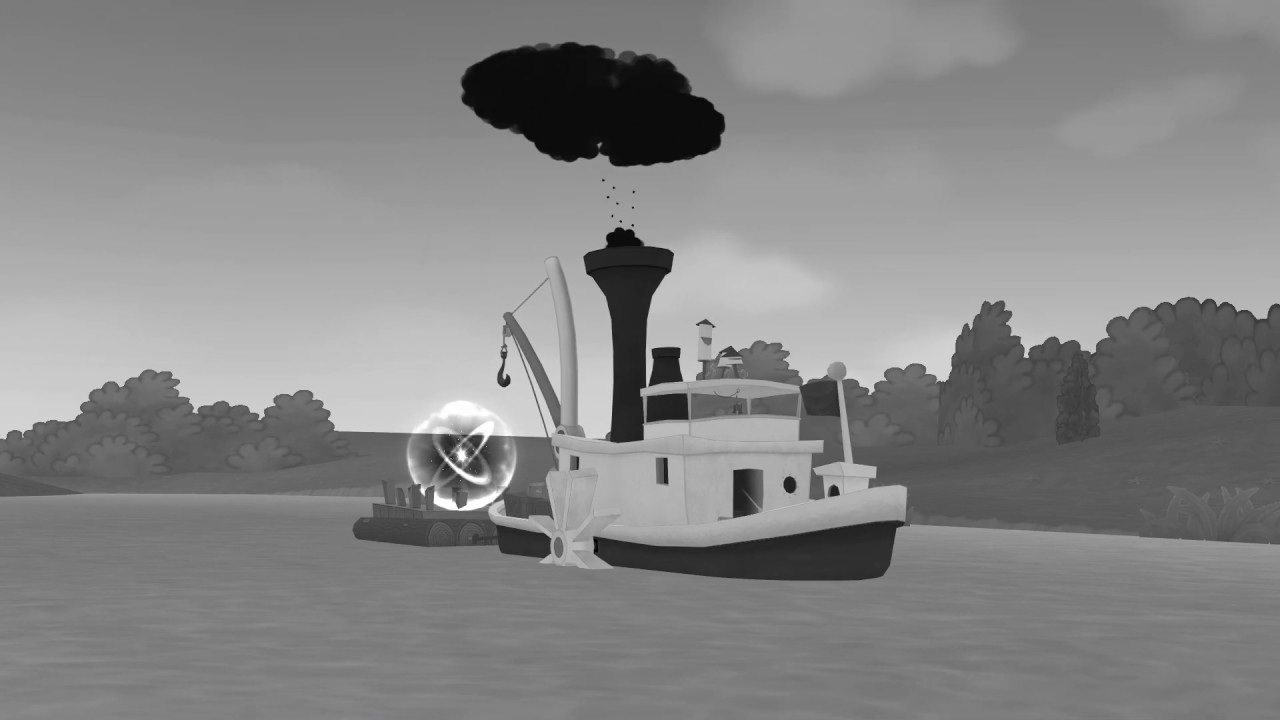
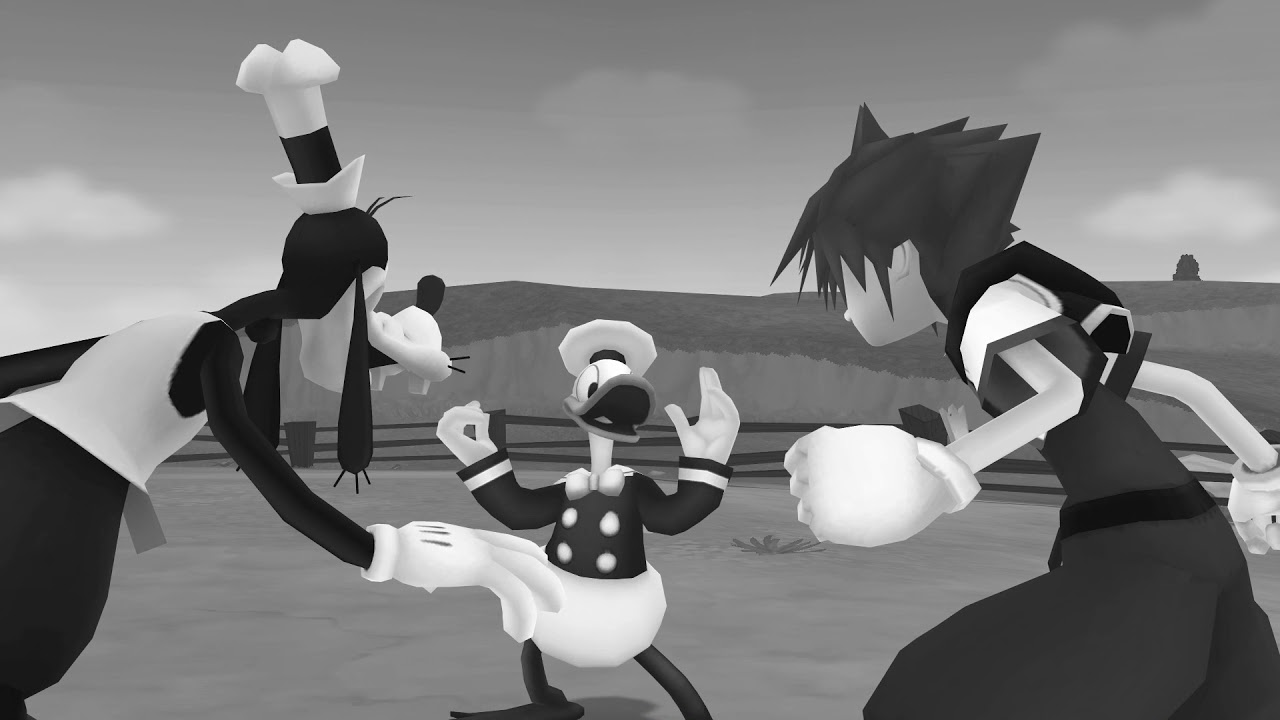
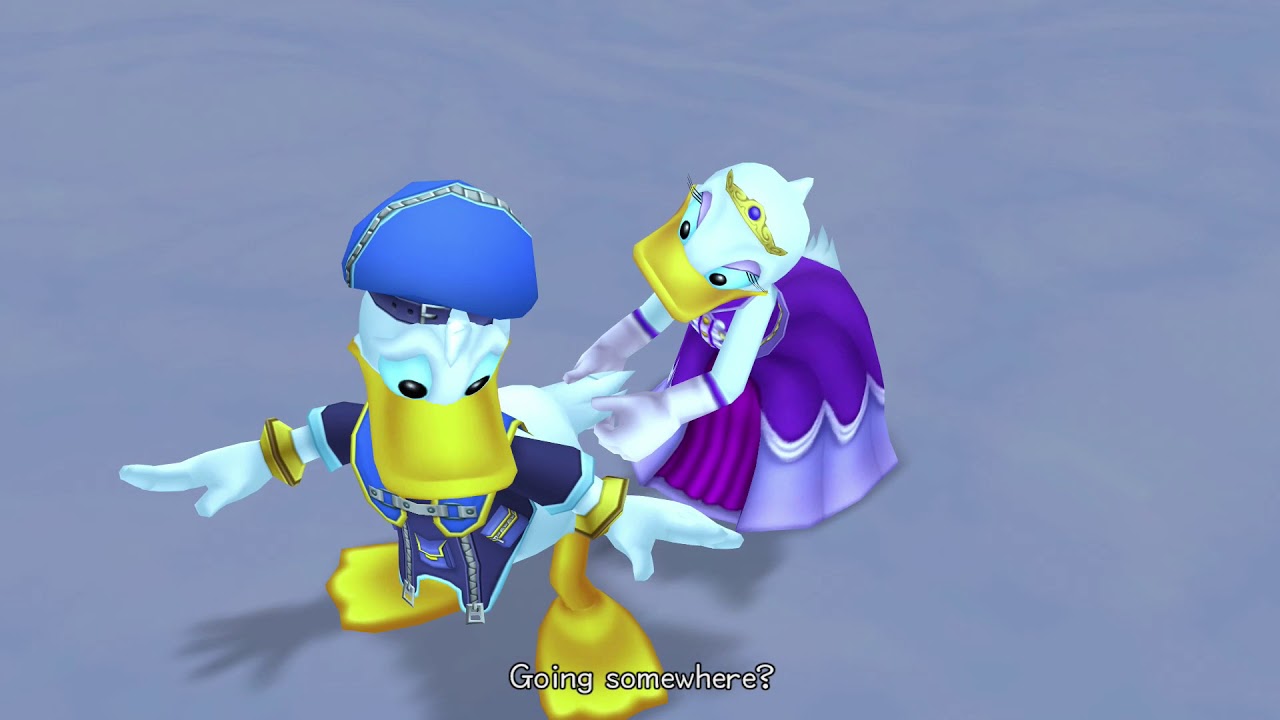
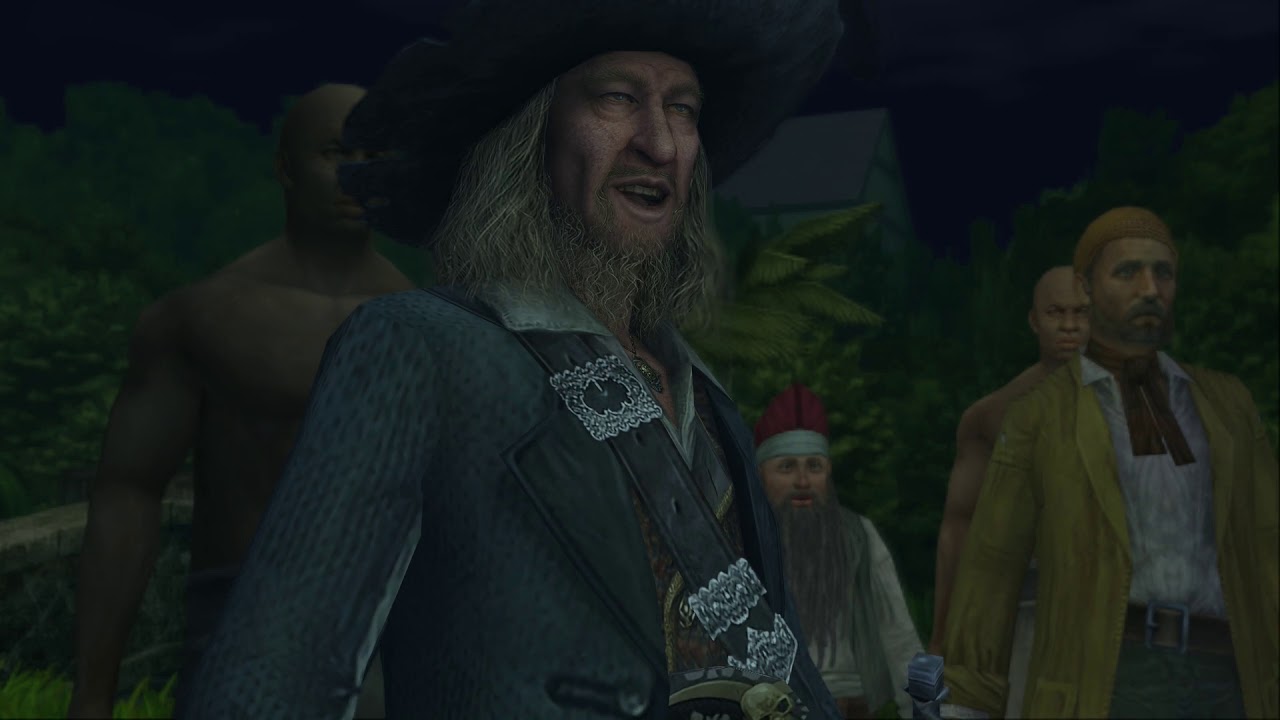
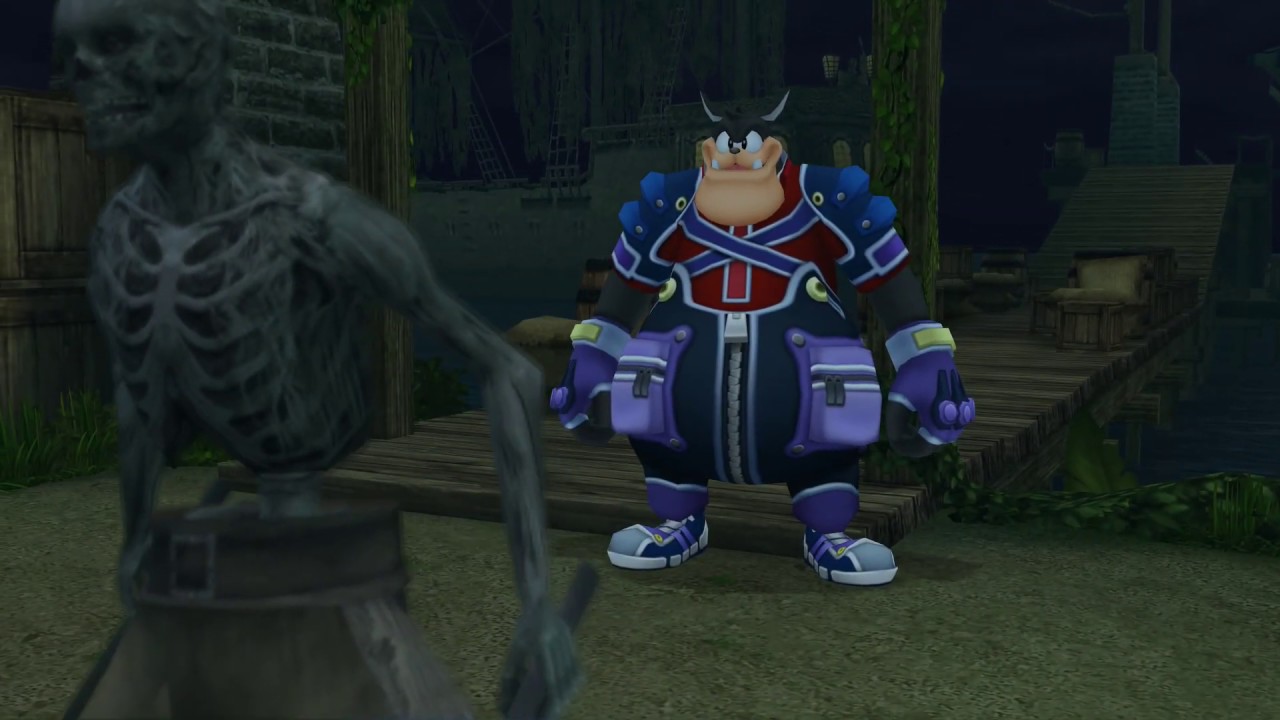
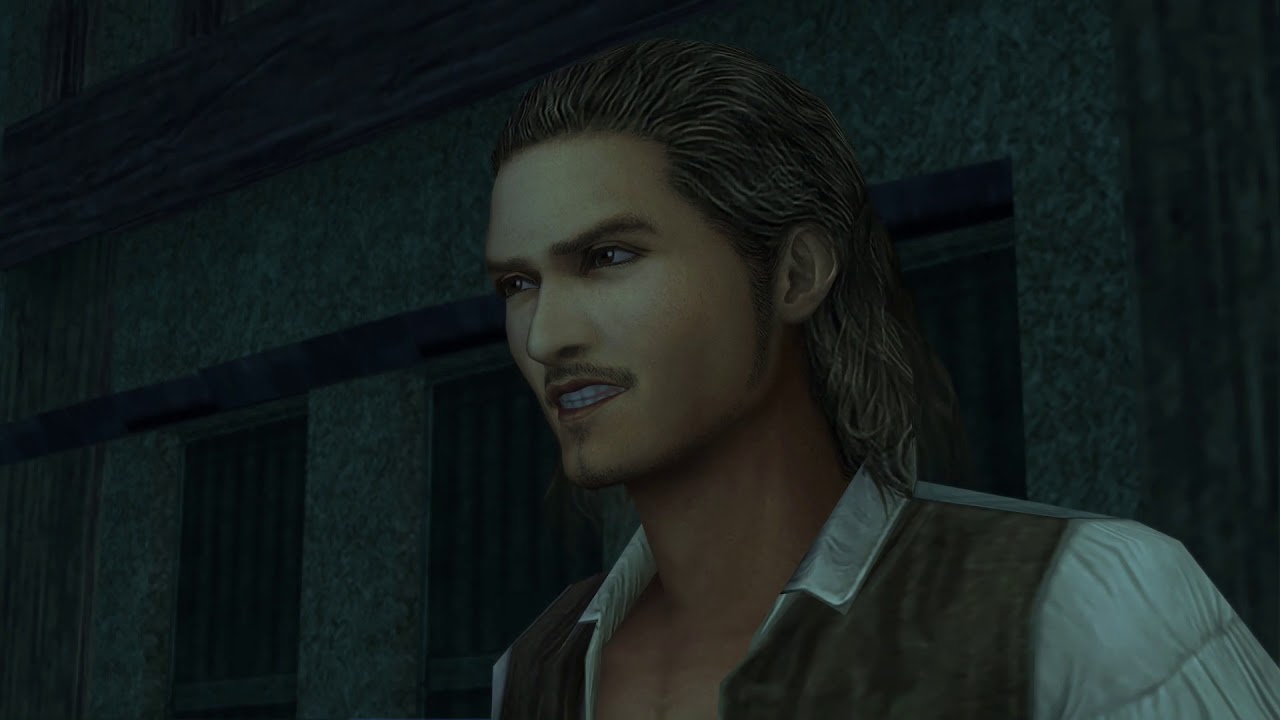
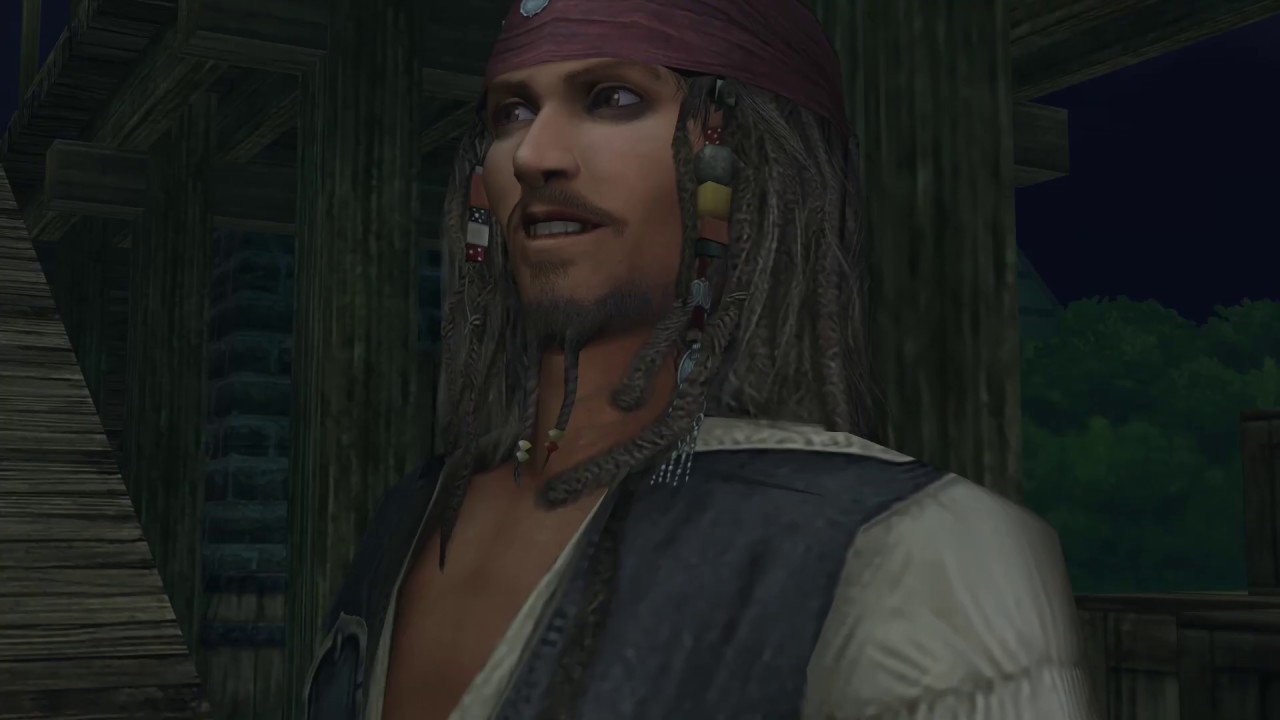
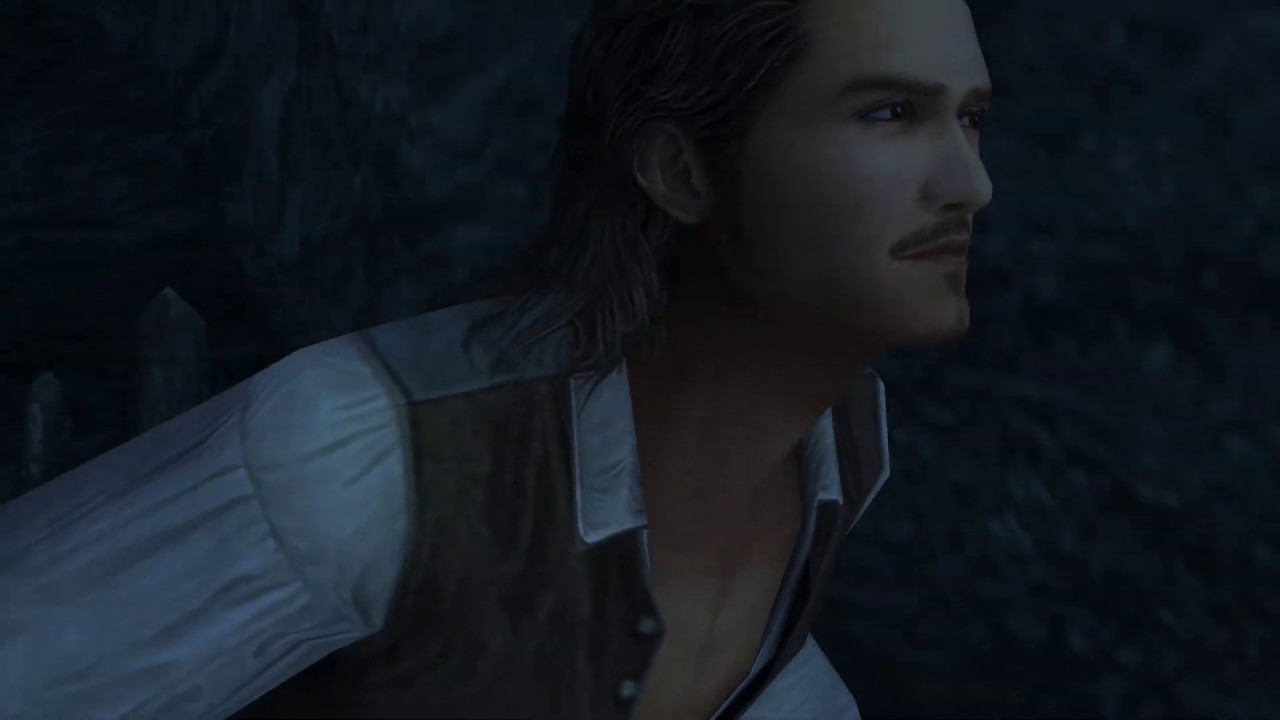
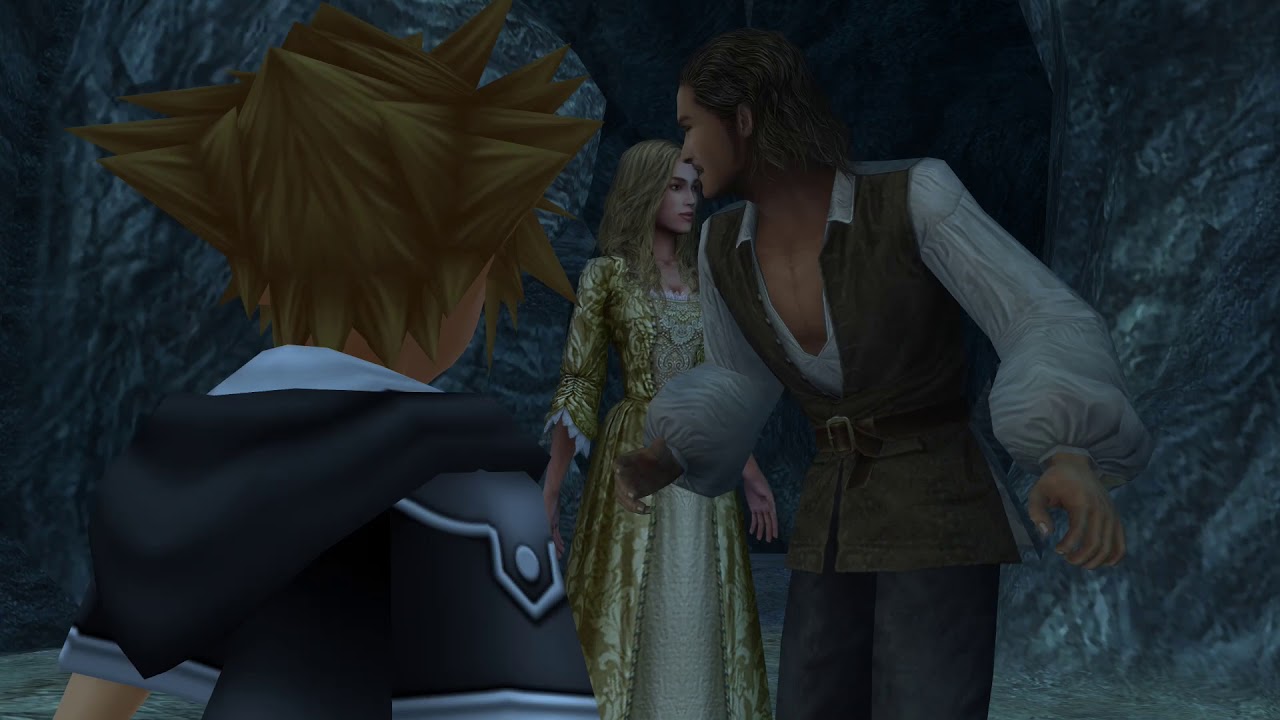
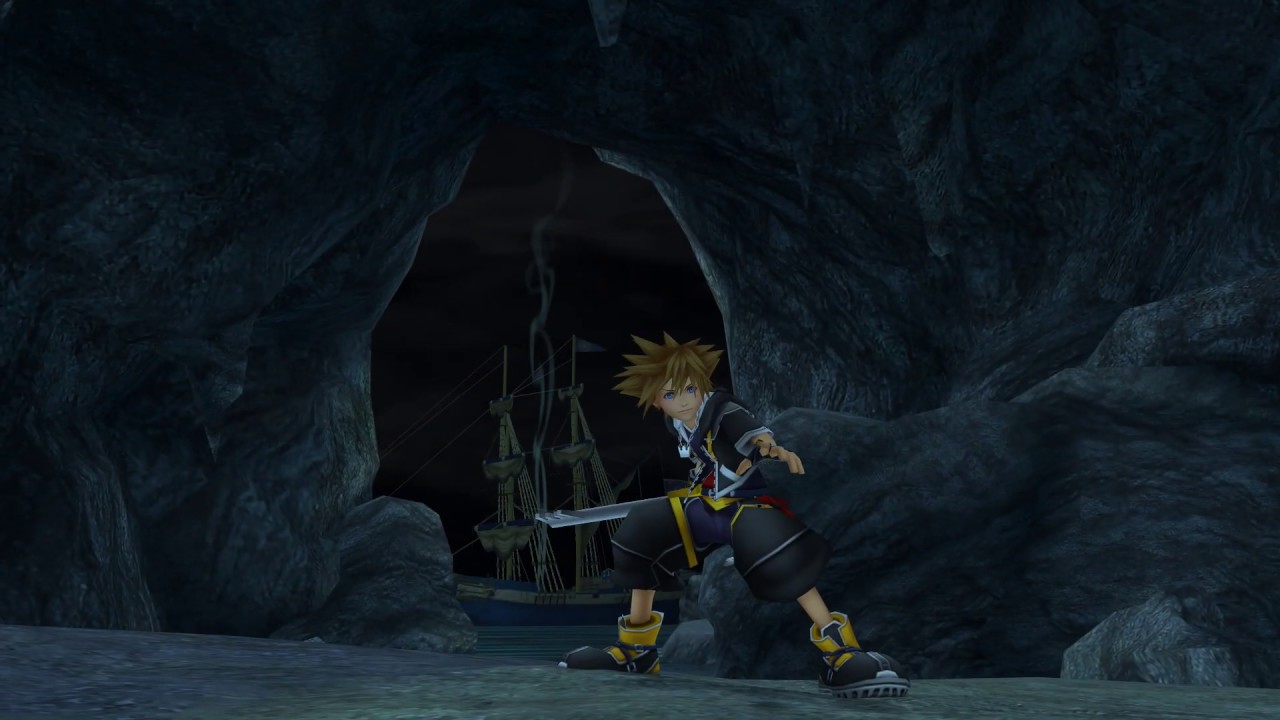
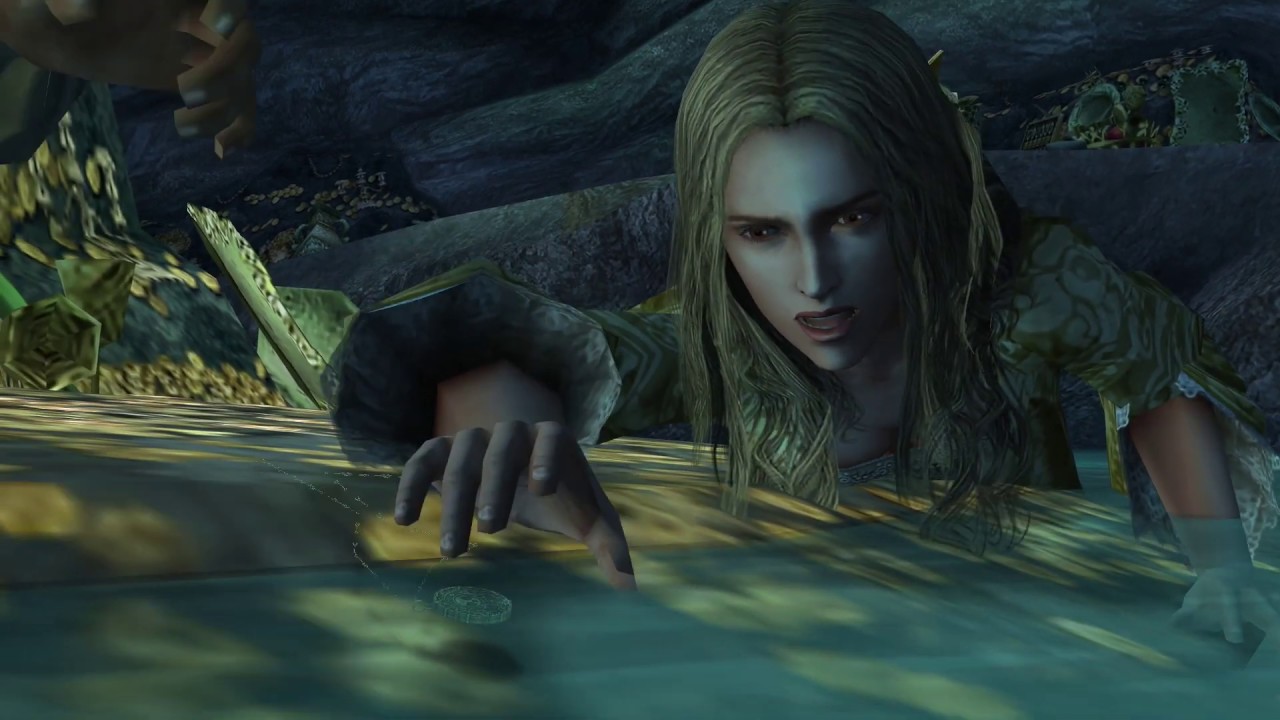
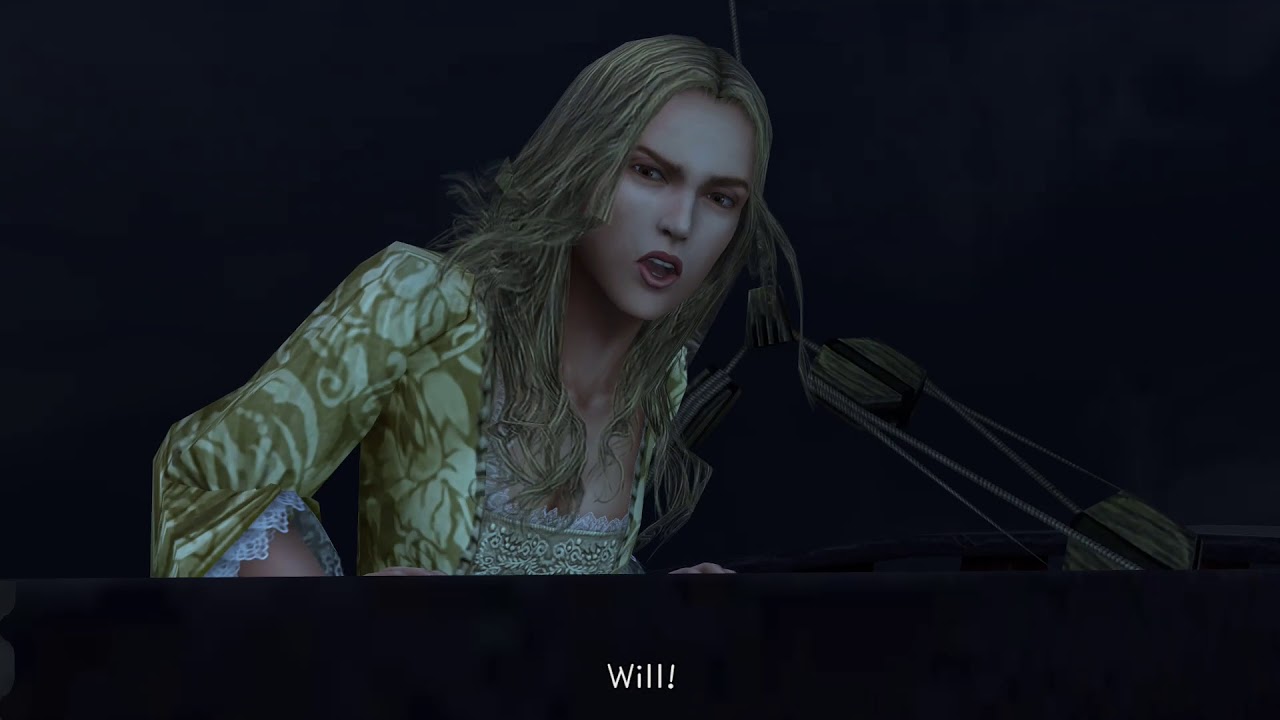
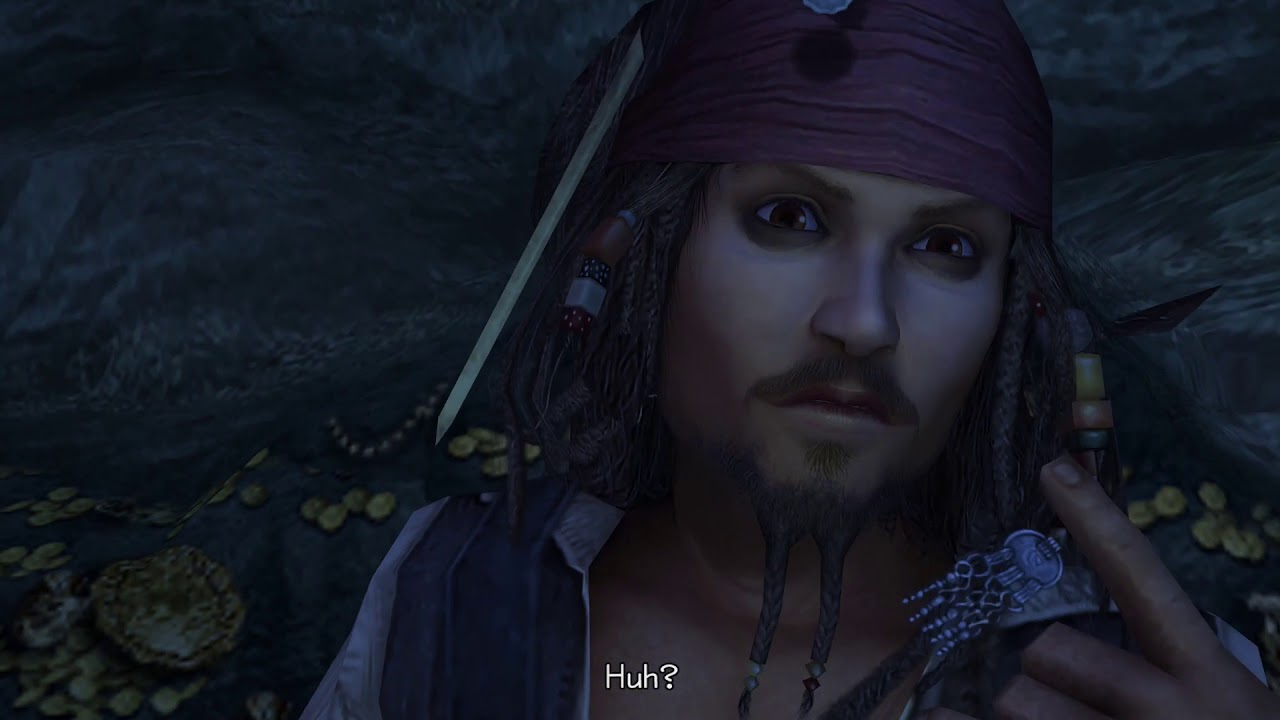
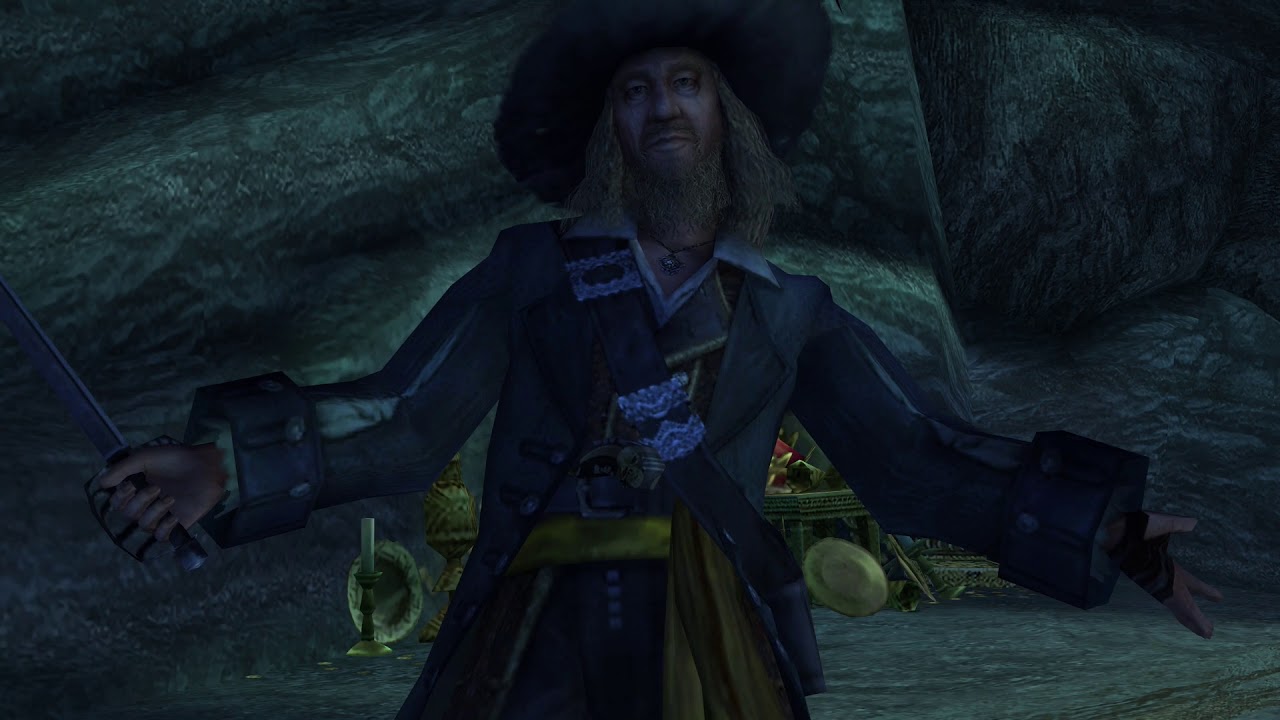
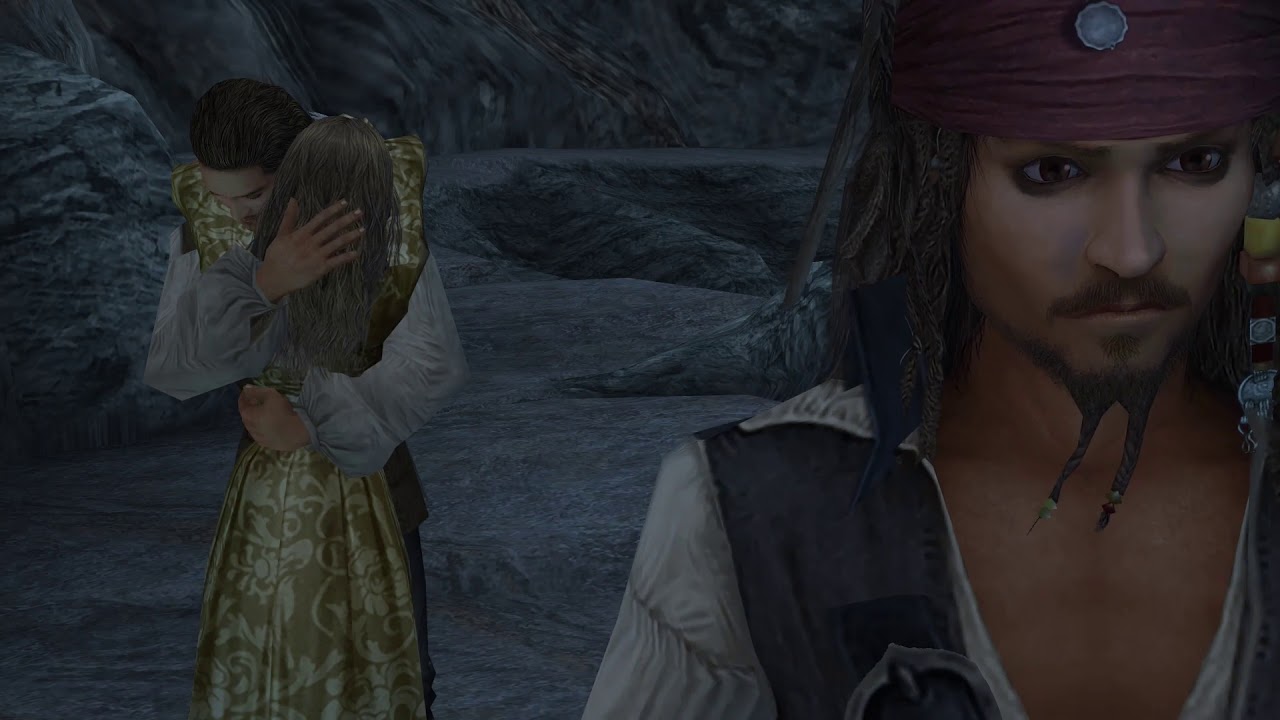
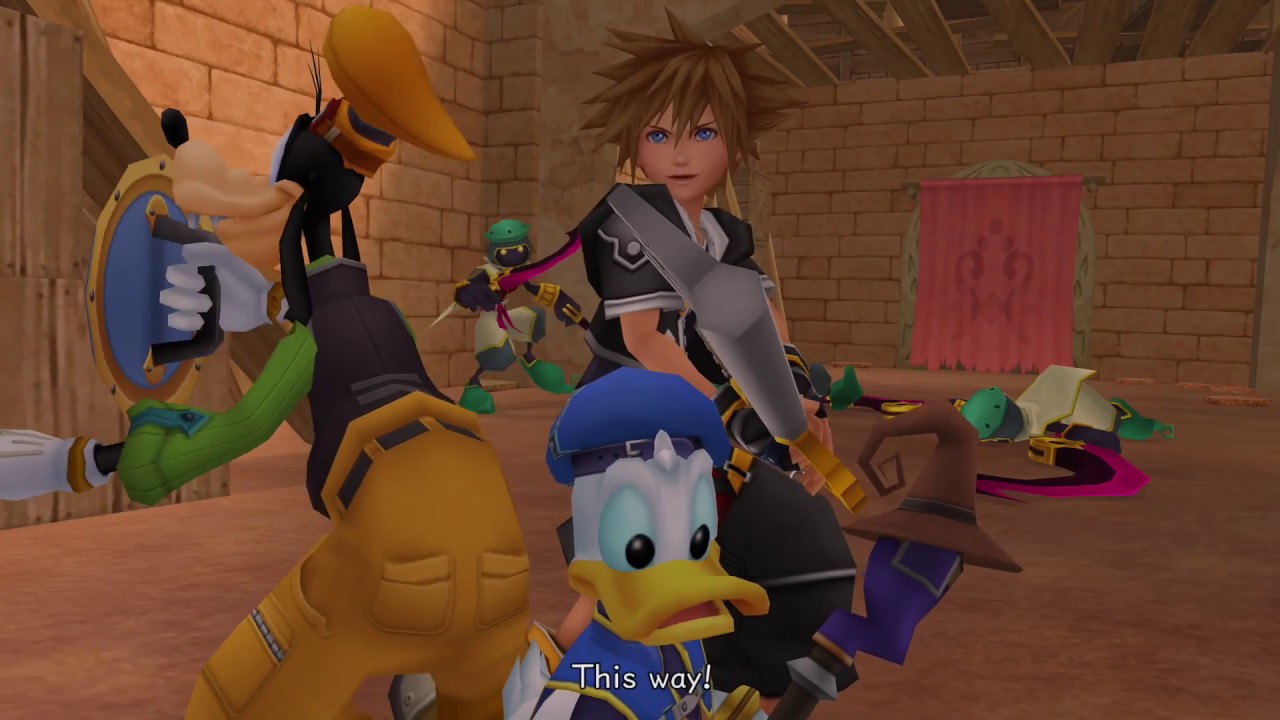
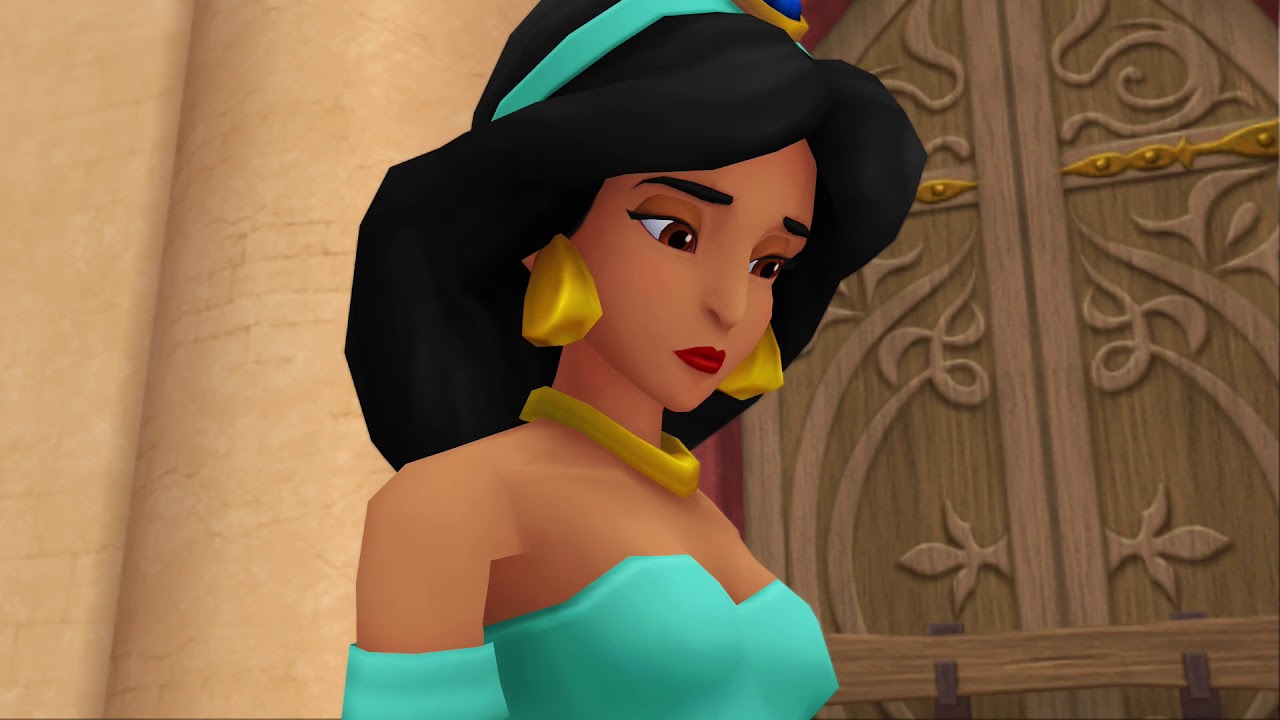
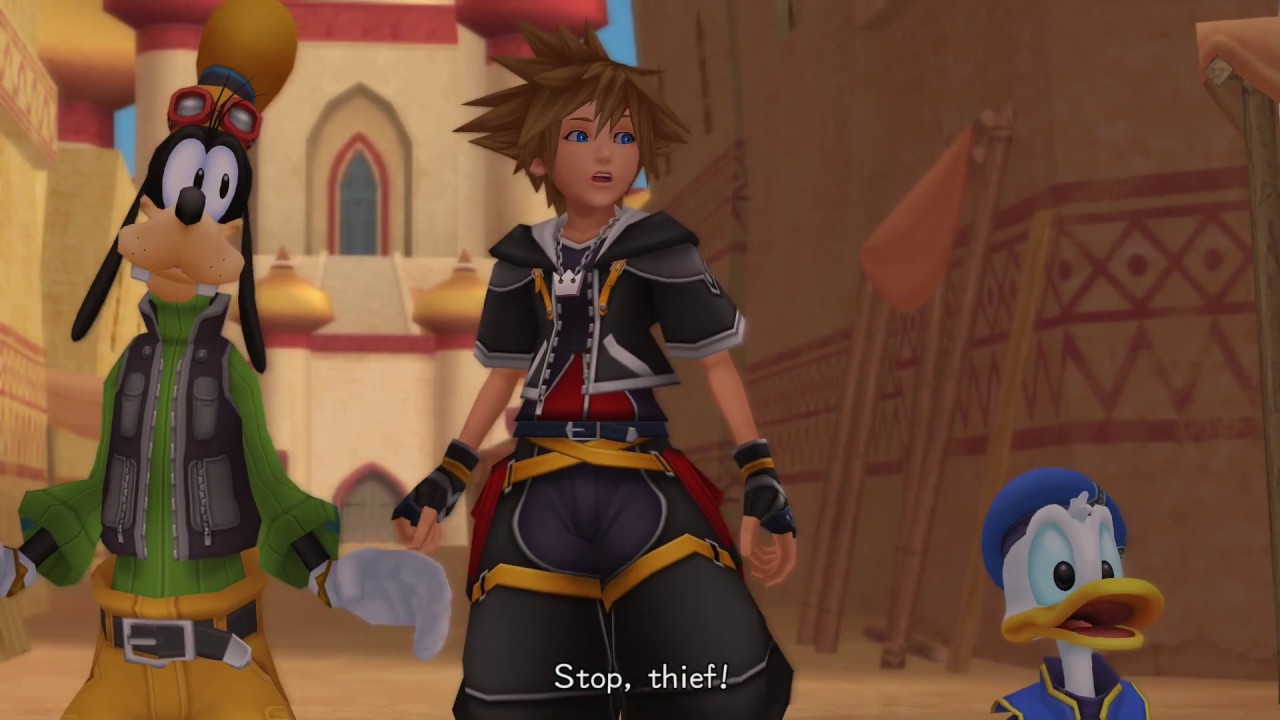
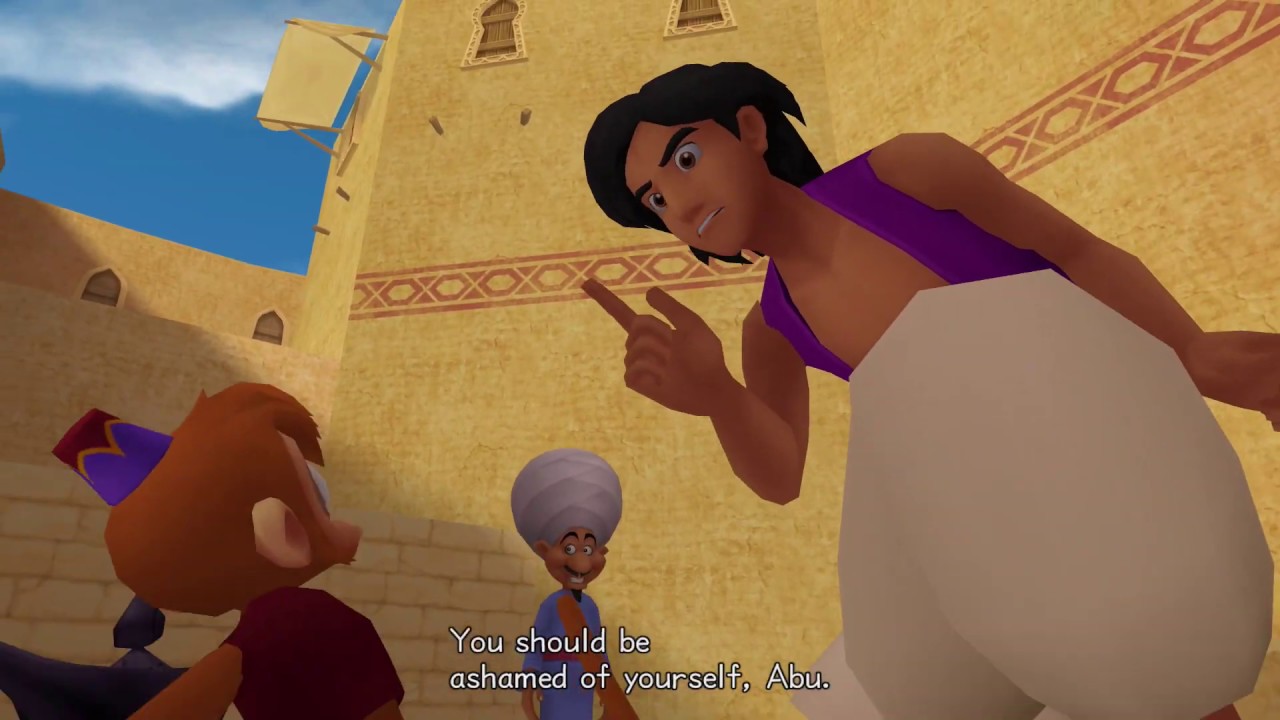
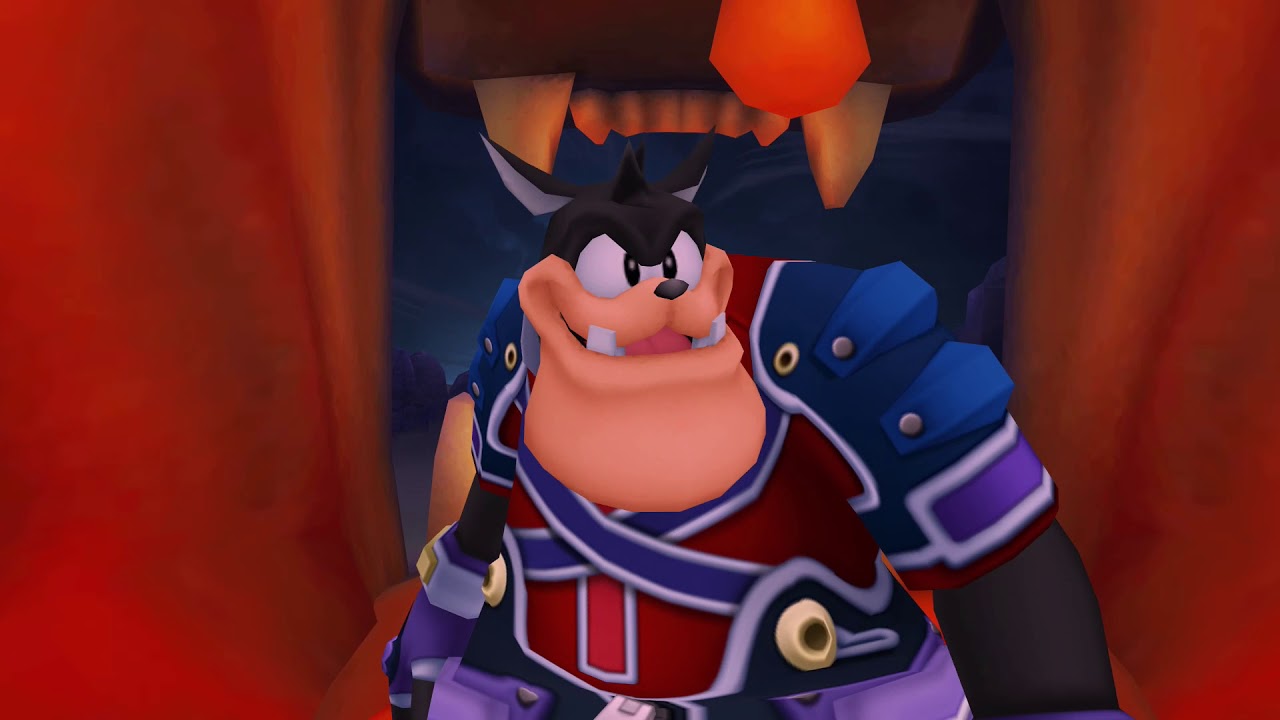
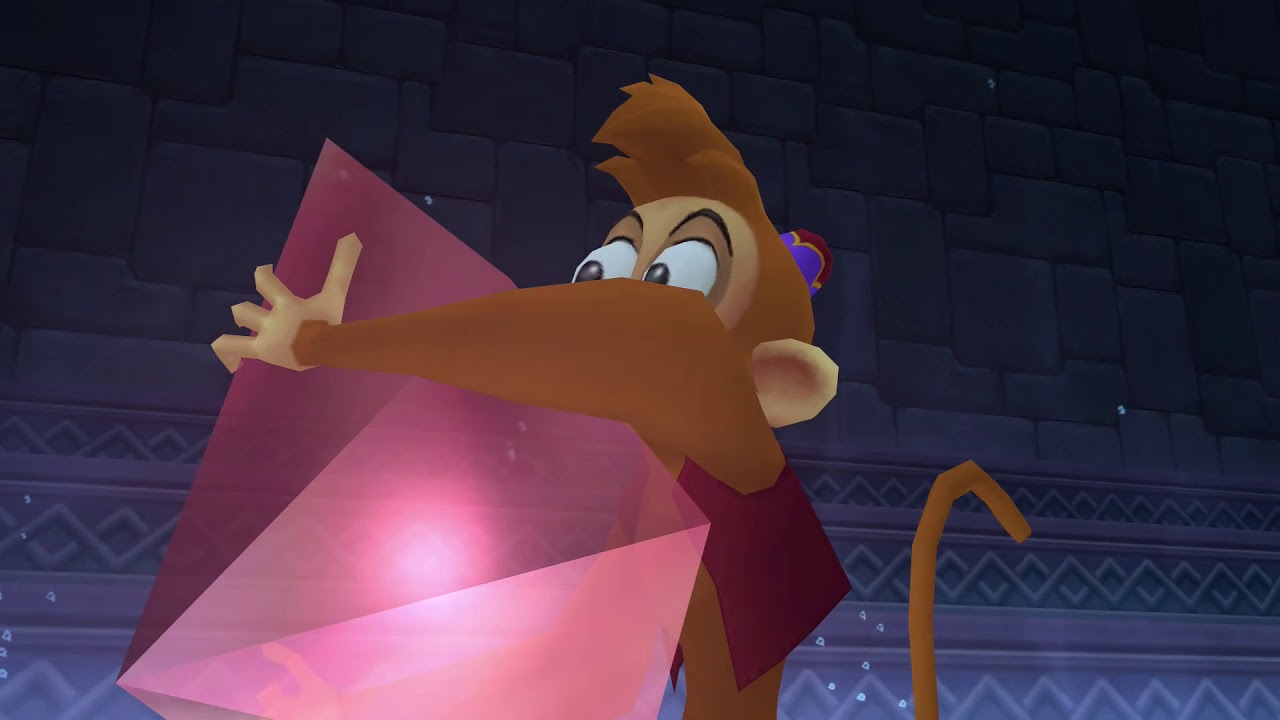
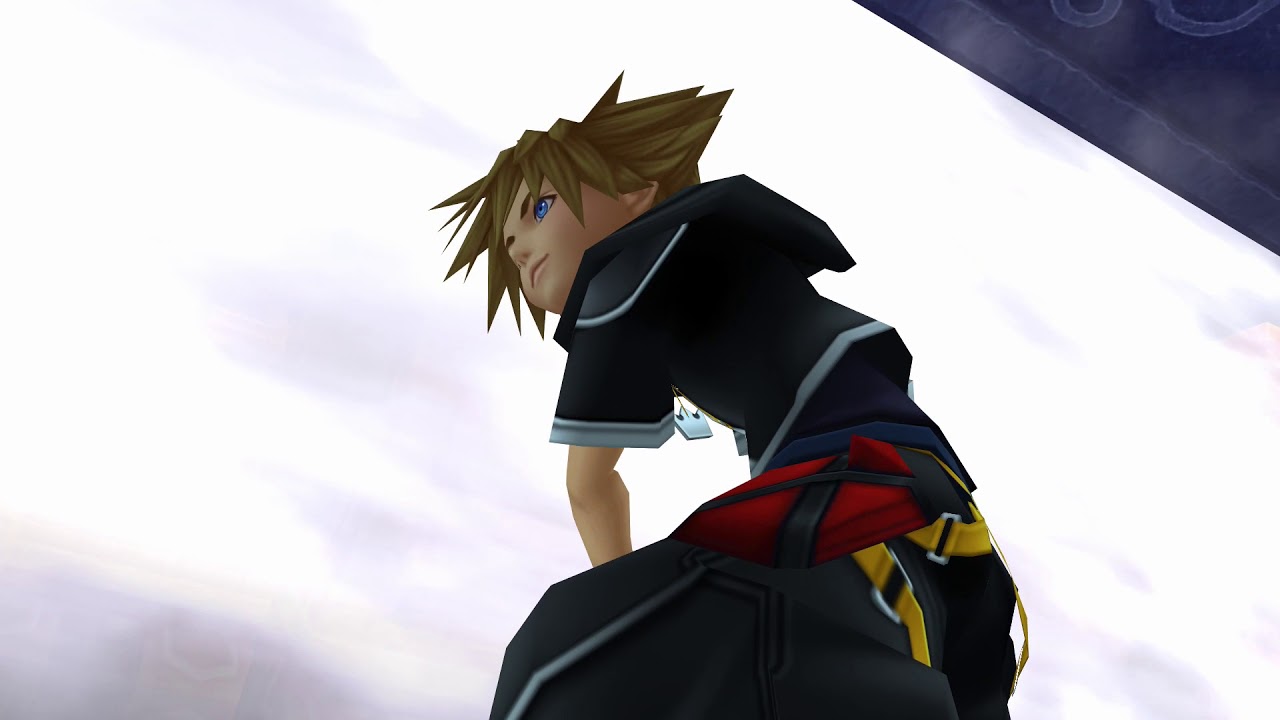
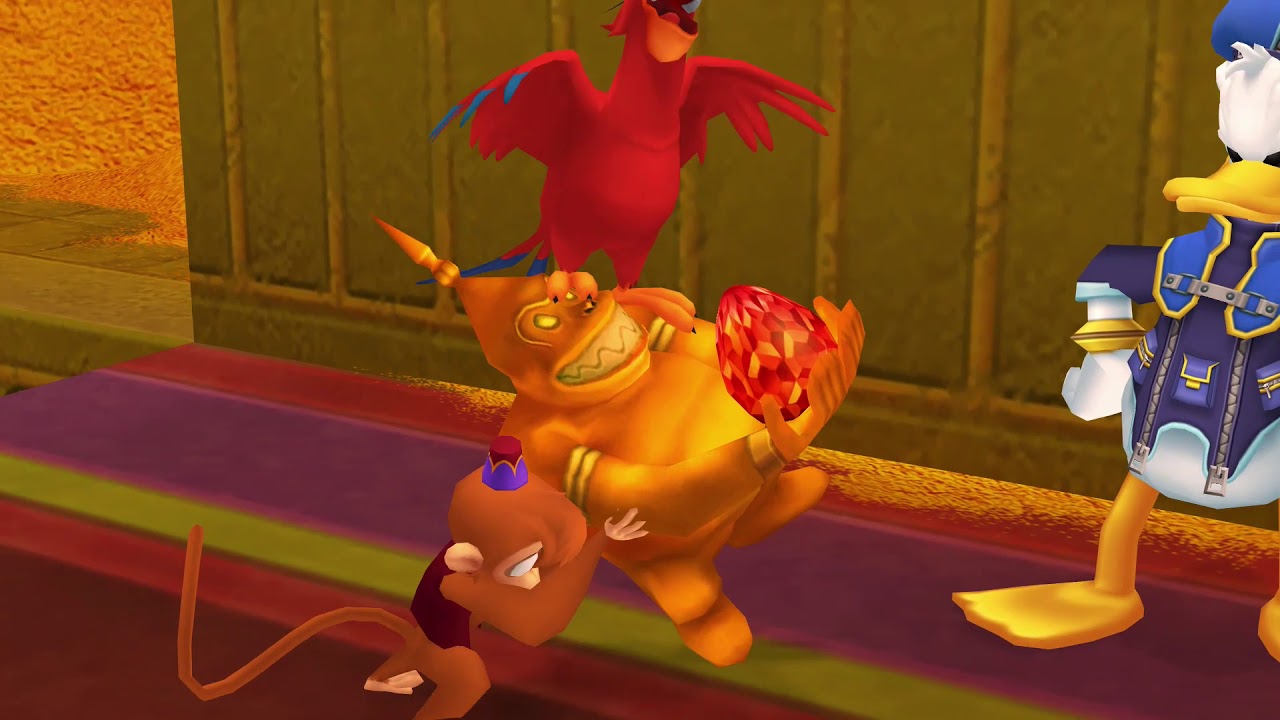
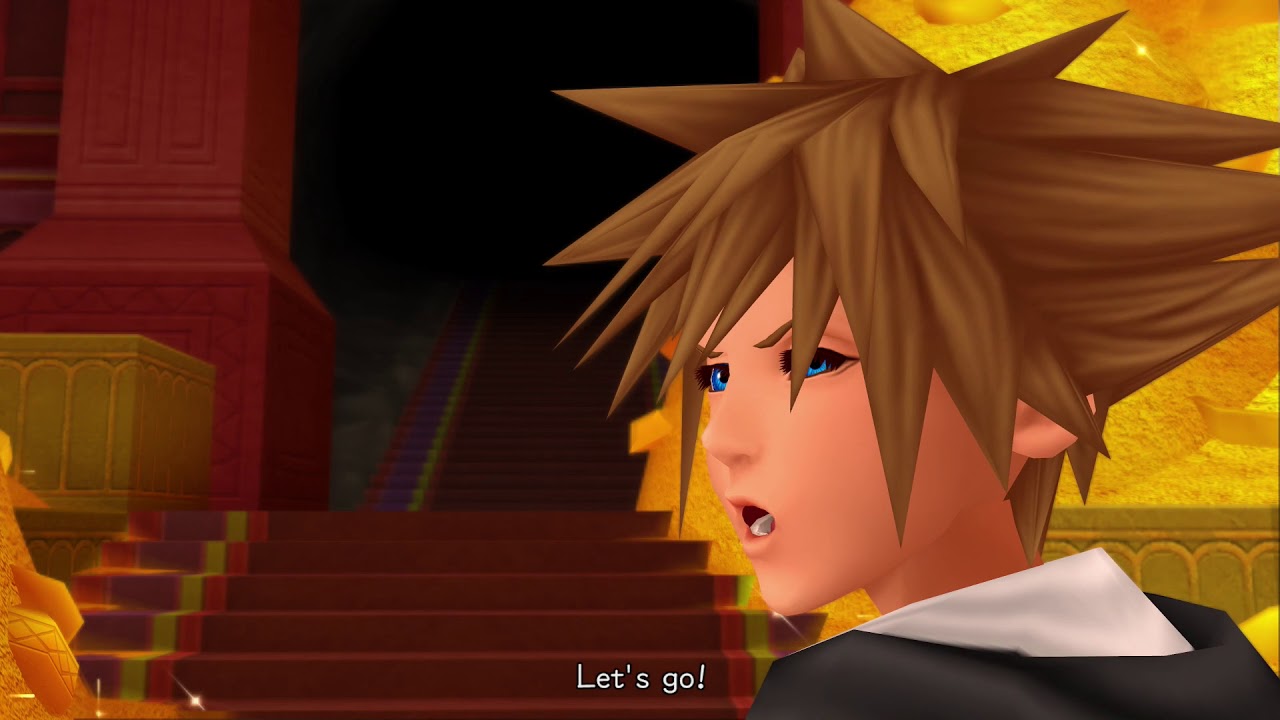
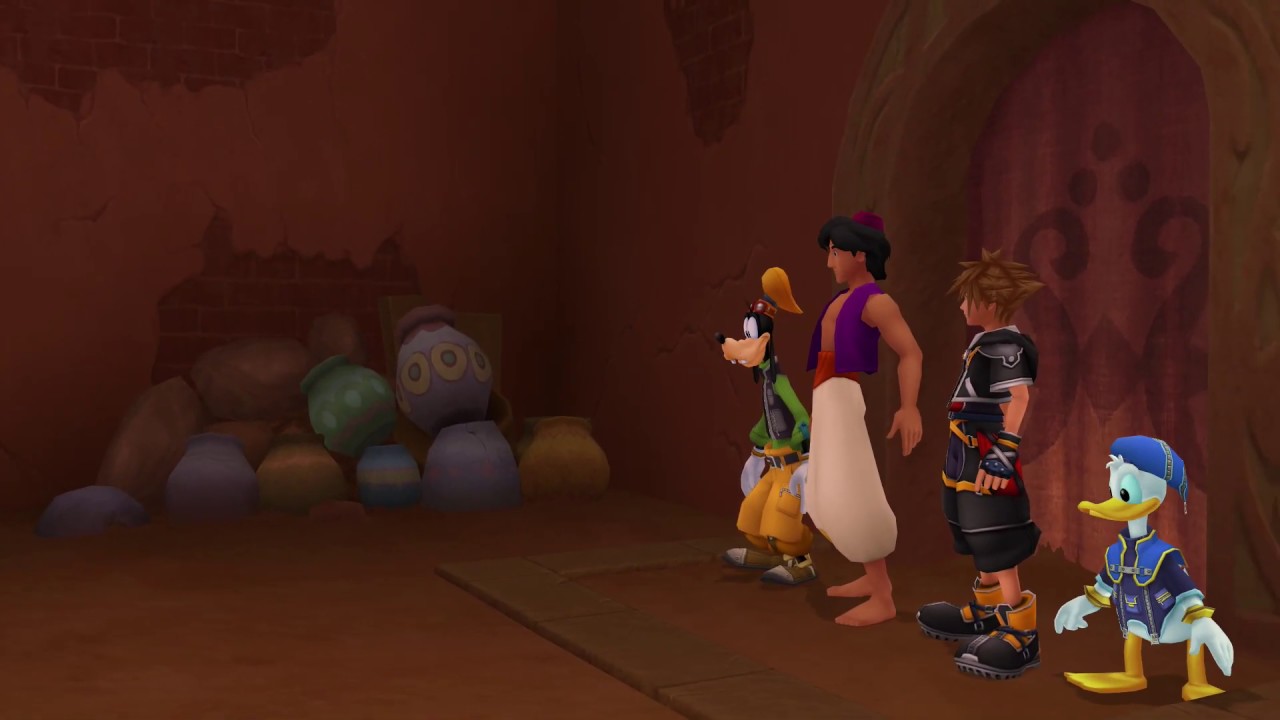
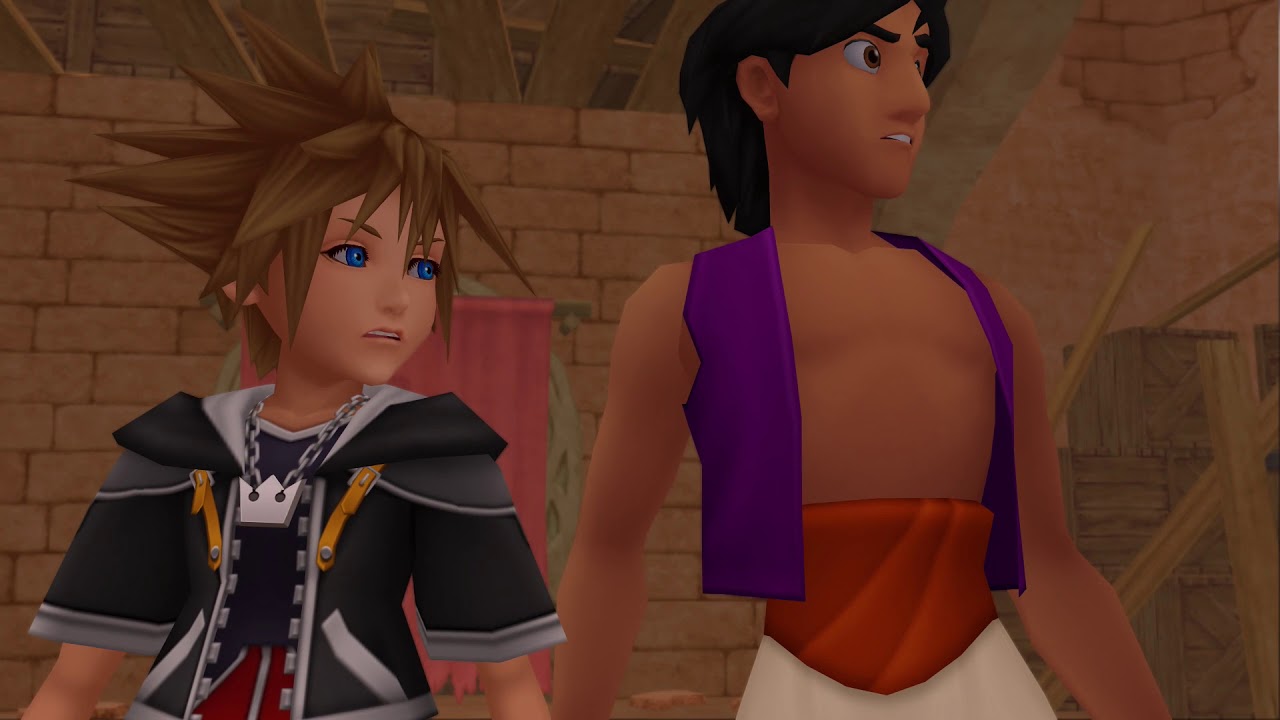
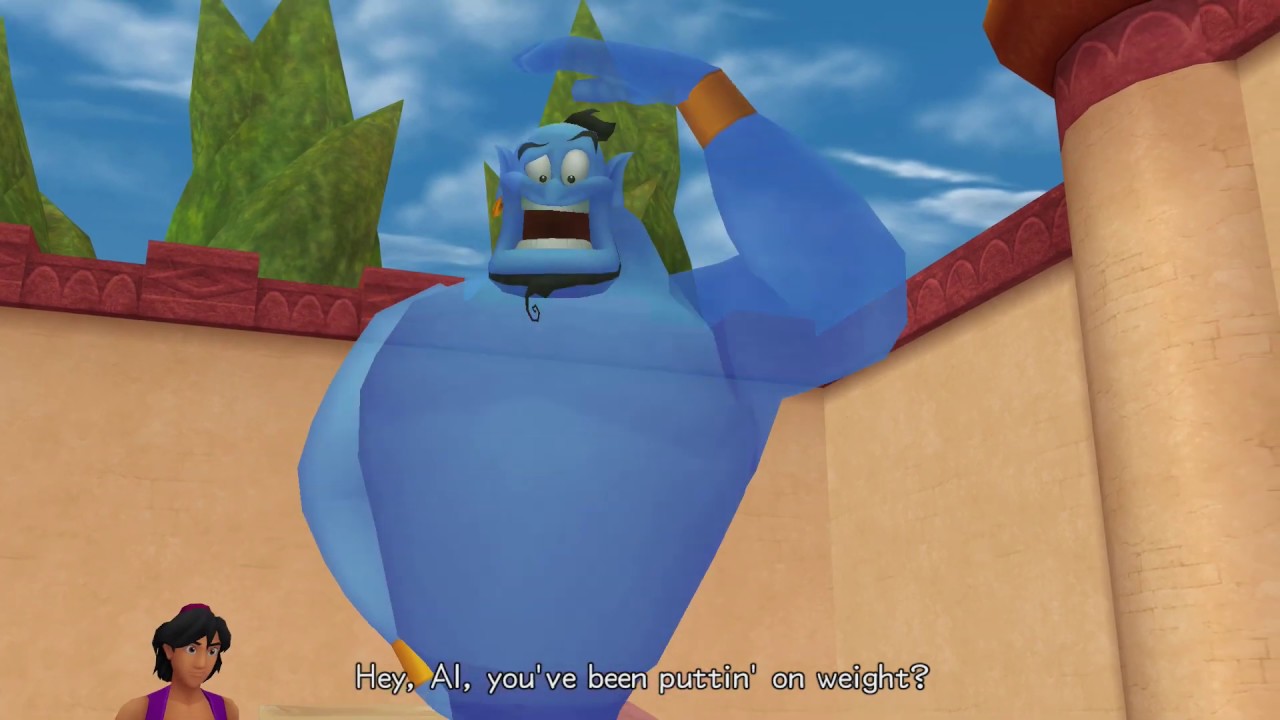
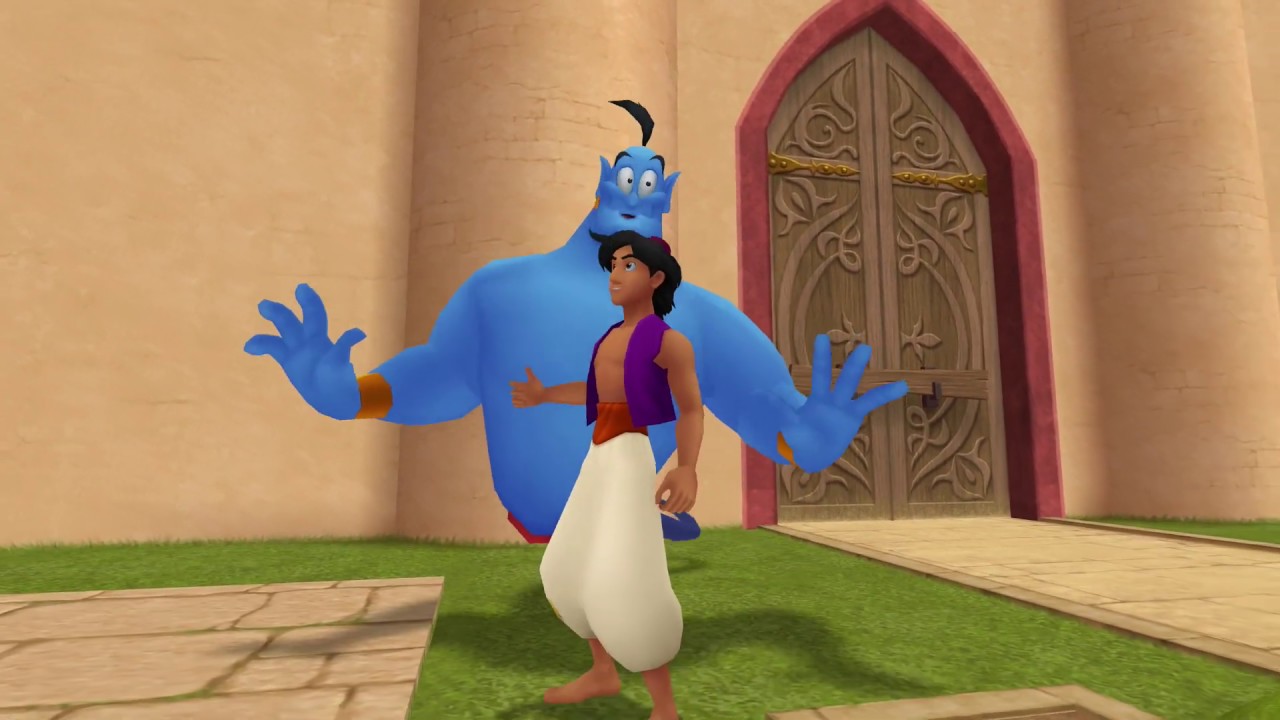
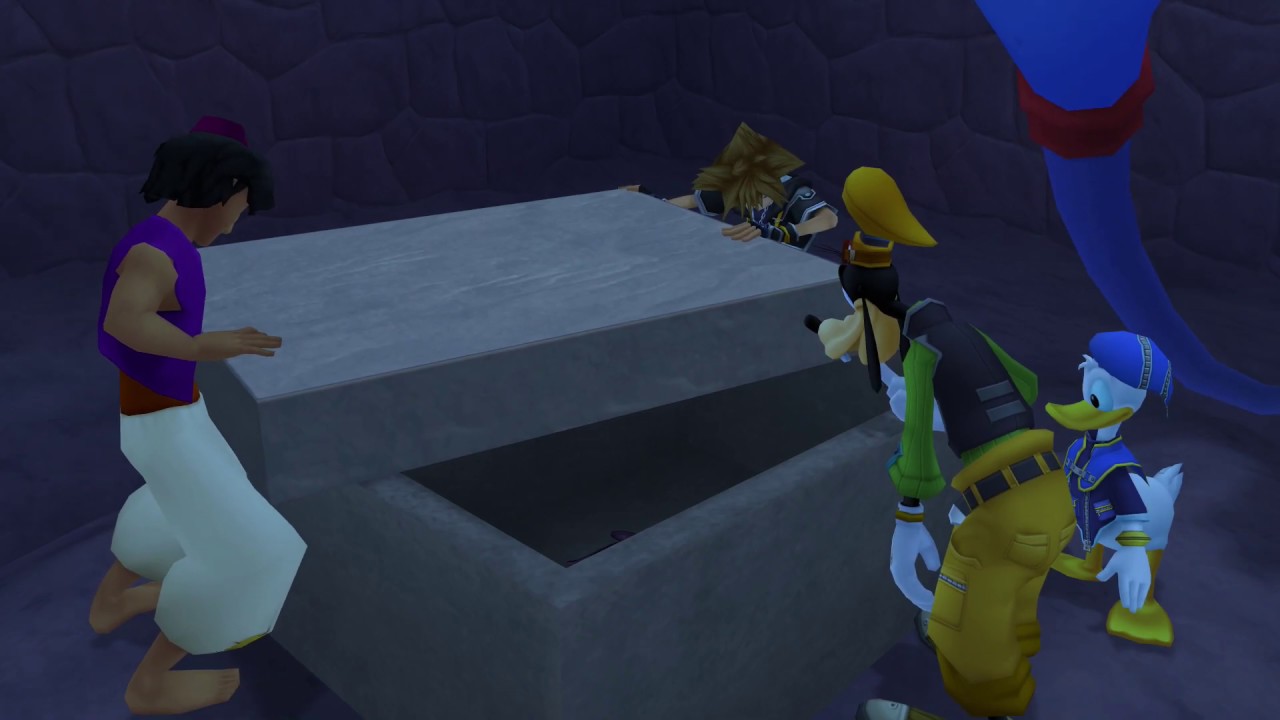
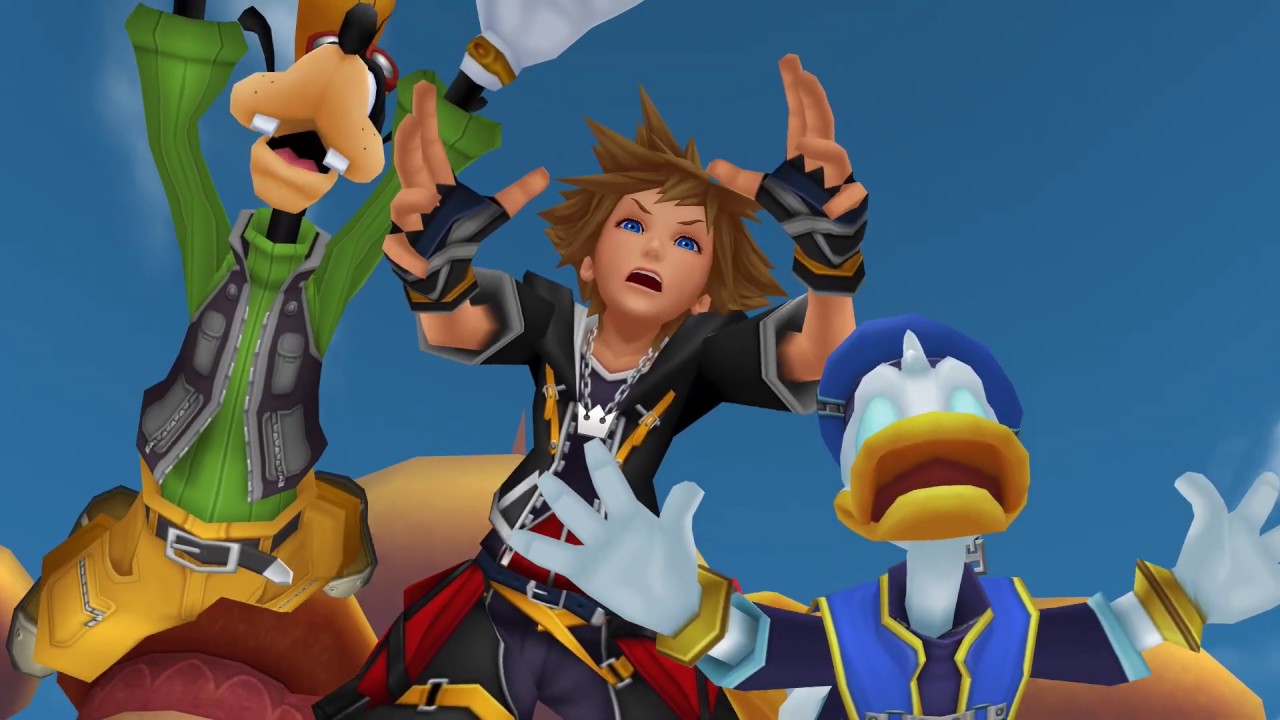
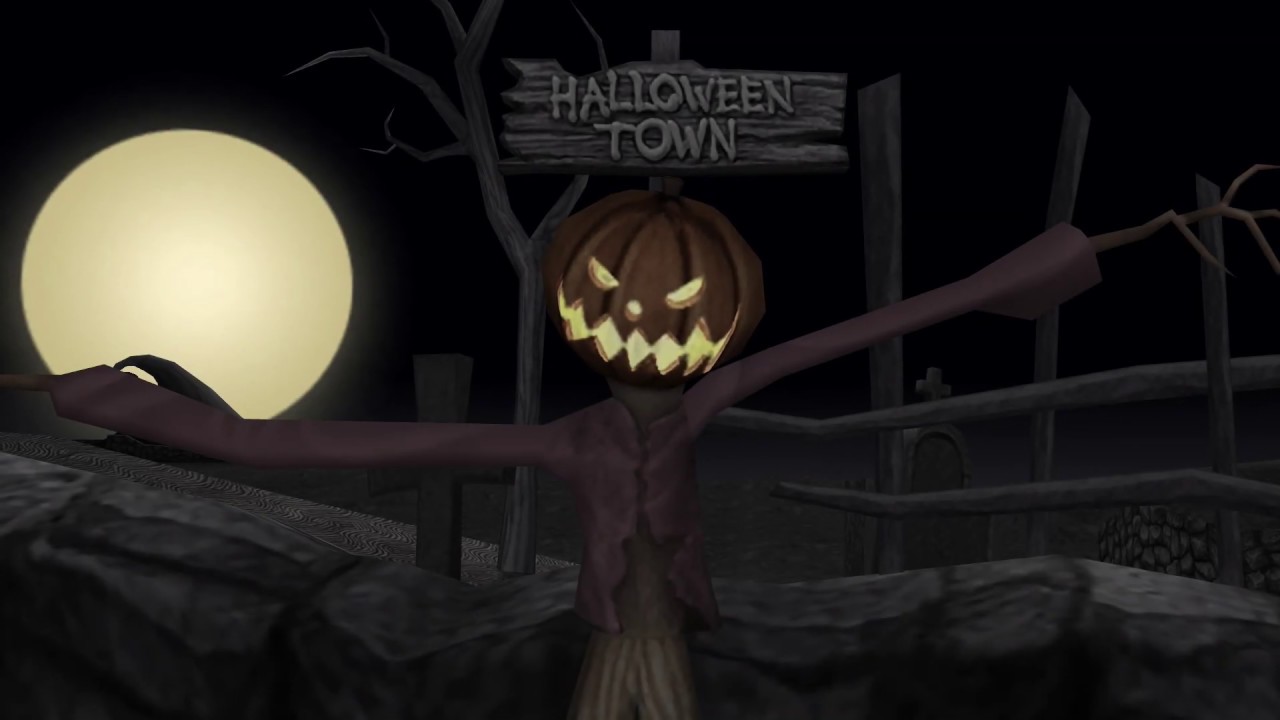
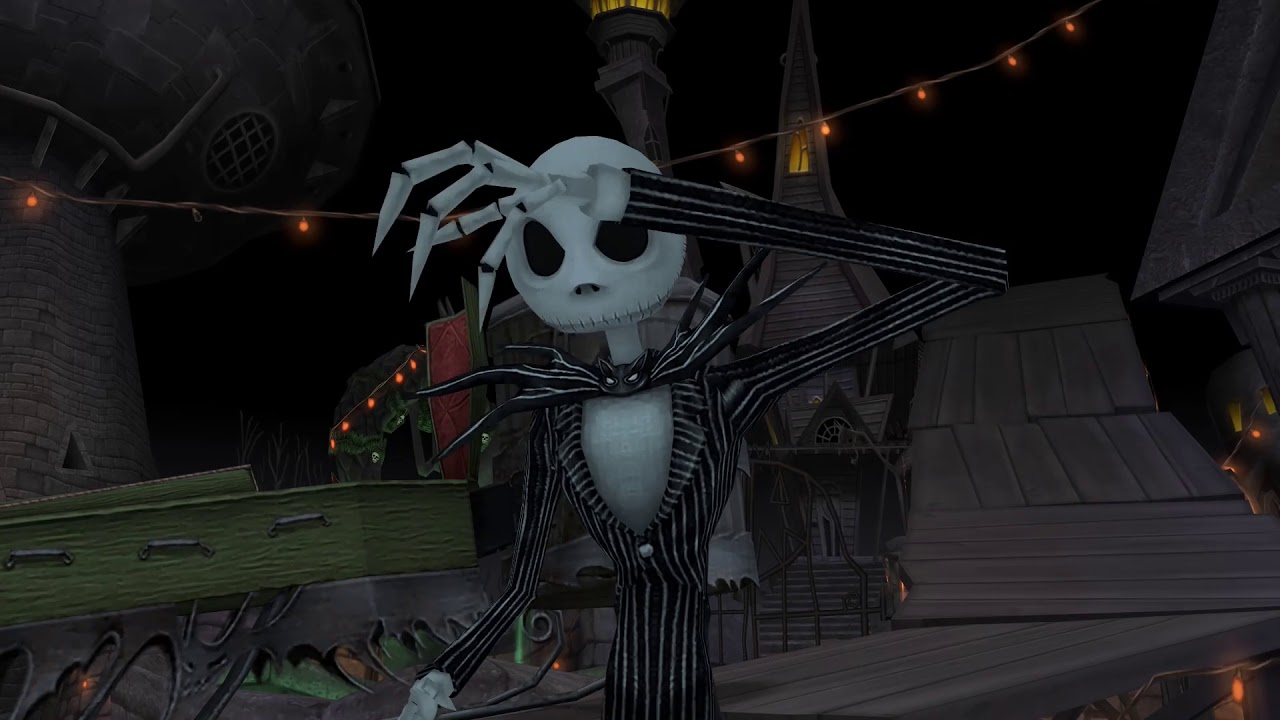
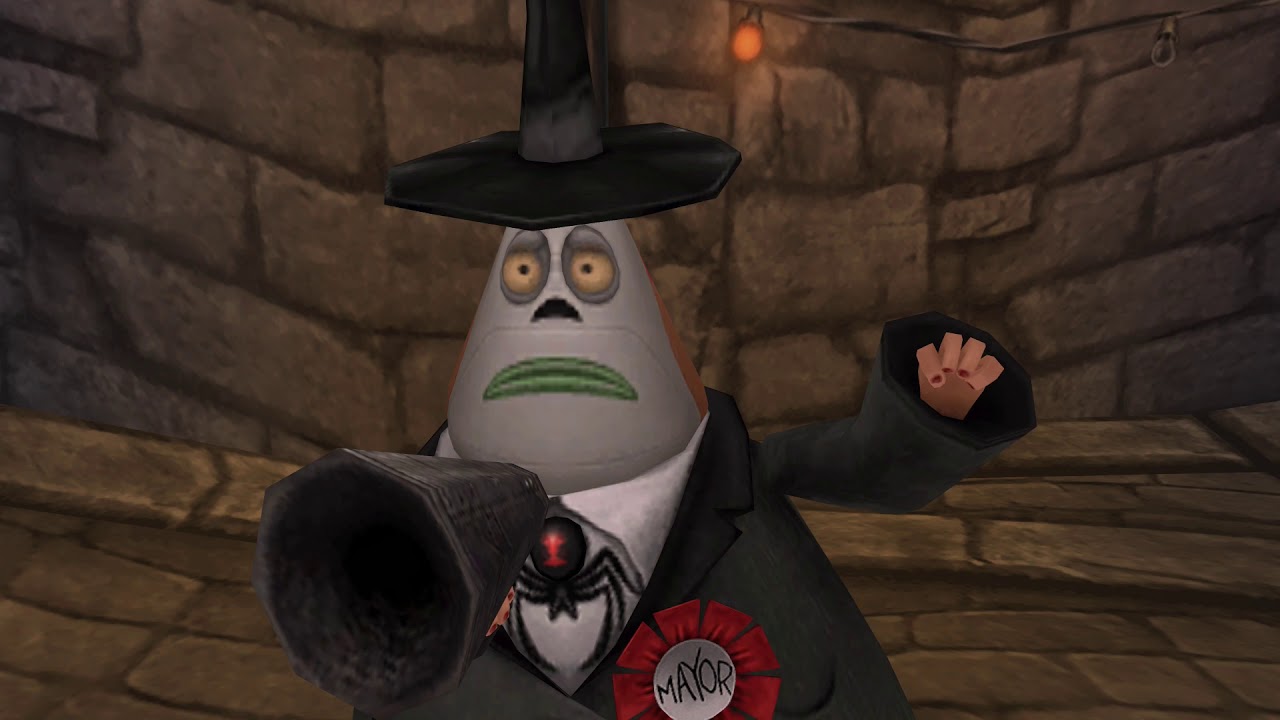
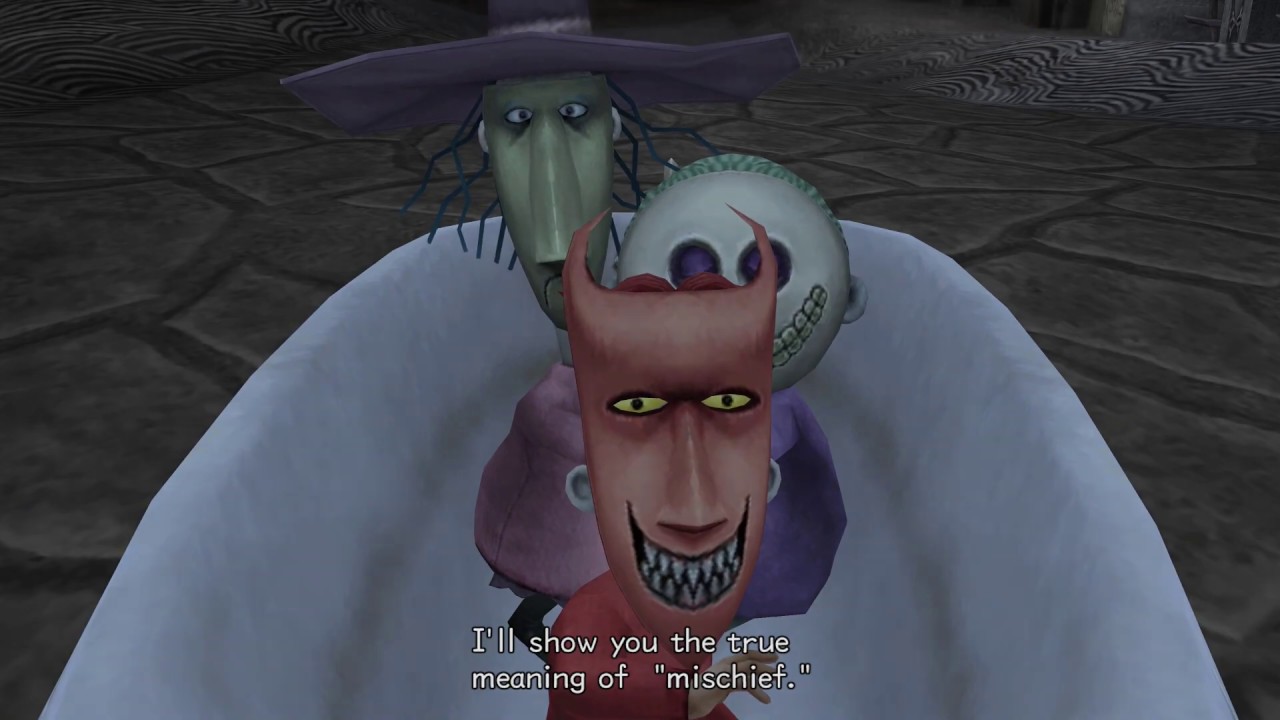
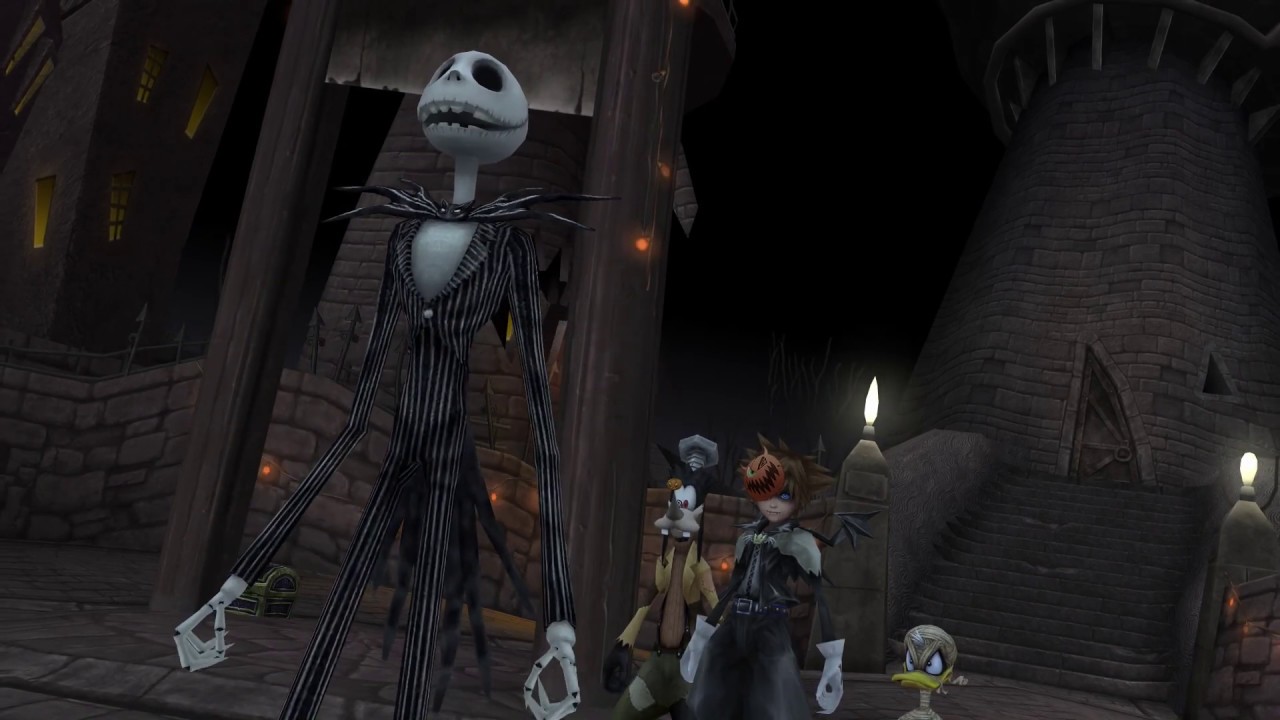
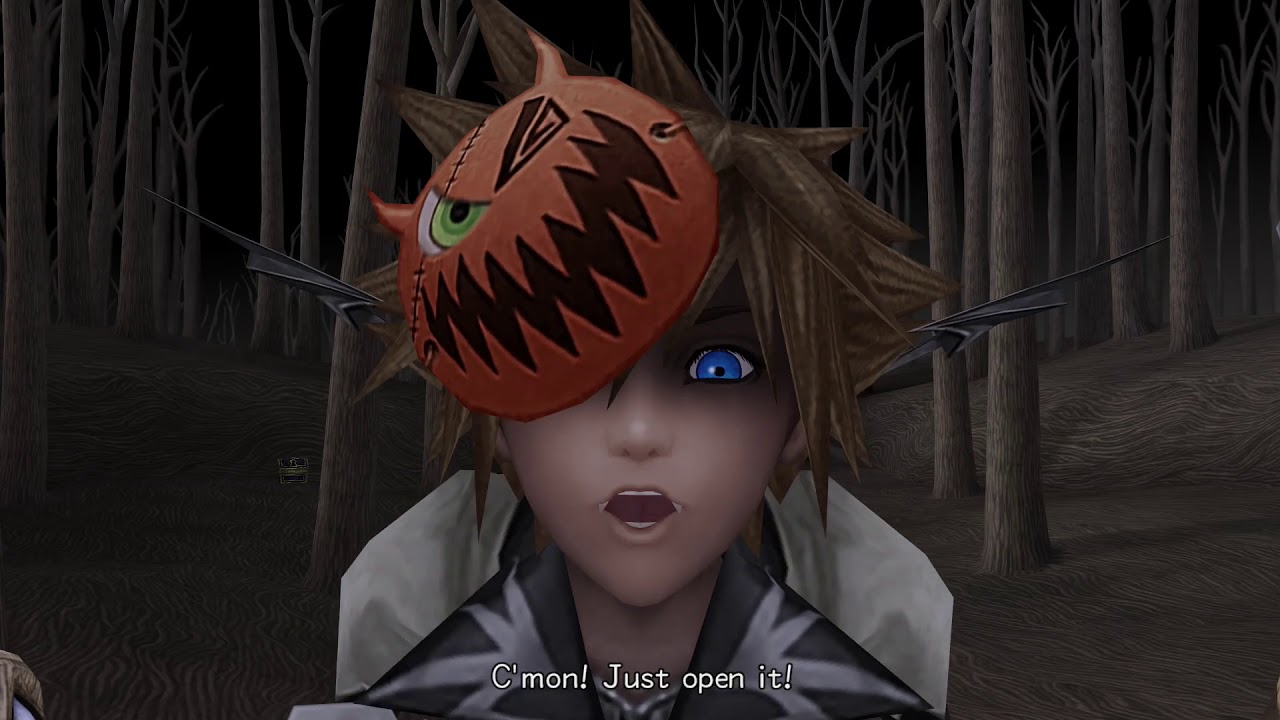
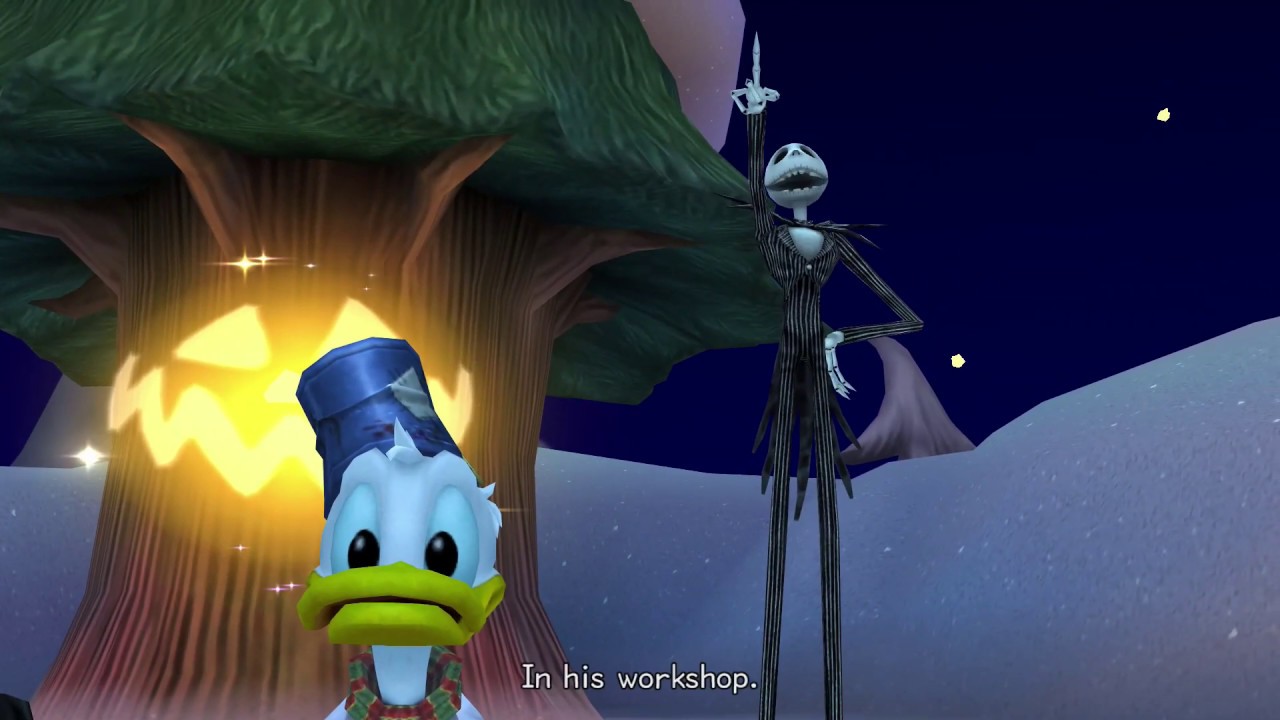
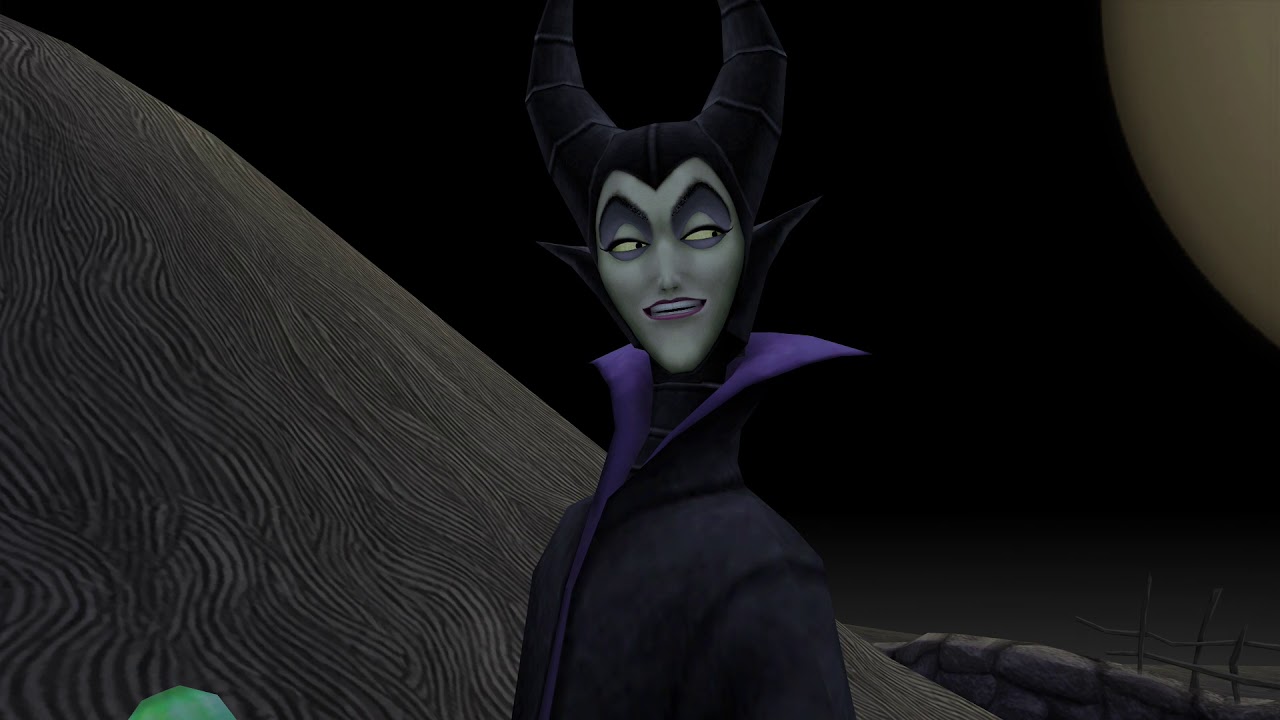
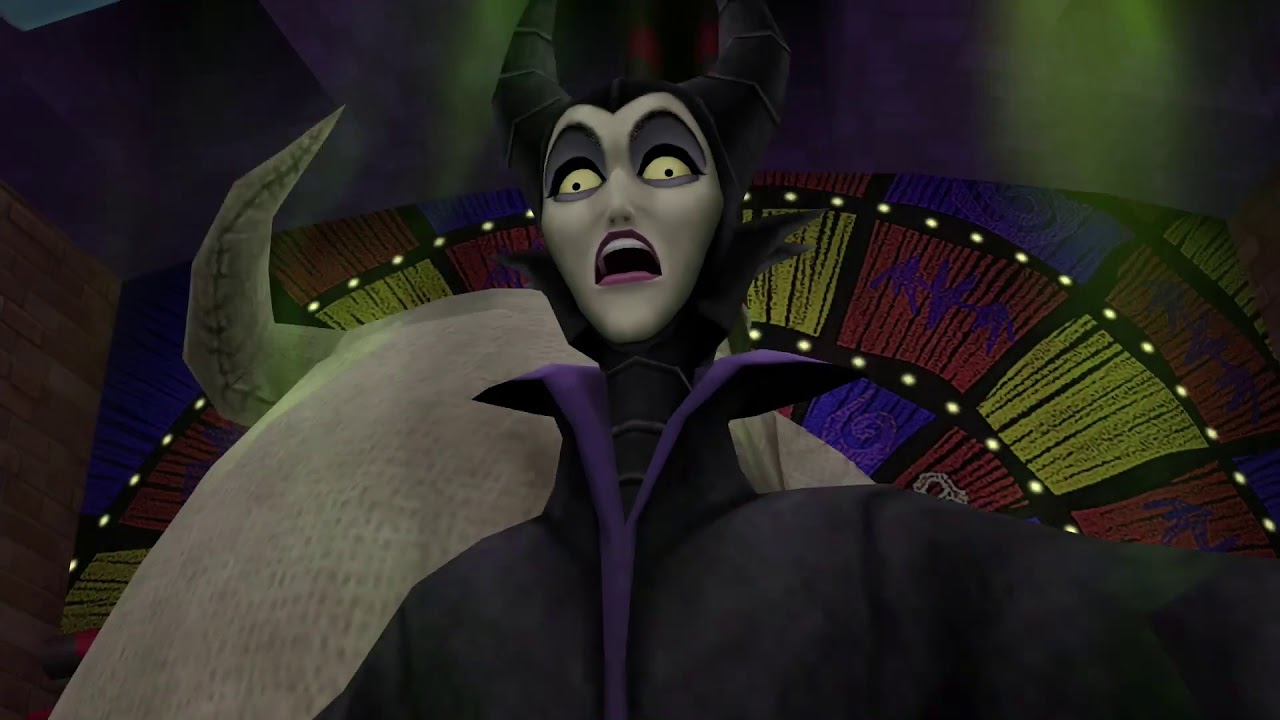
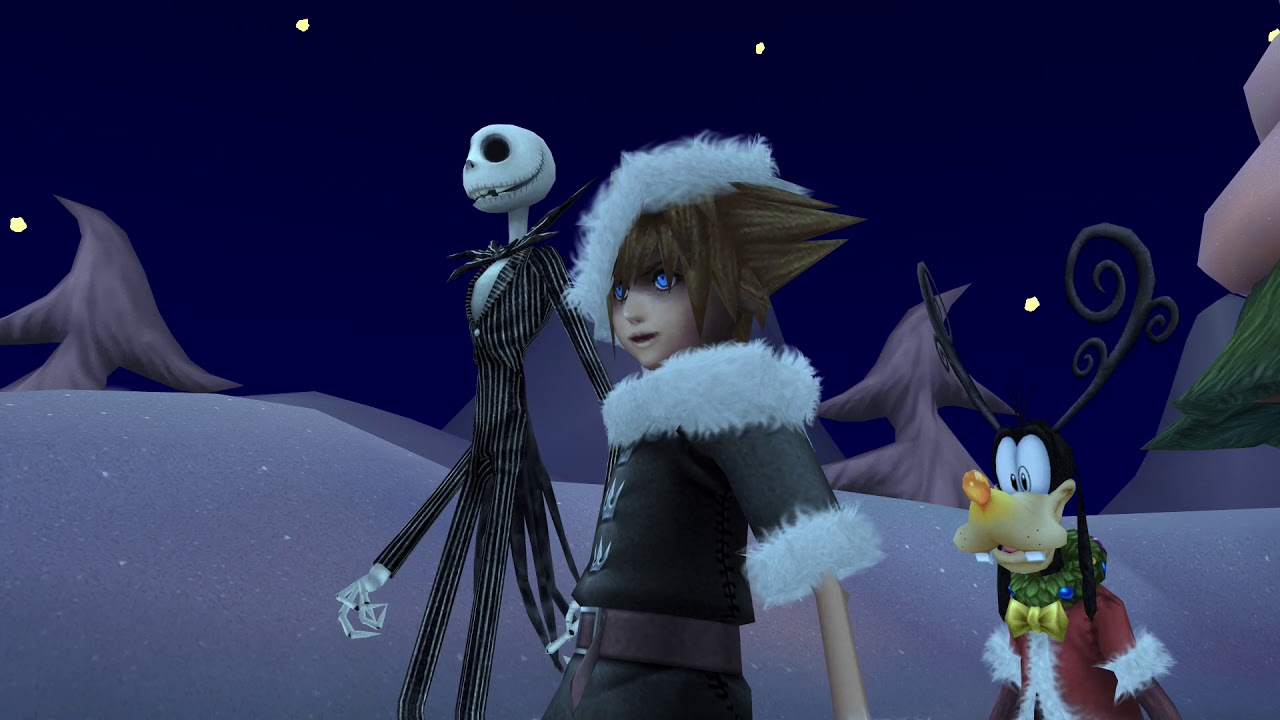
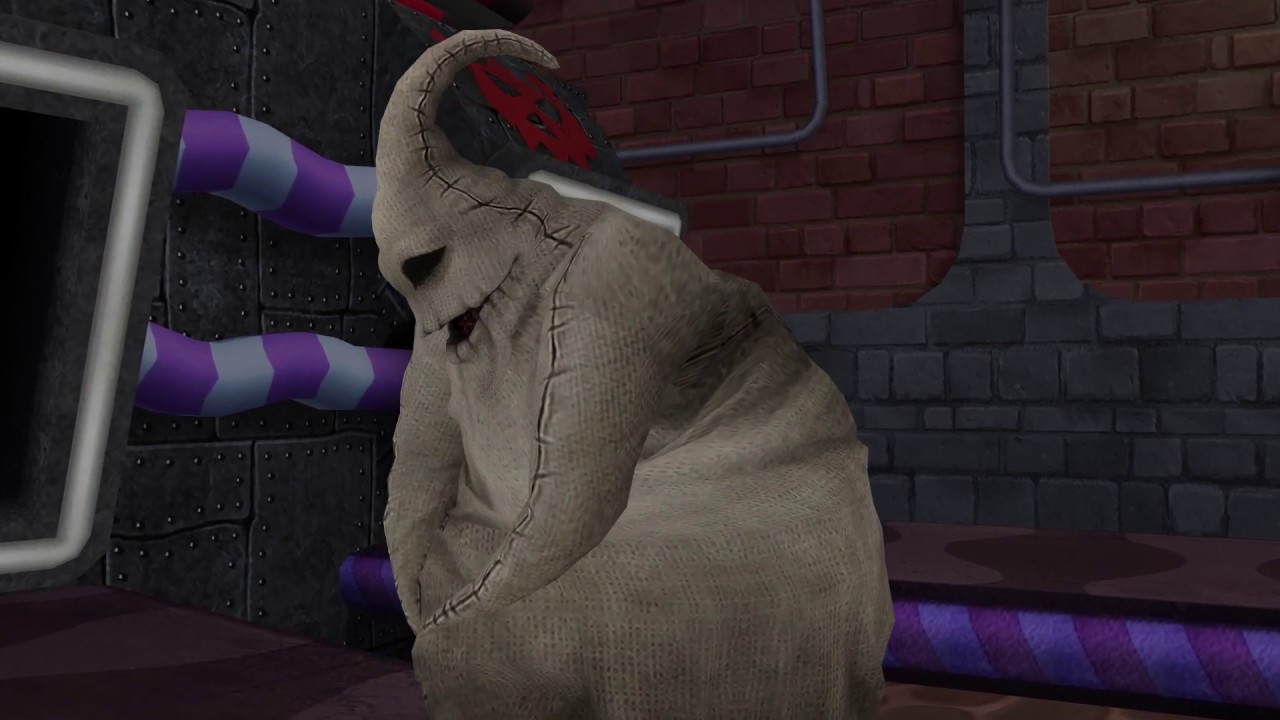
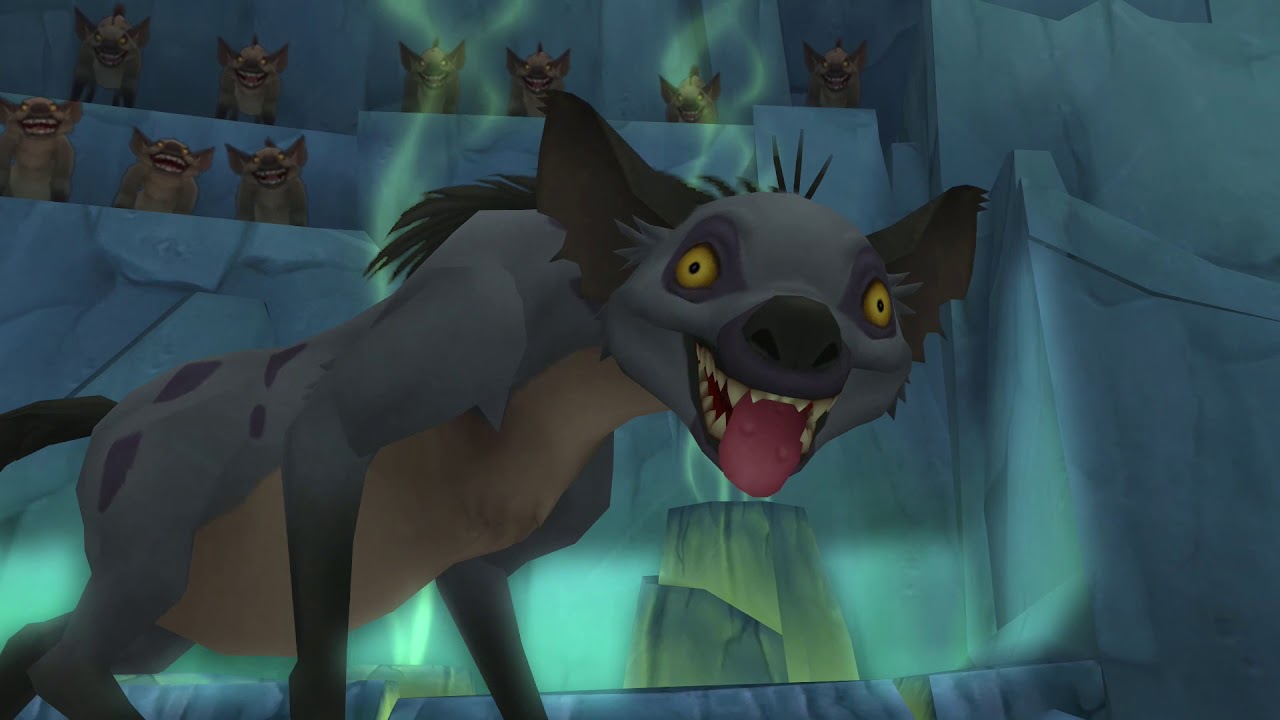
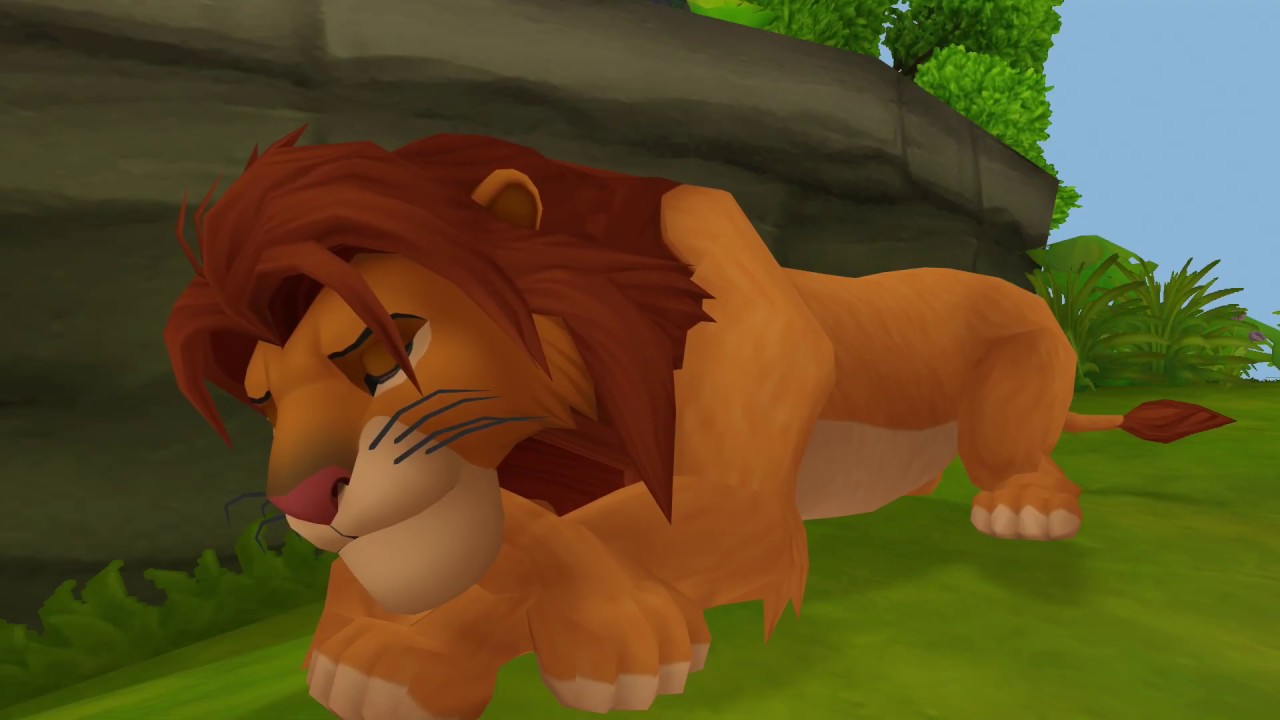
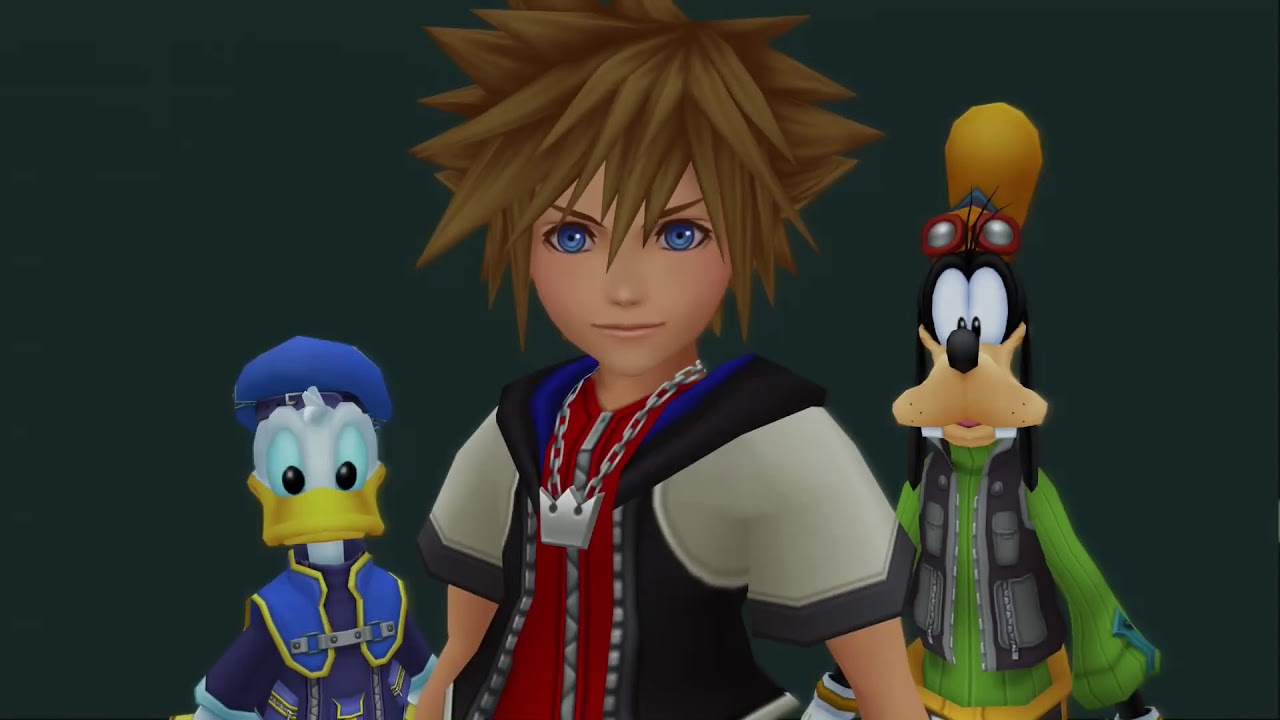
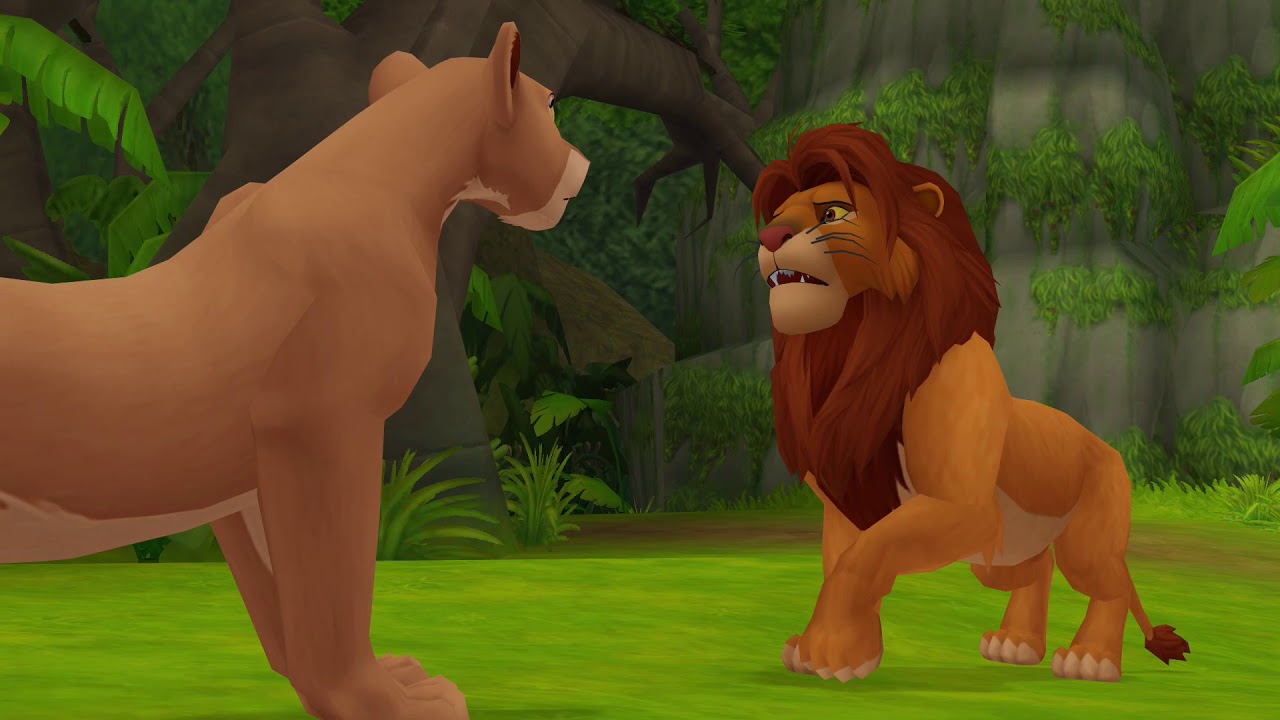
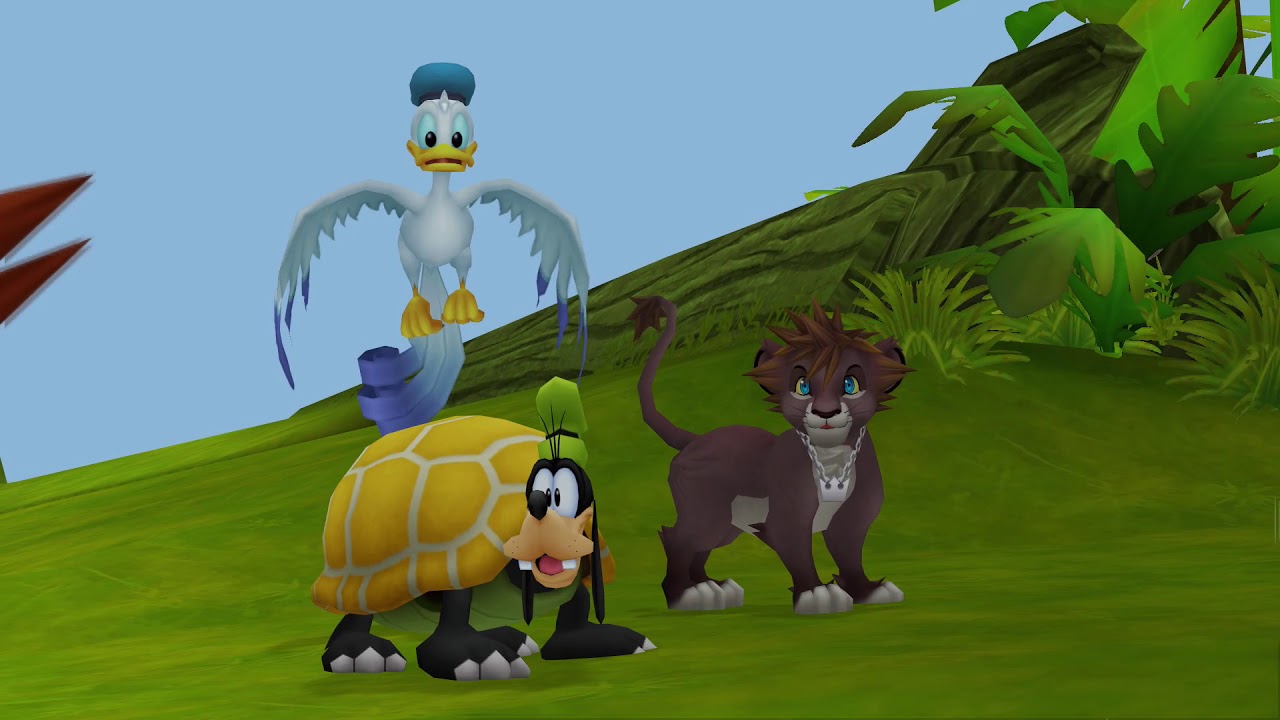
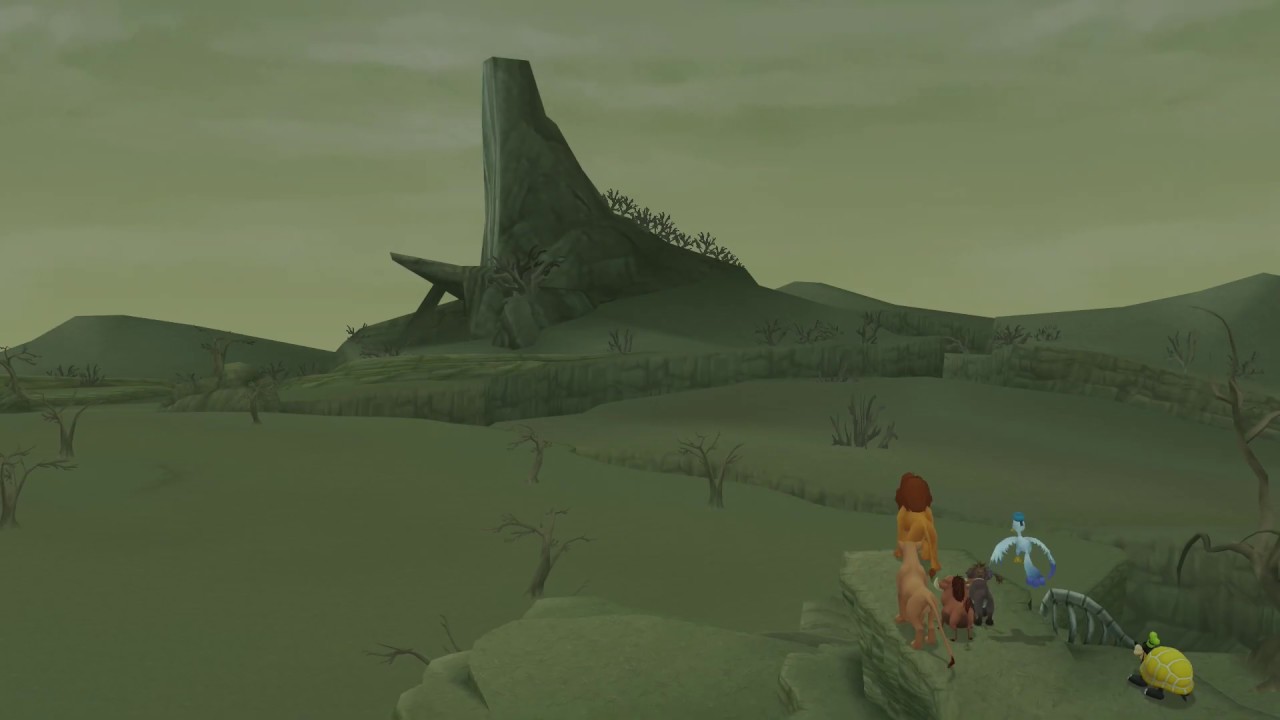
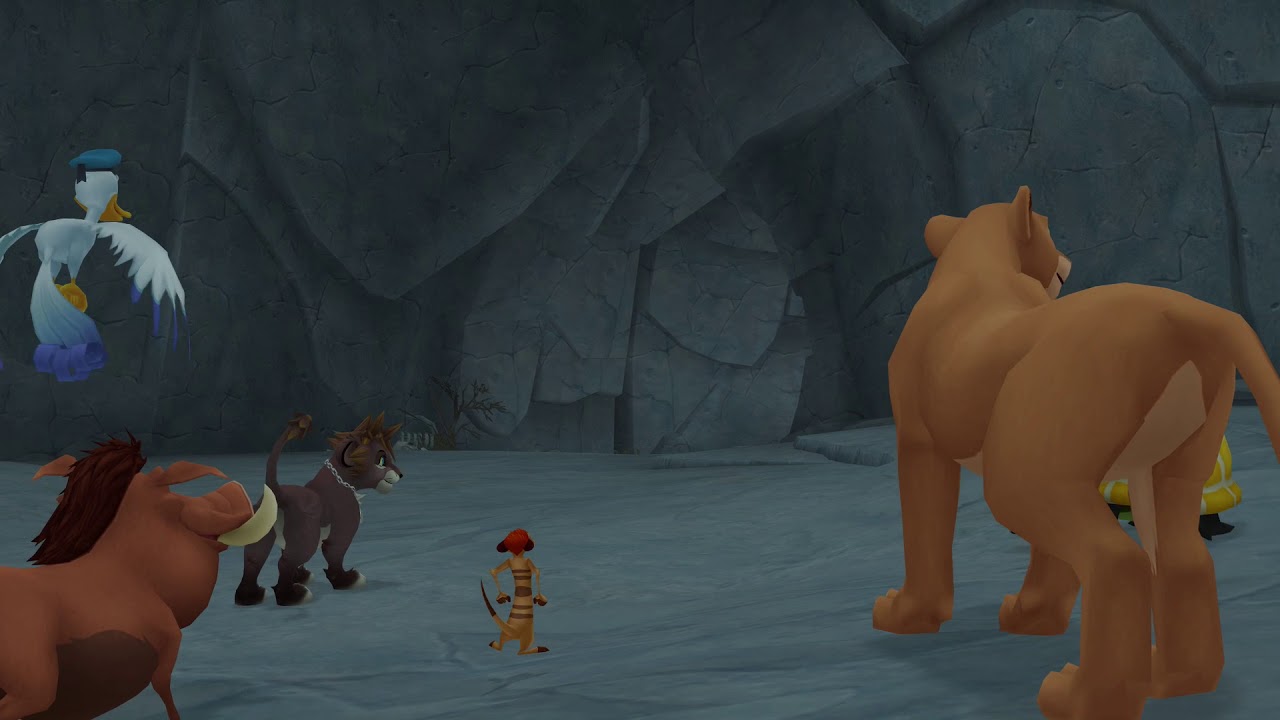
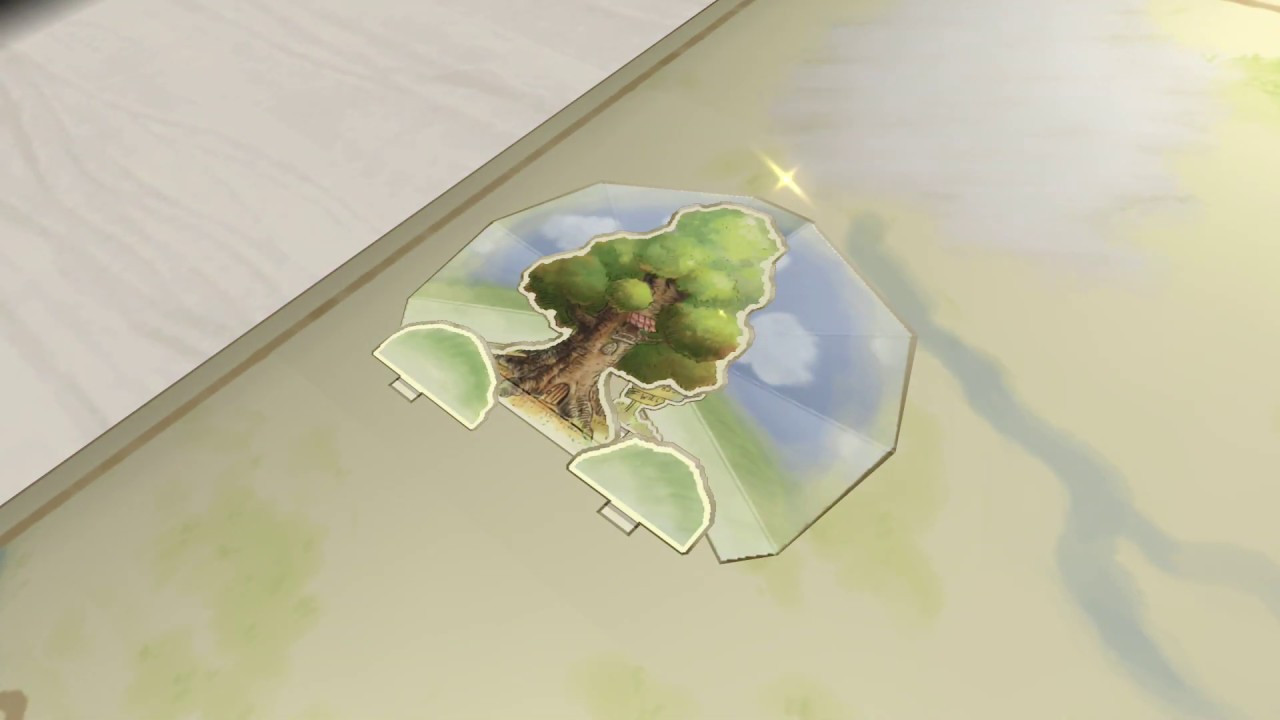
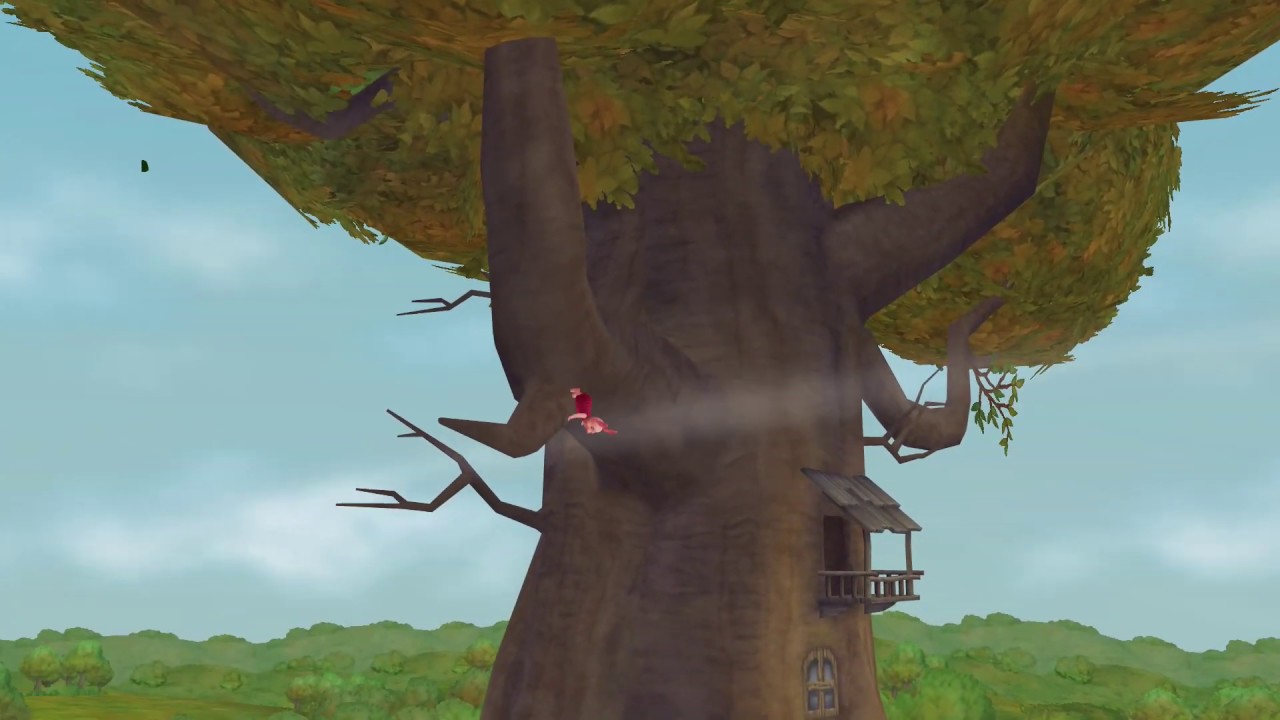
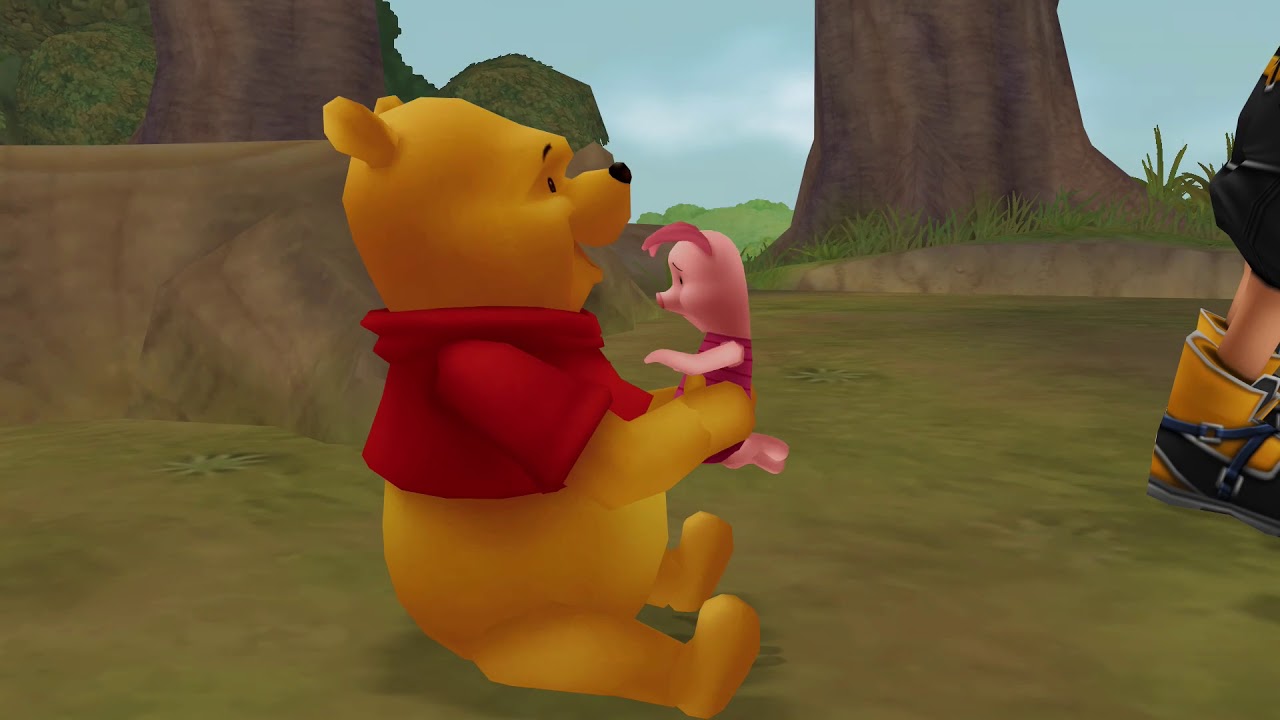
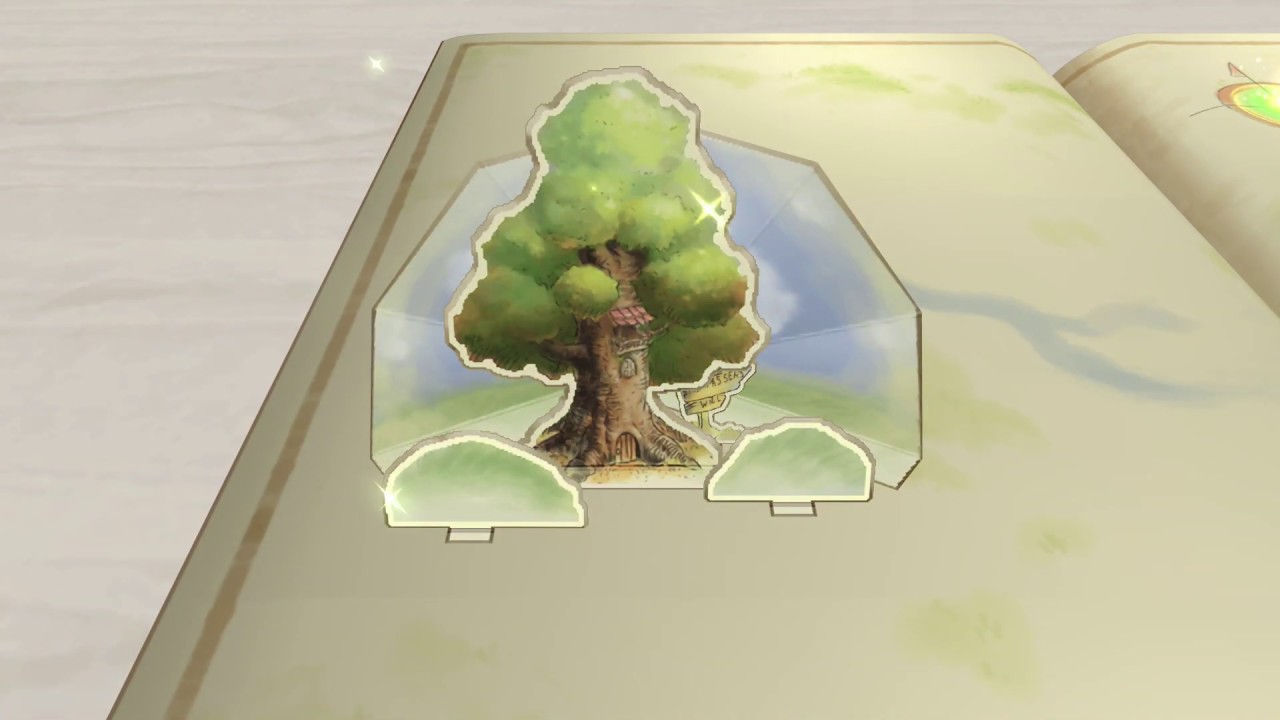
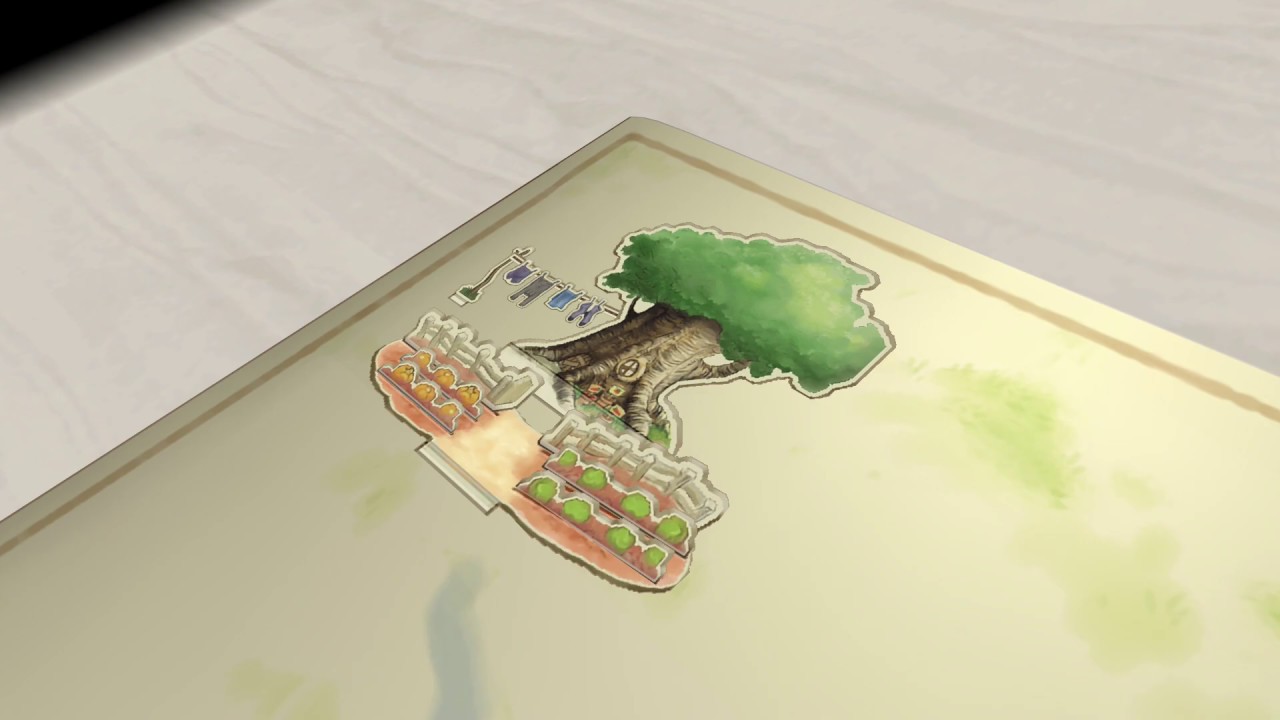
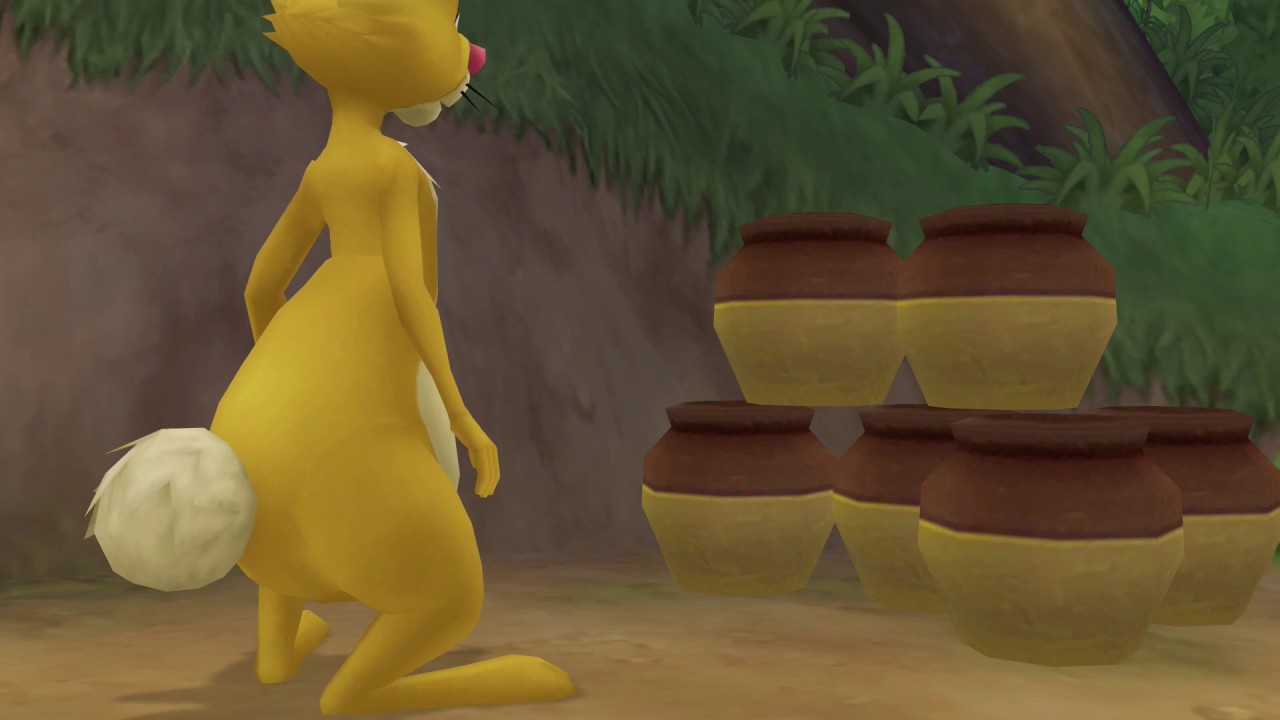
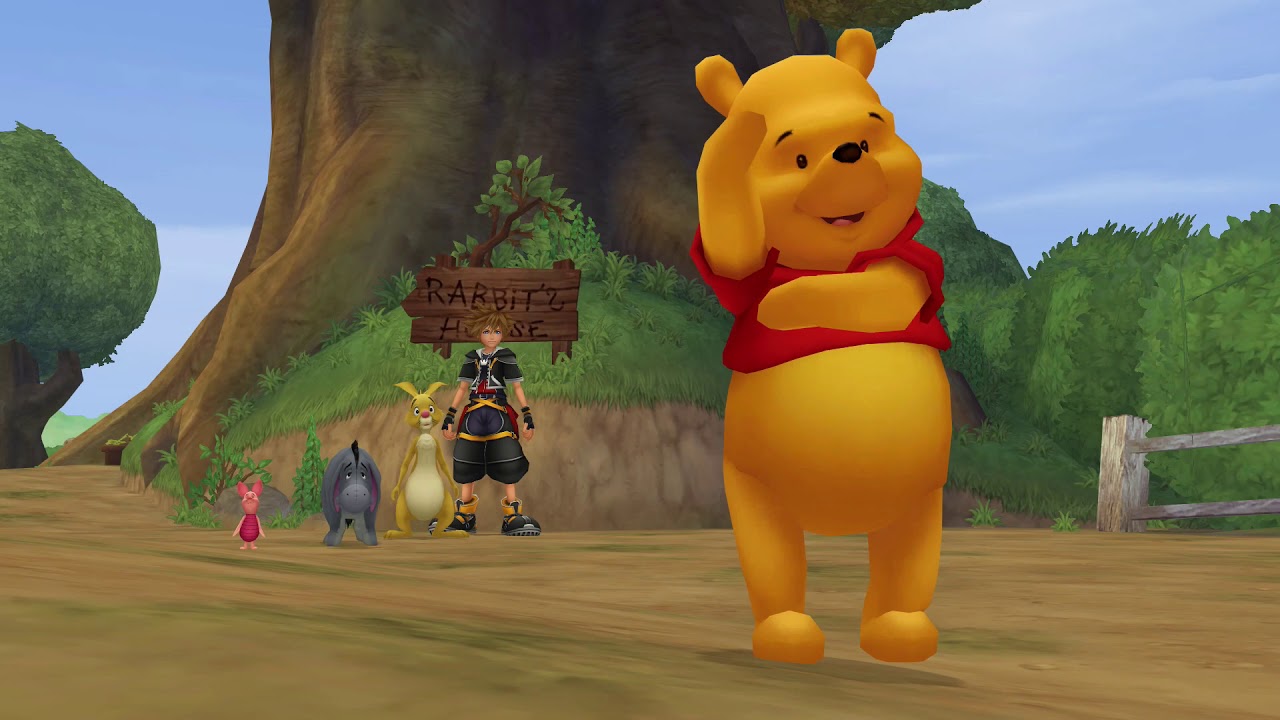
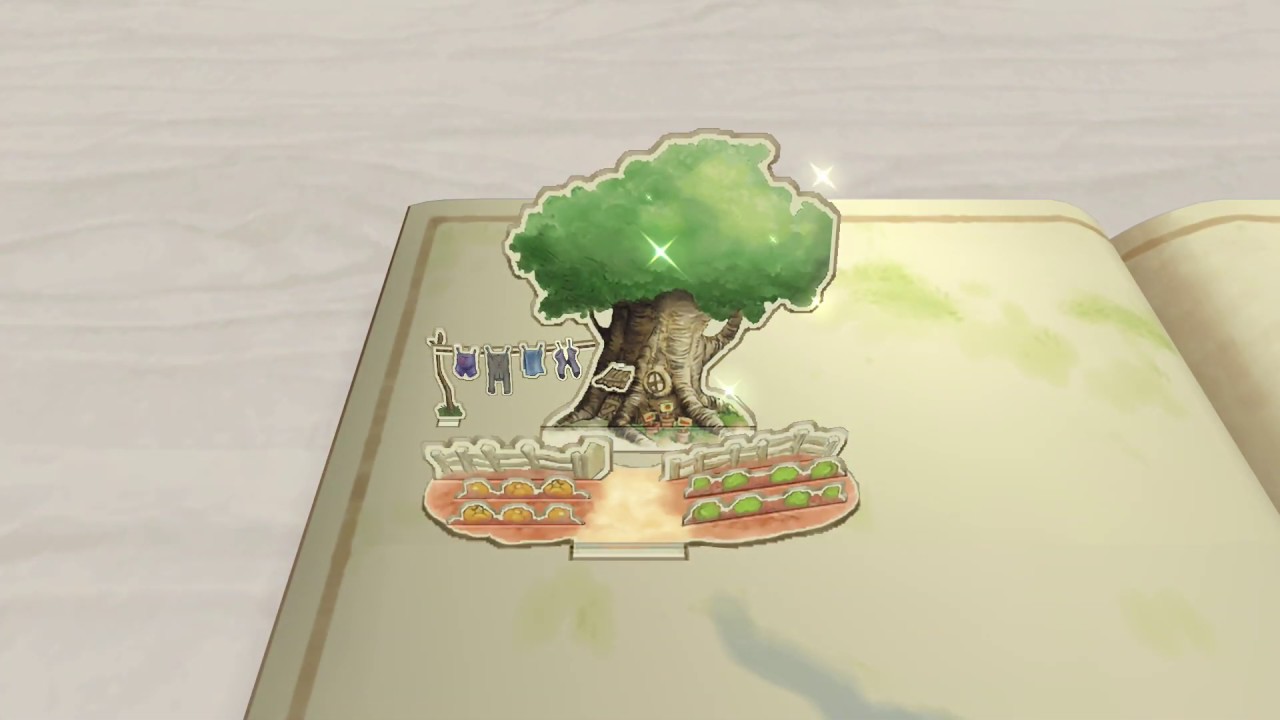
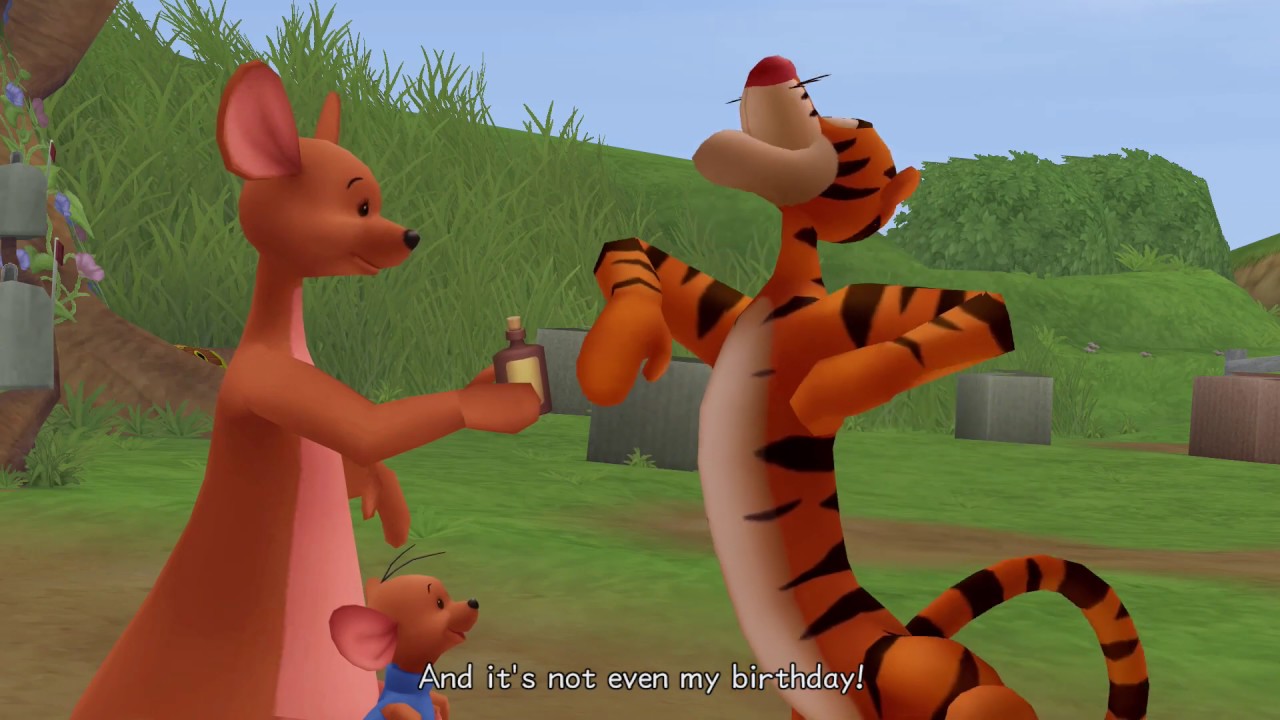
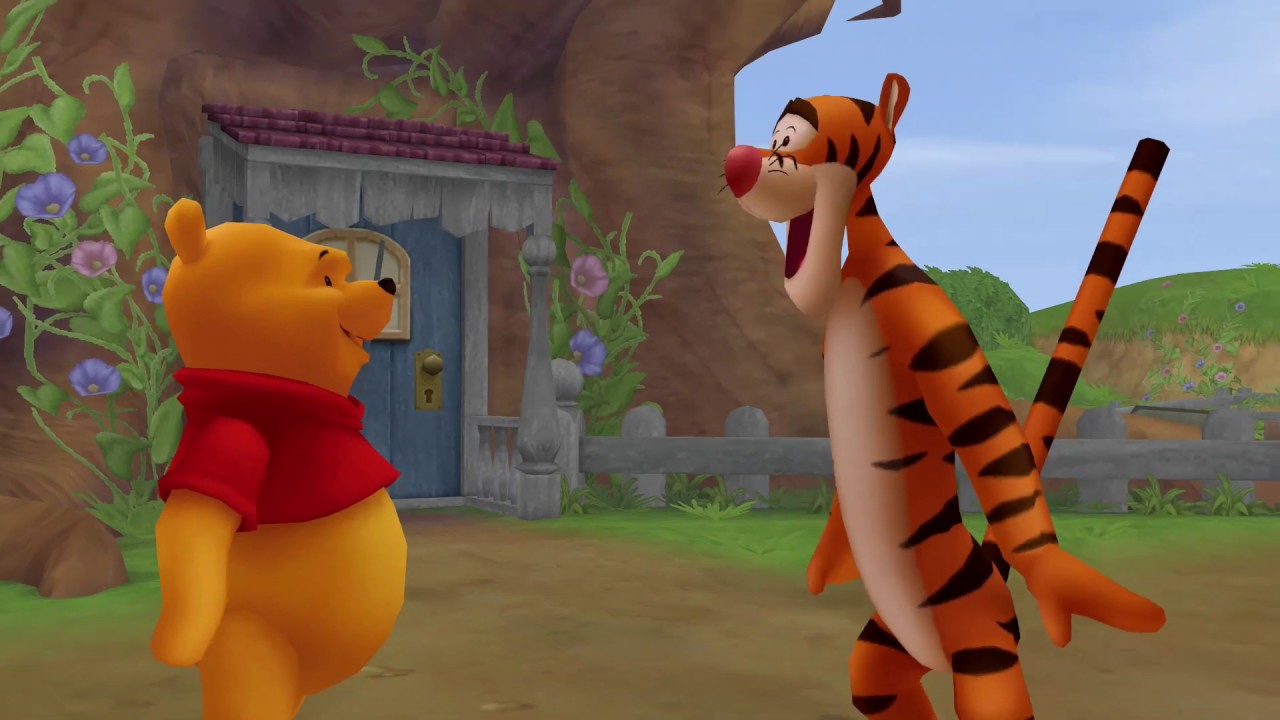
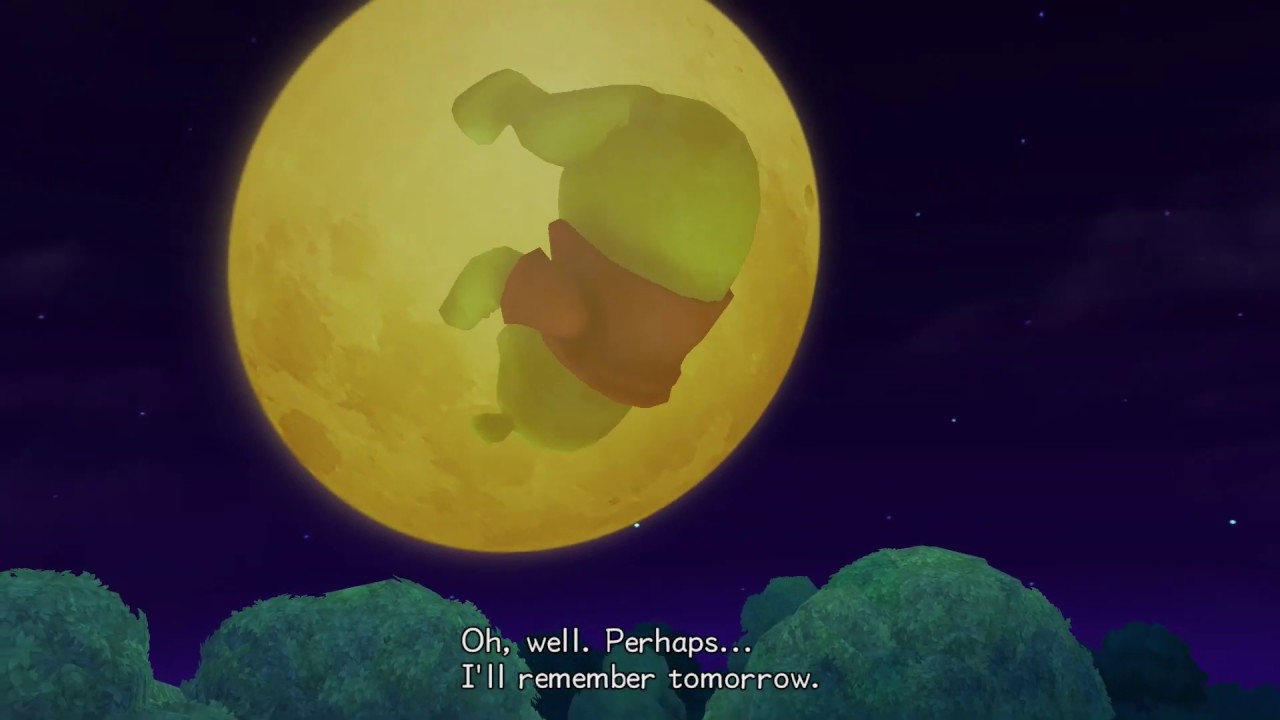
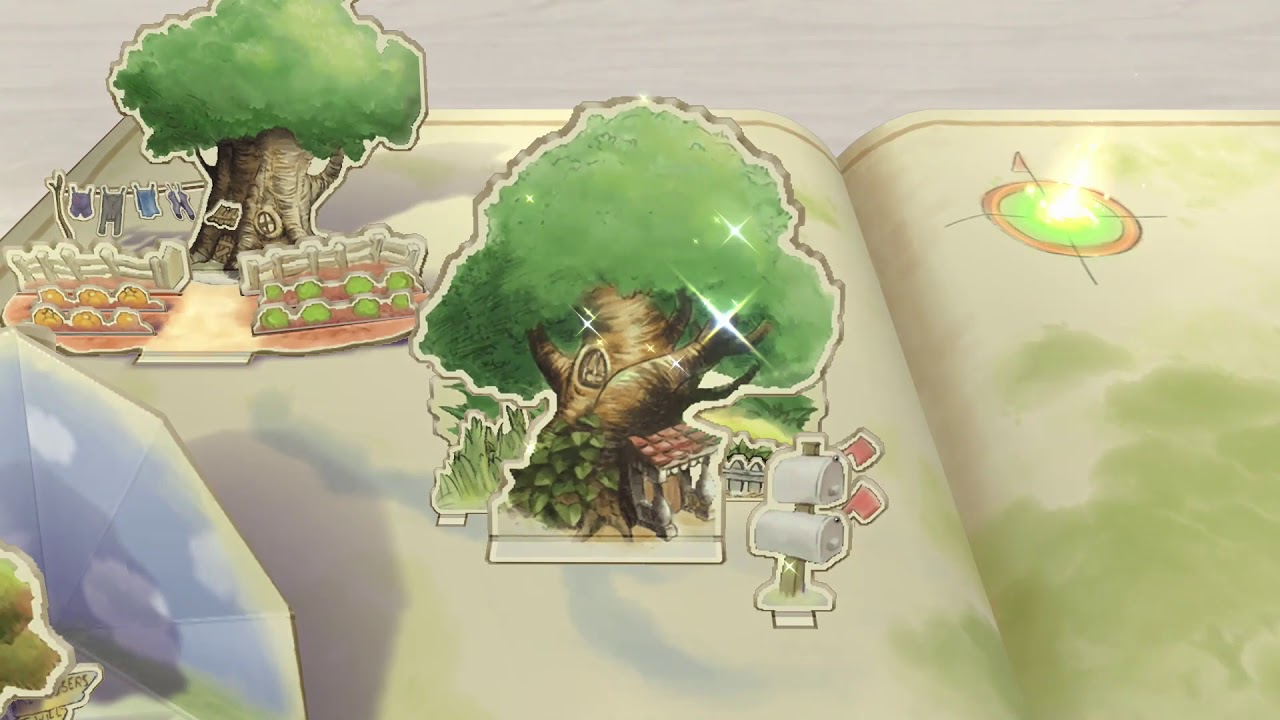
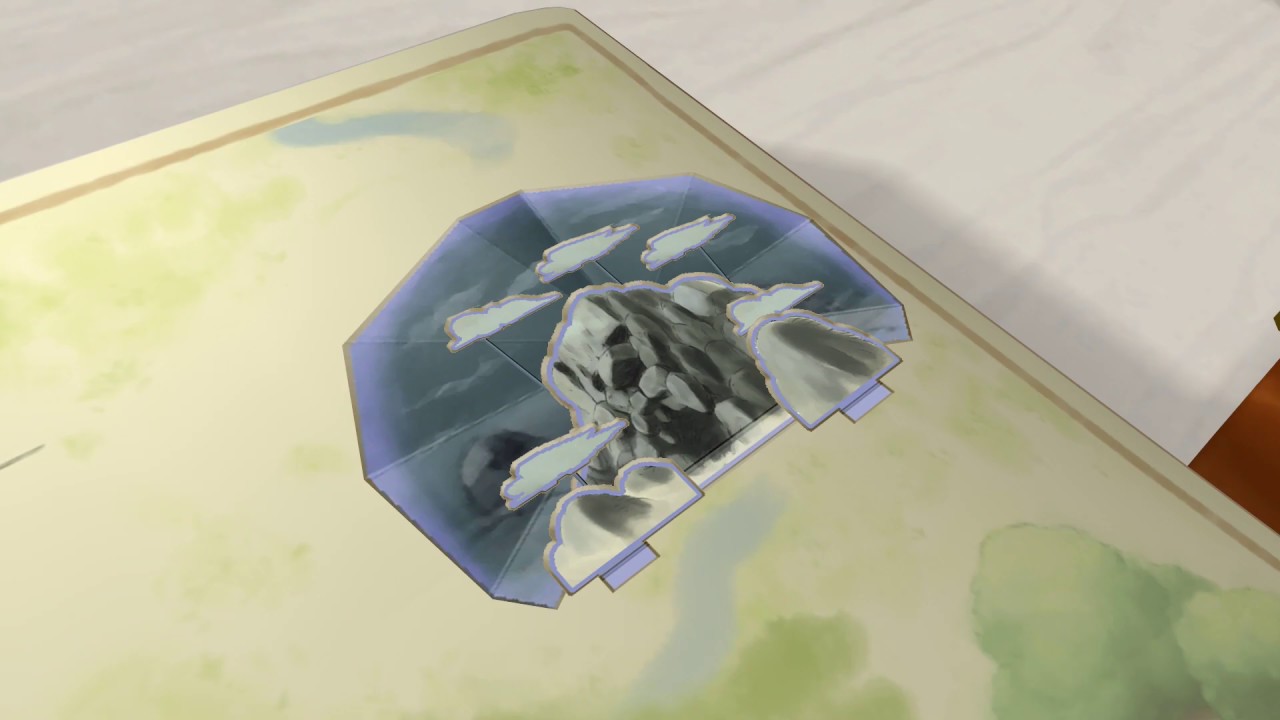
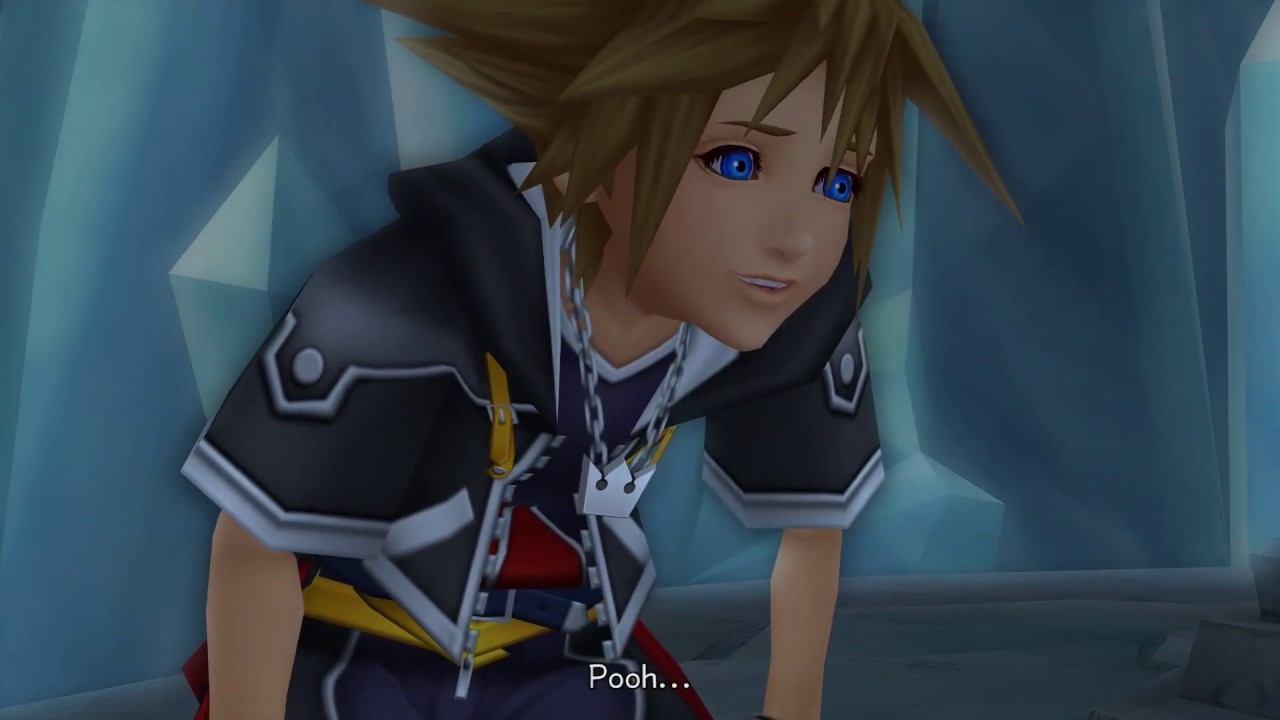
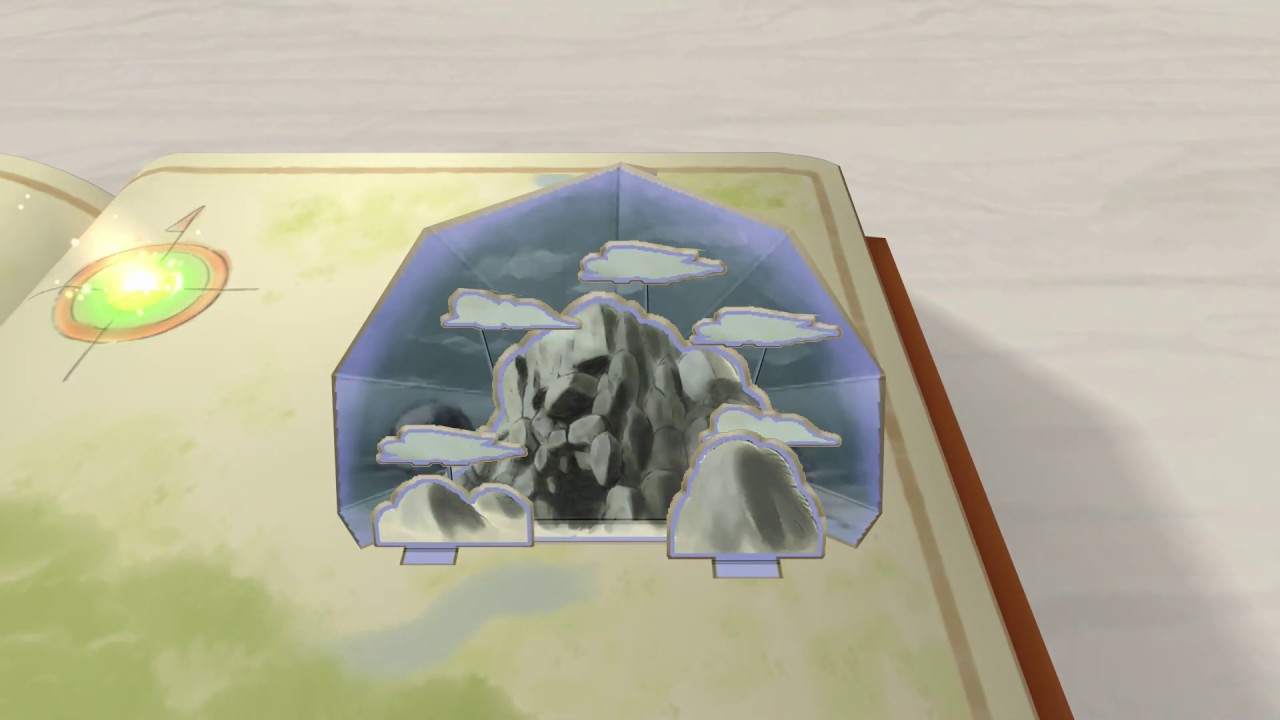
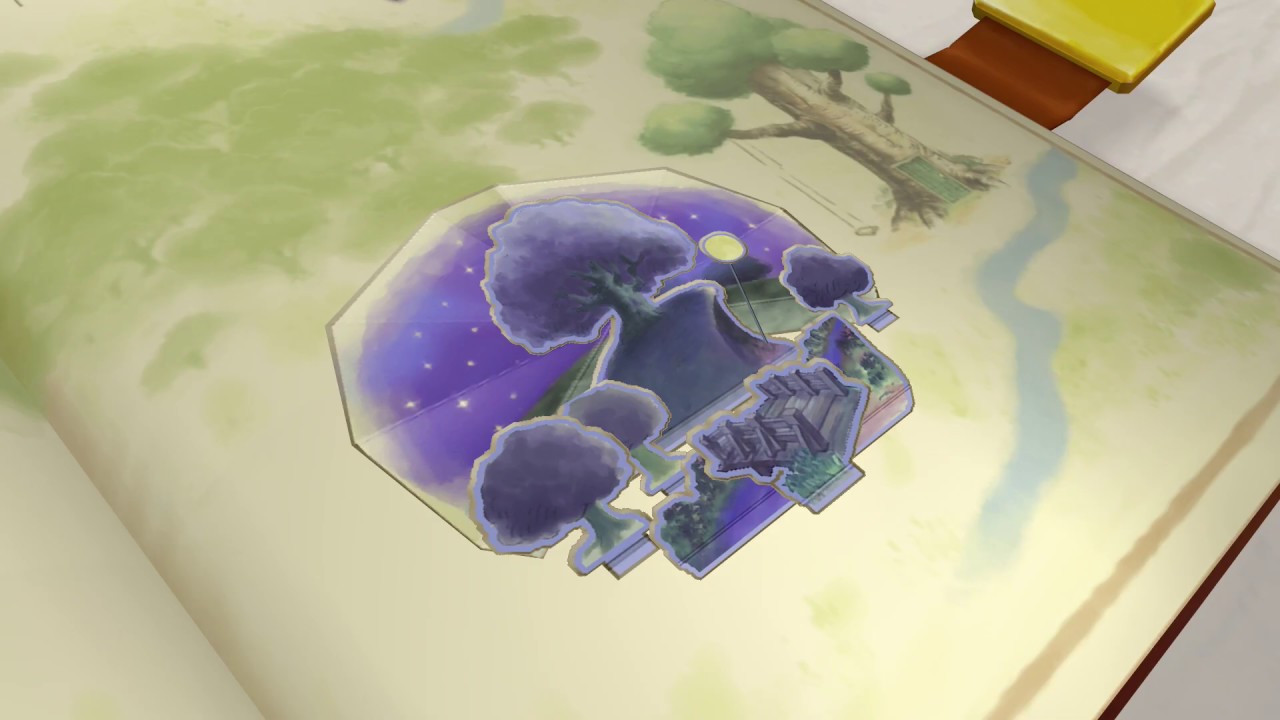
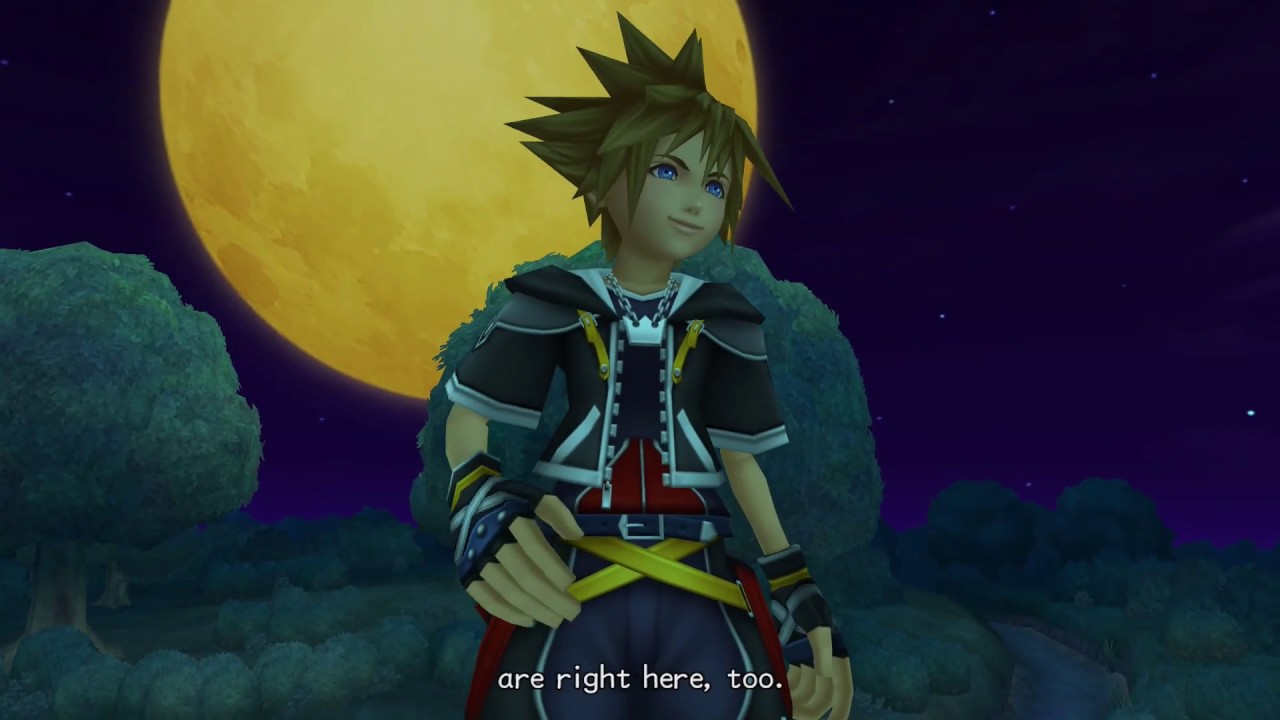
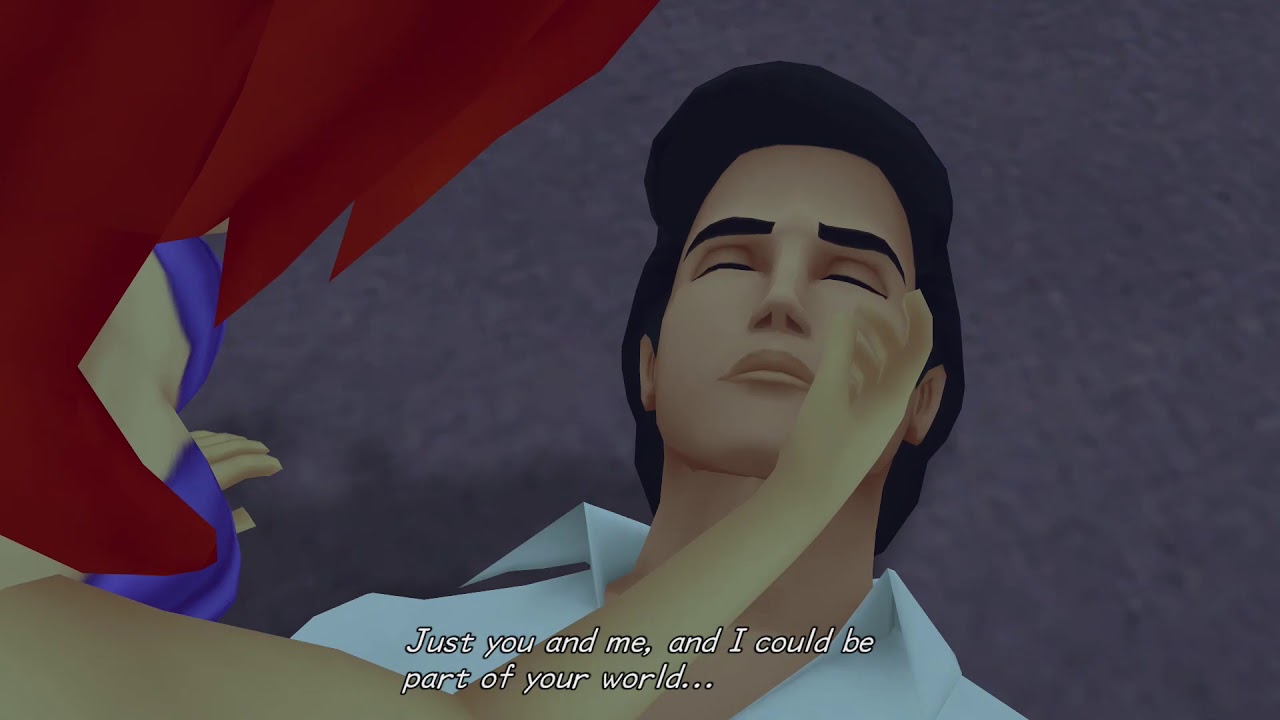
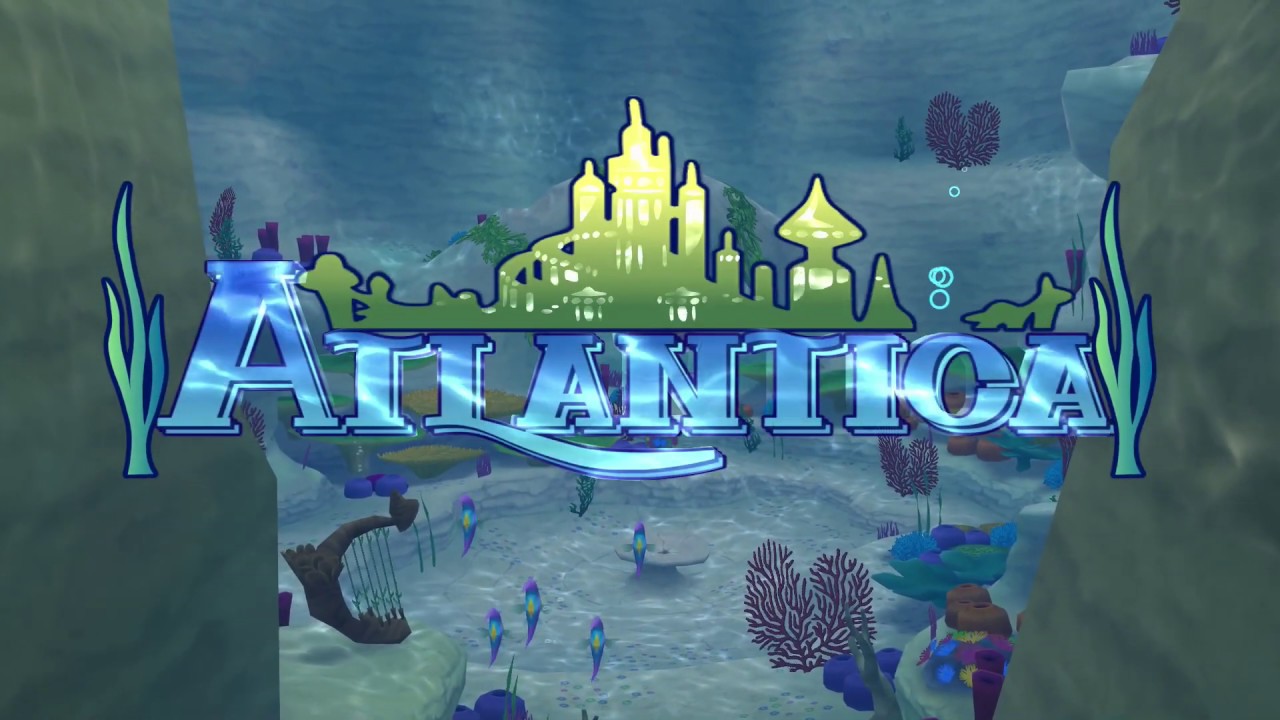
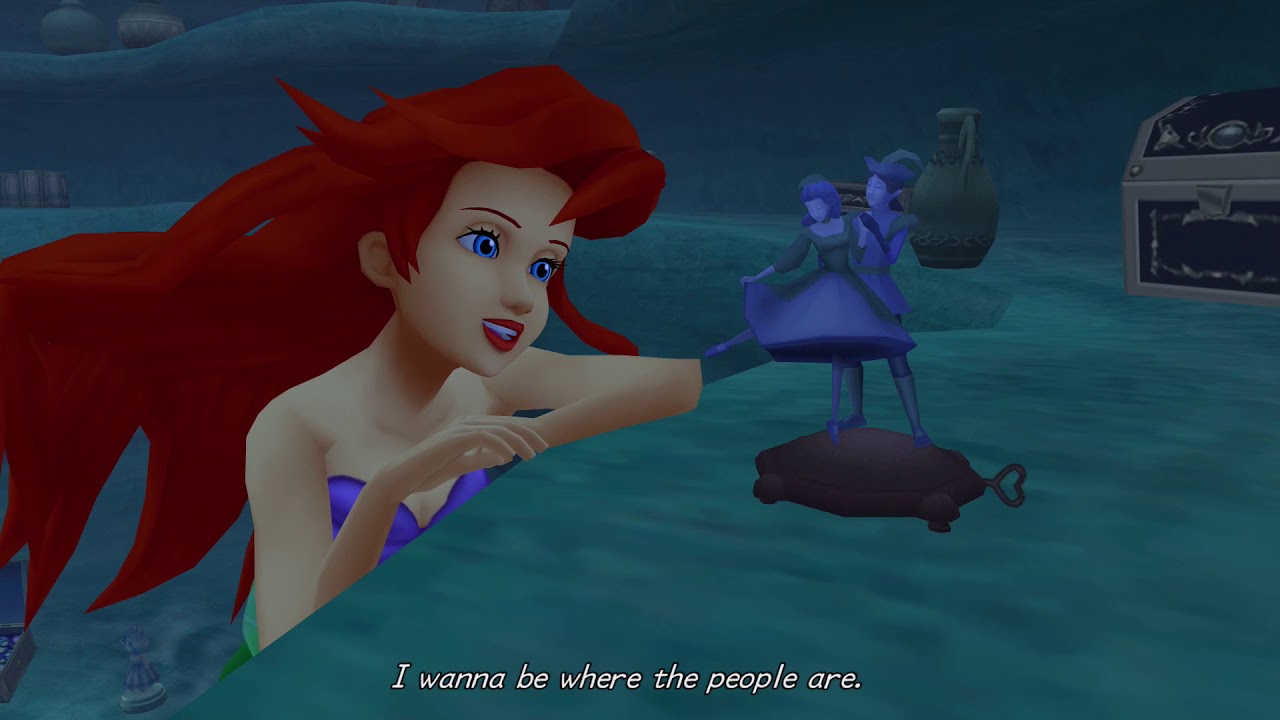
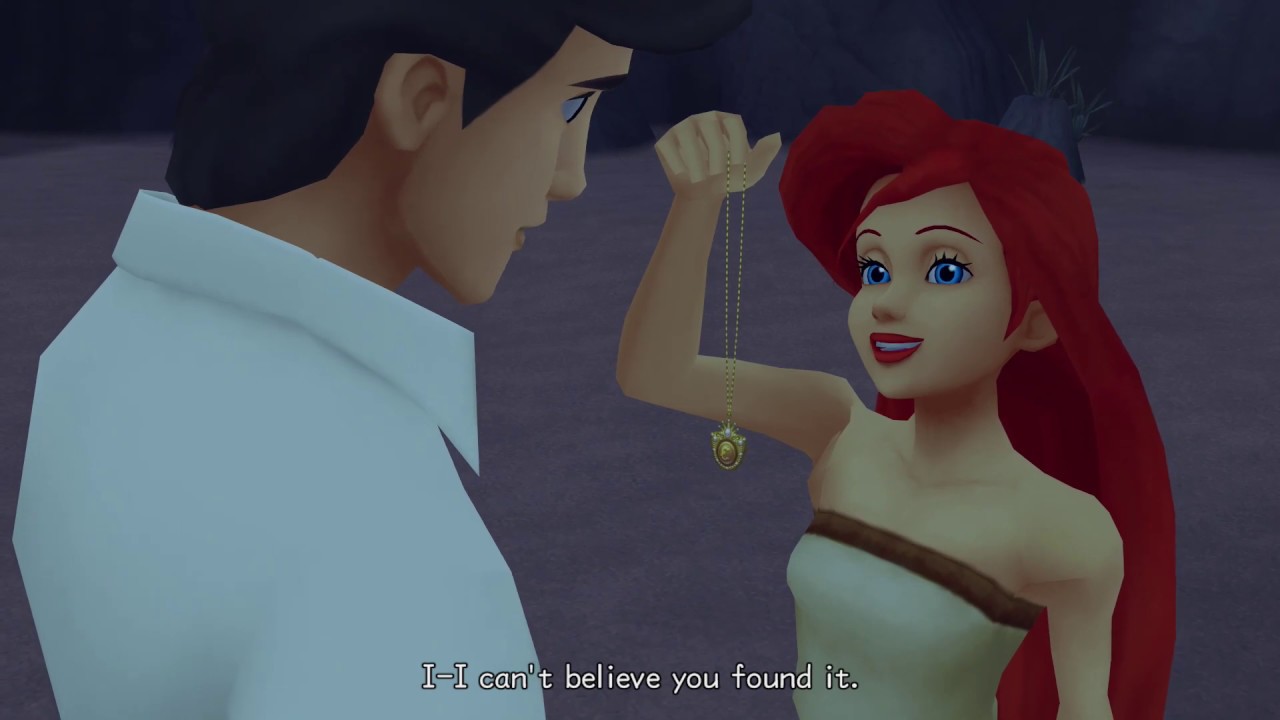
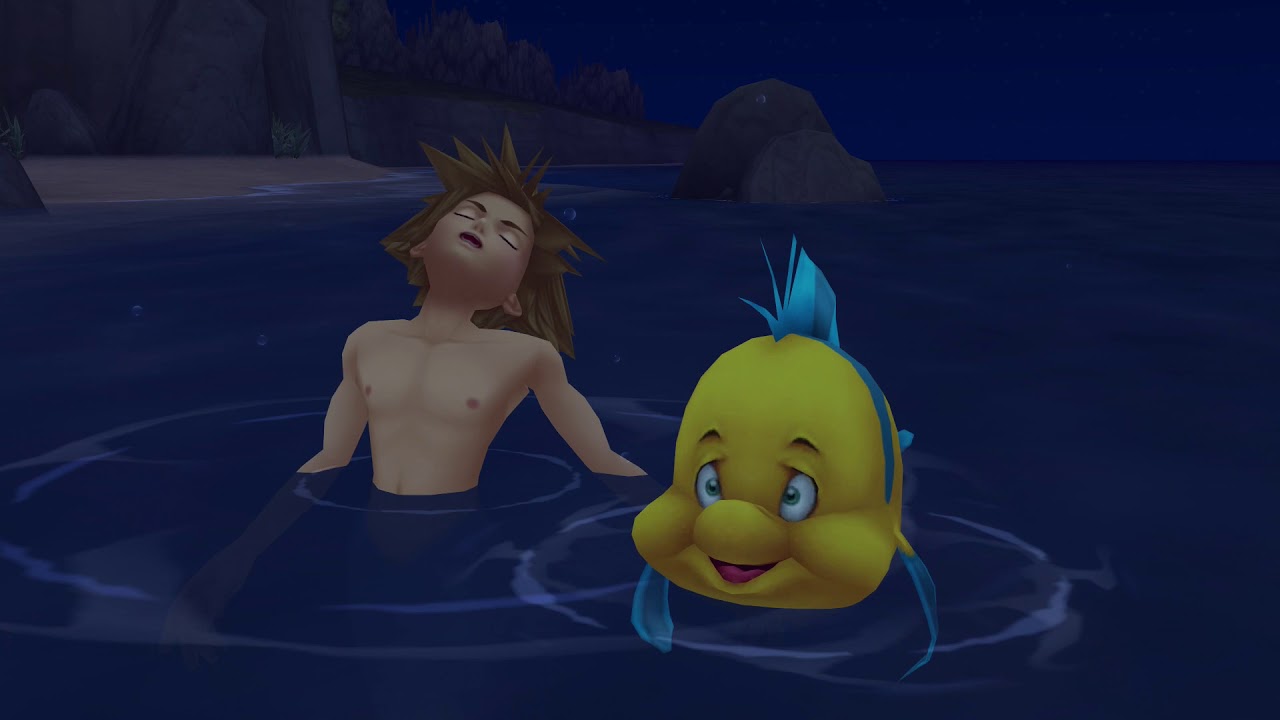
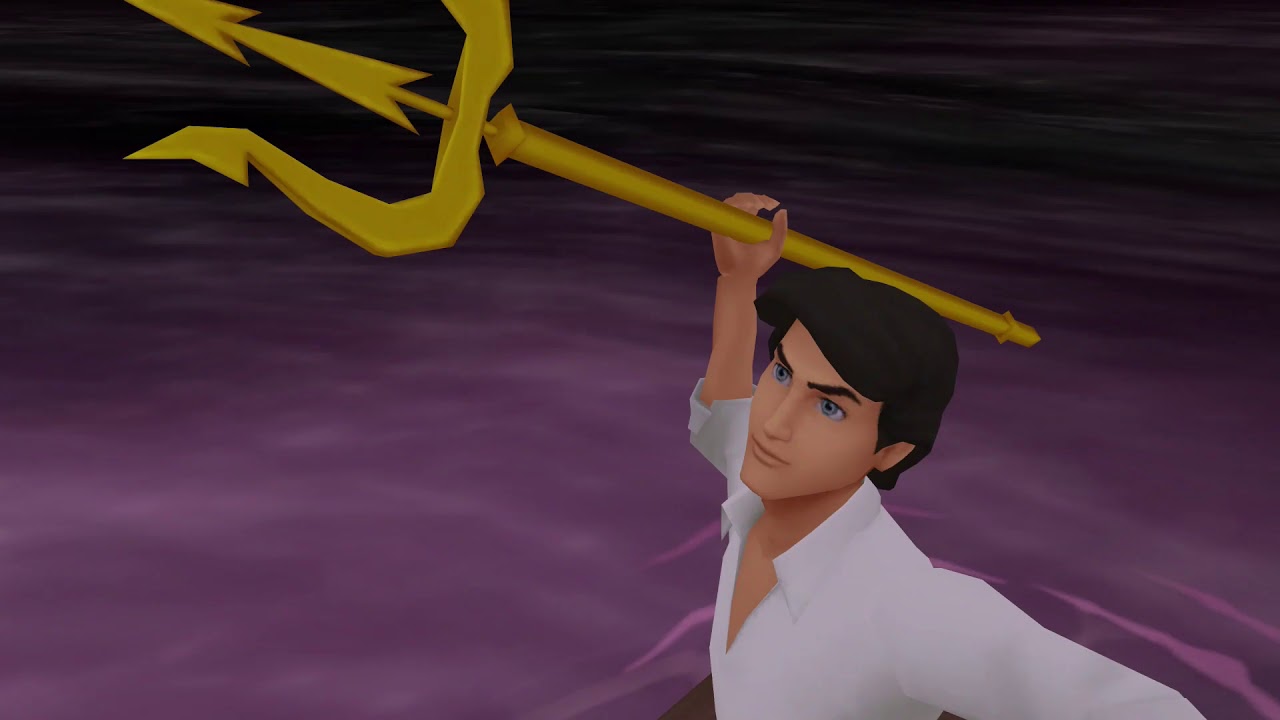
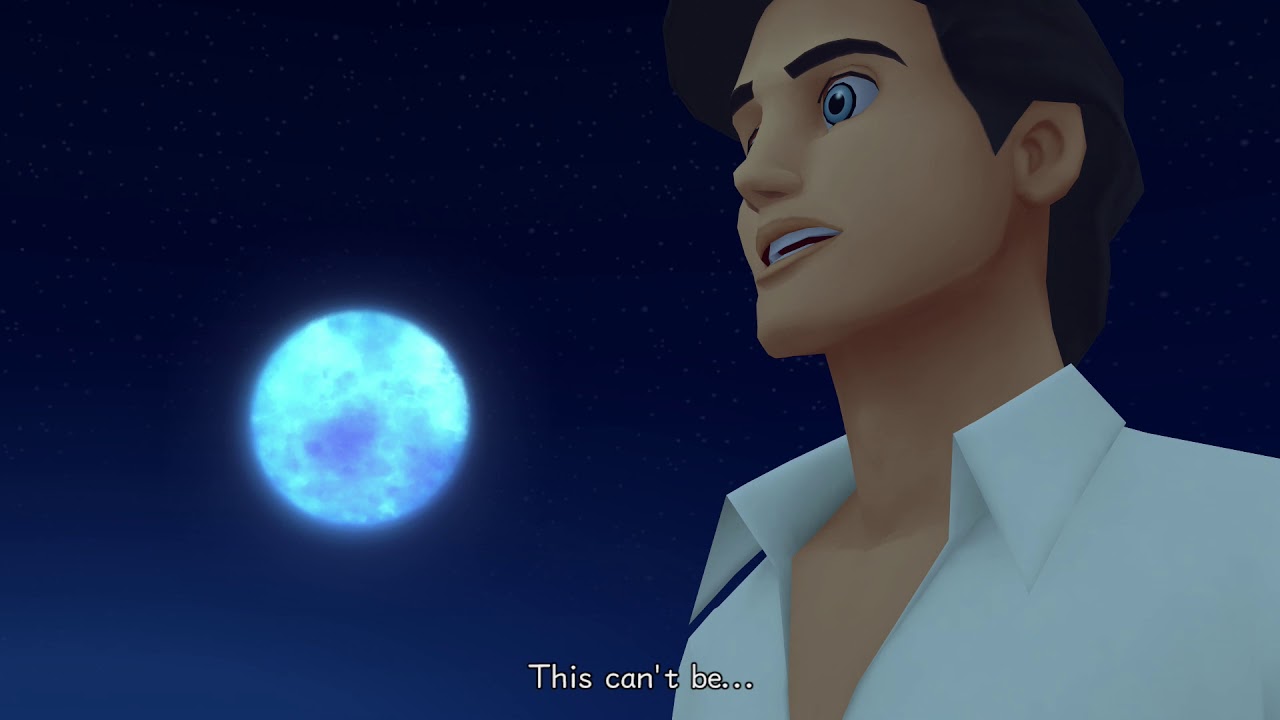
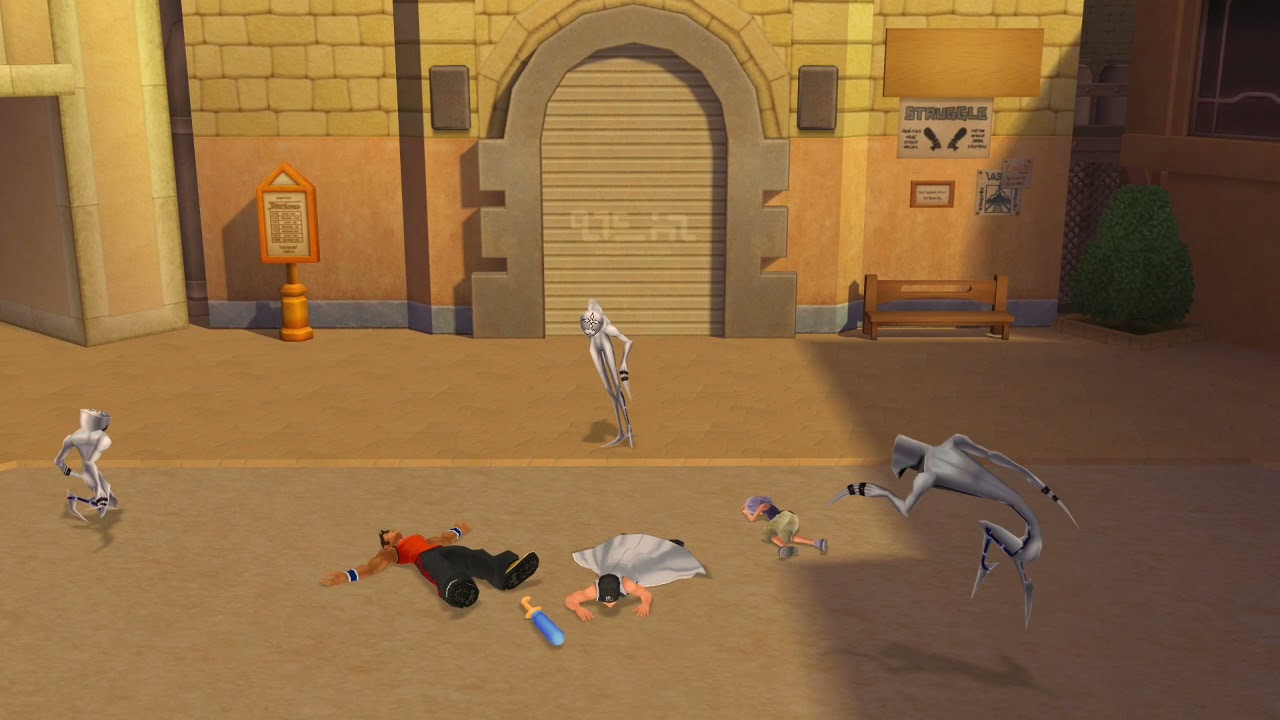
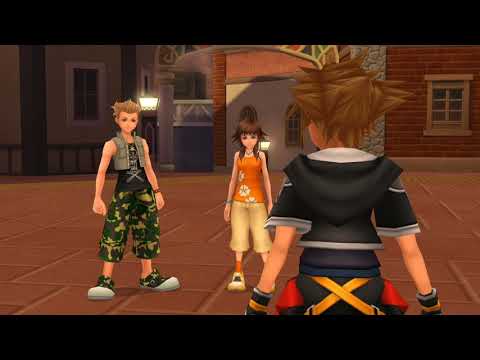
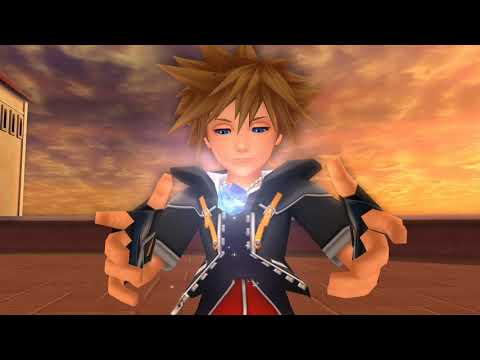
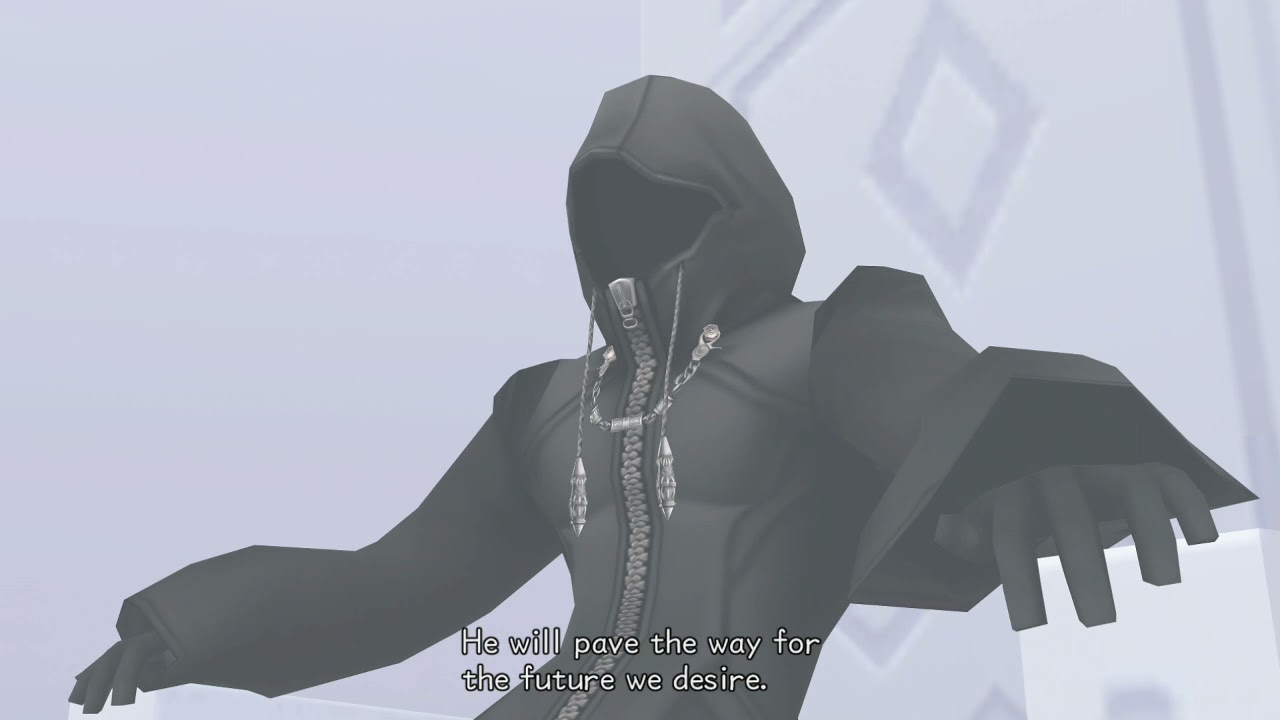
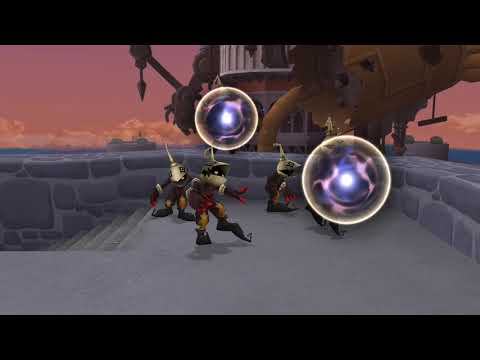
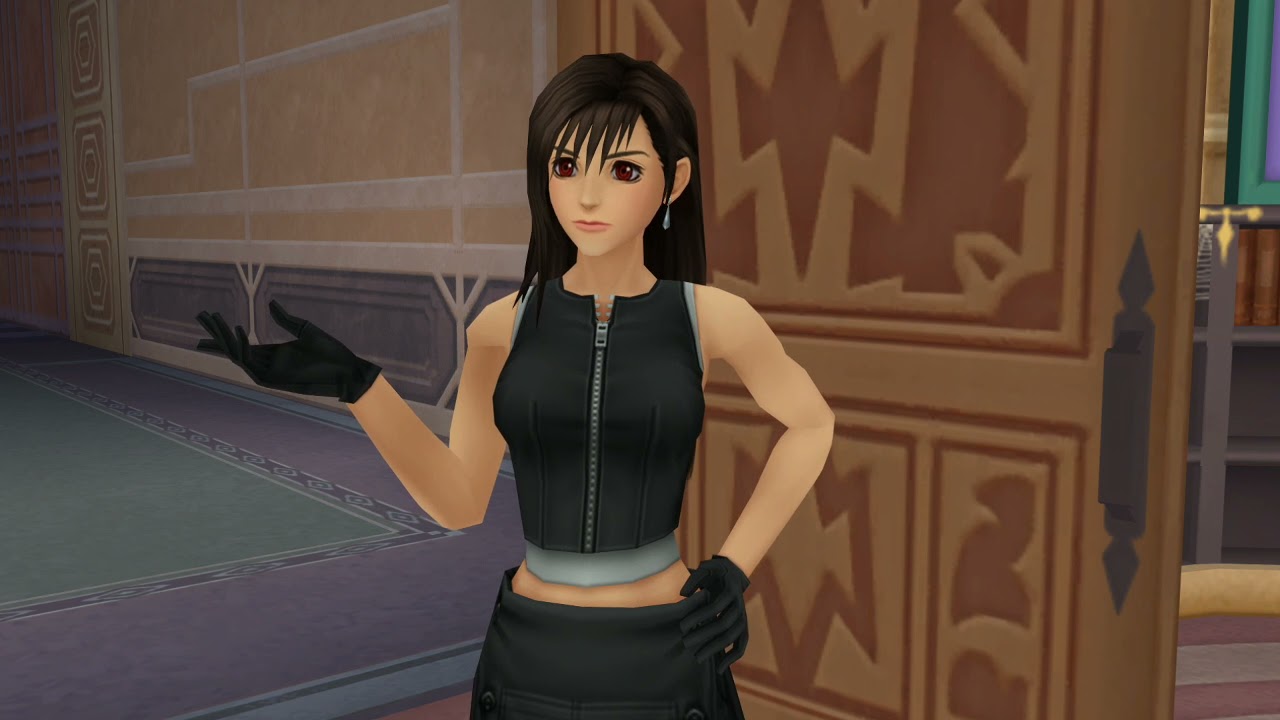
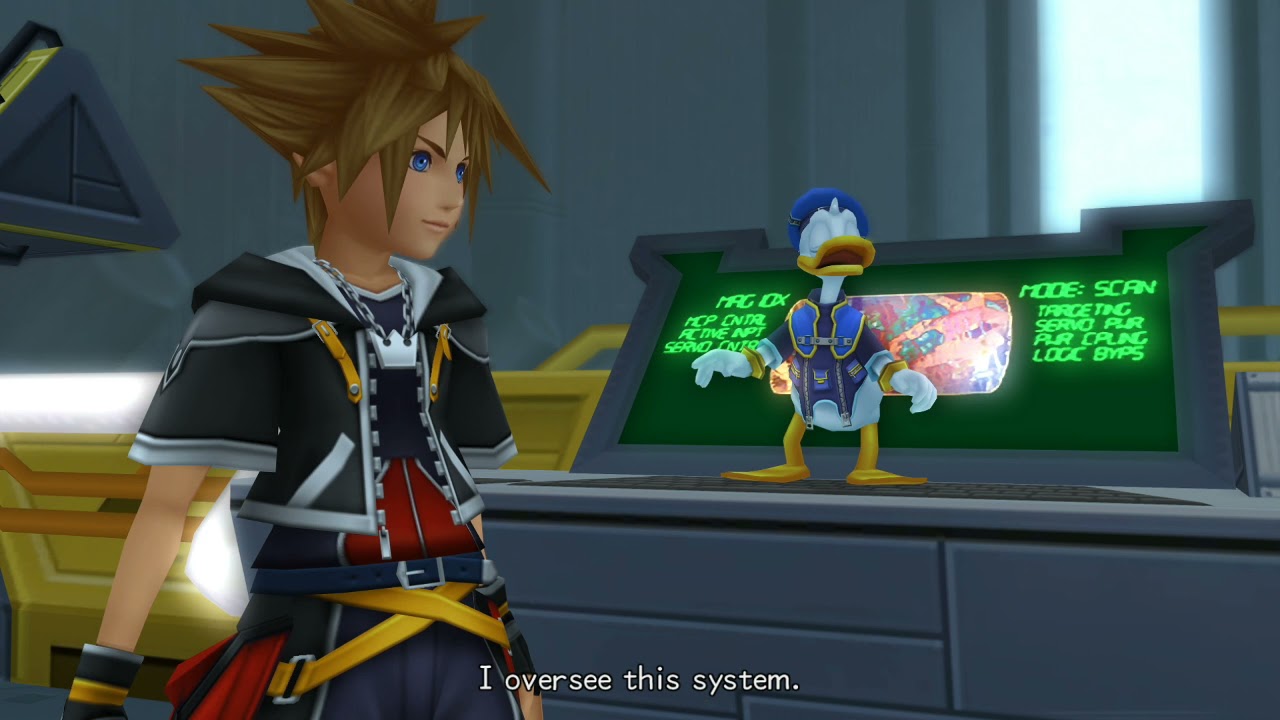
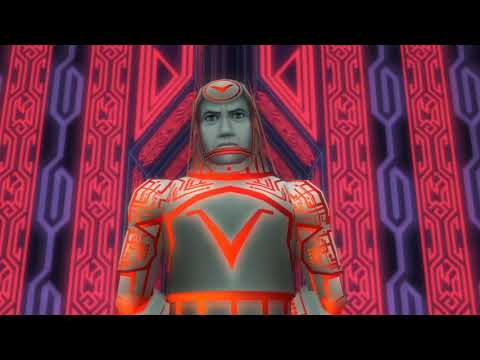
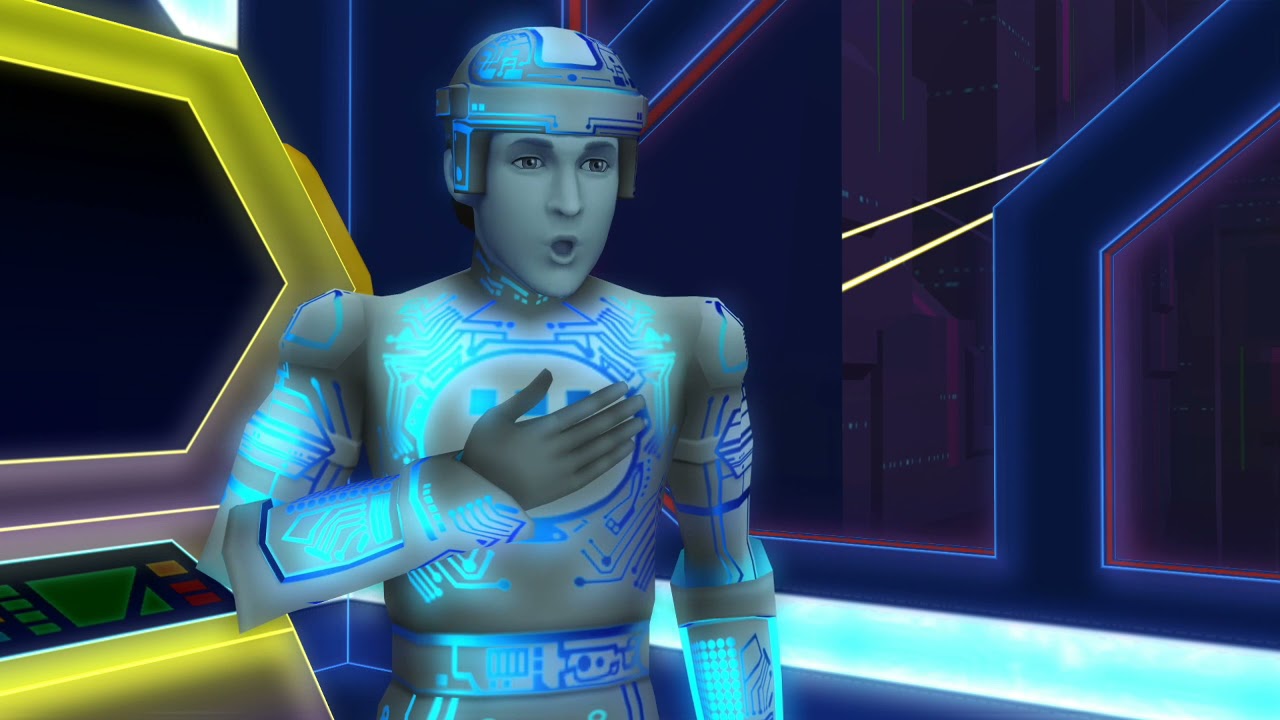
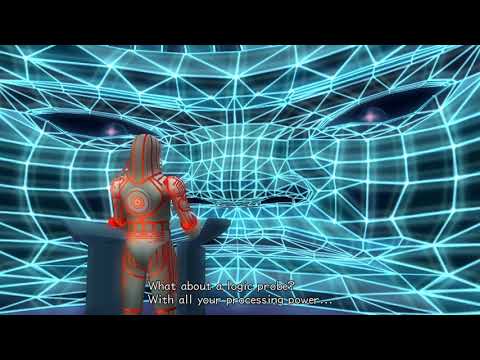
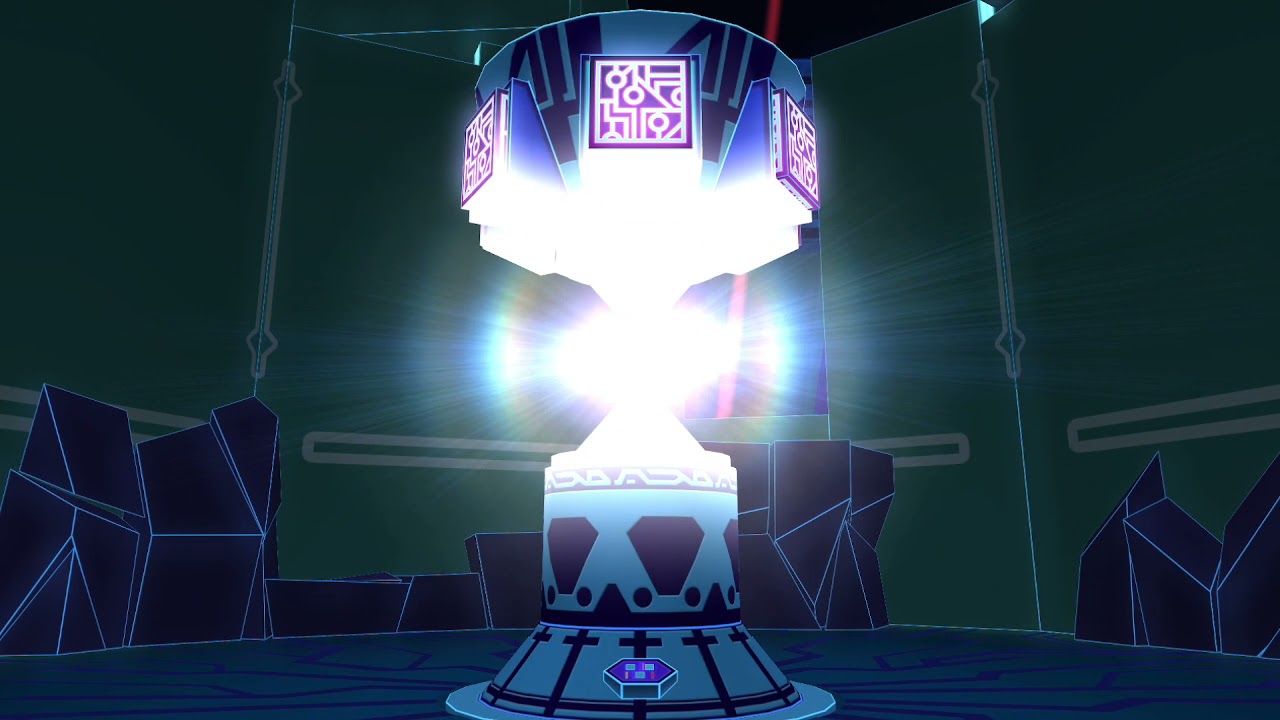
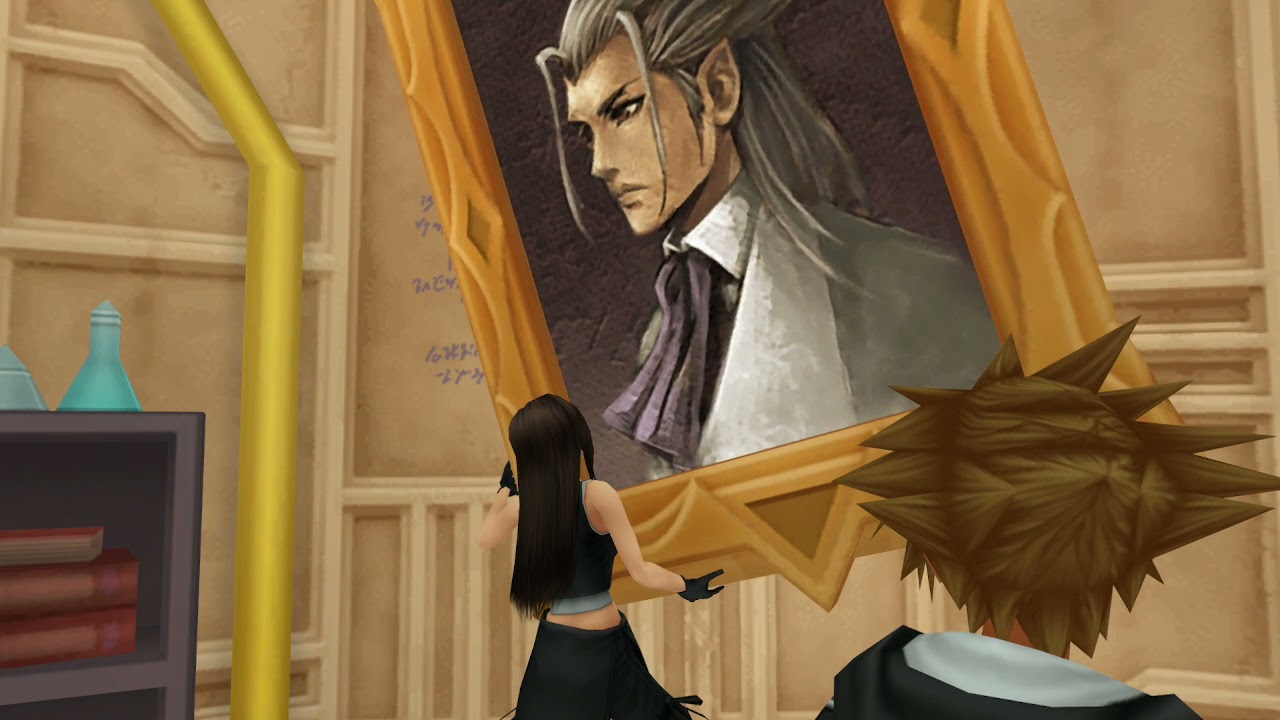
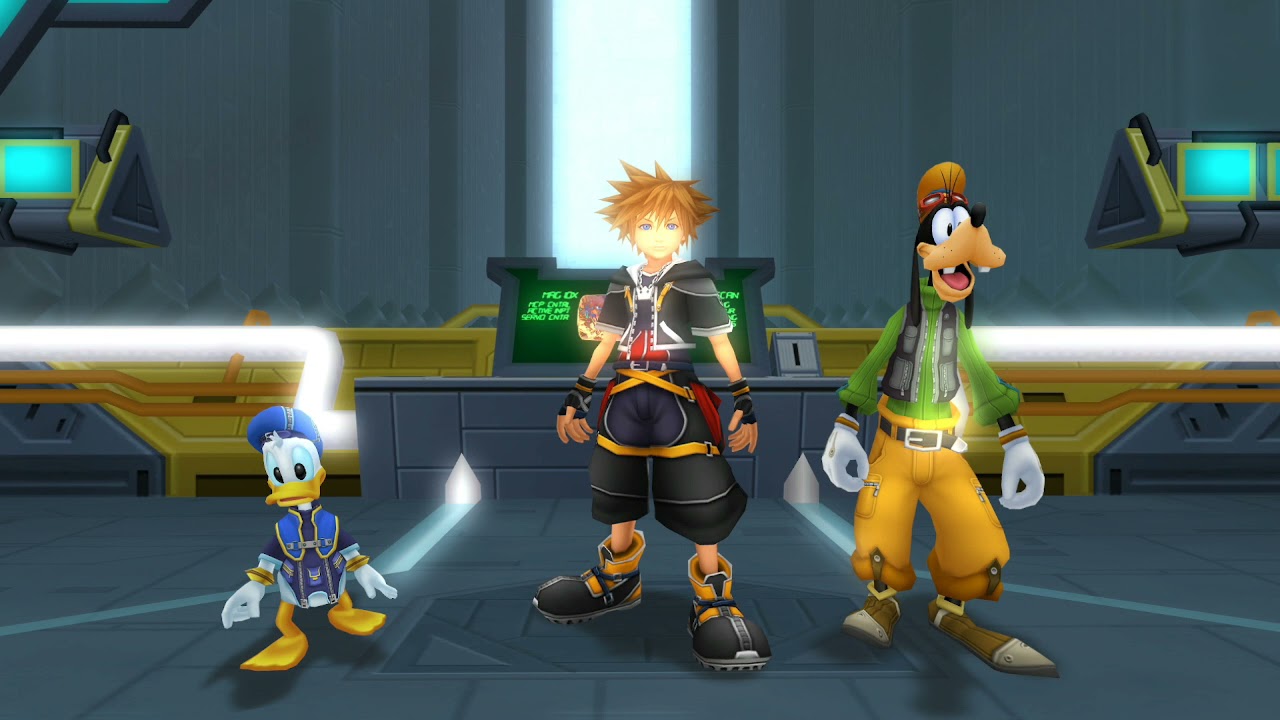
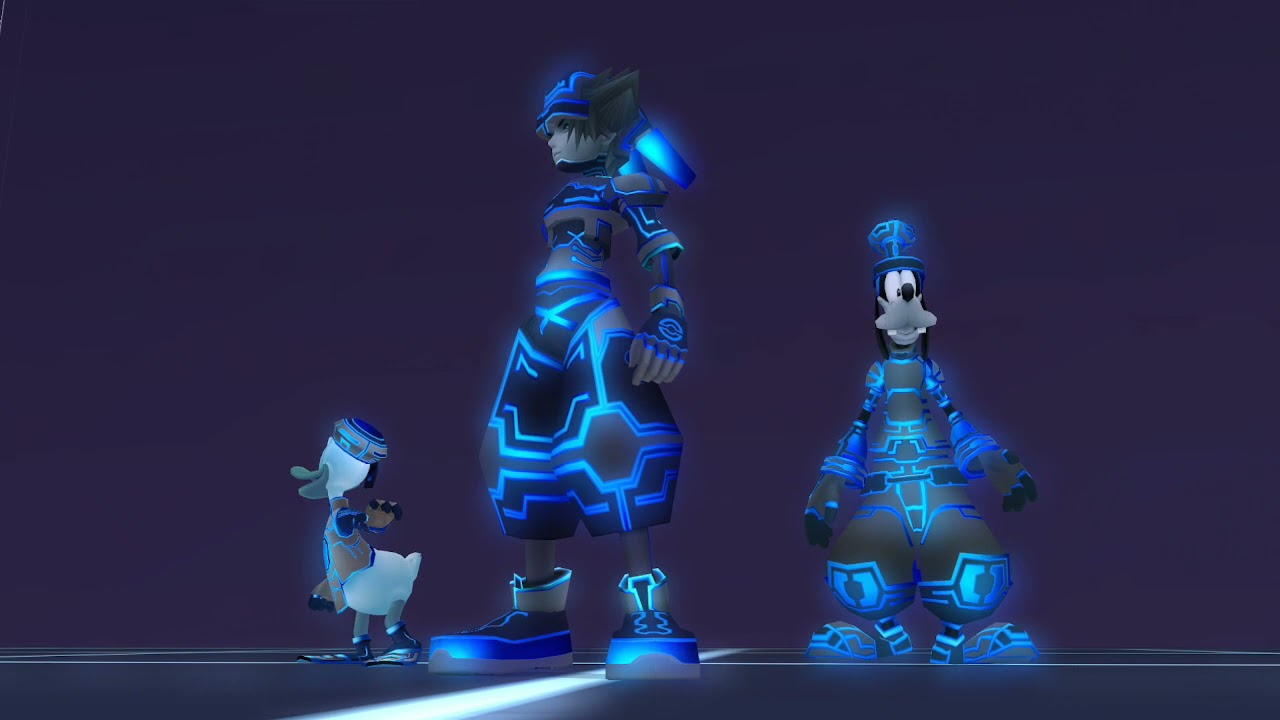
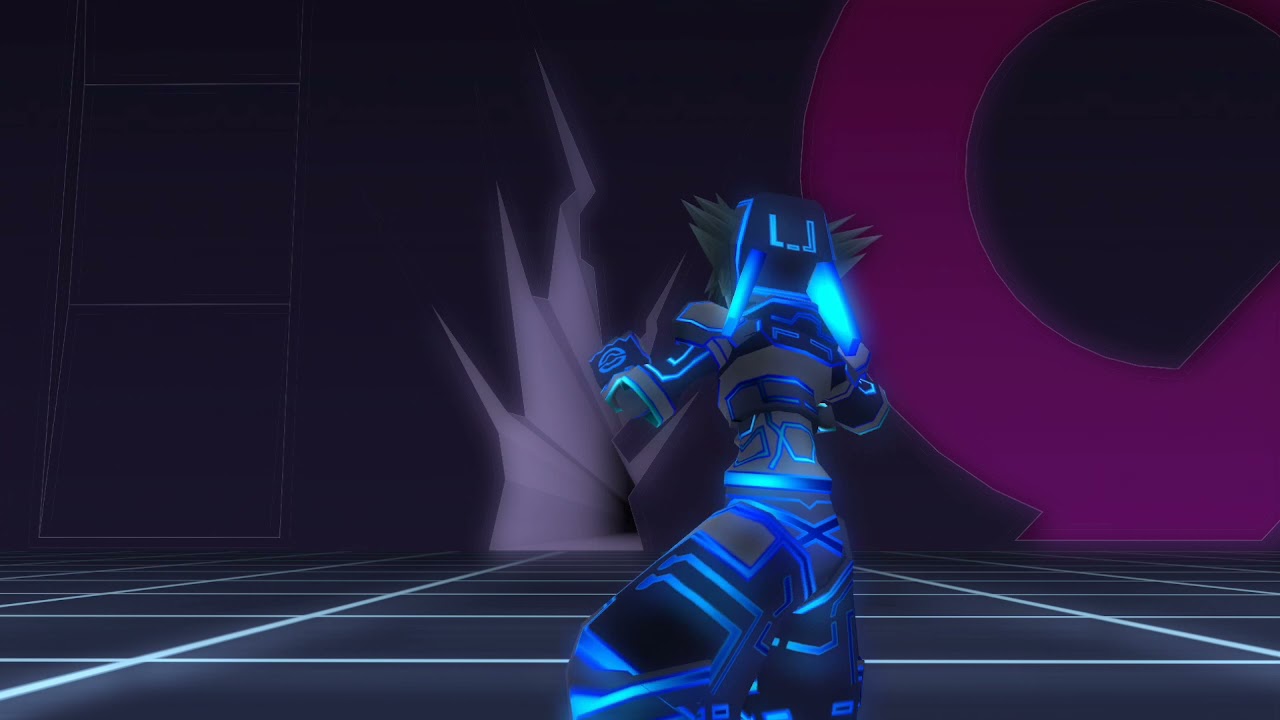
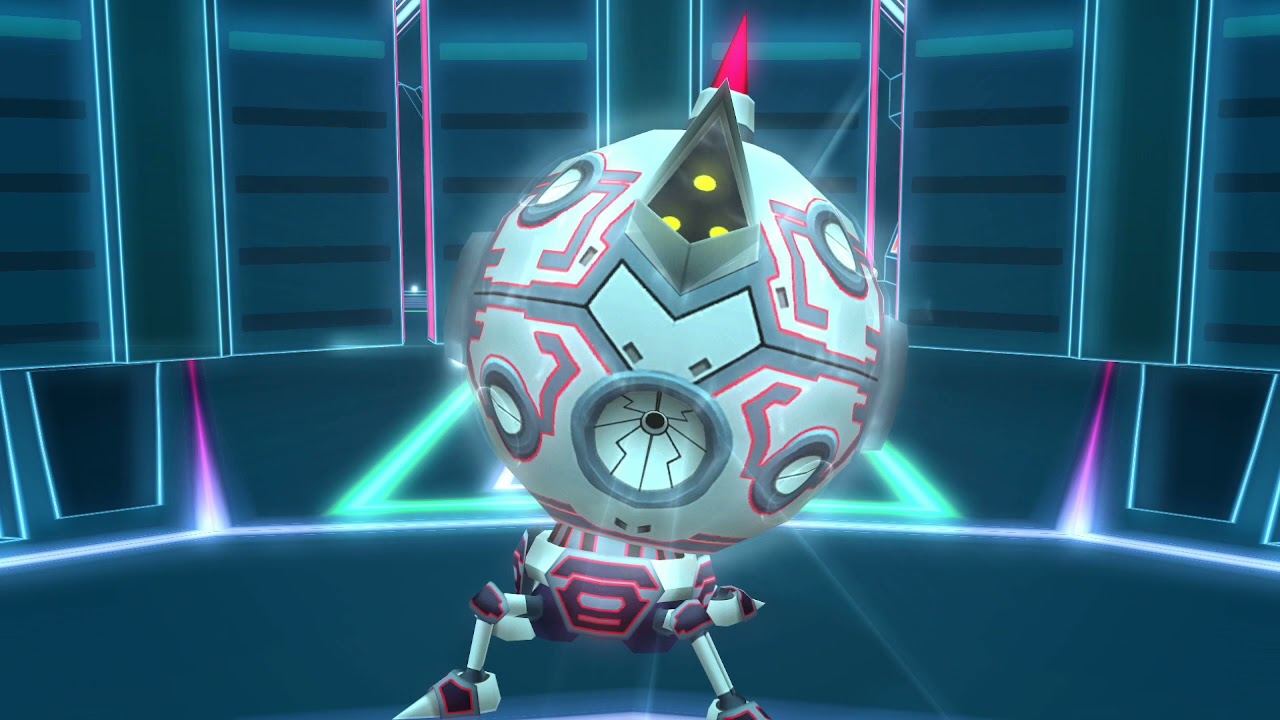
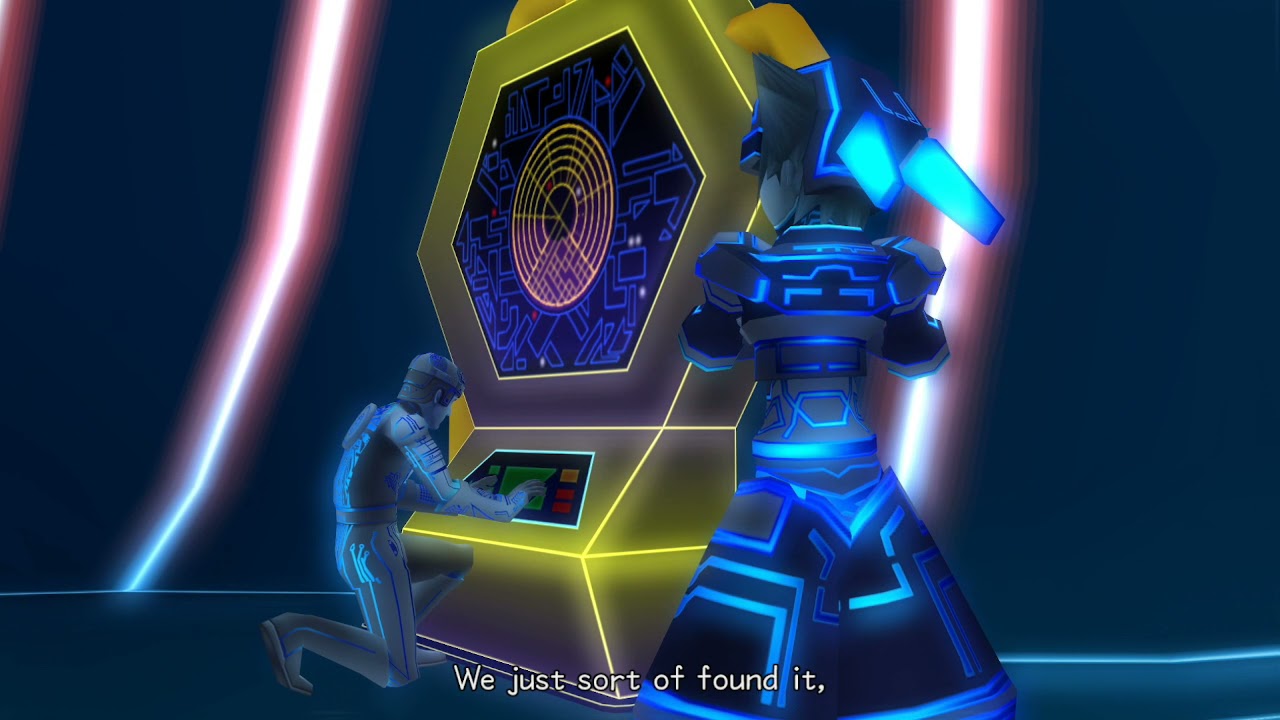
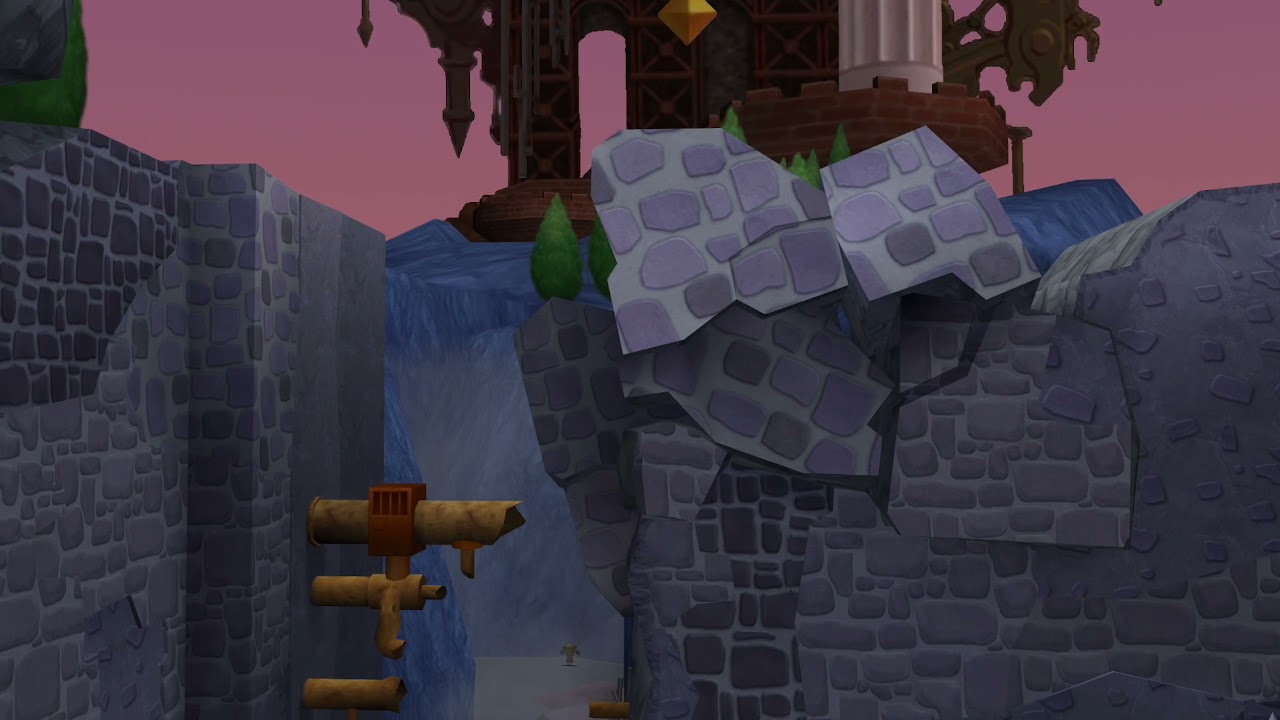
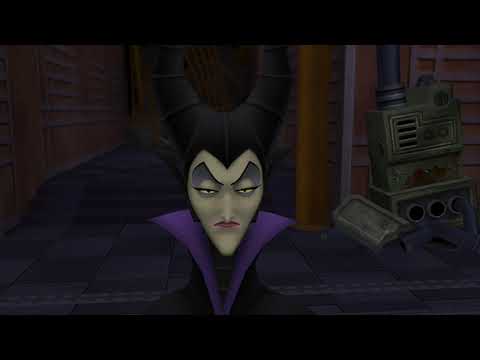
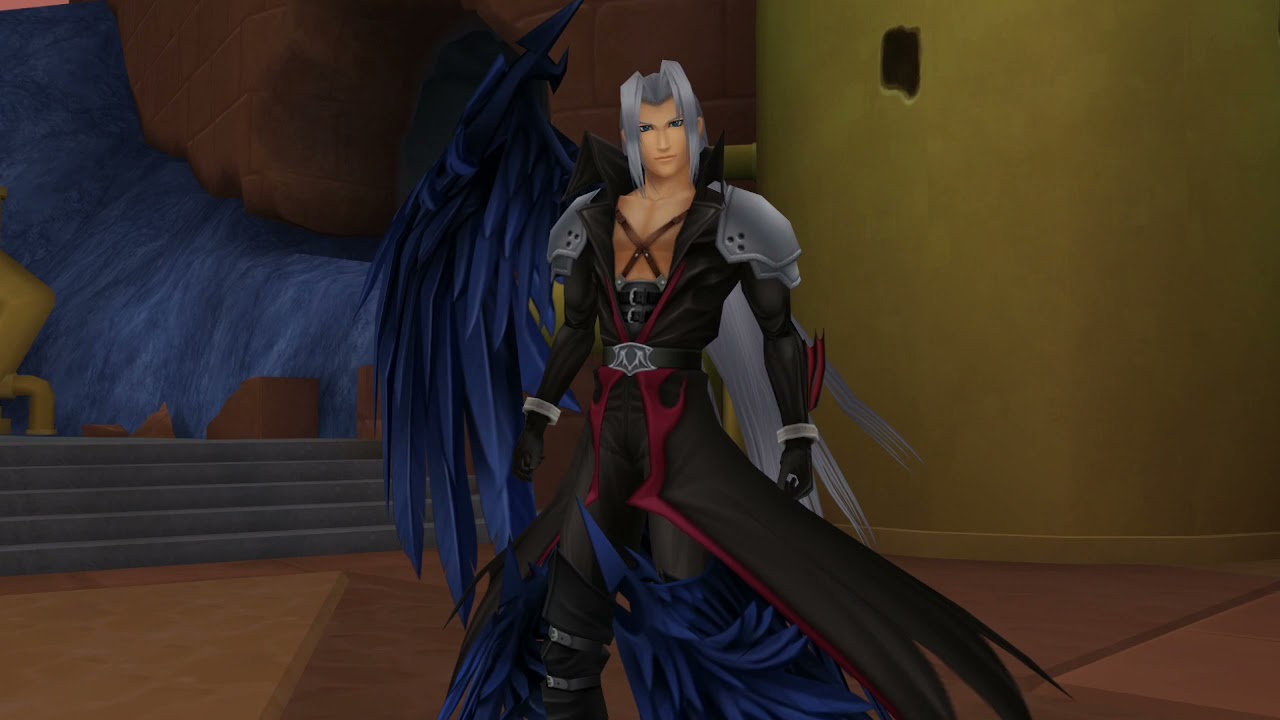
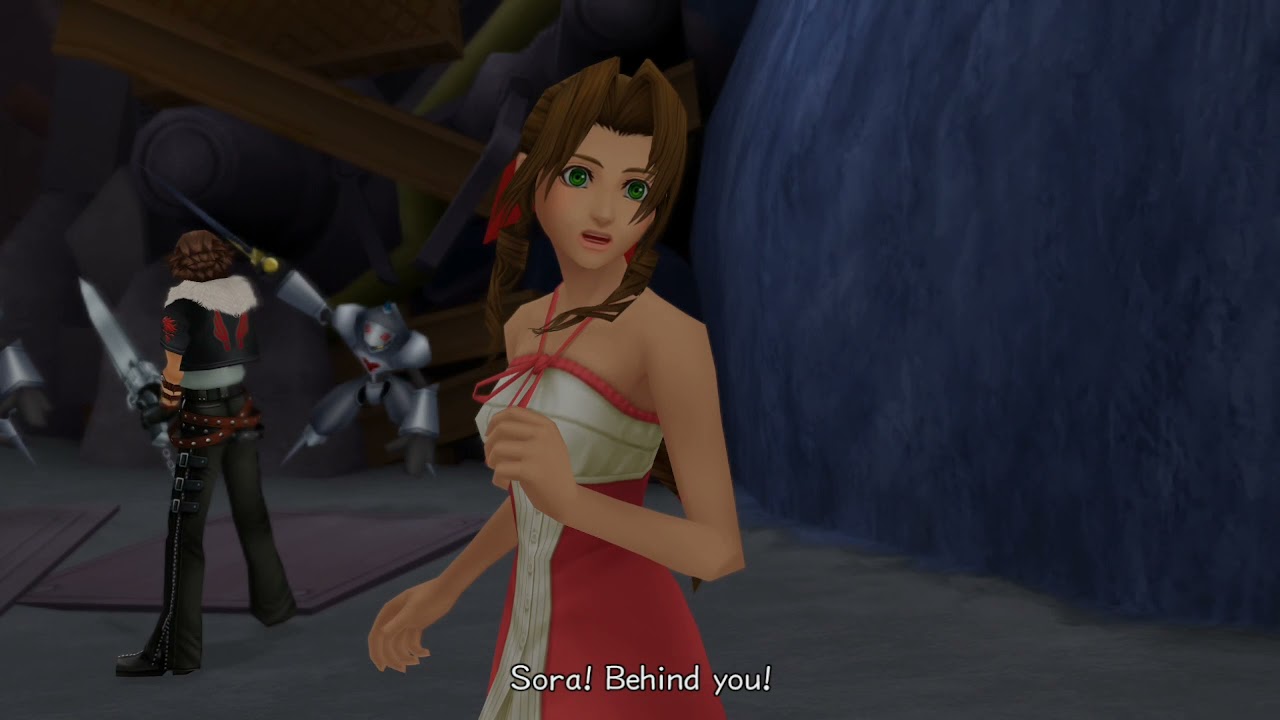
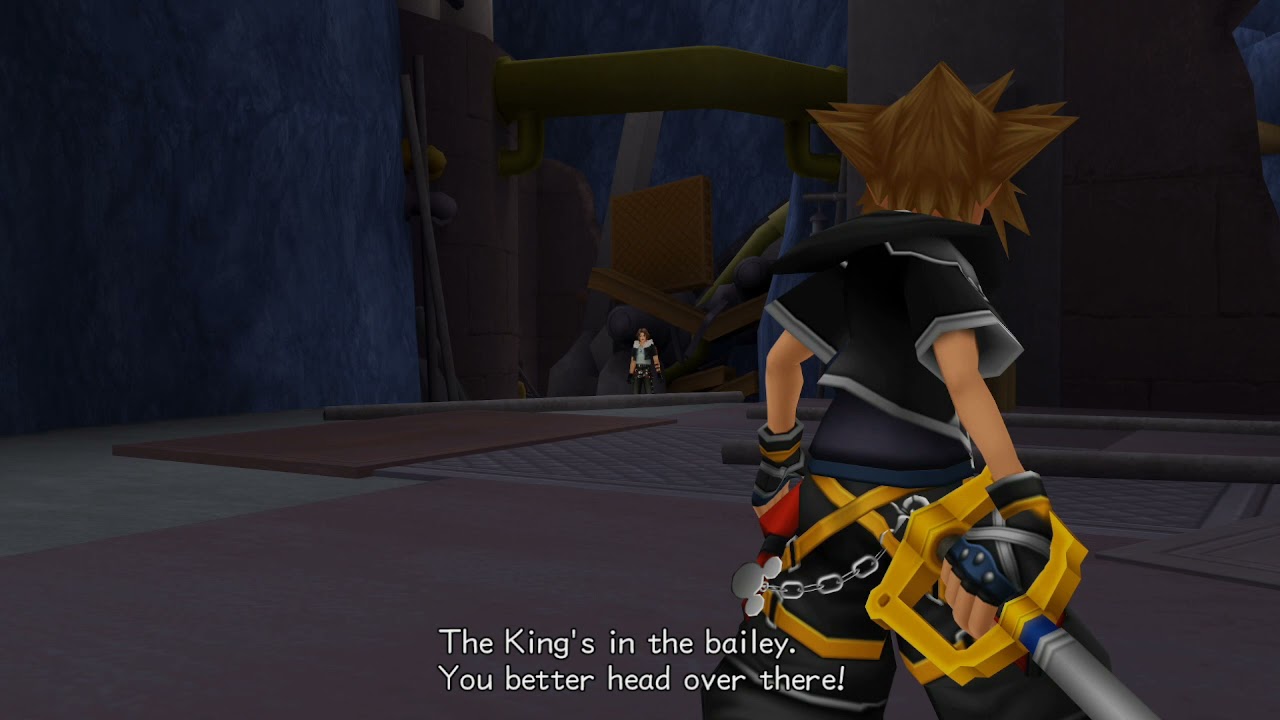
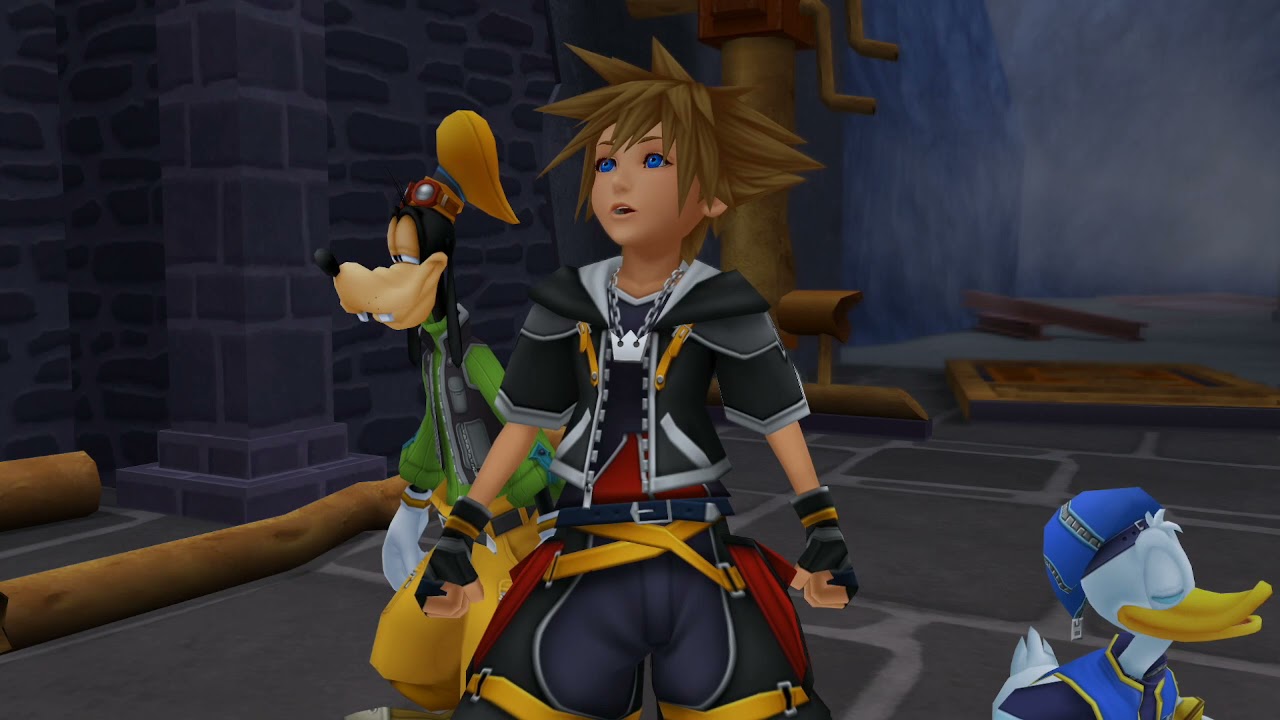
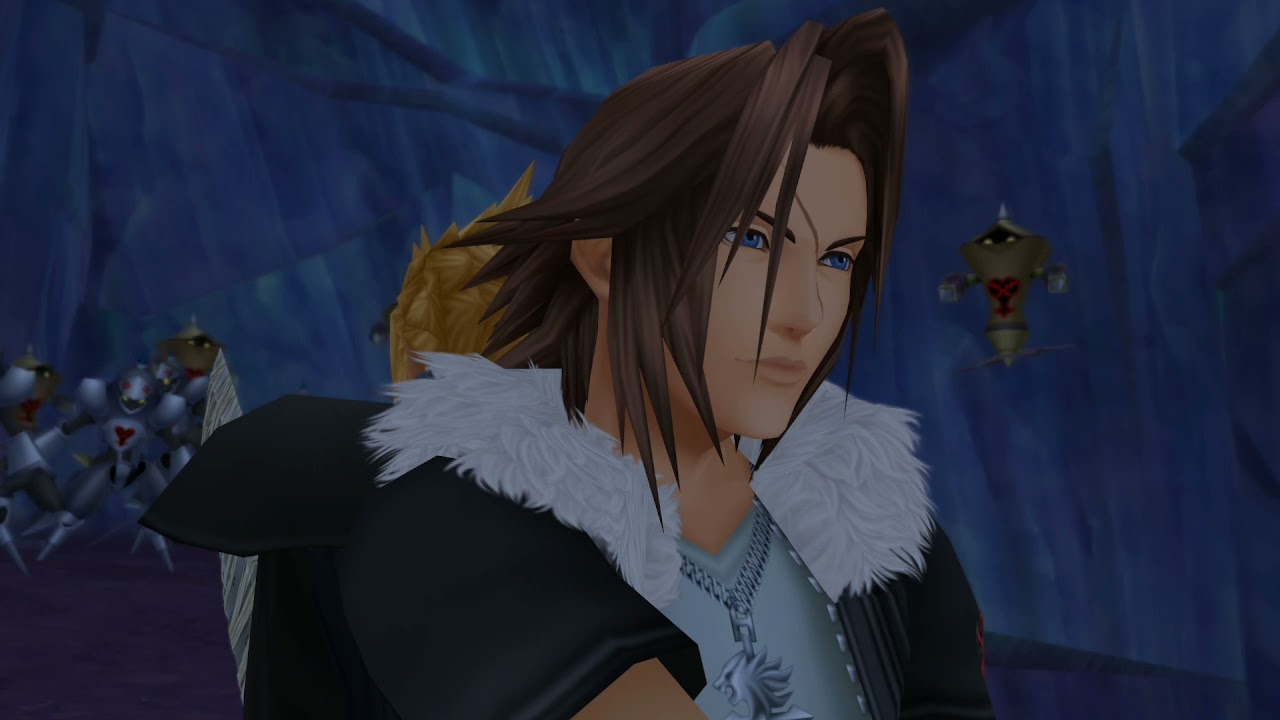
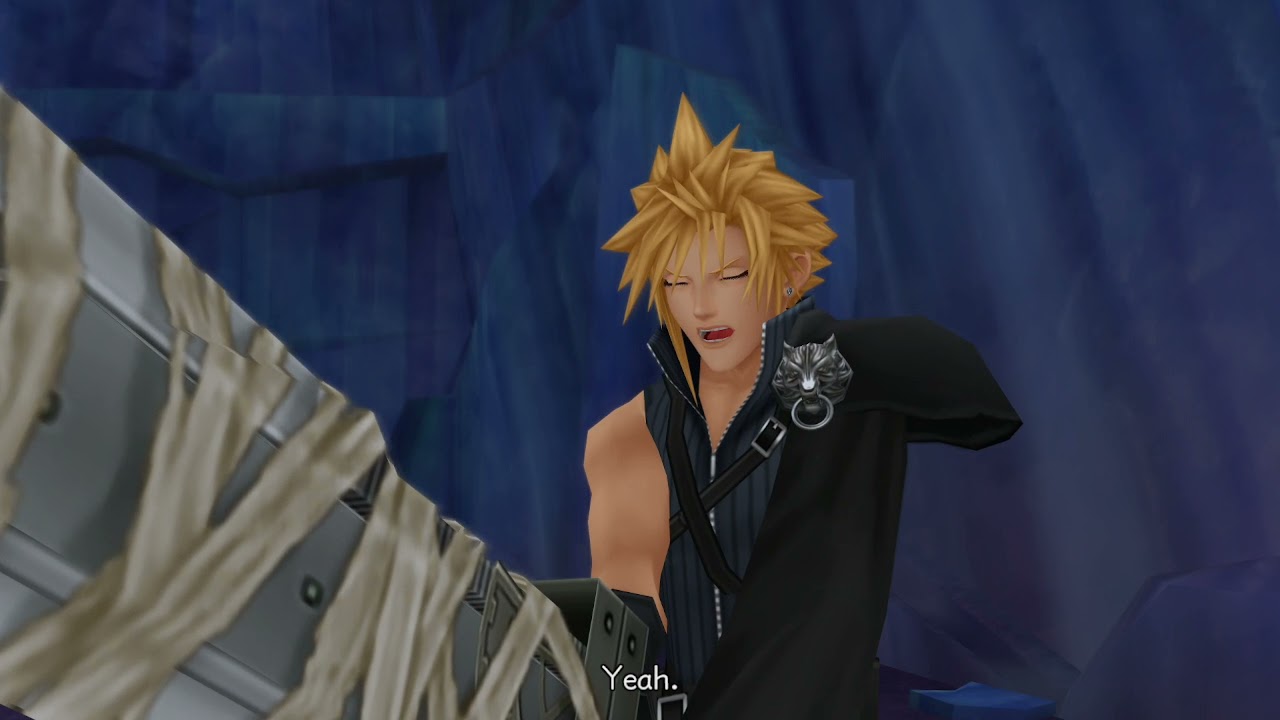
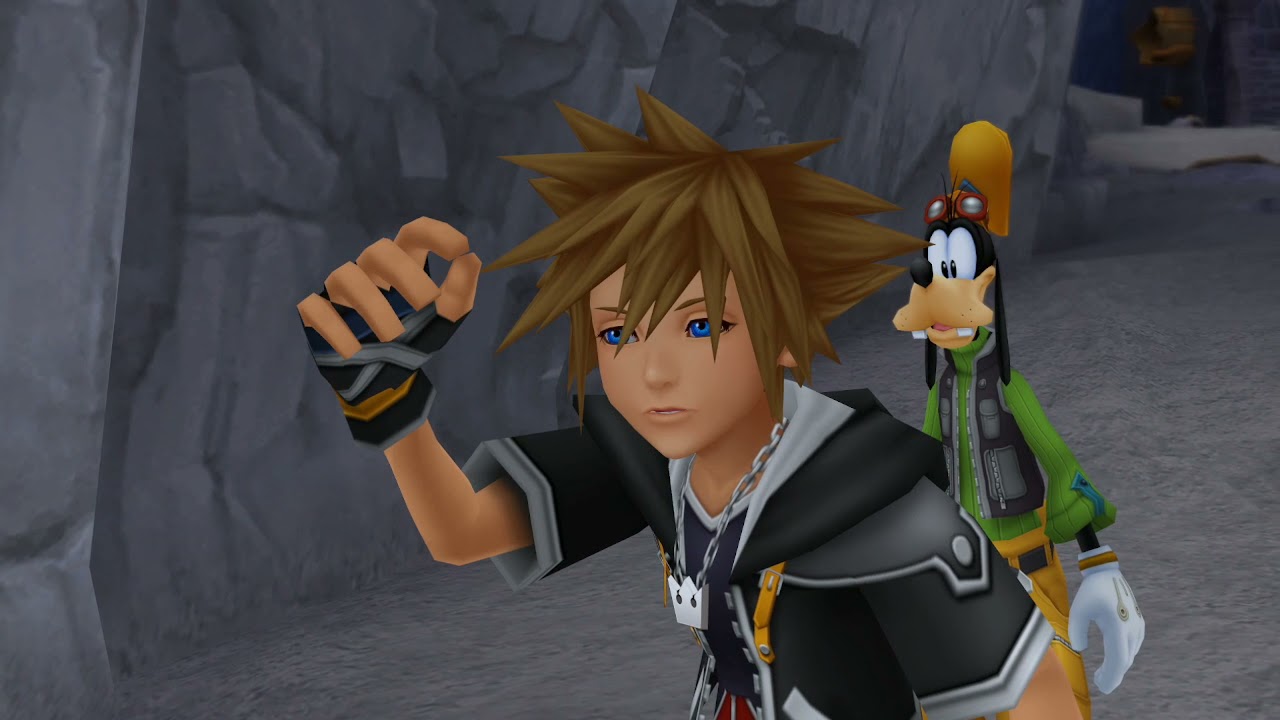
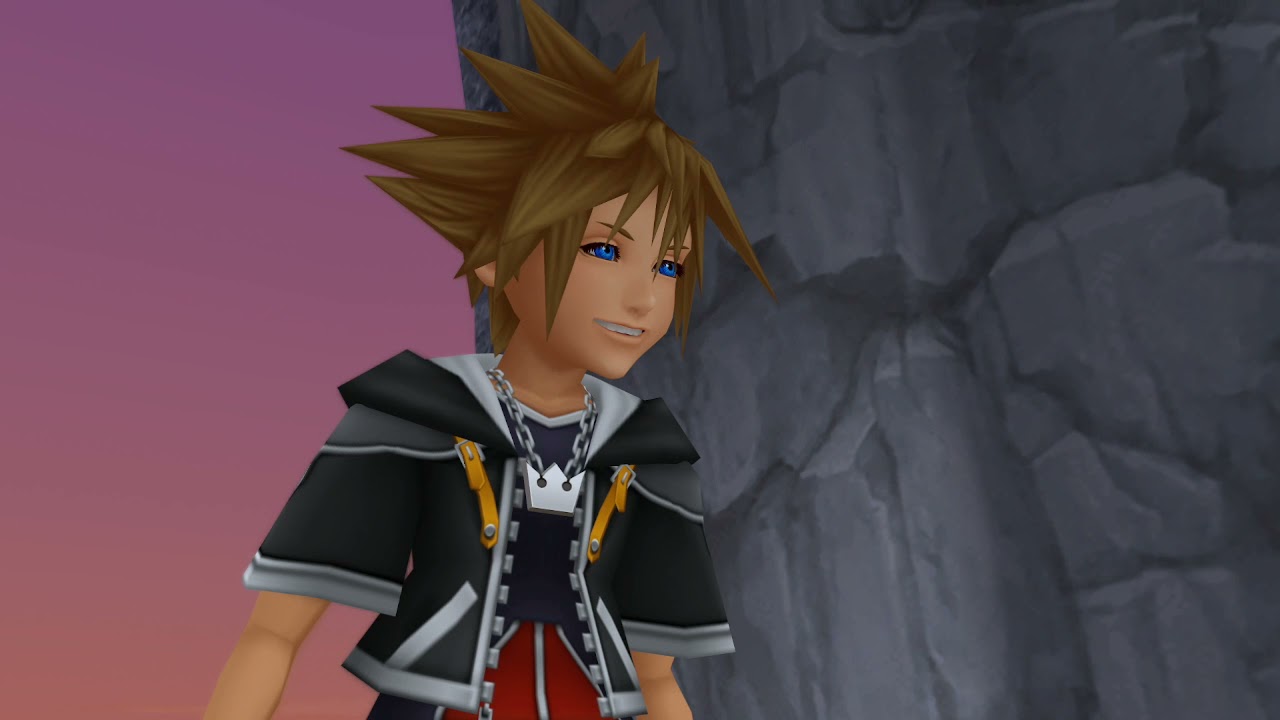
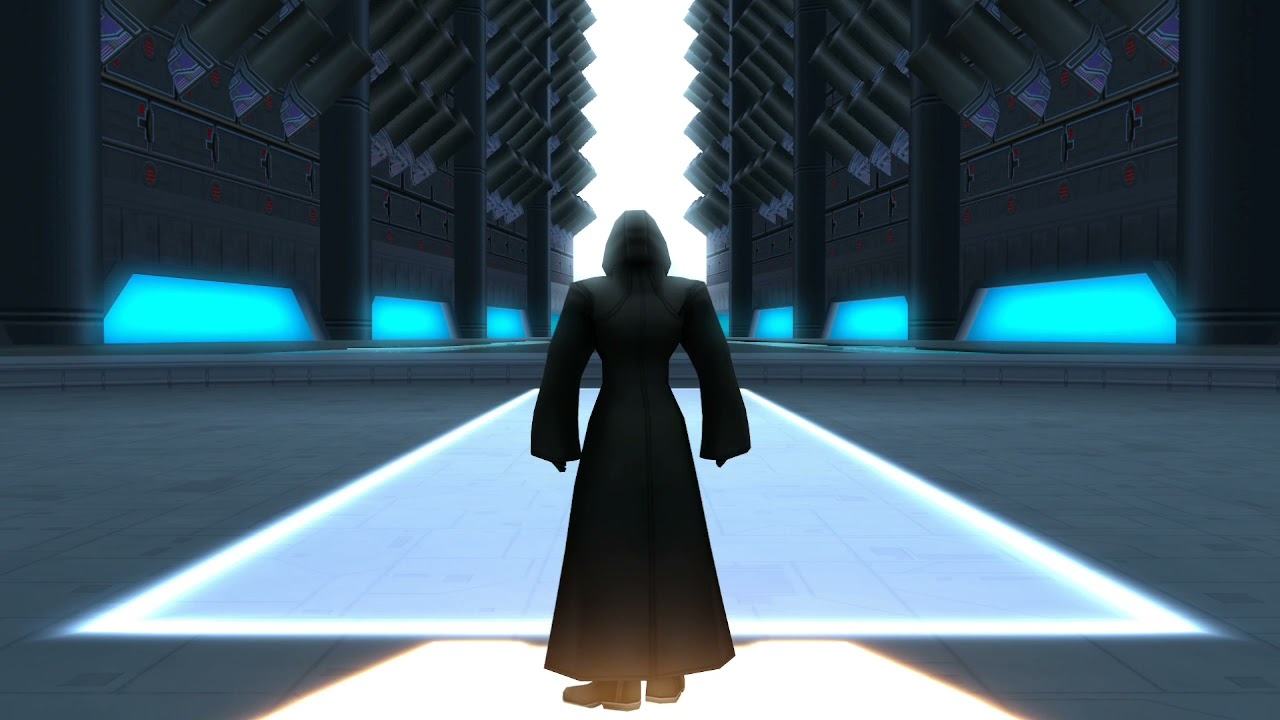
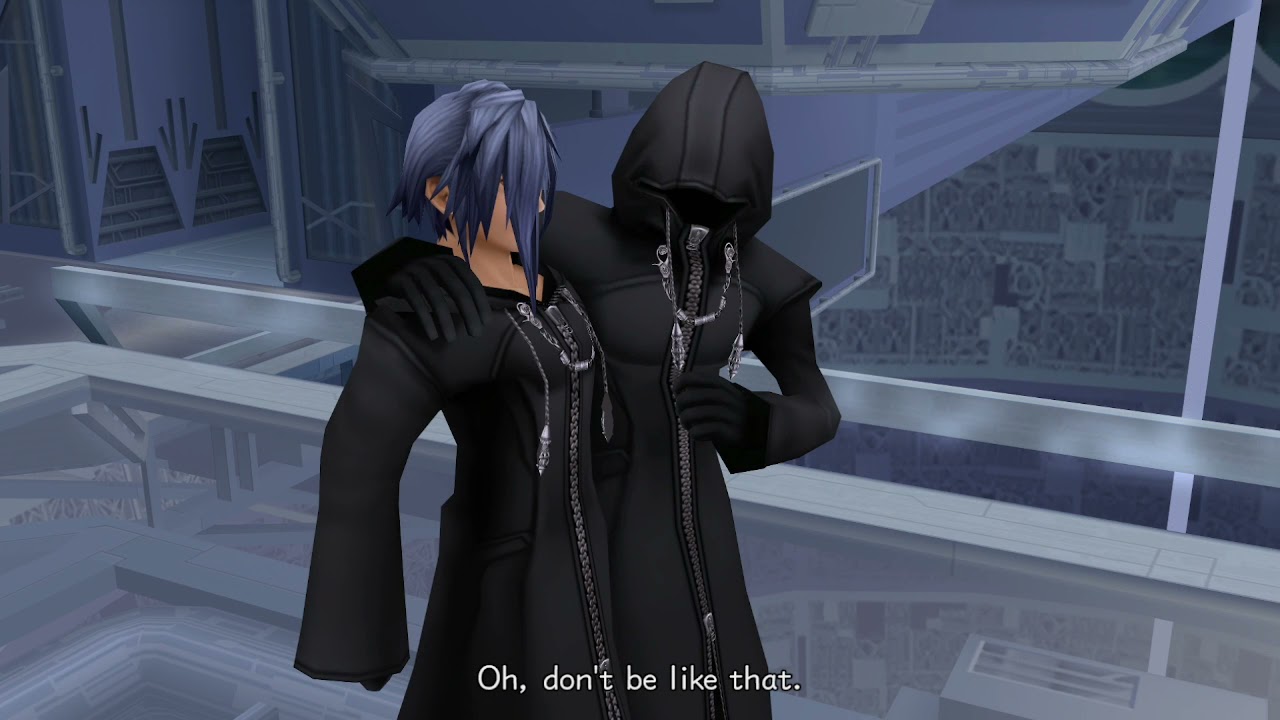
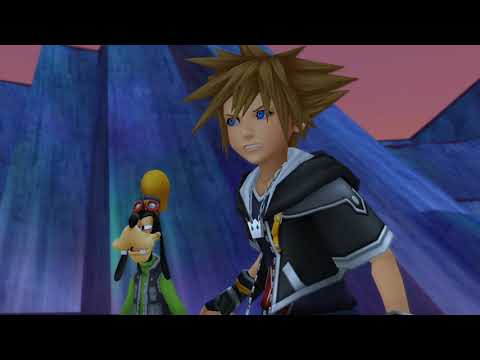
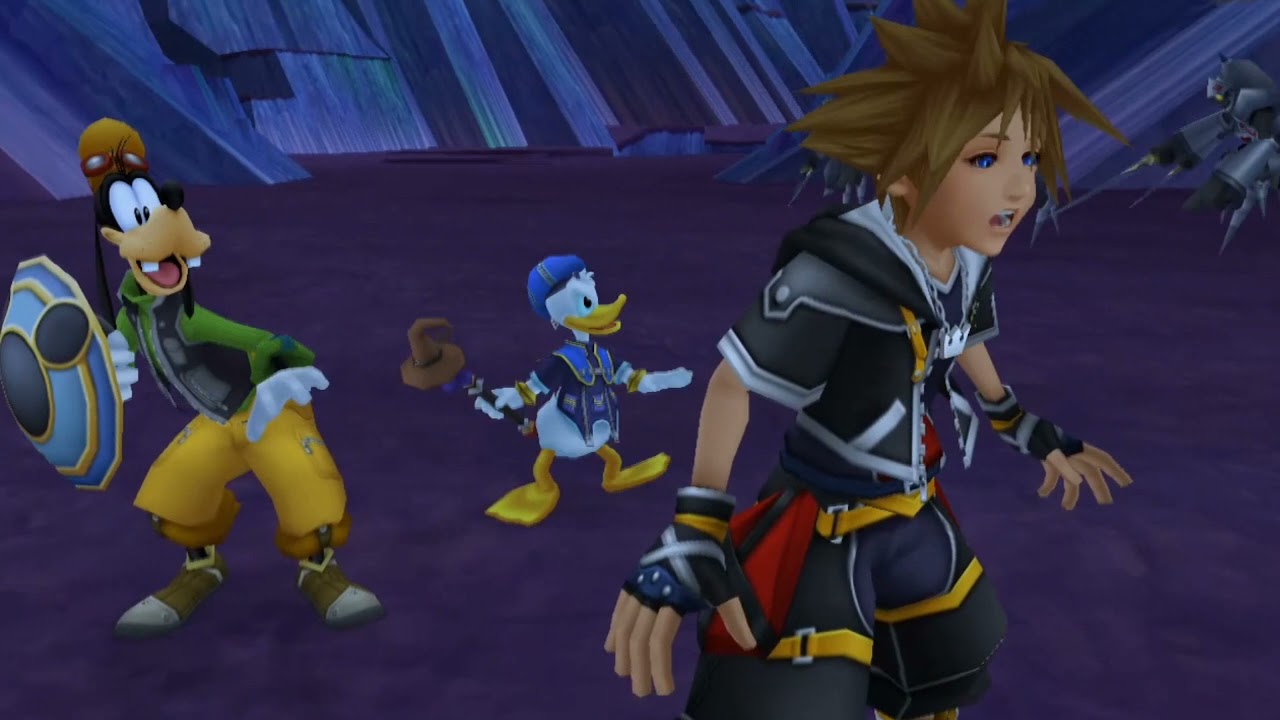
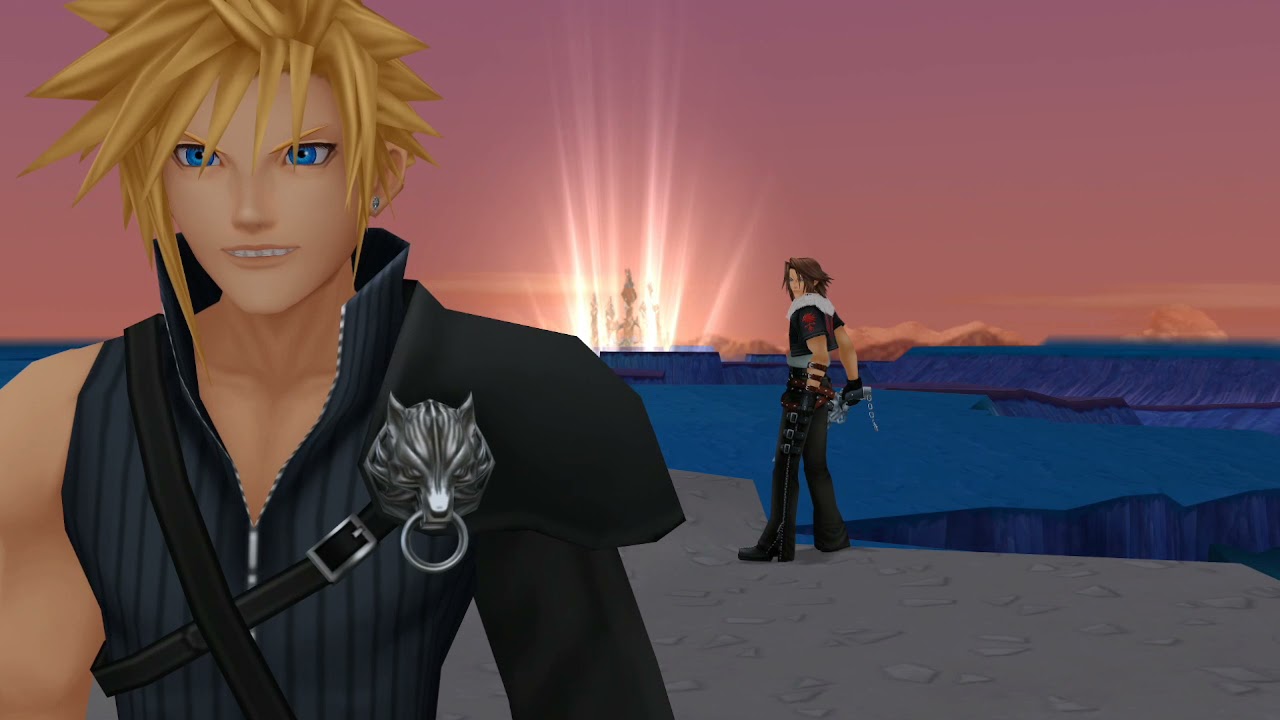
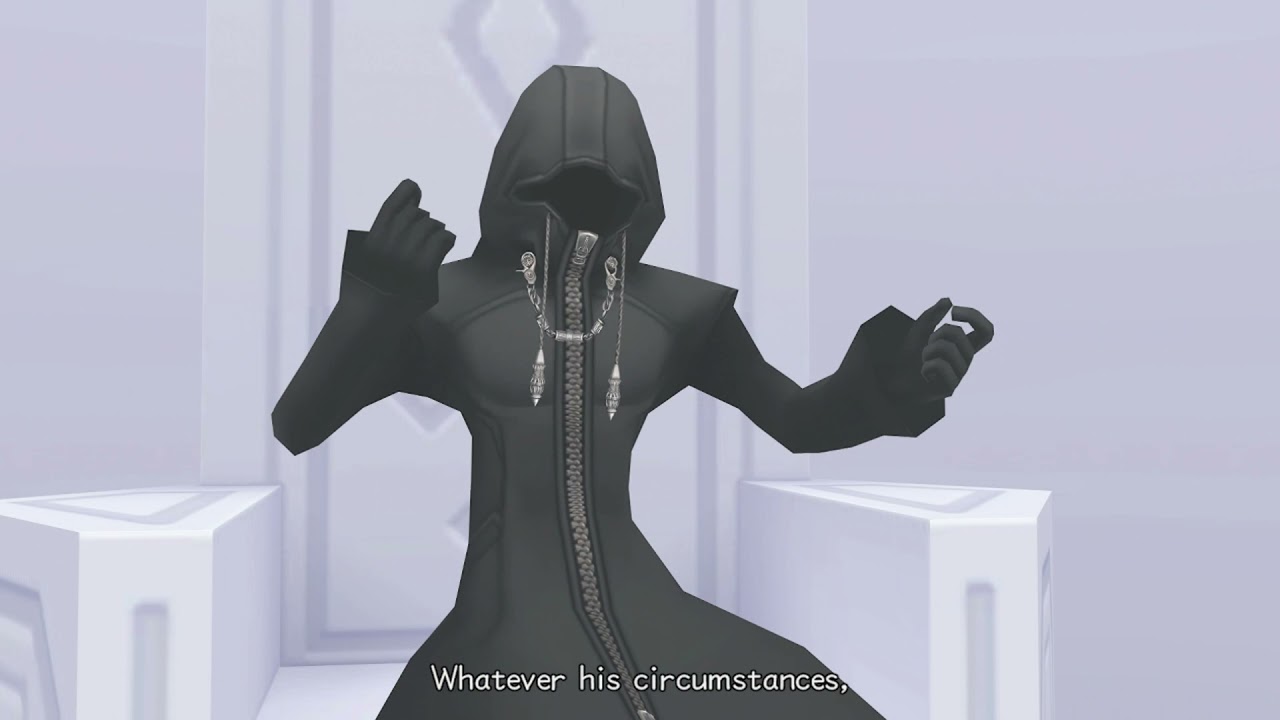
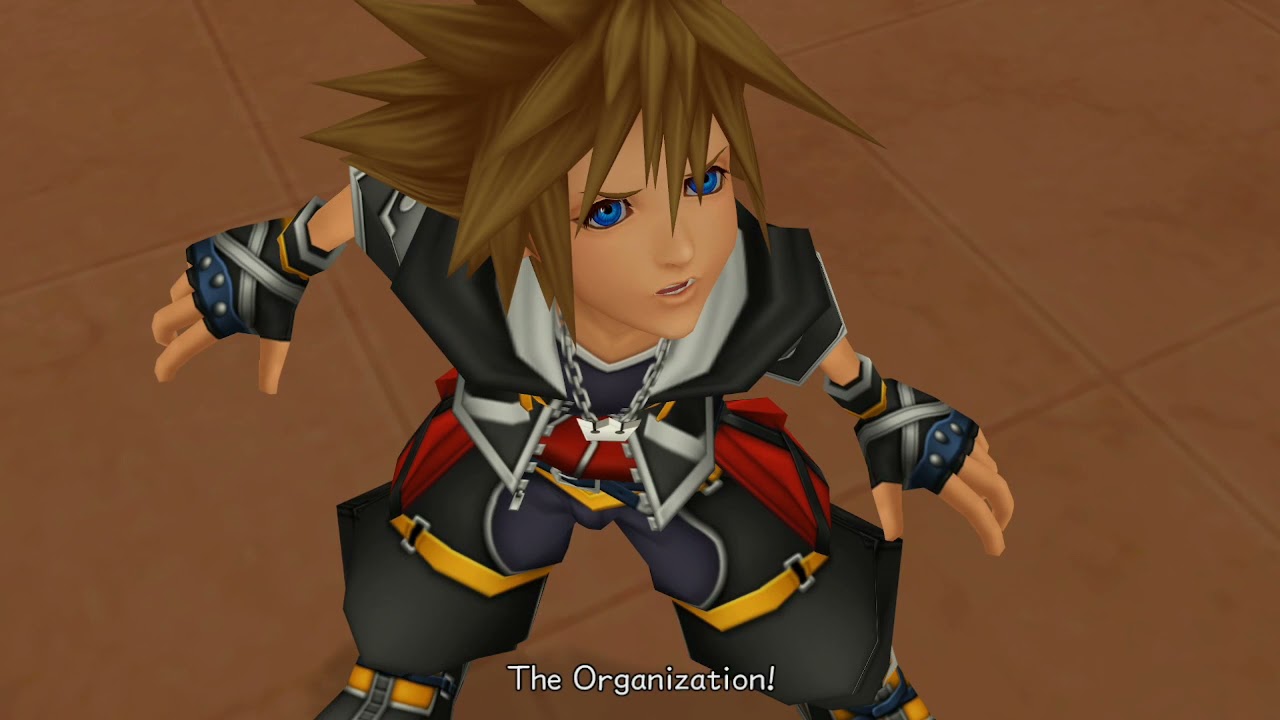
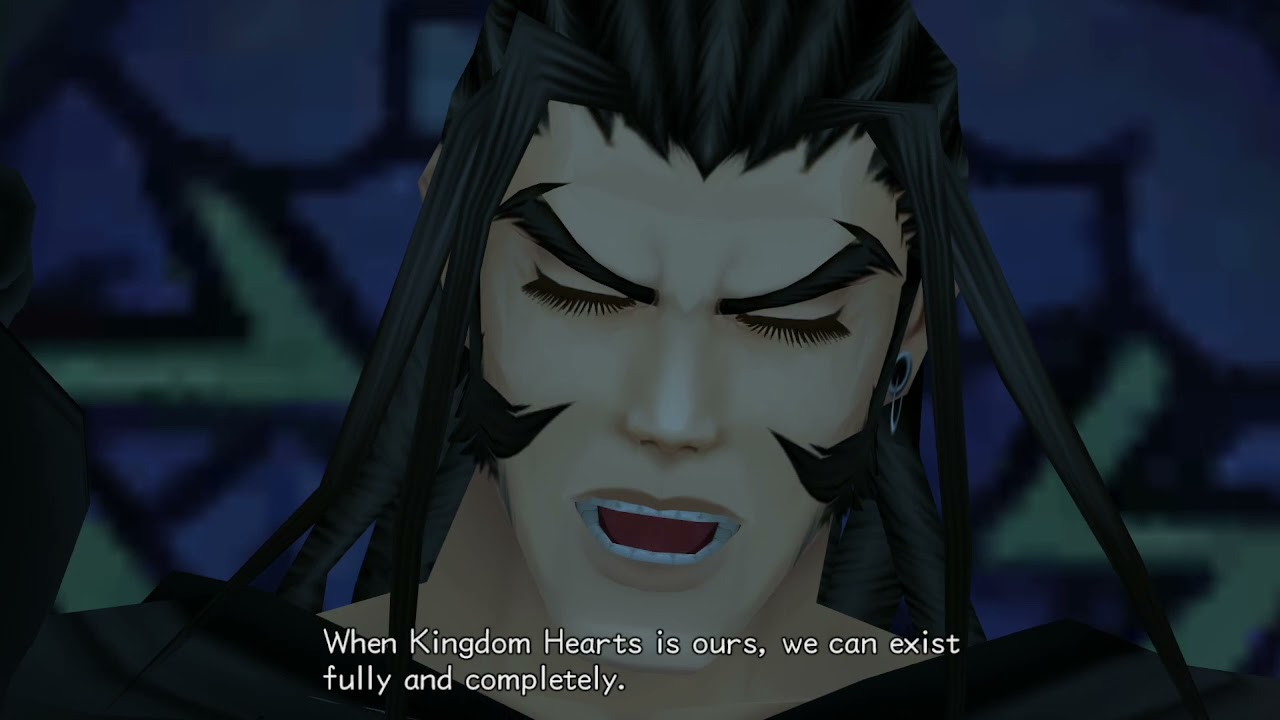
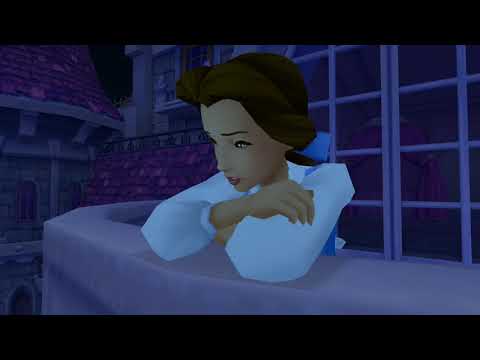
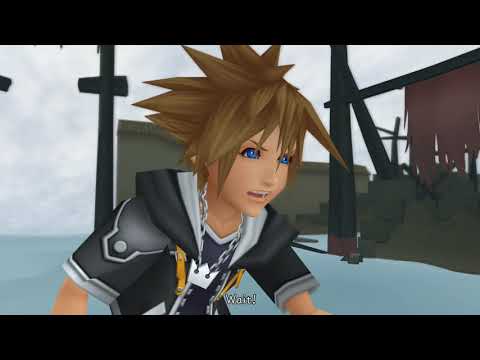
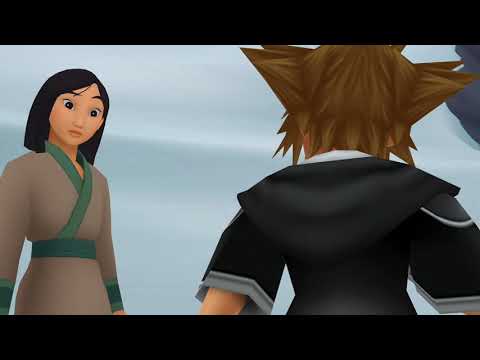
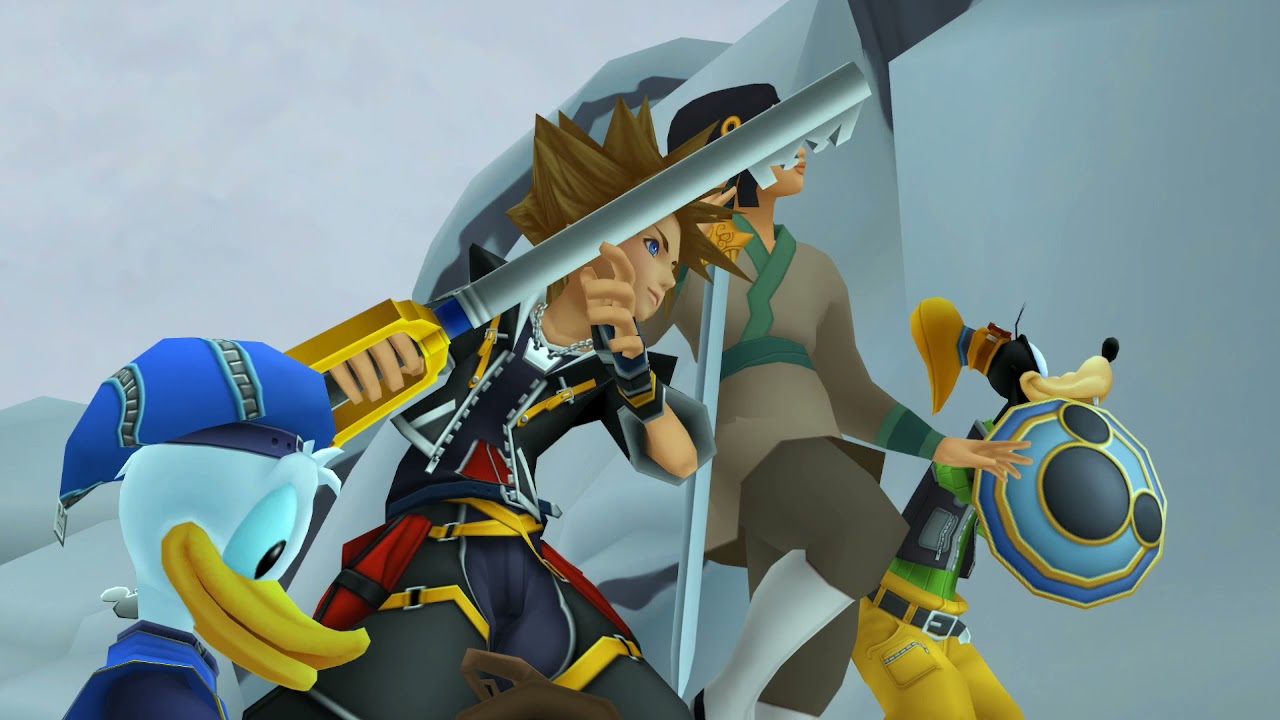
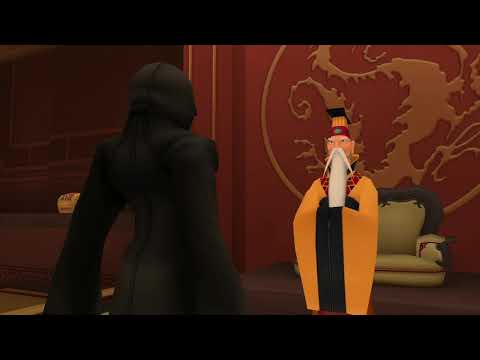
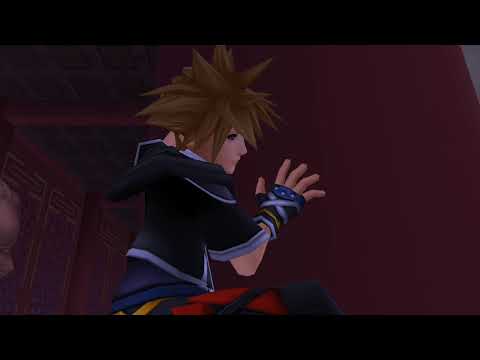
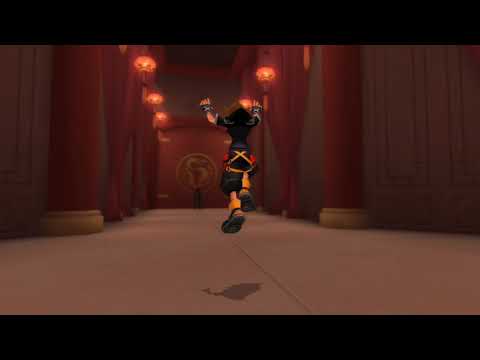
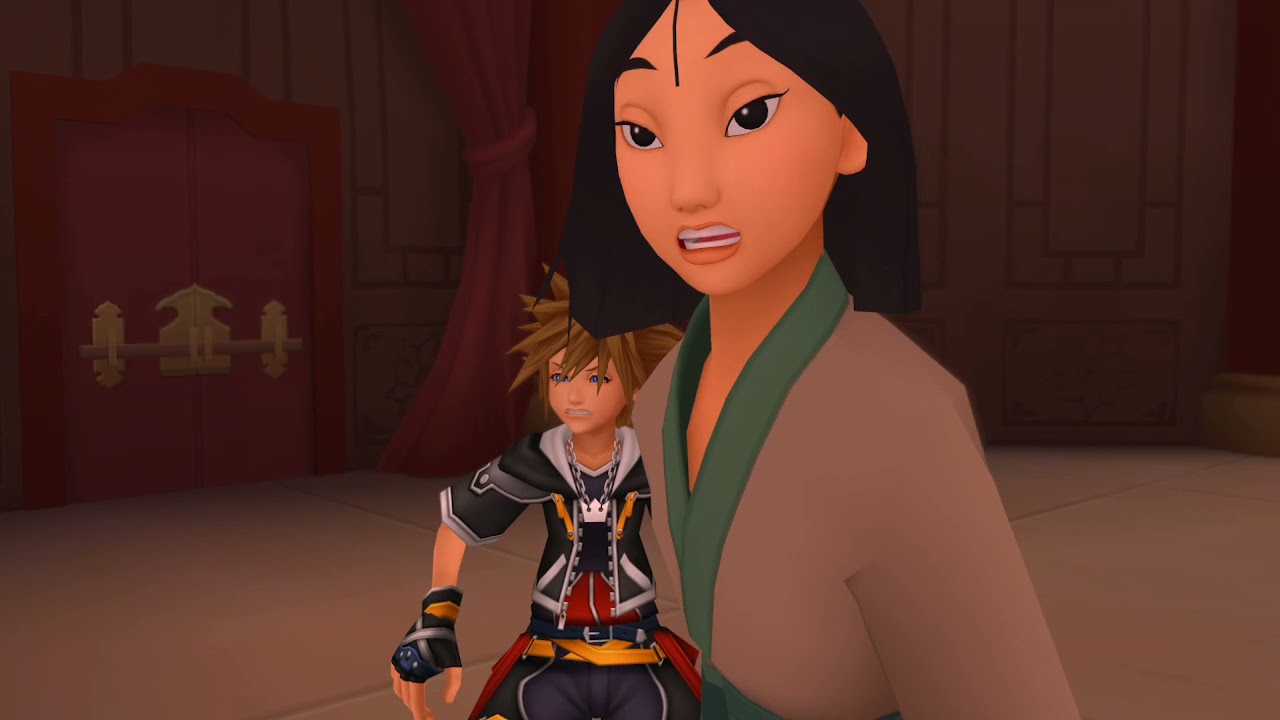
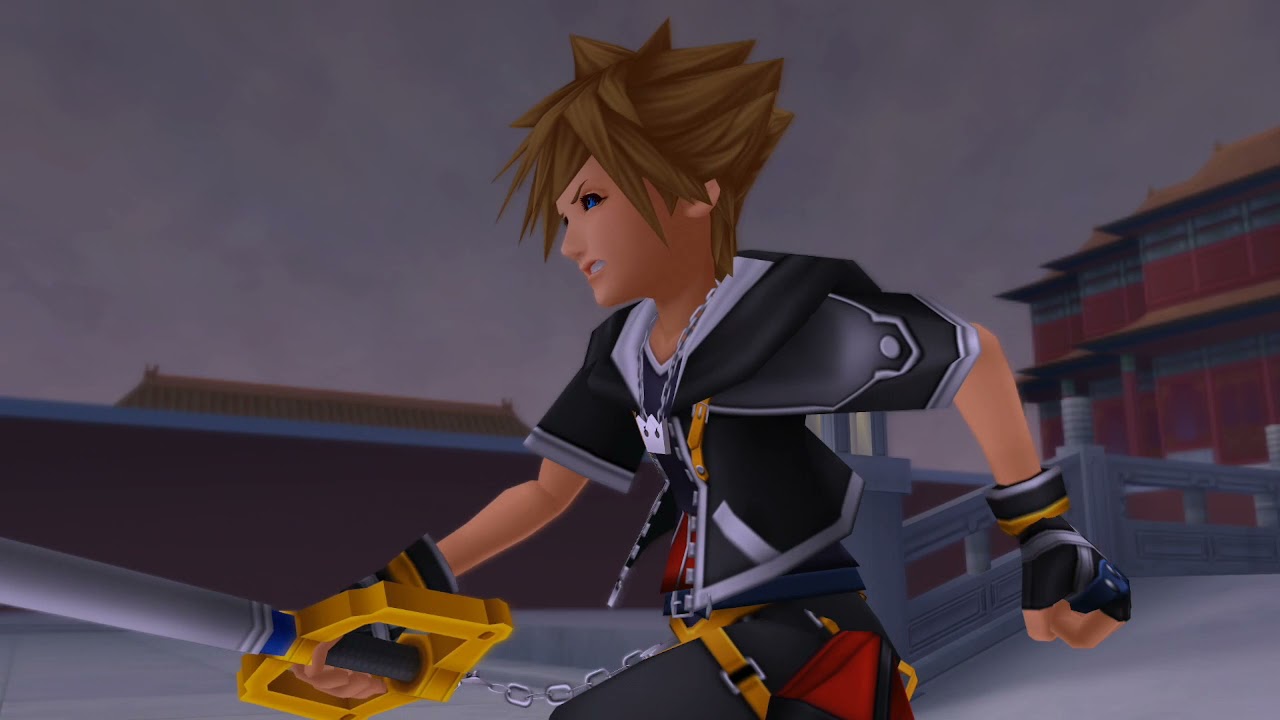
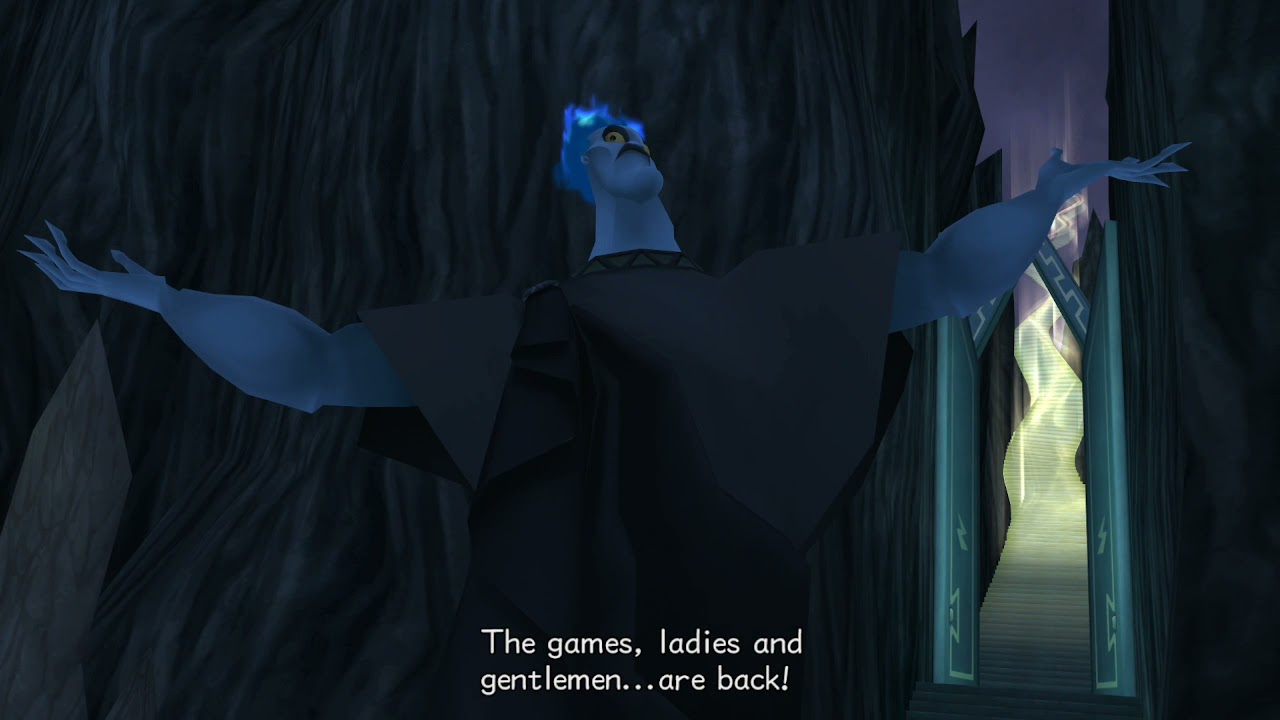
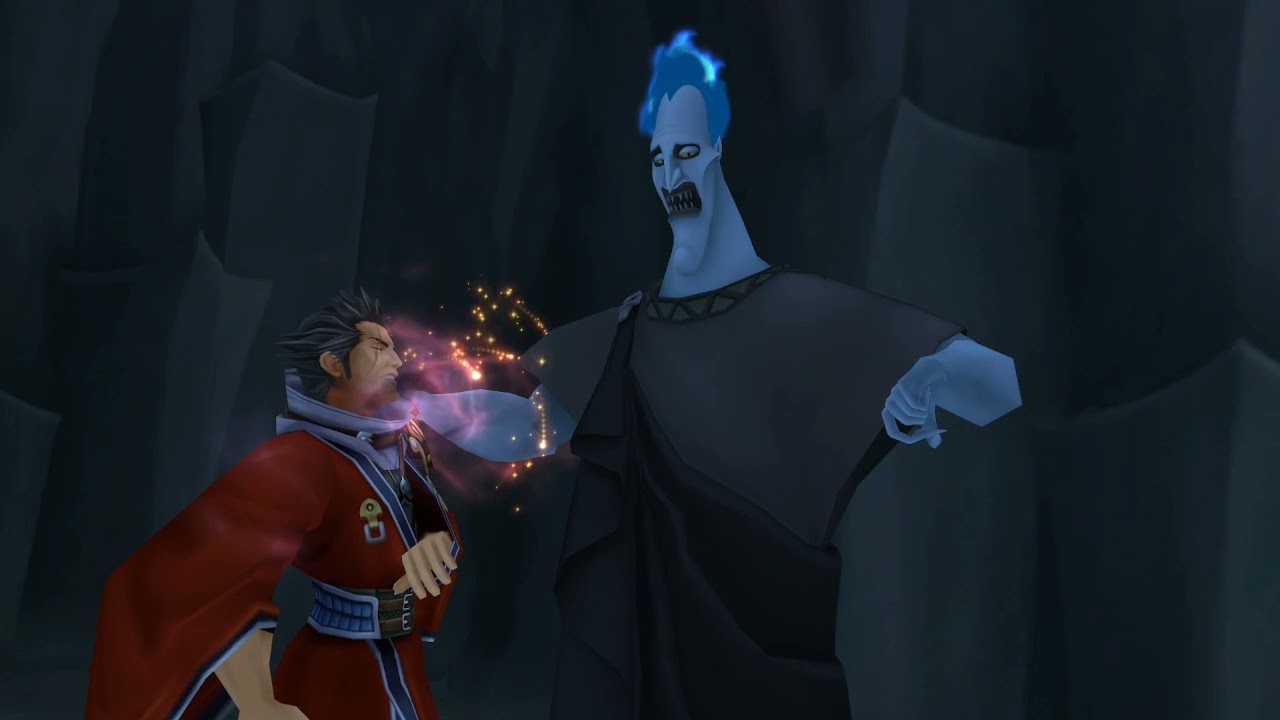
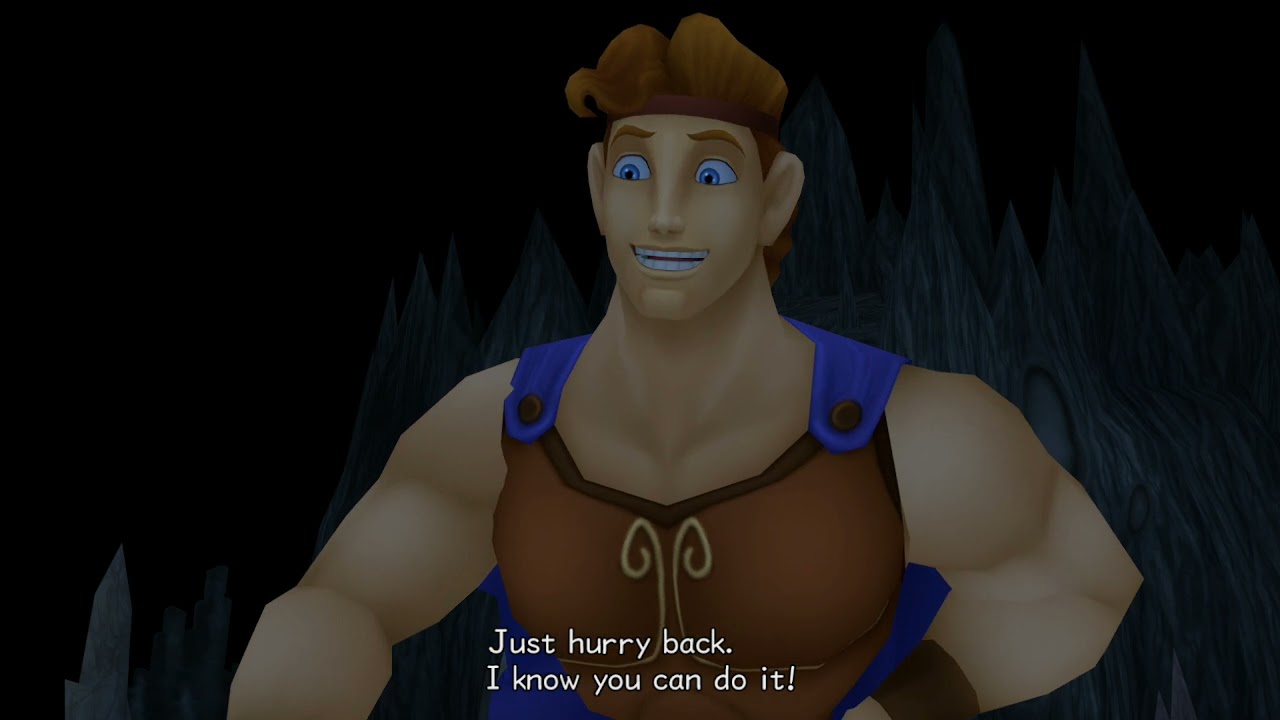
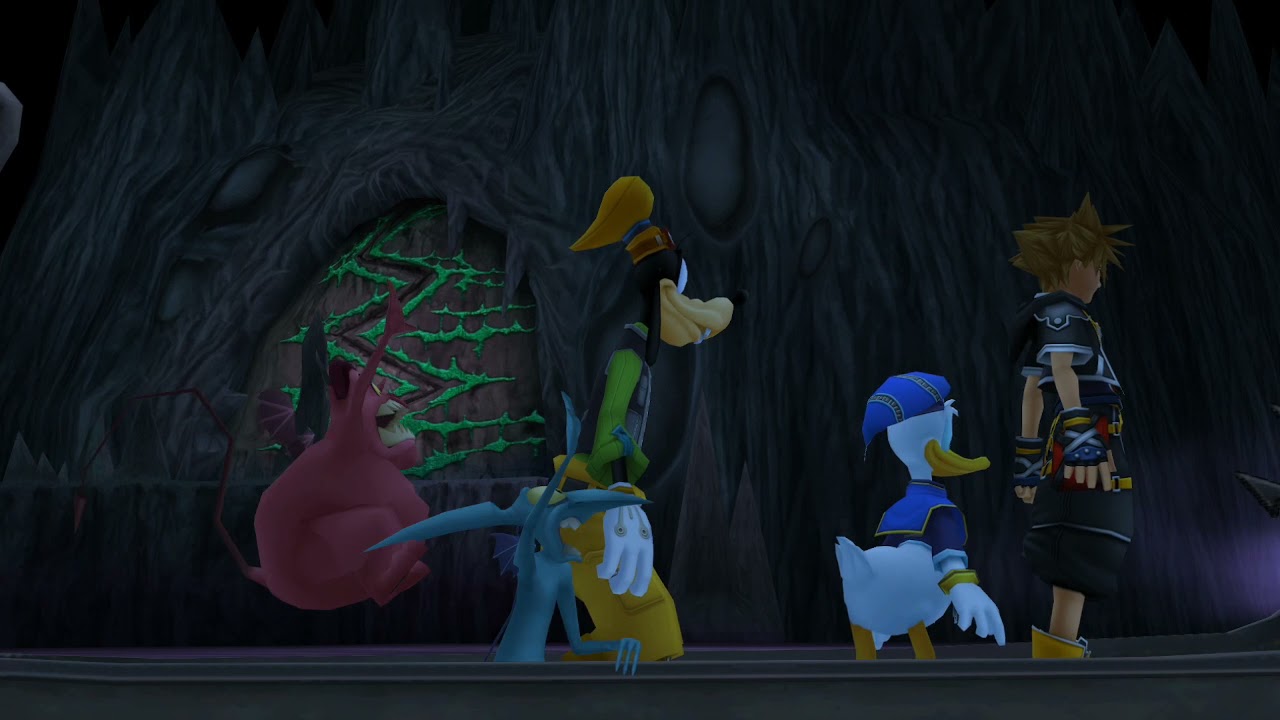
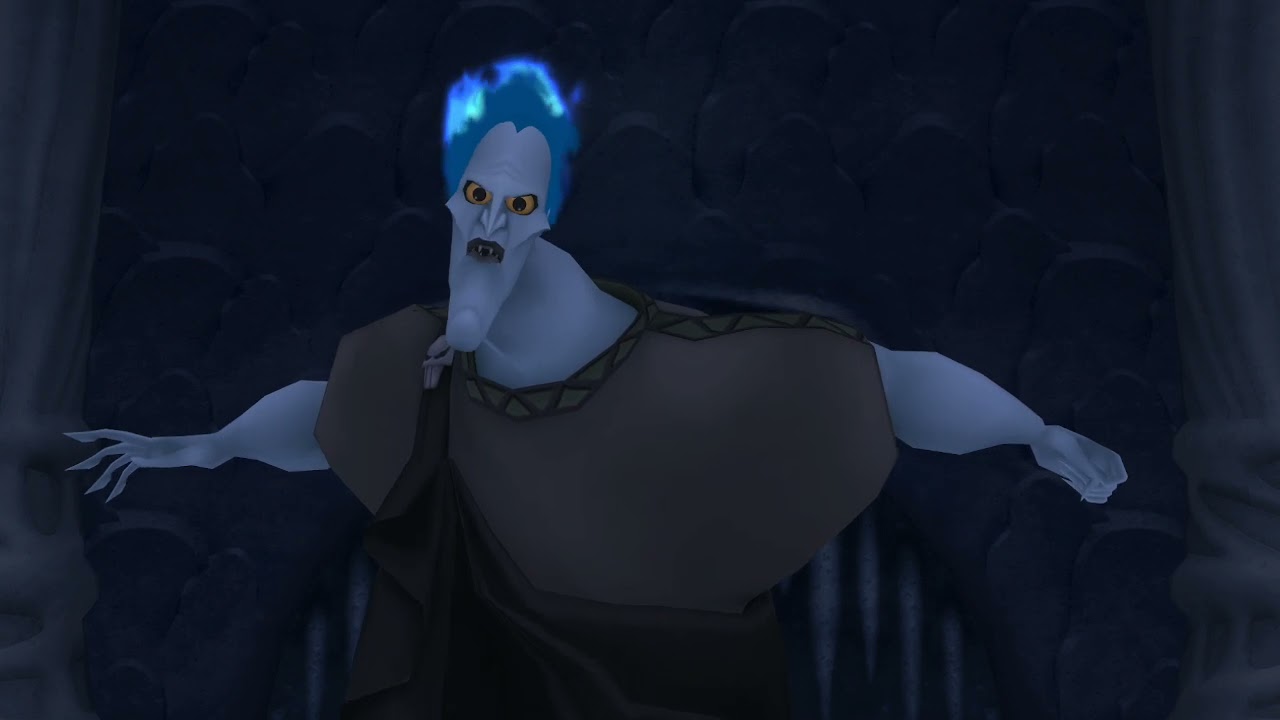
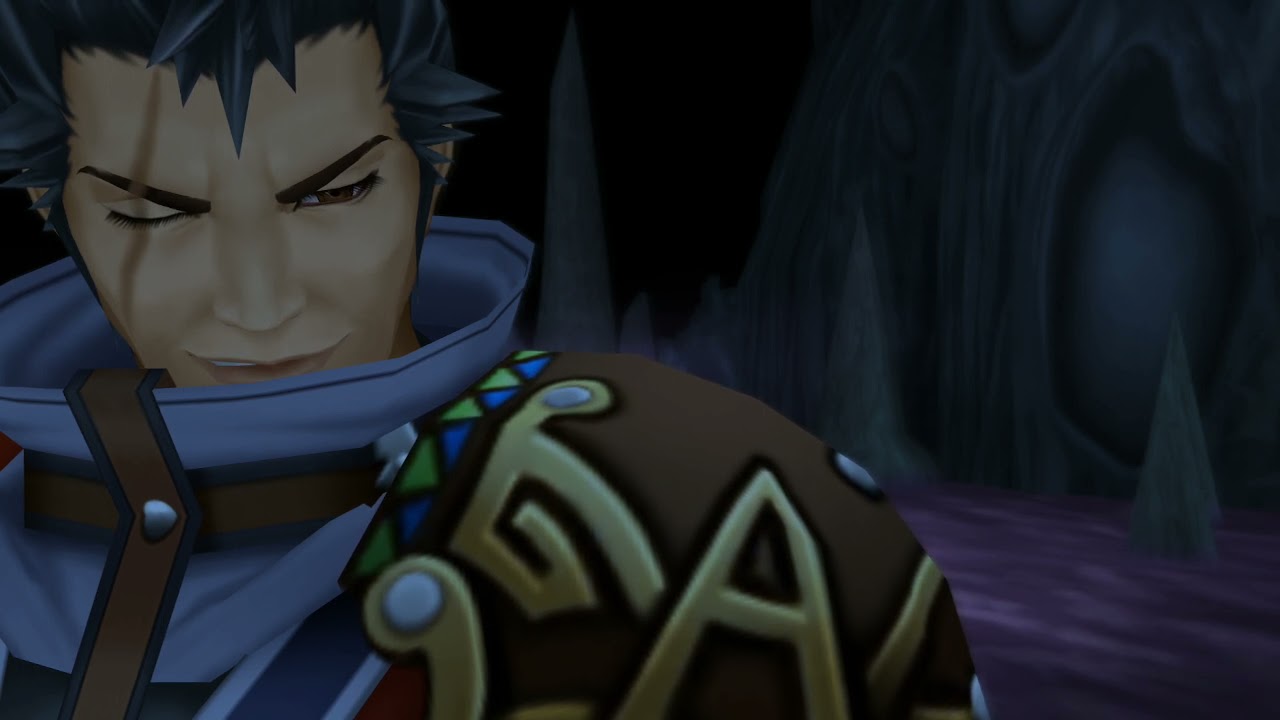
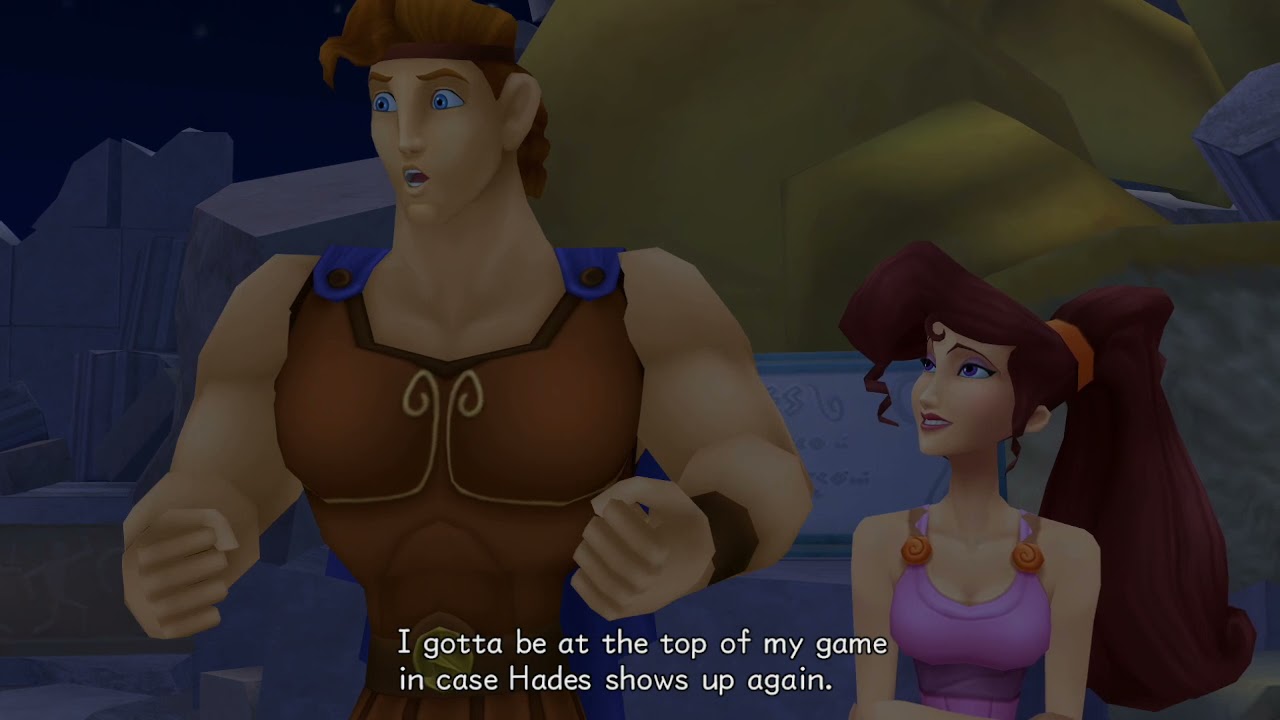
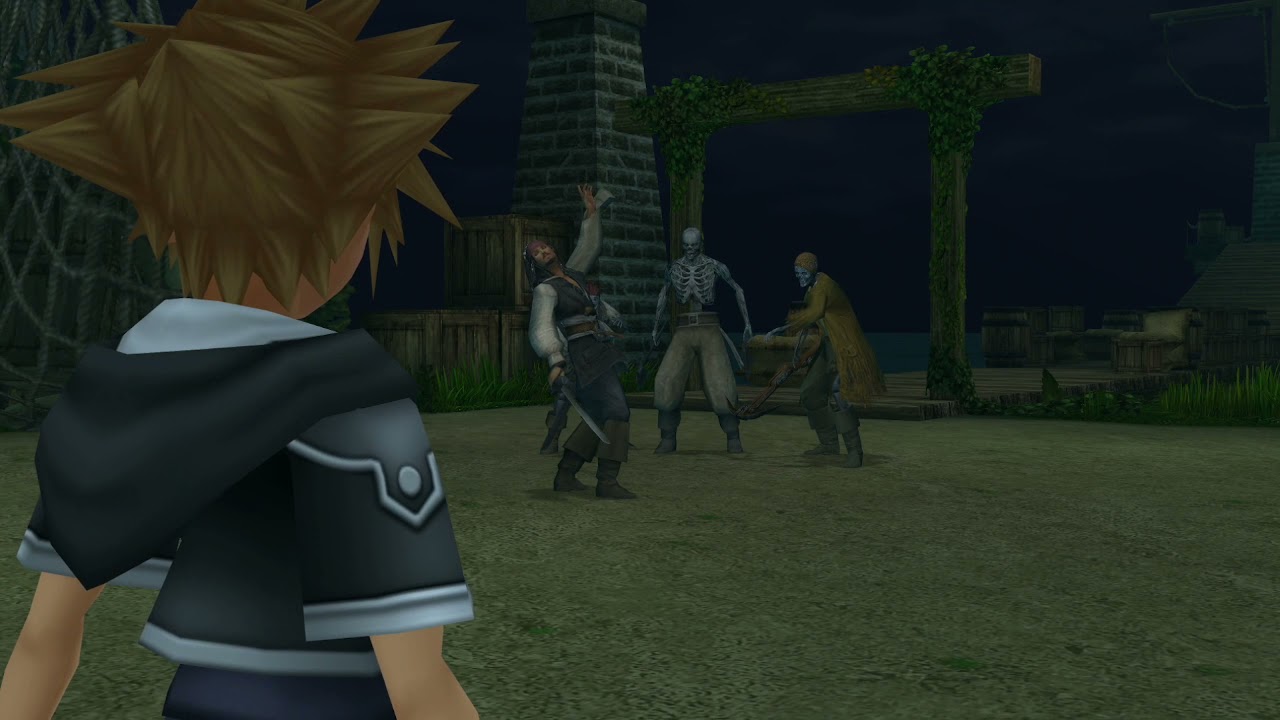
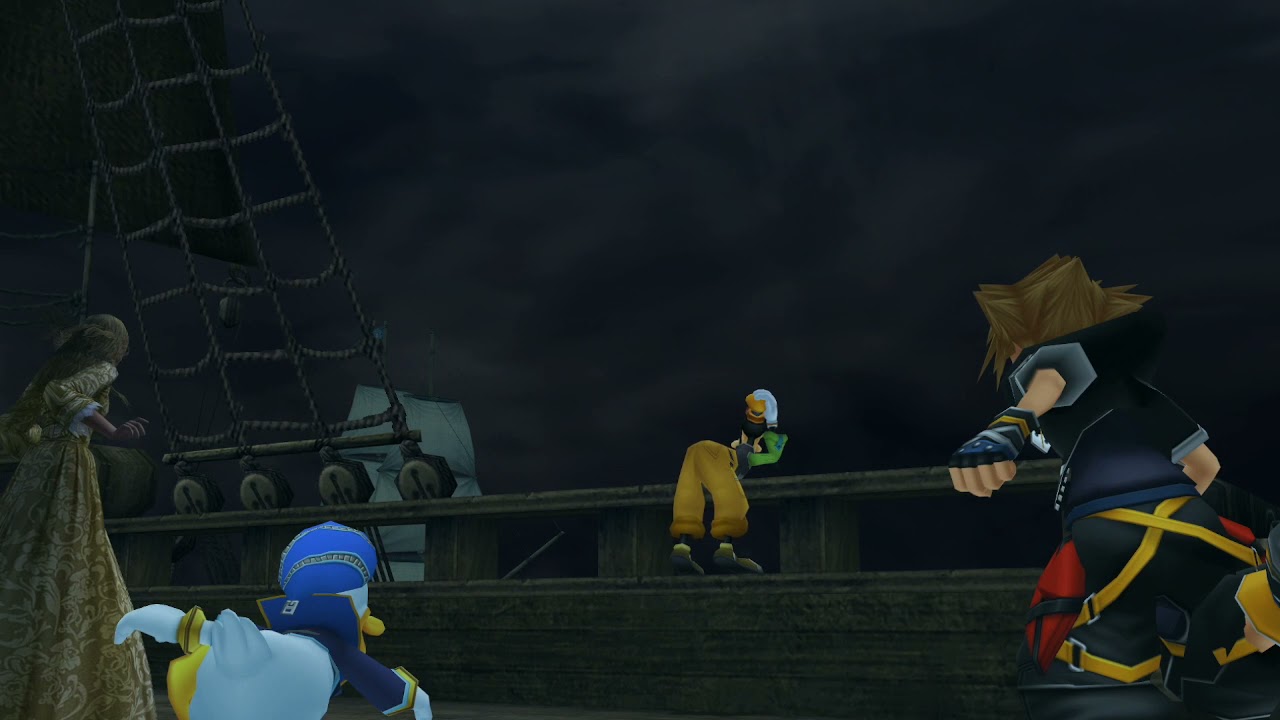
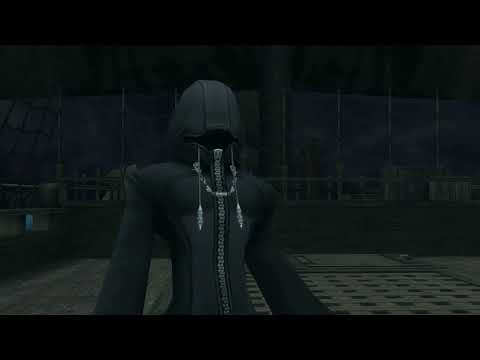
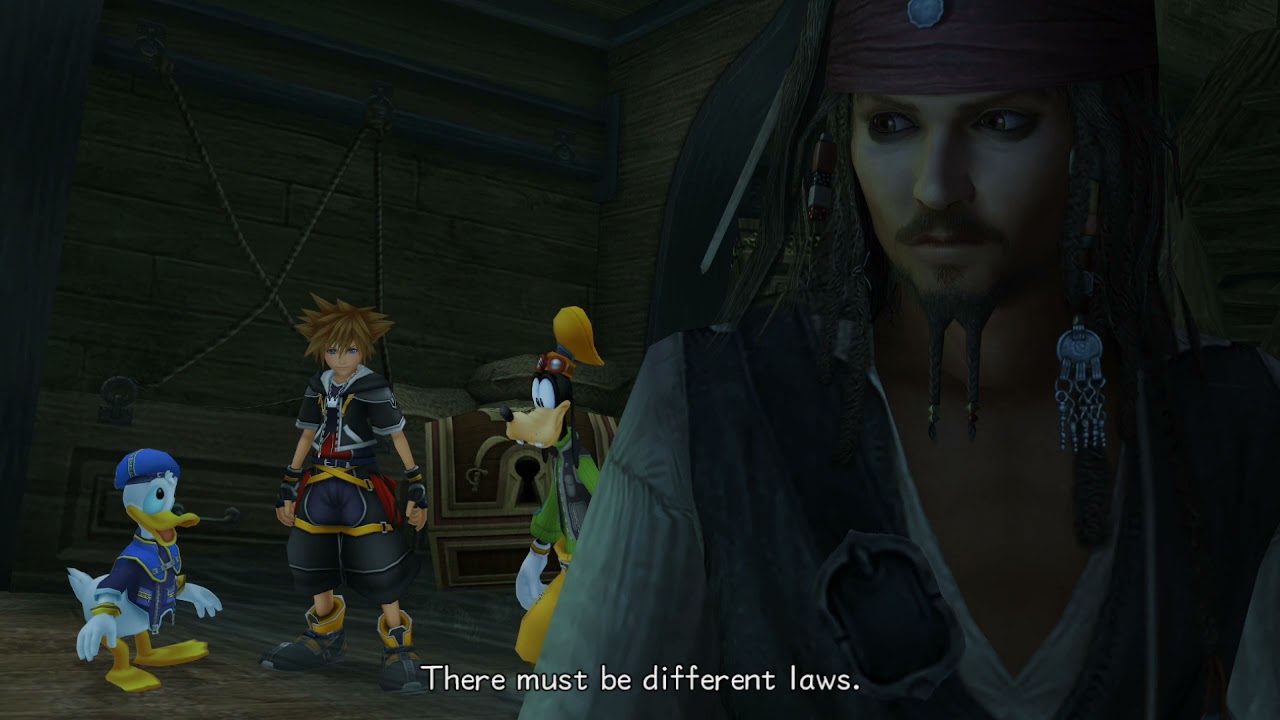
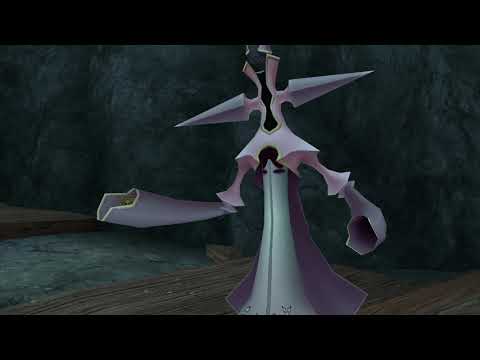
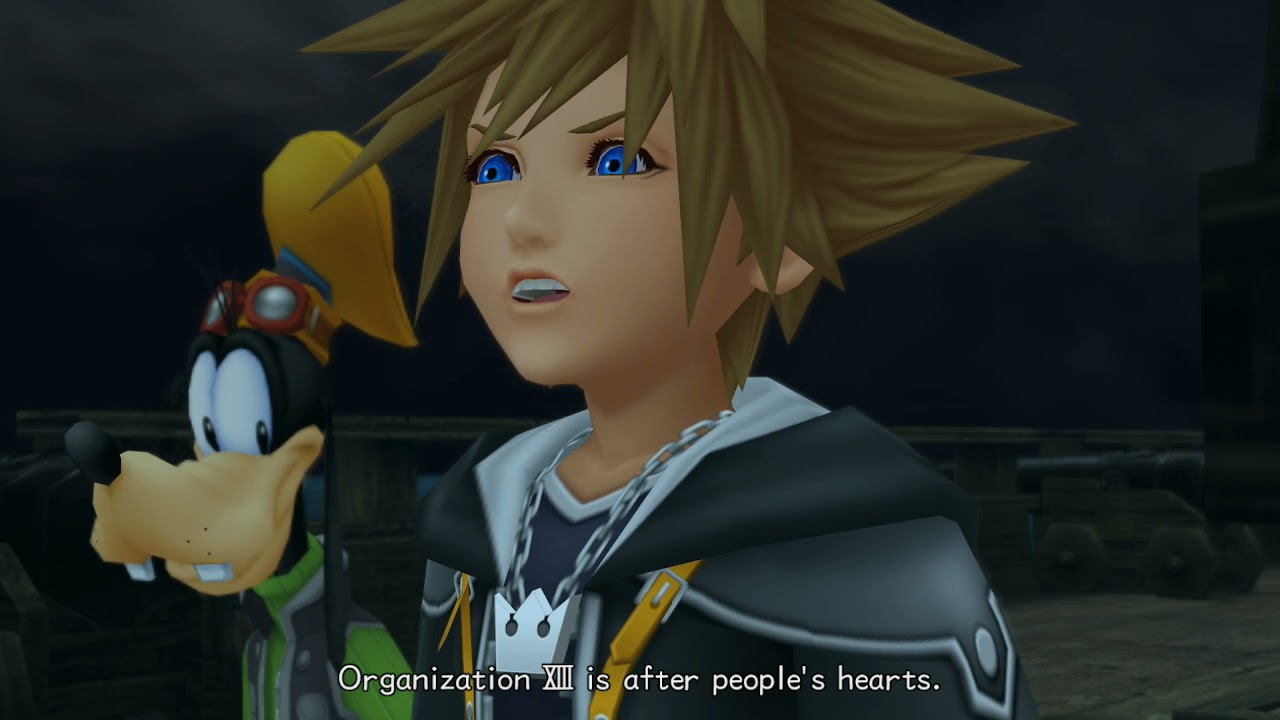
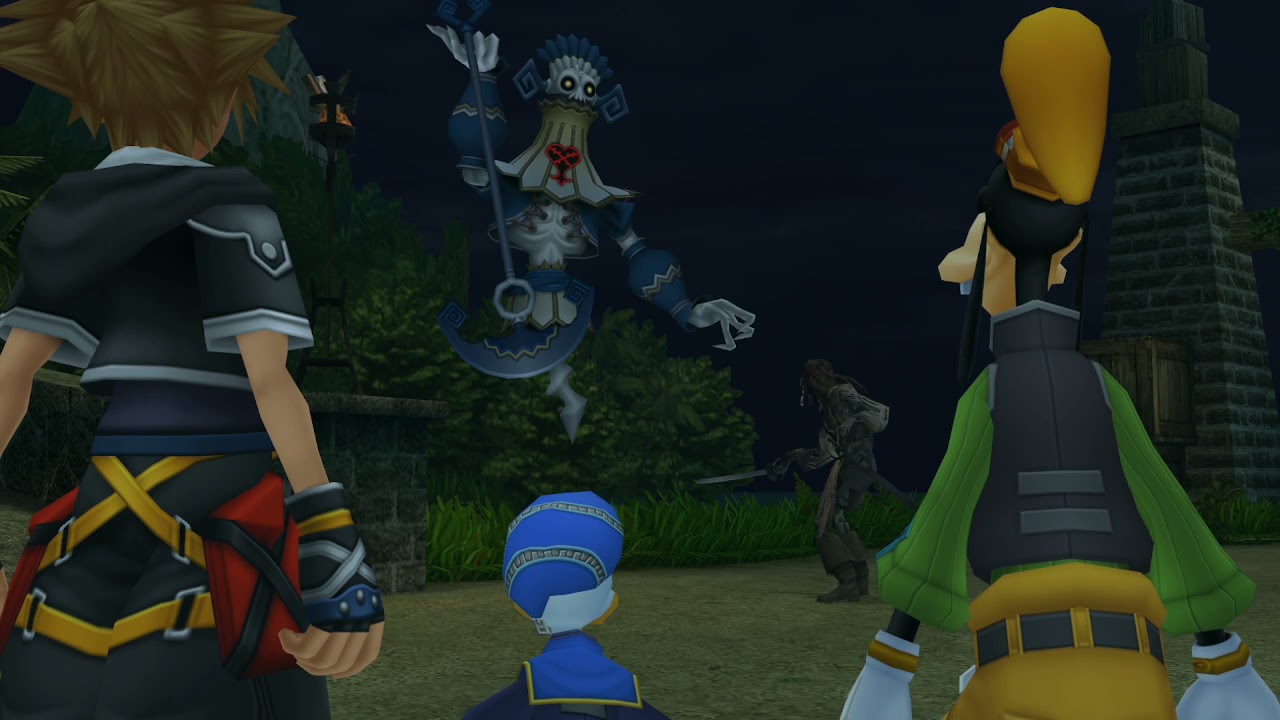
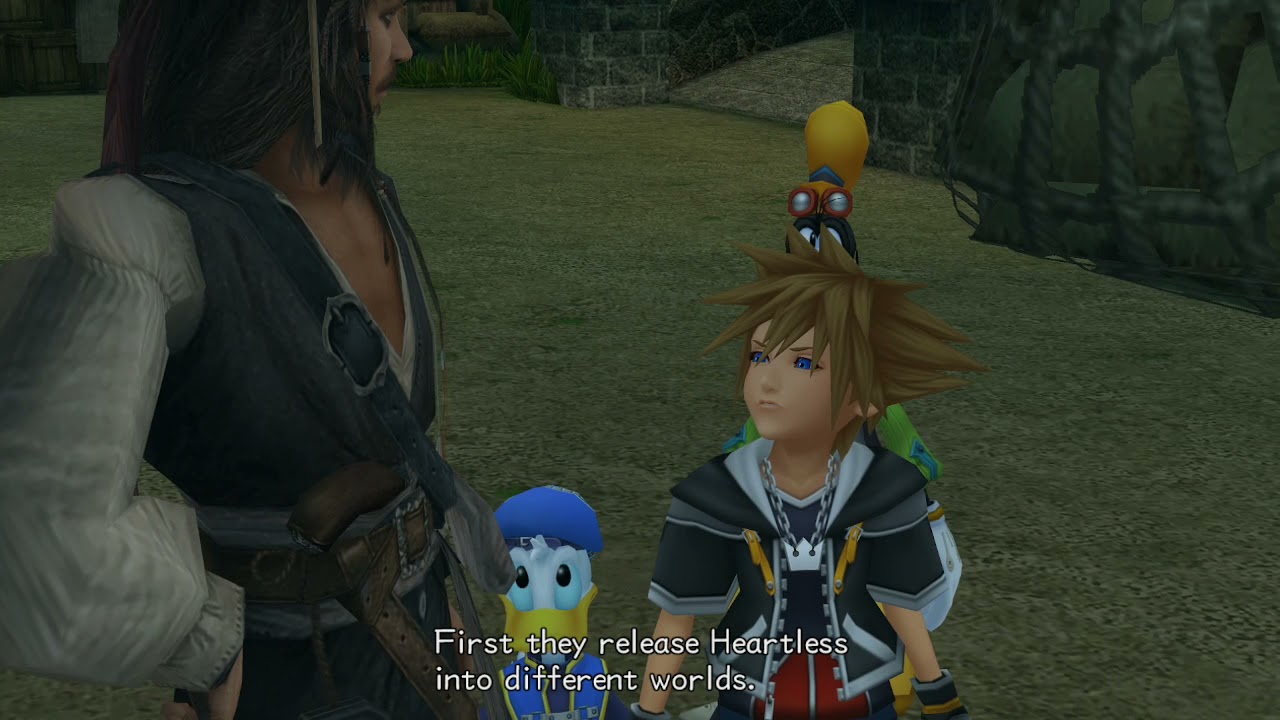
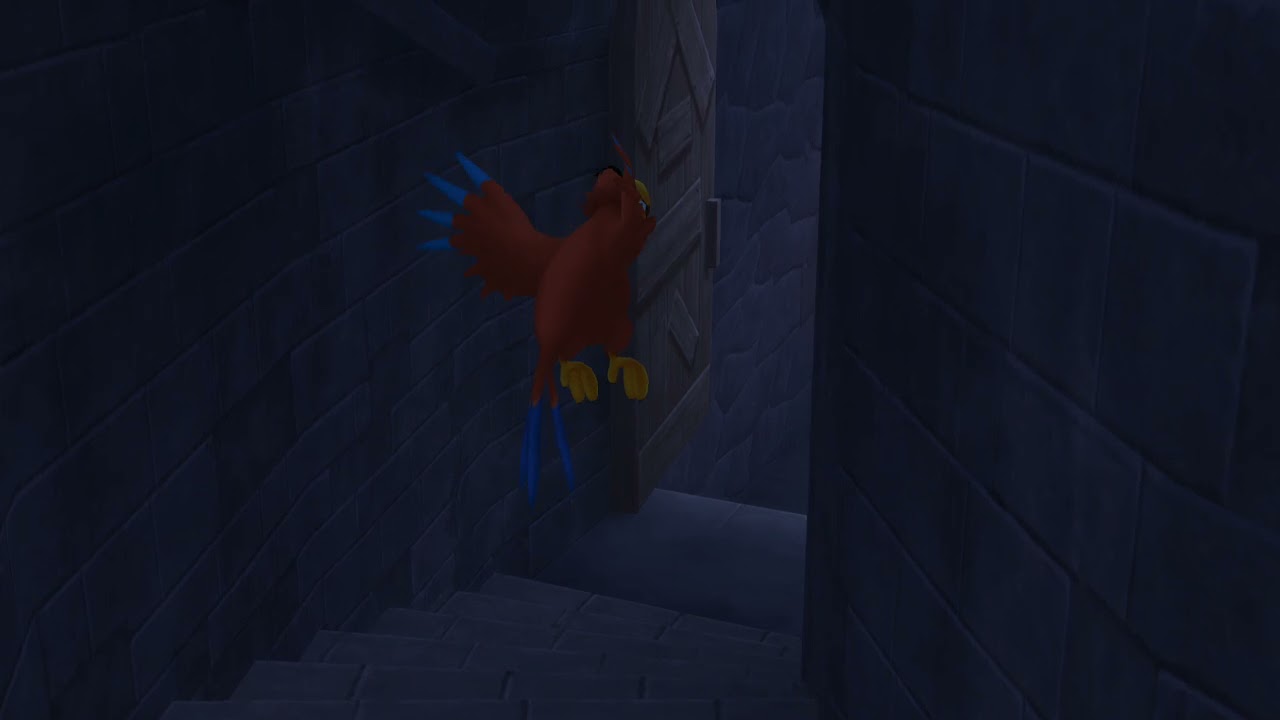
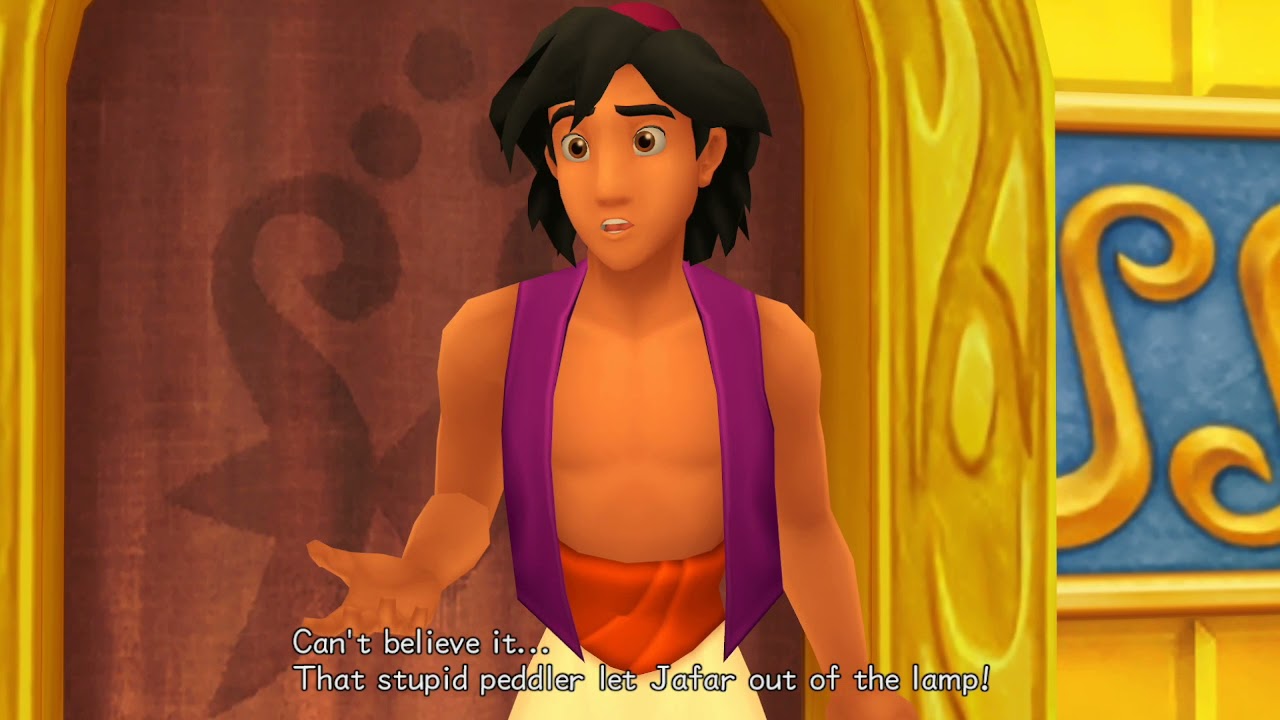
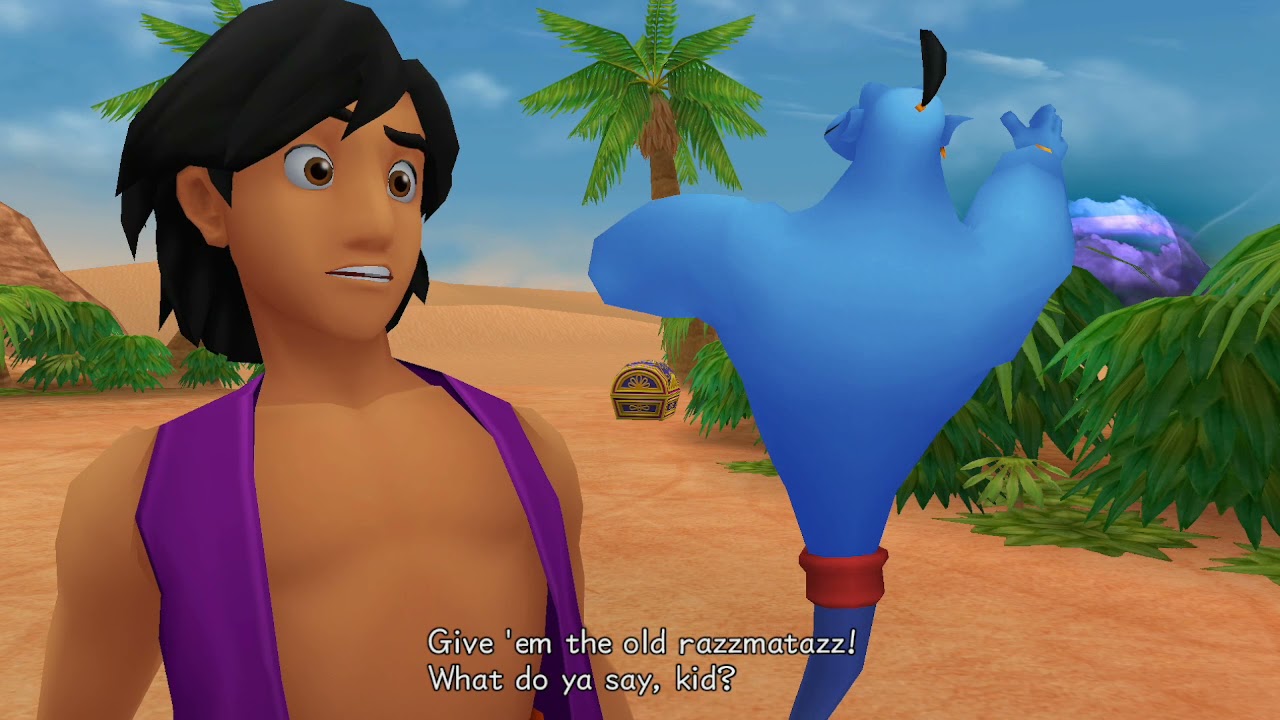
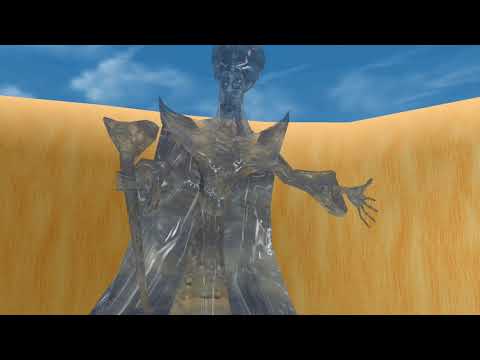
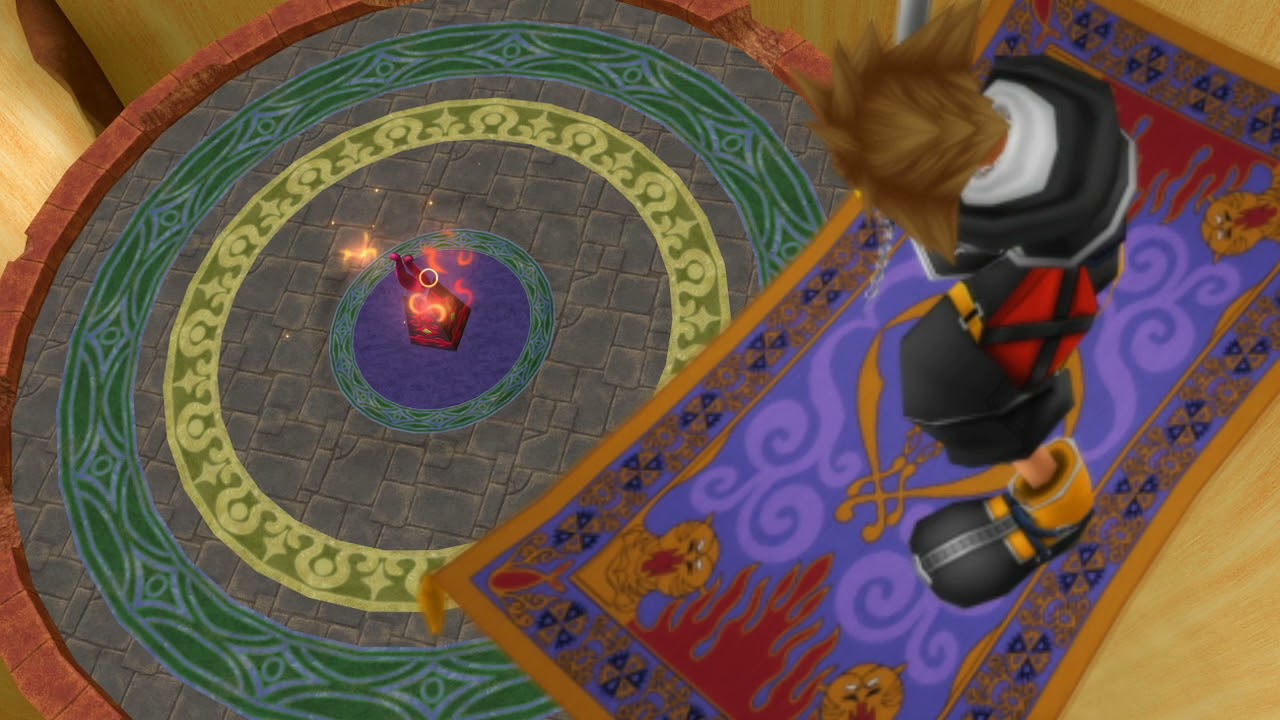
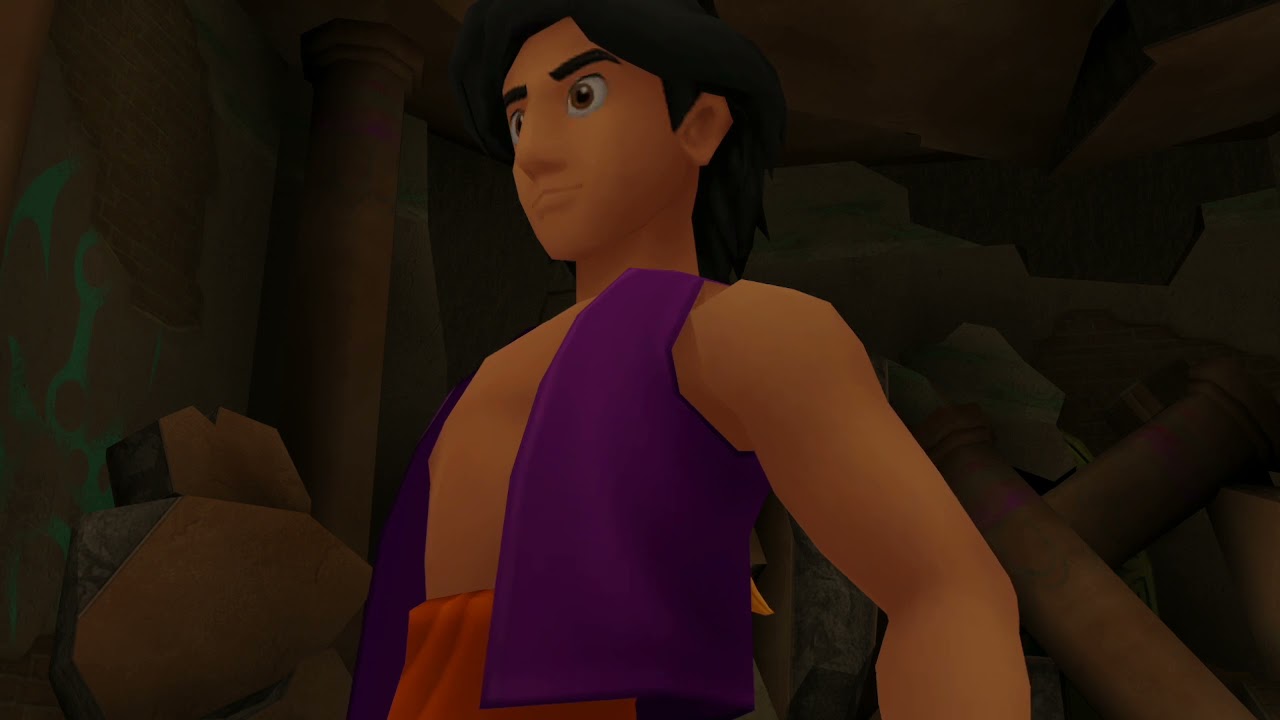
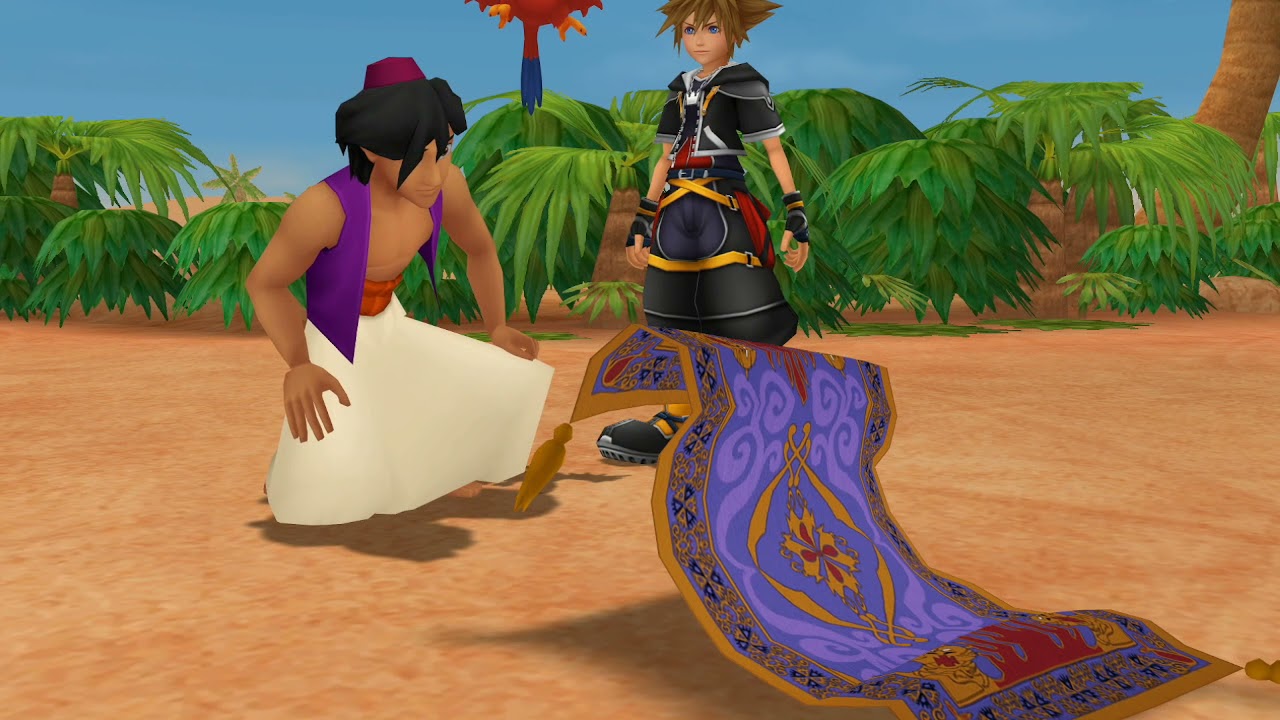
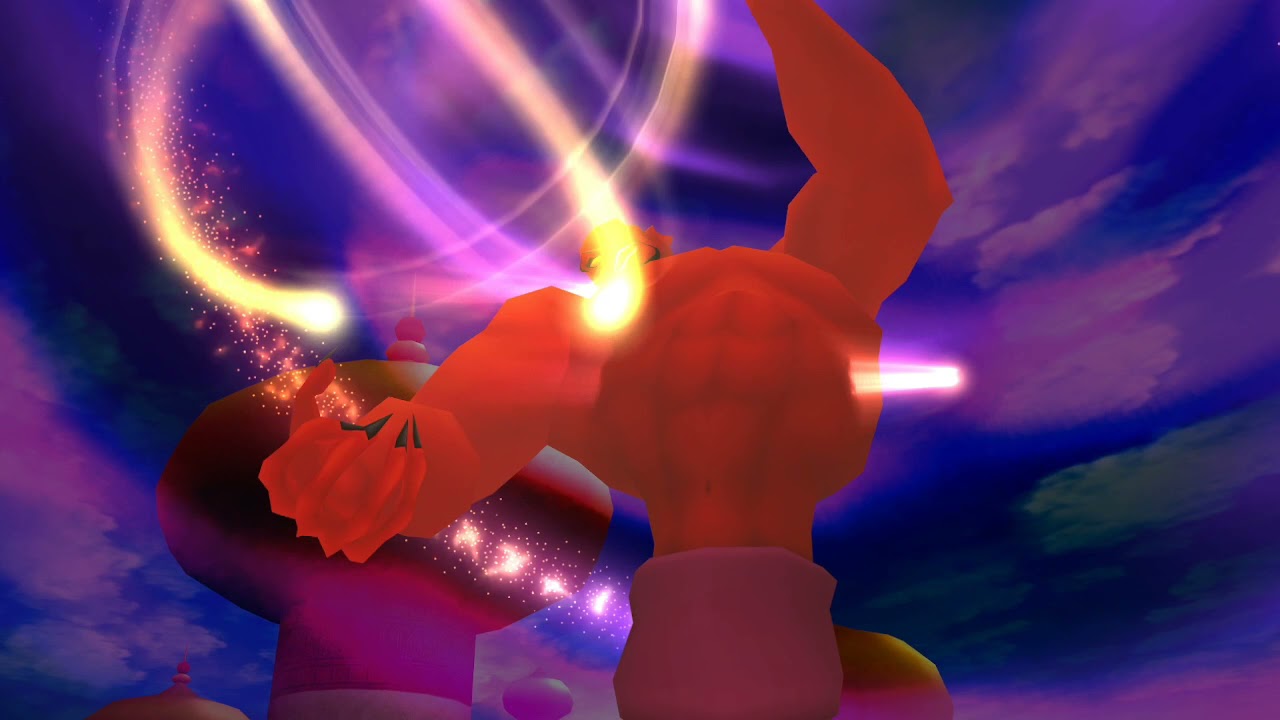
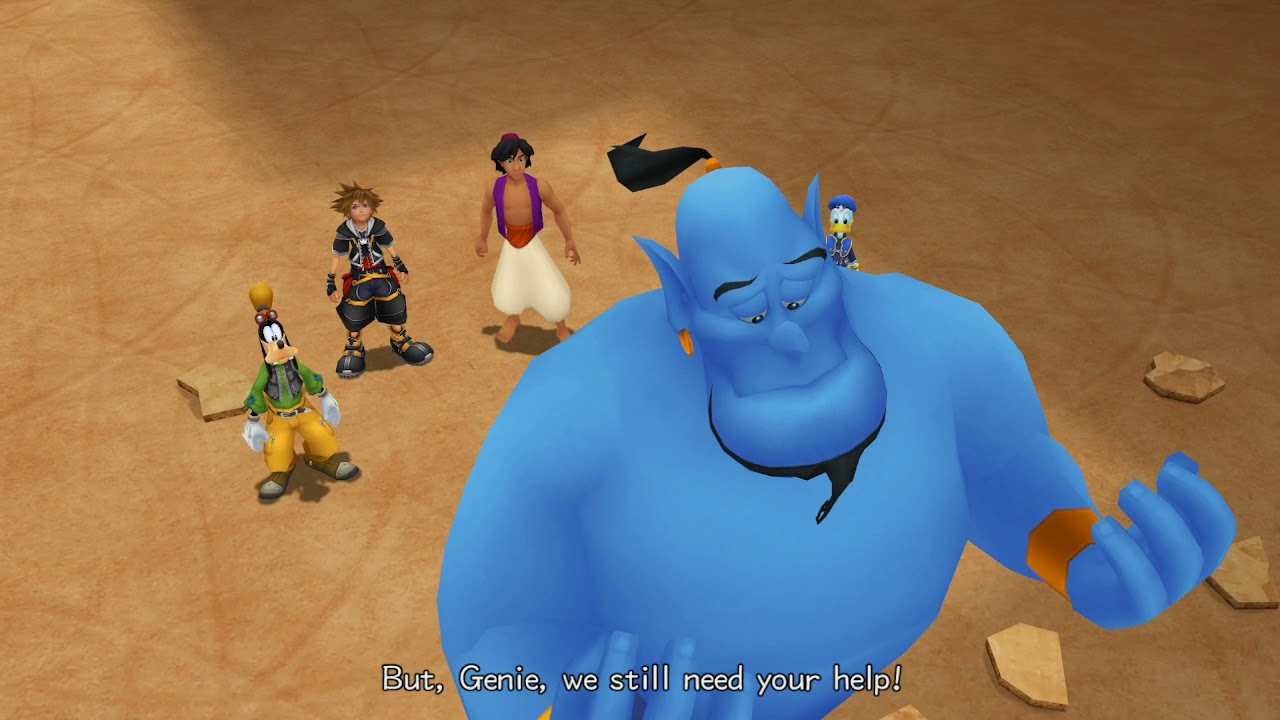
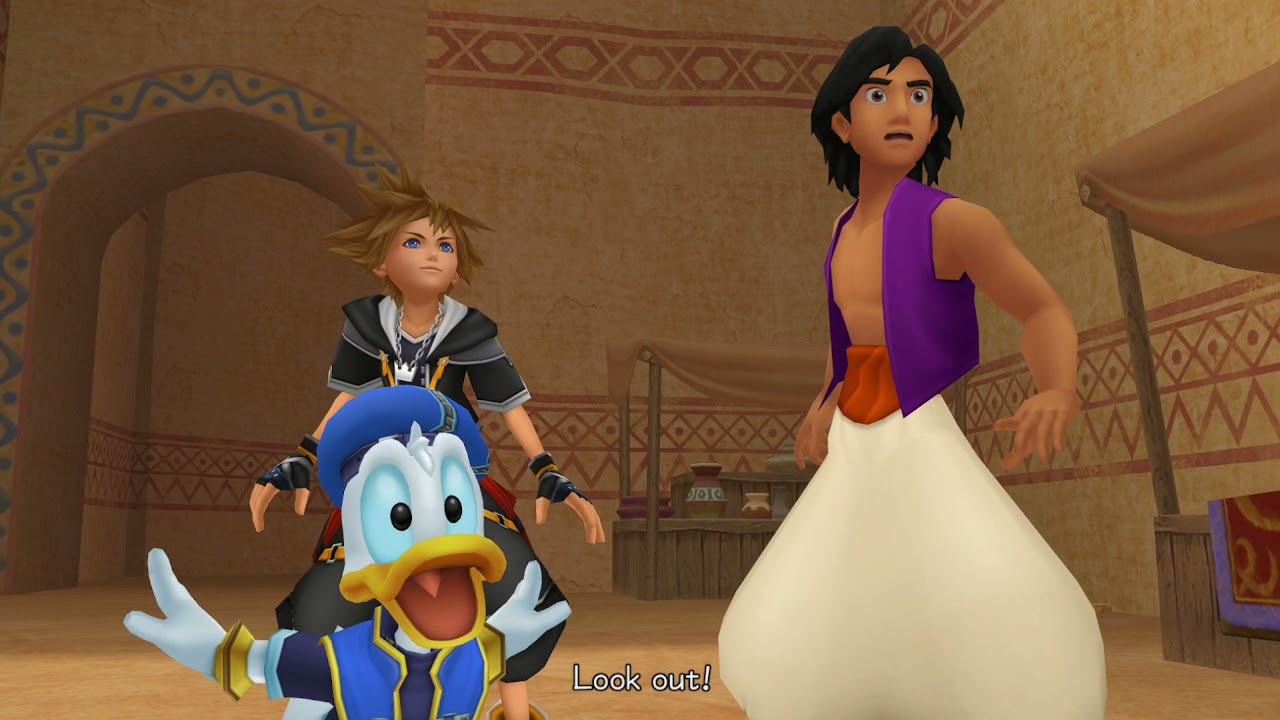
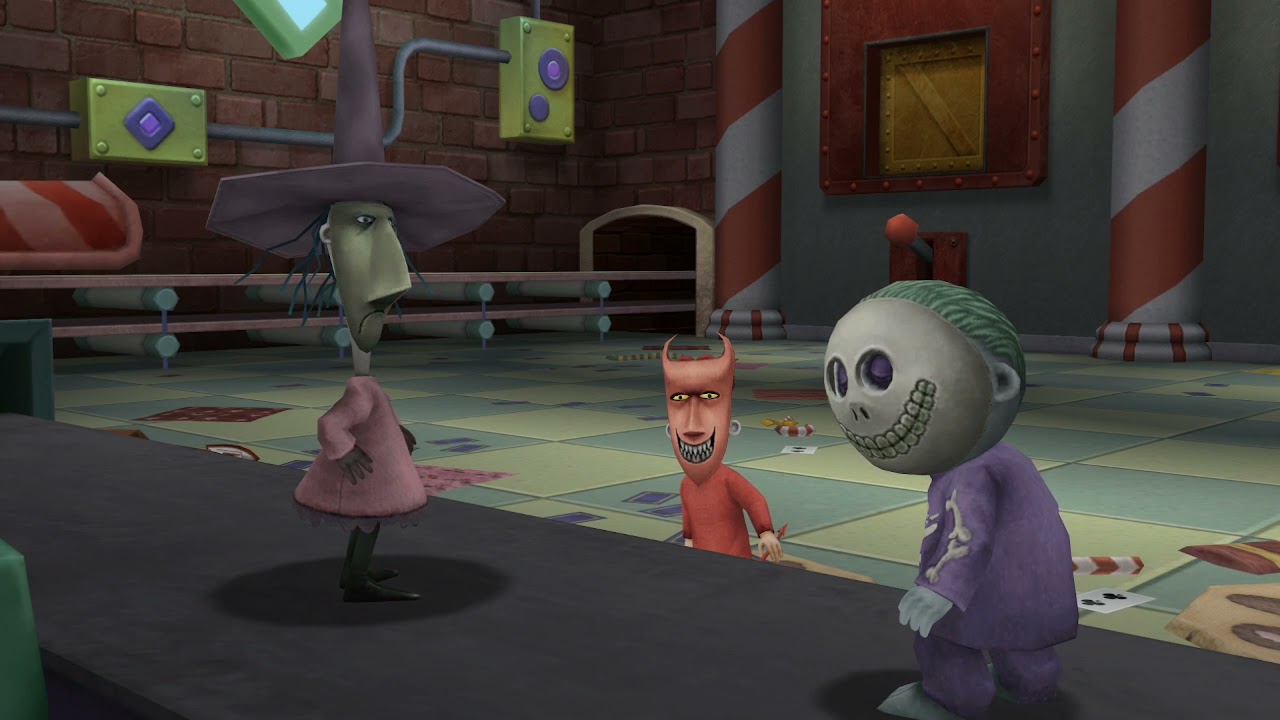
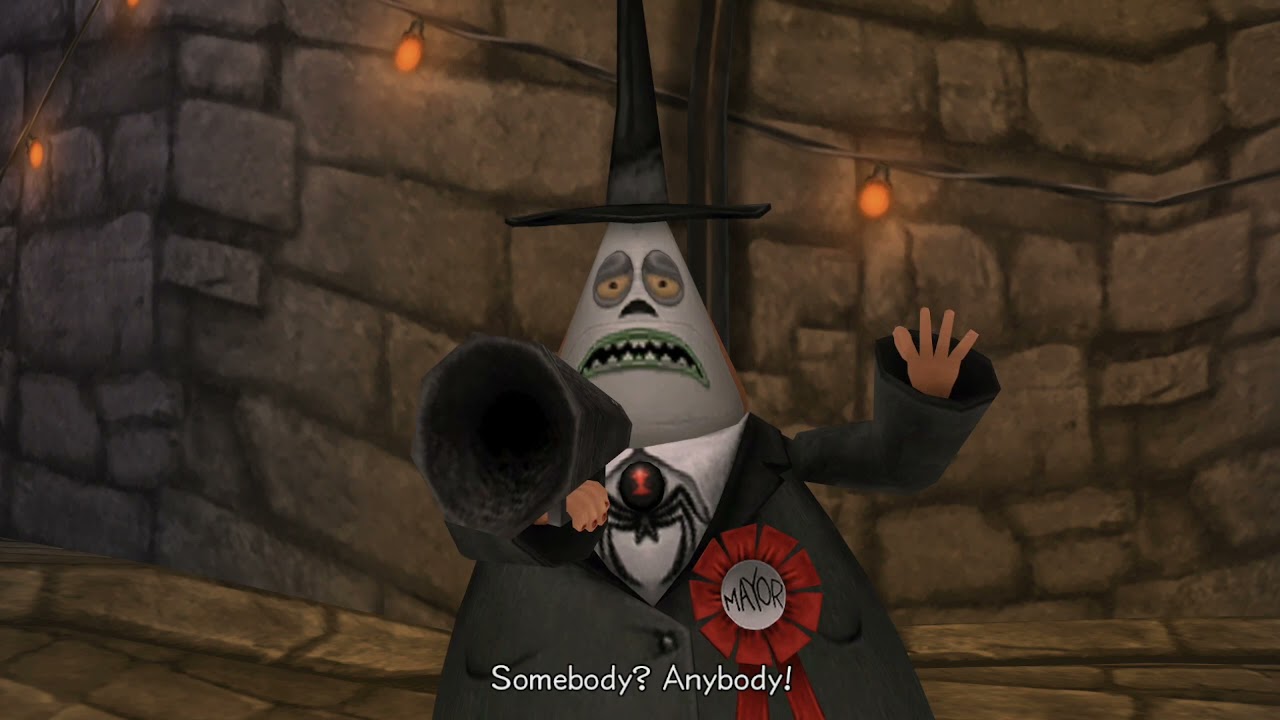
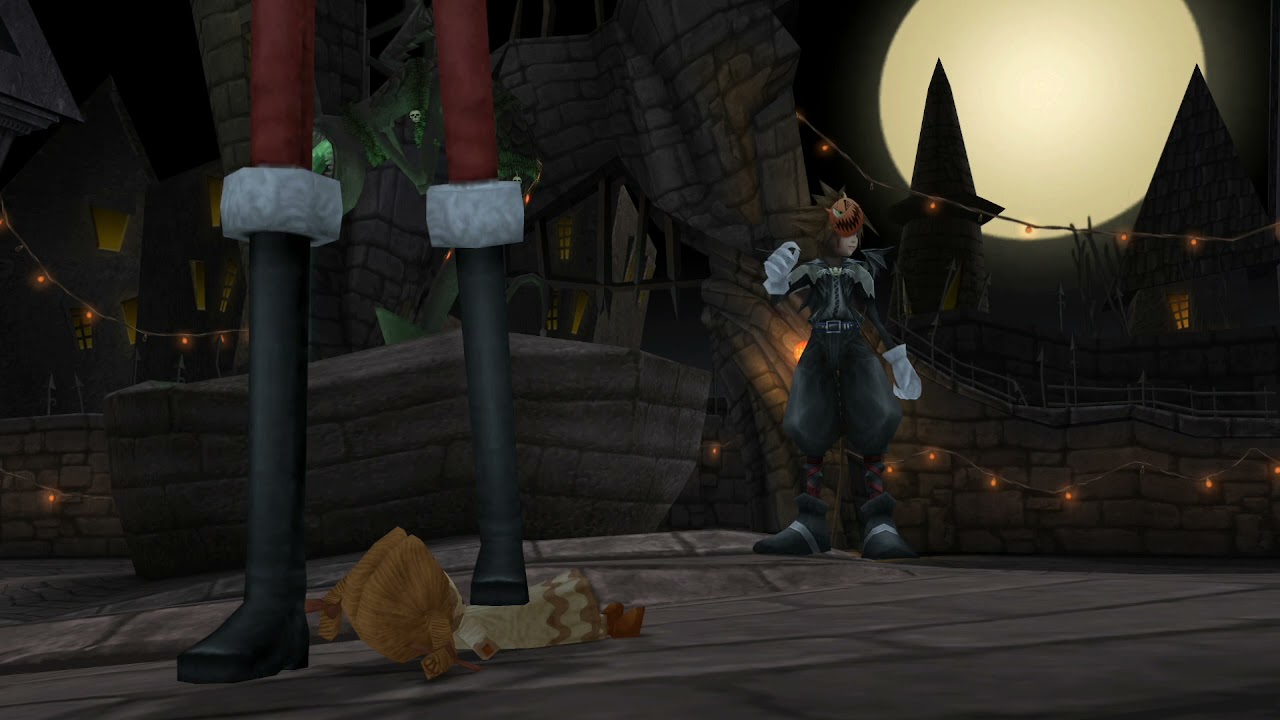
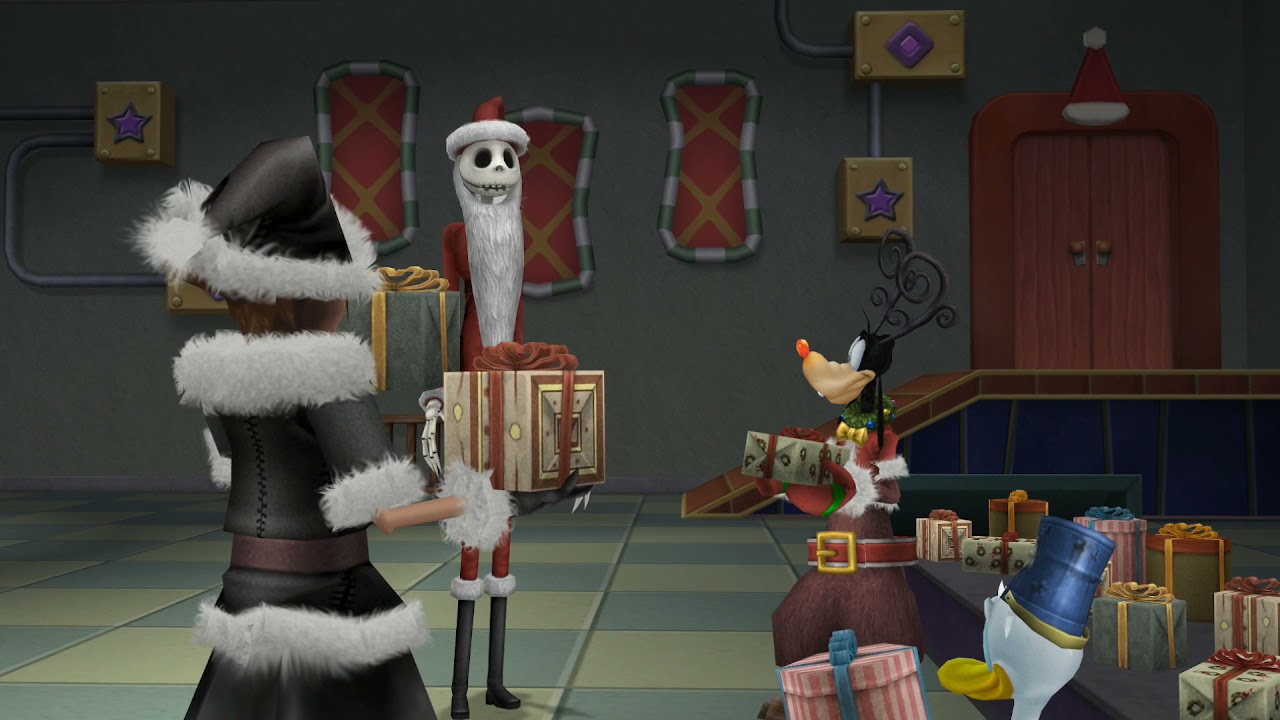
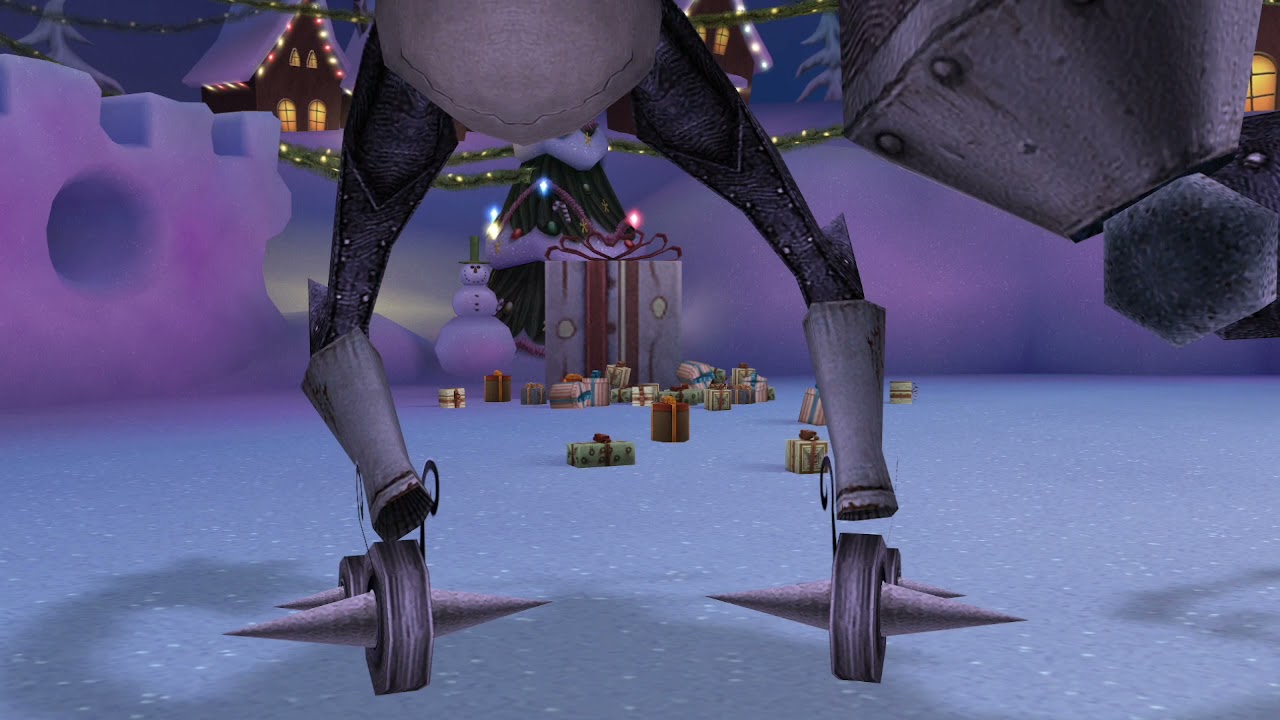
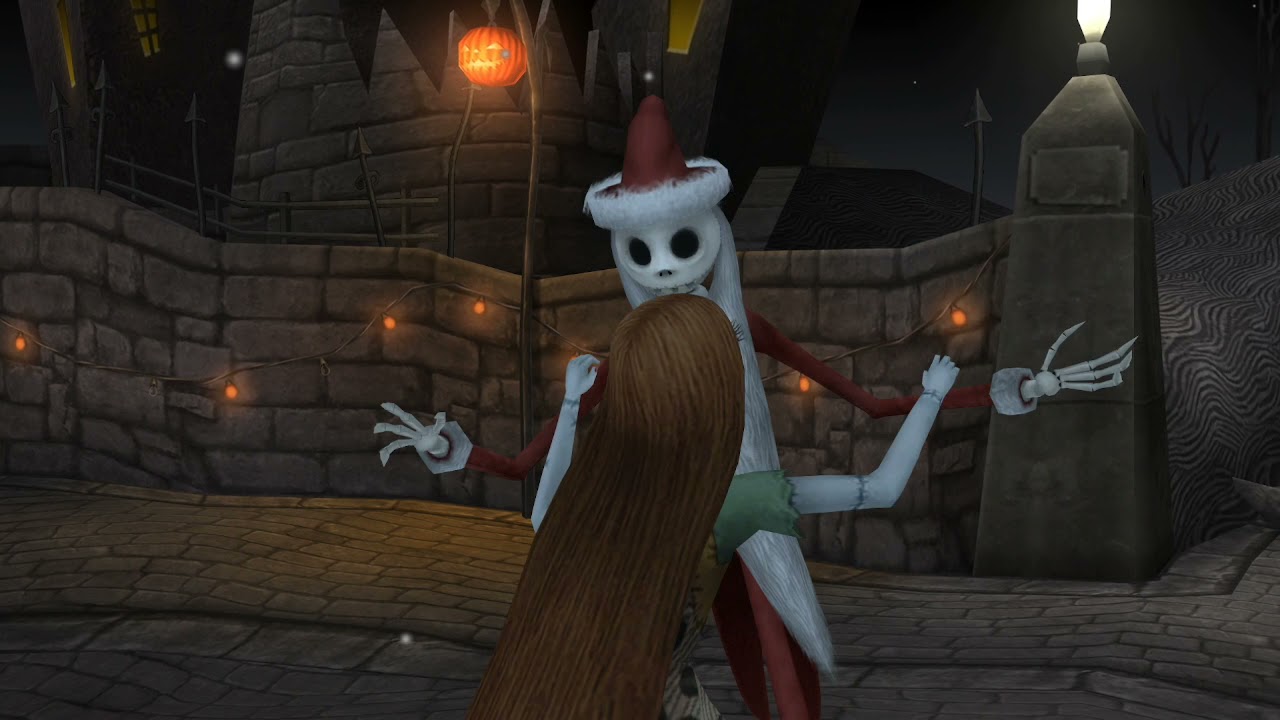
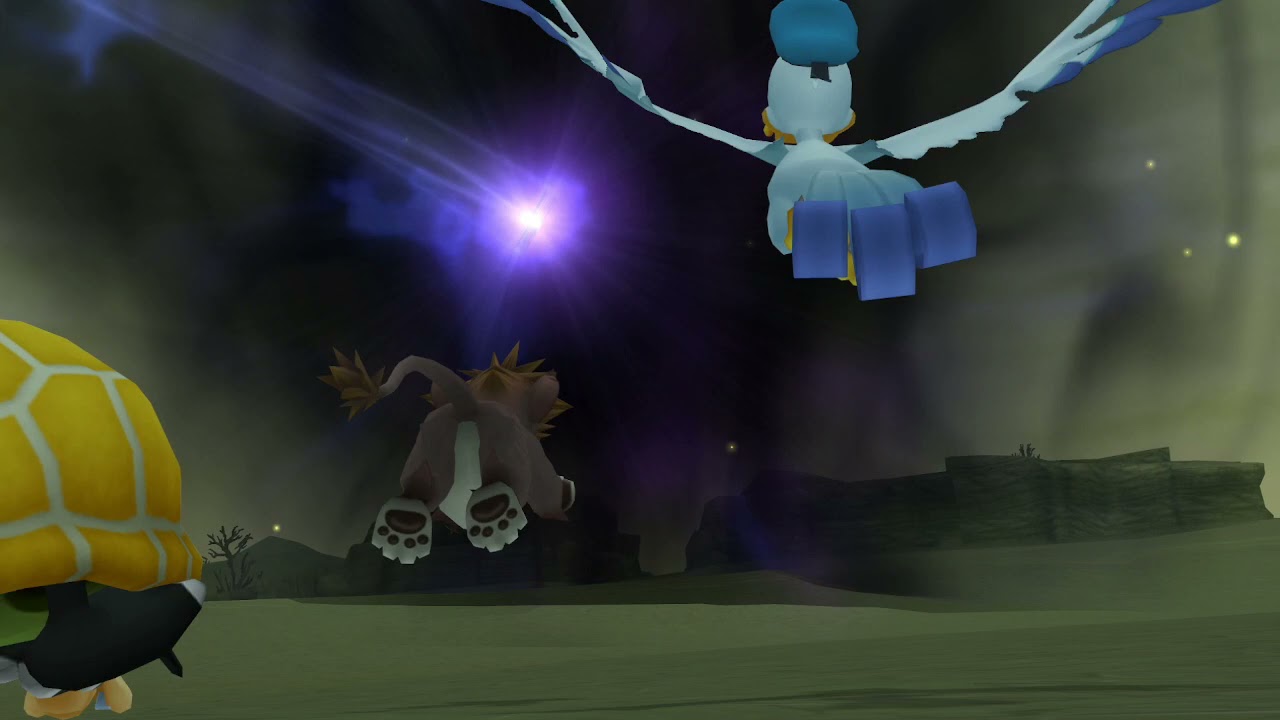
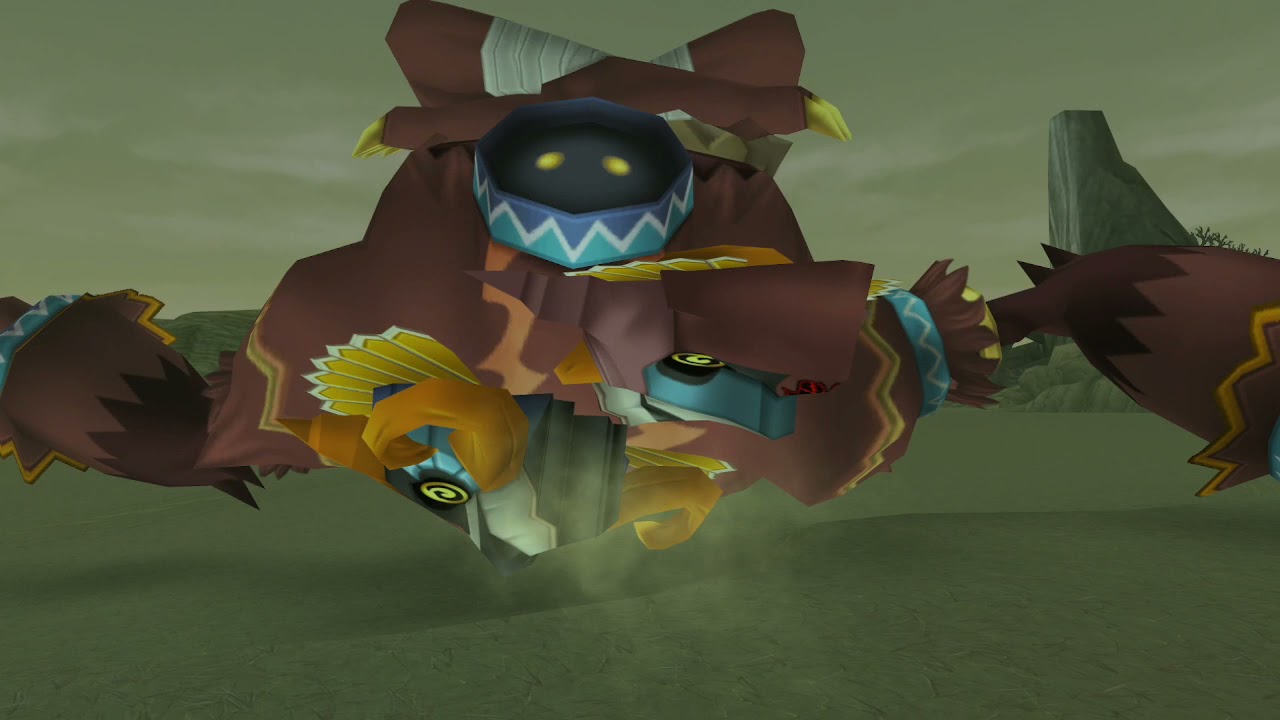
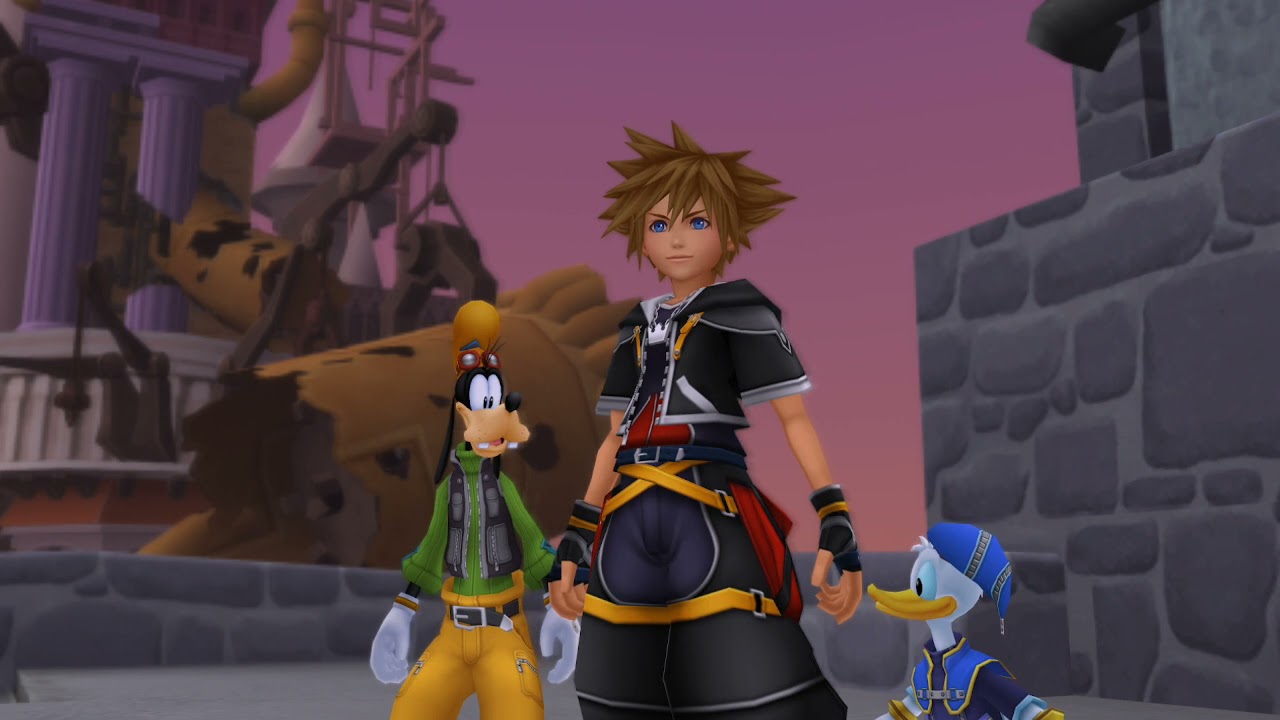
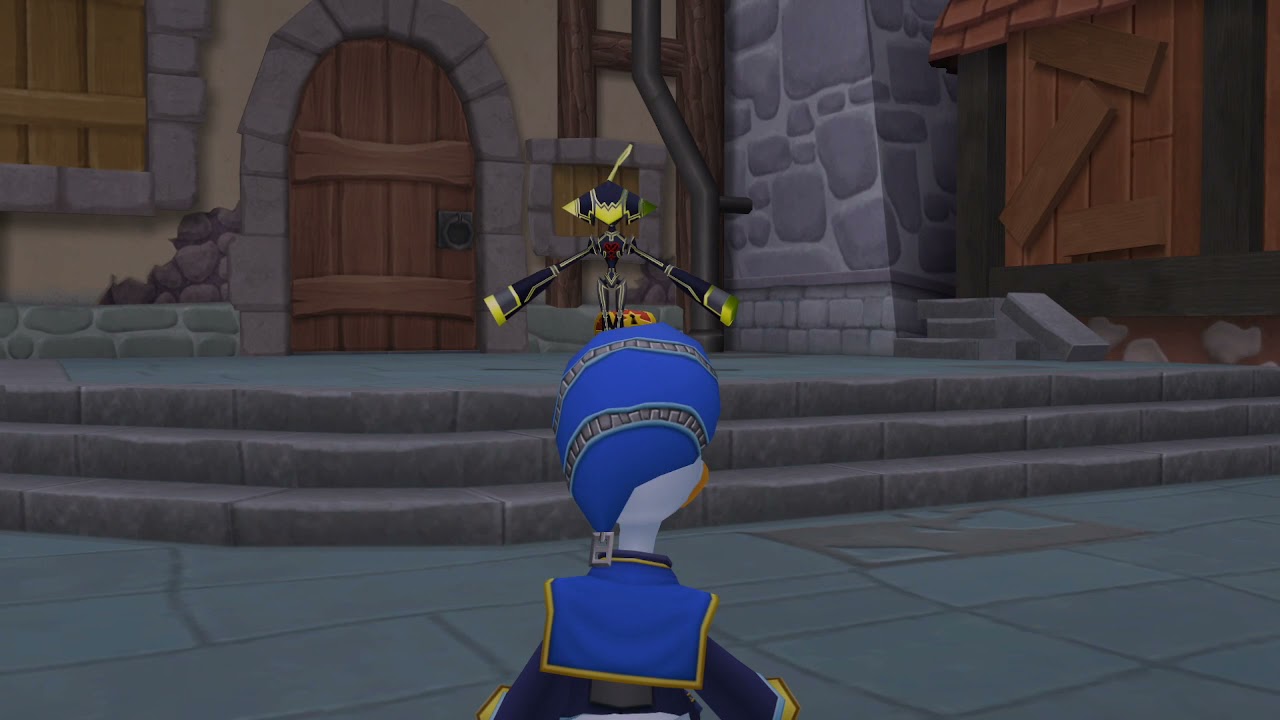
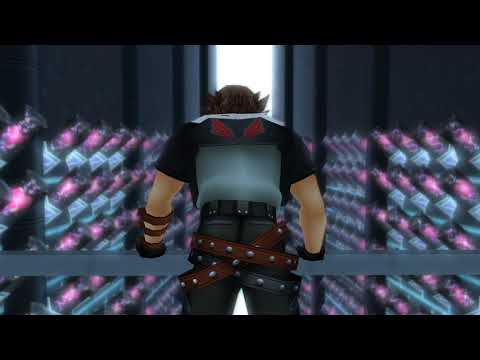
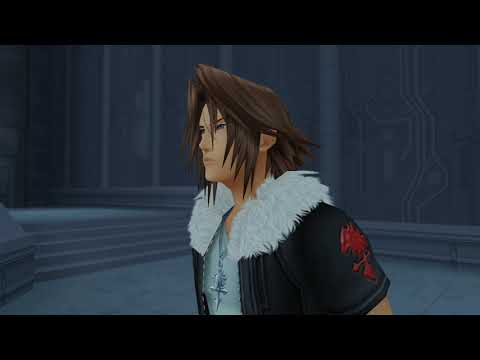
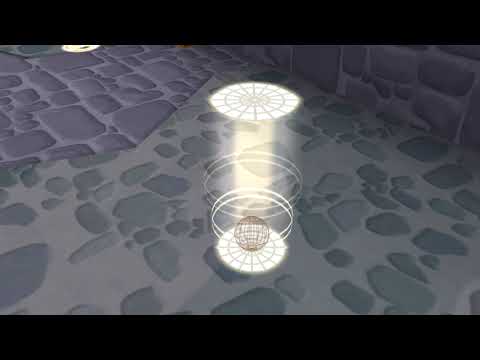
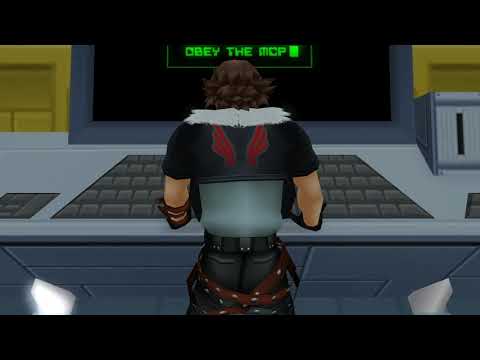
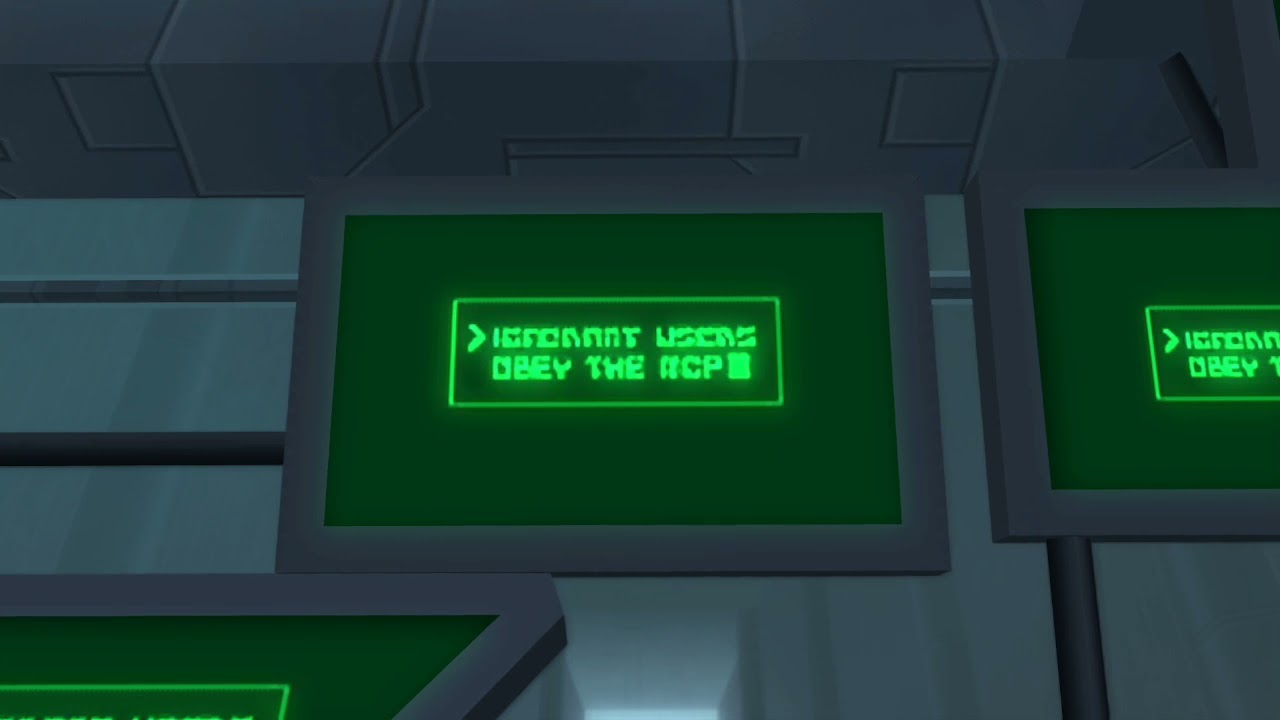
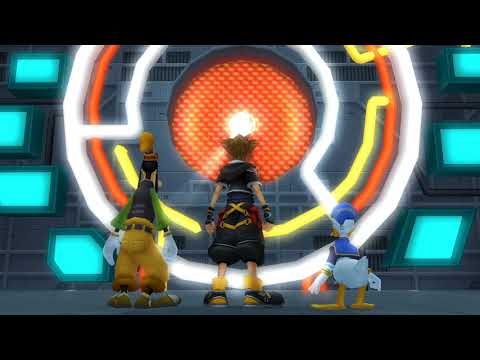
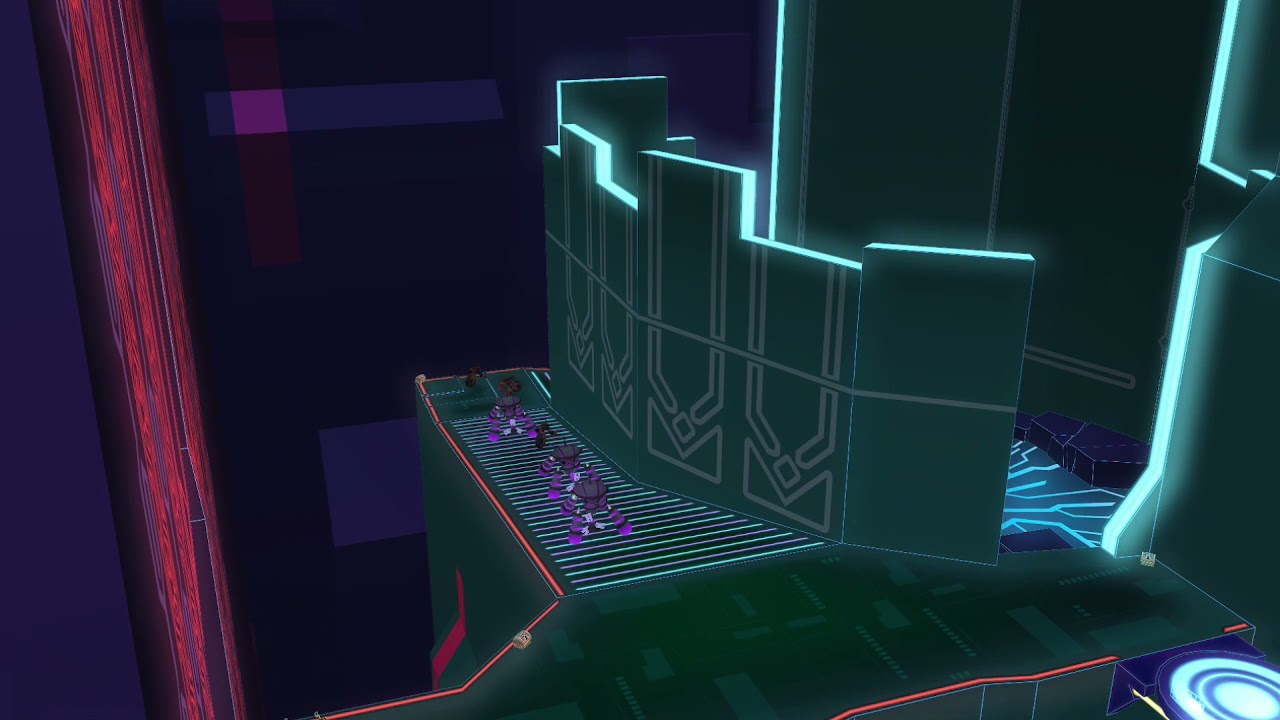
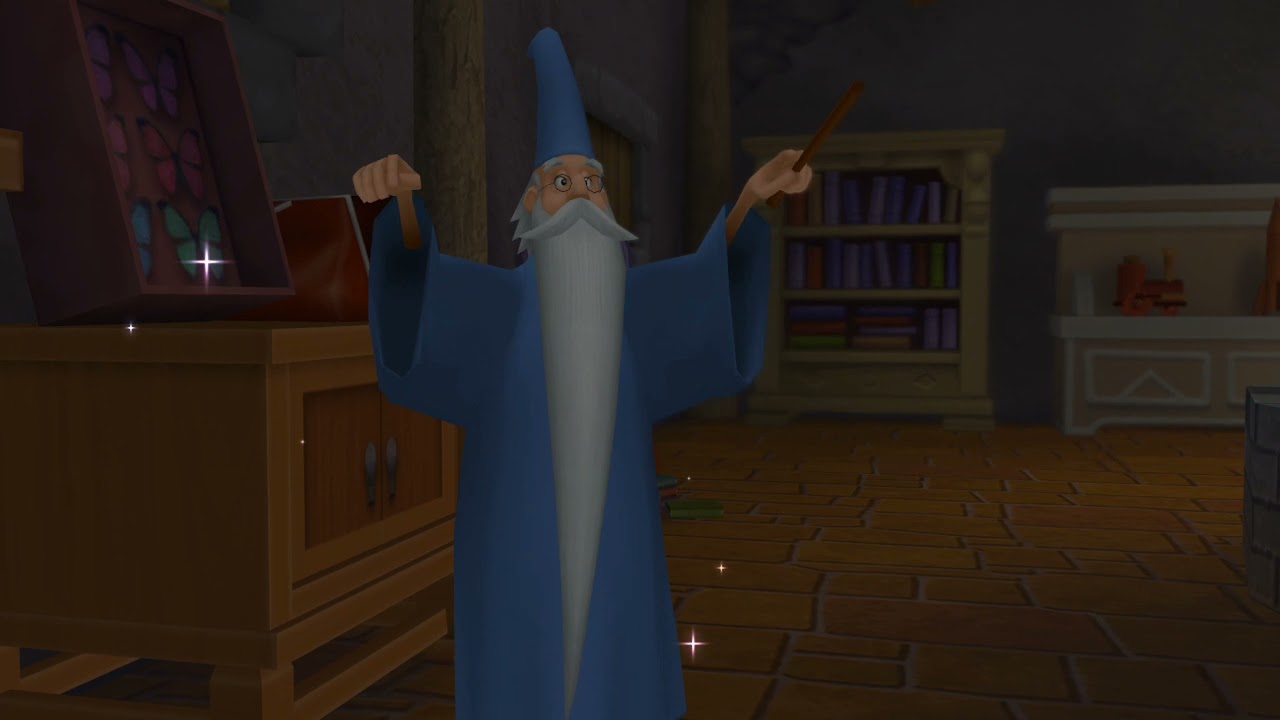
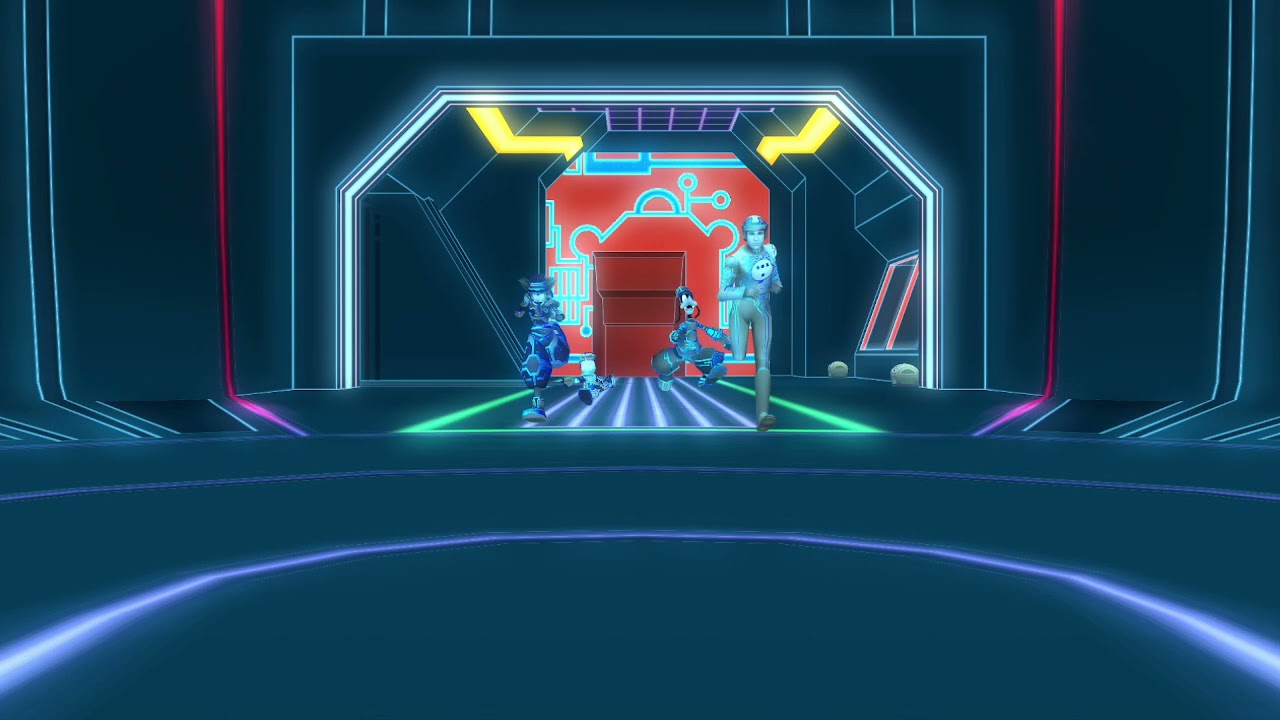
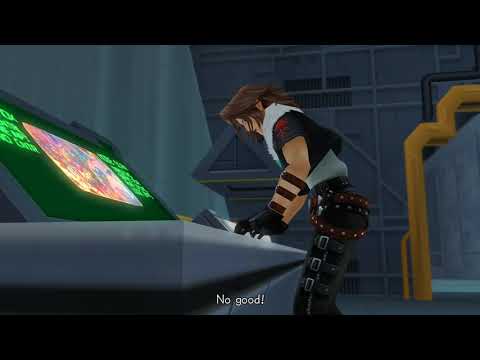
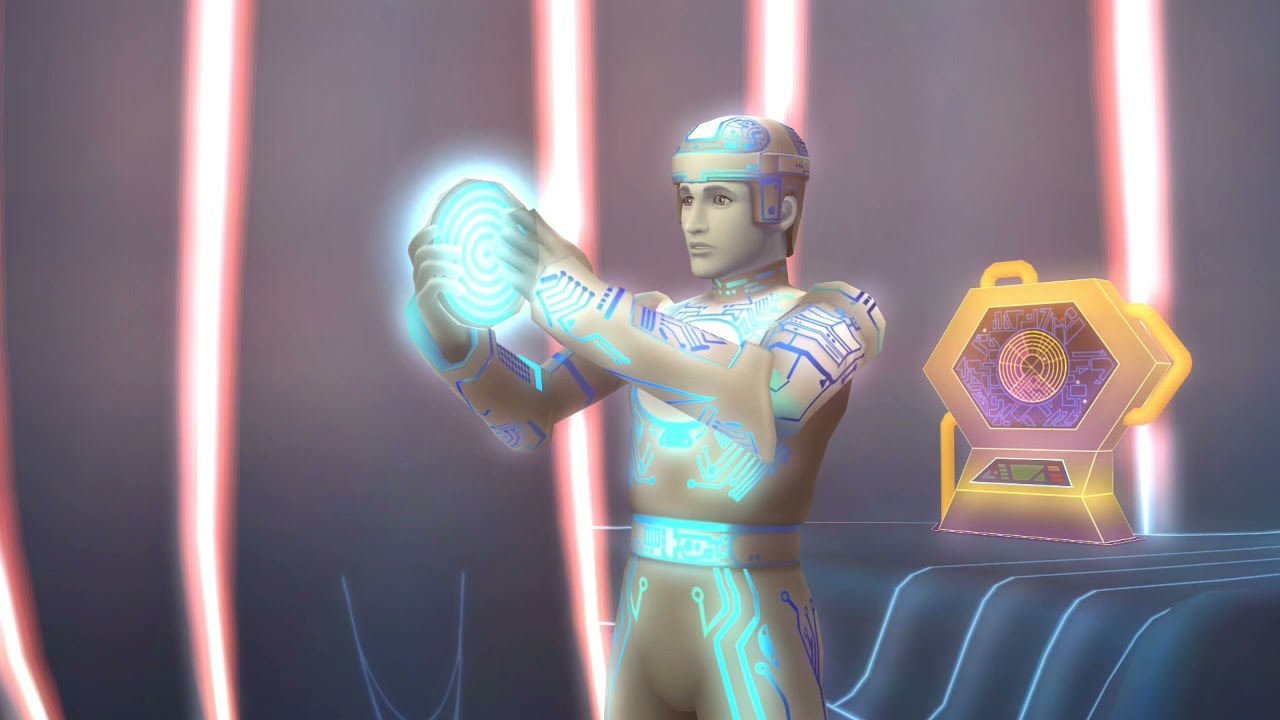
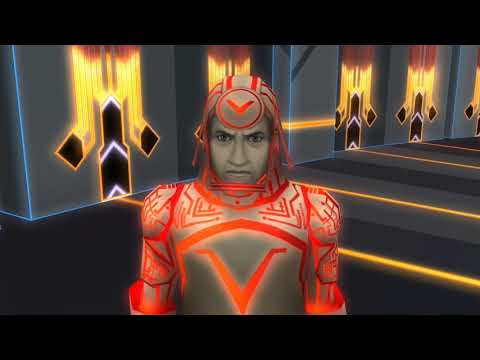
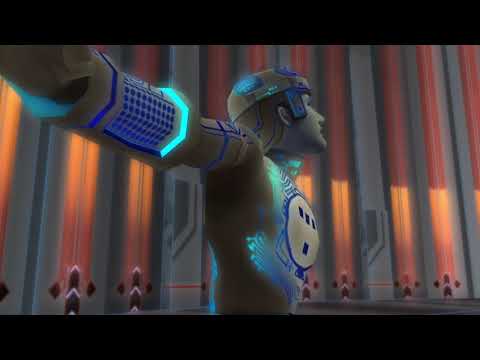
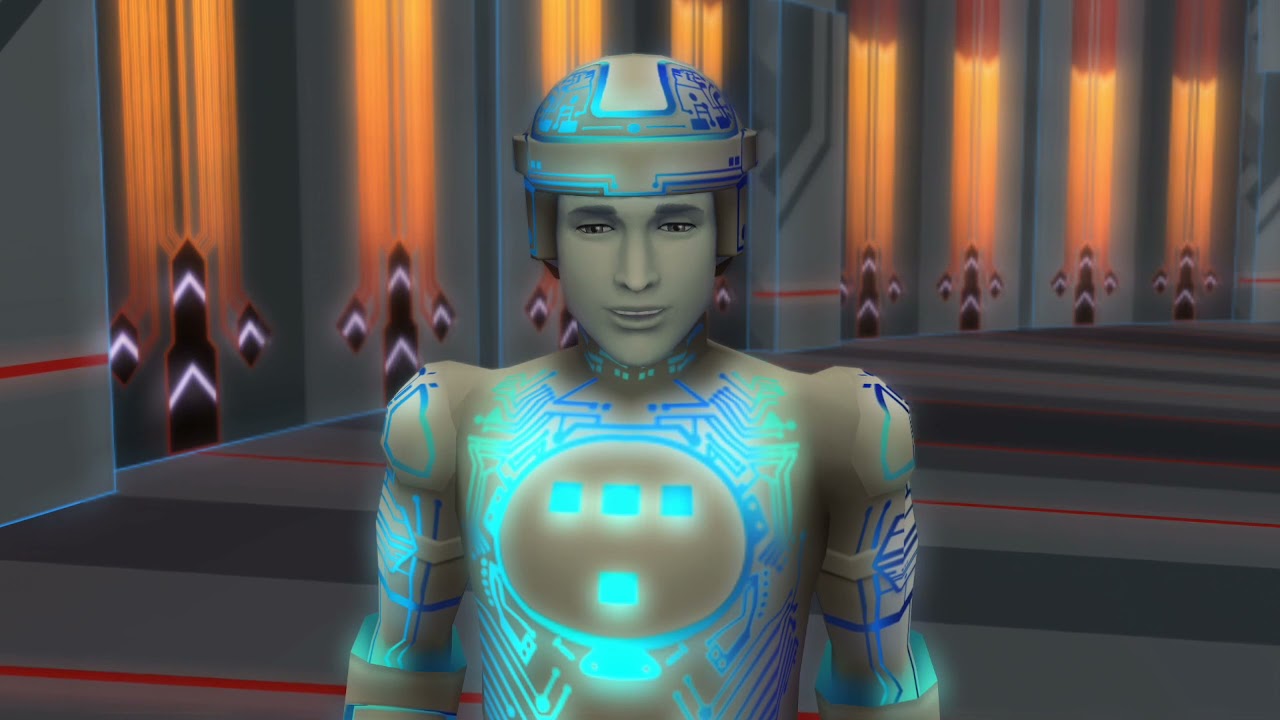
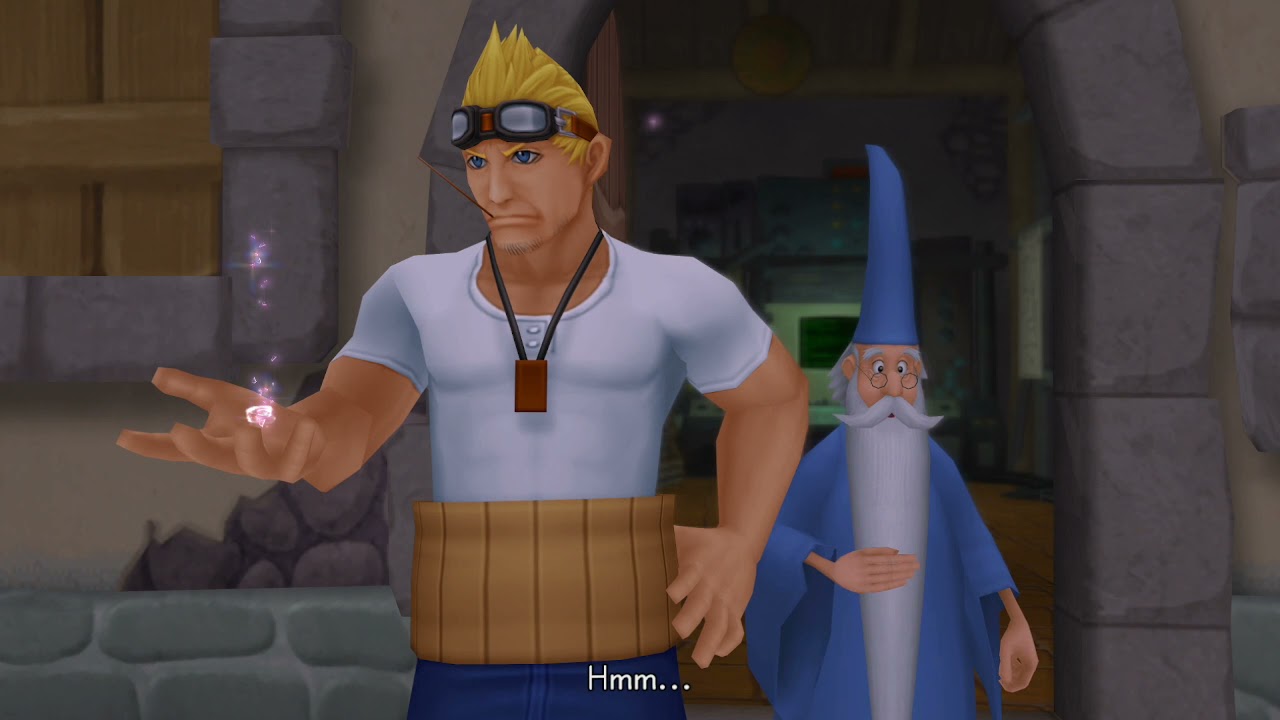
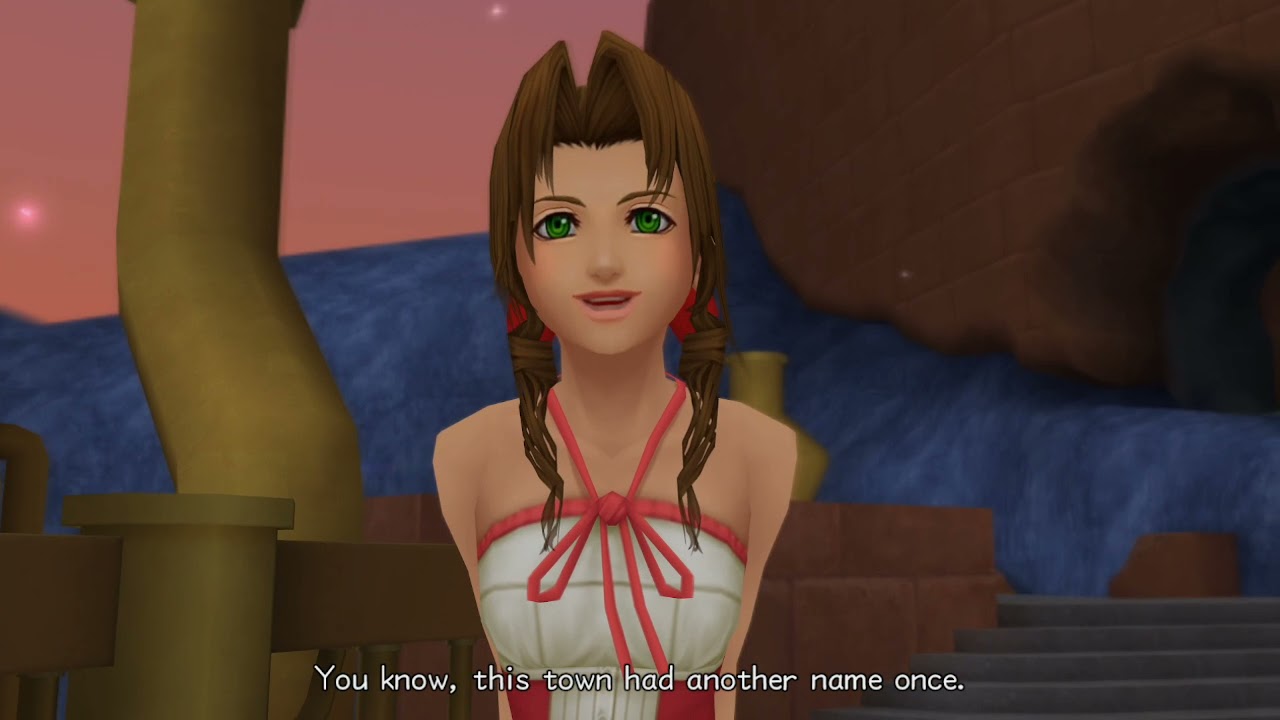
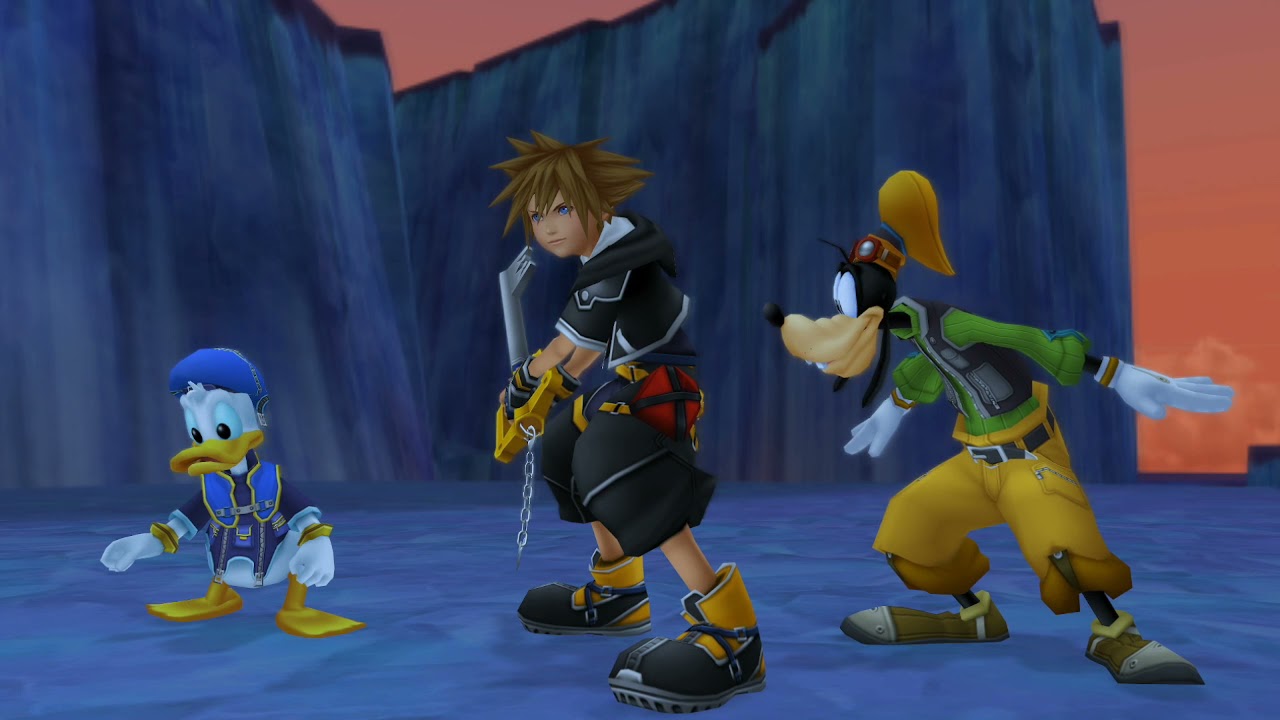
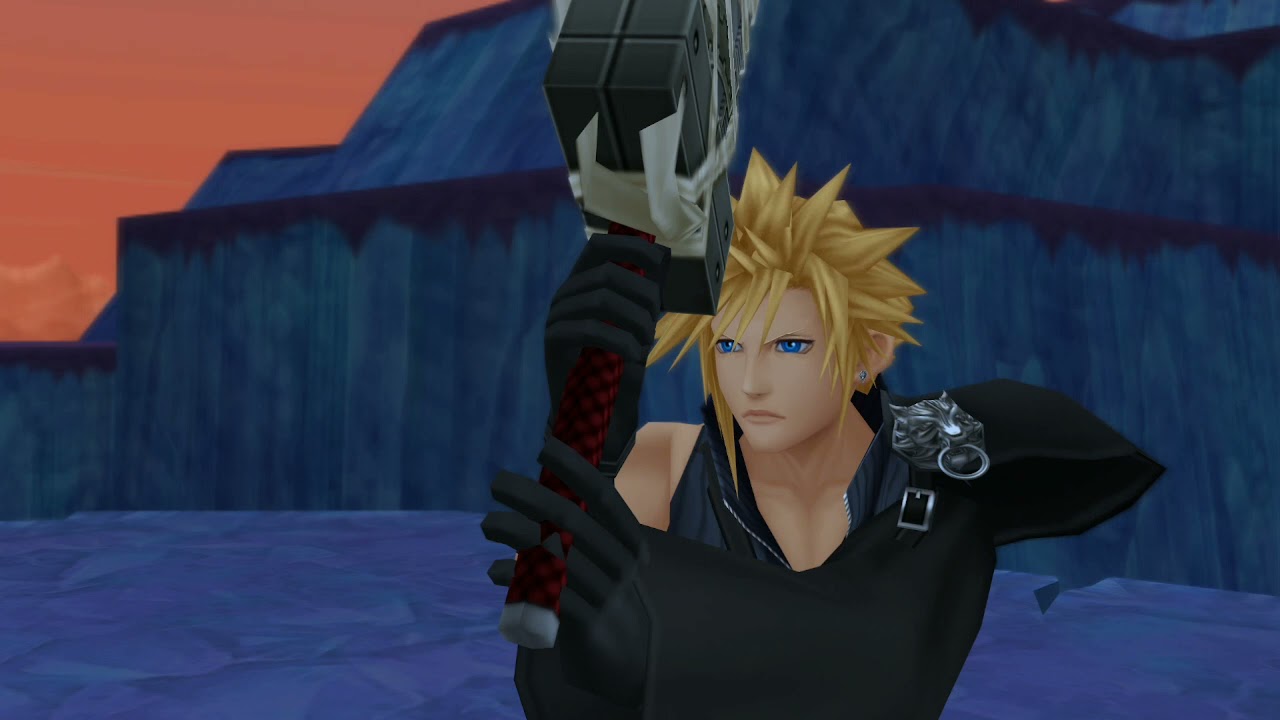
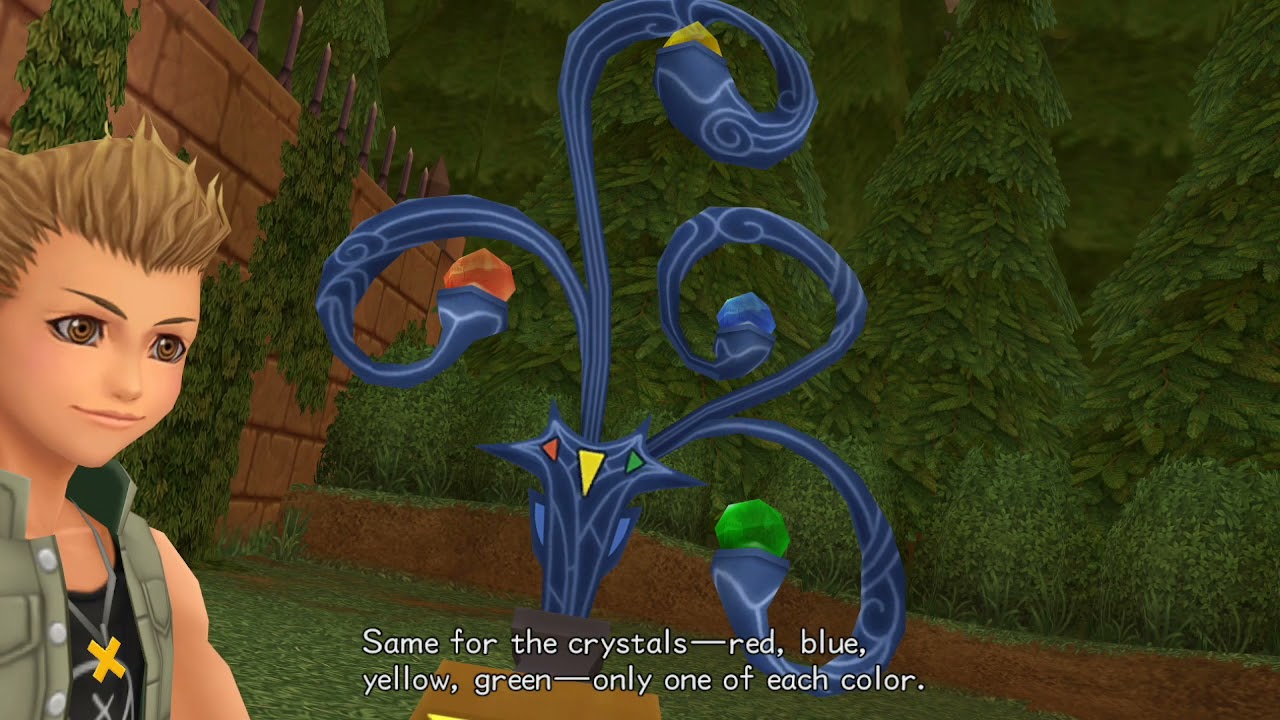
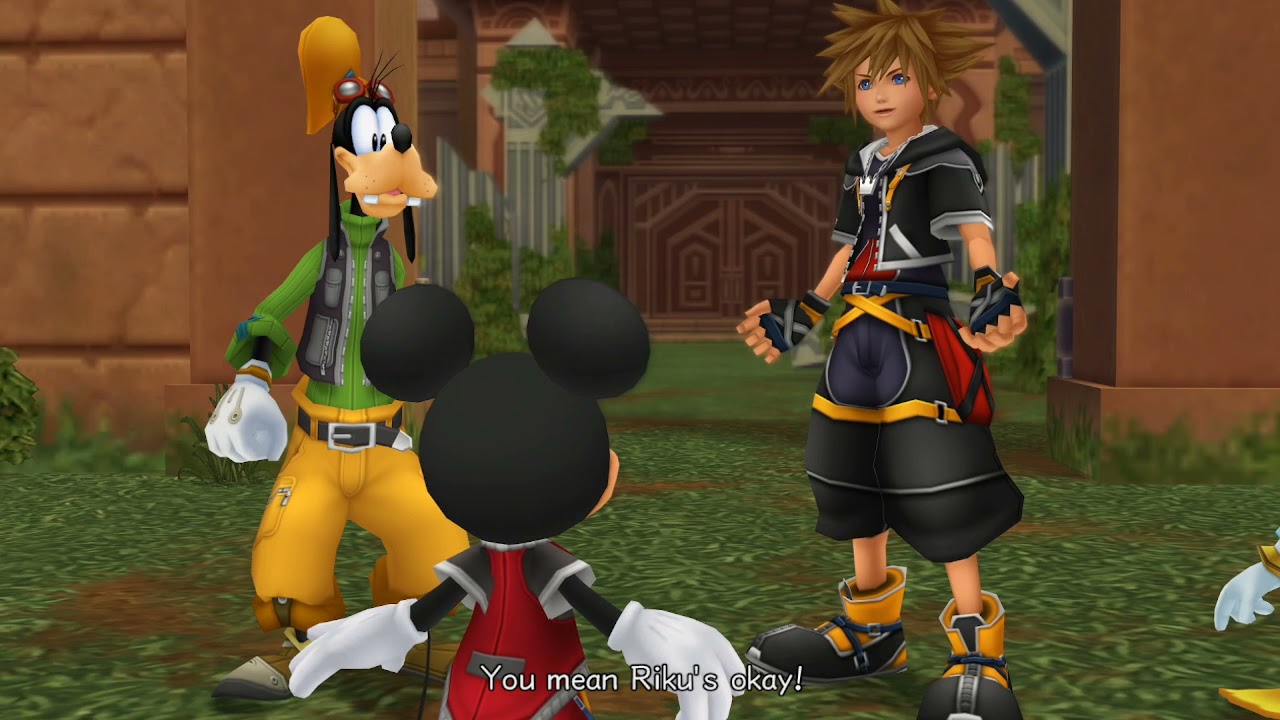
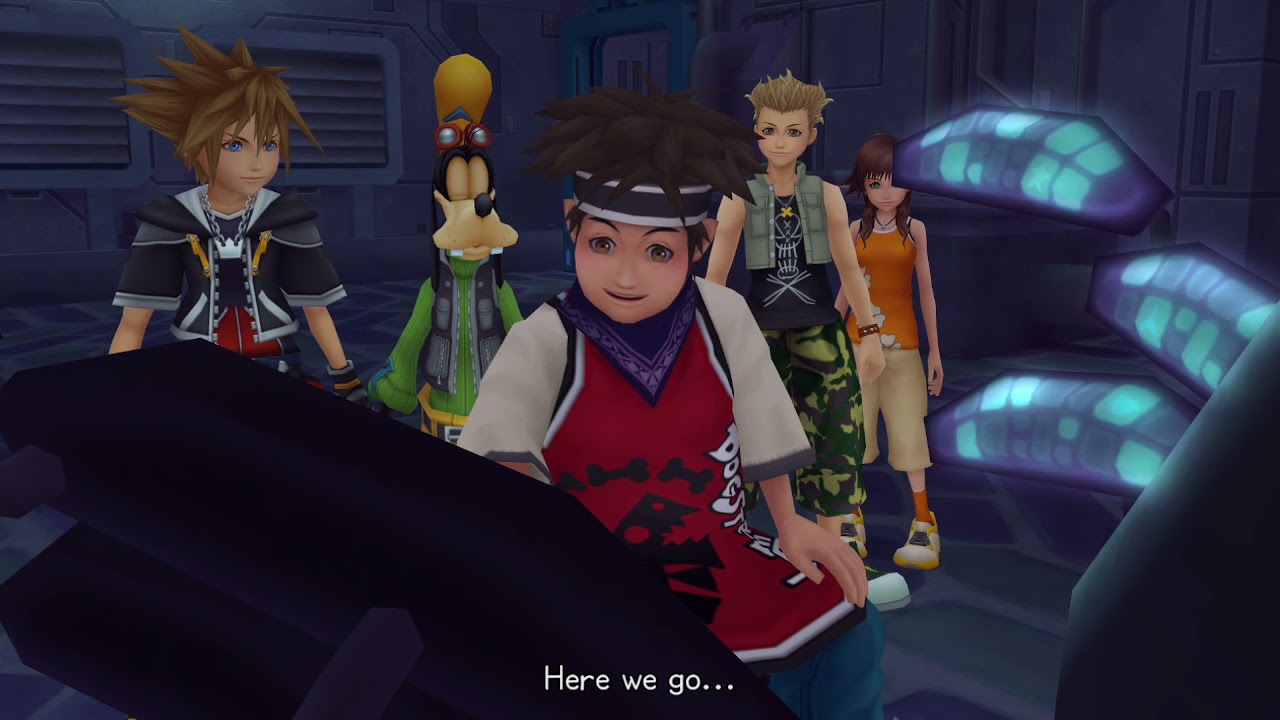
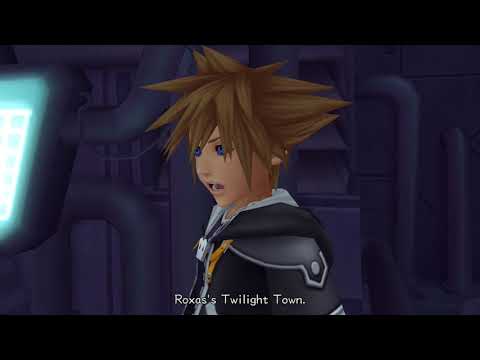
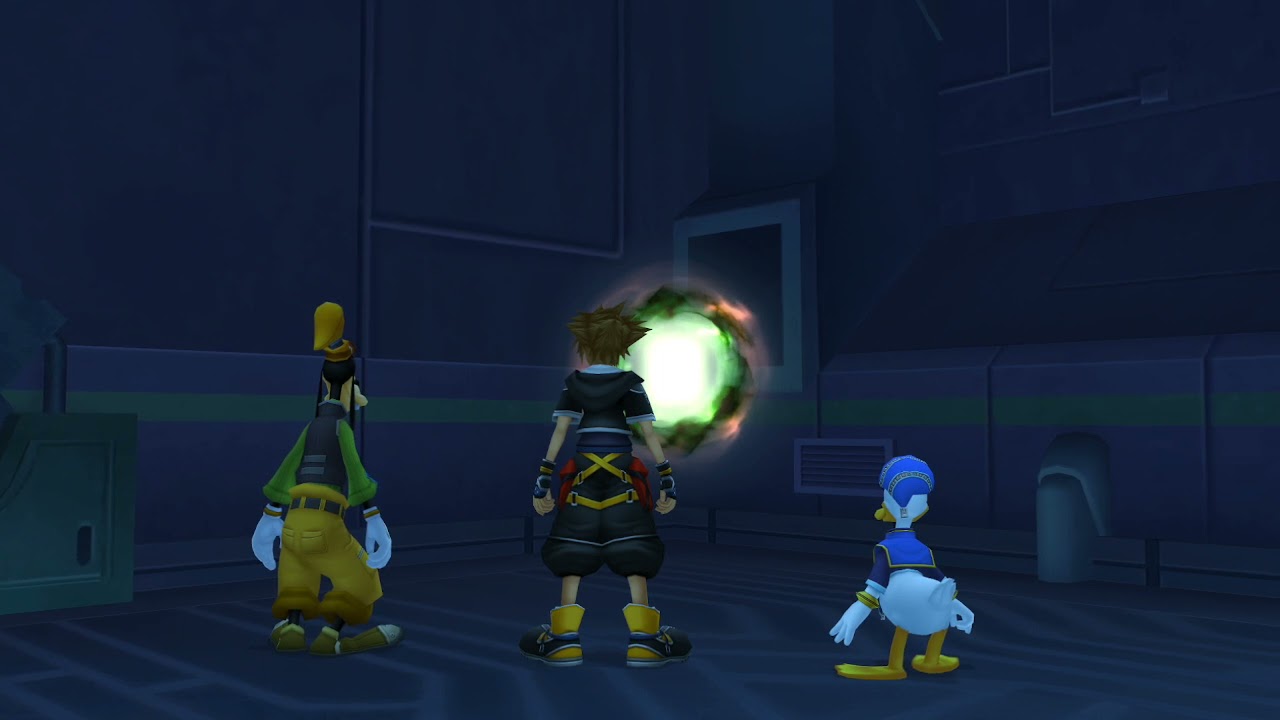
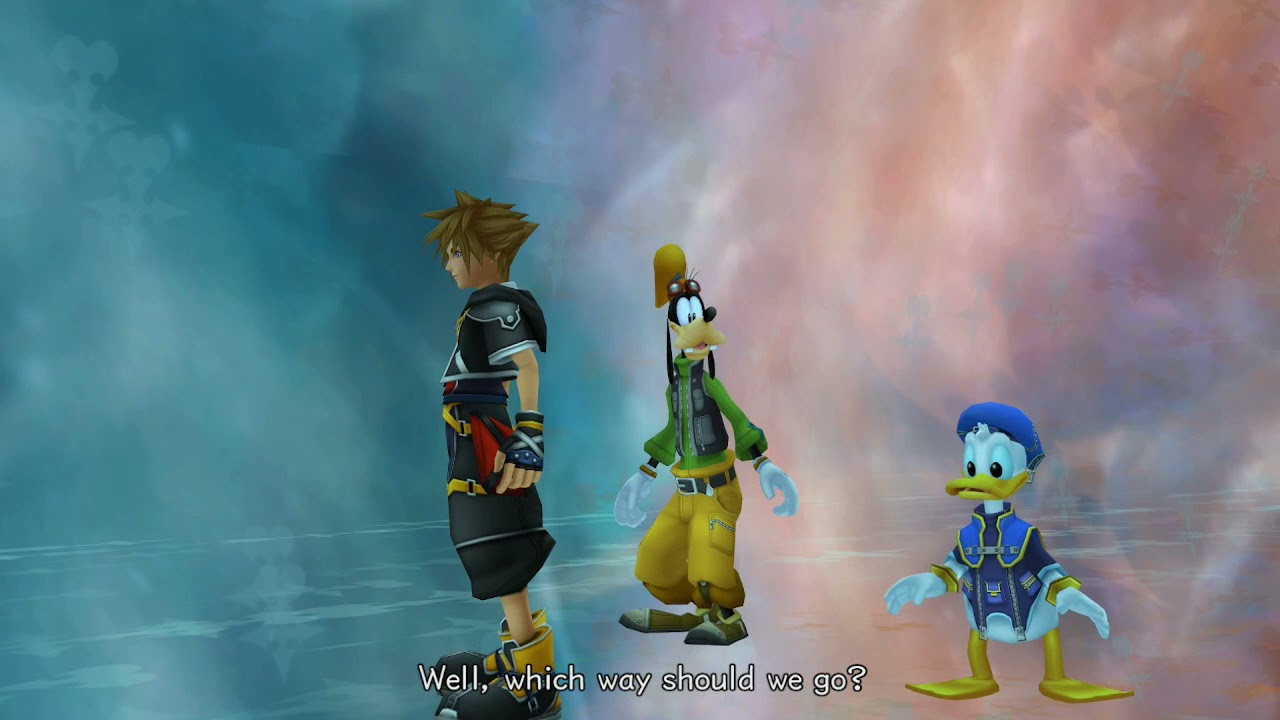
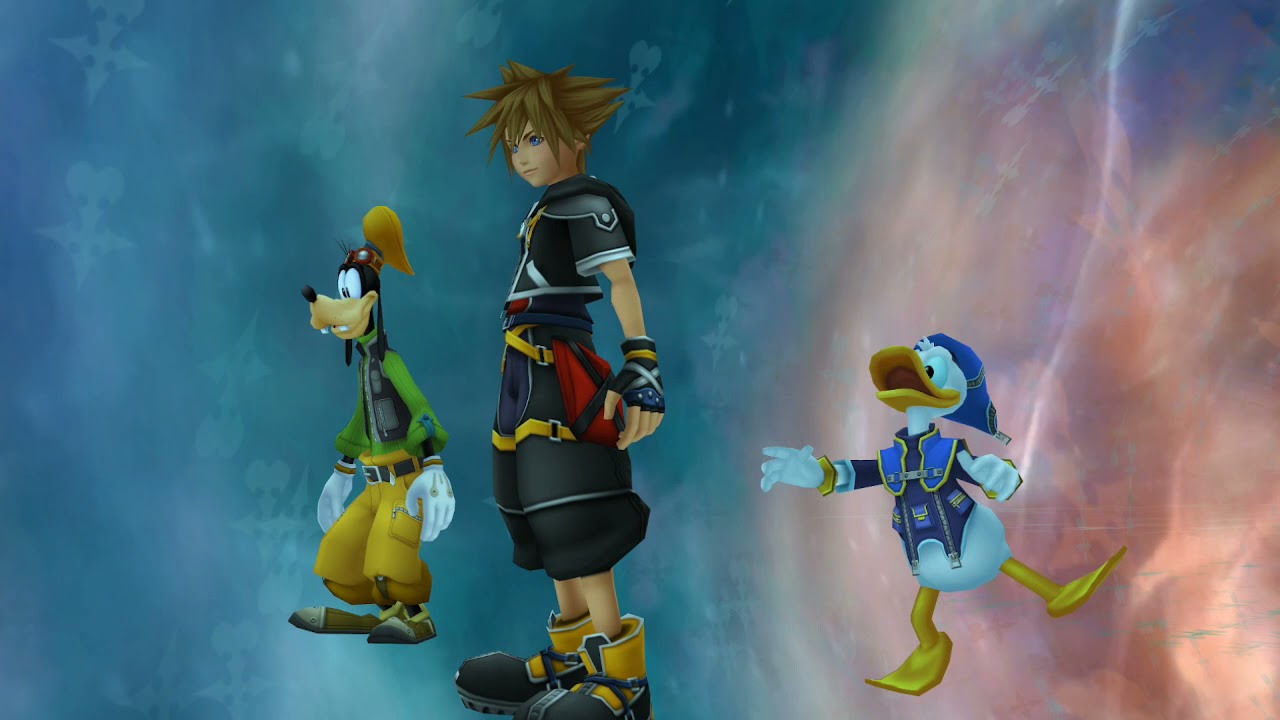
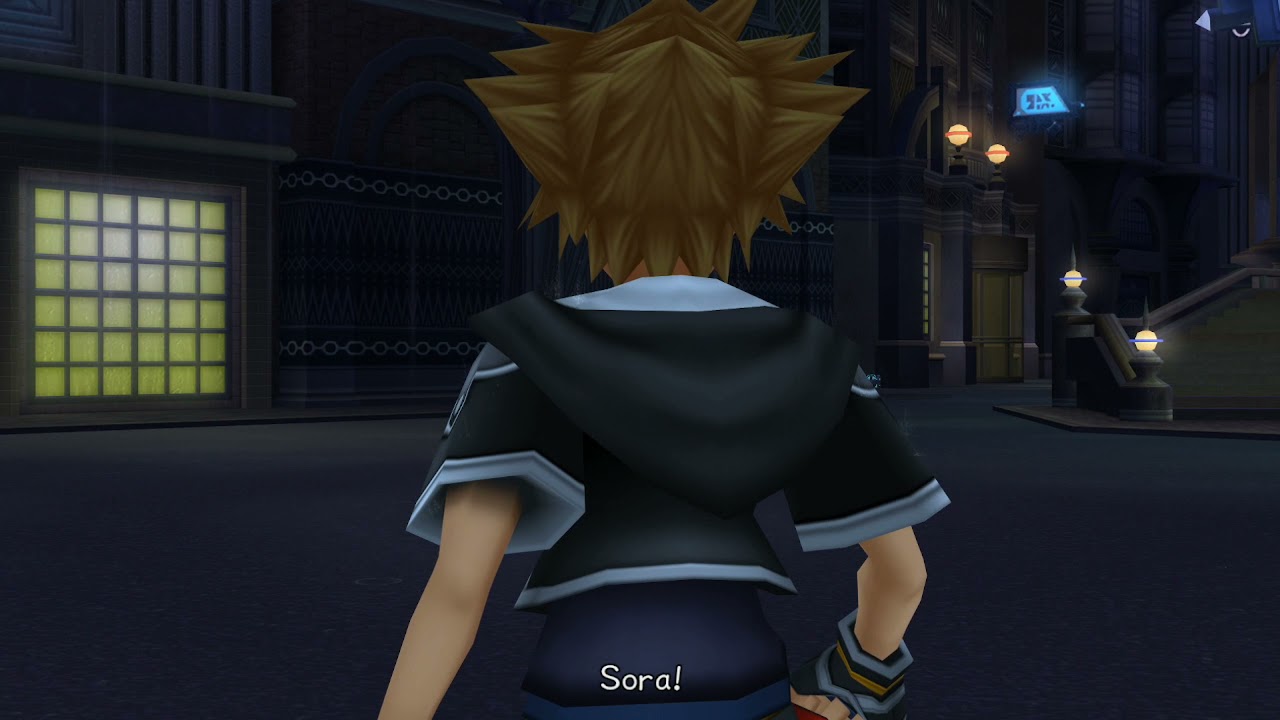
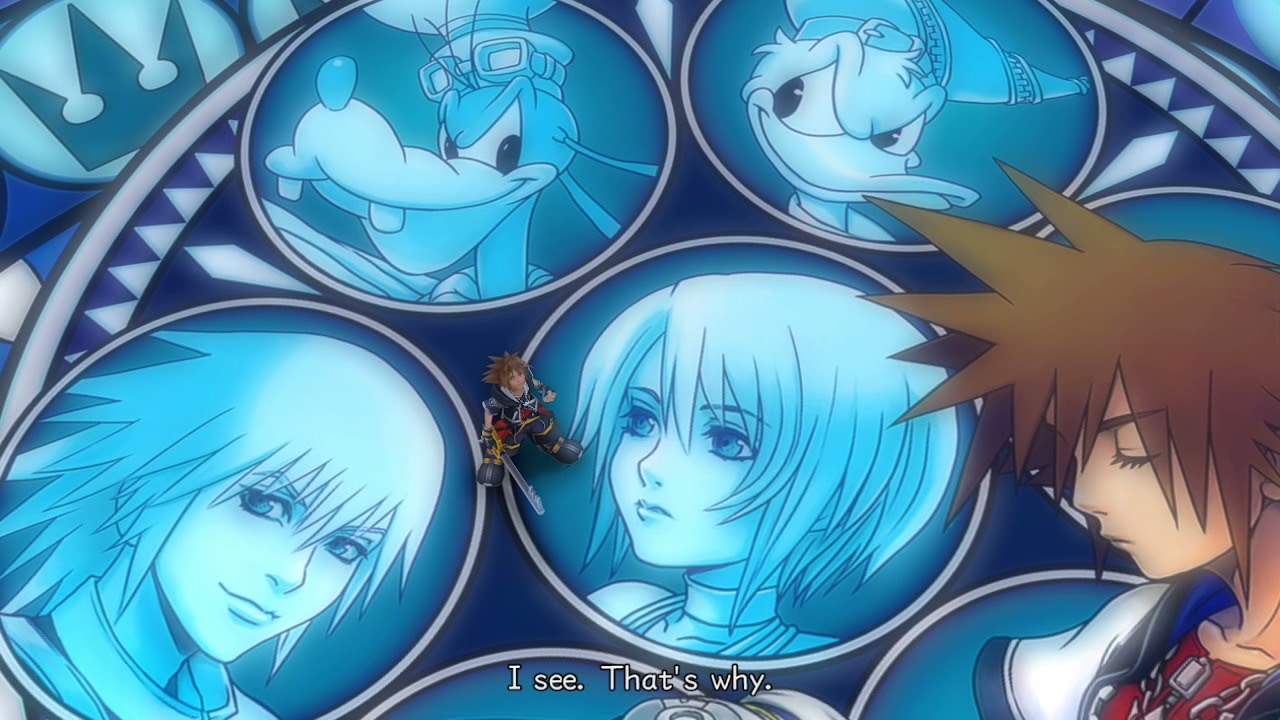
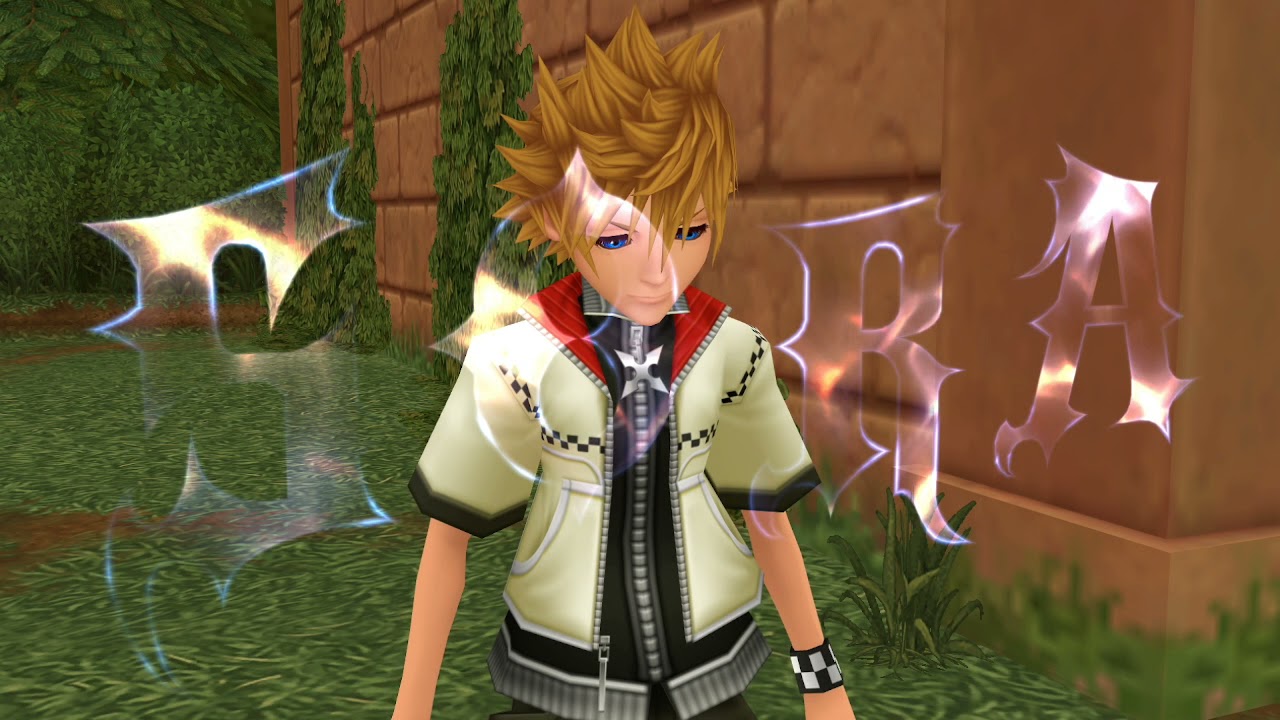
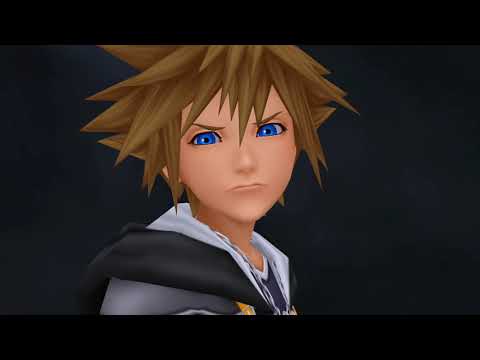
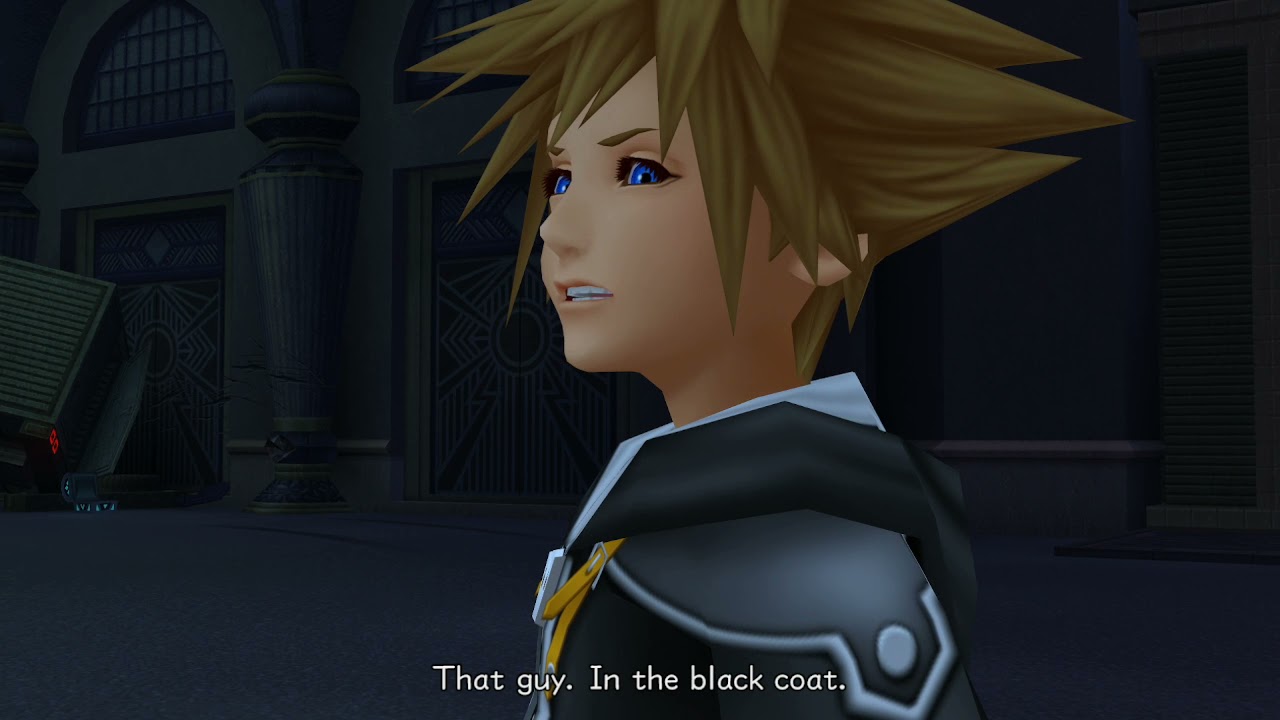
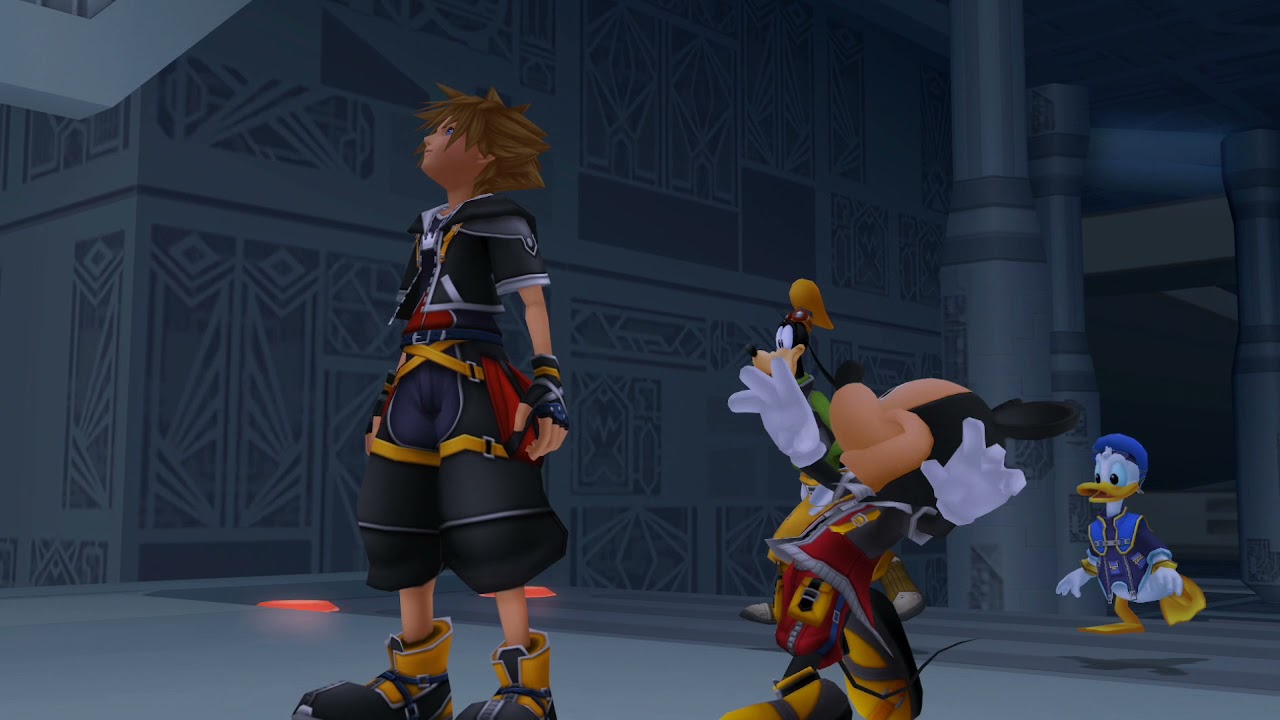
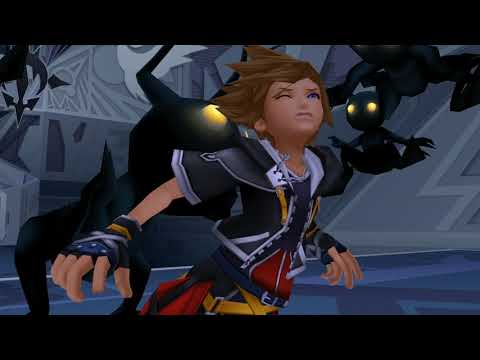
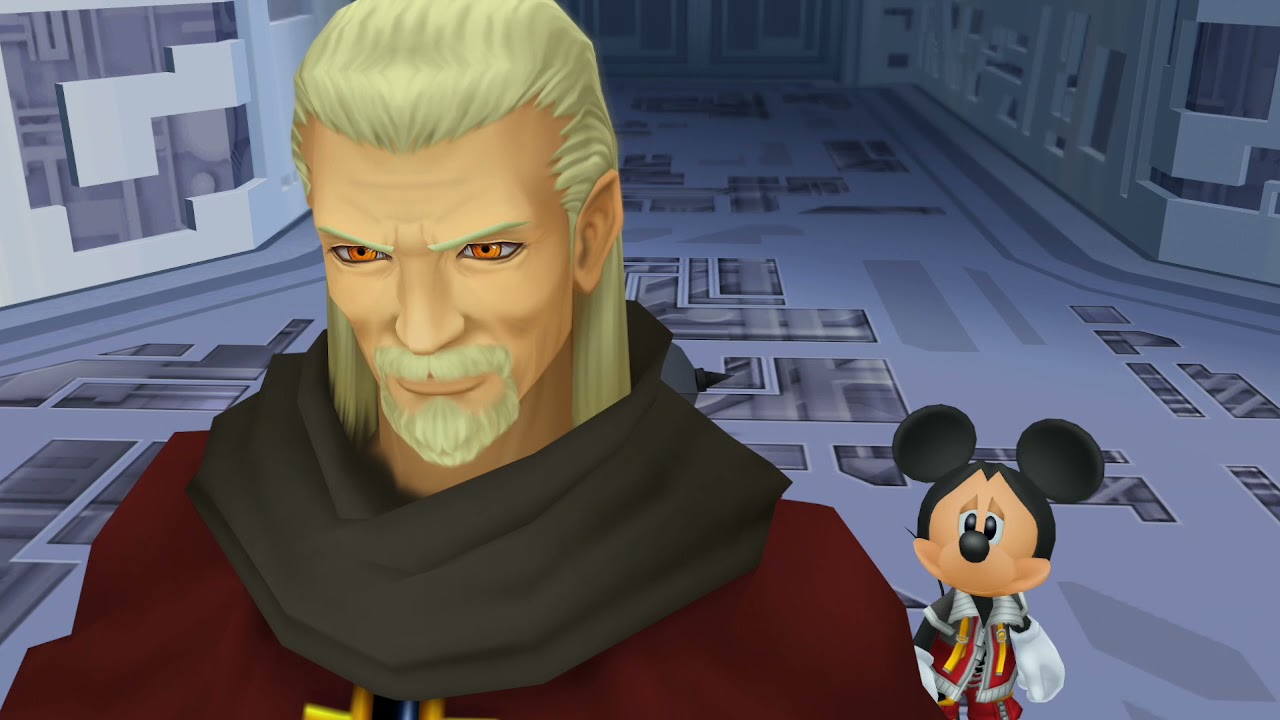
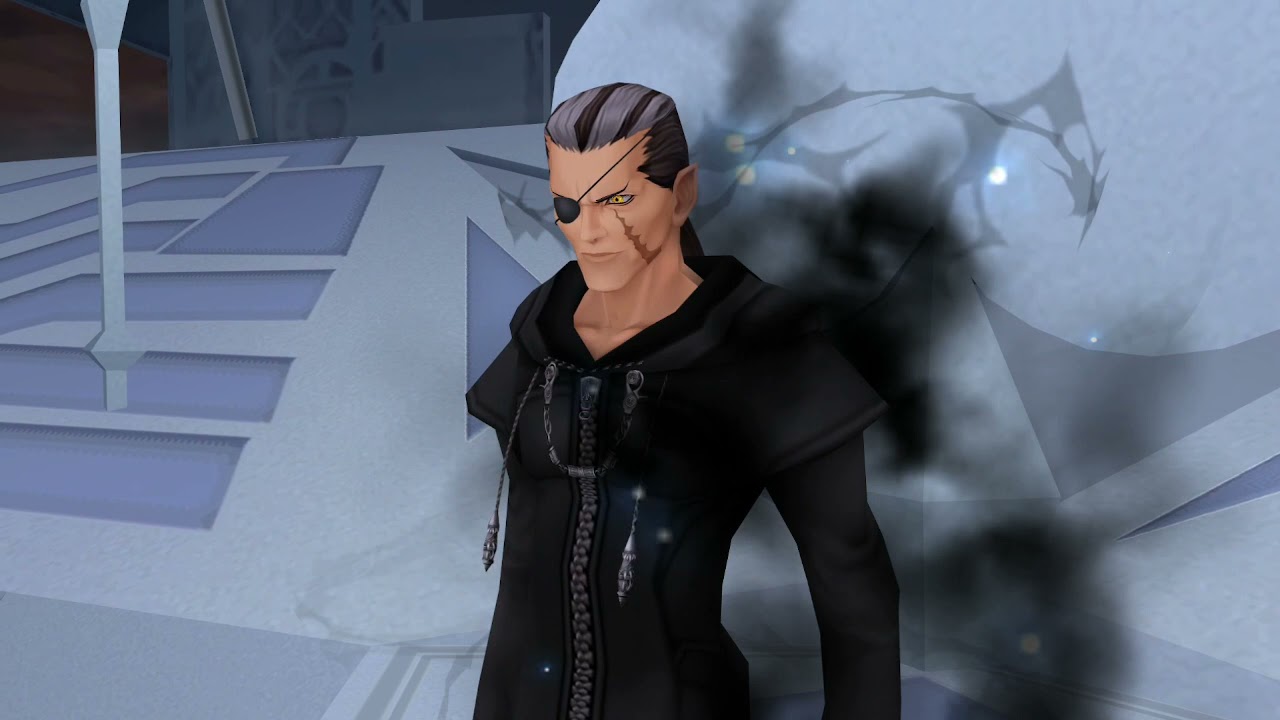
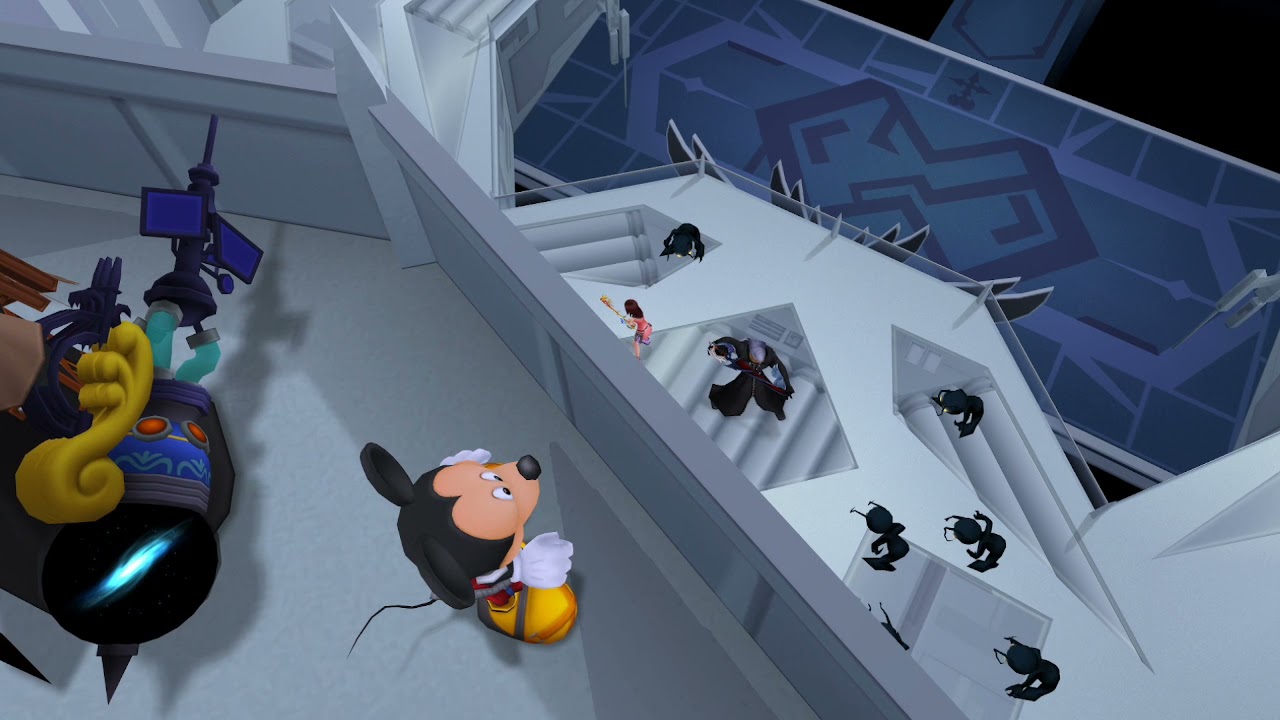
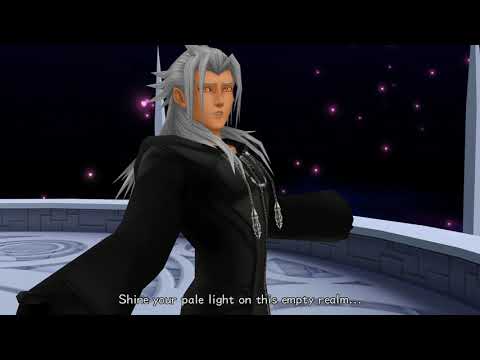
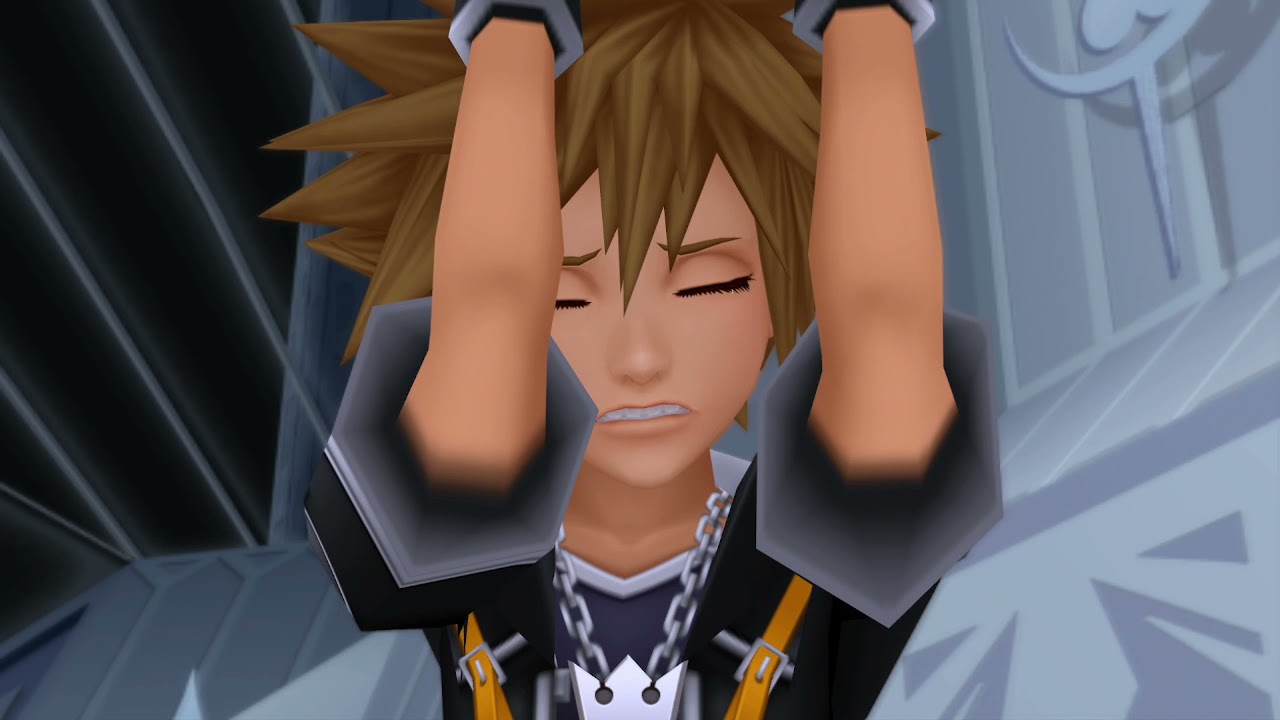
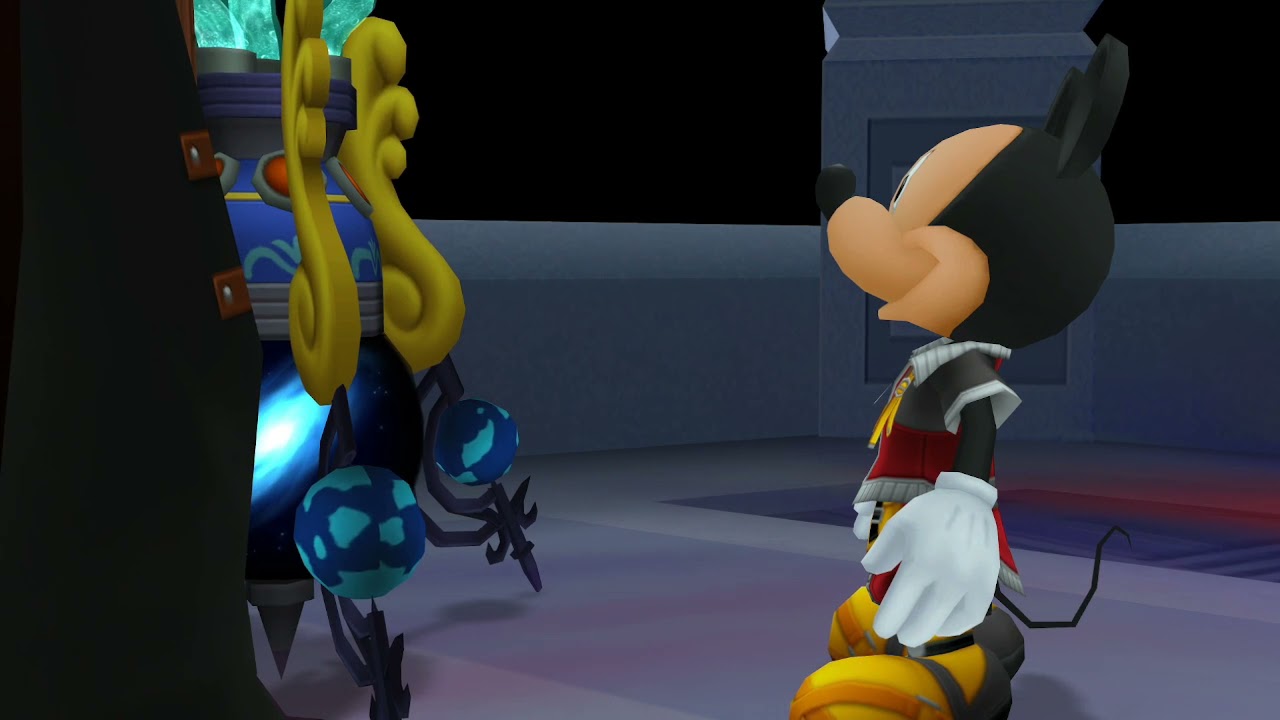
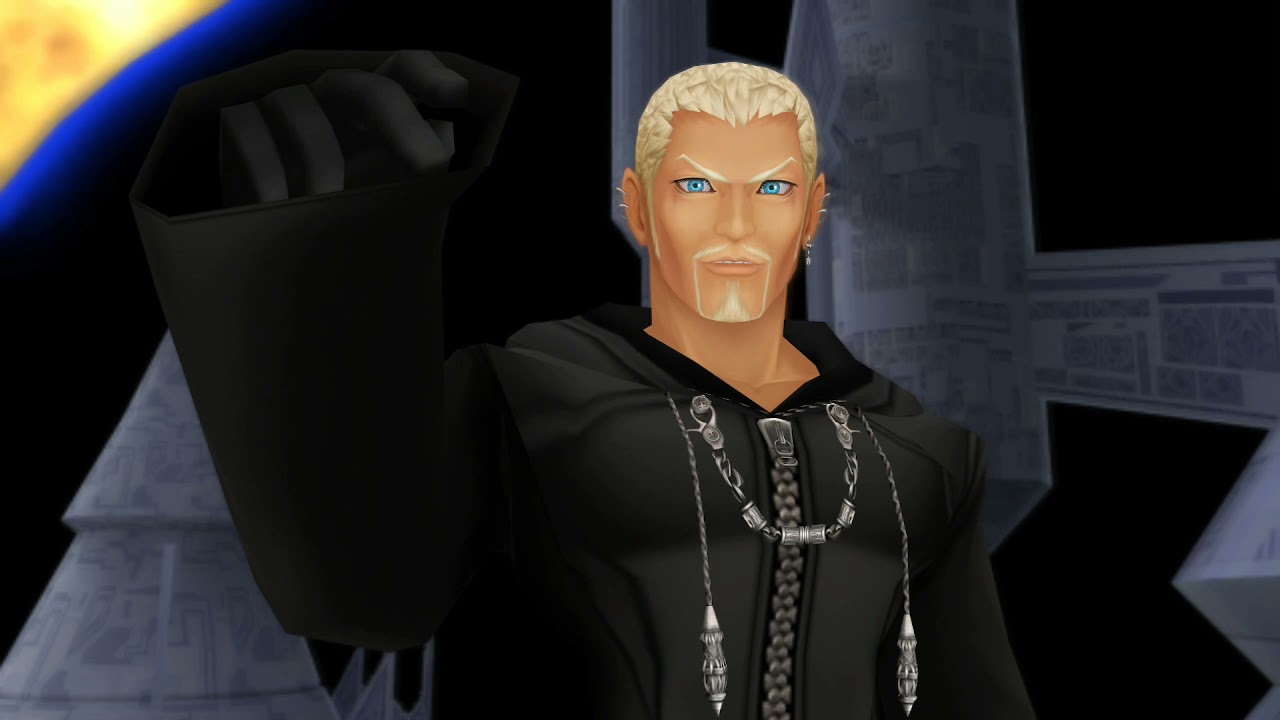
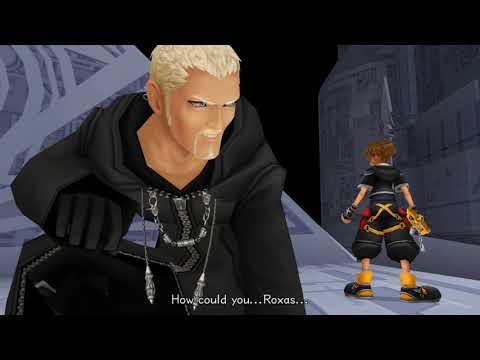
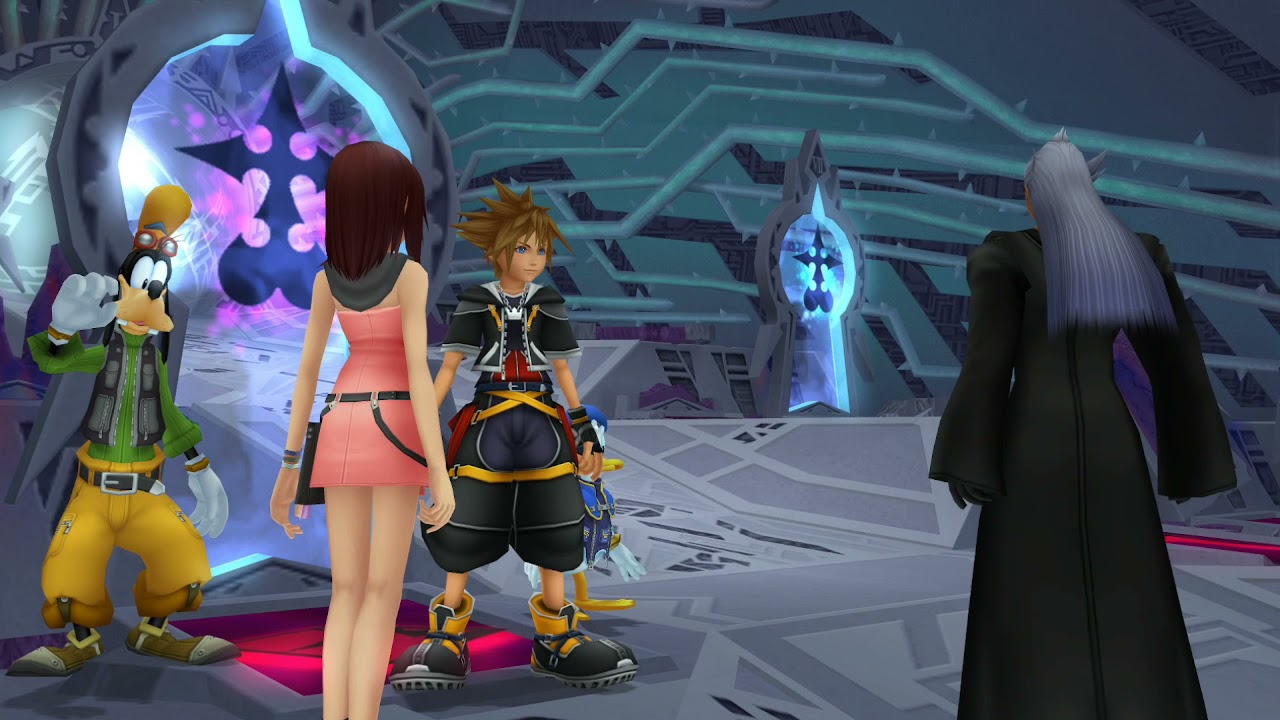
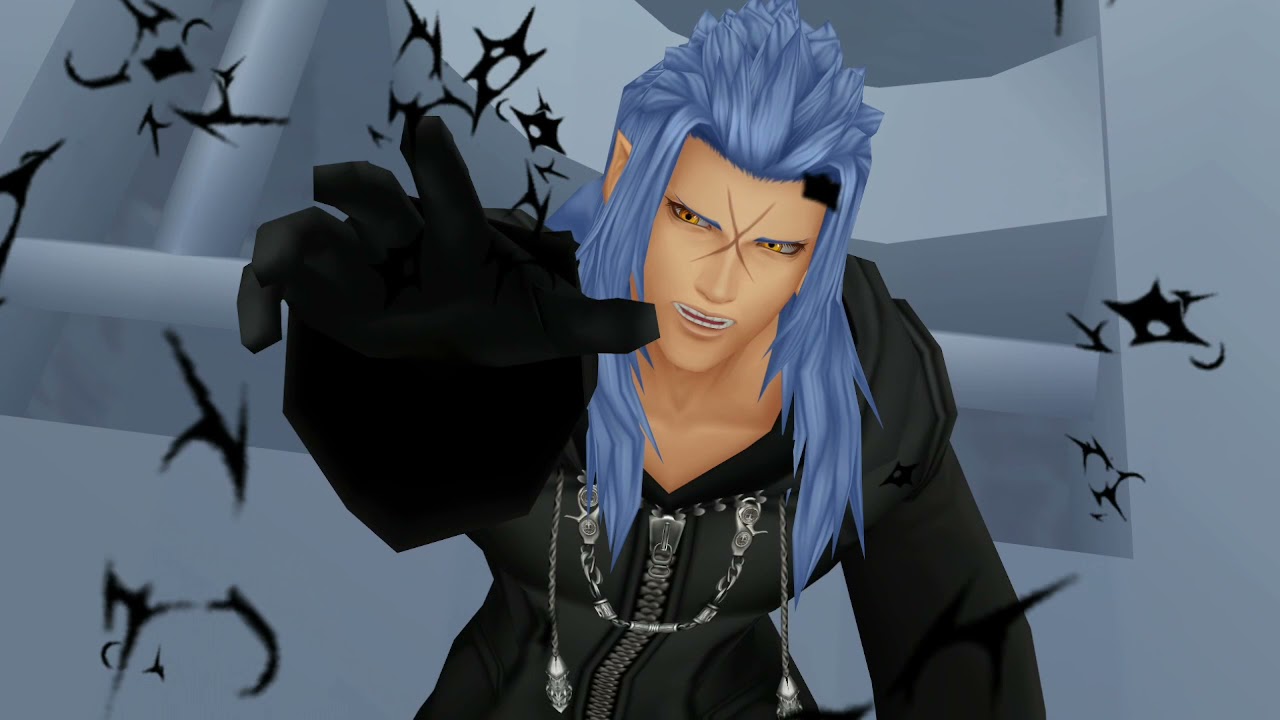
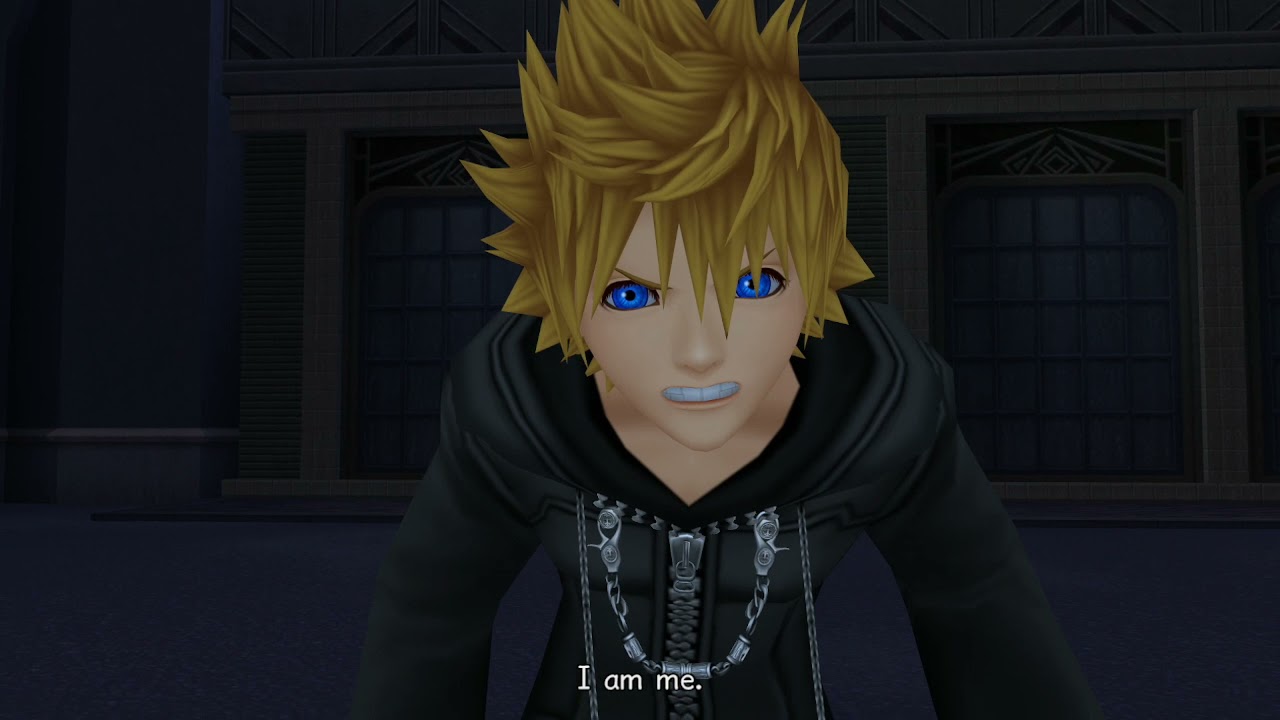
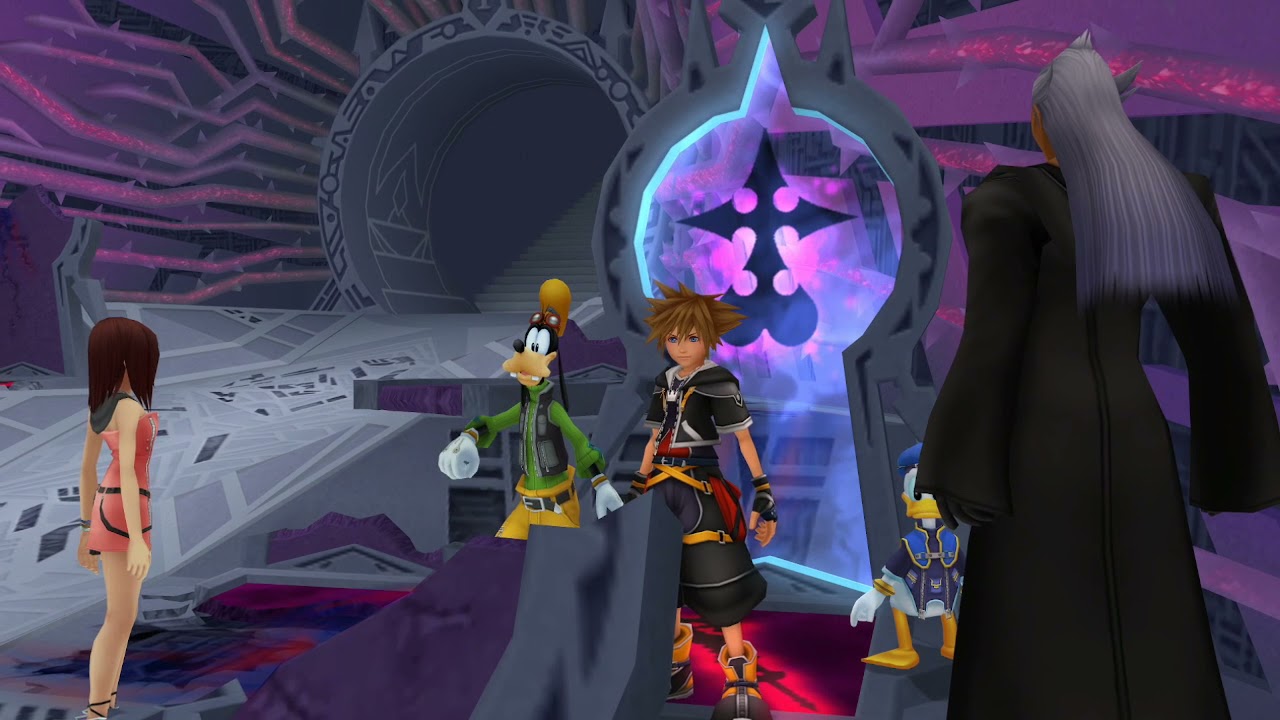
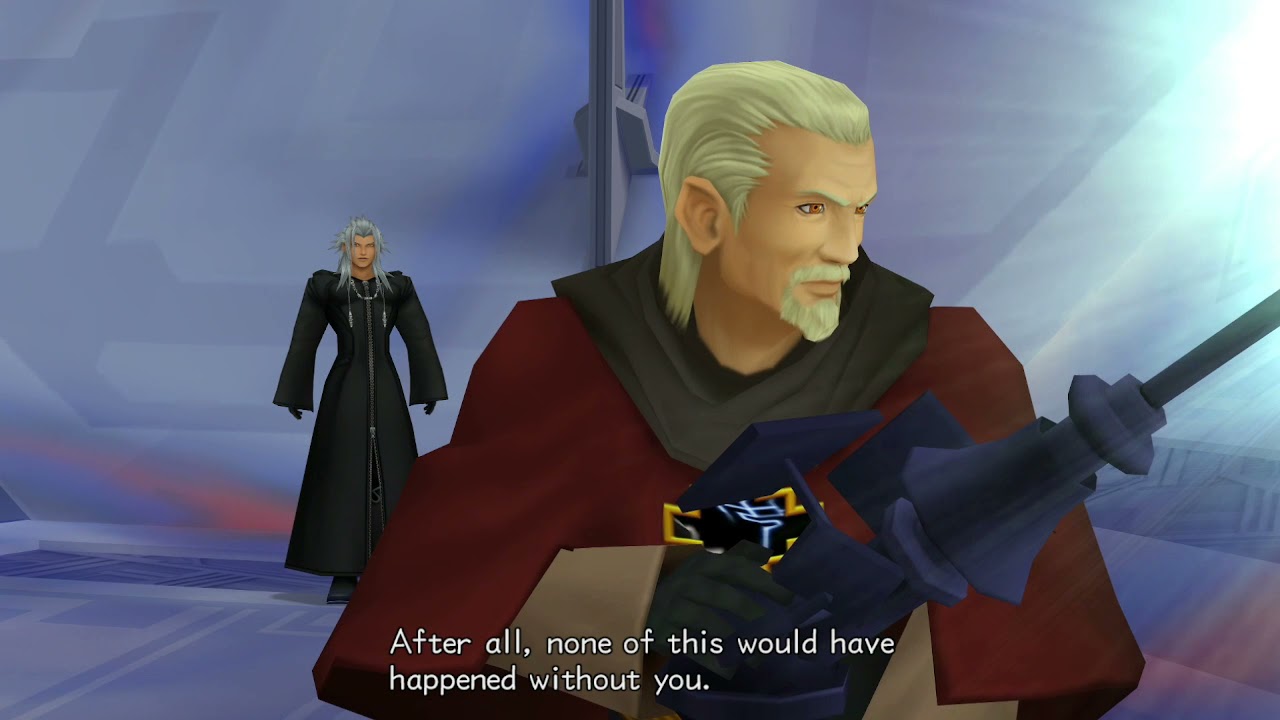
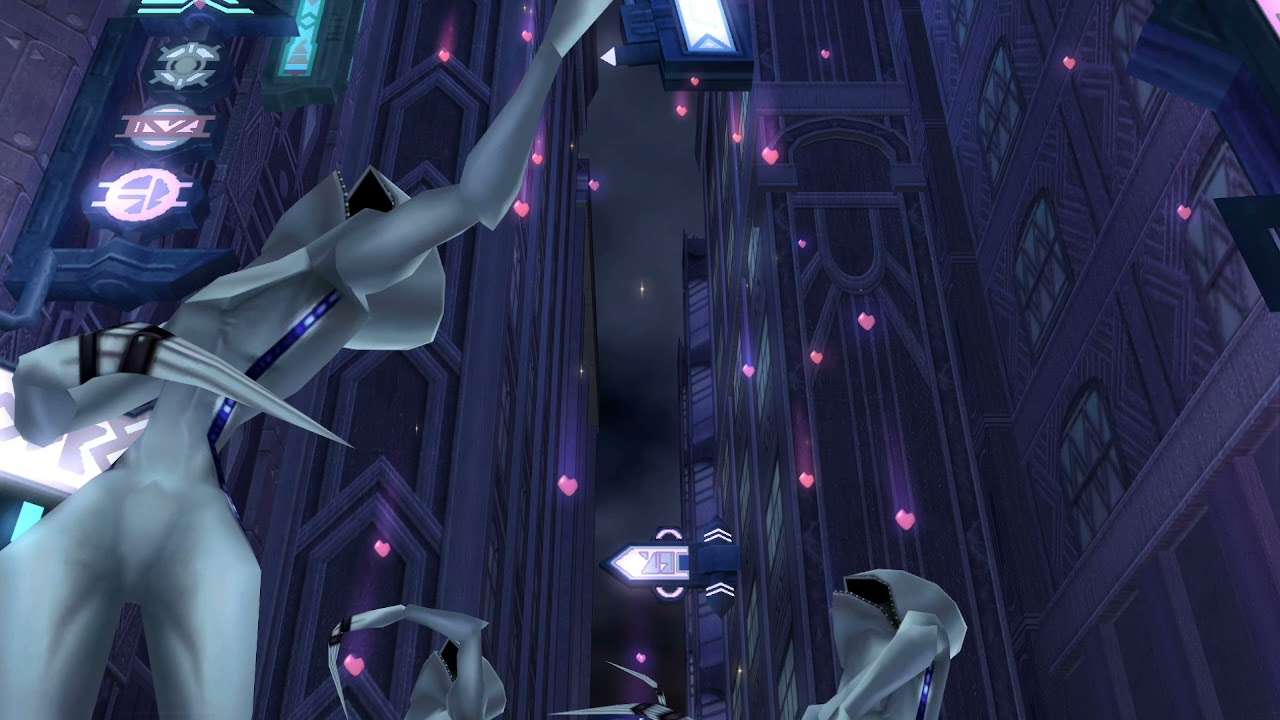
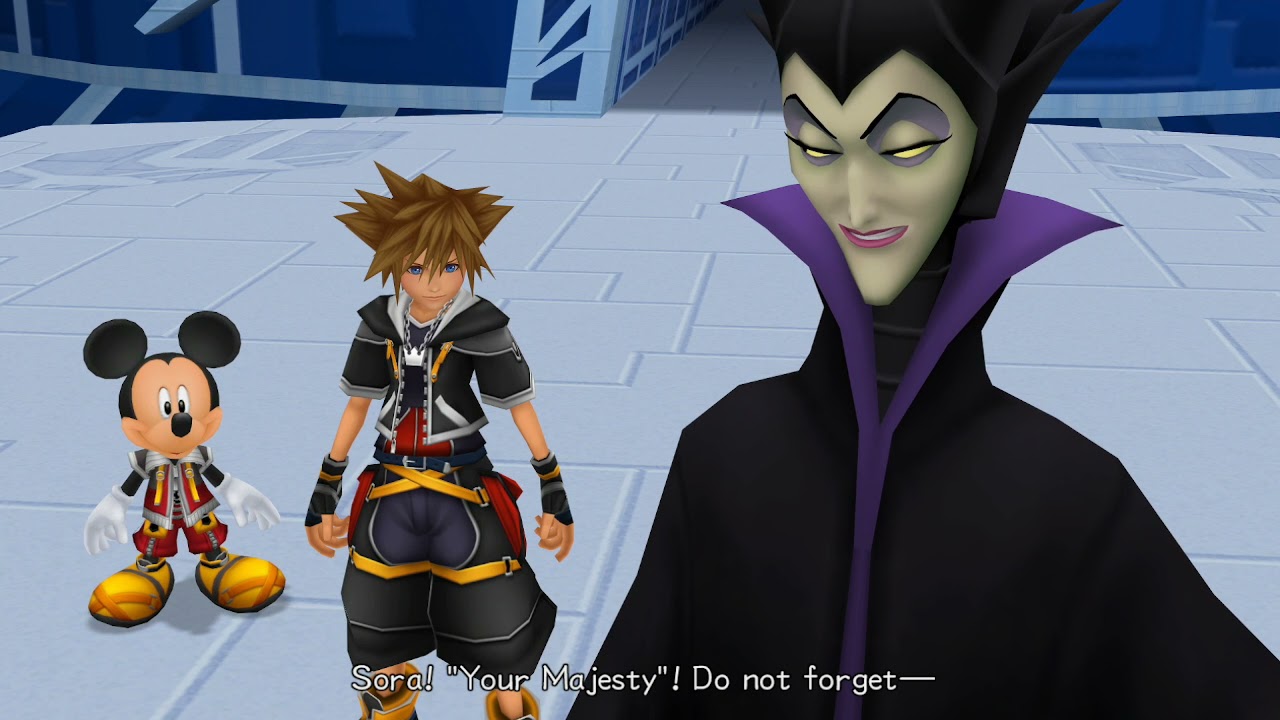
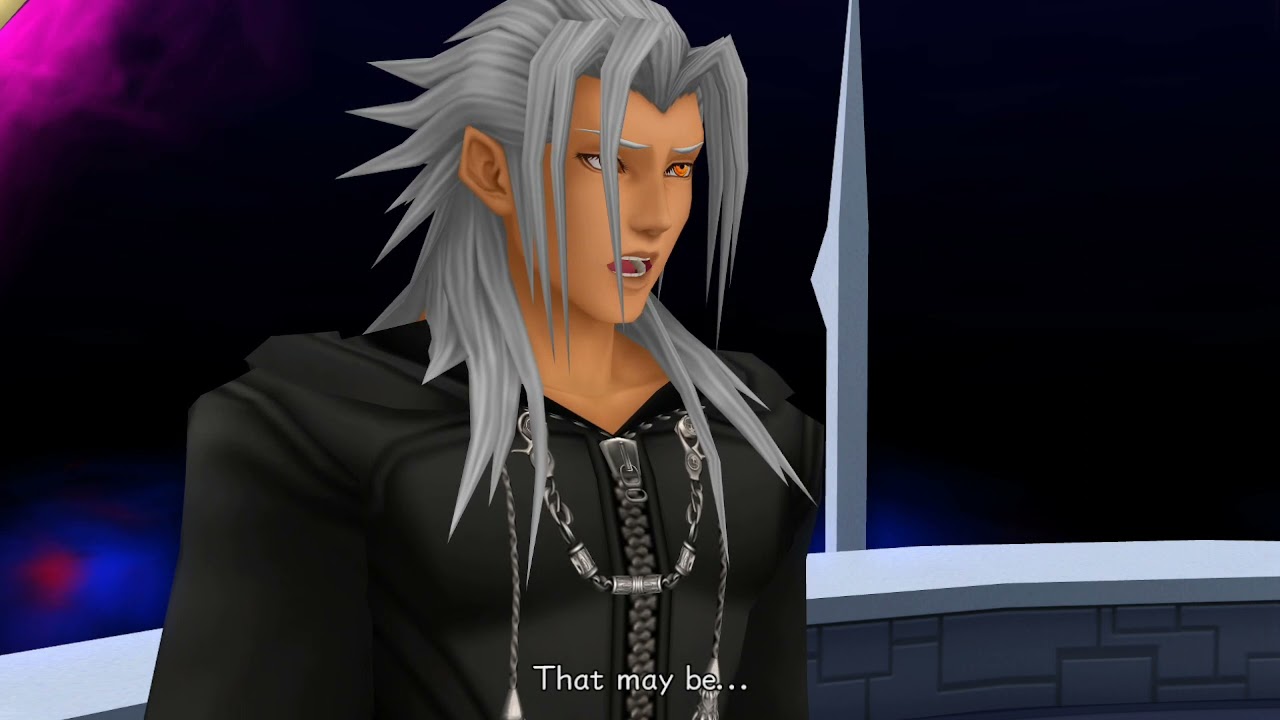
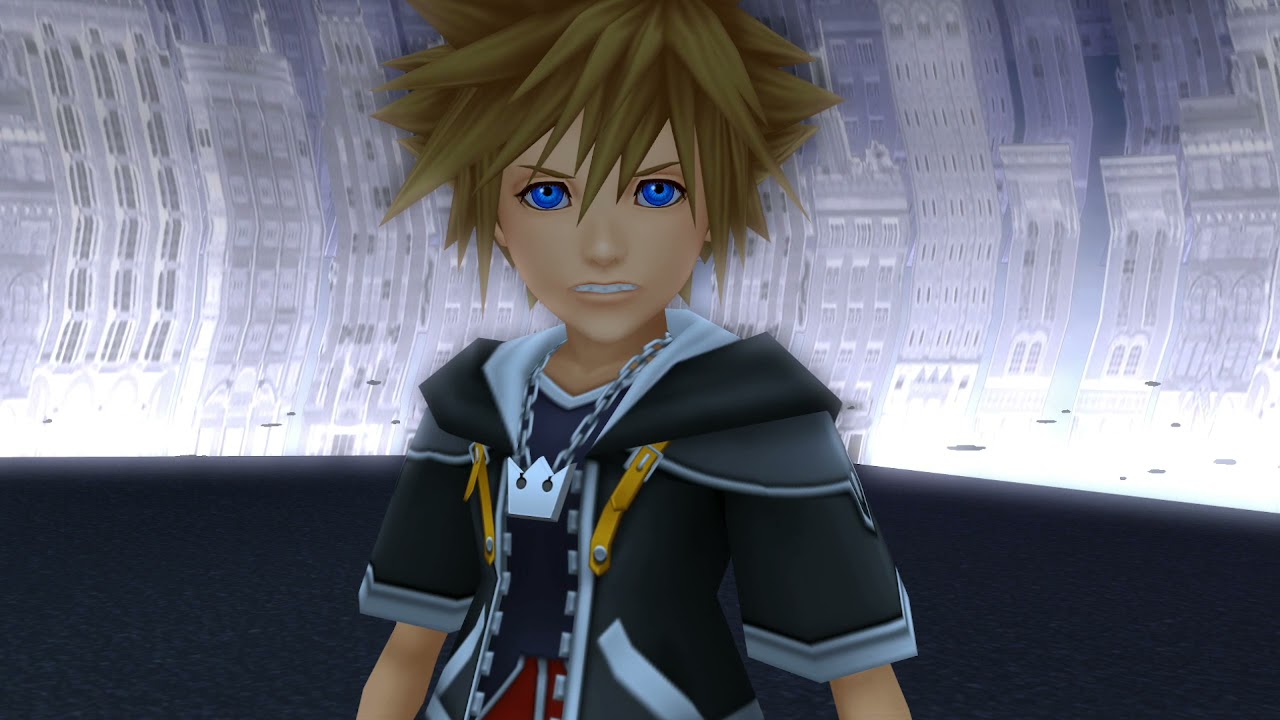
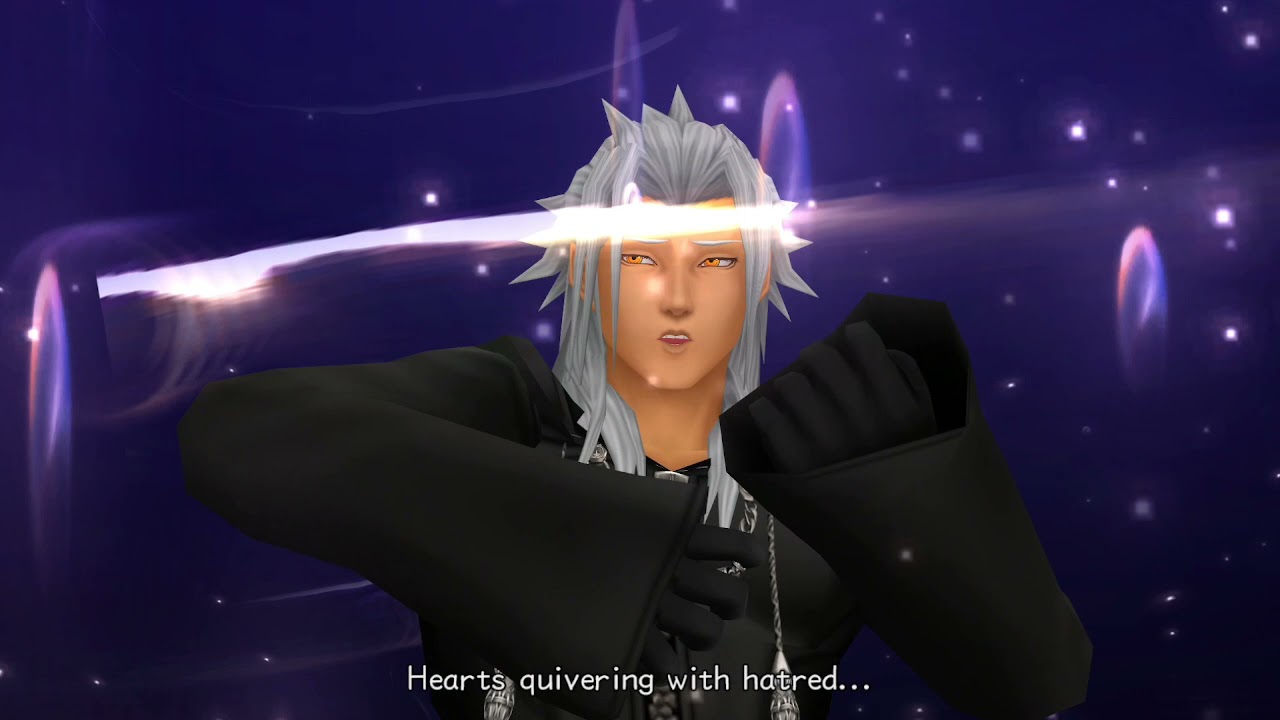
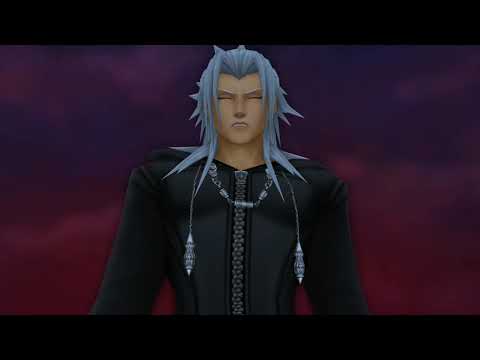
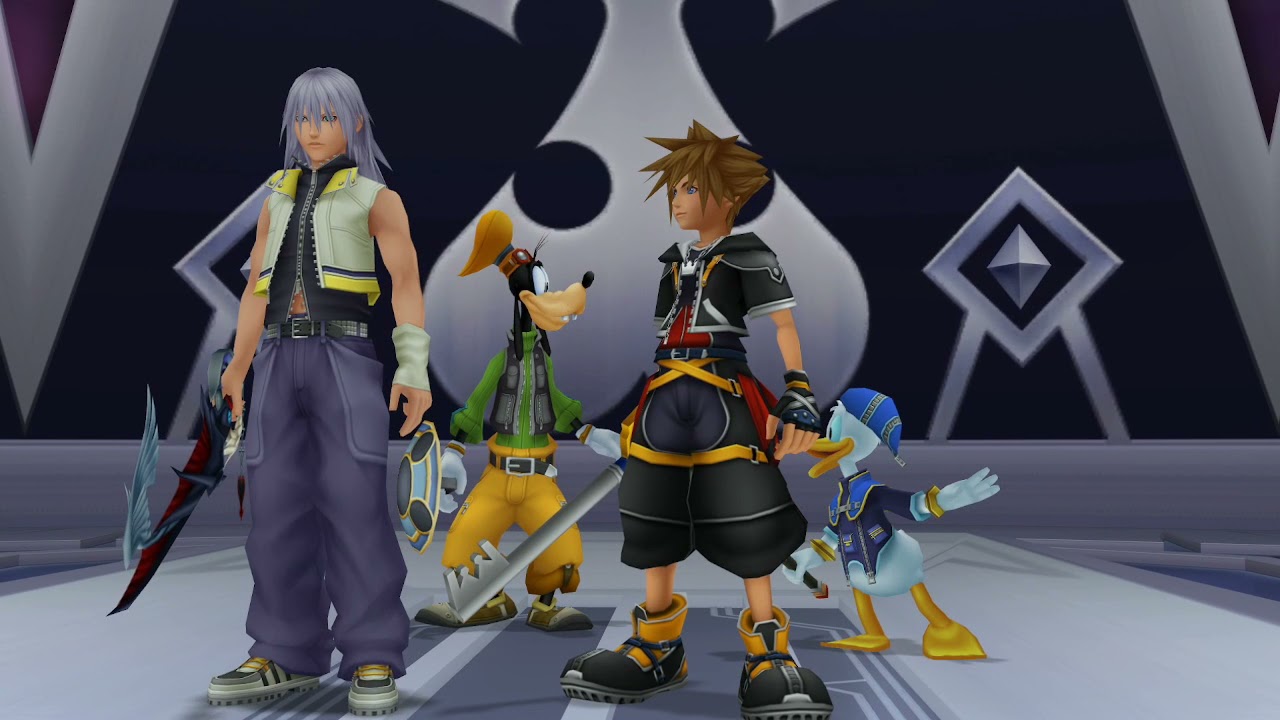
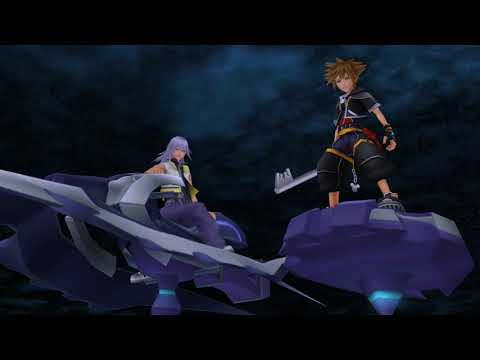
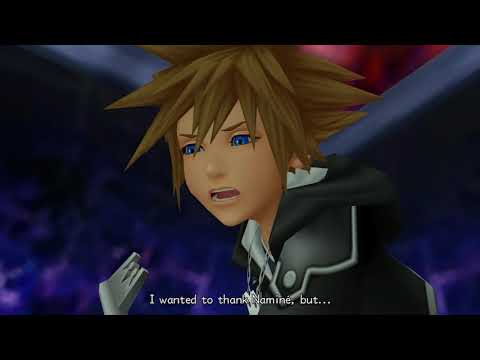
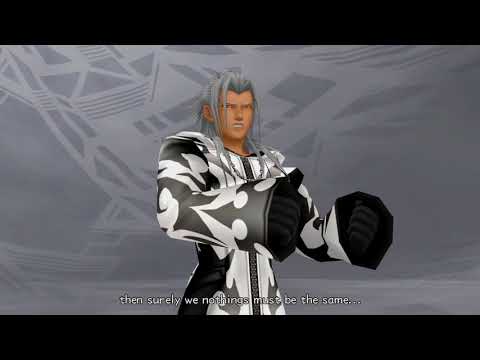
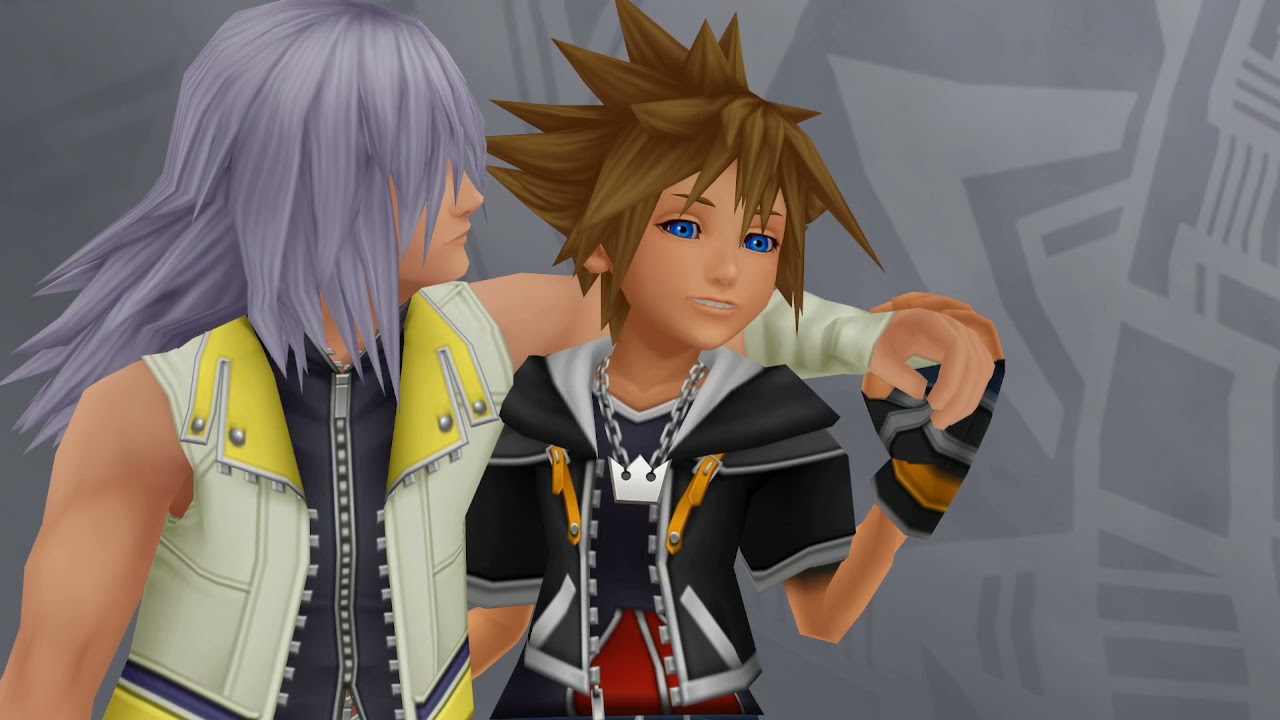
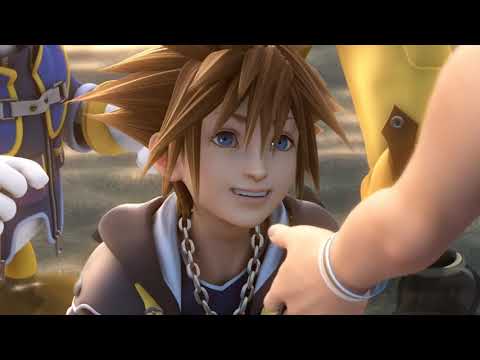
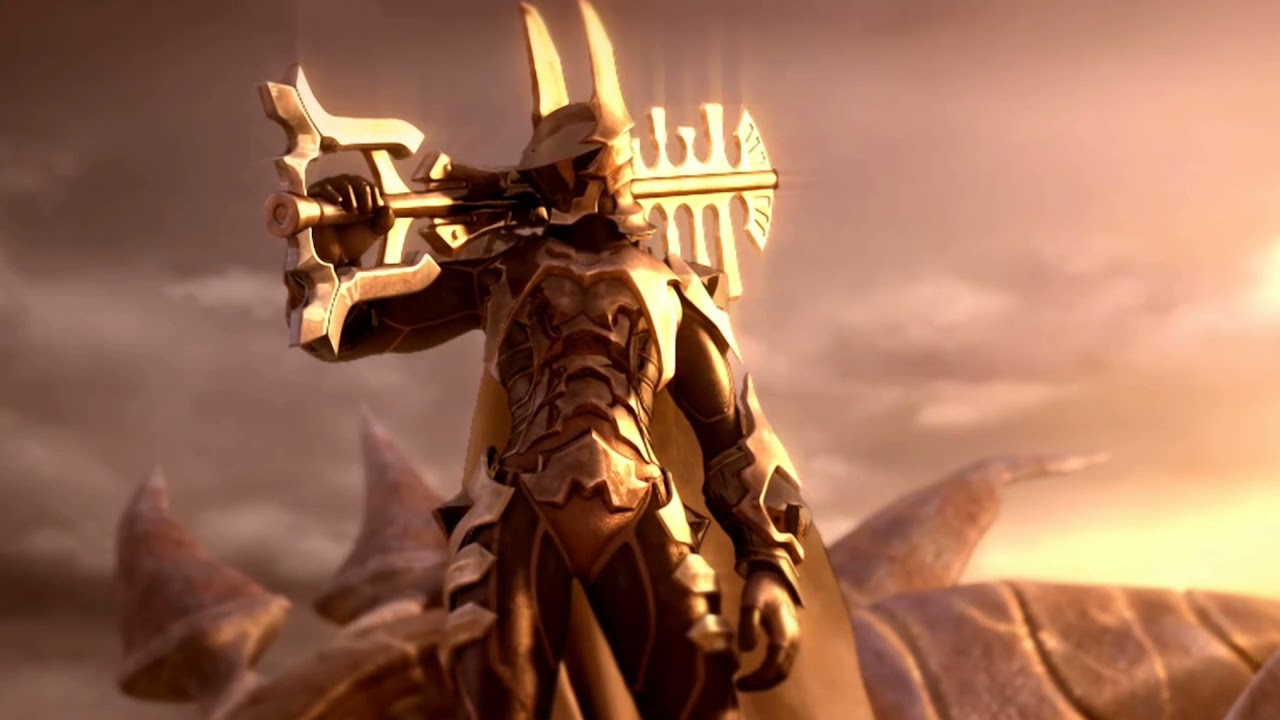
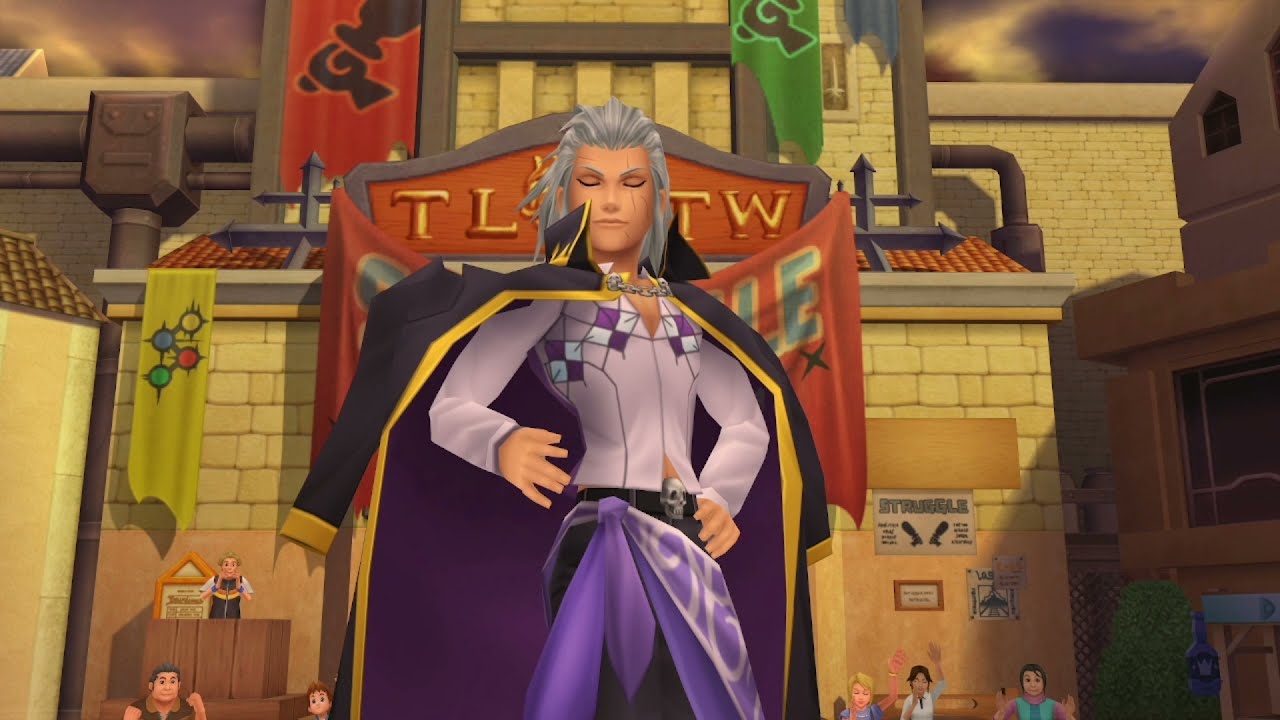
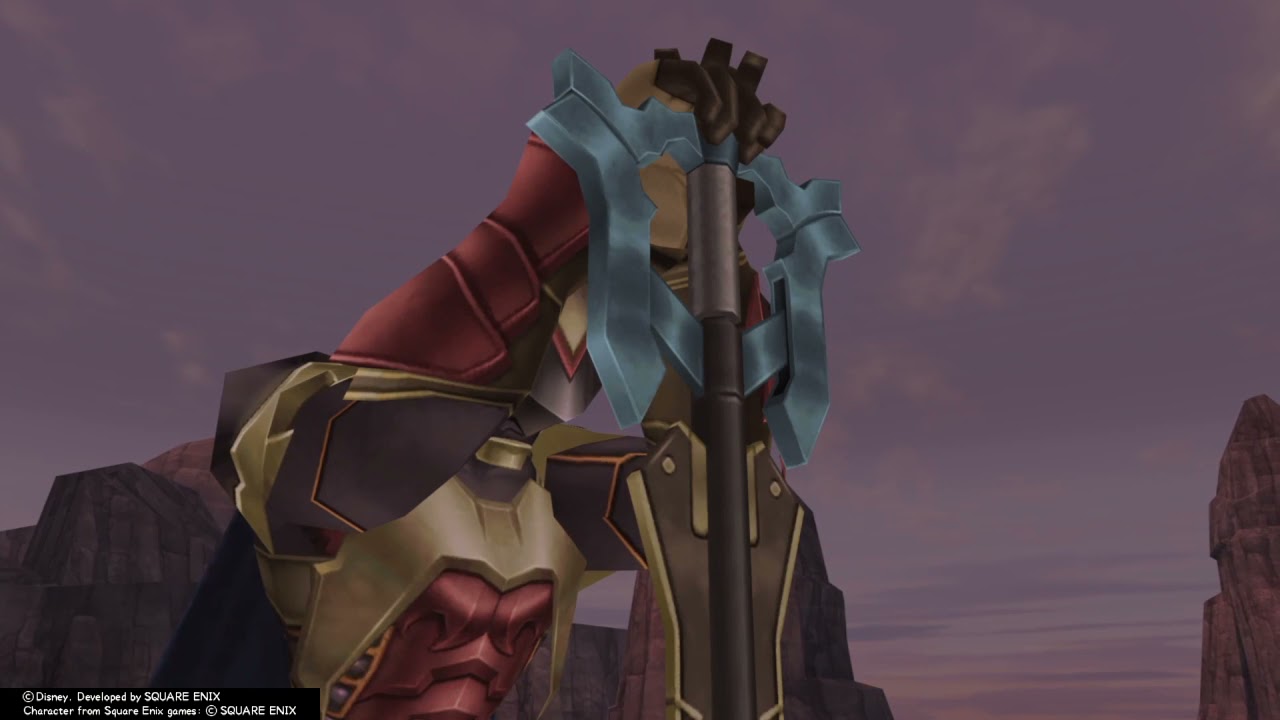
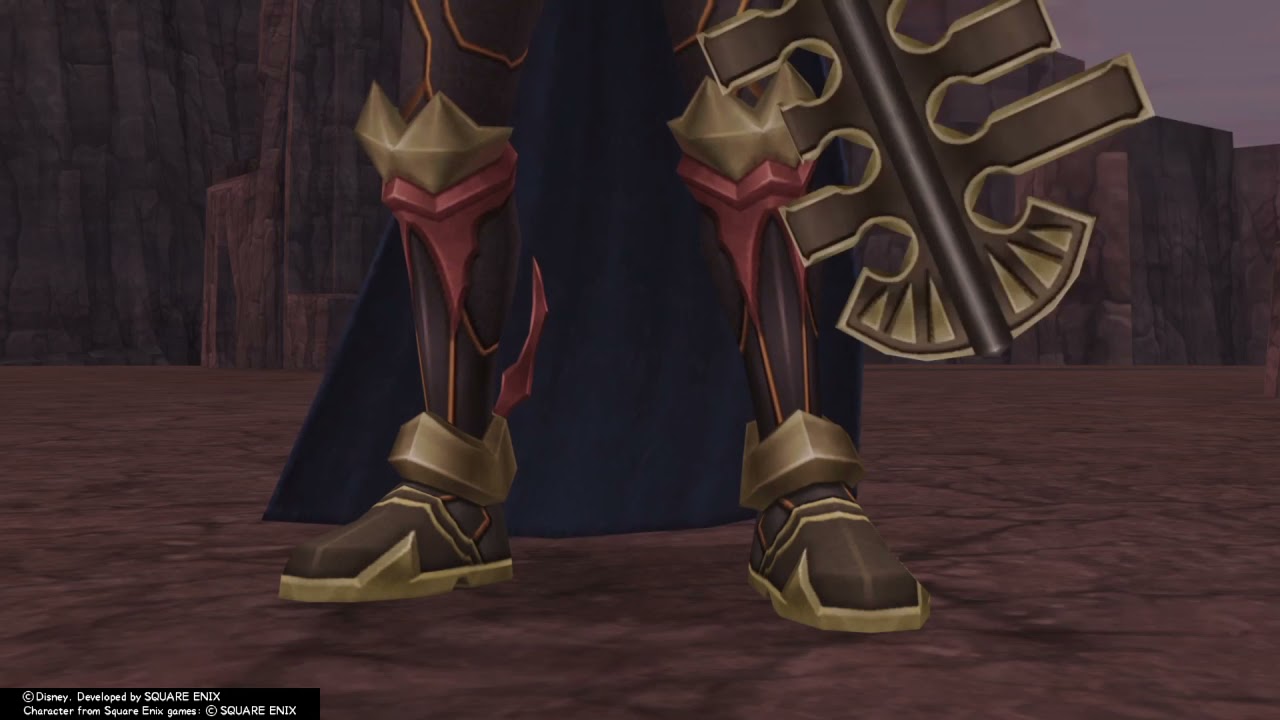
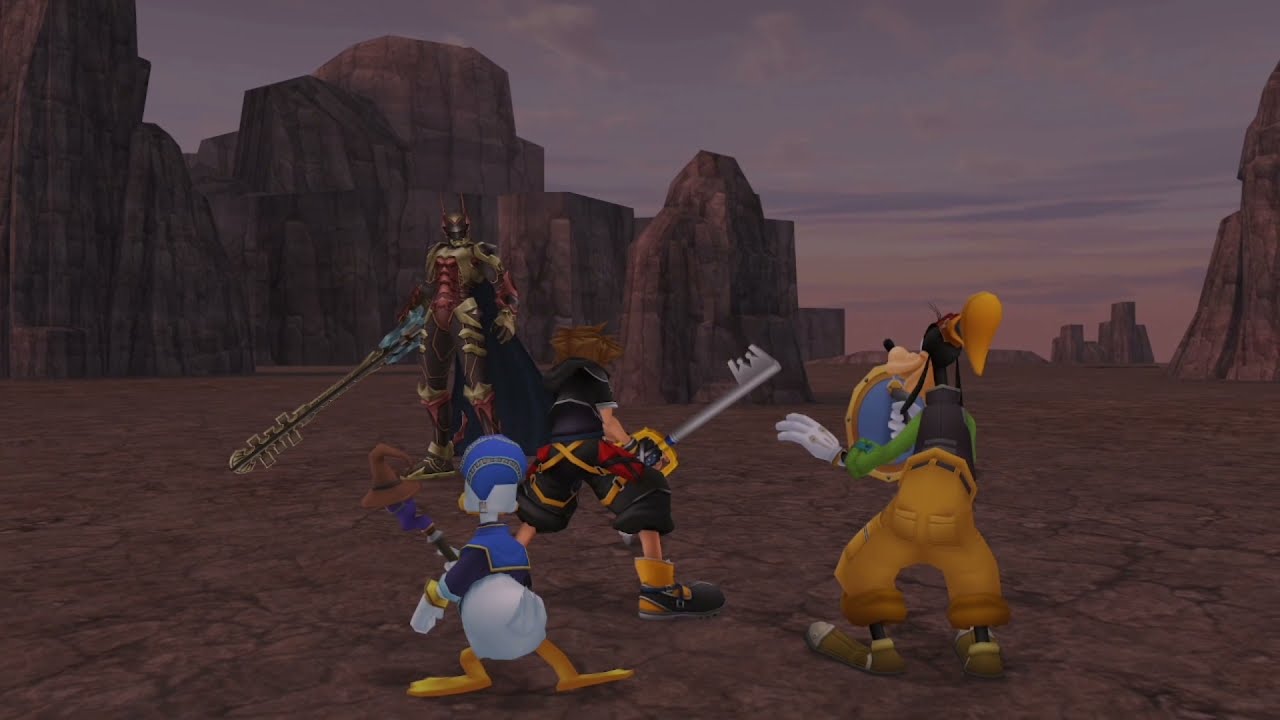
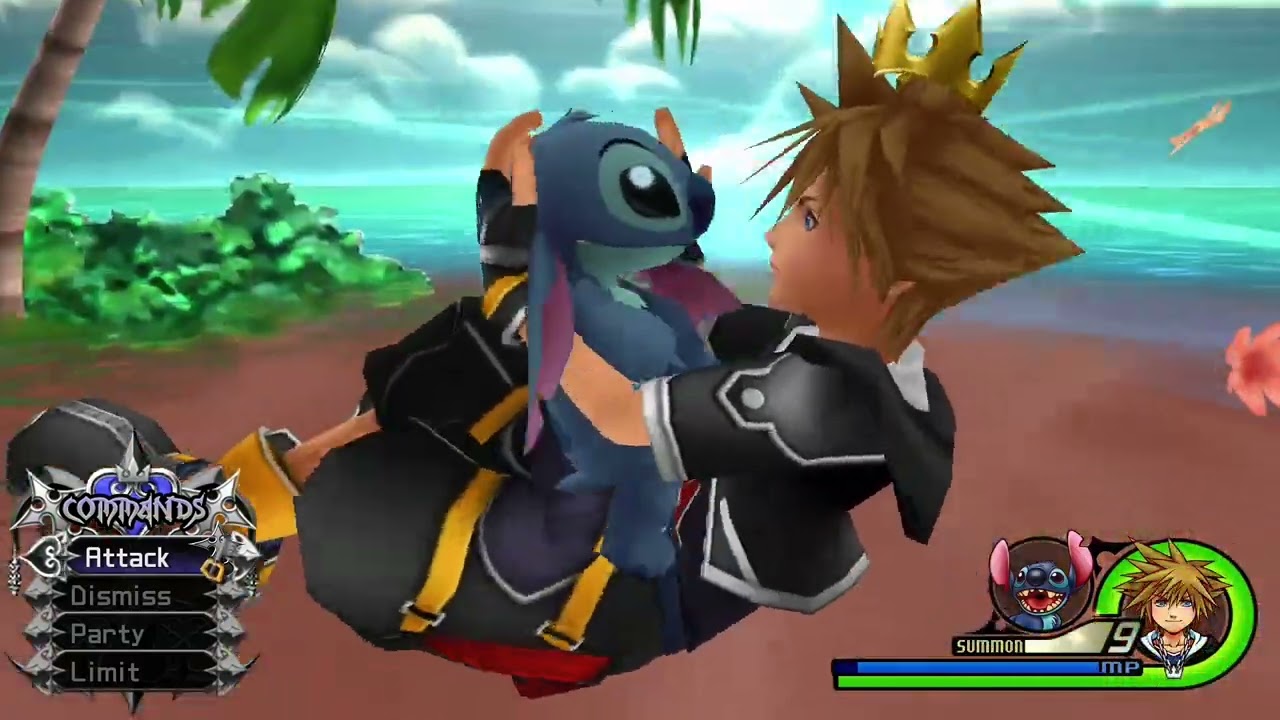
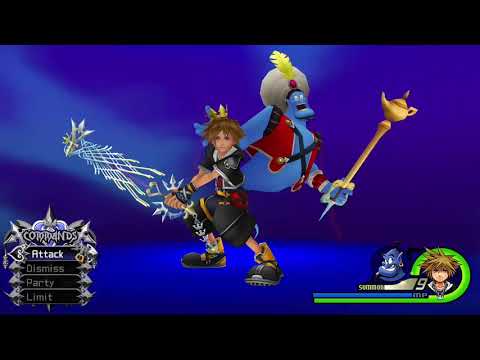
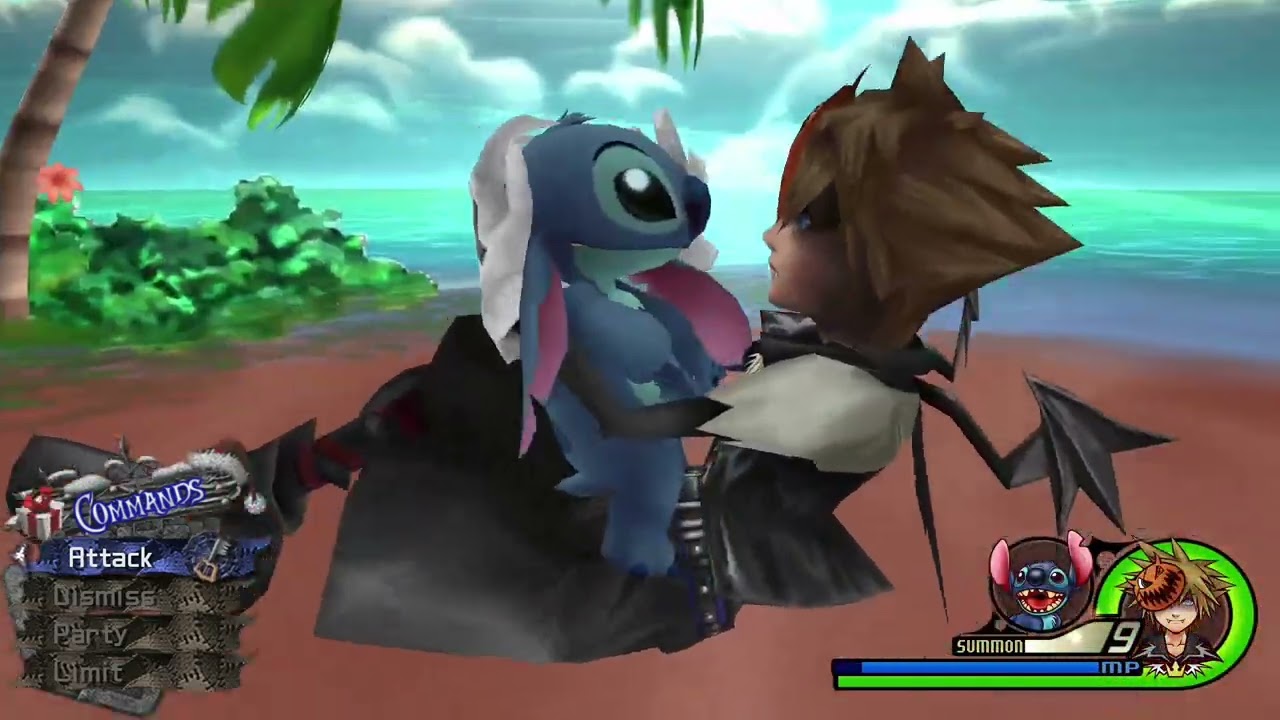
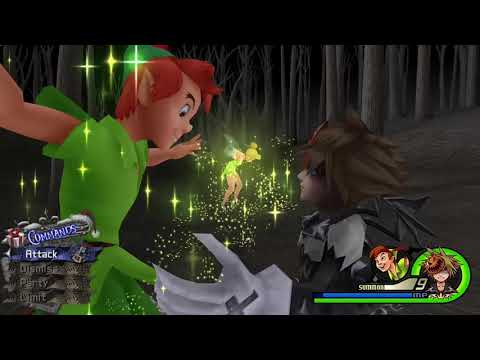
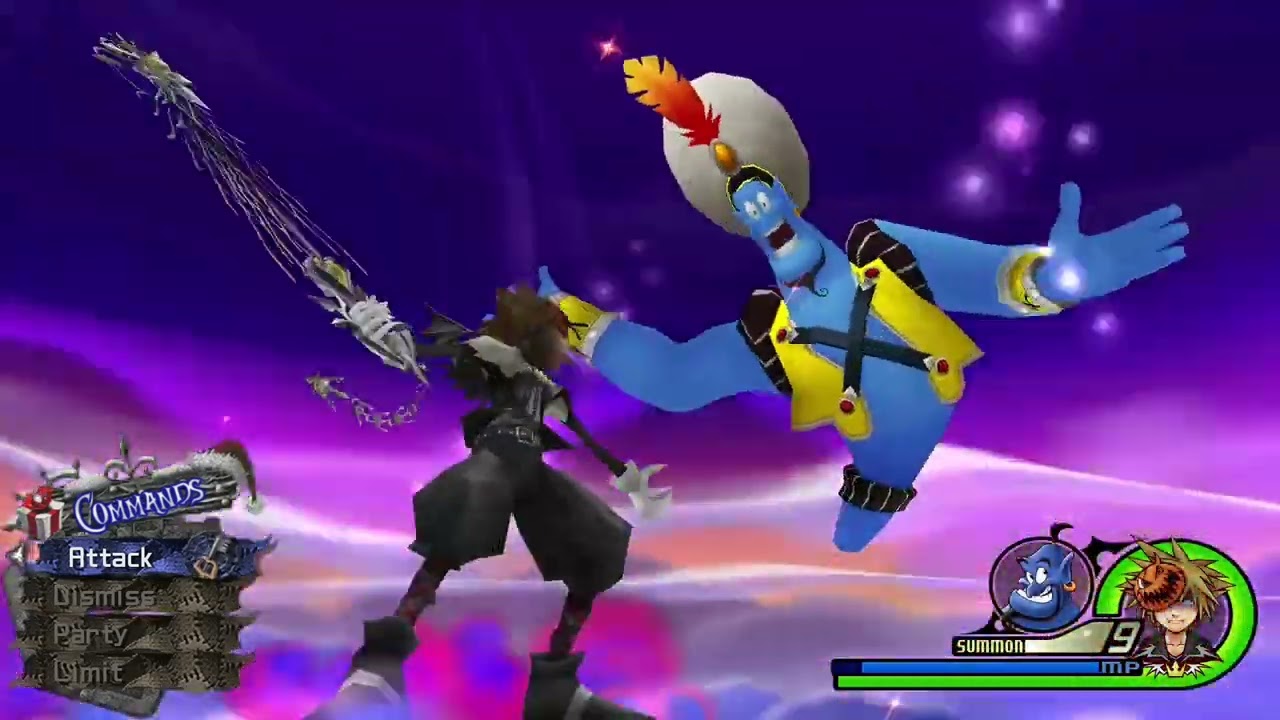
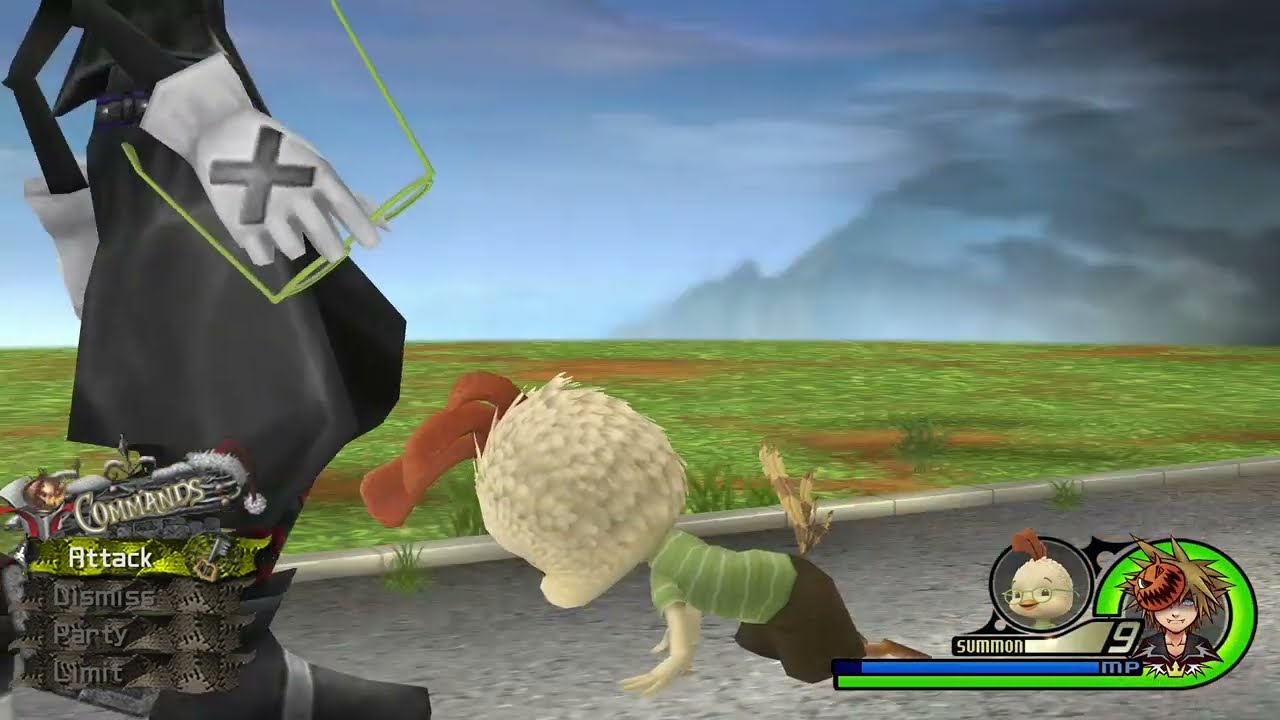
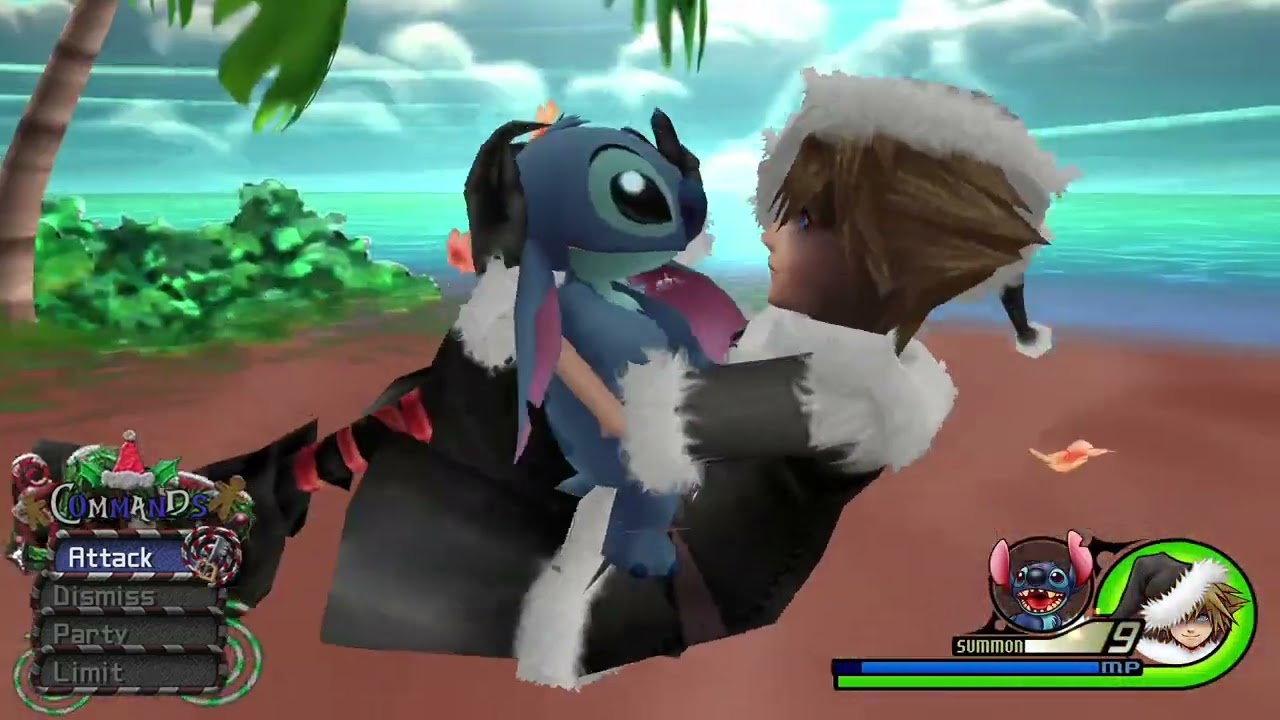
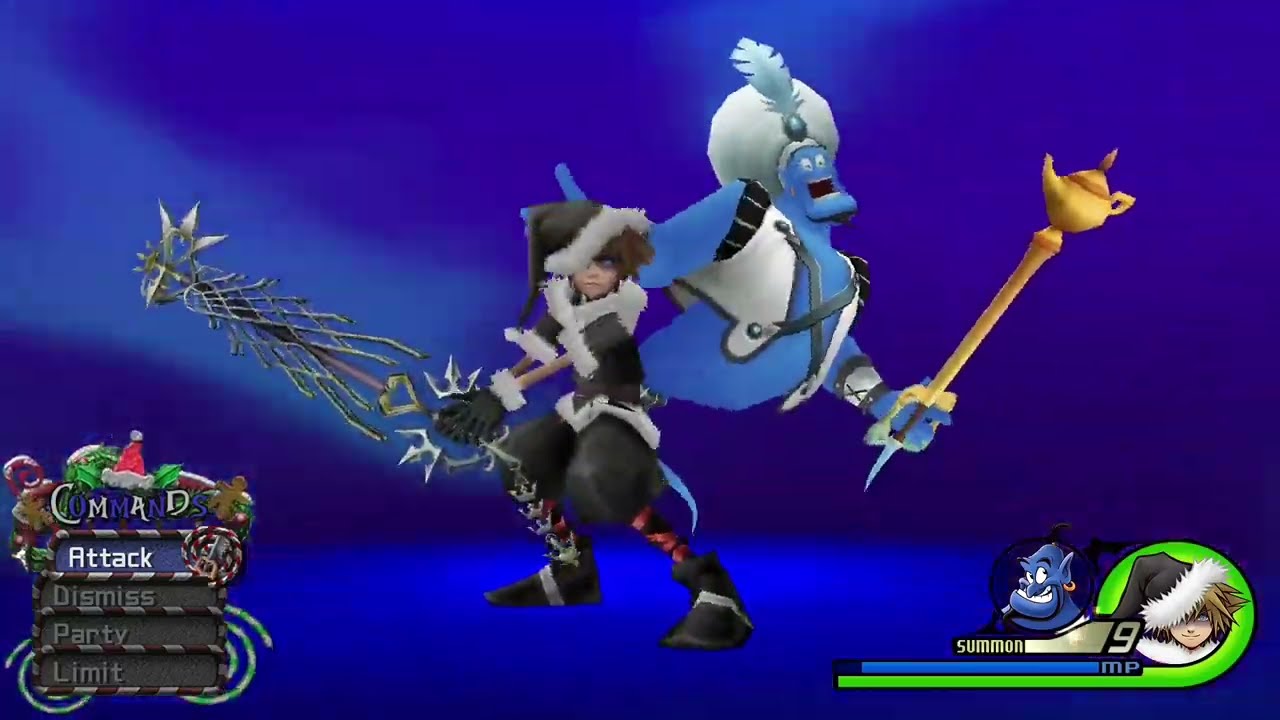
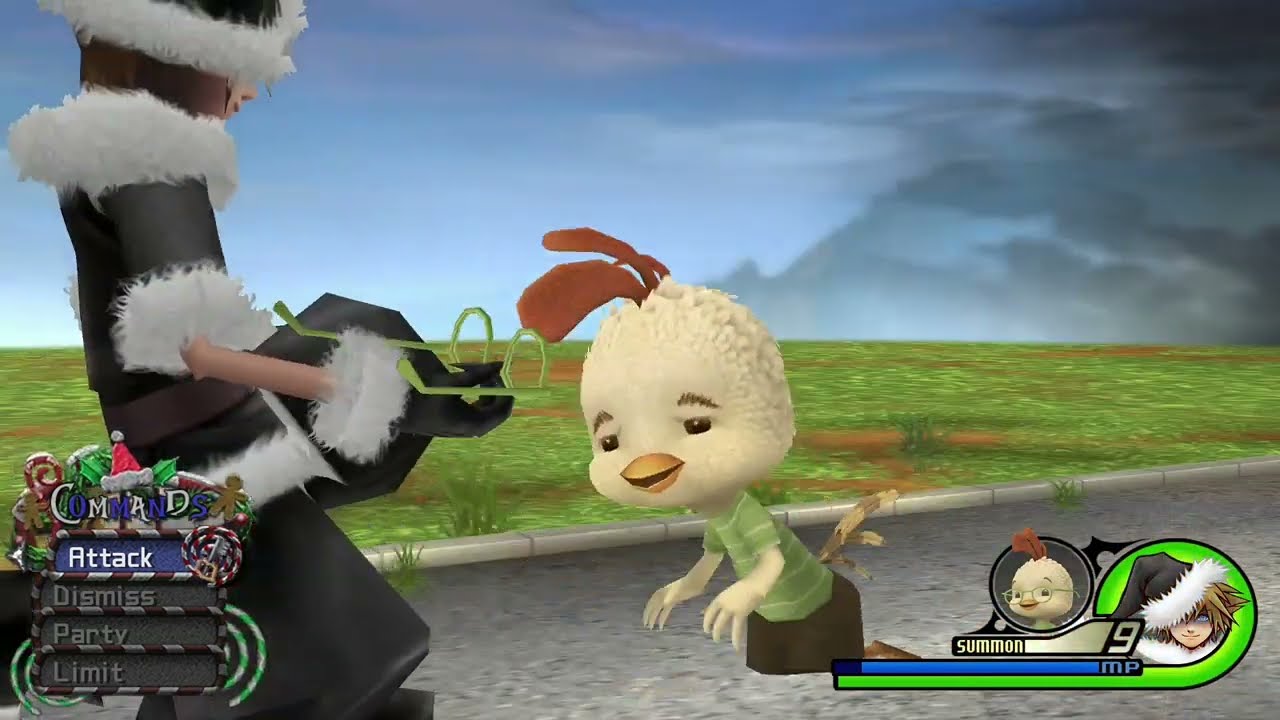
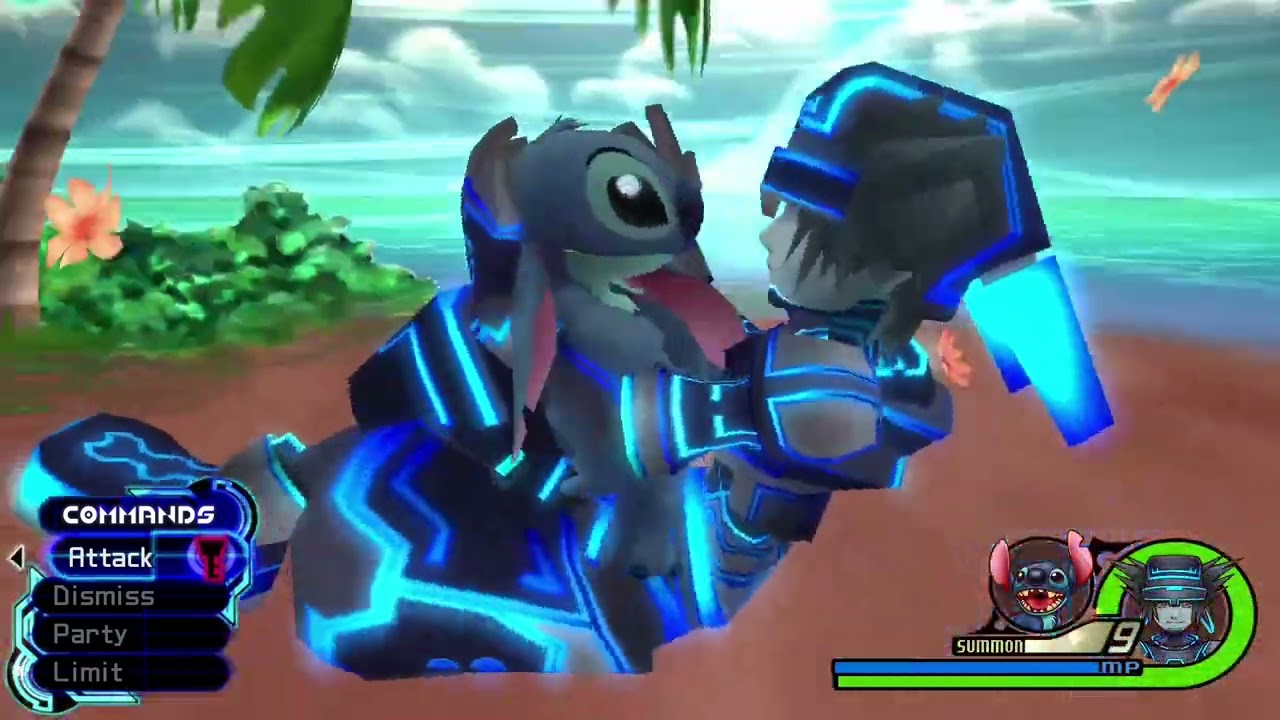
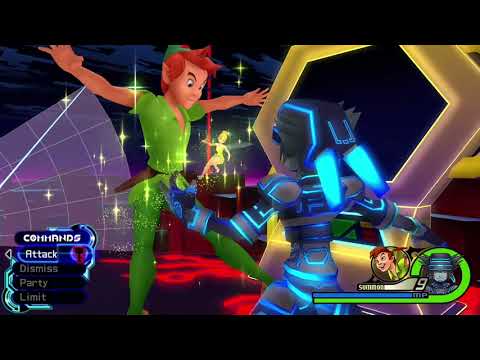
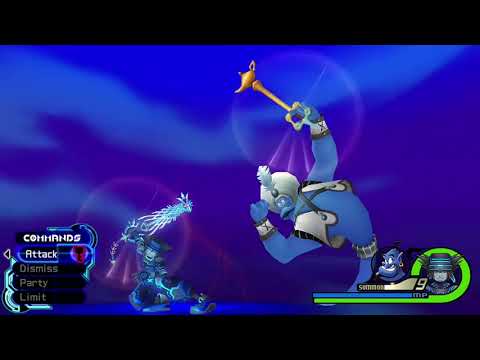
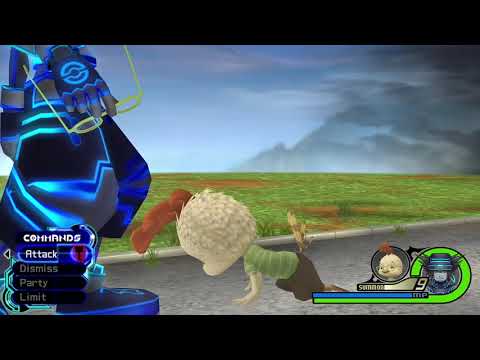
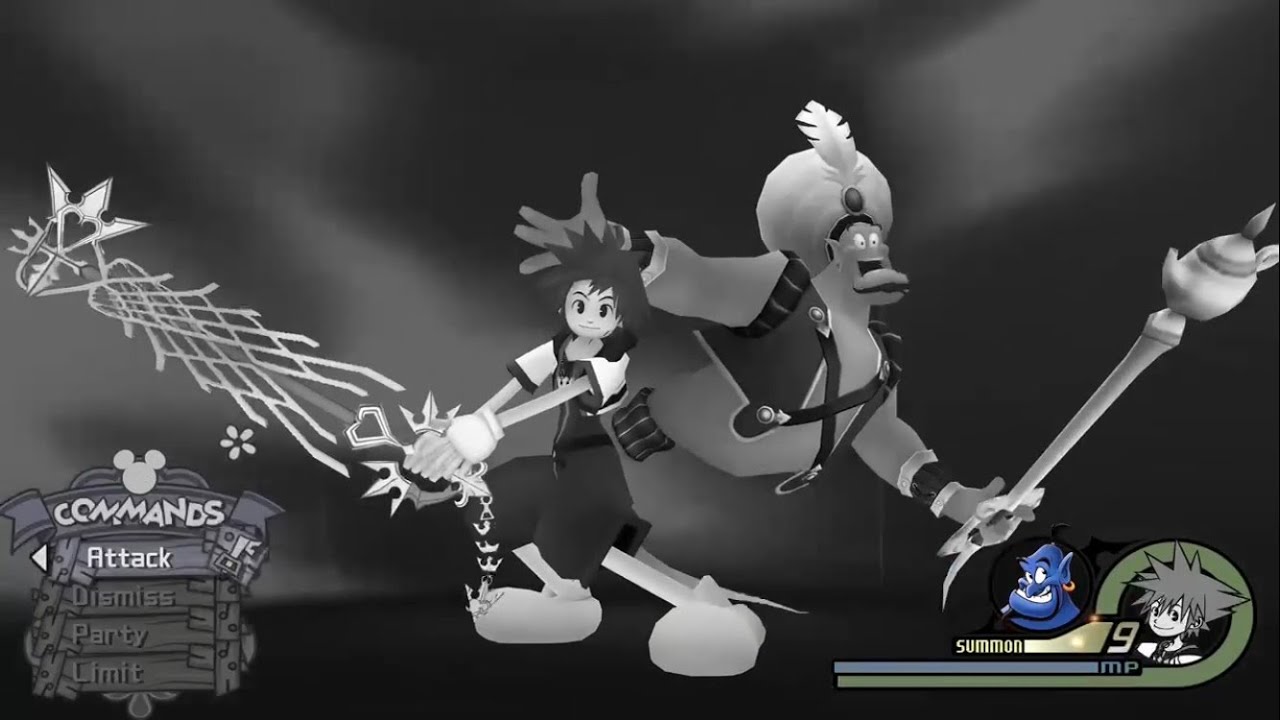
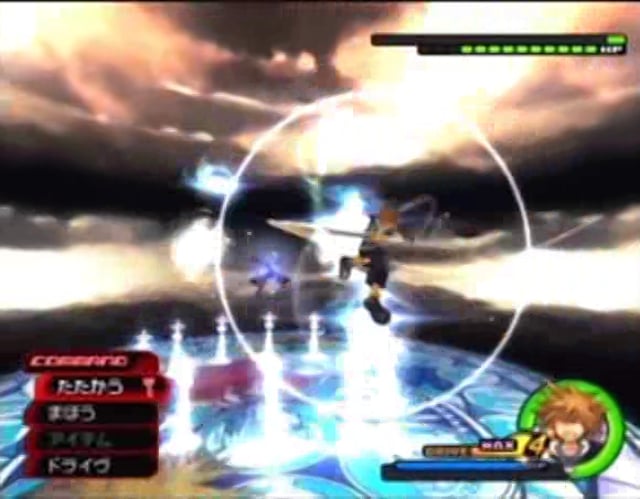
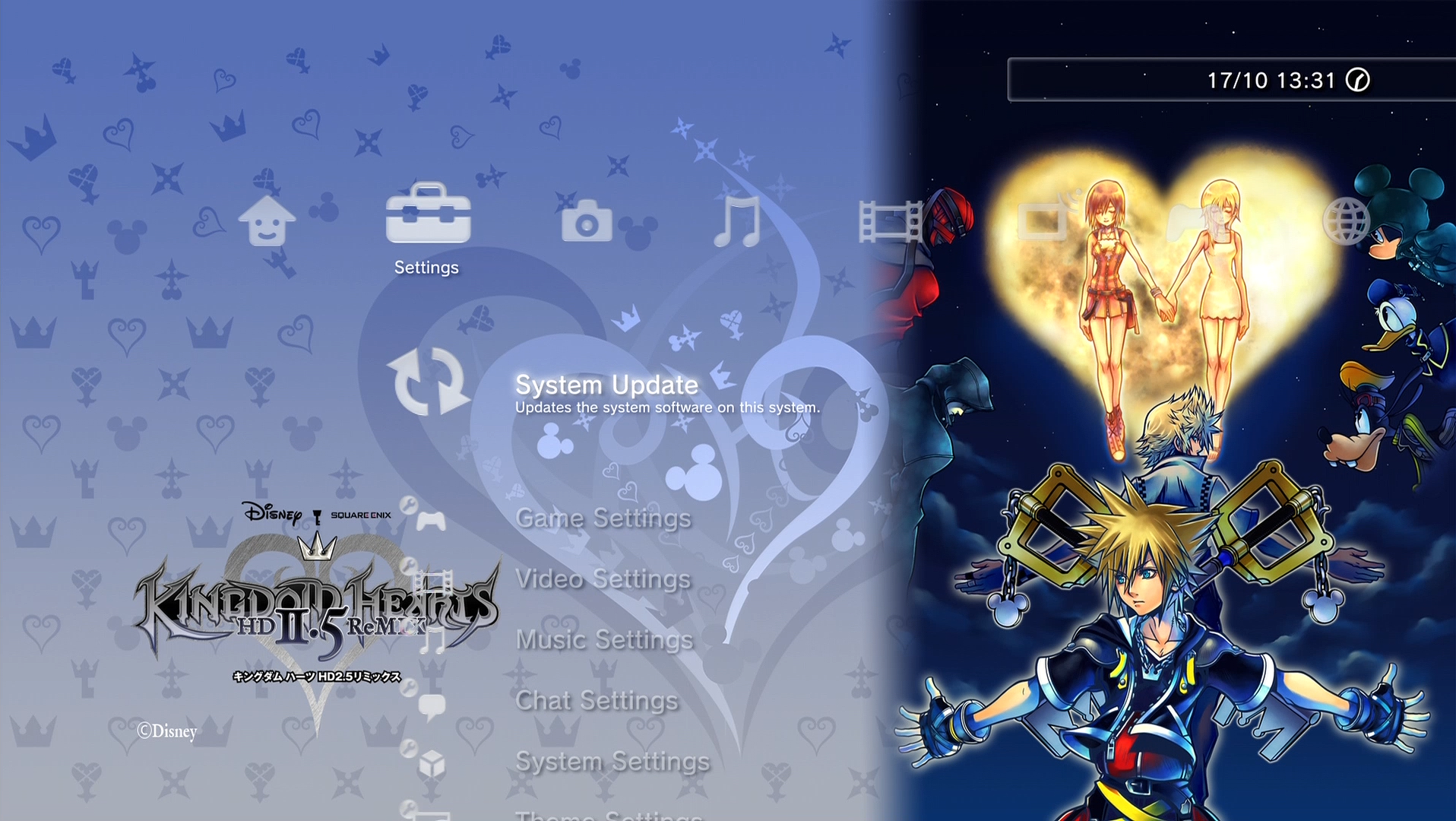
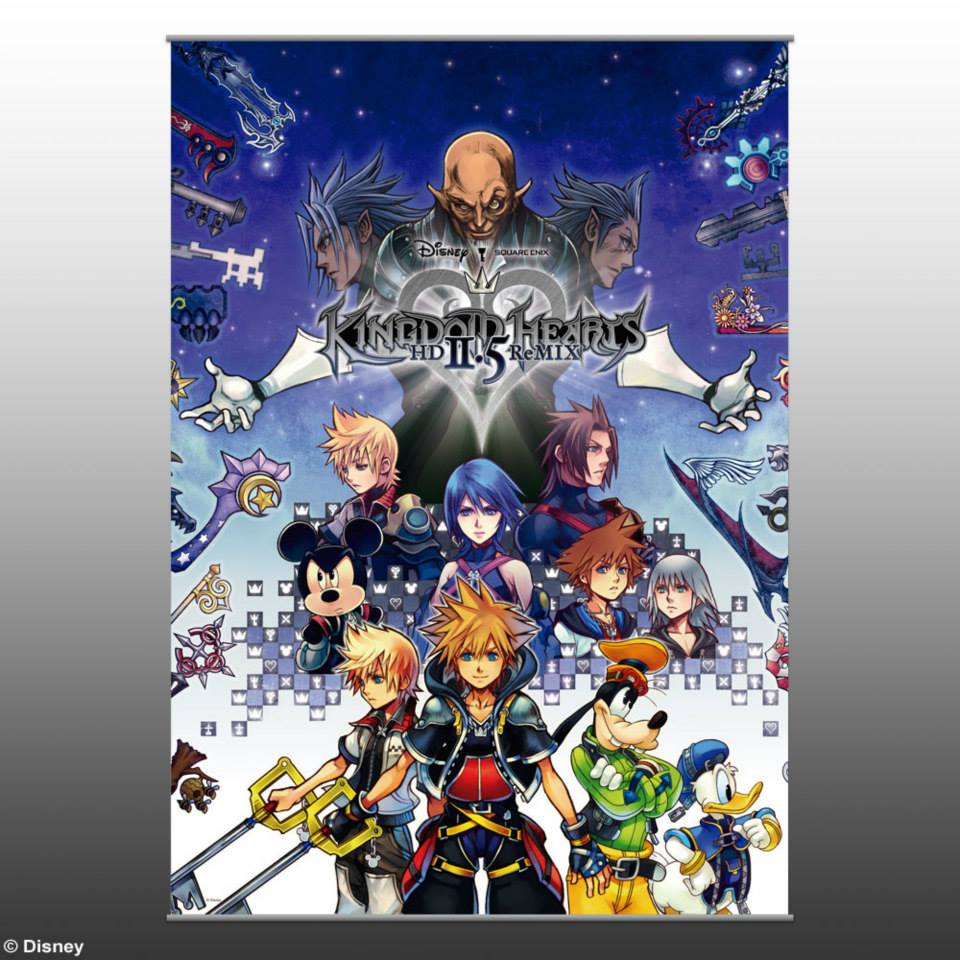
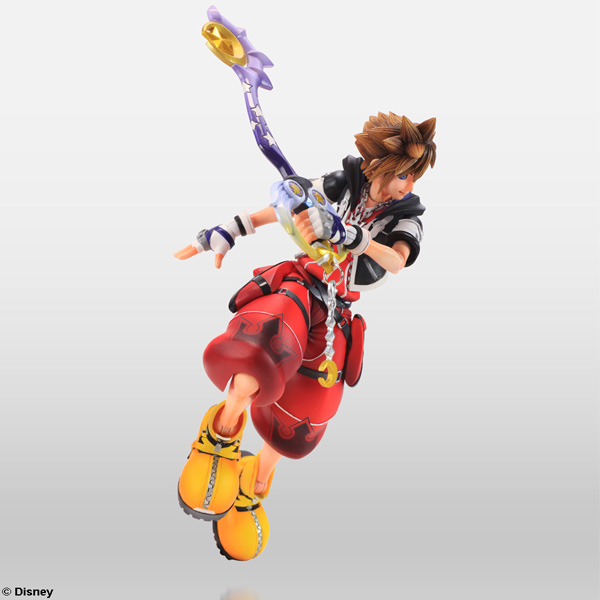
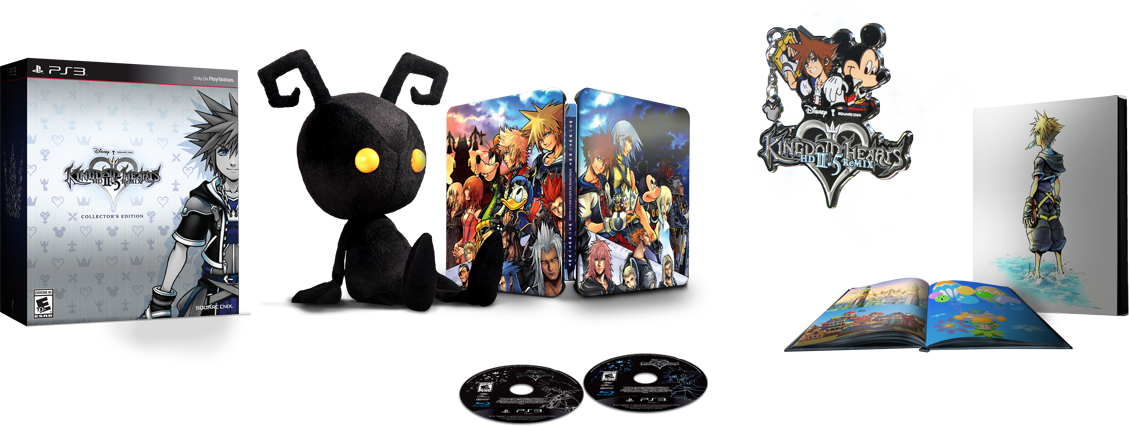
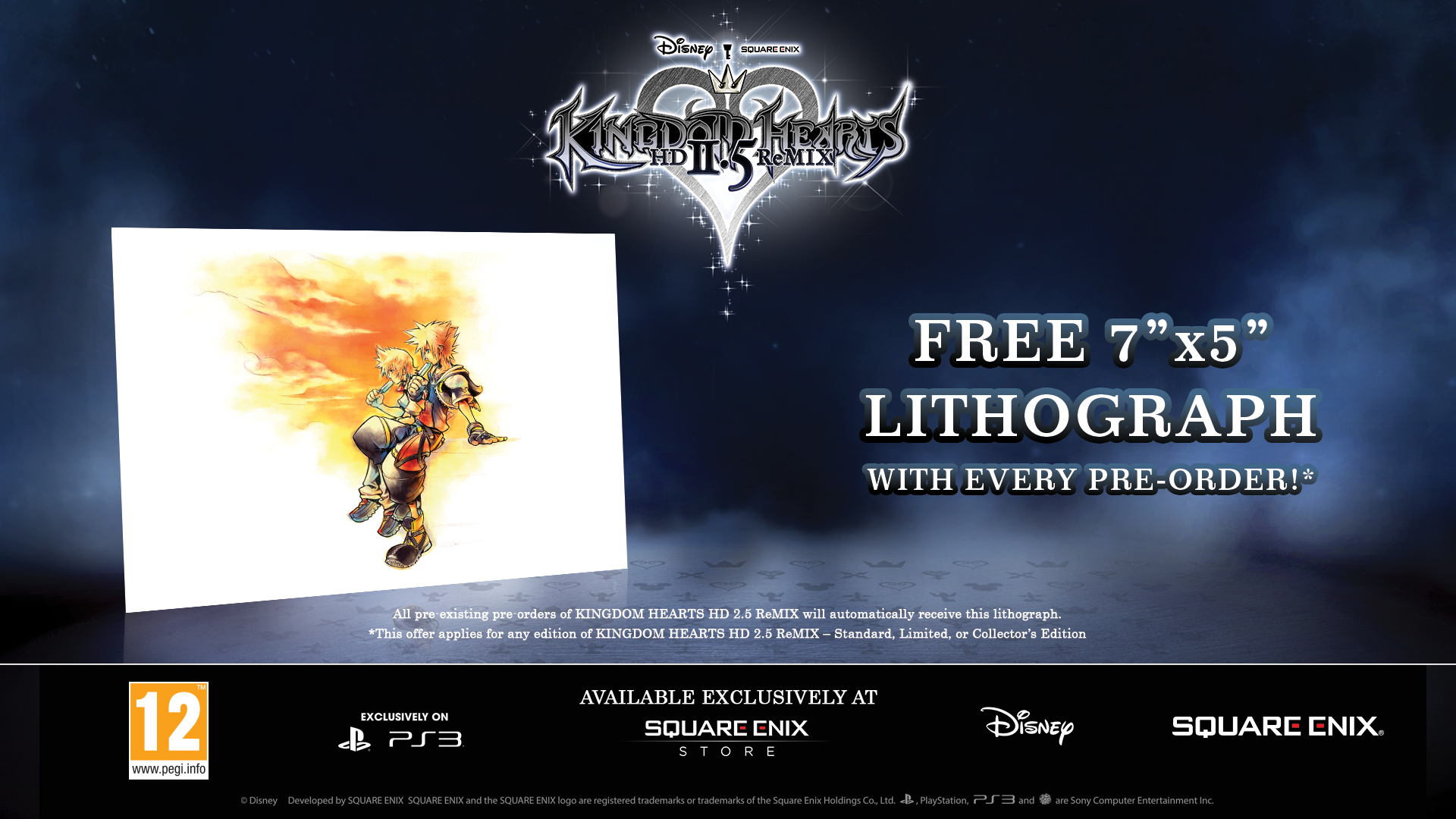
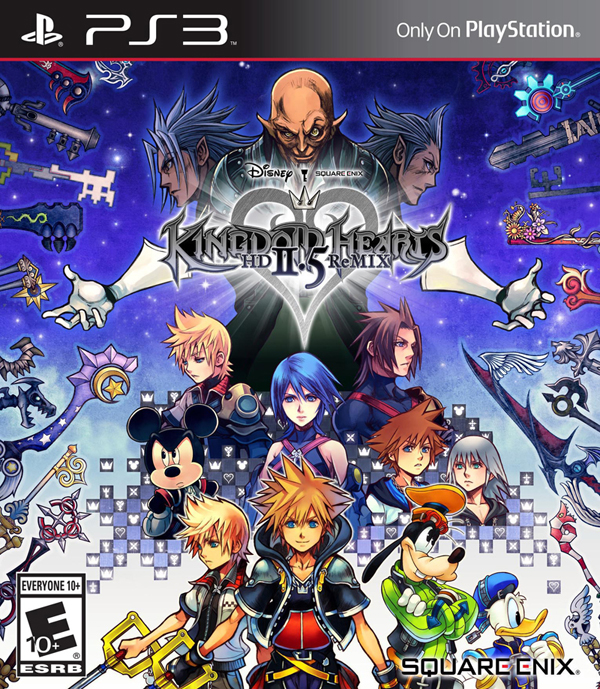
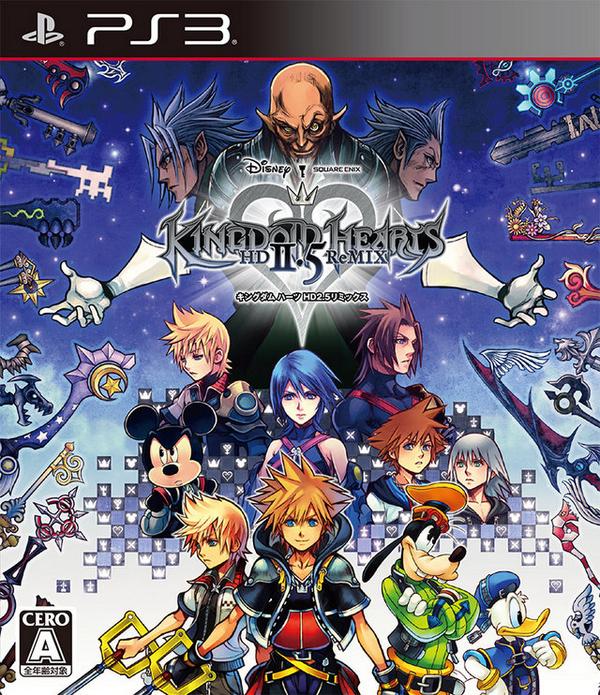
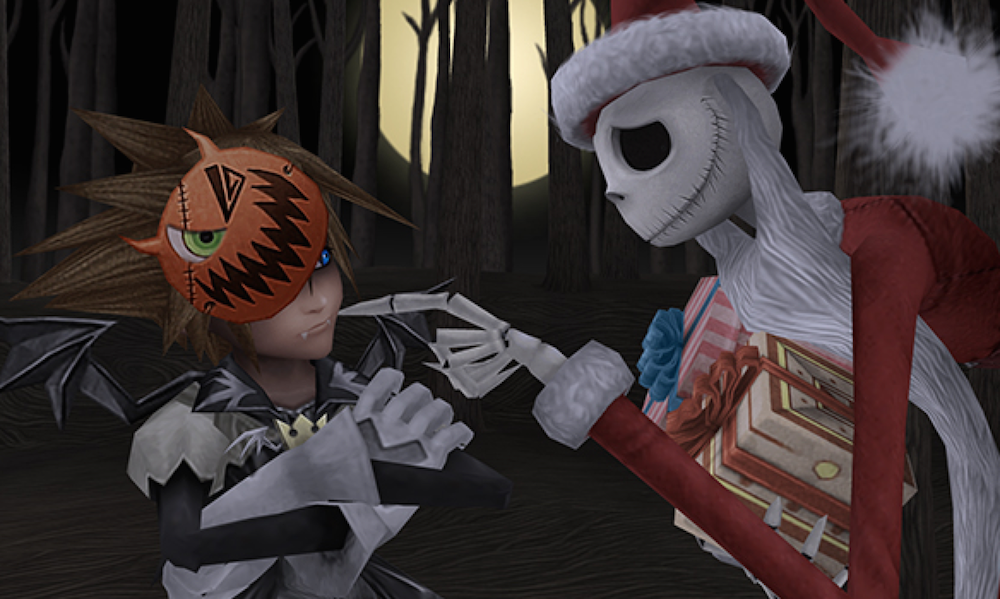
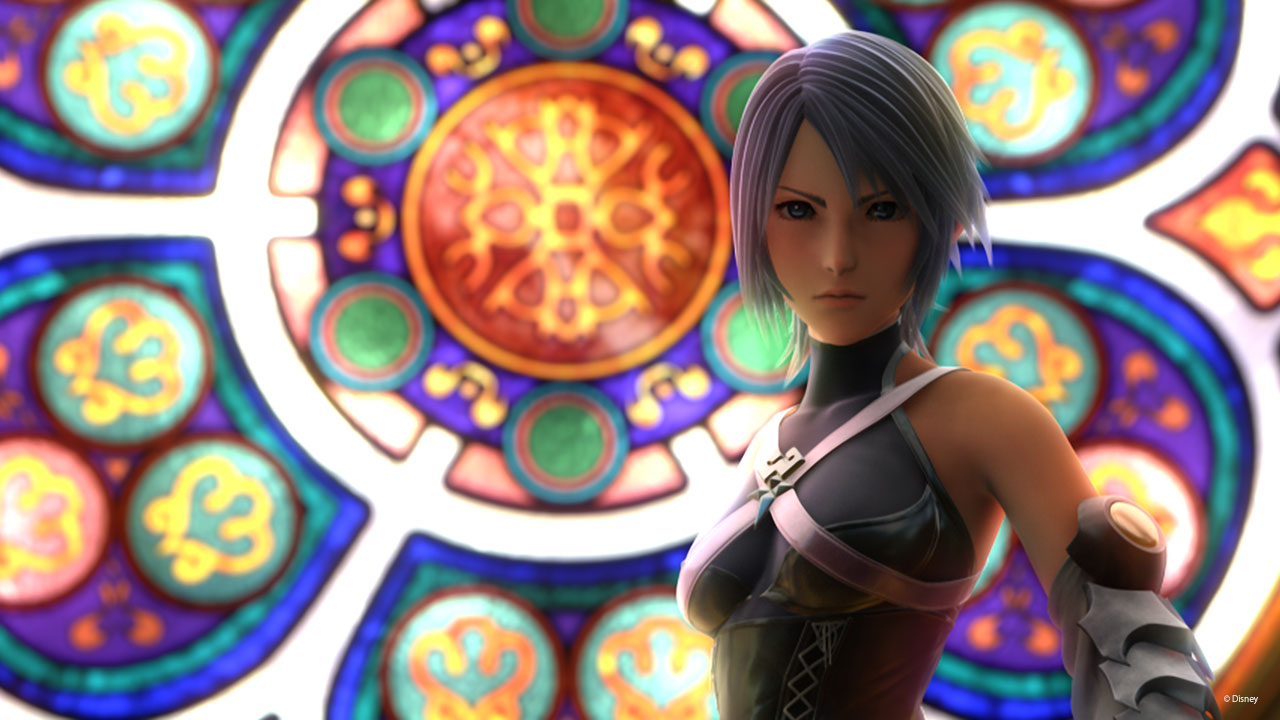
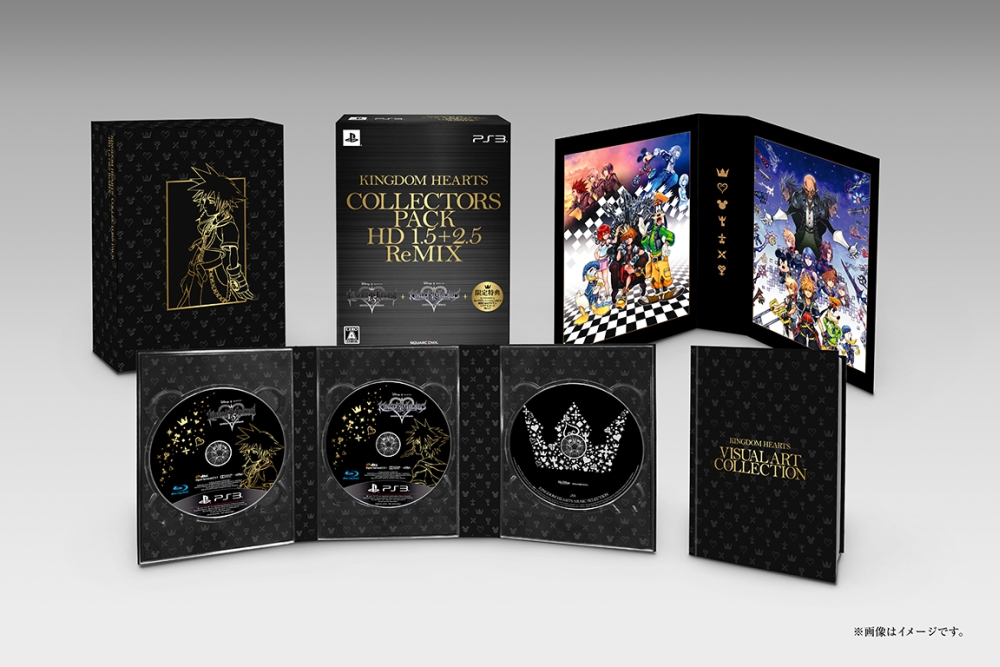
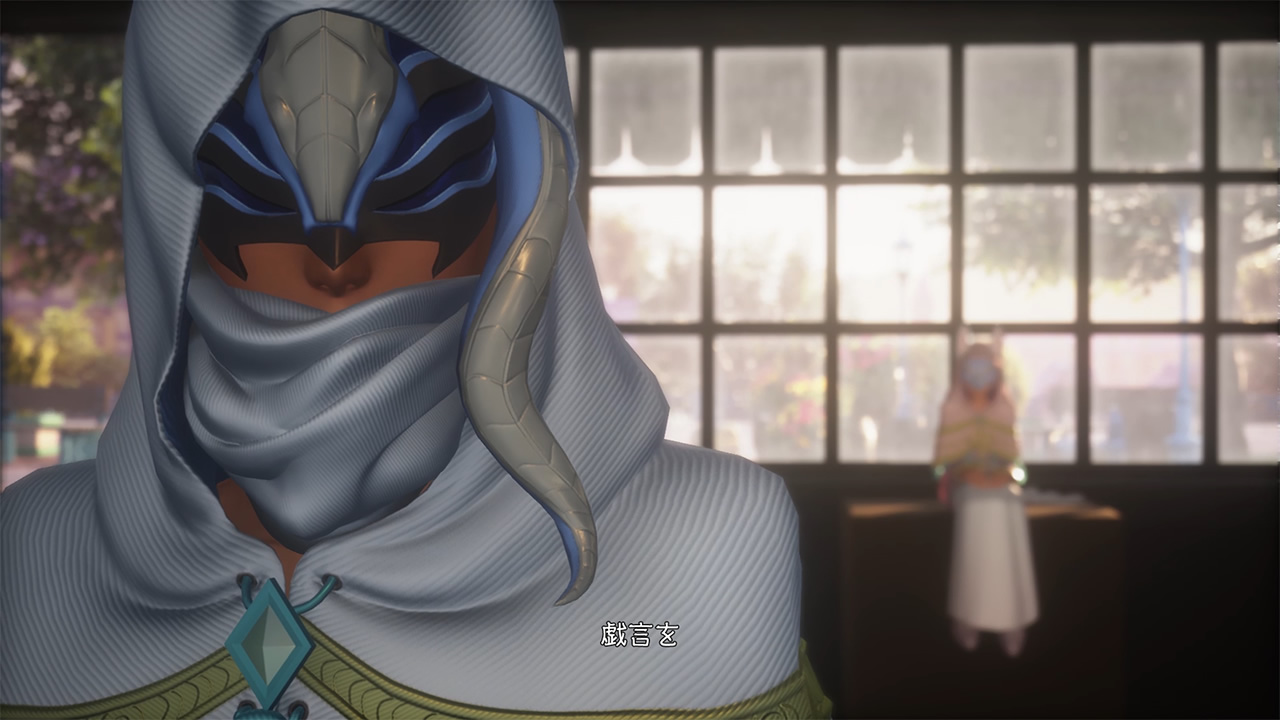
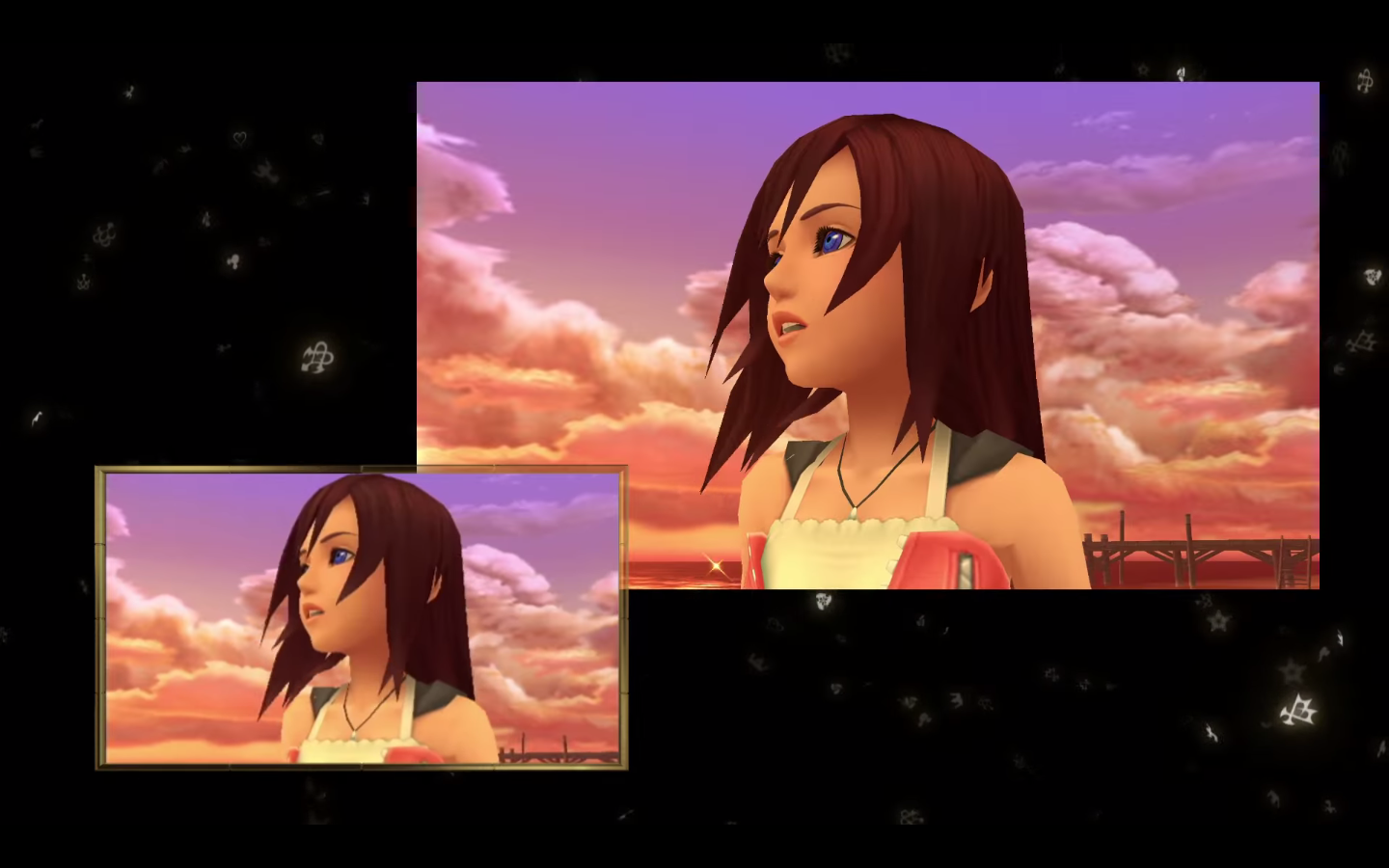
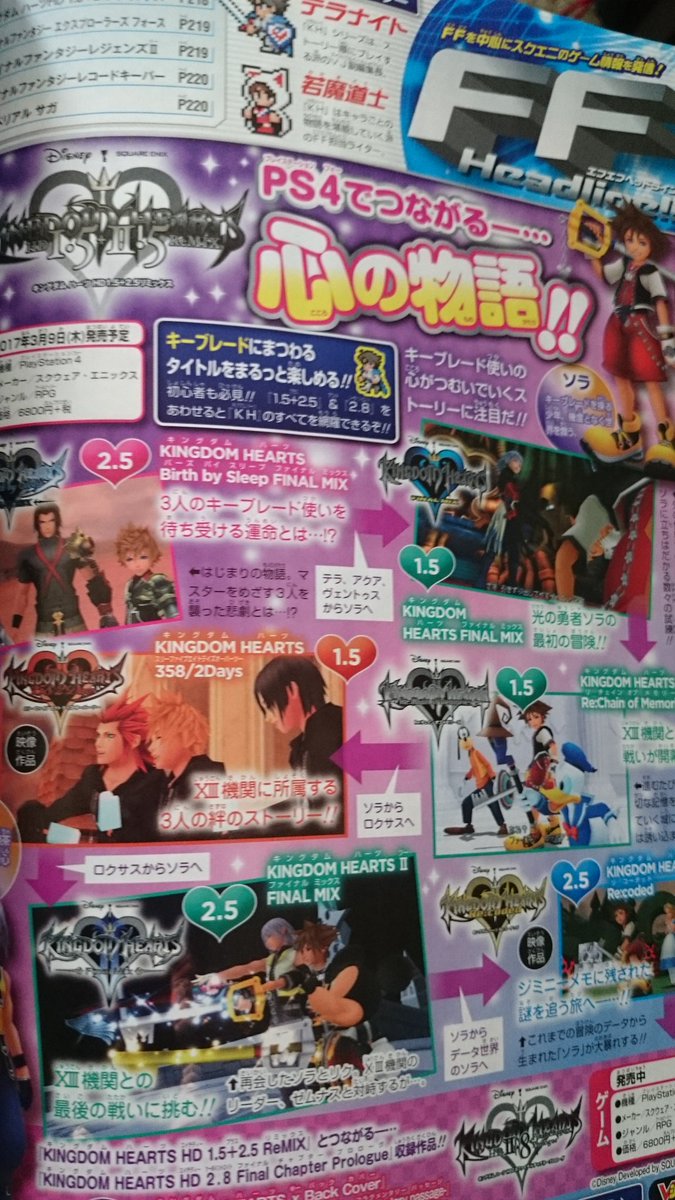
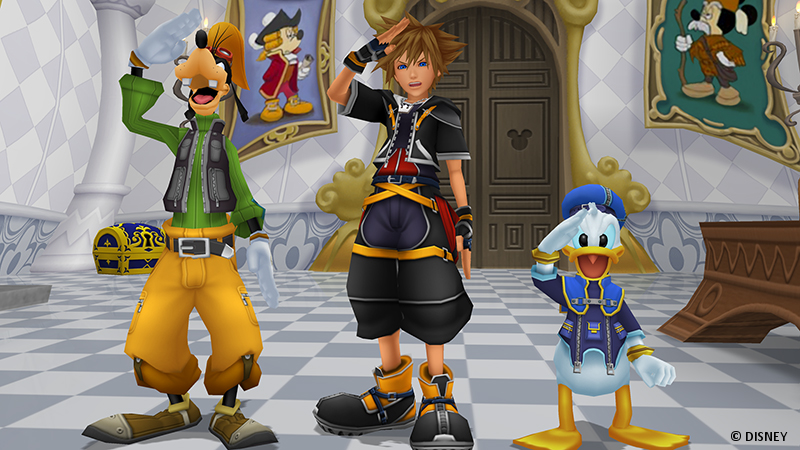
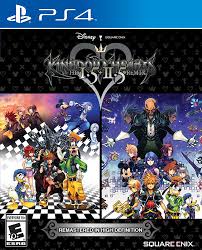
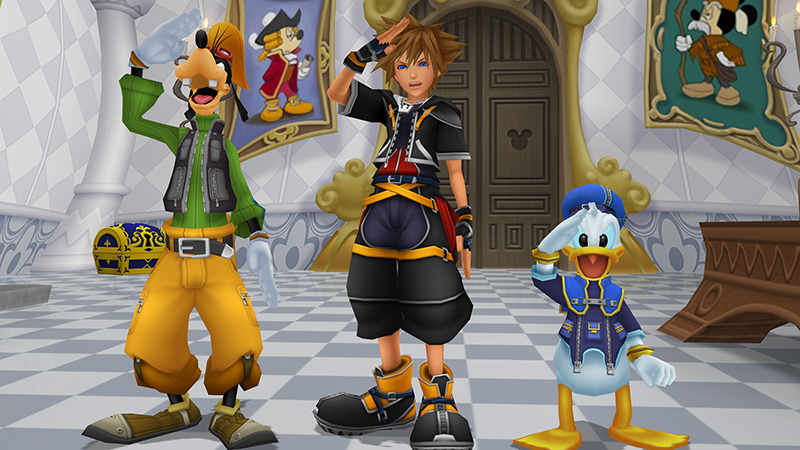
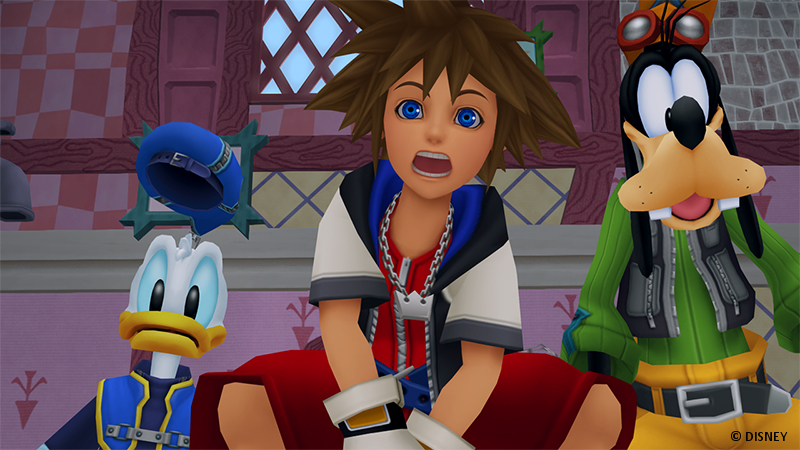
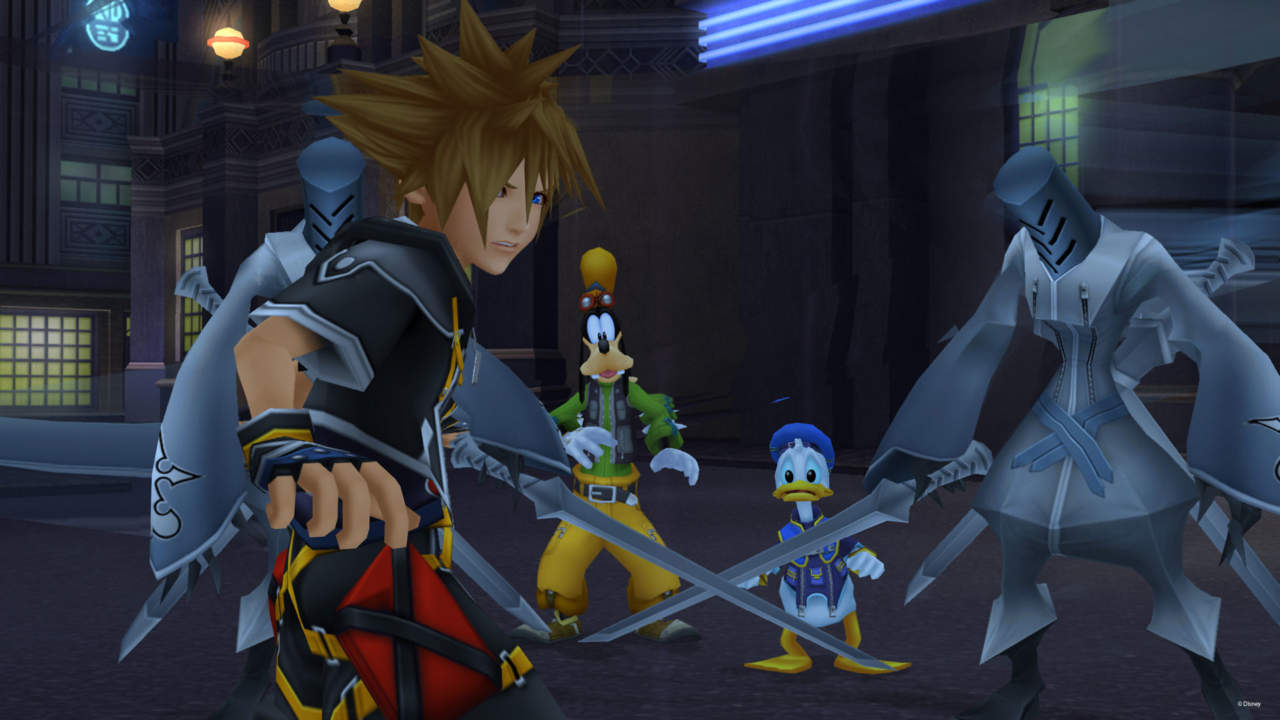
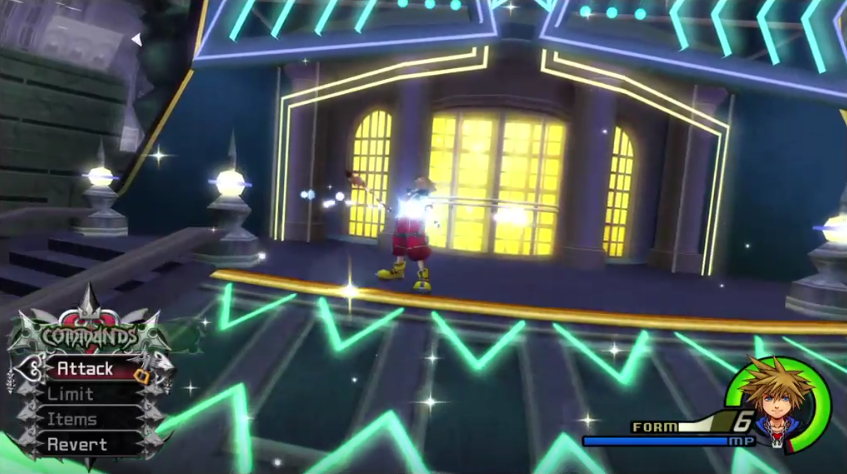
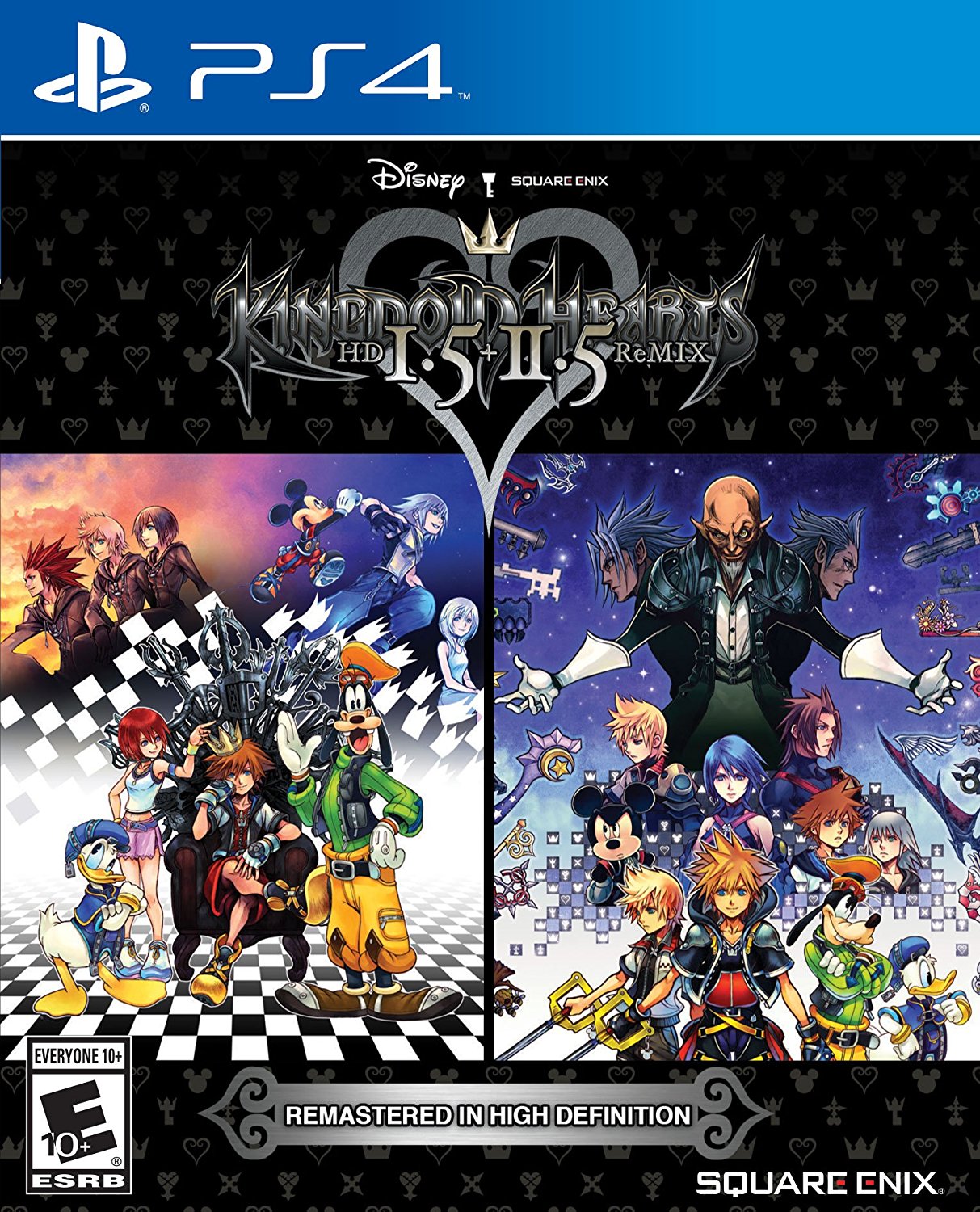
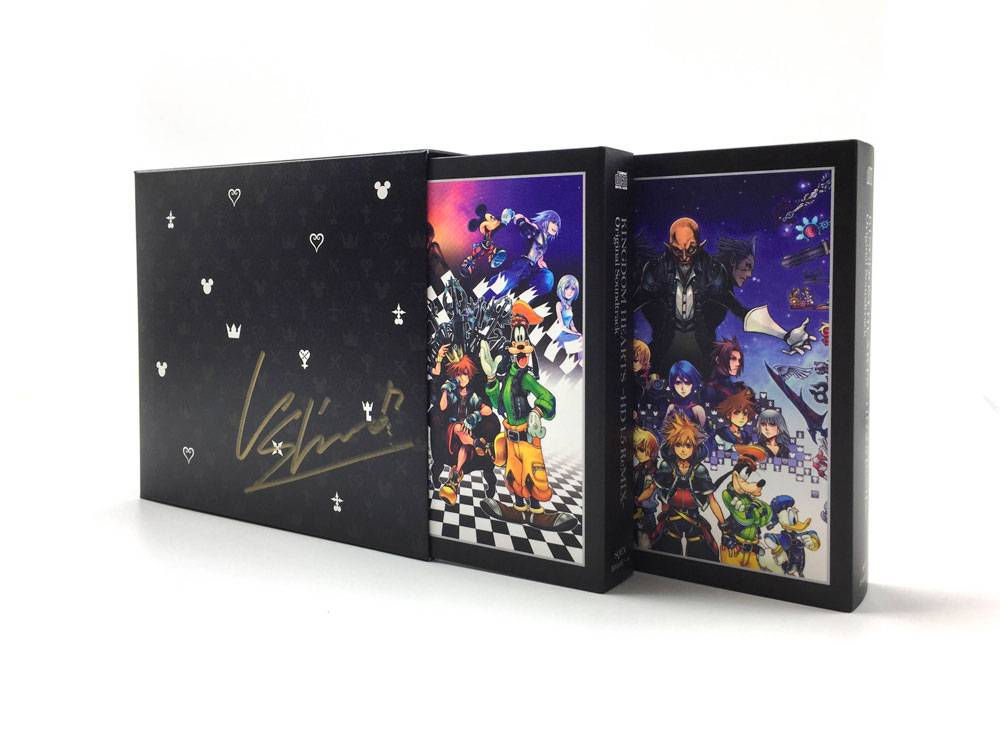
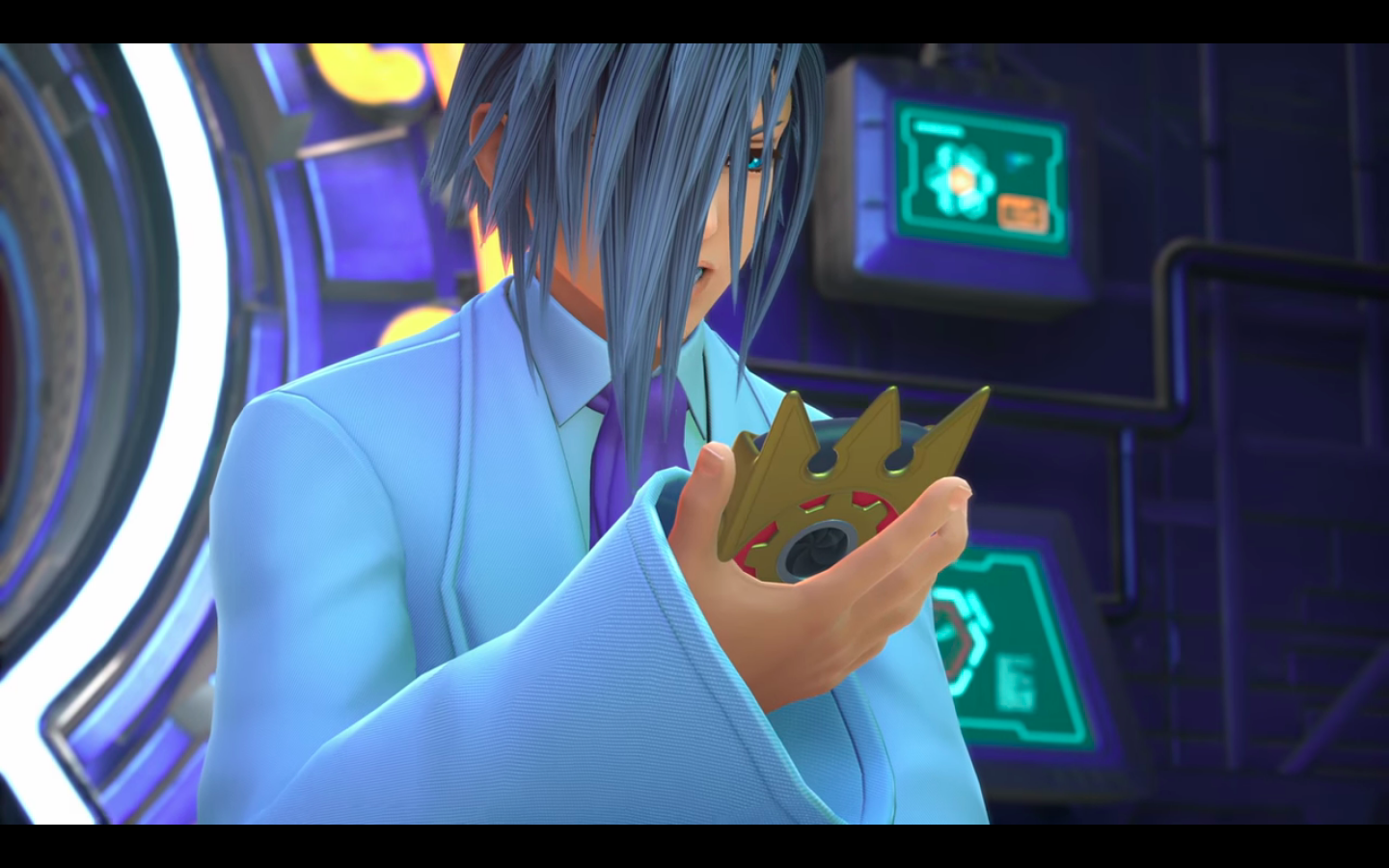
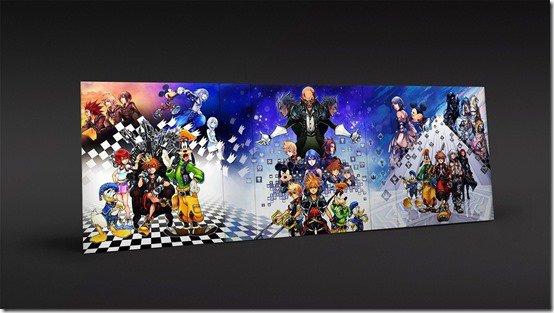
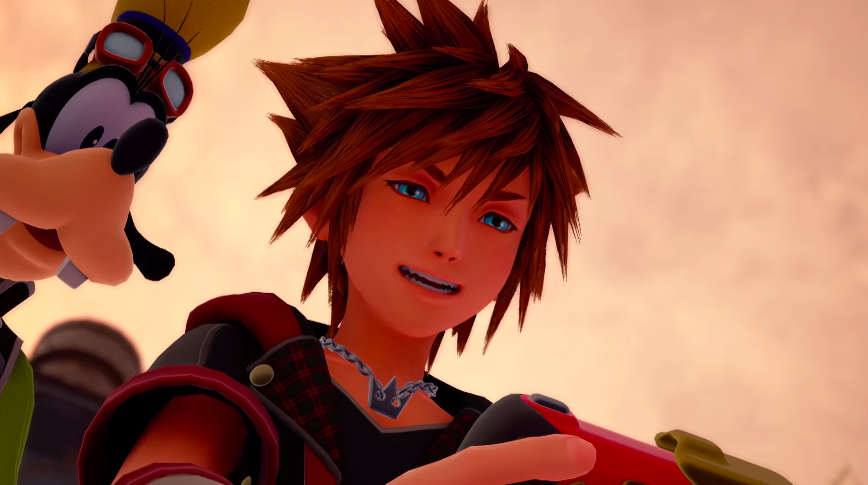
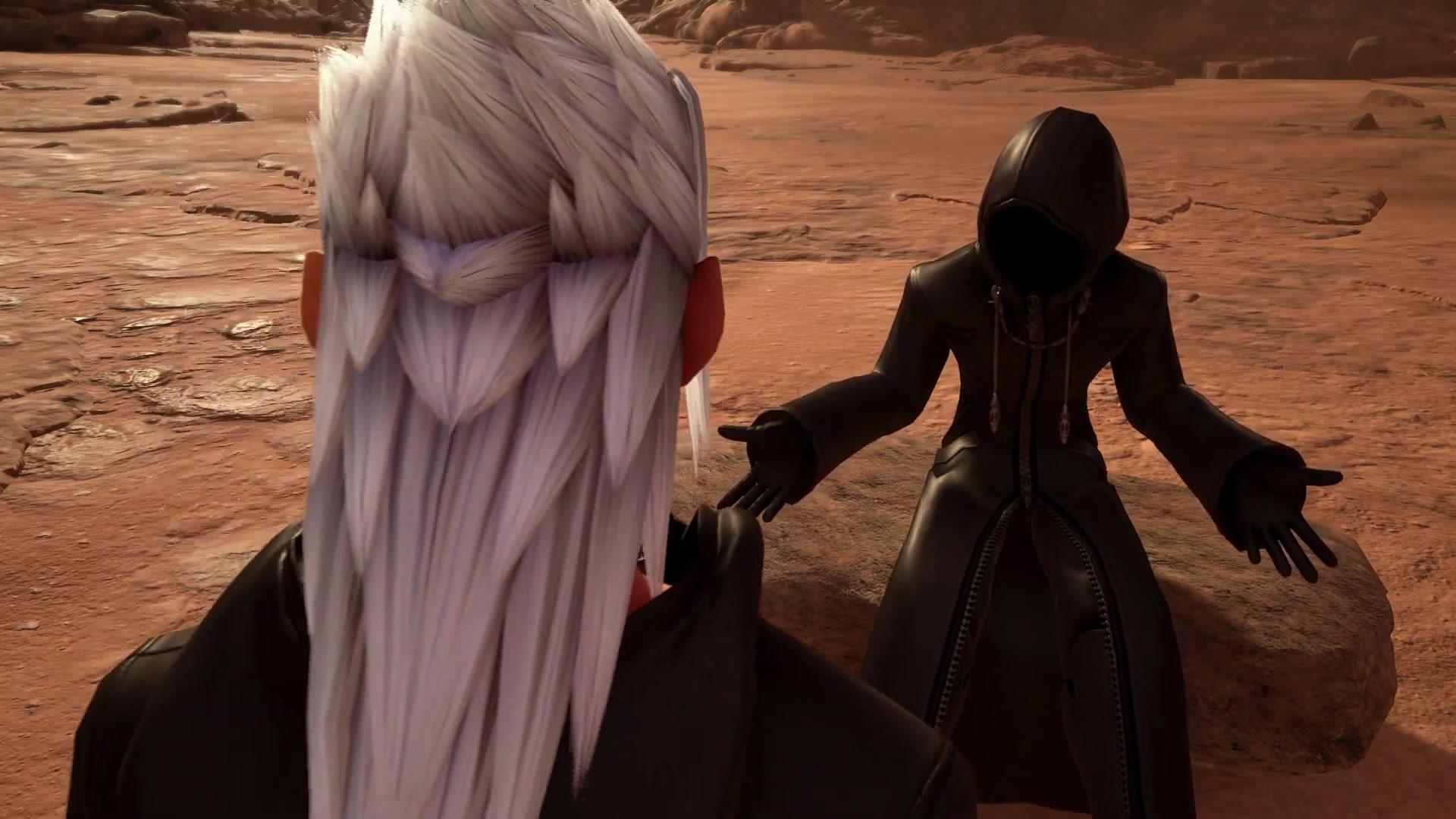
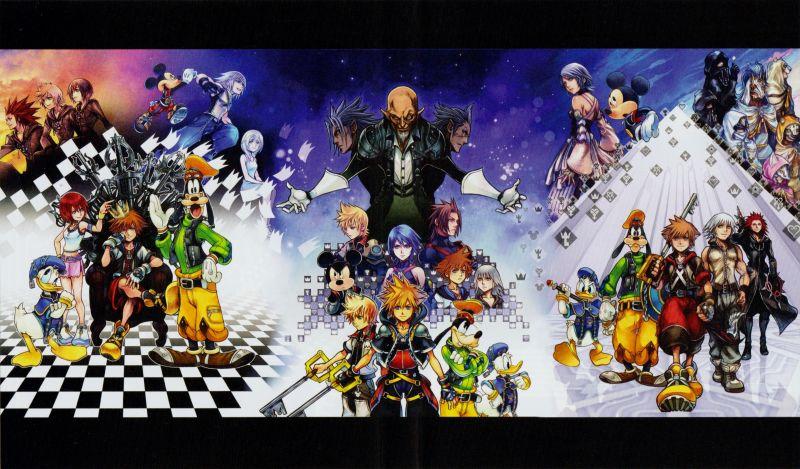
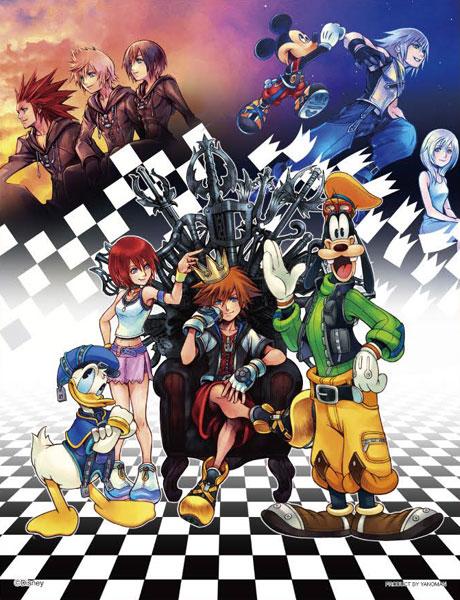
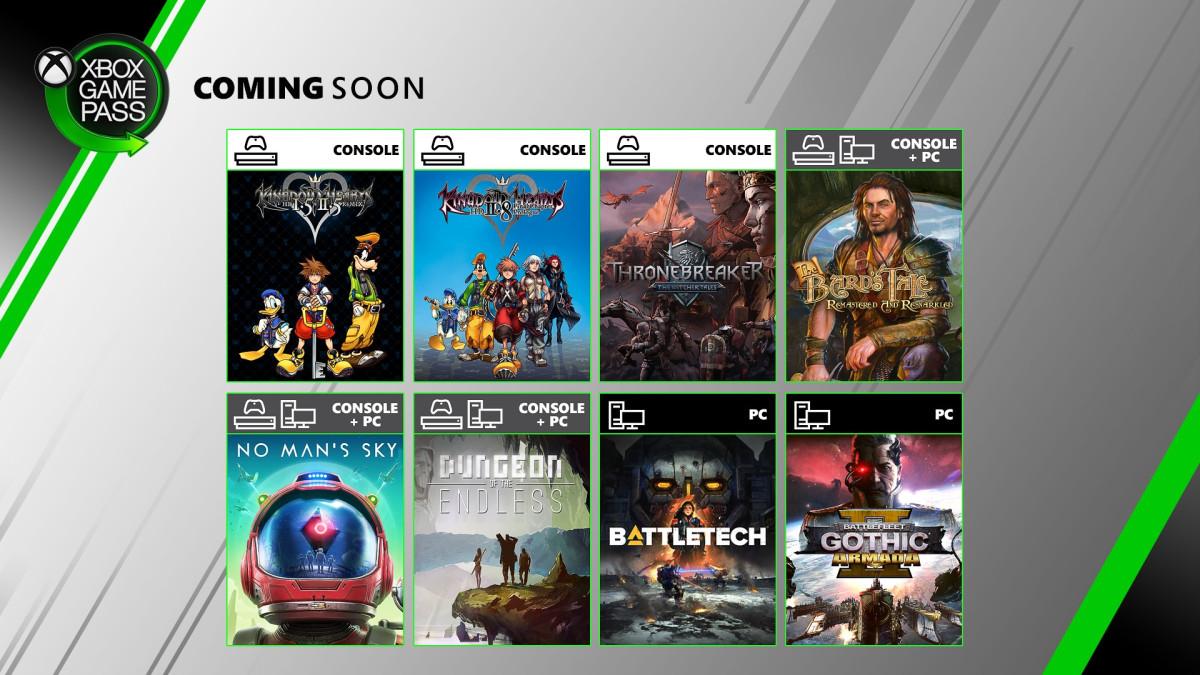
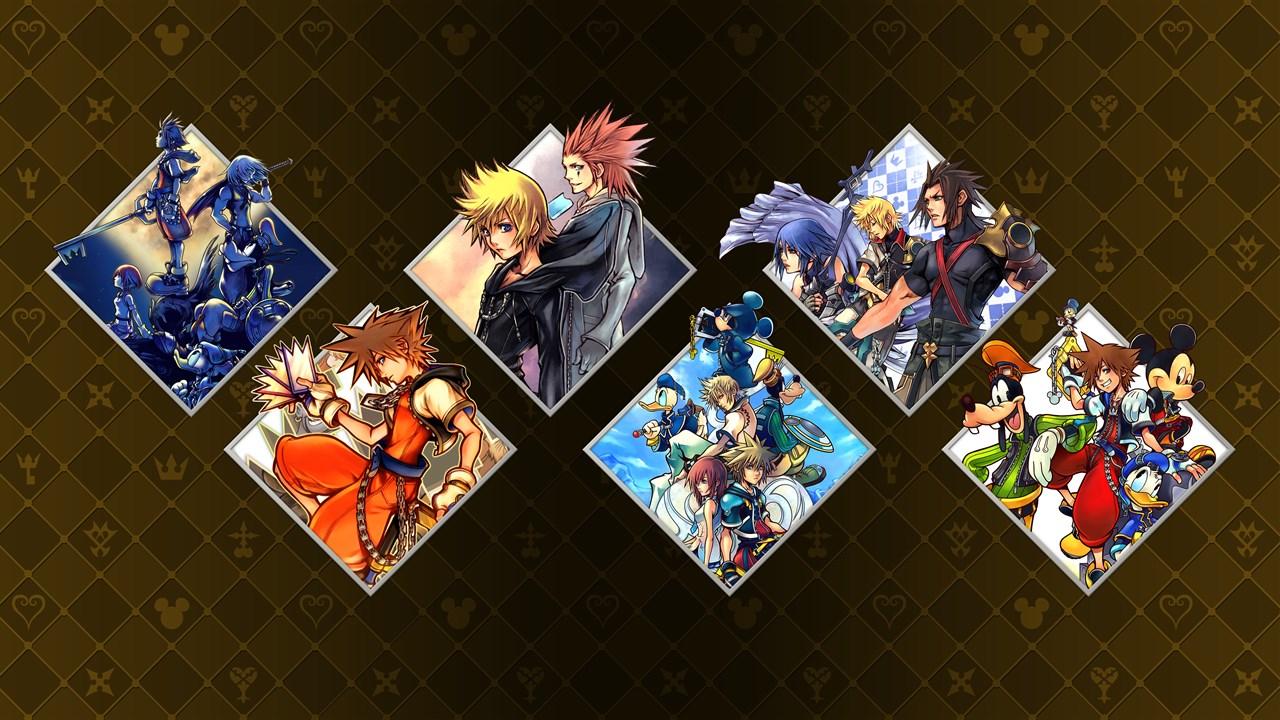
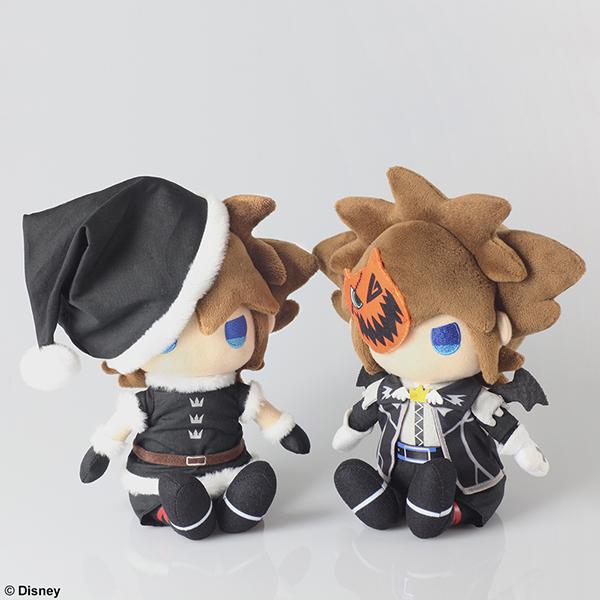
Kingdom Hearts II Final Mix is an upgraded re-release of Kingdom Hearts II featuring additional cutscenes, weapons, enemies, and areas released exclusively in Japan on the PlayStation 2 on March 29, 2007.












































































































.png.9ca4e9a4c2344991a44be525809dccb9.png)































































































































































































































.png.fd87a801dc228d1998dee9f5a912c4db.png)

.png.ccb43732590d691d07fca8293a5cdb22.png)
.png.f54f4ae0869424f92a86d0491685a7a5.png)











Recommended Comments
Join the conversation
You can post now and register later. If you have an account, sign in now to post with your account.