Jump to content
View in the app

A better way to browse. Learn more.

KH13 · for Kingdom Hearts

A full-screen app on your home screen with push notifications, badges and more.

To install this app on iOS and iPadOS
  1. Tap the Share icon in Safari
  2. Scroll the menu and tap Add to Home Screen.
  3. Tap Add in the top-right corner.
To install this app on Android
  1. Tap the 3-dot menu (⋮) in the top-right corner of the browser.
  2. Tap Add to Home screen or Install app.
  3. Confirm by tapping Install.

Kingdom Hearts

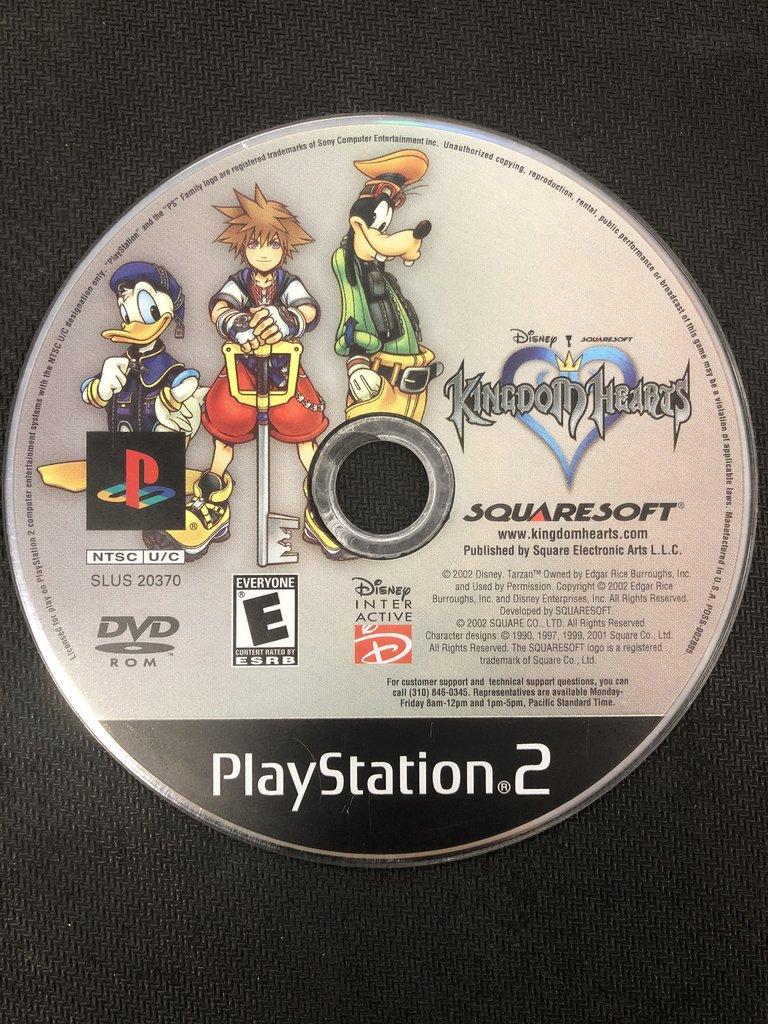
  • Original release date: 28 Mar 2002
  • Platforms: PlayStation 2

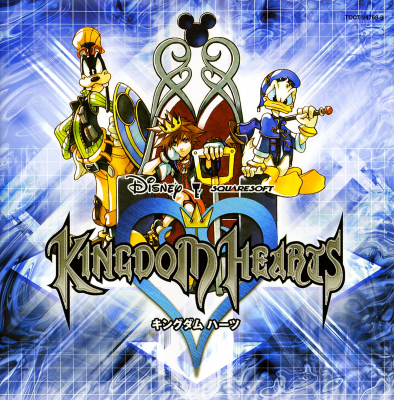
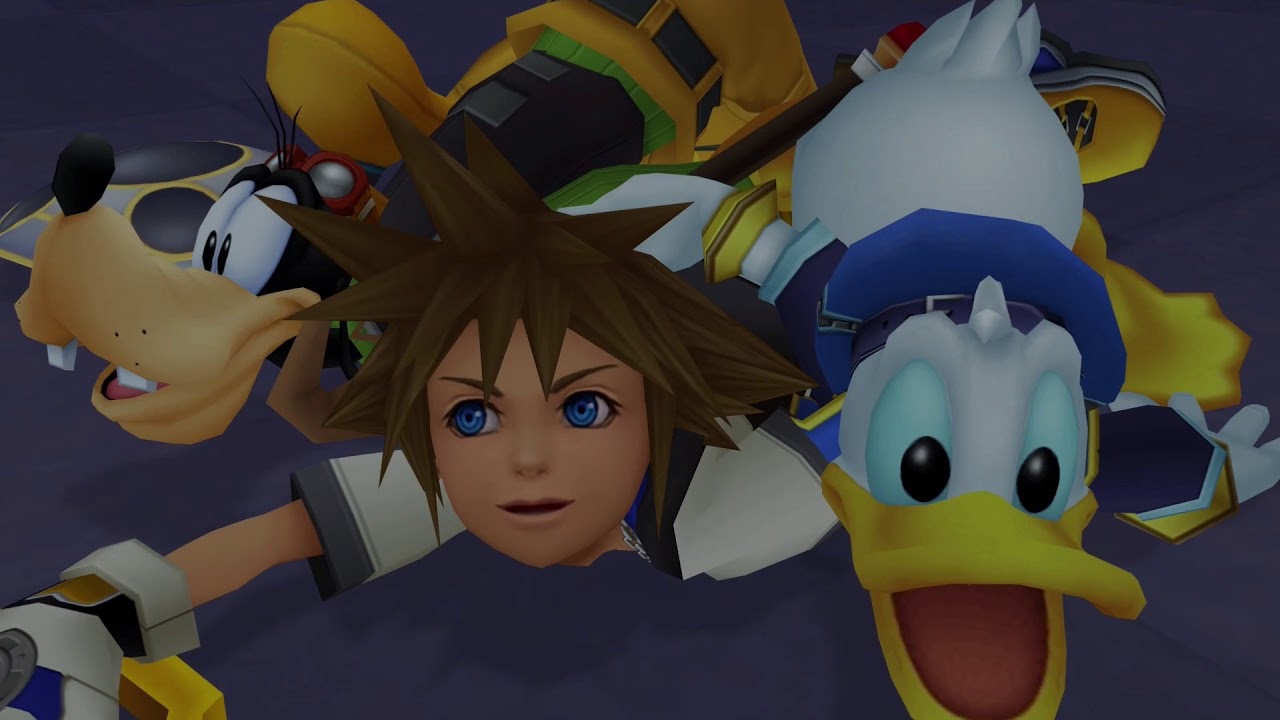
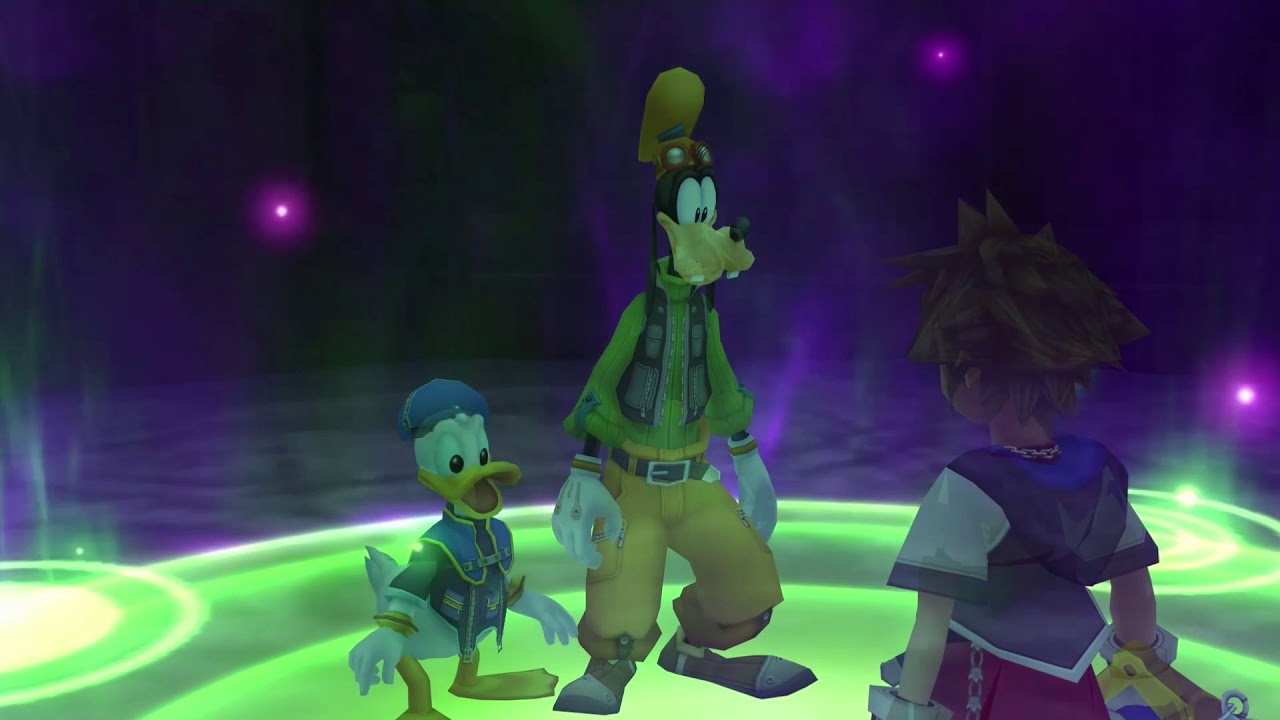
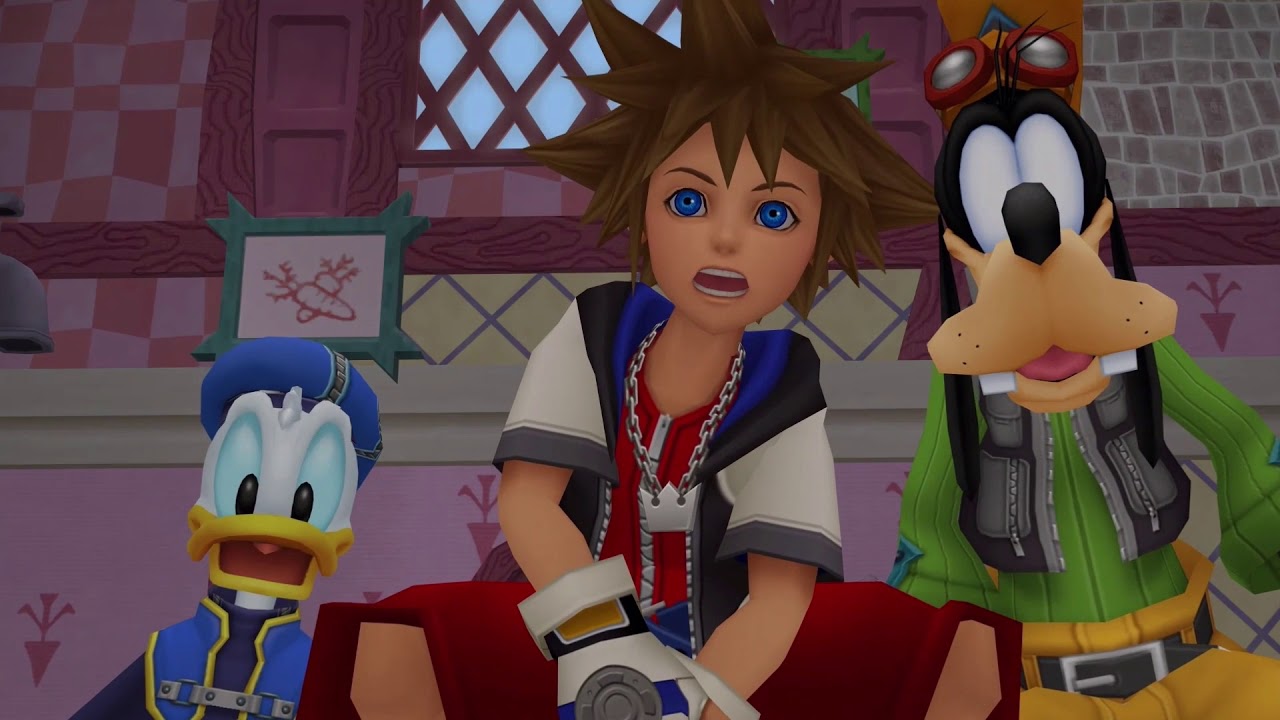
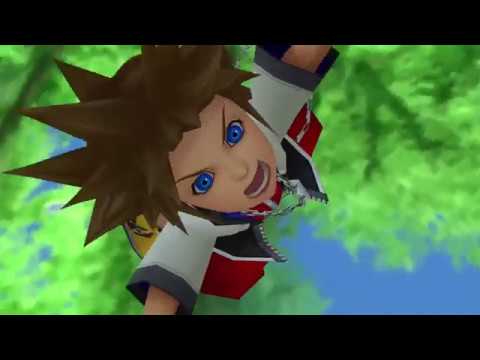
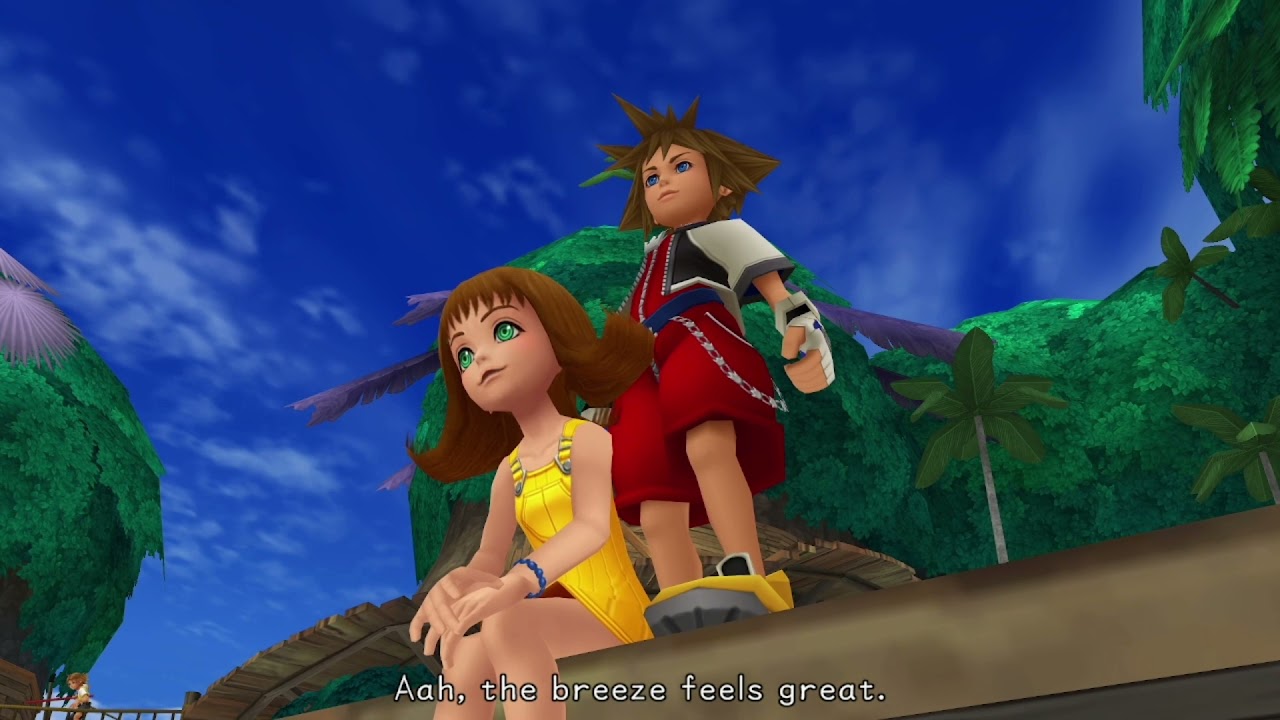
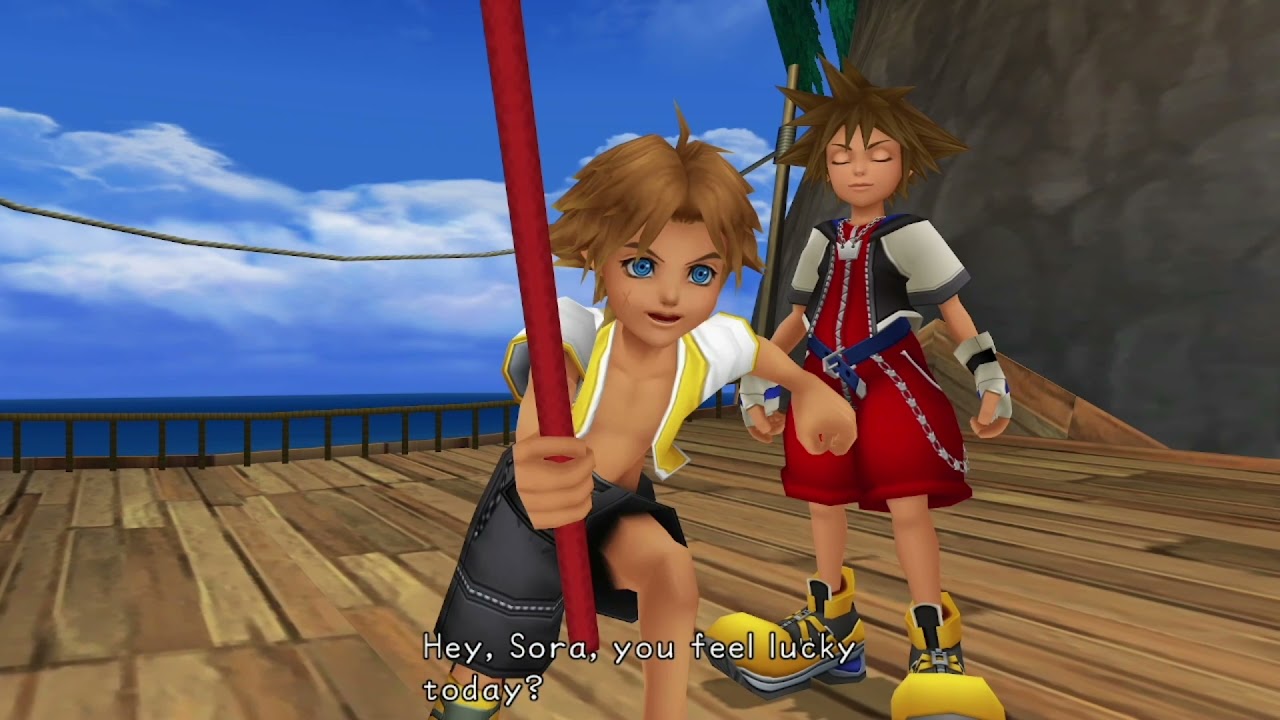
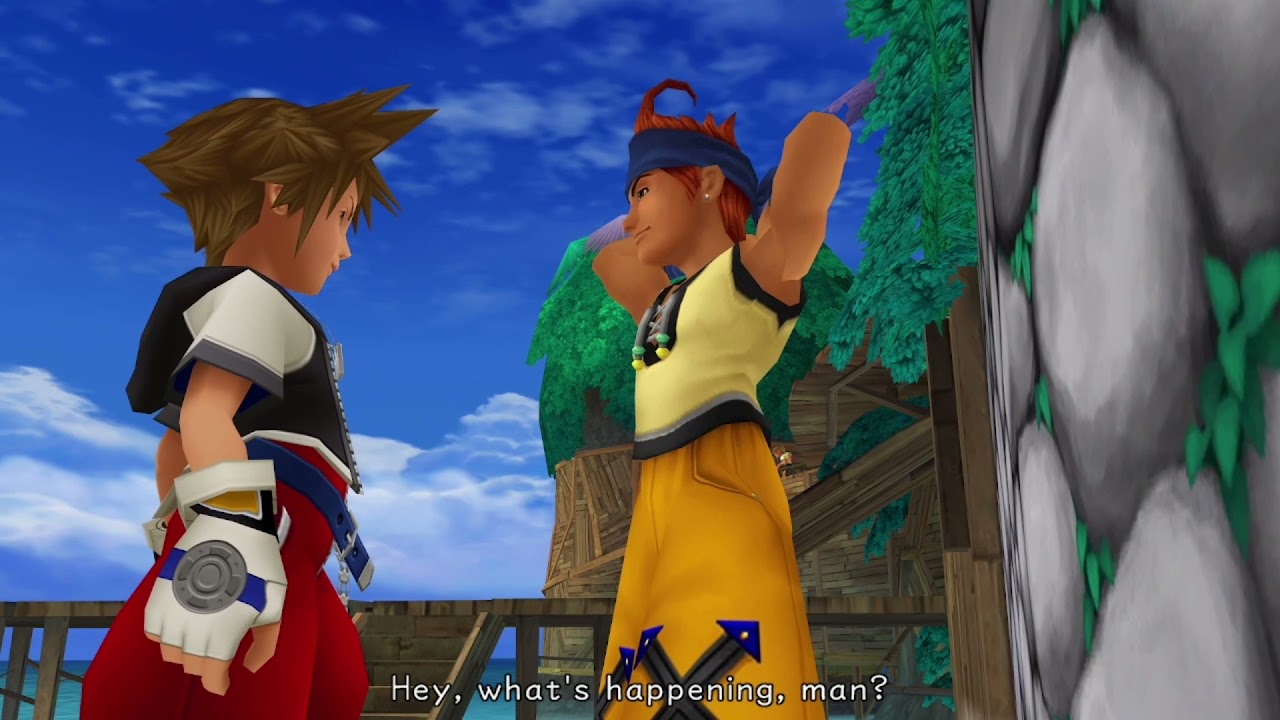
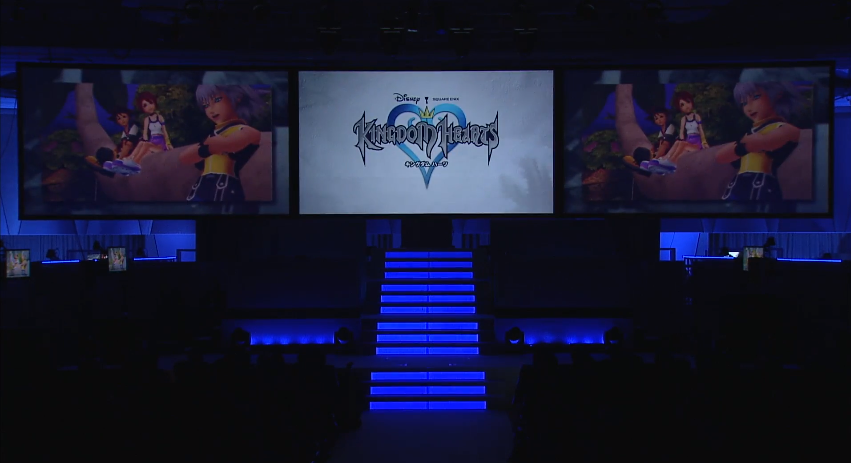
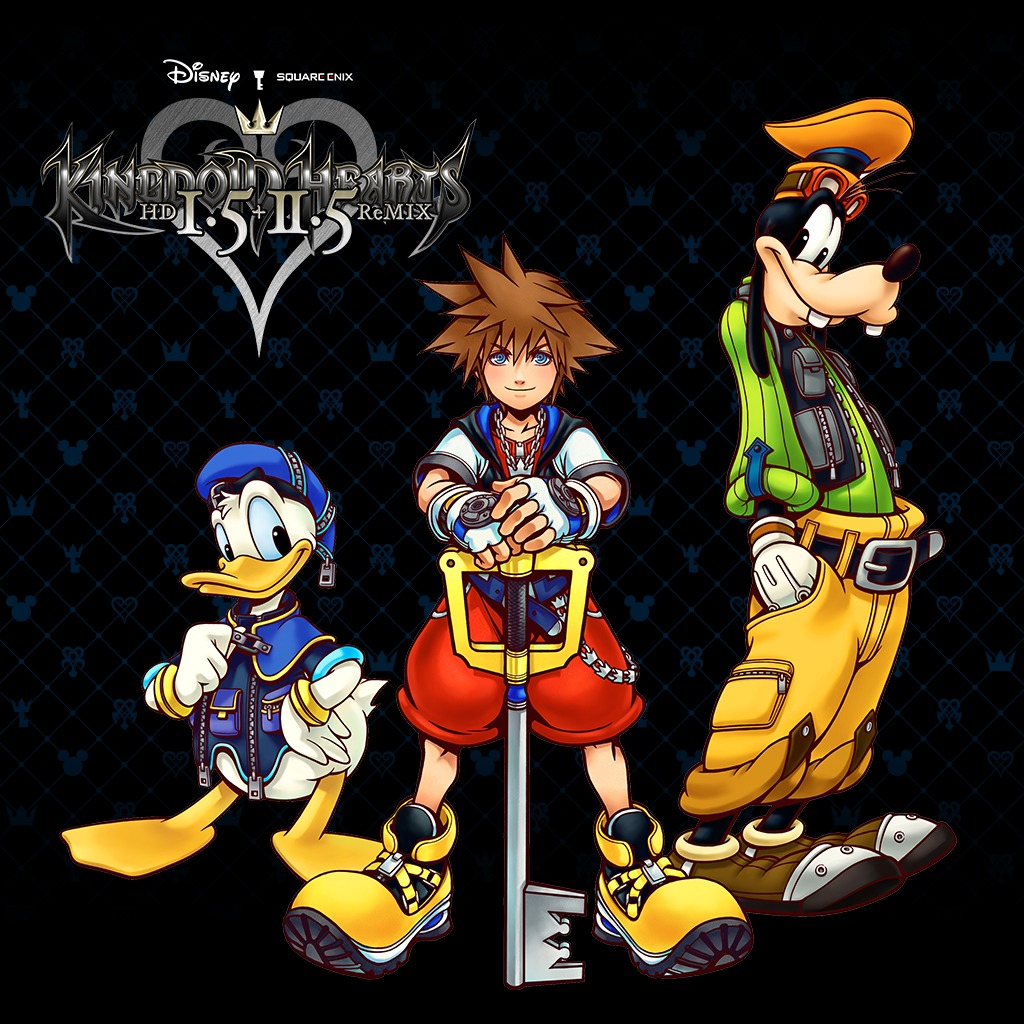
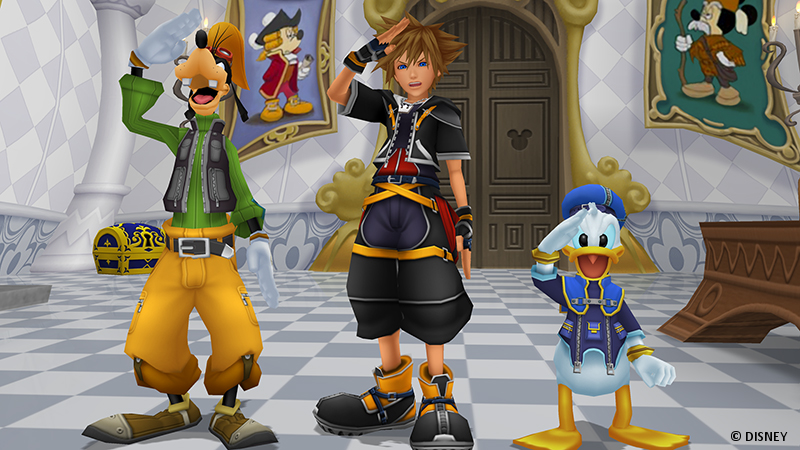
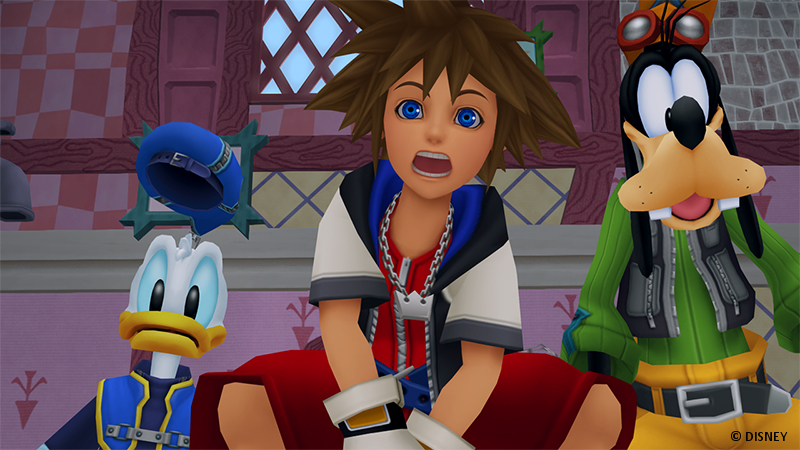
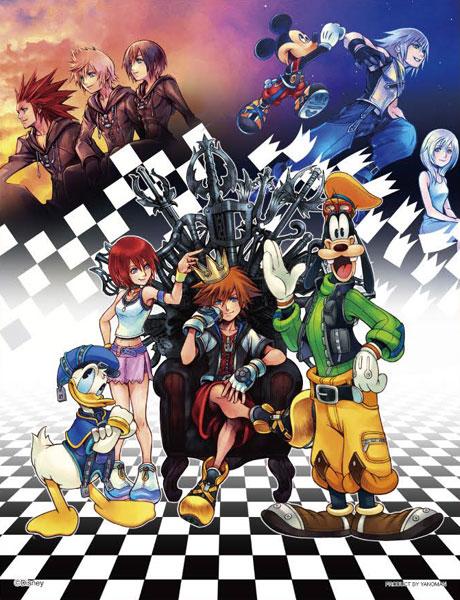
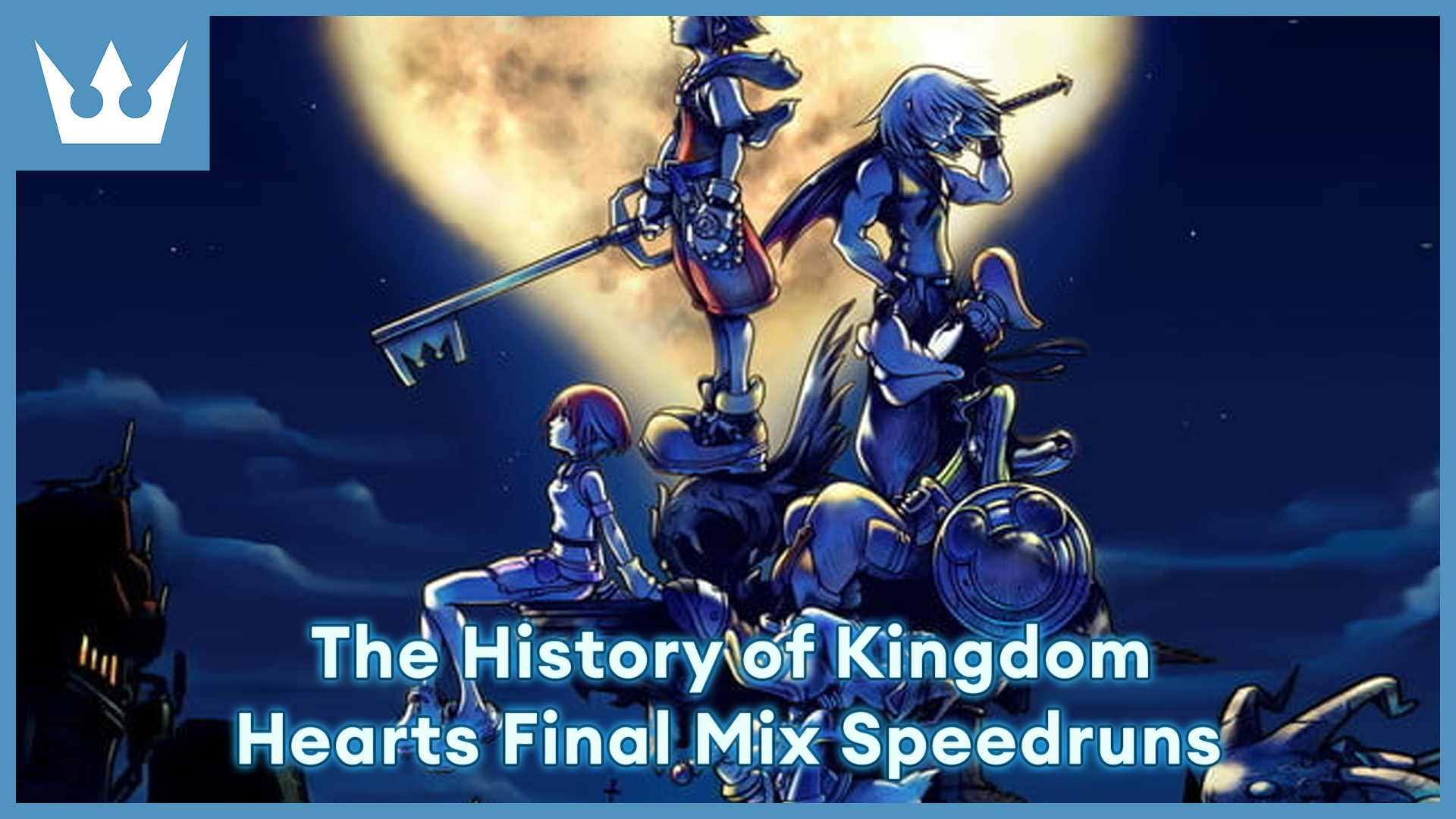
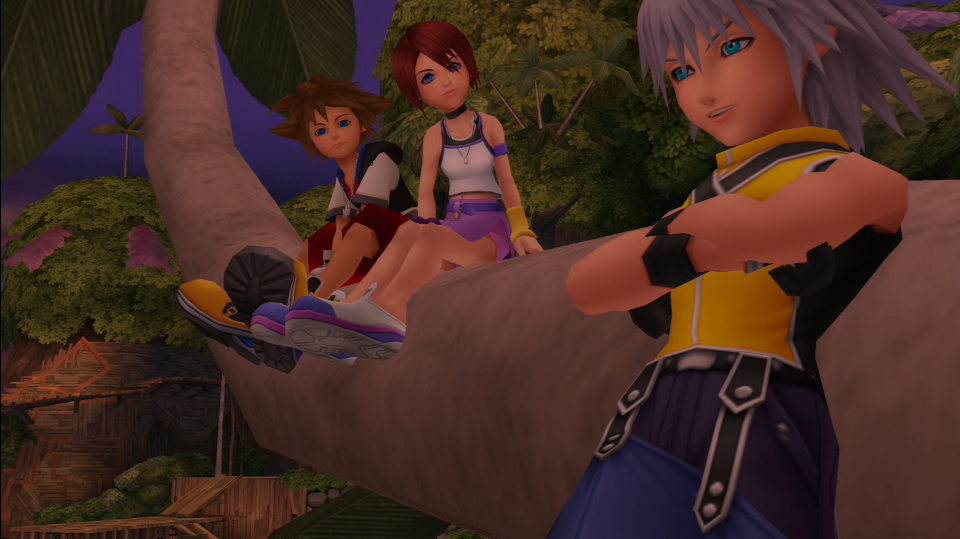
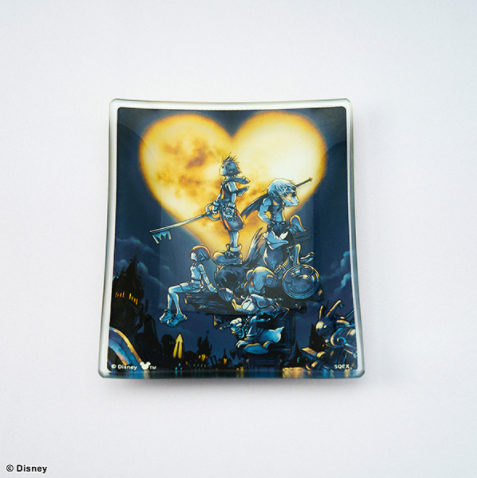
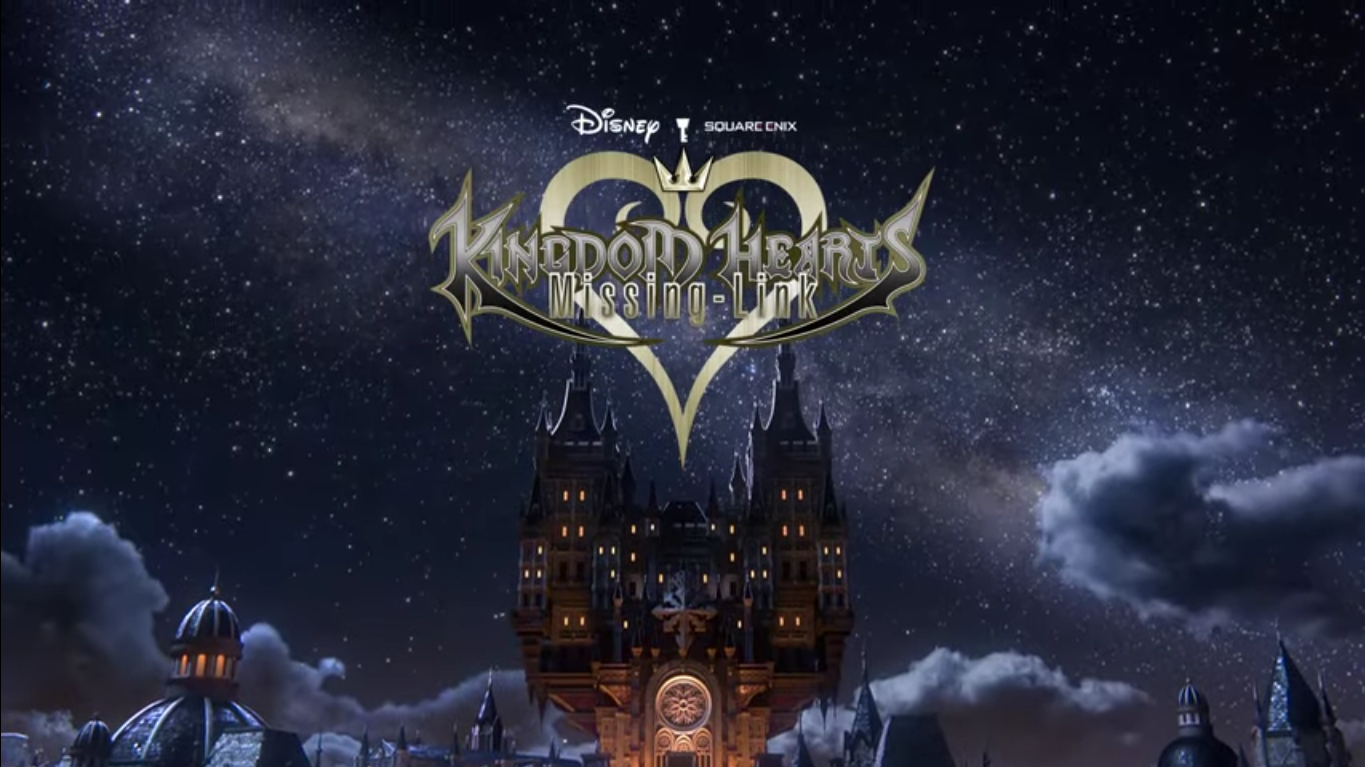
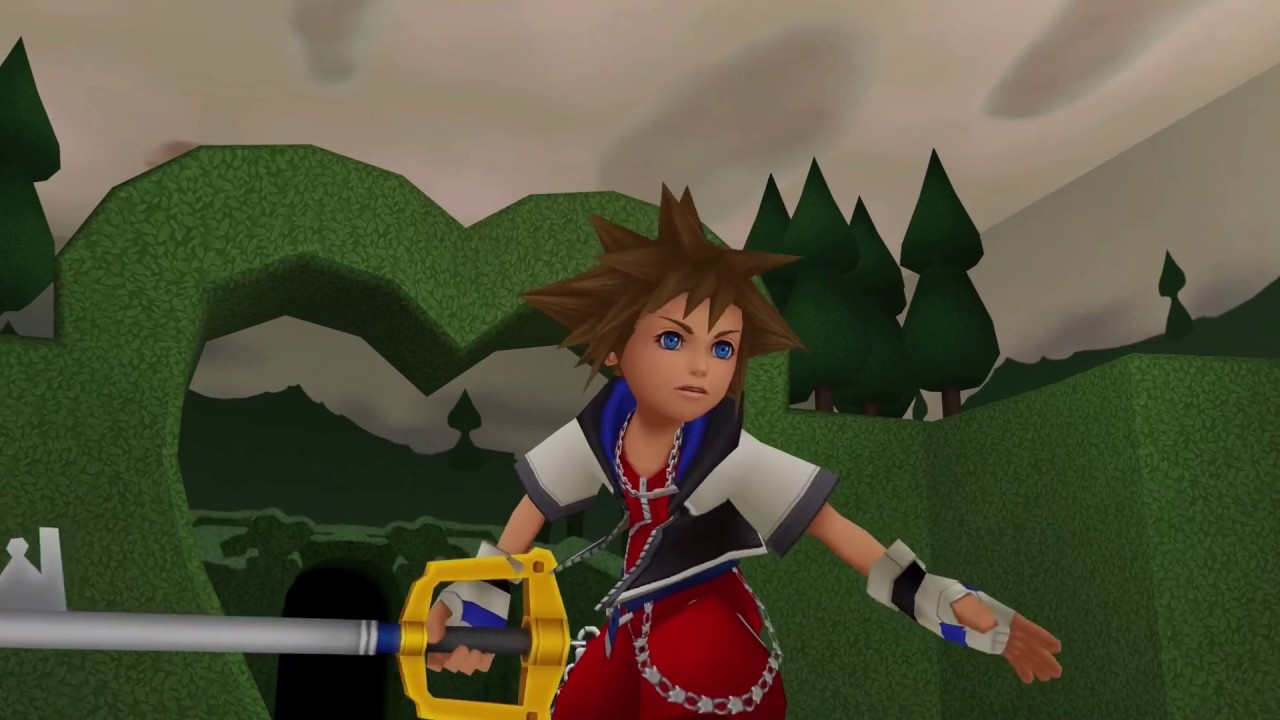
Kingdom Hearts is the first game in the Kingdom Hearts series, originally released on the PlayStation 2 on March 28, 2002.

Significant Dates

Songs

Characters

Cutscenes

News Articles

Latest Forum Topics

  1. Fates Chance- KHCD ·
    • 3 comments
    • 1728 views
  2. Power Jusho ·
    • 7 comments
    • 2788 views

User Feedback

Recommended Comments

Sora96

Verified Member

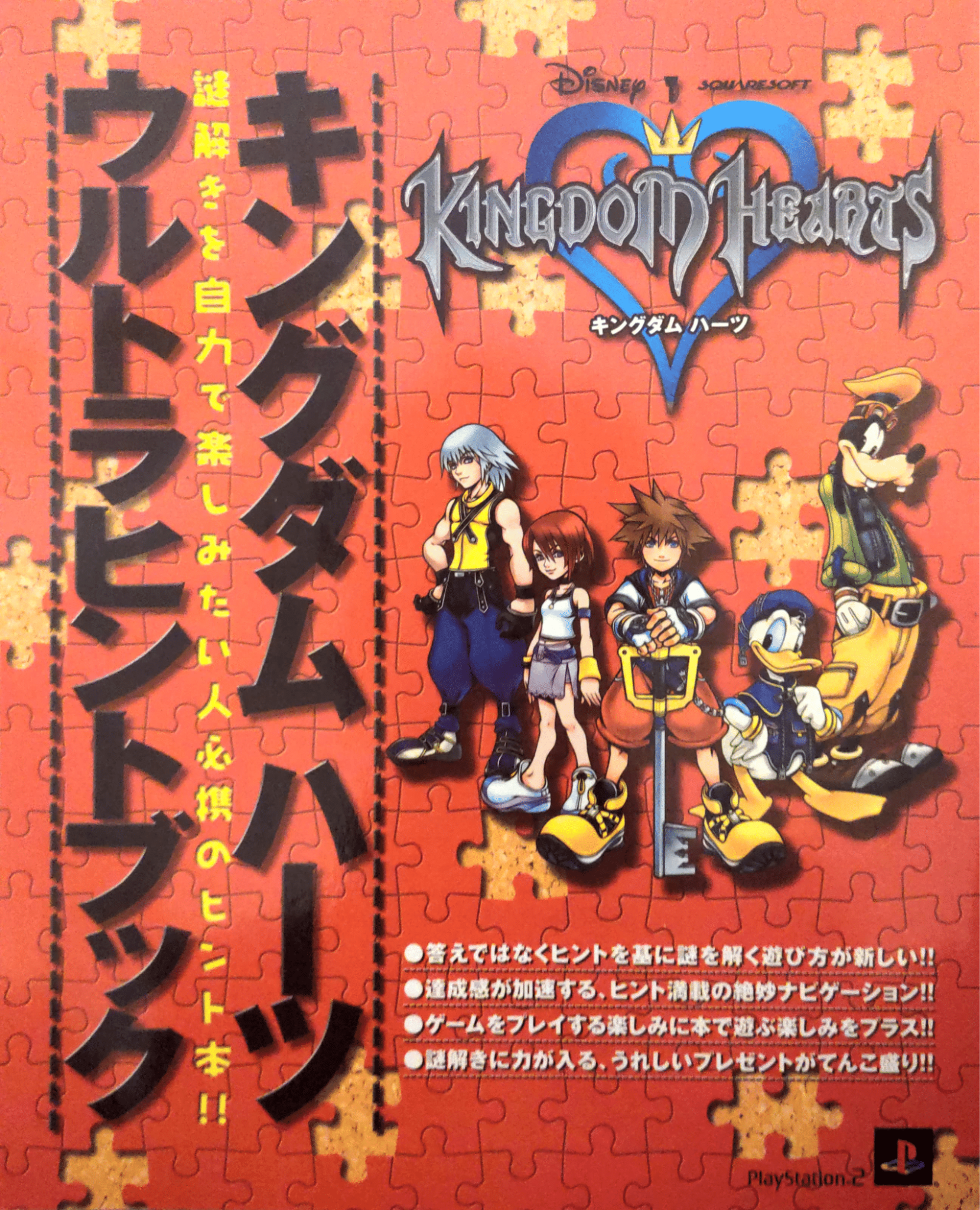
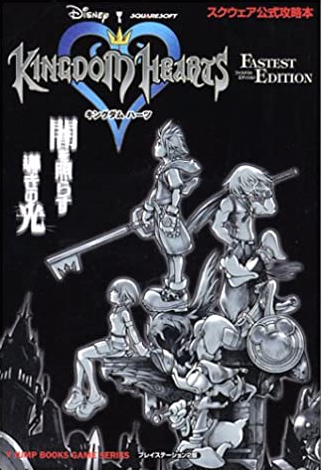
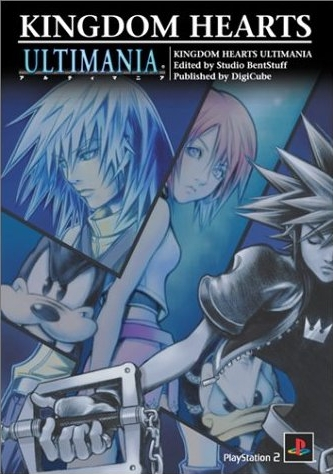
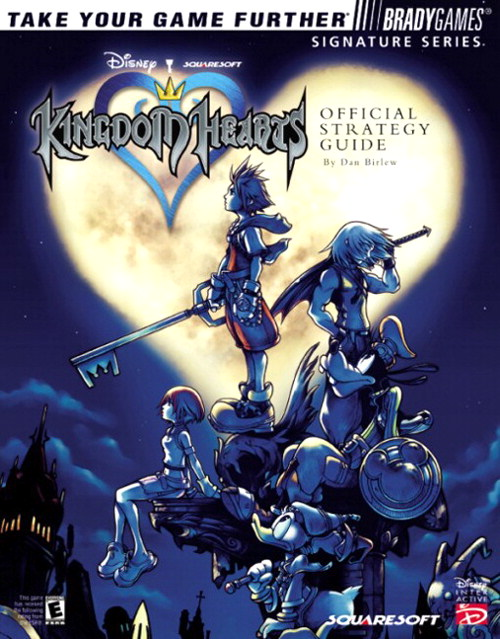
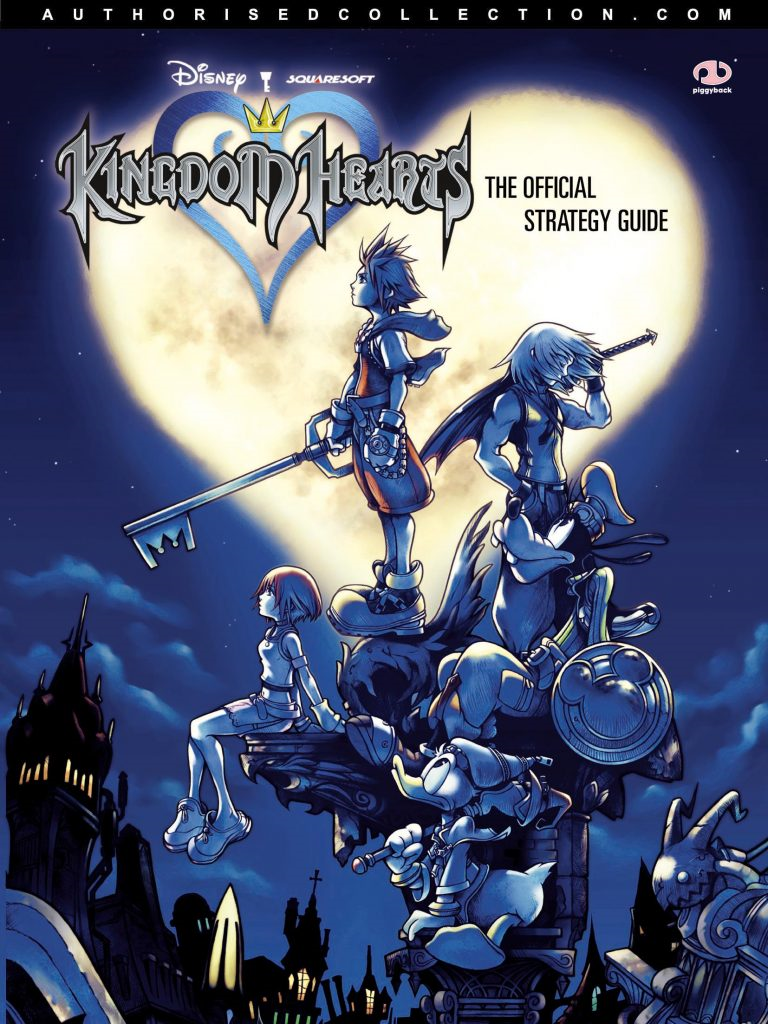
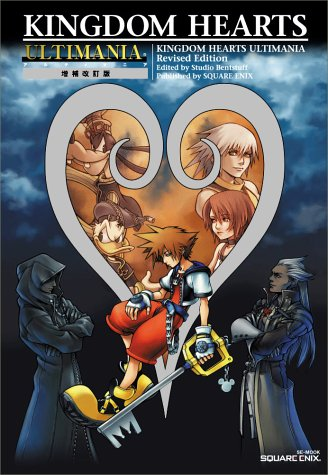
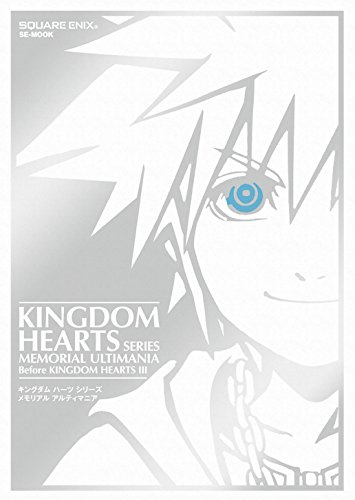
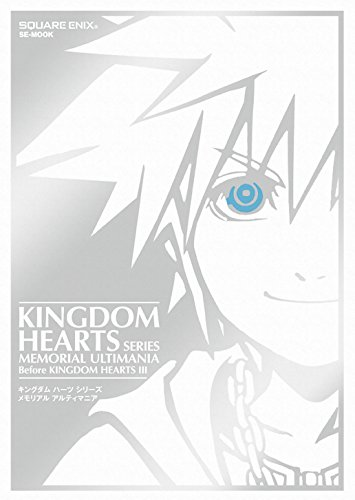
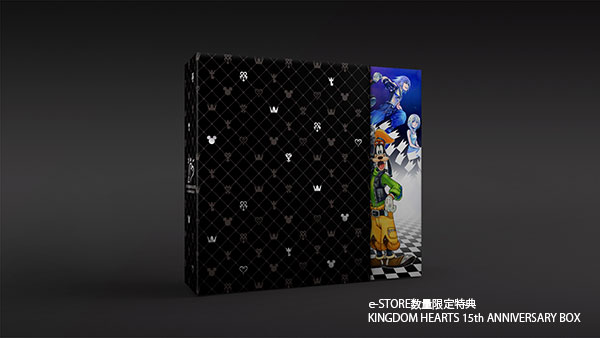
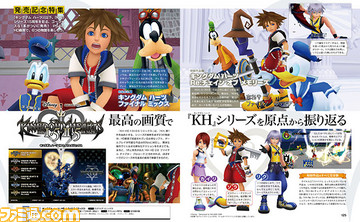
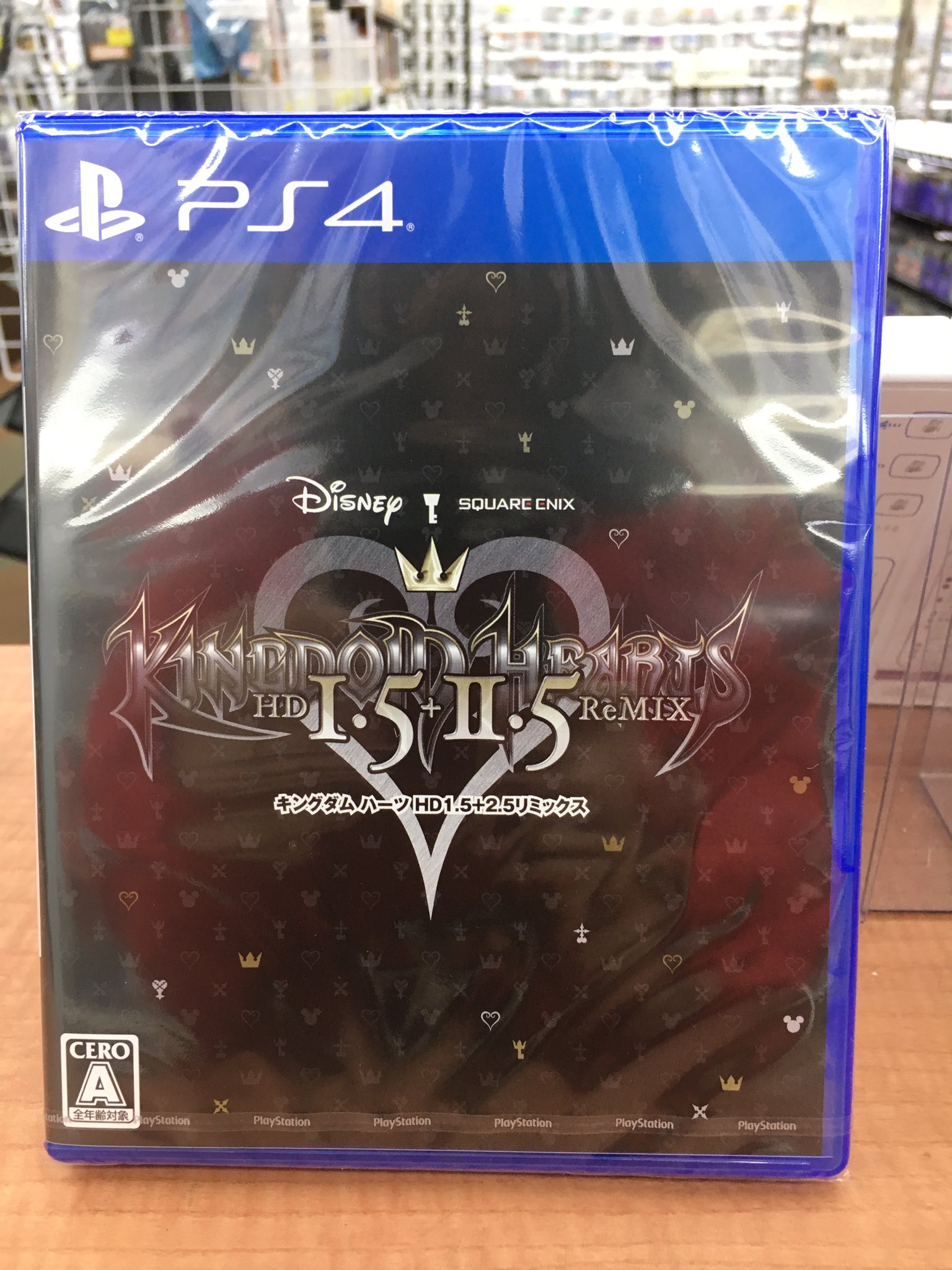
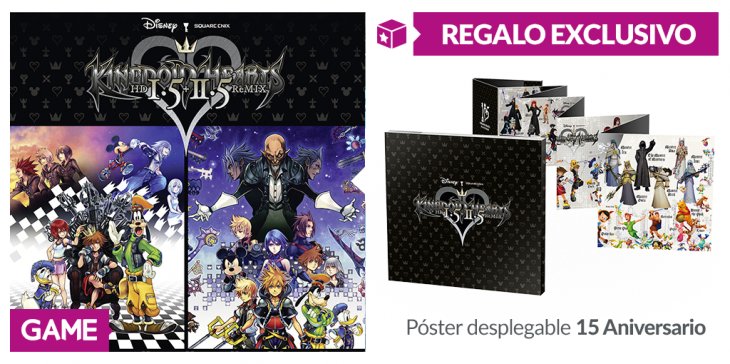
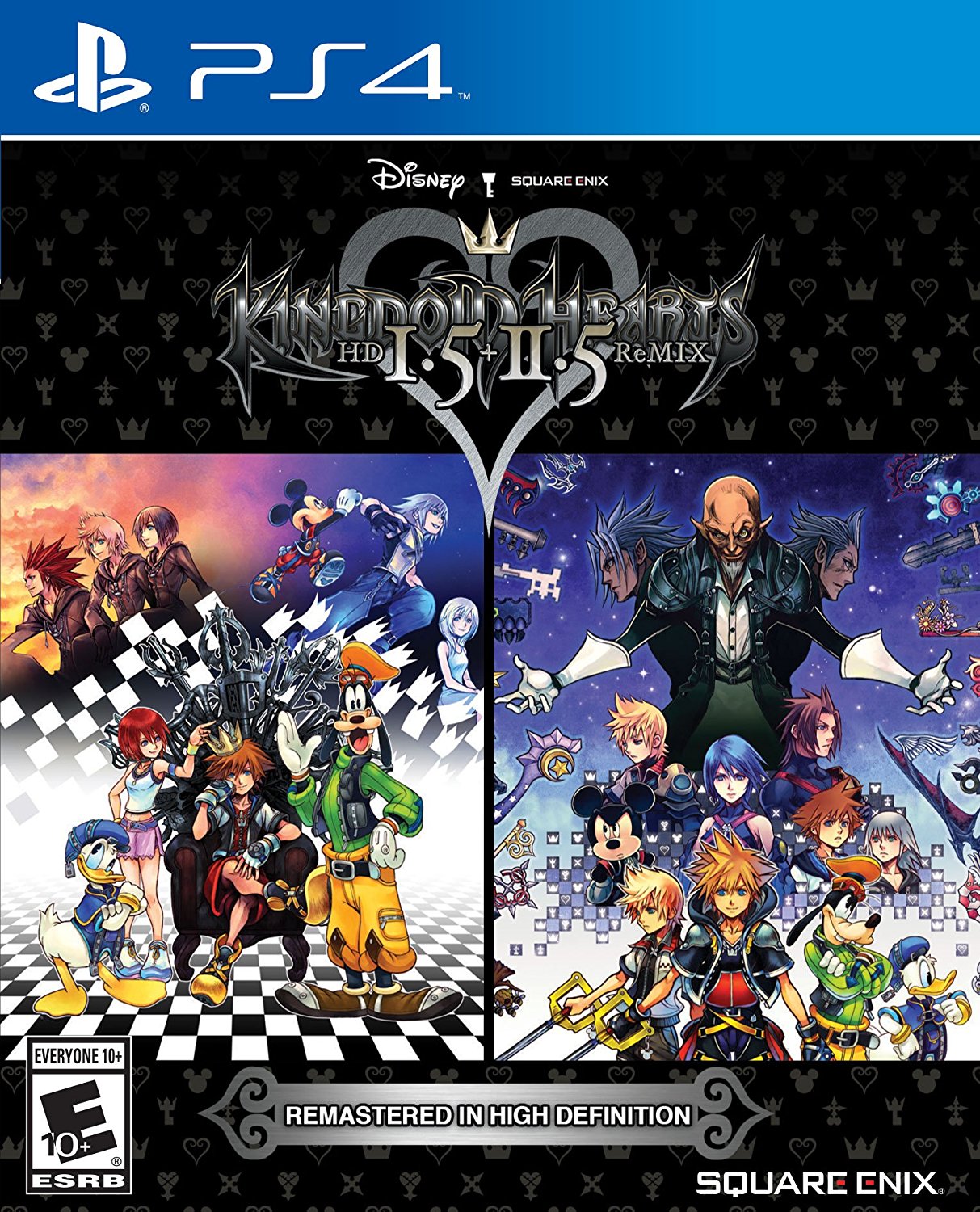
Needs the Japan cover.

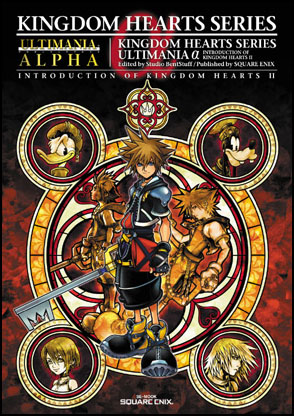
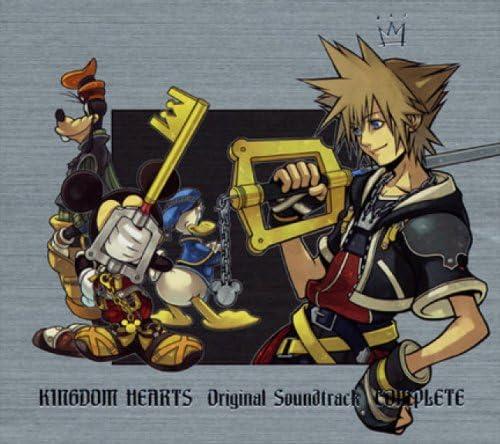
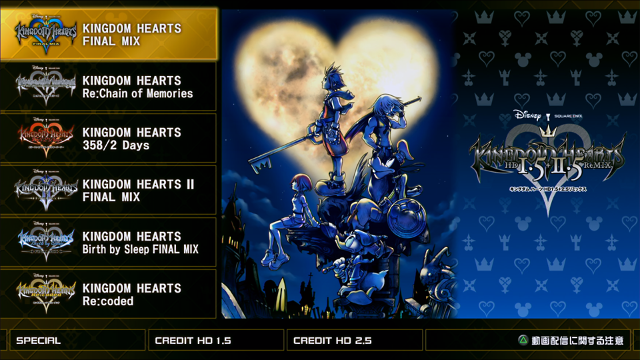
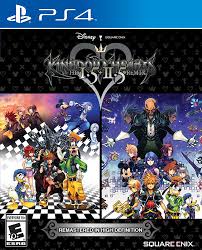
The other covers could be changed to the same size as the Kingdom Hearts II Final Mix+ cover.

Sora96

Verified Member

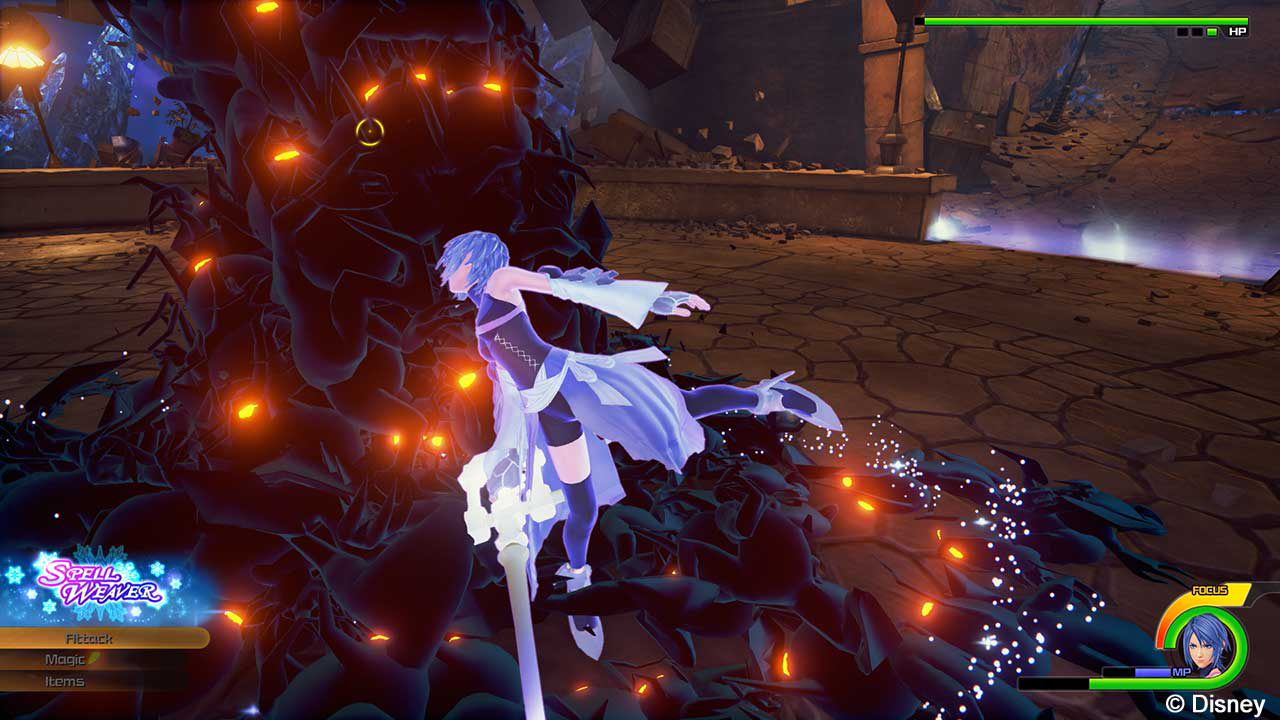
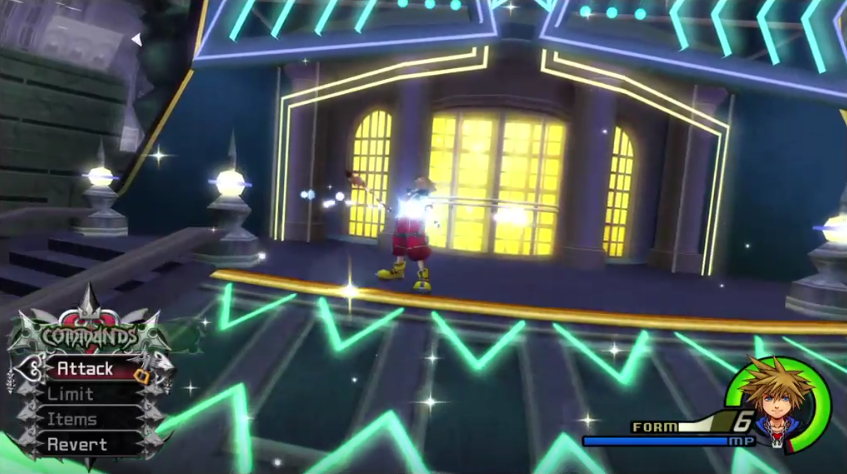
I think the Gameplay section needs work. Anyone wanna add anything?

Lu Xun

Verified Member

Ah

Every KH game is worth playing a bit!

NO_HEART_XIII

Verified Member

Hated the gameplay, but other than that, great game. It was a challenge. I was so happy when I beat Sora's story, because I knew I could play as Riku.

KHCraze360

Member


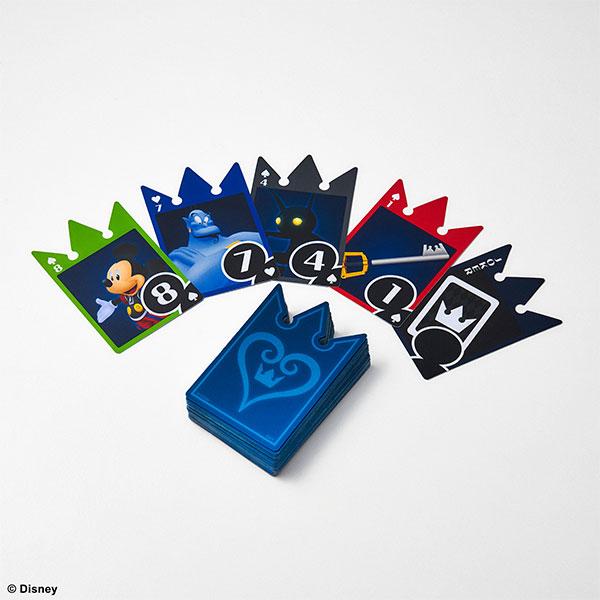
i hate the fact they added these cards to the gameplay

keyblade master :D

Verified Member

I sort of didn't like the gameplay with the cards and stuff, and it was really annoying but other than that its pretty good

key123

Verified Member


I know right

DarknessRisen

Member

Someone please tell me why the heck they put freaking CARDS into a game in the first place? I'm sure that sora can swing a keyblade without having to go "oh crap forgot out of cards! Better recharge right out in the open where i'm completely defenseless!" BAM he's dead. time to Re start that whole battle with Marluxia all over again.THAT was completely annoying! anyone else feel like that?

kh Memories Skyskraper

Verified Member

Someone please tell me why the heck they put freaking CARDS into a game in the first place? I'm sure that sora can swing a keyblade without having to go "oh crap forgot out of cards! Better recharge right out in the open where i'm completely defenseless!" BAM he's dead. time to Re start that whole battle with Marluxia all over again.THAT was completely annoying! anyone else feel like that?


Yeah, I feel like that. they probably added the cards just to make us fail epically at the game xD Although Rikus file was waaaaay easier with the cards, because you could reload faster and you didnt have to make your own deck.

OathOfOblivionXIII

Verified Member

I really enjoyed this game. I didn't mind the gameplay at all. I thought it was fun.

Shiki_Phantasy-Style

Verified Member

I love this game, I rememebr that I couldnt sleep if I not end the game (So Imagine me sleepless so)


I guess because as disney has some rights, wanted to make it more tailored and child * cough-cough * - Although come to think carefully, and just waiting for something exciting infants ...


Remeber, we are here 4 the story

Xion889

Verified Member

I love this it was awesome! xD

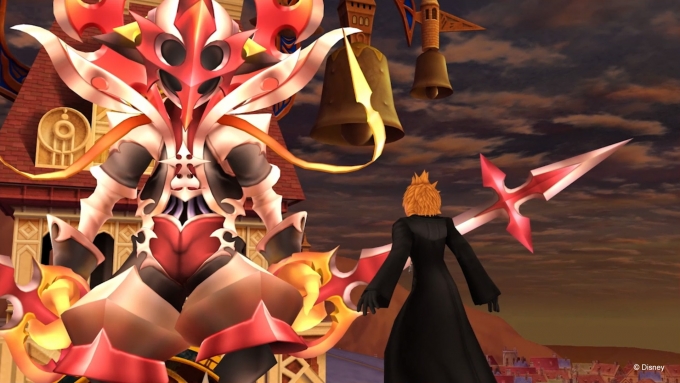
This one was definitly the toughest, especially Marluxia on proud

Demyx1

Member

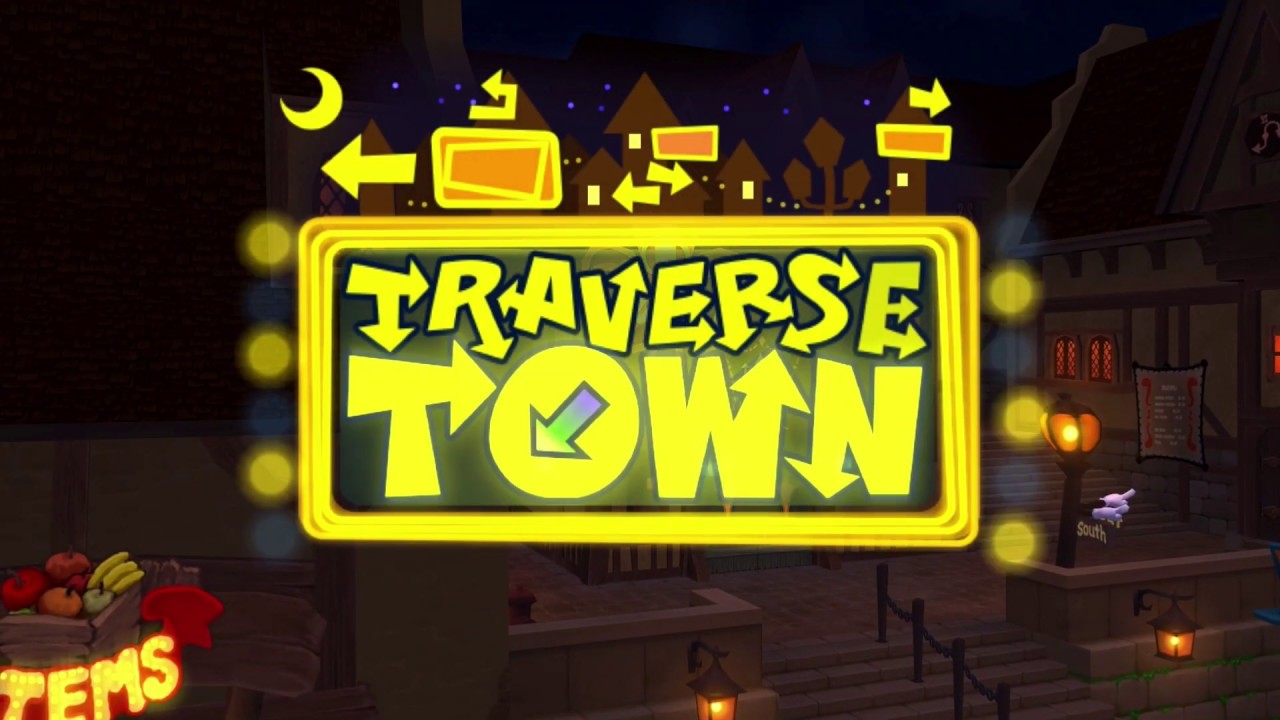
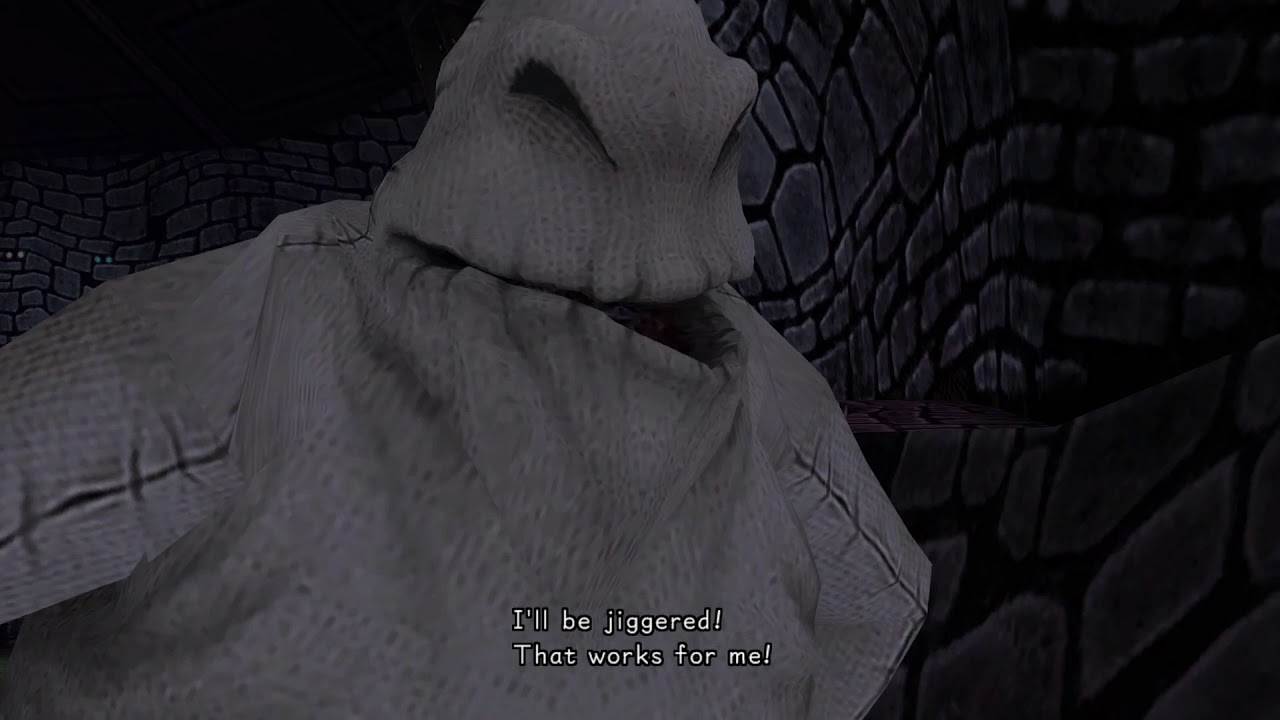
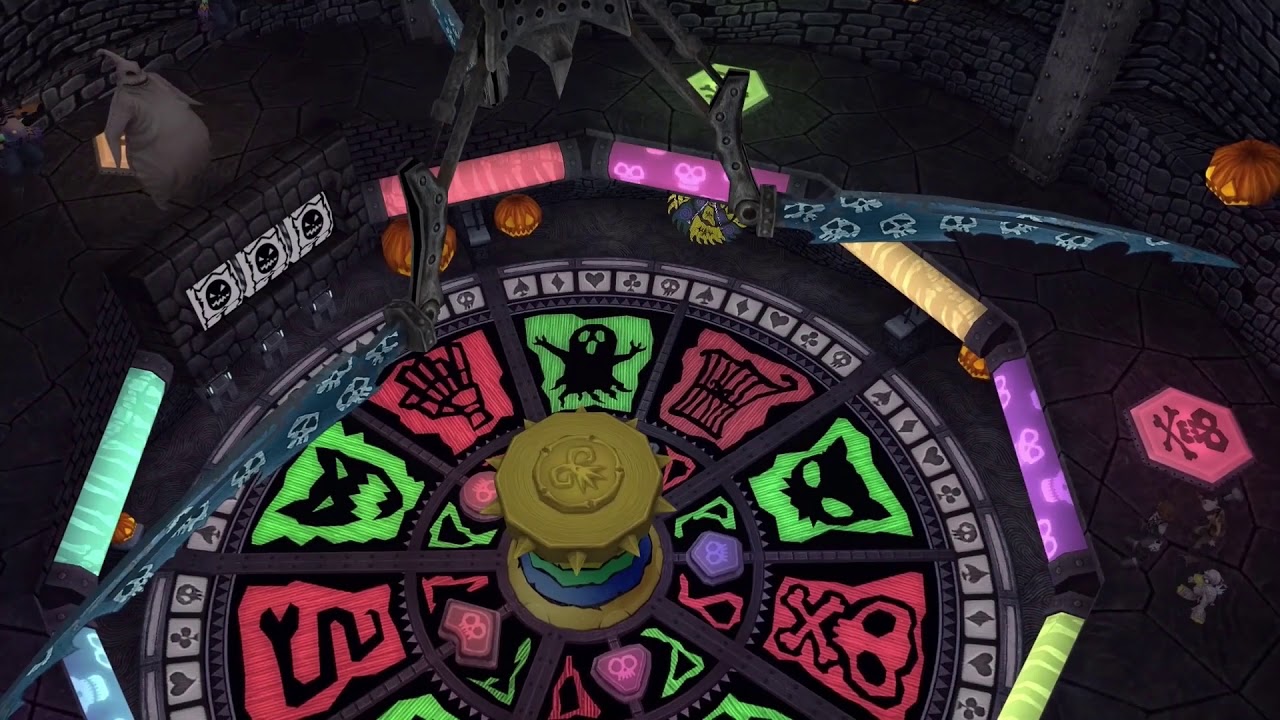
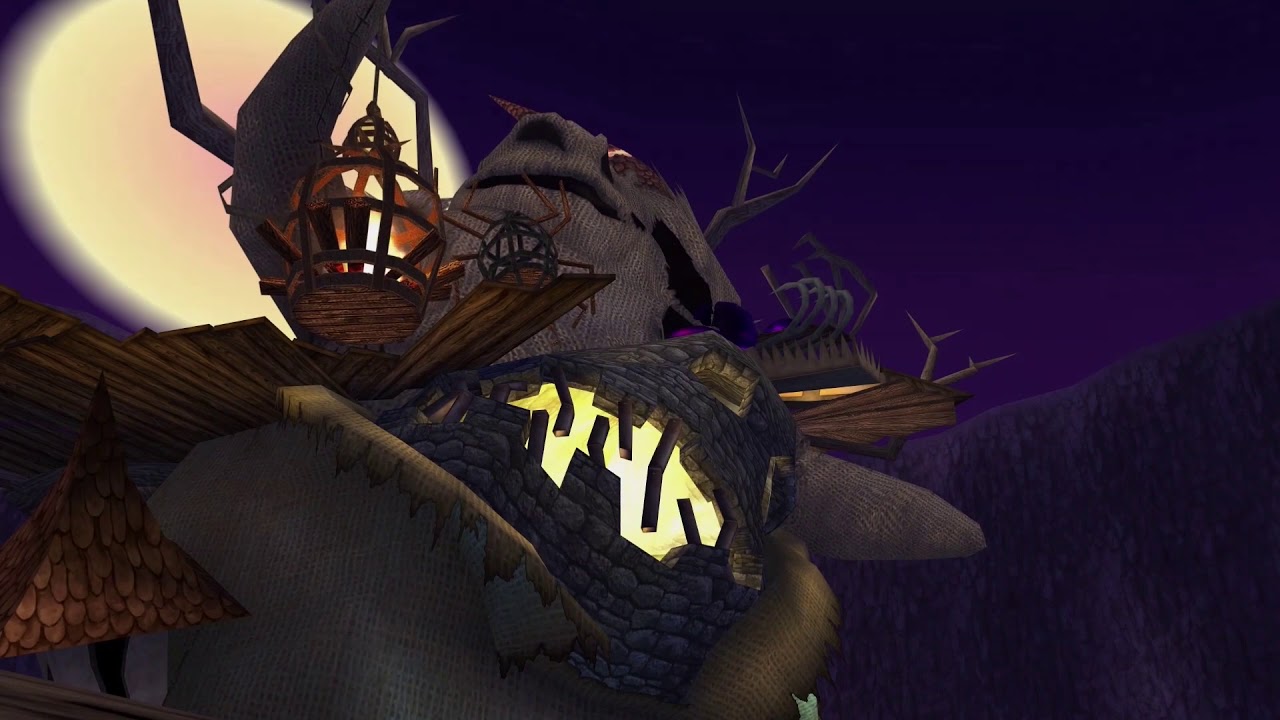
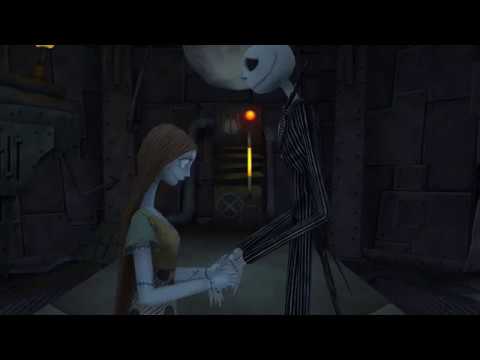
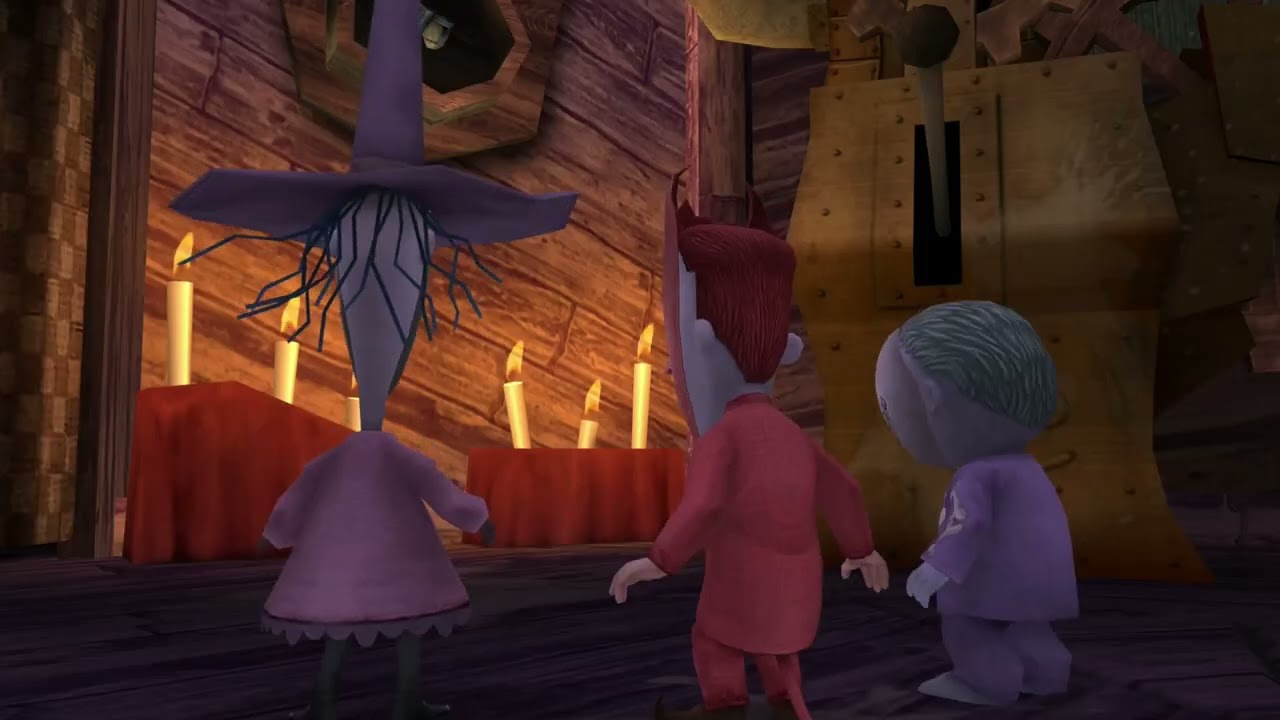
I got stuck on the Oogie Boogie level

spider2015

Verified Member


I don't know why, but the I still have been able to beat the game. The leveling up super slow, and I've logged in around 135 hours. Maybe on 1.5 I'll finish it faster? Hopefully? But I doubt it was half an hour for the whole game...because it's impossible.


*Have not been able to

KHCentral_

Member

Cant do this game doe. Marluxia.....]

Join the conversation

You can post now and register later. If you have an account, sign in now to post with your account.

Guest
Add a comment...

Configure browser push notifications

Chrome (Android)

  1. Tap the lock icon next to the address bar.
  2. Tap Permissions → Notifications.
  3. Adjust your preference.
Chrome (Desktop)
  1. Click the padlock icon in the address bar.
  2. Select Site settings.
  3. Find Notifications and adjust your preference.
Scroll to the top